
The Legislative Member Directory App provides an accessible place to browse public profiles for legislators and review information such as constituency, party, focus area, biography, and public email address. Legislative offices, public institutions, civic organizations, advocacy groups, researchers, journalists, and community members can use it to locate relevant representatives and understand their areas of responsibility. Clear profile navigation and direct email access reduce the time spent searching across separate documents or websites while supporting public outreach, stakeholder research, and community engagement.
Jotform makes this app template easy to adapt without writing code. Use the drag-and-drop app builder to update pages, profile cards, navigation, colors, fonts, and visual elements, then connect forms, tables, approvals, or other workflows as needed. Information can be organized into a mobile-friendly self-service directory and shared through a direct link, personalized app URL, QR code, or embedded experience. Whether maintaining a public resource or an internal reference tool, teams can publish updates quickly and create a consistent browsing experience from one central location.
Related templates
Lesson Planner App
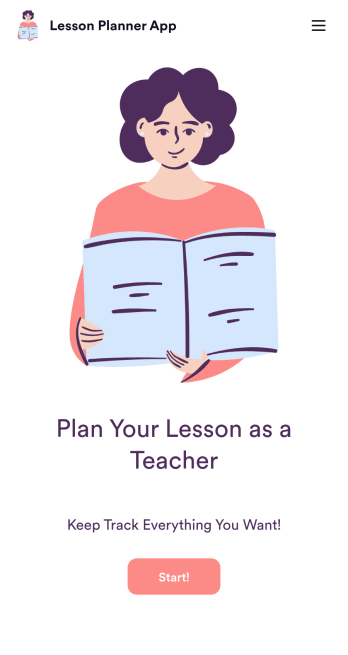
Create and manage your classroom lesson plan with this free Lesson Planner app from Jotform. Download this app onto any device and start adding courses, start and end dates, lesson titles and objectives, tasks, resources, and more. There are also separate forms for entering student information and creating daily assignment checklists. Submissions are aggregated and stored in a color-coded and easy-to-understand spreadsheet using Jotform Tables.Want to make changes to this Lesson Planner App? No problem! With Jotform’s no-code app builder, you can build a custom app that meets your classroom’s needs in seconds. Simply drag and drop to add or change form elements, edit text fields and checklist items, install integrations and widgets, change fonts and colors, and more. When you’re done, you can access and download your app onto any smartphone, tablet, or desktop and start using it right away. Manage all your lesson plans and assignments from a single location with this mobile-friendly Lesson Planner App.
Go to Category:Daily Planner Apps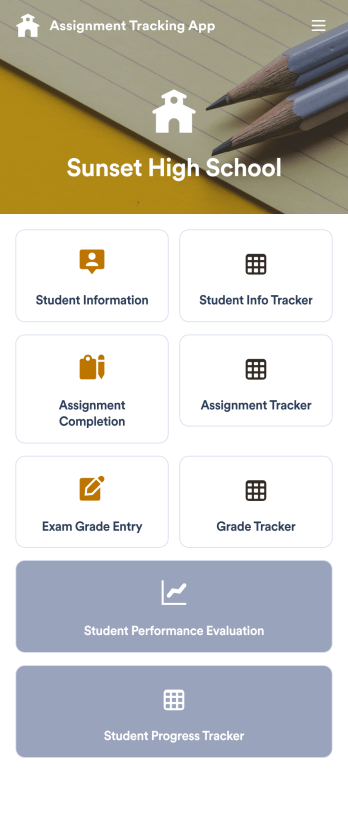
Assignment Tracking App
An assignment tracking app is used by teachers as an all-in-one classroom app for keeping track of students’ assignments and assessments. With Jotform’s Assignment Tracking App, teachers can record student information, completed assignments, test scores, and performance evaluations. Form submissions are automatically compiled in a companion spreadsheet, where teachers can sort, filter, and search through grades and test scores in an easy-to-understand format from any device.This app template works right out of the box, but you can easily customize it to meet your classroom’s needs with our intuitive app builder. No coding necessary — just drag and drop to add or swap out form elements, edit individual forms, upload images and documents, choose a custom app icon and splash screen, and more. When you’re done, you can access and download your very own app on any smartphone, tablet, or desktop for ease of use. Ditch the paperwork and manage your classroom from a single app with this fully-customizable Assignment Tracking App from Jotform!
Go to Category:Education Apps
Business Poll App
A business poll app is a type of mobile application used by businesses to collect information from customers, clients, and employees. This type of poll can be used for market research, customer satisfaction surveys, HR needs, and more. To build your own Business Poll App, use this ready-made app template.Customize this Business Poll App to match your needs with our drag-and-drop app builder. Making changes is a breeze with our intuitive, no-code interface. Add or remove business forms, integrate with useful platforms, select colors and fonts, choose a logo for your app, and more. Streamline the way your business polls its users with Jotform Apps.
Go to Category:Human Resources Apps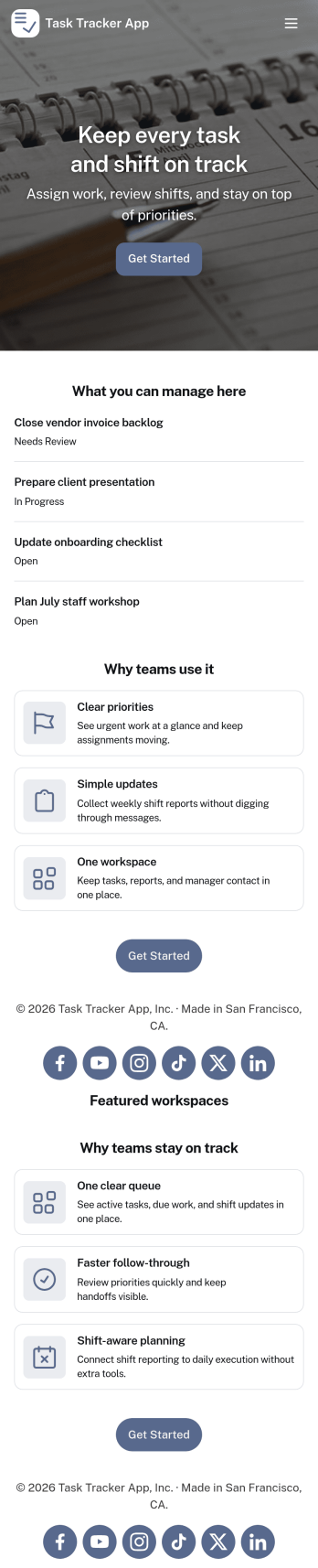
Task Tracker App
A task tracker app is used to keep track of tasks on any device. No matter which industry you work in, Jotform’s free Task Tracker App lets you log and manage task details and even assign tasks to employees or teammates! The app is downloadable onto any smartphone, tablet, or computer, and all submissions are stored securely in your Jotform account — ready to access whenever you need them.Want to make changes to this free app? Add or remove forms, include your company logo, change fonts and colors, and personalize other elements with our drag-and-drop builder. No coding is necessary! Once you’ve got your app looking perfect, share it with a link for others to download directly onto their devices. Track tasks more efficiently with the help of a free Task Tracker App from Jotform.
Go to Category:Organization Apps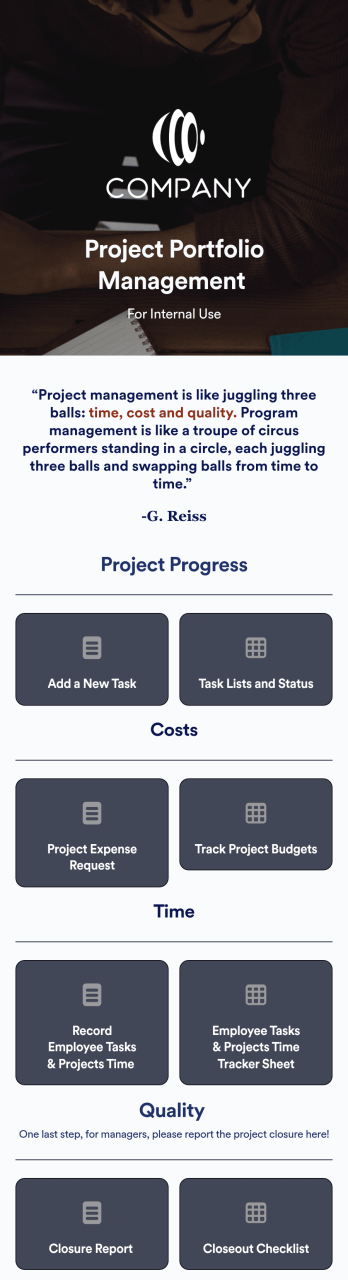
Project Portfolio Management App
A project portfolio management app is used by employees to seamlessly track and manage company projects. For businesses big or small, this ready-made Project Portfolio Management App from Jotform makes it easy to keep projects on track for success. Add project deadlines, create tables with form data, generate visual reports, and more depending on what your team needs to succeed.Personalizing this Project Portfolio Management App is a breeze with our online drag-and-drop app builder. Enrich your app by uploading personal branding assets, adding project images or videos, integrating with helpful payment or scheduling widgets, and picking fonts and colors you like. Set your team up for success with this free app from Jotform.
Go to Category:Company Portal Apps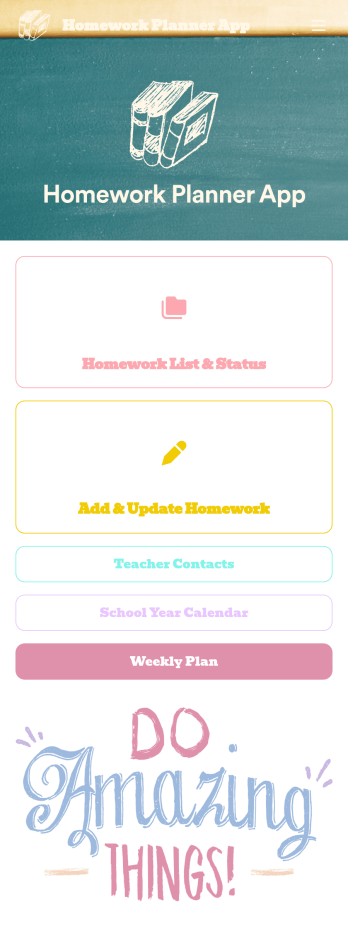
Homework Planner App
A homework planning app is a mobile application created by teachers and educators to help their students keep track of assignments and due dates. Use this ready-made Homework Planner App template from Jotform Apps to create your own in just a few easy clicks. Keep students updated on upcoming assignments, collect homework, list your office hours, and more.Want to make changes to how this Homework Planner App looks? No problem. With Jotform’s drag-and drop builder, you can add or remove forms, pick a background image, change font types, upload images and videos, select a unique app icon, and more. After you’re done customizing your app, simply embed it in your website or online portal for students to download.
Go to Category:Planner Apps