Manufacturing Troubleshooting App helps production teams respond faster when equipment or line issues disrupt output. It brings together troubleshooting guides, a clear list of open manufacturing issues by machine or line, and a simple way to report problems so operators and technicians can capture symptoms, actions taken, and reported dates in one place. Use it on the shop floor to standardize how incidents are logged, guide teams through diagnostic steps, and reduce confusion during shift handoffs.
Built with Jotform, this app template can be tailored with a no-code app builder and a drag-and-drop interface to match your plant’s processes. Connect the app to your data collection workflow so reported problems and maintenance checks stay organized, searchable, and easy to review. Share the app through a link or QR code to support self-service access for operators, maintenance staff, and supervisors, while keeping troubleshooting resources and reporting paths consistent across lines.
Related templates
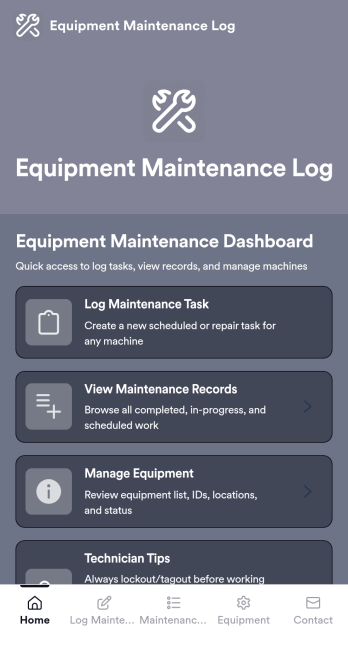
Equipment Maintenance Log App
Equipment Maintenance Log is a app template designed to streamline the process of tracking service activities and monitoring equipment performance. This intuitive app significantly enhances the efficiency of technicians, maintenance teams, and equipment managers by maintaining detailed log forms, reviewing technician service records, and managing equipment status. Whether used by small to mid-sized businesses or large corporations, the template's practical guidance and expert tips for proper maintenance can empower teams to improve their maintenance workflows. The centralized repository for all maintenance data, insights, and best practices allows for quick and efficient decision-making, making it an invaluable asset for those looking to refine their operational efficiency.With Jotform, creating and customizing the Equipment Maintenance Log app is a breeze, thanks to our no-code, drag-and-drop app builder. The builder's flexibility allows you to add elements, adjust the interface, and customize layouts to fit your specific needs, all without writing a single line of code. Plus, the cross-platform compatibility ensures that your app functions seamlessly across smartphones, tablets, and desktops. With features like push notifications, you can send alerts about equipment status updates directly to your technicians' devices. The app also offers various publish options, including Public, Private, or Company-only, giving you full control over who can access your app. Start optimizing your maintenance workflows today with the Equipment Maintenance Log app from Jotform!
Go to Category:Equipment Maintenance Software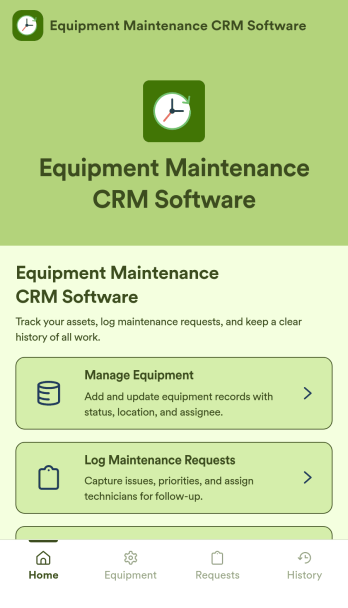
Equipment Maintenance CRM Software
Equipment Maintenance CRM Software is an app template designed to streamline the management of customer data, service histories, and maintenance activities. This robust template is intended for maintenance service companies, field service teams, asset managers, and operations departments who are keen on enhancing their service delivery. It centralizes customer data and service history, significantly reducing downtime and boosting operational efficiency. This template is particularly beneficial in scenarios of regular equipment maintenance checks, enabling a smoother scheduling process and better coordination of service delivery. What's more, it's ready to use right out of the box, making data collection a breeze for teams, whether they're in the field or at the office. This template is best suited for organizations seeking to maintain a comprehensive record of equipment maintenance activities in one accessible system.With Jotform, the Equipment Maintenance CRM Software template becomes an operational powerhouse. Jotform's ease of use and customization abilities allow you to tailor the template to your specific needs without requiring any technical skills. The ability to collect electronic signatures simplifies the verification process of maintenance activities, making it an extremely convenient feature for field service teams. Furthermore, you can generate easily digestible reports and sheets from collected data for an overview of maintenance activities. With Jotform, keeping up with maintenance schedules and coordinating service delivery has never been easier. Collect, track, and manage your maintenance data with precision using the Equipment Maintenance CRM Software from Jotform.
Go to Category:CRM Apps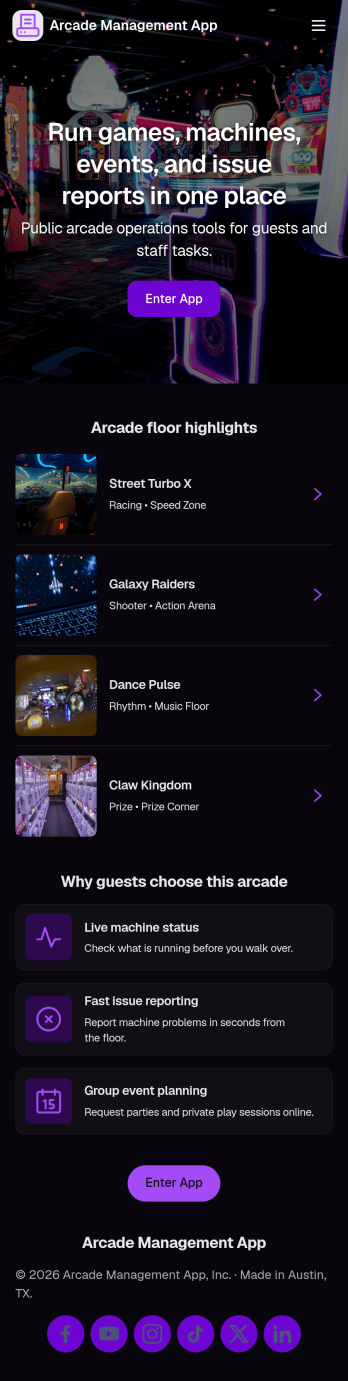
Arcade Management App
Arcade Management App helps arcade owners and floor staff keep machines organized, track issues, and stay on top of day-to-day upkeep across the game room. Use it to browse a machine list, open a machine detail view, and log incidents with a simple Report Issue action so problems don’t get missed during busy hours. It’s a practical fit for family entertainment centers, mall arcades, barcades, and pop-up game zones that need a clear way to monitor machines, reduce downtime, and keep the customer experience consistent.With Jotform, you can turn this idea into a branded, mobile-friendly experience using App Templates and a no-code app builder. Customize pages with a drag-and-drop interface, connect the app to forms for data collection, and keep incident records organized for follow-up and reporting. Share the app by link or QR code so staff can flag problems on the spot, and adjust the workflow as your arcade adds new machines, zones, or maintenance routines.
Go to Category:Entertainment Apps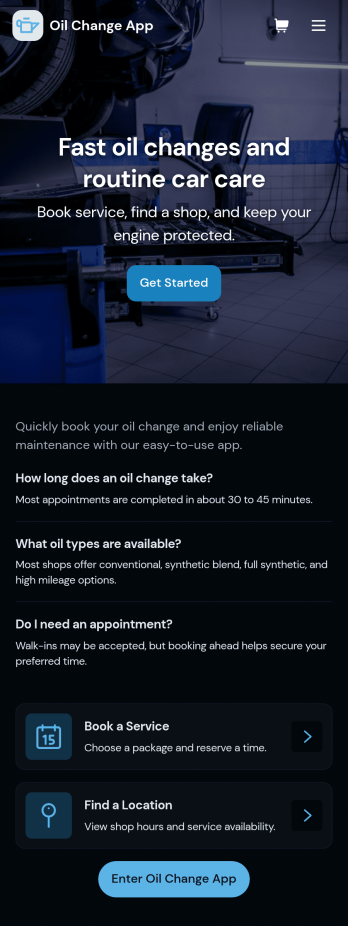
Oil Change App
Oil Change App gives auto shops and mobile mechanics a simple way to manage oil change appointments while keeping vehicle details and service history easy to find. Use it to let customers request service, track upcoming bookings, and organize key vehicle information in one place so your team spends less time searching and more time turning bays. It’s a strong fit for quick lube locations, independent repair shops, fleet-focused service providers, and any operation that needs repeatable, trackable oil change workflows across multiple vehicles.With Jotform, you can turn this app template into a branded, customer-friendly self-service experience using a no-code app builder and a drag-and-drop interface. Connect the app to your forms and tables for data collection, route requests into a workflow, and keep records centralized for staff. Share the app by link or QR code, update content anytime, and create a smoother service process from booking to completed records, all without writing code.
Go to Category:Automotive Apps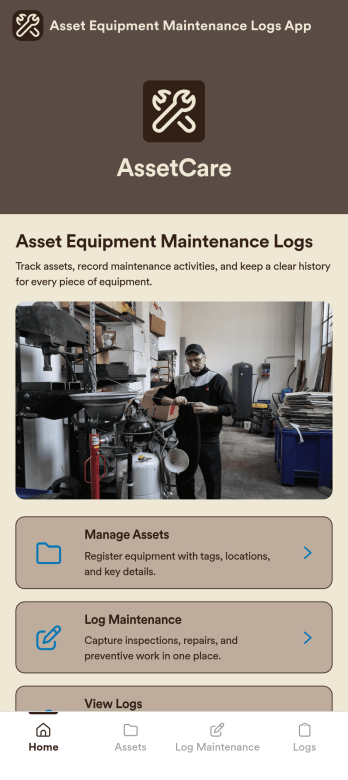
Asset Equipment Maintenance Logs App
Asset Equipment Maintenance Logs App is an app template designed to facilitate the management of equipment maintenance logs and asset tracking. By providing a streamlined platform for recording and monitoring maintenance activities, this app supports the operational needs of maintenance teams, asset managers, and organizations looking for a comprehensive and centralized system. With the ability to capture detailed data pertaining to each asset, it offers a hands-on approach to tracking equipment performance, thereby fostering a culture of accountability and consistency across the organization. The app’s easy-to-navigate interface and customizable features make it ideal for any environment where equipment maintenance is a priority, including manufacturing plants, construction companies, and automotive workshops. This ready-to-use app is best utilized by those aiming to improve the efficiency and reliability of their asset management processes. Leveraging Jotform’s intuitive, no-code platform, the Asset Equipment Maintenance Logs App can be easily tailored to fit the unique requirements of your organization. Adjust the data collection fields, modify the layout, or upload your own logo to make the app truly your own. This ease of customization extends to the process of data collection, where Jotform’s seamless interface makes it quick and simple to collect the detailed information necessary for effective asset management. Moreover, the platform's electronic signature feature introduces an additional level of accountability into equipment maintenance procedures by allowing staff to authenticate maintenance records on the go. With these features, Jotform empowers maintenance teams and asset managers to effectively manage equipment maintenance logs and asset tracking, all from a single, easy-to-use app.
Go to Category:Equipment Maintenance Software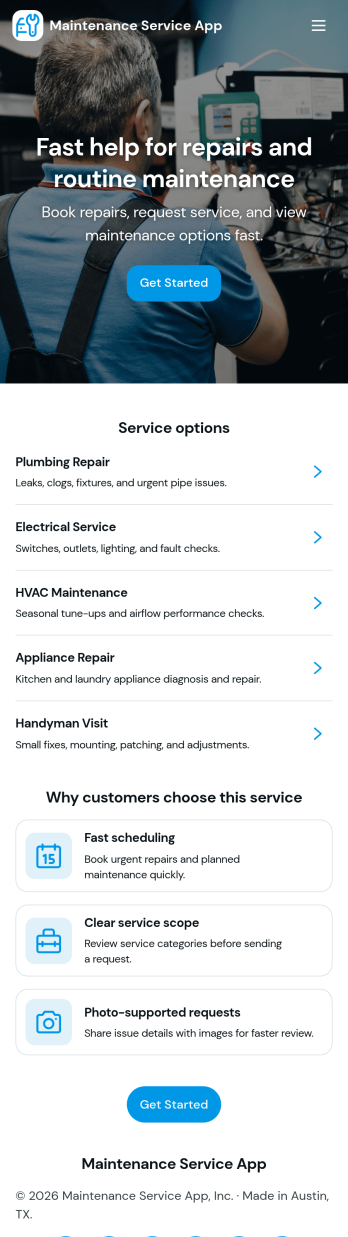
Maintenance Service App
Maintenance Service App brings maintenance requests and work orders into one place so teams can capture new issues, monitor active jobs, and reference completed work without hunting through emails or spreadsheets. It works well for home service providers, property managers, facilities teams, and small operations groups that need a simple way to accept incoming requests and keep technicians aligned on what is open, in progress, or finished. With quick navigation for creating a new request, viewing open work orders, and checking job history, the app supports faster response times and clearer handoffs from intake to completion.Built with Jotform App Templates, this app template can be customized in minutes using Jotform’s no-code app builder and drag-and-drop interface. Connect the request flow to your existing forms and tables for consistent data collection, keep records organized for day-to-day workflow tracking, and share a self-service link with staff or customers to reduce manual follow-ups. As your process evolves, you can update pages, buttons, and lists to match how your maintenance operation actually runs.
Go to Category:Equipment Maintenance Software