Recipe Costing App helps food businesses calculate recipe costs using a simple, repeatable workflow. Use it to store ingredients with current prices, build recipes from those ingredients, and review costing details when menu planning or updating pricing. It’s a practical fit for restaurants, caterers, food trucks, bakeries, meal-prep brands, and culinary teams that need consistent numbers across locations or shifts without relying on scattered spreadsheets.
With Jotform, you can turn this app template into a branded, shareable tool using a no-code app builder and a drag-and-drop interface. Connect forms to capture ingredient and recipe data collection, keep information organized for quick self-service browsing, and update costs as pricing changes. Publish your app in minutes, share it with your team, and keep your costing workflow moving with less manual follow-up.
Related templates
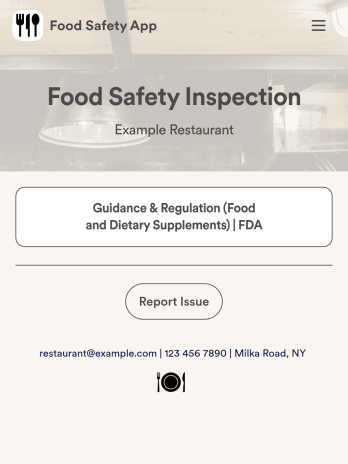
Food Safety App
A food safety app is used by restaurant managers and health inspectors to document food storage and preparation conditions of a restaurant kitchen. With this free Food Safety App from Jotform, you can fill out health and safety checklists for food preparation and contamination, as well as heated and frozen foods. Inspectors can date and sign their reports using a digital signature box at the bottom of the form. For convenience, a link to the FDA’s Guidance & Regulation web page is available on the main page of your app. Inspection reports are instantly synced to your secure Jotform account and can be accessed from any device.Customize this app template without any coding using our drag-and-drop interface. With a few clicks, you can swap out form elements, add checklists, upload images, choose fonts and colors, personalize your splash screen, and more. After you’re done, your app can be downloaded on any smartphone, tablet, or desktop with a shareable link. Make sure your restaurant is safe and hygienic with this Food Safety App from Jotform.
Go to Category:Inspection Apps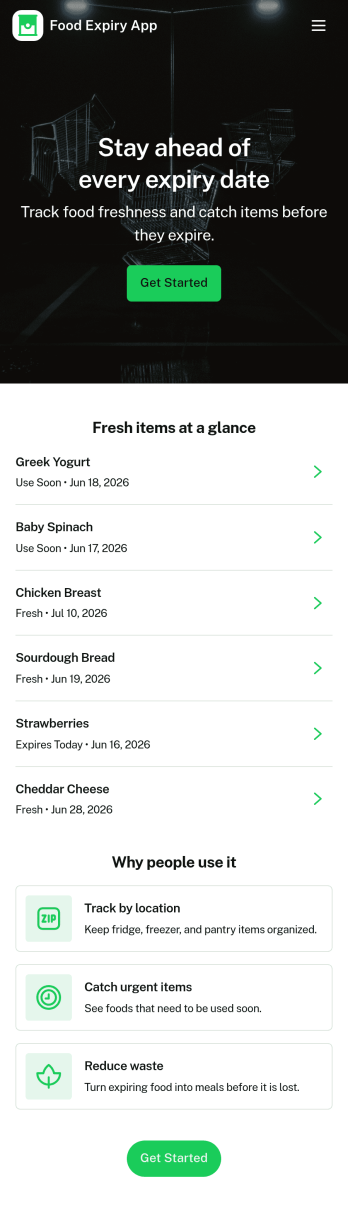
Food Expiry App
Food Expiry App helps you track what food you have on hand, what’s expiring soon, and what ends up being thrown away. It’s a practical fit for home kitchens, office break rooms, small cafés, and pantry teams that want a simple way to add food items, browse an up-to-date inventory list, and review an expiring-soon view before products go past their date. With a built-in waste log, it also supports basic waste tracking so you can spot patterns like over-ordering, poor rotation, or items that regularly expire unused.Built with Jotform, this app template turns everyday food tracking into a shareable, self-service experience that works on any device. Use Jotform’s no-code app builder and drag-and-drop interface to tailor fields, adjust the layout, and connect the app to your data collection workflow so updates stay organized in one place. From restocking routines to daily checks, Jotform makes it easy to keep inventory visible, reduce avoidable waste, and stay consistent without adding extra tools.
Go to Category:Restaurant Inventory Apps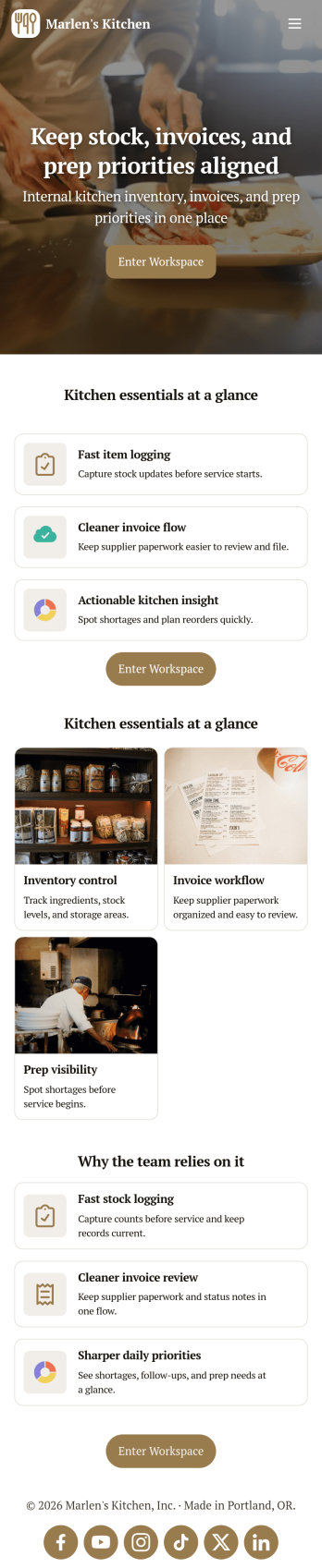
Restaurant Food Inventory App
Restaurant Food Inventory App is an app template designed to optimize the operational workflow of restaurants. It serves as a one-stop solution for restaurant owners, chefs, and kitchen managers to monitor ingredient inventory levels, track usage and expiry dates, manage supplier orders, and optimize food costs through real-time stock visibility. With this app, keeping an eye on food stocks and minimizing waste becomes a hassle-free process. By offering a comprehensive overview of all culinary inventory in one place, it replaces ad-hoc record-keeping practices, leading to more consistent and complete data collection. This app is best suited for those in the food industry who prioritize efficiency, accuracy, and waste reduction in their inventory management.With Jotform's no-code app builder, customizing the Restaurant Food Inventory App to fit your unique requirements is a breeze. The intuitive drag-and-drop interface allows for effortless modifications such as form swapping, font selection, color adjustment, and logo uploading. The result is a tailor-made app that aligns with your restaurant’s branding, without requiring any coding skills. Your app can then be accessed and downloaded onto any smartphone, tablet, or desktop via a shareable link, offering convenient cross-platform compatibility. Furthermore, Jotform Apps provide several publishing options, allowing you to control the accessibility of your app. With Restaurant Food Inventory App from Jotform, streamline your food inventory management and focus on what truly matters: delivering exceptional culinary experiences.
Go to Category:Company Portal Apps
Customizable Food Waste App
Run a nonprofit organization that deals with food waste? Take action to prevent food waste and donate food to charitable organizations with this free Food Waste App from Jotform. Send food requests and schedule pickup times and locations with restaurants, airports, and catering companies by filling out online forms. Responses are stored in your secure Jotform account to be viewed and shared within your organization.Make this Food Waste App your own without any coding knowledge. Drag and drop to add or change form fields and checklist items, create new pages, choose fonts and colors, upload your organization’s unique branding, install helpful widgets and integrations, and much more. After you’re finished, share your app by sending email invites or the app link to businesses. Prevent food waste and help those in need with a fully-customizable Food Waste App that works on any device.
Go to Category:Booking Apps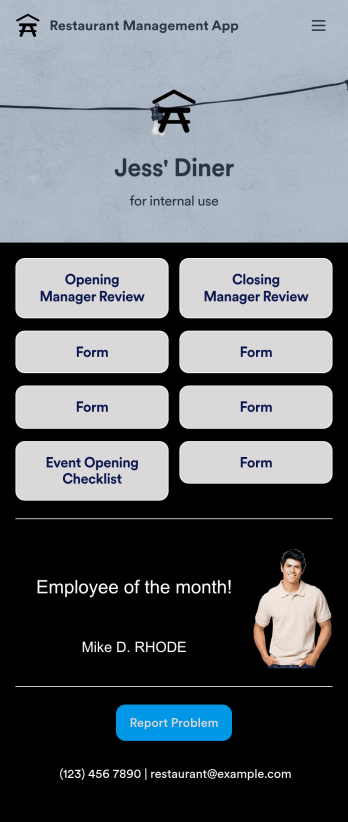
Restaurant Management App
A restaurant management app for internal use makes it easier to track inventory, manage staff, and keep your restaurant running smoothly. No matter what type of cuisine your restaurant serves, build your own app with our free Restaurant Management App template. This pre-made template keeps opening and closing checklists and manager review forms in one place. Members of your staff will be able to open and download the app onto any smartphone, tablet, or computer.Customize this Restaurant Management App for your restaurant in just a few clicks. No coding necessary — simply drag and drop to add or delete forms, text, images, links, and much more. When it’s ready, you can download the app onto any device or share it with members of your staff to save onto their own devices. You’ll receive form entries instantly in your secure Jotform account. Manage all restaurant operations from one place with a fully-custom Restaurant Management App.
Go to Category:Management Apps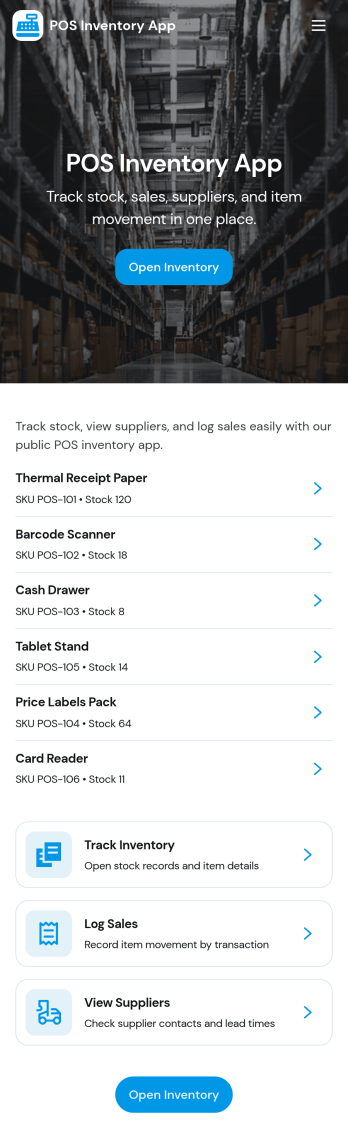
Pos Inventory App
Pos Inventory App helps retail and food service teams keep inventory control close to the register, so staff can quickly find items, review stock position, and spot what needs reordering. With an inventory list and item detail views, it’s useful for tracking inventory items, monitoring stock movement, and keeping a low stock watchlist visible for day-to-day operations. Store owners, shift leads, and back-of-house teams can use it to reduce missed restocks, avoid selling unavailable items, and maintain cleaner records across locations or departments.Built with Jotform App Templates, this app template can be customized in minutes using Jotform’s no-code app builder and drag-and-drop interface. Connect your inventory forms and data collection to keep records updated, then share the app through a link or QR code for fast staff access on mobile devices. As your workflow evolves, you can adjust pages, add steps for internal reviews, and keep sales and inventory logs organized in one place.
Go to Category:Inventory Apps