
Restaurant Chain Rating App is a centralized feedback experience for collecting and reviewing ratings across multiple restaurant locations. Customers can browse branches, view address and opening-hour information, rate food quality, service, and value, and read location-specific reviews. Restaurant owners, franchise operators, regional managers, and customer experience teams can use the app to compare guest sentiment, identify recurring concerns, recognize strong locations, and prioritize improvements. Bringing ratings, visit notes, reviews, and insights into one accessible place also makes feedback easier to manage than scattered surveys or disconnected messages.
Jotform helps teams turn this Restaurant Chain Rating App template into a branded app without writing code. Its drag-and-drop app builder makes it easy to adjust pages, navigation, buttons, imagery, and fonts while connecting forms and data collection workflows. Teams can organize location information, support customer self-service, and monitor incoming feedback through connected Jotform tools. Like other Jotform App Templates, the finished app can be shared through a direct link or QR code and opened on mobile devices, giving guests a convenient rating experience while helping restaurant teams maintain a consistent process across their chain.
Related templates
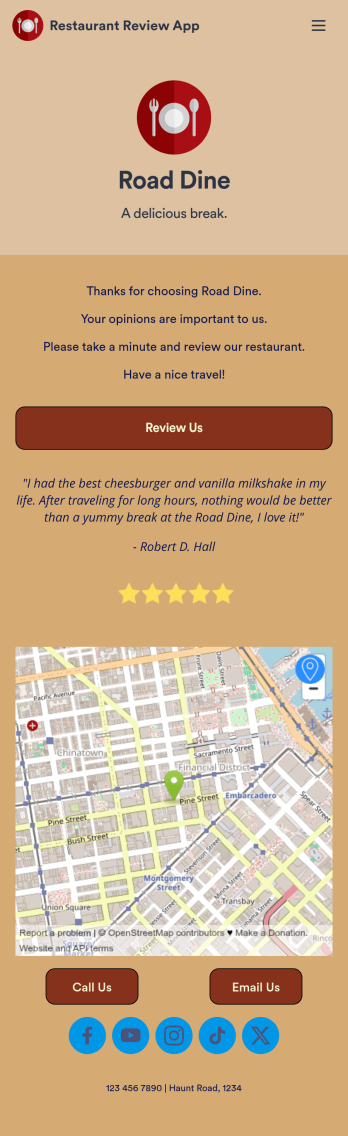
Restaurant Review App
A restaurant review app is used to gather reviews from a restaurant’s customers. With Jotform’s free Restaurant Review App, you can gather customer feedback for your restaurant seamlessly on any device! This app already comes with a review submission form, but you can add new forms and other information with our easy-to-use drag-and-drop builder.Feel free to add more forms to your app, update the splash screen, upload your logo, and customize other elements with no coding knowledge required. Once you’ve got it looking exactly how you like, share your app with your customers to either download on their mobile device or fill out on kiosk, embed the app in your website, or share it directly with customers to collect responses. Receive customer reviews fast with a free Restaurant Review App!
Go to Category:Customer Portal Apps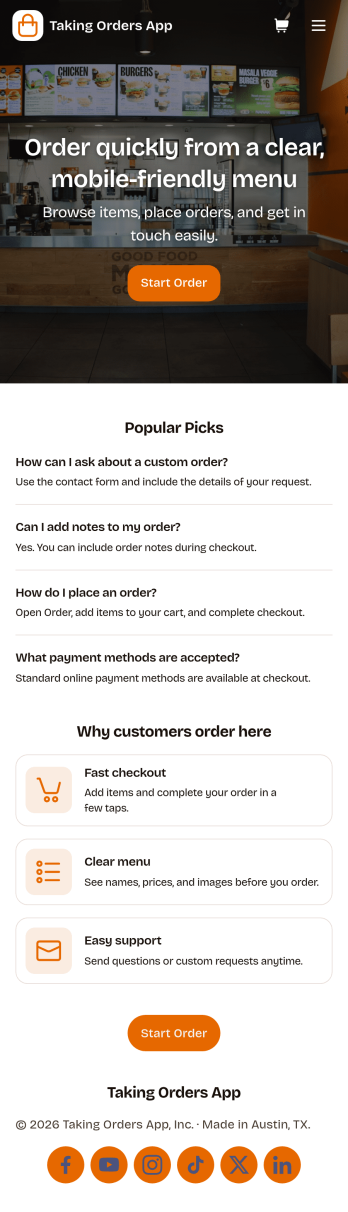
Taking Orders App
Taking Orders App helps food and beverage teams capture customer orders in a clean, mobile-friendly experience. Use it to highlight popular picks, guide customers into starting an order from a product list, and offer a simple way to reach your business through the contact page. It’s a great fit for cafés, food trucks, bakeries, pop-up kitchens, caterers, and small restaurants that need a lightweight ordering flow for pickup or pre-orders without juggling messages across multiple channels.With Jotform, you can turn this app template into a branded ordering hub using a no-code app builder and a drag-and-drop interface. Connect the app to a form for reliable data collection, keep requests organized, and build a smoother workflow for your team from order intake to fulfillment. Share the app with a link or QR code, update menus and content in minutes, and provide customers with convenient self-service ordering from any device.
Go to Category:Order & Shipping Portal Apps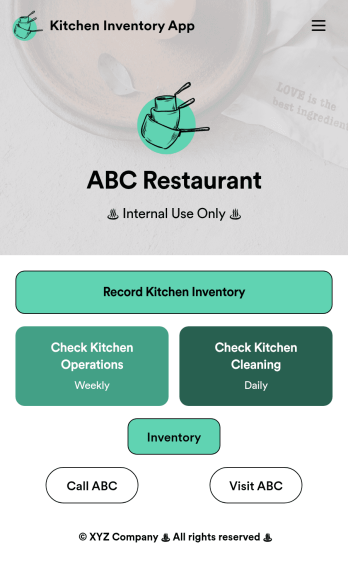
Kitchen Inventory App
Tracking inventory in your kitchen is the key to success for your restaurant. Make inventory a breeze with our free, customizable Kitchen Inventory App! It lets you bundle multiple forms in one app, so you can access our Restaurant Inventory Template and other kitchen forms from anywhere. Supervisors or employees can open the app on any smartphone, tablet, or computer to record stock inventory, report on kitchen operations, and track daily cleaning.This Kitchen Inventory App is ready to use as is, but feel free to make any modifications if necessary. Without any coding, you can add forms, text, images, links, and more. You can even change the name, icon, and splash page for your app for a fully-custom design! Monitor food usage and keep track of your inventory more efficiently with a custom Kitchen Inventory App for your restaurant.
Go to Category:Inventory Apps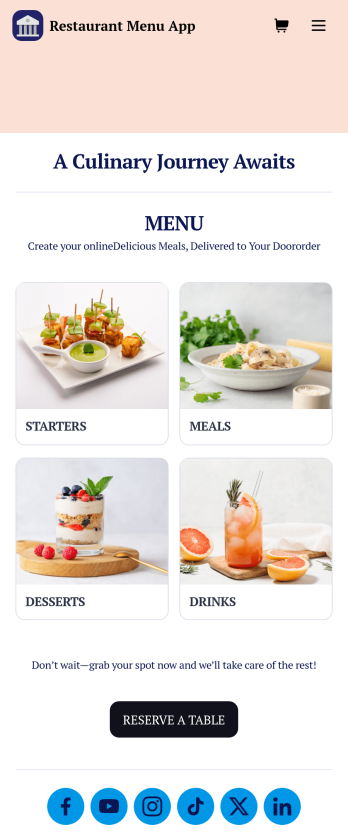
Restaurant Menu App
Need to know how to sell restaurant food online? A restaurant menu app is used by restaurants, cafes, and diners for managing table reservations and taking food and drink orders. This Restaurant Menu App contains three forms which allow customers to reserve tables and order from separate food and drink menus. Customers can place orders before they get to the restaurant, or specify orders for pick-up or delivery. Submissions are instantly synced to your Jotform account, which you and your staff can access from any device.Customize this app template to match your restaurant’s branding using Jotform’s no-code form builder. Just drag and drop to add or change form elements, choose fonts and colors, upload your logo, create a custom app icon, and more. You can also include thumbnail images for menu items and showcase popular dishes on your app’s splash screen. After you’re done, simply share a link on your website or social media, and customers can access and download your app on any smartphone, tablet, desktop. Manage reservations and sell restaurant food online from one convenient app with this Restaurant Menu App.
Go to Category:Food & Beverage Apps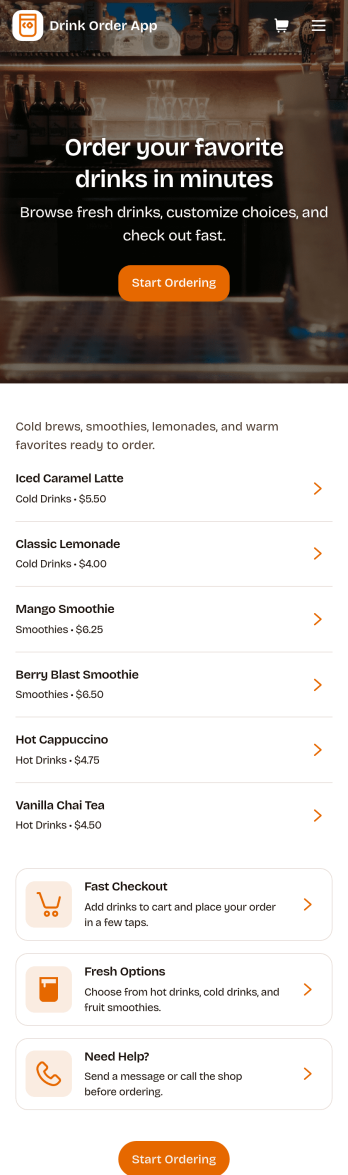
Drink Order App
Drink Order App helps cafés, juice bars, coffee kiosks, concession stands, and pop-up beverage vendors take drink requests in one simple place. Guests can start a quick order, pick items from a product list, and send their request without waiting in line, while staff can keep tabs on what’s coming in through an easy order tracking area. It also supports lighter-touch service moments such as sharing contact options like calling the shop or sending an email message, which is useful for special requests and follow-ups.With Jotform, you can turn this drink ordering flow into a polished self-service experience using App Templates and a no-code app builder. Customize pages with a drag-and-drop interface, connect your order form to workflows that route requests to the right team, and keep data collection organized so orders are easier to review and manage. Publish and share your app through a link or QR code, then update the menu and ordering experience anytime without coding.
Go to Category:Food & Beverage Apps
Food Delivery App
A food delivery app is used by food delivery services to communicate with customers, and drivers, while also providing an enhanced customer experience. This template is ideal for restaurants, food trucks, or anyone who may deliver the food ordered by their customers. Wondering how to sell food deliveries online? Whether you've got a restaurant, diner, or small cafe, our Food Delivery App is the perfect way to take online delivery orders and payments. This app template comes readymade with a product list where customers can view your menu and input their delivery address and payment information. You can even showcase signature and seasonal dishes, run promotional campaigns, and gather feedback. Customers can open and download your app on any smartphone, tablet, or computer.Want to make this Food Delivery App your own? Our drag-and-drop interface allows you to add forms, change fonts and colors, upload your logo and thumbnail images for menu items, and completely customize the look of your app icon — with no coding necessary. After that, simply share the link on your website or social media and you’re off and running. Start taking online delivery orders today to sell food deliveries online with this free Food Delivery App!Please refer to our article for further tips on creating a food ordering and delivery app.
Go to Category:Delivery Apps