Restaurant Inspection App helps food service teams document on-site checks, open and follow up on active issues, and keep a clear record of past visits in one place. It’s a practical fit for restaurant groups, franchise operators, hospitality managers, and independent owners who need a consistent way to run inspections across locations without relying on scattered paper checklists or disconnected notes. With quick access to start a new inspection, review open cases, and look up inspection history, staff can stay aligned on what was found, what needs attention, and what has already been resolved.
Built with Jotform, this app template turns your inspection workflow into a guided, self-service experience that works on mobile and desktop. Use the no-code app builder and drag-and-drop interface to adjust pages, update navigation, and connect your inspection form for reliable data collection. As your operations grow, Jotform makes it easy to standardize processes, share the app by link, and keep inspection records organized for day-to-day oversight.
Related templates
Restaurant Ordering App
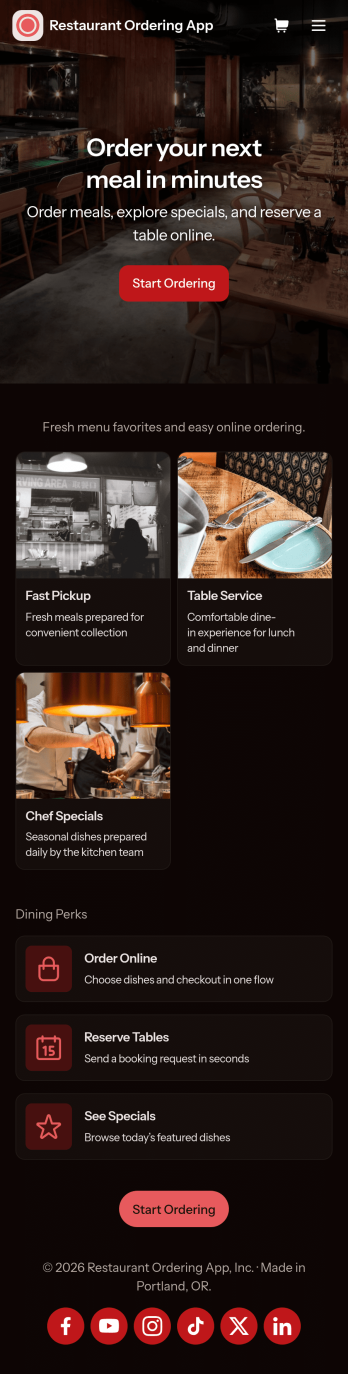
Restaurant Ordering App gives customers a simple way to explore your menu and place orders online from one mobile-friendly hub. Guests can browse dishes, view key item details like price and ingredients, and jump into ordering with clear calls to action, while also finding quick links to reserve a table or check today’s specials. It’s a practical fit for restaurants, cafés, food trucks, and pop-ups that want to reduce phone orders, keep menu information consistent, and make it easier for guests to choose what they want without waiting on hold.Jotform makes it easy to create and publish app templates like this using a no-code app builder with a drag-and-drop interface. Connect the app experience to forms and workflows for data collection, route order details to the right people, and keep information updated without rebuilding the whole experience. Share your Restaurant Ordering App with a link or QR code, customize branding to match your restaurant, and keep online self-service available wherever your customers are.
Go to Category:Restaurant Apps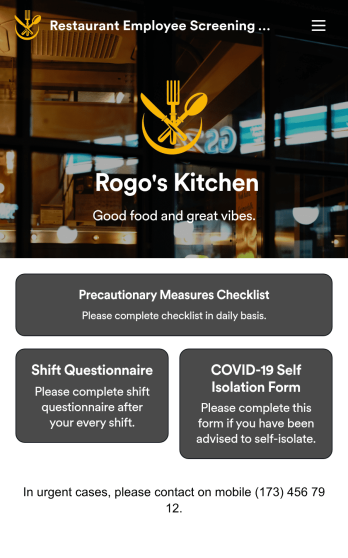
Restaurant Employee Screening App
A restaurant employee screening app is used by restaurant managers to screen employees for COVID-19 before shifts. With Jotform’s Restaurant Employee Screening App — which includes a COVID-19 Self Isolation Form, Staff Shift Questionnaire, and Precautionary Measures Checklist — you can collect all the information and e-signatures you need to ensure a safe environment for both your employees and your customers.Need to make changes to this free app? Add or remove forms, include your branding, and personalize other design elements to make this app work better for you. Employees can then download your app onto any device in a few quick clicks! All form responses are stored securely in your Jotform account and can be protected with HIPAA friendly features. Ditch messy paper forms and get organized with this Restaurant Employee Screening App.
Go to Category:Healthcare Apps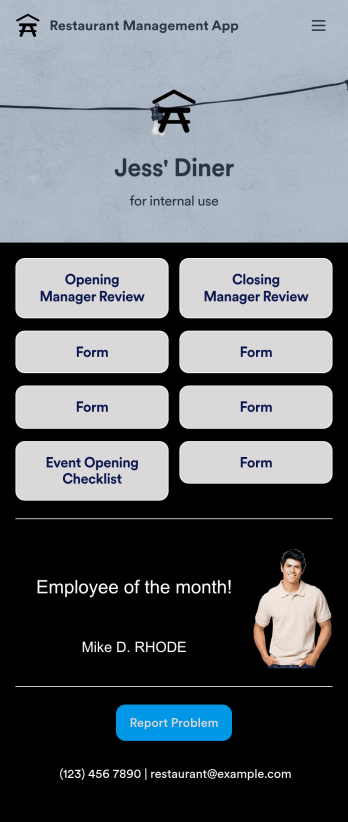
Restaurant Management App
A restaurant management app for internal use makes it easier to track inventory, manage staff, and keep your restaurant running smoothly. No matter what type of cuisine your restaurant serves, build your own app with our free Restaurant Management App template. This pre-made template keeps opening and closing checklists and manager review forms in one place. Members of your staff will be able to open and download the app onto any smartphone, tablet, or computer.Customize this Restaurant Management App for your restaurant in just a few clicks. No coding necessary — simply drag and drop to add or delete forms, text, images, links, and much more. When it’s ready, you can download the app onto any device or share it with members of your staff to save onto their own devices. You’ll receive form entries instantly in your secure Jotform account. Manage all restaurant operations from one place with a fully-custom Restaurant Management App.
Go to Category:Management Apps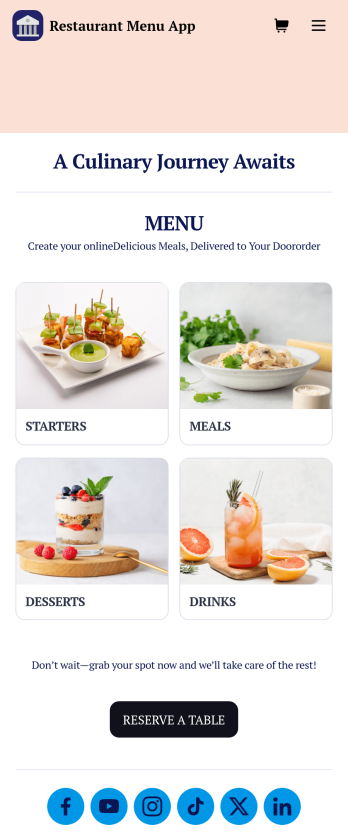
Restaurant Menu App
Need to know how to sell restaurant food online? A restaurant menu app is used by restaurants, cafes, and diners for managing table reservations and taking food and drink orders. This Restaurant Menu App contains three forms which allow customers to reserve tables and order from separate food and drink menus. Customers can place orders before they get to the restaurant, or specify orders for pick-up or delivery. Submissions are instantly synced to your Jotform account, which you and your staff can access from any device.Customize this app template to match your restaurant’s branding using Jotform’s no-code form builder. Just drag and drop to add or change form elements, choose fonts and colors, upload your logo, create a custom app icon, and more. You can also include thumbnail images for menu items and showcase popular dishes on your app’s splash screen. After you’re done, simply share a link on your website or social media, and customers can access and download your app on any smartphone, tablet, desktop. Manage reservations and sell restaurant food online from one convenient app with this Restaurant Menu App.
Go to Category:Food & Beverage Apps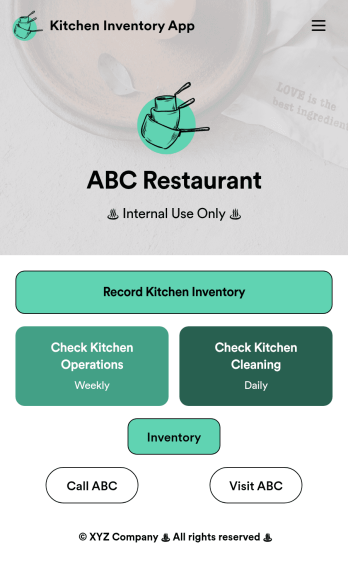
Kitchen Inventory App
Tracking inventory in your kitchen is the key to success for your restaurant. Make inventory a breeze with our free, customizable Kitchen Inventory App! It lets you bundle multiple forms in one app, so you can access our Restaurant Inventory Template and other kitchen forms from anywhere. Supervisors or employees can open the app on any smartphone, tablet, or computer to record stock inventory, report on kitchen operations, and track daily cleaning.This Kitchen Inventory App is ready to use as is, but feel free to make any modifications if necessary. Without any coding, you can add forms, text, images, links, and more. You can even change the name, icon, and splash page for your app for a fully-custom design! Monitor food usage and keep track of your inventory more efficiently with a custom Kitchen Inventory App for your restaurant.
Go to Category:Inventory Apps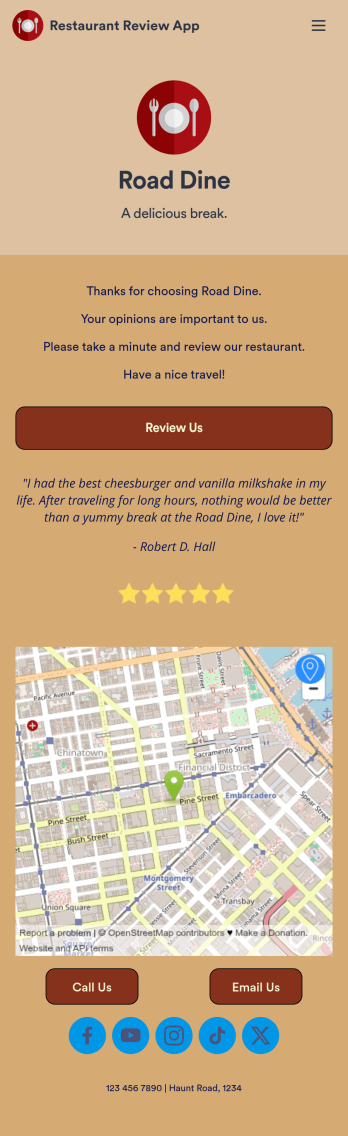
Restaurant Review App
A restaurant review app is used to gather reviews from a restaurant’s customers. With Jotform’s free Restaurant Review App, you can gather customer feedback for your restaurant seamlessly on any device! This app already comes with a review submission form, but you can add new forms and other information with our easy-to-use drag-and-drop builder.Feel free to add more forms to your app, update the splash screen, upload your logo, and customize other elements with no coding knowledge required. Once you’ve got it looking exactly how you like, share your app with your customers to either download on their mobile device or fill out on kiosk, embed the app in your website, or share it directly with customers to collect responses. Receive customer reviews fast with a free Restaurant Review App!
Go to Category:Customer Portal Apps