
The Strawberry Trial Tracking App is an app template for recording and reviewing strawberry cultivation trials from one organized workspace. It supports trial setup, observation and measurement logging, and status review through connected records and visual summaries. Agricultural researchers, crop consultants, growers, field technicians, horticulture teams, and educational programs can use it to follow experimental plots, compare trial activity, and maintain consistent records over time. The app reduces scattered notes and disconnected spreadsheets while giving team members a convenient way to capture field data and check trial progress.
Jotform provides a no-code app builder that makes this Strawberry Trial Tracking App easy to adapt to different research methods, growing seasons, and team workflows. Use the drag-and-drop interface to update pages, navigation, buttons, colors, and branding without programming. Connected forms and tables support centralized data collection, while charts make trial information easier to review. Teams can publish the app, share it by link or QR code, and provide mobile-friendly self-service access for staff collecting information in the field. Jotform App Templates also help users connect records with notifications, approvals, and other workflow steps as their trial operations evolve.
Related templates
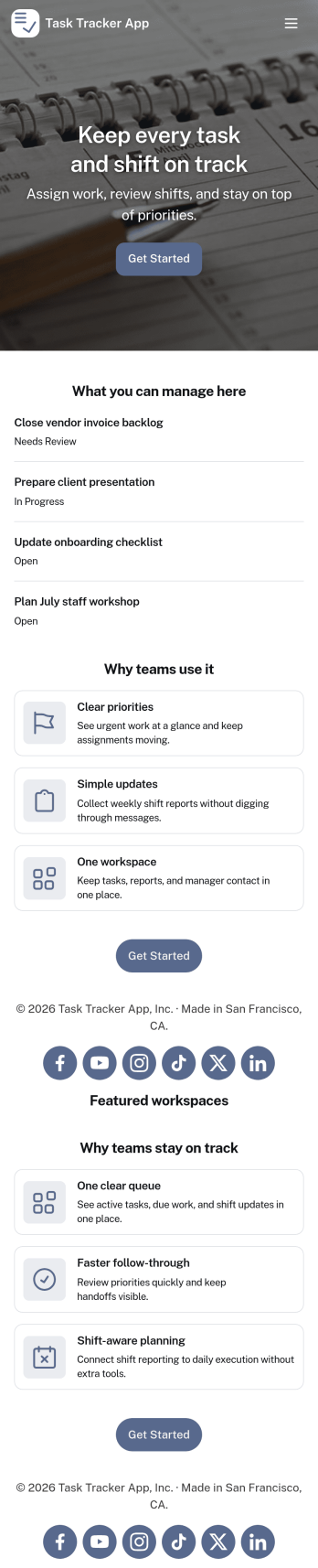
Task Tracker App
A task tracker app is used to keep track of tasks on any device. No matter which industry you work in, Jotform’s free Task Tracker App lets you log and manage task details and even assign tasks to employees or teammates! The app is downloadable onto any smartphone, tablet, or computer, and all submissions are stored securely in your Jotform account — ready to access whenever you need them.Want to make changes to this free app? Add or remove forms, include your company logo, change fonts and colors, and personalize other elements with our drag-and-drop builder. No coding is necessary! Once you’ve got your app looking perfect, share it with a link for others to download directly onto their devices. Track tasks more efficiently with the help of a free Task Tracker App from Jotform.
Go to Category:Organization Apps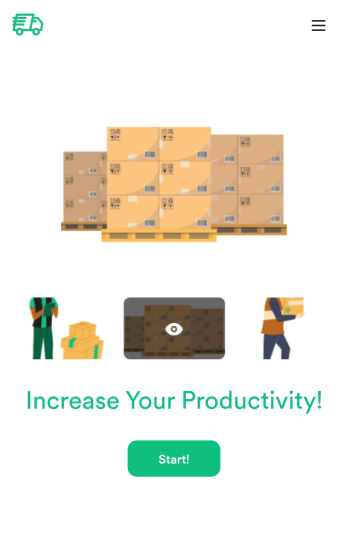
Custom Logistics Management App
A logistics management app is used by logistic companies to log important company information. With this Logistics Management App from Jotform, managers can keep track of vehicles, drivers, and driver availability information. Drivers can download this app on their mobile devices to record trip information such as truck number, departure date, and total mileage using a Drivers Log Sheet. You can also manage driver job applicants from an easy-to-understand Driver Application Tracking Log.Making changes to this Logistics Management App is easy with Jotform’s no-code app builder. Simply drag and drop to add or change form elements, edit text fields and checklist items, choose fonts and colors, upload your company’s branding, and much more. Share your custom app with management and other drivers by sending email invites or the app link, where they can then download it on any device. Ditch the paperwork and use this Logistics Management App to keep digital records of all your vehicle and driver information.
Go to Category:Automotive Apps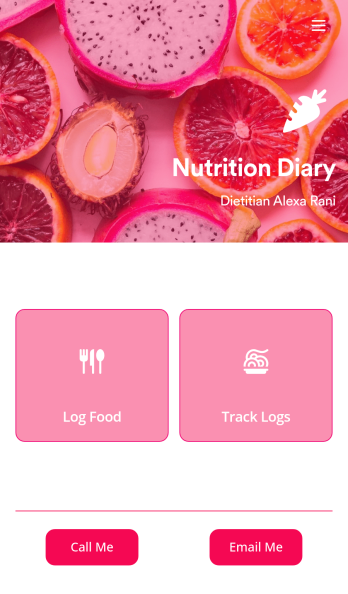
Track Nutrition App
A nutrition tracker app lets you track nutrition details from any device. Whether you need to track what you eat to meet your weight goals or for health reasons, get started with Jotform’s free Track Nutrition App. This readymade template comes with a log form and table as well as contact buttons, so you can use the app yourself or have your clients download it if you’re a dietician. Submissions will be automatically synced to your secure Jotform account.Customize this Track Nutrition App in just a few minutes with our intuitive app builder. Jotform’s drag-and-drop interface makes it easy to add forms, pages, links, buttons, and other app elements to the template. When it’s ready to use, share your app via link or email invite, or download it onto any smartphone, tablet, or computer for quick and easy access. Tracking what you eat has never been easier with a fully custom Track Nutrition App that works wherever you are!
Go to Category:Sports Apps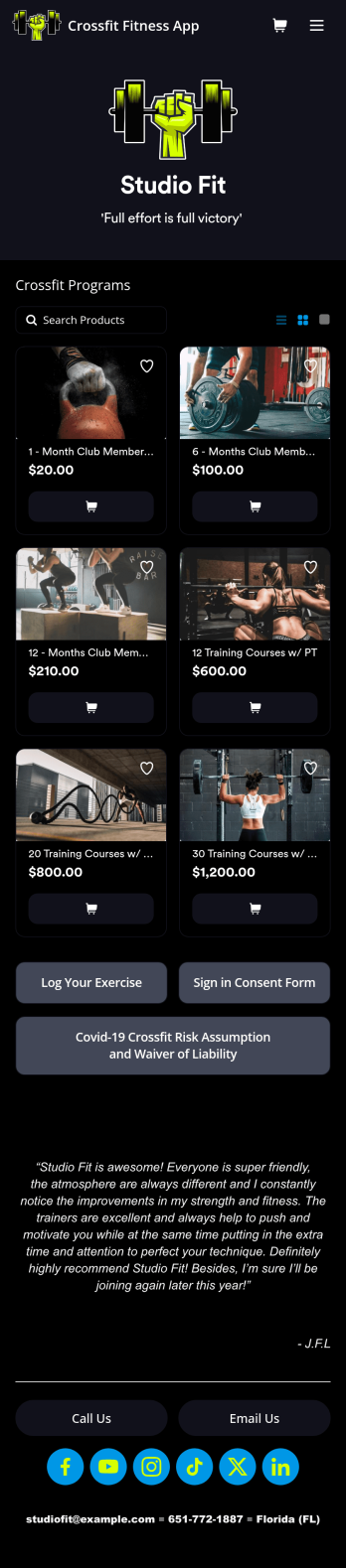
Crossfit Fitness App
CrossFit is a branded fitness regimen consisting of high intensity interval training. Need to know how to sell your gym memberships online? If you run a CrossFit gym, share all your forms in one place using our free CrossFit Fitness App! This ready-made app template comes with an exercise log, consent form, and COVID-19 waiver form. Members of your gym can download the app on any smartphone, tablet, or computer to log in their workouts and sign your agreements.Customize your CrossFit Fitness App in just a few clicks with our easy-to-use builder. No coding necessary — simply drag and drop to add new forms, embed links, update text, upload images, and change the app name and design to match your gym. When it’s ready, share your app with gym members by sending the link via email or adding it to your website. Get your gym management processes in shape with a custom CrossFitness App that works on the go!
Go to Category:Activity Tracking Apps
Parts Inventory App
A parts inventory app is used by businesses or individuals who need to record and manage product inventory. Jotform’s Parts Inventory App bundles several forms together, allowing you to record inventory information, vendors, and order history from one convenient app. Track your submissions directly from your app with an easy-to-understand Inventory Tracker spreadsheet, which you can sort, filter, and search from your secure Jotform account.Need to make changes to this app template? Jotform’s drag and drop app builder makes it easy to customize this Parts Inventory App in seconds. You can add form elements, choose fonts and colors, upload your own branding, install widgets and integrations with a single click, and much more — all without any coding. Share your app internally by sending email invites or the app link, and employees can then fill out forms from any device. Start keeping digital records of your company’s inventory, vendor, and order history with this readymade Parts Inventory App.
Go to Category:Inventory Apps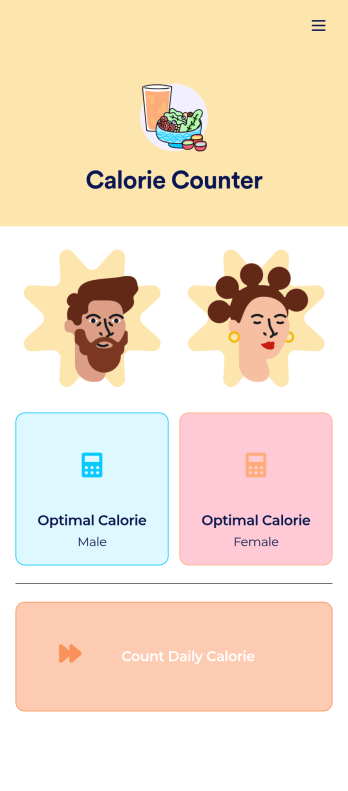
Customizable Calorie Counter App
A calorie counter app is used to track calorie intake from any device. No matter what your weight goals are, start tracking calories with Jotform’s free Calorie Counter App. This customizable app template comes with a calorie calculator and tracking form that you can fill out yourself or assign to clients if you’re a personal trainer or dietician. Submissions will be received instantly and synced to your secure Jotform account.Customize this Calorie Counter App to meet your needs in just a few clicks. Without coding, you can use our drag-and-drop builder to add or remove forms, create new app buttons or pages, embed links, upload images or videos, and include other app elements. When it’s ready to use, your app can be downloaded onto any device and shared via app link or email invite. Make calorie counting easy from anywhere with a custom calorie counter on your favorite device!
Go to Category:Self Care Apps