
Study Notes Organizer App is an app template for students, tutors, study groups, and educational programs that need one accessible place to capture and revisit learning material. Users can add study notes, browse saved entries, and update information as their understanding develops. Source details, tags, and review dates add useful context without making the experience difficult to navigate. It is well suited to class notes, exam preparation, independent research, tutoring sessions, course revision, and ongoing knowledge management. By keeping material searchable and organized, the app reduces scattered records and helps learners maintain more consistent study habits.
Jotform App Templates make it easy to turn this starting point into a personalized learning resource with a no-code app builder. Use the drag-and-drop interface to adjust pages, navigation, colors, fonts, and visual elements, then connect forms and tables to support data collection and a practical study workflow. The Study Notes Organizer App can be shared by direct link or QR code for convenient mobile access. Whether it serves one learner or a collaborative education program, Jotform supports flexible self-service access without requiring programming knowledge.
Related templates
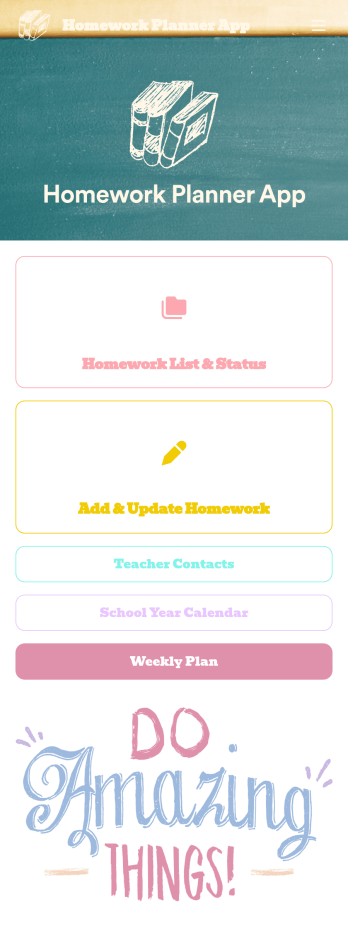
Homework Planner App
A homework planning app is a mobile application created by teachers and educators to help their students keep track of assignments and due dates. Use this ready-made Homework Planner App template from Jotform Apps to create your own in just a few easy clicks. Keep students updated on upcoming assignments, collect homework, list your office hours, and more.Want to make changes to how this Homework Planner App looks? No problem. With Jotform’s drag-and drop builder, you can add or remove forms, pick a background image, change font types, upload images and videos, select a unique app icon, and more. After you’re done customizing your app, simply embed it in your website or online portal for students to download.
Go to Category:Planner Apps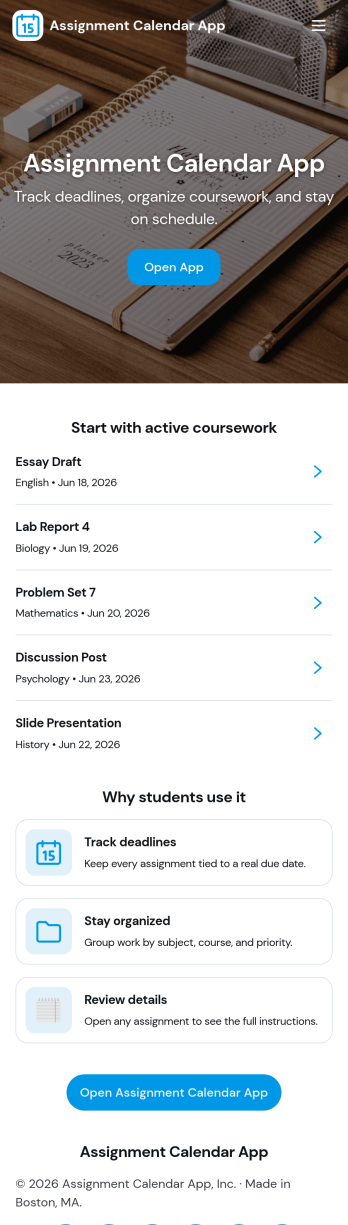
Assignment Calendar App
An assignment calendar app helps students, teachers, and study groups keep coursework organized in one place, so deadlines don’t get missed when schedules get busy. Use it to view upcoming due dates at a glance, open a running list of assignments, and quickly add new work the moment it’s assigned. Whether you’re tracking weekly homework, long-term projects, or exam prep tasks, this layout supports consistent planning without relying on scattered notes or multiple calendars.With Jotform, you can turn this assignment calendar app template into a branded, easy-to-share experience using a no-code app builder and a drag-and-drop interface. Connect the app to a form for data collection, keep assignment details updated as priorities change, and build a simple workflow for staying on top of school responsibilities. Share the app with a link for self-service access on any device, and adjust pages and navigation as your class routines evolve.
Go to Category:Education Apps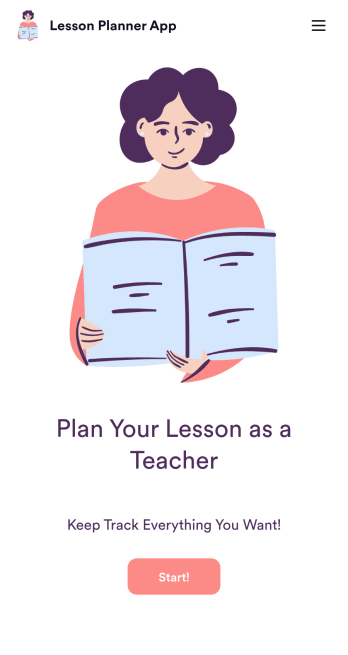
Lesson Planner App
Create and manage your classroom lesson plan with this free Lesson Planner app from Jotform. Download this app onto any device and start adding courses, start and end dates, lesson titles and objectives, tasks, resources, and more. There are also separate forms for entering student information and creating daily assignment checklists. Submissions are aggregated and stored in a color-coded and easy-to-understand spreadsheet using Jotform Tables.Want to make changes to this Lesson Planner App? No problem! With Jotform’s no-code app builder, you can build a custom app that meets your classroom’s needs in seconds. Simply drag and drop to add or change form elements, edit text fields and checklist items, install integrations and widgets, change fonts and colors, and more. When you’re done, you can access and download your app onto any smartphone, tablet, or desktop and start using it right away. Manage all your lesson plans and assignments from a single location with this mobile-friendly Lesson Planner App.
Go to Category:Daily Planner Apps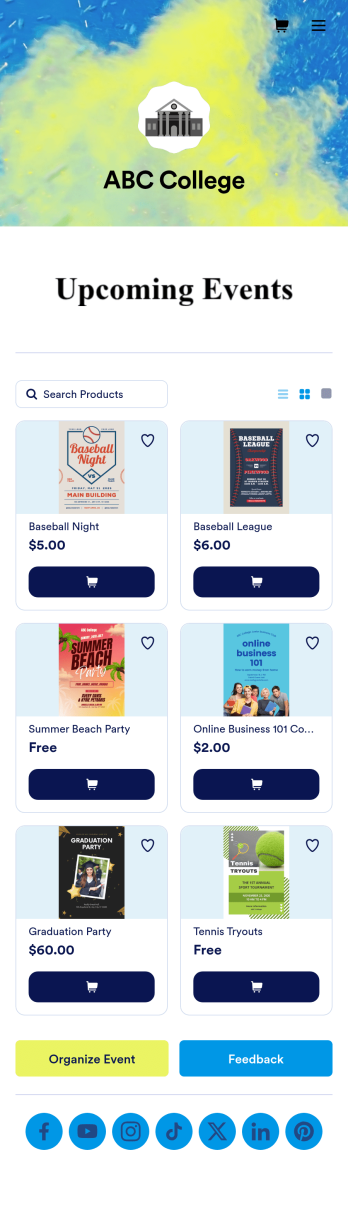
Custom College Events App
A college events app connects students to university events from any device. No matter what school you plan events for, let students know what’s coming soon with Jotform’s free College Events App. This customizable app template includes event posters, guest registration forms, and links to social media accounts that students can access from their smartphone, tablet, laptop, or computer. All submitted responses will be instantly synced to your secure Jotform account to be viewed or approved by you and other event staff.Make this College Events App stand out by using our drag-and-drop builder to customize it for your school. Without coding, you can add or remove forms, upload promotional images and videos, include tables and links, create buttons and pages, change the color scheme and fonts, and update the app name and icon to better represent your school. When it’s ready, your app can be shared on social media, your school website, or via the app link. Inform and excite students about upcoming events — and boost school pride — with a custom College Events App for your school!
Go to Category:Booking Apps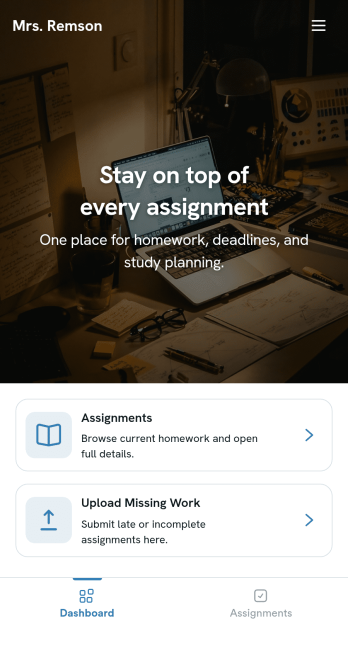
Homework Management App
A homework management app is used by teachers to collect homework assignments from their students. Give your students an easier way to submit homework for your remote or in-person classroom with a free Homework Management App from Jotform. Students can upload documents through the app’s homework or missing assignment forms, which you can view easily on any device from your secure online account.Need to make changes to this app template? Add or remove forms, update the app icon or background, include important information for your classroom, or add helpful links with no coding required. You can then copy and paste the app link to share your custom Homework Management App with your students, who can download it onto their computer, tablet, or smartphone to submit their homework instantly.
Go to Category:Classroom Management Apps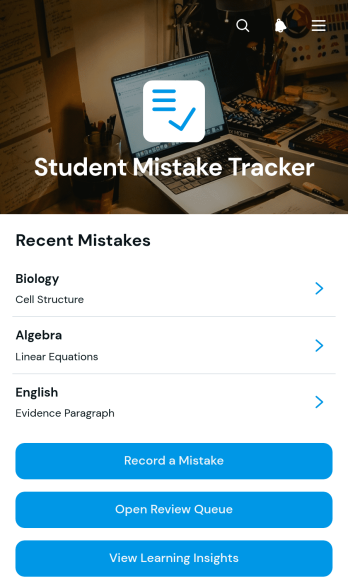
Student Mistake Tracker App
The Student Mistake Tracker App is an app template that helps students record academic errors, review corrections, and recognize learning patterns over time. It gives learners quick access to mistake recording, a review queue, and learning insights while keeping details organized by subject. Students can use it after homework, quizzes, practice tests, tutoring sessions, or independent study to turn incorrect answers into useful study material. Teachers, tutors, academic coaches, and families can also use the app to support reflection, plan targeted practice, and monitor whether previously identified concepts have been reviewed.With Jotform Apps, you can adapt this Student Mistake Tracker App without writing code. The no-code app builder and drag-and-drop interface make it easy to adjust pages, navigation, colors, typography, and content for a class, tutoring program, or personal study routine. Connect forms and tables to support data collection, organize each review workflow, and keep resources available through a mobile-friendly self-service experience. Jotform App Templates can be published and shared by direct link or QR code, helping learners maintain a consistent review habit wherever they study.
Go to Category:Student Planner Apps