
The Workforce Capacity Planning App is an app template for HR leaders, operations managers, resource planners, and department heads who need to compare staffing demand with employee availability. Teams can submit demand and availability data, create capacity plans, and review gaps from one organized workspace. This supports headcount discussions, project staffing, workload balancing, and scenario planning without relying on scattered spreadsheets or lengthy email threads. It also gives decision-makers a consistent view of planned people and plan status, helping them identify shortages or excess capacity earlier and make informed allocation decisions.
Jotform makes this template easy to adapt with a no-code app builder and a flexible drag-and-drop interface. Organizations can update pages, branding, navigation, and connected forms to match their workforce planning process. Collected data can flow into connected tables and workflows, giving teams a central place for record management and collaboration. Once configured, the app can be shared by direct link or QR code for convenient mobile access. Jotform App Templates help businesses create practical self-service experiences that bring data collection, planning activities, and internal resources together without coding.
Related templates
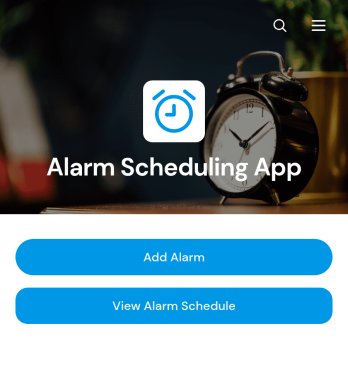
Alarm Scheduling App
Alarm Scheduling App is an app template for individuals, administrative teams, operations staff, caregivers, educators, and service professionals who need a central place to organize time-based reminders. Users can add alarms, browse the full alarm schedule, and review key details such as time, repeat settings, sound preferences, and notes. Each alarm can also be opened and edited when plans change. This setup is useful for coordinating daily routines, medication reminders, classroom activities, shift tasks, equipment checks, appointments, and other recurring responsibilities. By keeping schedules in an accessible format, the app reduces missed tasks and makes upcoming commitments easier to review.Jotform App Templates provide a flexible starting point that can be adapted to personal or organizational workflows. With Jotform’s no-code app builder and drag-and-drop interface, users can update pages, buttons, cards, branding, and navigation without programming. The Alarm Scheduling App can connect with forms, tables, notifications, approvals, and other workflow tools to support data collection and follow-up activities. Once customized, it can be shared through a direct link or QR code for convenient mobile access, giving teams and individuals a practical self-service resource for maintaining consistent schedules.
Go to Category:Scheduling Apps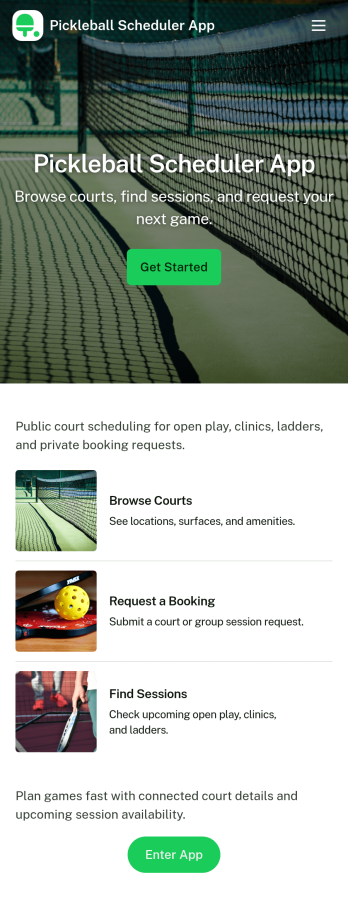
Pickleball Scheduler App
Pickleball Scheduler App helps clubs, recreation centers, and community groups organize court time and keep reservations easy to find. Use it to route players to Court 1, Court 2, or Court 3, collect booking details through a simple reservation form, and give everyone a clear place to review upcoming sessions. With dedicated actions like Make a Booking and My Reservations, the experience stays focused on reducing double-booking, missed time slots, and confusion around who reserved which court.Jotform makes it simple to turn scheduling into a polished self-service experience using App Templates and a no-code app builder. Customize pages with a drag-and-drop interface, connect your booking and member forms, and keep data collection organized behind the scenes so staff can spend less time coordinating and more time running great play sessions.
Go to Category:Booking Apps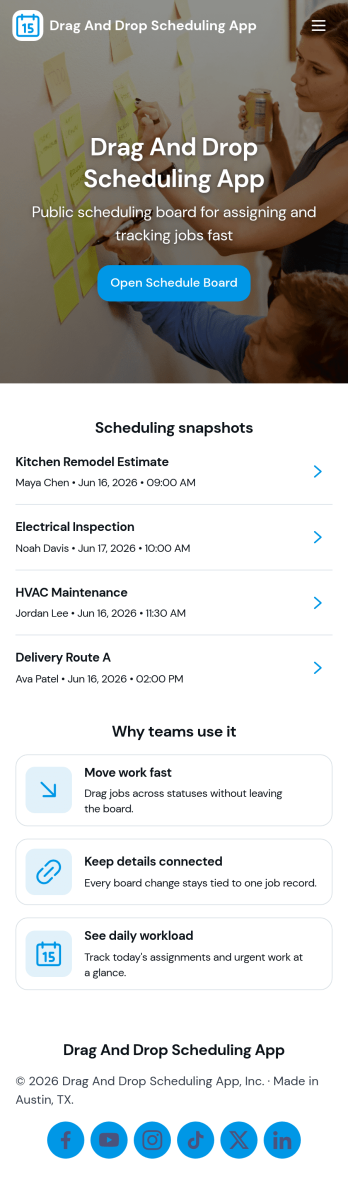
Drag and Drop Scheduling App
Drag and Drop Scheduling App helps teams build and manage shift schedules in a simple, visual way. Use it to create shifts, view the schedule, open a full schedule view, and quickly move between employee-specific pages so managers can confirm coverage and spot gaps. It’s a practical fit for restaurants, retail stores, clinics, field teams, and any operation that needs recurring shift planning, last-minute updates, or clear day-to-day visibility for staff.With Jotform, you can turn scheduling workflows into a shareable self-service app experience using App Templates and a no-code app builder with a drag-and-drop interface. Connect your schedule to forms for fast data collection when adding shifts or capturing requests, keep information organized, and publish updates instantly so everyone works from the same source of truth.
Go to Category:HR Portal Apps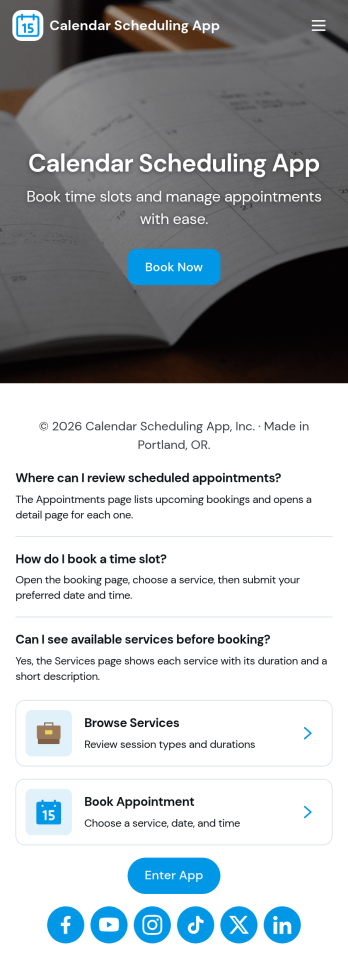
Calendar Scheduling App
Calendar Scheduling App helps teams and service providers coordinate availability and book time without confusion. It brings scheduling into one place with a simple flow for booking a slot, viewing what’s coming up, and opening individual booking details when needed. Use it for client meetings, internal check-ins, consultations, office hours, site visits, or any scenario where multiple people need clear visibility into upcoming appointments.With Jotform, you can turn this scheduling experience into a polished, shareable app without coding. Use the drag-and-drop app builder to adjust pages, add helpful context, and connect the booking form to your workflow so requests are collected consistently and stored for easy follow-up. Share the app link with customers or teammates, manage updates in one place, and keep scheduling organized as your volume grows.
Go to Category:Appointment & Booking Apps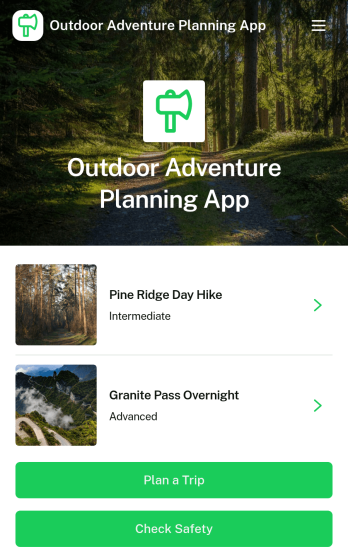
Outdoor Adventure Planning App
Outdoor Adventure Planning App helps individuals and groups organize trips in the outdoors, from choosing an adventure to building a ready-to-follow plan and double-checking safety prep. Use it to browse adventure options, review key route details like difficulty, duration, distance, and elevation, and guide people to actions such as planning a trip, creating a public trip plan, or checking safety before heading out. It’s a practical fit for hiking clubs, outdoor educators, tour leaders, campus recreation teams, and anyone coordinating weekend excursions who wants everyone aligned on the route and expectations.With Jotform App Templates, you can turn your trip planning process into a mobile-friendly self-service experience that’s easy to share. Customize pages with a drag-and-drop interface, connect forms for data collection such as public trip plans, and keep your workflow organized without a no-code app builder learning curve. Publish with a link or QR code so your group can view plans, prepare properly, and stay informed from one central Jotform app.
Go to Category:Trip Planner Apps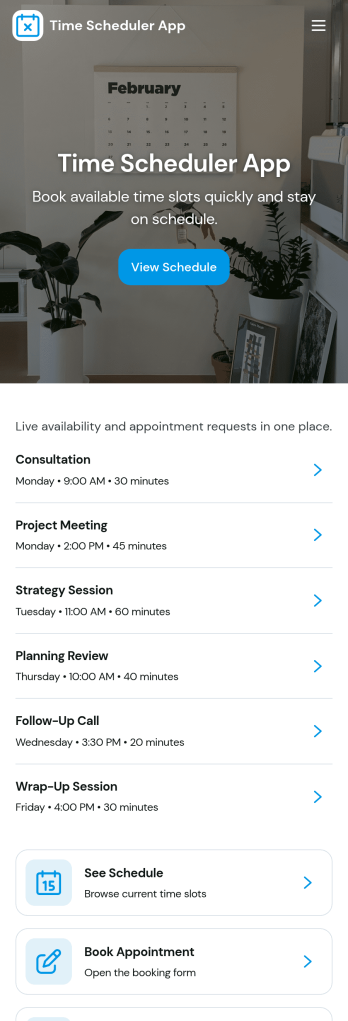
Time Scheduler App
Time Scheduler App helps individuals and teams publish available time slots and accept bookings in one simple place. It fits appointment-based businesses, shared resources, and anyone coordinating time-sensitive meetings, from consultants and tutors to clinics, salons, and small service teams. With clear actions like booking a slot, viewing open times, and checking availability, it reduces missed connections and keeps schedules organized without relying on scattered messages.Jotform makes it easy to turn this scheduling flow into a polished, shareable experience using its no-code app builder and drag-and-drop interface. Connect the app to your booking form for fast data collection, keep upcoming requests in one workflow, and share a link or QR code so people can self-service from any device. Customize pages, buttons, and branding to match how your schedule works, then update availability as your hours or capacity change.
Go to Category:Appointment & Booking Apps