As part of the automation process, Sign Documents lets signers forward a document to someone else using the Signer Delegate feature. This allows a recipient to pass the document to another person when needed, for example, if they want a legal representative or colleague to review and sign it on their behalf.
Allowing Signer Delegation
The delegation process is as simple as entering the other person’s details and sending it. Here’s how to do it:
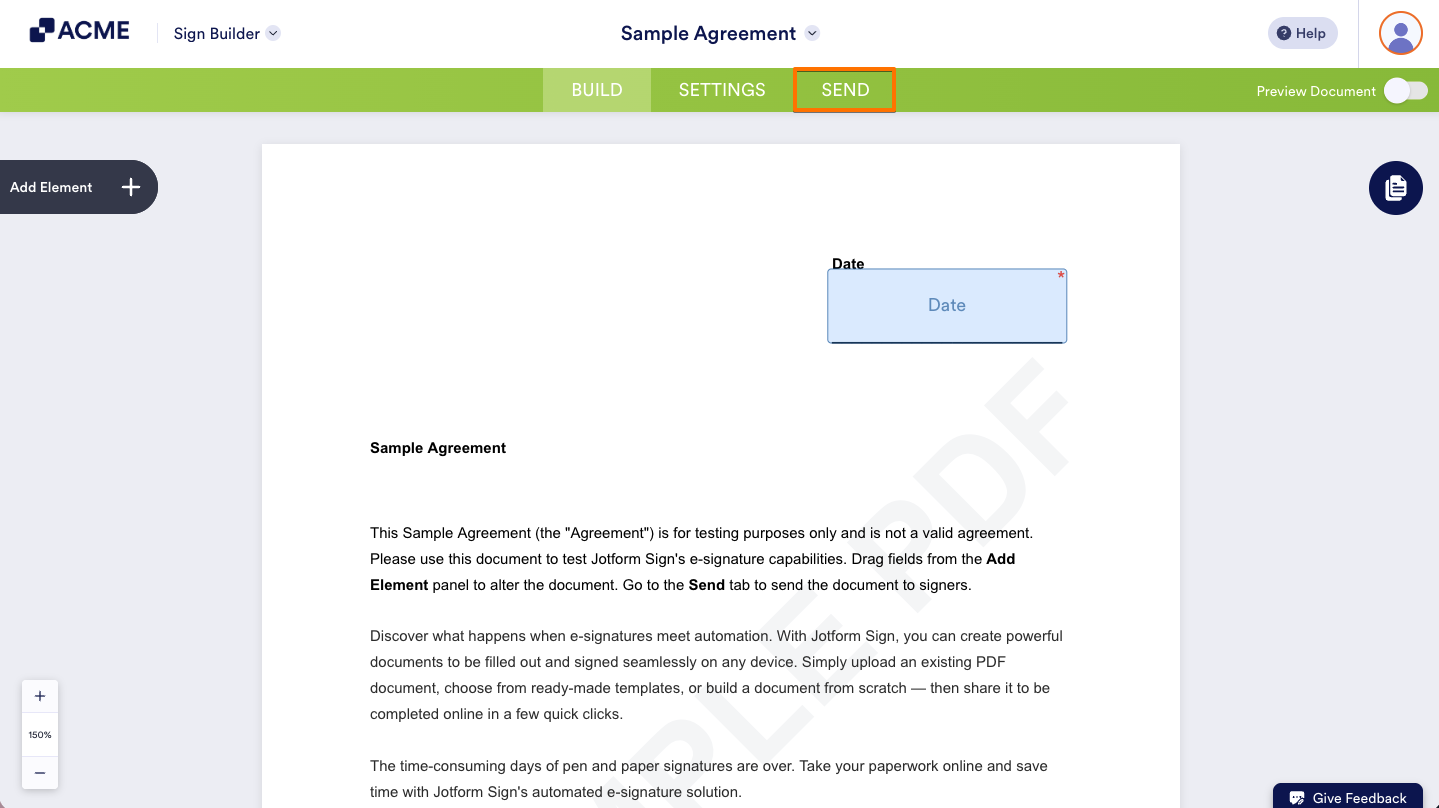
- In Sign Builder, in the green navigation bar at the top of the page, click on Send.
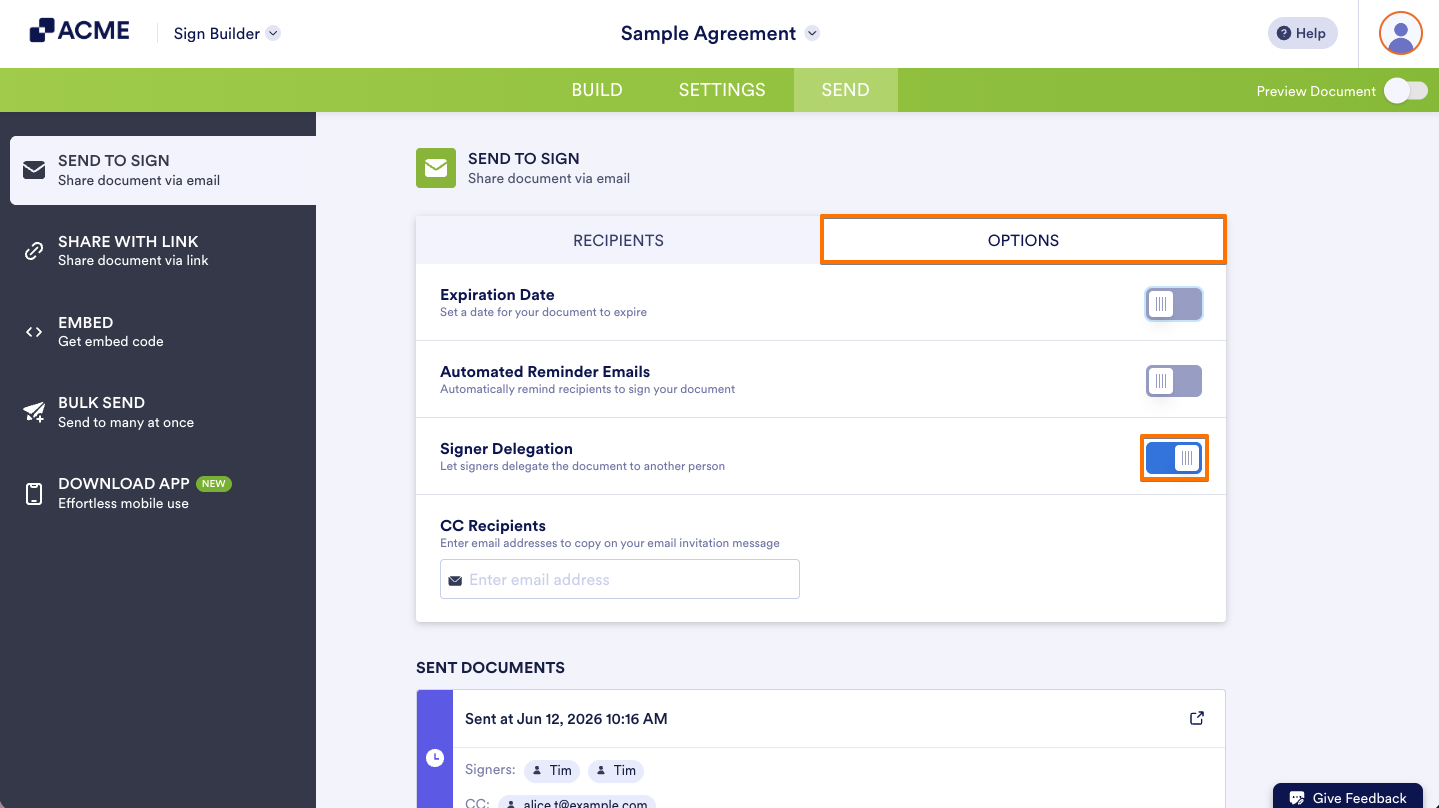
- Next, in the Send to Sign section, click on the Options tab.
- Then, toggle ON the Signer Delegation.
Delegating Document to Other Signers
Signer Delegation lets recipients pass the signing responsibility to someone else if they’re unavailable or not the right person to do it. Here’s how to delegate a document:
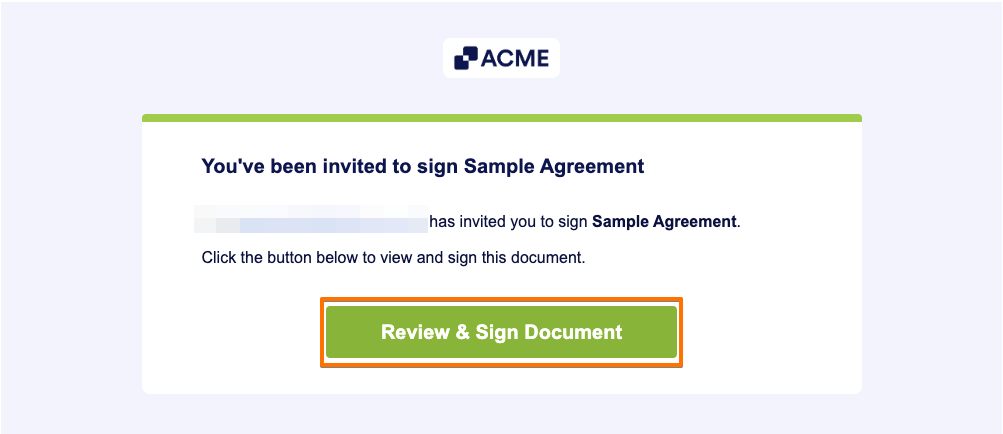
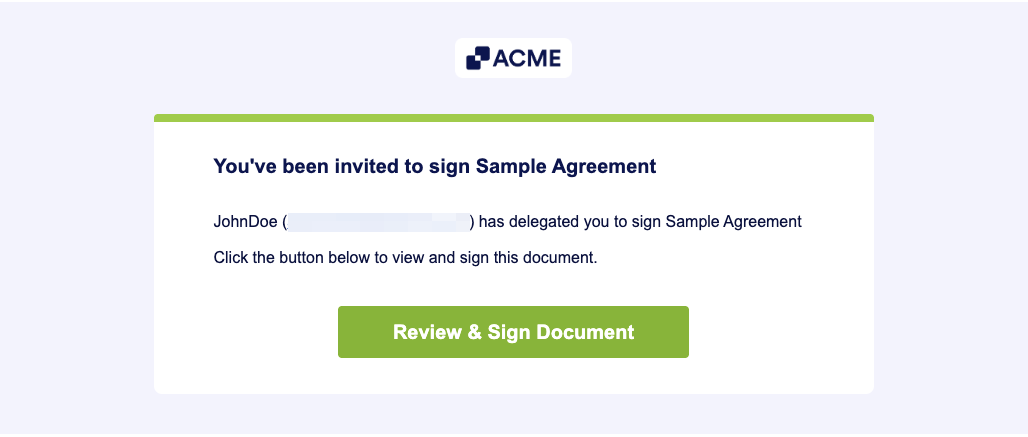
- In the Signing Request Email, click on the Review & Sign Document button to open the signing window in a new browser tab.
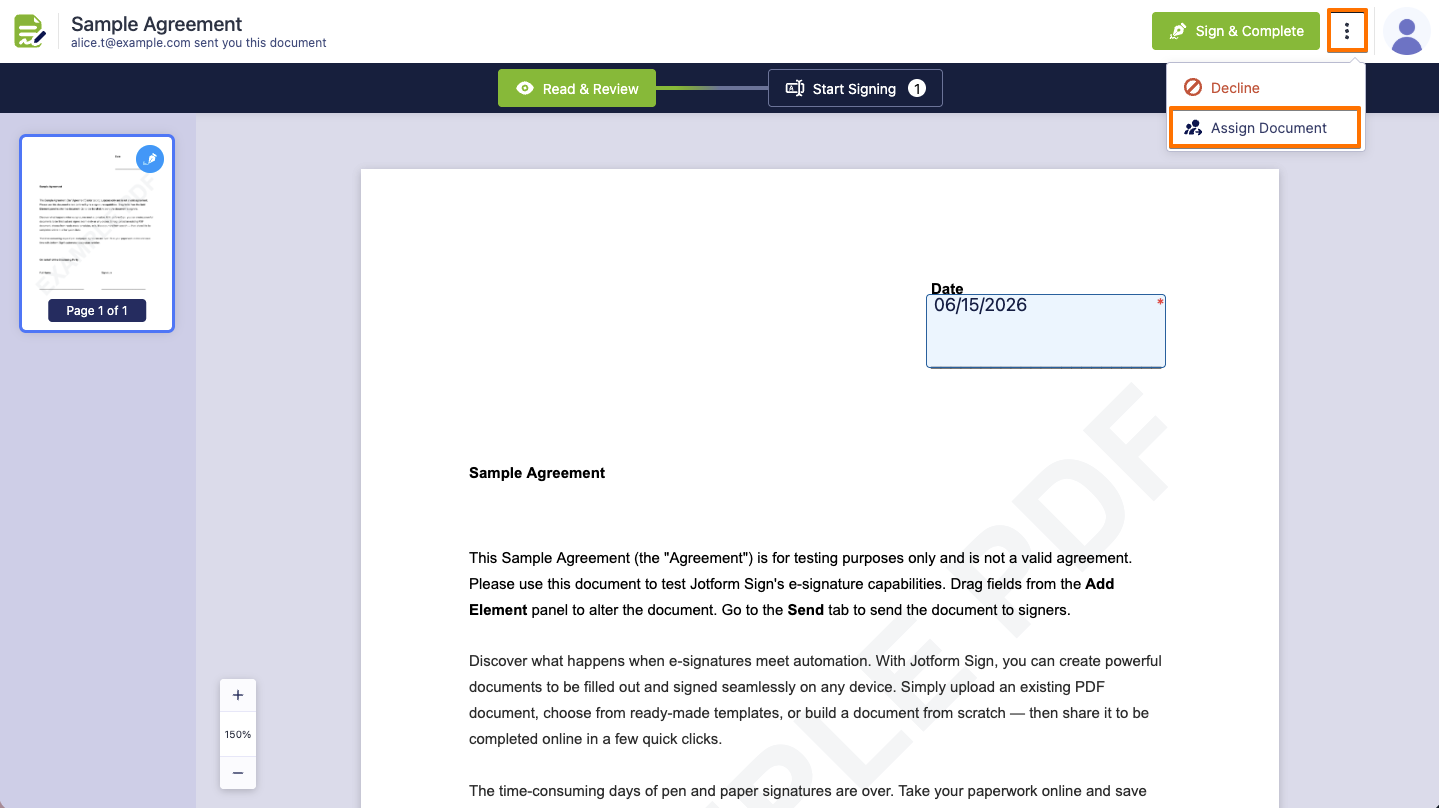
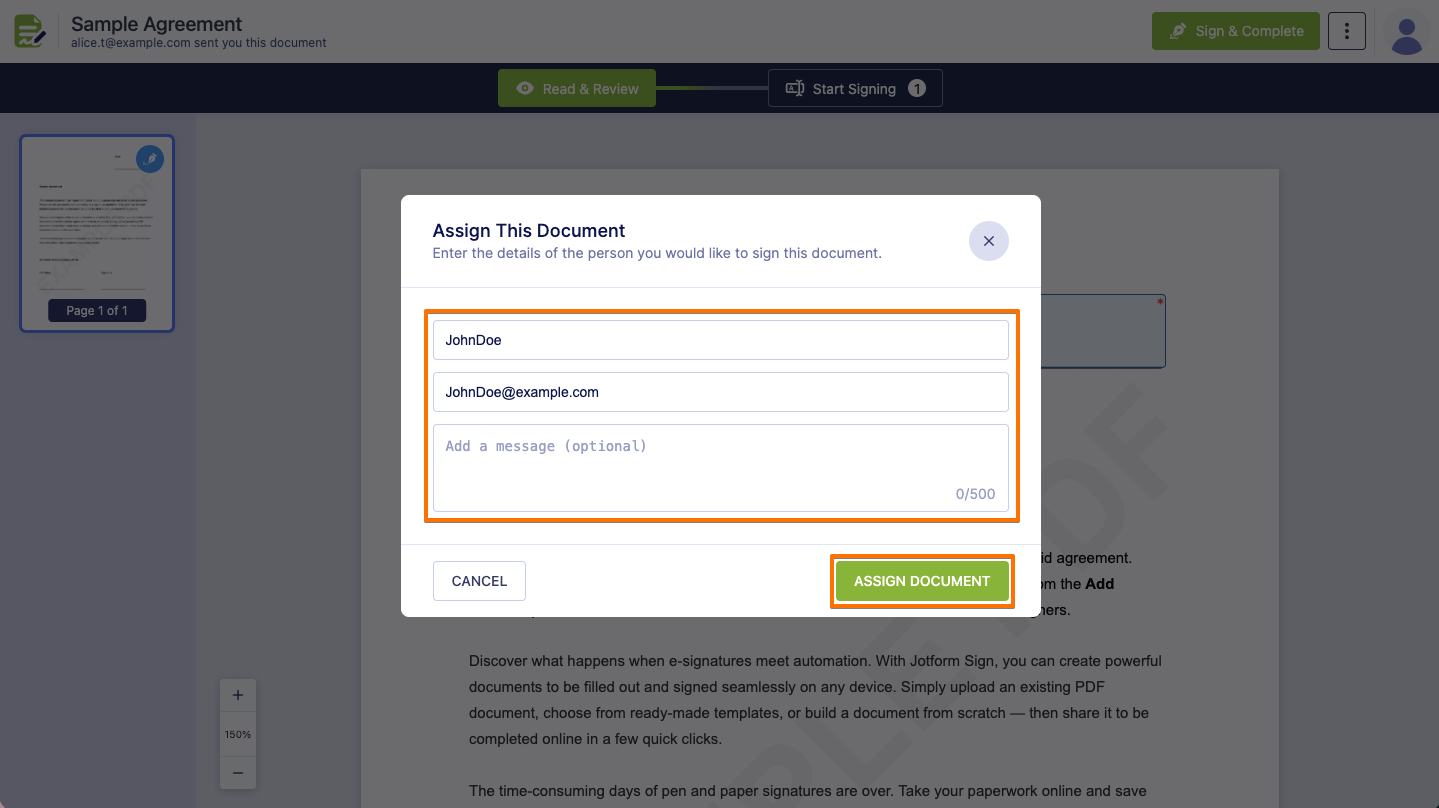
- On the signing page, click on the Three Dots icon in the top-right corner, and then select Assign Document.
- Then, in the Assign This Document window that comes up, enter the Name and Email Address, and a message in the Add a Message field (optional). Once done, click on Assign Document.
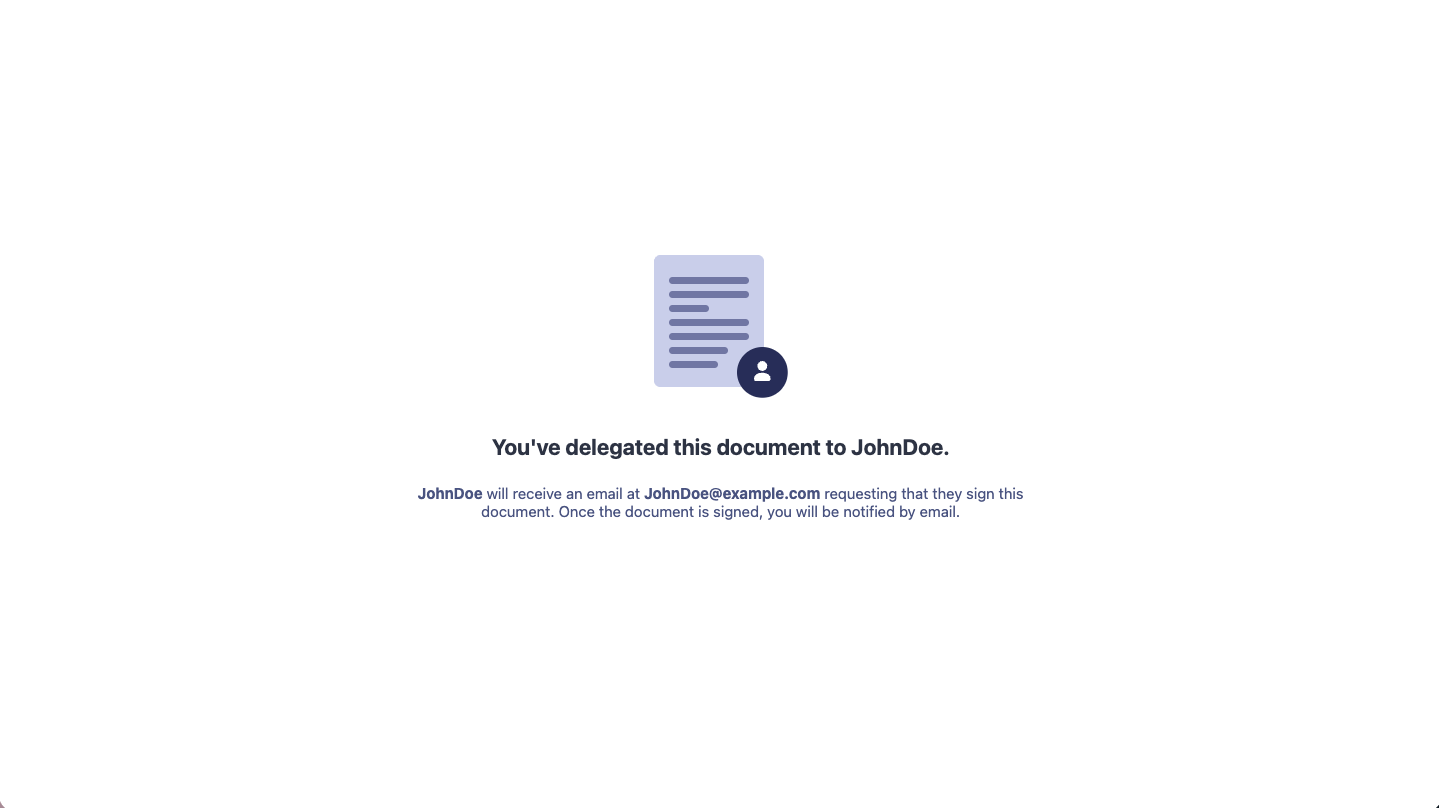
That’s it. A confirmation window will pop up, letting you know that the document was successfully delegated.
The delegated signer will get a Sign Request Email, and, the same as the original signer, they can click on the Review & Sign Document button, complete the fields, sign, accept the consent, and send.
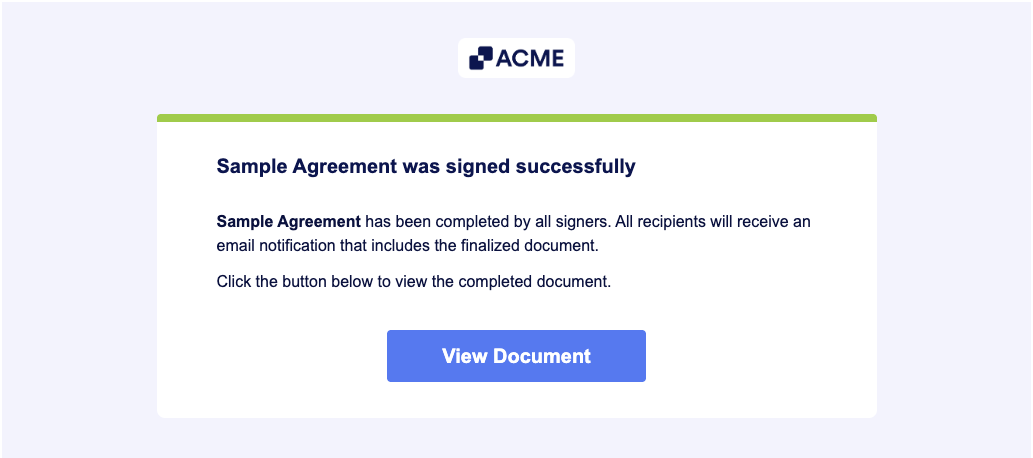
All parties will receive a Notification Email about the completed Sign Document. The signers can click the View Document button in the email to view it and its audit trail. As the document owner, you can view completed Sign Documents through your Sign Inbox.
For more details, we also have a guide about How to Send a Document for Signature that you might want to check out.
Note
Once a signer delegates the document to someone else, the action can’t be undone.
Disclaimer: The information provided in this guide is for general informational purposes only and is not intended to constitute legal advice. While we strive to keep the information accurate and up-to-date, laws and regulations vary by jurisdiction and can change frequently. Should you have specific legal questions about any of the information on this site, you should consult with a licensed attorney in your area.

Send Comment: