
Embassy Task Management App helps diplomatic mission personnel submit, organize, and review internal assignments from one accessible location. Administrative, consular, facilities, operations, and support teams can use it to coordinate everyday work across departments. Staff members can submit a task, identify the relevant work area, and indicate urgency, while task lists and detail pages keep requests easy to review. This focused structure helps reduce scattered instructions, clarify priorities, and give teams a shared view of operational responsibilities. It is useful for handling facilities requests, administrative follow-ups, document preparation, visitor arrangements, event support, and other routine embassy activities.
Jotform provides a no-code app builder that makes this app template easy to adapt without programming. Use the drag-and-drop interface to update pages, navigation, colors, fonts, and branding, then connect forms, tables, approvals, or notifications to support a broader workflow. The app can be shared through a direct link or quick response code, giving authorized personnel mobile-friendly access wherever work takes place. With flexible data collection and centralized self-service access, Jotform App Templates help teams create practical internal tools while keeping task intake and resource navigation in one consistent experience.
Related templates
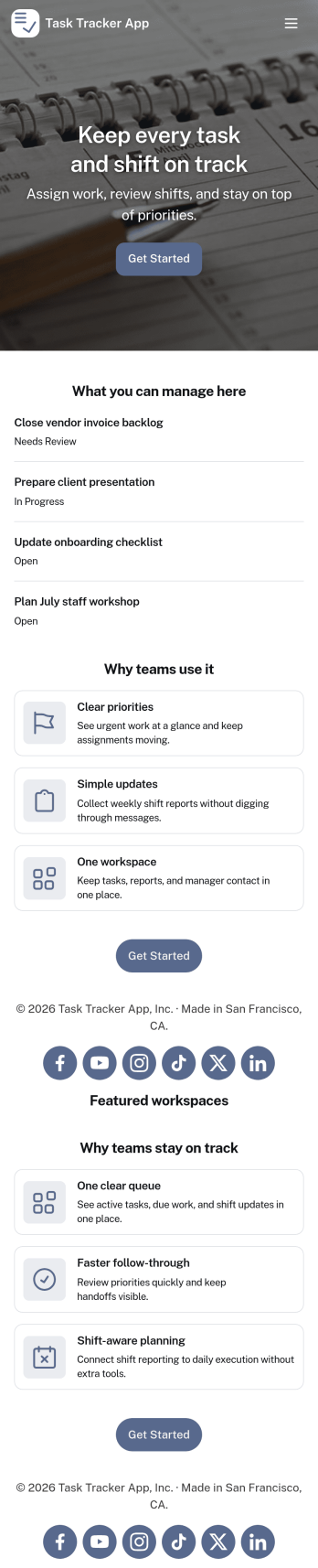
Task Tracker App
A task tracker app is used to keep track of tasks on any device. No matter which industry you work in, Jotform’s free Task Tracker App lets you log and manage task details and even assign tasks to employees or teammates! The app is downloadable onto any smartphone, tablet, or computer, and all submissions are stored securely in your Jotform account — ready to access whenever you need them.Want to make changes to this free app? Add or remove forms, include your company logo, change fonts and colors, and personalize other elements with our drag-and-drop builder. No coding is necessary! Once you’ve got your app looking perfect, share it with a link for others to download directly onto their devices. Track tasks more efficiently with the help of a free Task Tracker App from Jotform.
Go to Category:Organization Apps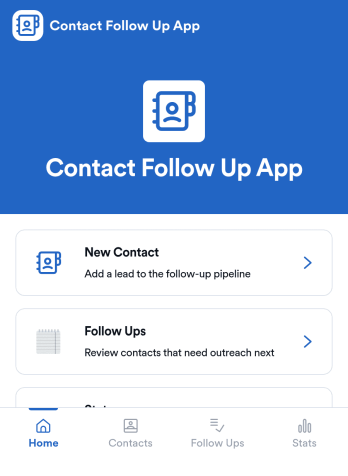
Contact Follow Up App
Contact Follow Up App helps you capture new leads and keep every conversation moving forward without losing track of who needs a reply. It’s built for sales reps, small business owners, agencies, and client-facing teams who juggle outreach across events, referrals, inbound inquiries, and repeat customers. With a simple New Contact entry point and a dedicated Follow Ups area, you can quickly log contact details, review people who need attention, and open an individual contact view when it’s time to act.Jotform makes it easy to turn this kind of follow-up workflow into a shareable, branded experience using a no-code app builder and a drag-and-drop interface. Connect your app to forms and tables for consistent data collection, keep information organized in one place, and publish updates fast as your workflow evolves. Whether you’re tracking lead status, prioritizing outreach, or reviewing simple stats, Jotform app templates help you deliver reliable self-service and internal processes without extra tools.
Go to Category:Customer Engagement Apps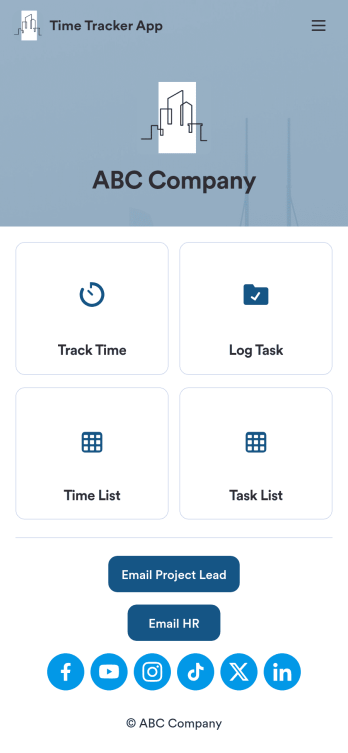
Custom Time Tracker App
A time tracker app is used to keep track of employees’ hours and tasks. With Jotform’s free Time Tracker App, managers can keep a complete record of the times employees punch in or out, task details and the amount of time employees spend on them, and view all the information in a professional spreadsheet. All submissions are stored securely in your Jotform account and ready to access on any device.Need to make changes to this app template? Be sure to add your logo, change the background image, and choose new fonts and colors for a personalized touch. You can also customize the spreadsheet layouts and make changes to the app’s forms to collect other types of information — then share the app for your employees to download onto their devices. Better manage employee information with a free Time Tracker App from Jotform.
Go to Category:Management Apps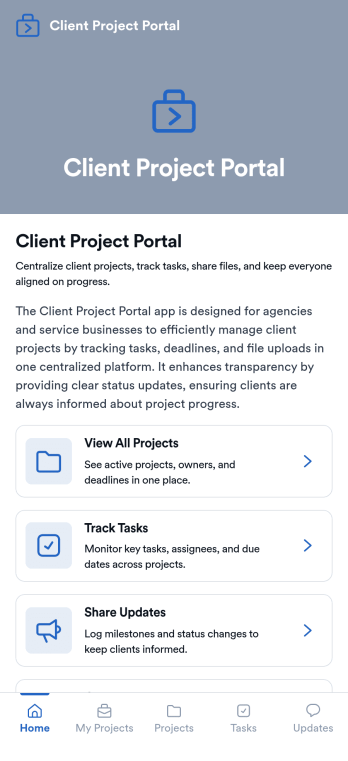
Client Project Portal
Client Project Portal is an app template designed to streamline project management and improve transparency between agencies, freelancers, service-based businesses, and their clients. This all-in-one platform brings together tasks, timelines, files, and updates, providing teams with a centralized system for managing ongoing client work. Users can seamlessly share progress, upload deliverables, and keep clients informed with status updates. The easy-to-read table view allows both teams and clients to quickly see project milestones, deadlines, and current status, while the dashboard provides a high-level overview of progress and next steps. This app is particularly beneficial for designers, developers, marketers, and consultants, but small teams also find value in the improved transparency and simplicity compared to complex project management systems.Jotform's Client Project Portal template provides a no-code, user-friendly solution to improve project transparency and streamline client communications. With its drag-and-drop interface, users can easily customize the portal to align with their brand identity, choose fonts and colors, and upload their logo without any coding. The cross-platform compatibility ensures that clients can access the portal on any smartphone, tablet, or desktop. Plus, with the added advantage of Progressive Web Apps (PWA), clients can download the app directly onto their home screen for easy access. Embrace a seamless project management experience and improve client relationships with Jotform's Client Project Portal.
Go to Category:Service & Support Portal Apps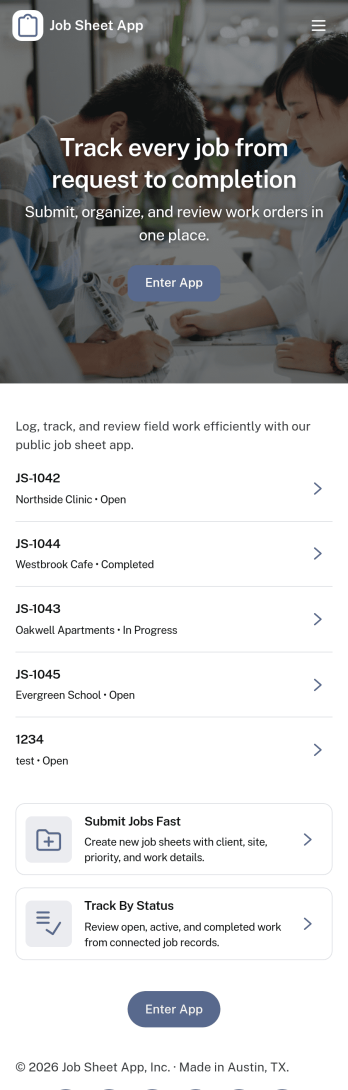
Job Sheet App
A Job Sheet App gives field teams and service businesses a clear place to view open jobs, capture progress updates, and keep work details consistent from start to finish. Use it to reduce missed steps on site visits, standardize job notes across technicians, and keep everyone aligned on what’s next. With quick navigation to Open Jobs and a simple Submit Update path, it works well for contractors, maintenance crews, home services teams, and operations managers who need job information to stay current while work is happening.Jotform makes it easy to publish this kind of job tracking experience without coding using its no-code app builder and drag-and-drop interface. Connect the app to a form for fast data collection, organize job records in a connected workflow, and share a self-service link with your team so updates can be submitted from anywhere. As your process grows, you can adjust pages, add new steps, and keep insights accessible in one mobile-friendly place with Jotform App Templates.
Go to Category:Operations & Logistics Portal Apps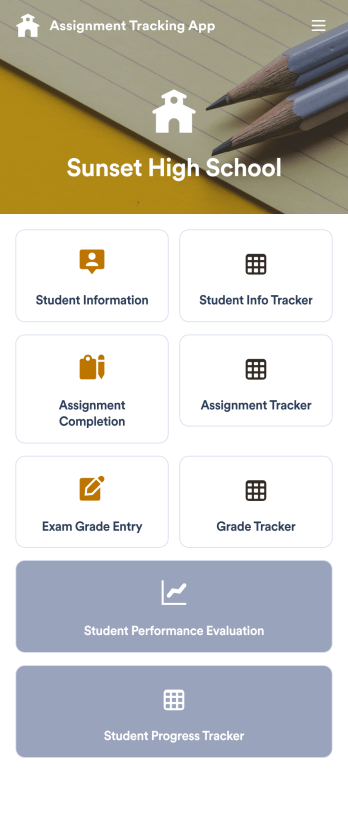
Assignment Tracking App
An assignment tracking app is used by teachers as an all-in-one classroom app for keeping track of students’ assignments and assessments. With Jotform’s Assignment Tracking App, teachers can record student information, completed assignments, test scores, and performance evaluations. Form submissions are automatically compiled in a companion spreadsheet, where teachers can sort, filter, and search through grades and test scores in an easy-to-understand format from any device.This app template works right out of the box, but you can easily customize it to meet your classroom’s needs with our intuitive app builder. No coding necessary — just drag and drop to add or swap out form elements, edit individual forms, upload images and documents, choose a custom app icon and splash screen, and more. When you’re done, you can access and download your very own app on any smartphone, tablet, or desktop for ease of use. Ditch the paperwork and manage your classroom from a single app with this fully-customizable Assignment Tracking App from Jotform!
Go to Category:Education Apps