
ERP Implementation Dashboard App gives project managers, implementation consultants, information technology teams, and department leaders a central place to oversee an enterprise resource planning rollout. It can support project status visibility, task tracking, and resource navigation across planning, configuration, testing, training, data migration, and launch activities. Organizations can use the dashboard to clarify responsibilities, surface blockers, coordinate stakeholders, and keep implementation work aligned with agreed milestones. It is especially useful for small and midsize businesses seeking a more accessible alternative to scattered spreadsheets, email updates, and disconnected project records.
With Jotform, teams can adapt this app template using a no-code app builder and an intuitive drag-and-drop interface. Add pages, cards, buttons, forms, tables, approval steps, and reference materials to match the implementation workflow without writing code. Connected forms can support data collection for status updates, issue reports, and requests, while automated notifications help participants respond promptly. Customize the branding and navigation, then publish the app with a direct link or QR code for convenient desktop and mobile access. Jotform App Templates make it easier to create a shared, self-service project experience that can evolve throughout every phase of the rollout.
Related templates
Family Project Management App
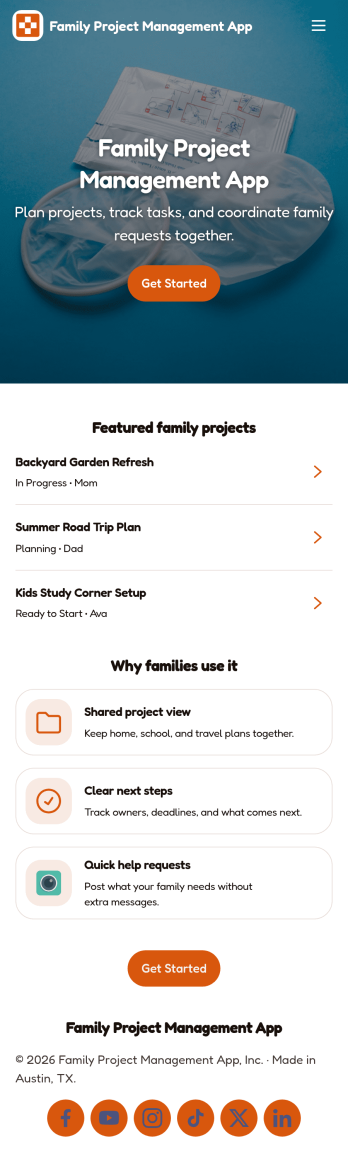
Family Project Management App helps households organize shared projects, coordinate tasks, and keep everyone aligned on what needs to happen next. Use it to manage everything from home improvement plans and holiday prep to school activities and recurring routines, with a simple way to browse projects, review open tasks, and maintain a quick family directory for who is involved. Built-in update forms make it easy for anyone to post progress notes as things change, so busy parents, caregivers, teens, and multi-home families can stay on the same page without long message threads.Jotform makes it easy to tailor this app template to your family’s workflow with a no-code app builder and a drag-and-drop interface. Connect the app to forms and tables for ongoing data collection, set up simple workflow steps for updates and follow-ups, and share access with a link so everyone can use it on the go. With Jotform App Templates, you can adjust pages, labels, and structure in minutes to fit how your household plans, tracks, and completes projects through self-service.
Go to Category:Organization Apps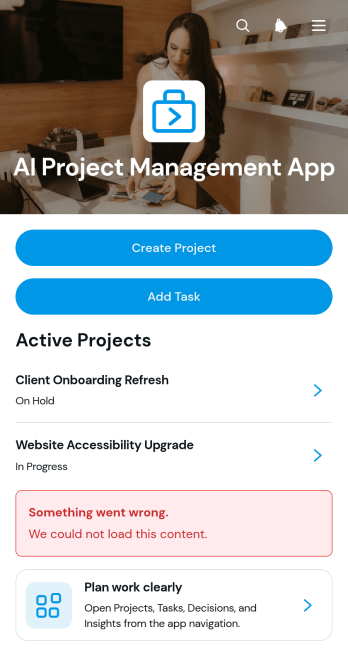
AI Project Management App
AI Project Management App is a ready-to-use workspace for teams planning AI initiatives, coordinating project work, and documenting key decisions. Project managers, technology teams, consultants, agencies, and growing businesses can use this app template to create projects, assign and review tasks, and record decision context in one accessible place. Clear project overviews help users monitor ownership, priorities, due dates, and related work without relying on scattered documents. It is especially useful for managing AI implementation projects, internal experiments, client engagements, product development, and other work that requires shared visibility and accountability.Jotform Apps makes it easy to adapt this experience with a no-code app builder and an intuitive drag-and-drop interface. Teams can customize pages, navigation, colors, fonts, and branding while connecting forms, tables, approvals, and automated workflows. The app can be shared through a direct link or QR code for convenient mobile access, giving collaborators a central location for data collection and project updates. Start with this template, tailor it to your process, and publish a polished self-service workspace without writing code.
Go to Category:Project Management Apps
Video Creation App
Video Creation App is an app template for organizing video projects from initial brief through review. Marketing teams, production groups, content creators, educators, and small businesses can use it to submit new projects, browse active work, and review project details from one accessible location. Each project can present its title, production scope, duration goal, intended audience, and current status, while review notes and brief checklists help contributors understand what comes next. This organized approach reduces scattered requests, gives reviewers clearer context, and helps teams keep creative work moving without losing track of priorities or feedback.Jotform makes this Video Creation App easy to adapt with a no-code app builder and drag-and-drop interface. Update pages, cards, buttons, colors, fonts, and navigation to match your production process, then connect forms and tables for data collection and project organization. You can also link approvals or other workflow steps when a project requires additional review. Jotform App Templates support mobile-friendly self-service access, so team members and stakeholders can open the app through a direct link or QR code, submit briefs, check project information, and find workflow guidance wherever they are.
Go to Category:Project Management Apps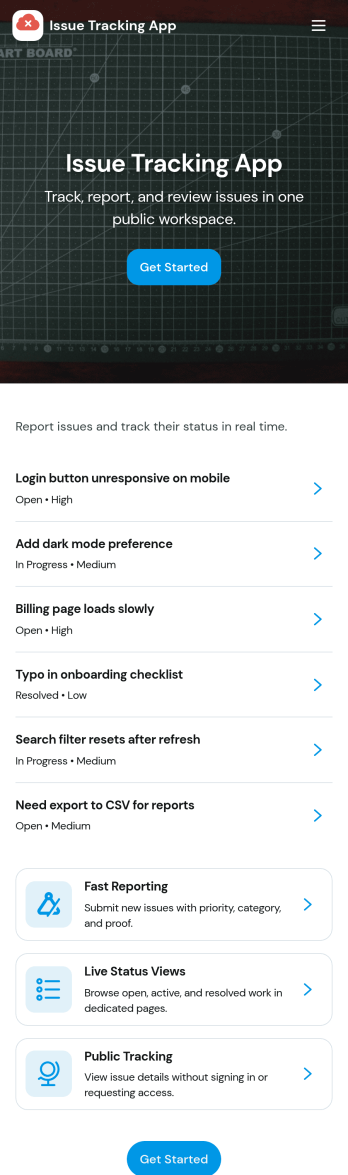
Issue Tracking App
Issue Tracking App helps teams capture, organize, and follow up on problems without losing context. Use it to report new issues as they come up, submit a new ticket in seconds, and keep a personal view of what you’ve raised through My Issues and My Submissions. It fits IT support, engineering, operations, and internal service teams that need a clear place for employees or customers to flag bugs, service interruptions, and process blockers, then monitor what’s still pending review.Built with Jotform App Templates, this app template turns everyday issue reporting into a simple self-service experience you can share as a link or QR code. Customize pages with a drag-and-drop interface, connect the report form to your data collection workflow in Jotform, and keep issue records organized for faster triage and better visibility across the team.
Go to Category:Information Technology Apps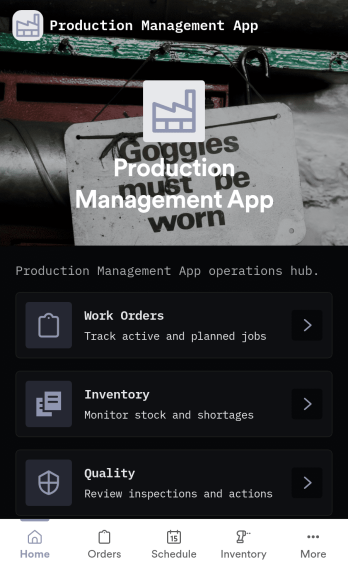
Production Management App
Production Management App brings day-to-day shop floor coordination into one place so teams can keep orders moving, materials available, and quality checks visible. Use it to create new orders, review work orders, and follow progress across production without chasing updates across spreadsheets or messages. It fits manufacturers, job shops, fabrication teams, print and packaging operations, and operations leads who need a simple way to keep work organized while staying on top of low stock and QC holds.Built with Jotform App Templates, this app template can be tailored to your process with a no-code app builder and a drag-and-drop interface. Connect order intake, inventory updates, and QC check logging to the same workflow, route information to the right people, and support self-service access for operators and supervisors. With Jotform, you can publish a mobile-friendly experience, keep records in sync with connected data collection, and iterate quickly as production requirements change.
Go to Category:Inventory Apps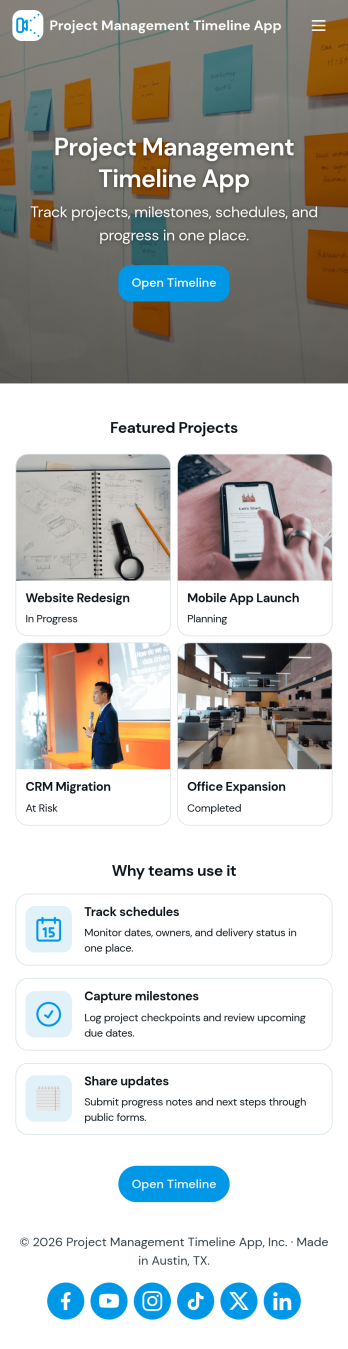
Project Management Timeline App
A project management timeline app brings your project list, milestone planning, and task updates into one place so teams can see what needs to happen next and when. Use it to capture new projects, keep a running view of active work, and organize task details that impact delivery dates. It fits agencies juggling client work, operations teams coordinating cross-functional launches, construction and engineering groups tracking phases, and any manager who needs a clear picture of progress without digging through scattered notes.With Jotform, you can turn this project management timeline app into a practical self-service workspace using App Templates and a no-code app builder. Customize pages with a drag-and-drop interface, connect buttons to forms for data collection, and keep records organized in tables for ongoing workflow management. Share the app with your team so everyone can add projects, log tasks, and review timelines from a mobile-friendly link as work evolves.
Go to Category:Management Apps