Pregnancy Nutrition Tracker App helps expecting parents keep a clear, day-by-day record of meals, hydration, and wellness check-ins in one place. Use it to log meals by type, capture daily check-ins, and review progress over time so it’s easier to notice patterns and stay consistent. It’s a practical fit for individuals who want a simple routine, as well as clinics, dietitians, and wellness programs that share nutrition guidance and want clients to follow along between visits.
With Jotform App Templates, you can publish a mobile-friendly experience that connects your app to forms and tracked records without coding. Customize pages with a drag-and-drop app builder, add your own guides and resources, and keep entries organized for quick review. Share the app through a link or QR code, collect data securely in your Jotform account, and adjust the flow as needs change throughout each trimester.
Related templates
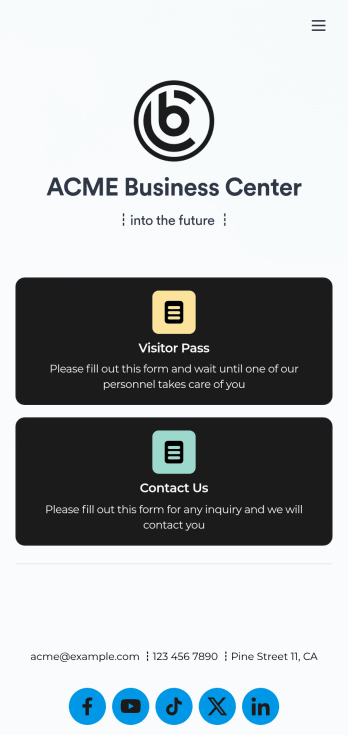
Visitor Sign In App
A visitor sign in app is used by businesses or organizations to log and track sign ins for their building. With this free Visitor Sign In App that downloads instantly onto any device — such as your building’s tablet or computer — you can collect, track, and manage sign-ins with ease. The app also includes a contact form so visitors can quickly get in touch if they encounter any issues, and connects to a Visitor Approval Process Template so you can approve or deny visitors instantly.Feel free to add more forms, upload your logo, update the background image, and make other changes with our drag-and-drop builder. All responses collected through the app are stored securely in your Jotform account and protected with advanced security measures. Switch from paper sign in sheets to an online Visitor Sign In App to collect information more efficiently — no messy paperwork required.
Go to Category:Tracker Apps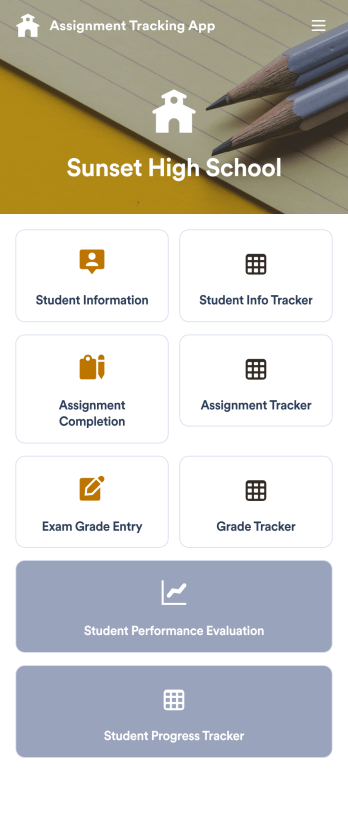
Assignment Tracking App
An assignment tracking app is used by teachers as an all-in-one classroom app for keeping track of students’ assignments and assessments. With Jotform’s Assignment Tracking App, teachers can record student information, completed assignments, test scores, and performance evaluations. Form submissions are automatically compiled in a companion spreadsheet, where teachers can sort, filter, and search through grades and test scores in an easy-to-understand format from any device.This app template works right out of the box, but you can easily customize it to meet your classroom’s needs with our intuitive app builder. No coding necessary — just drag and drop to add or swap out form elements, edit individual forms, upload images and documents, choose a custom app icon and splash screen, and more. When you’re done, you can access and download your very own app on any smartphone, tablet, or desktop for ease of use. Ditch the paperwork and manage your classroom from a single app with this fully-customizable Assignment Tracking App from Jotform!
Go to Category:Education Apps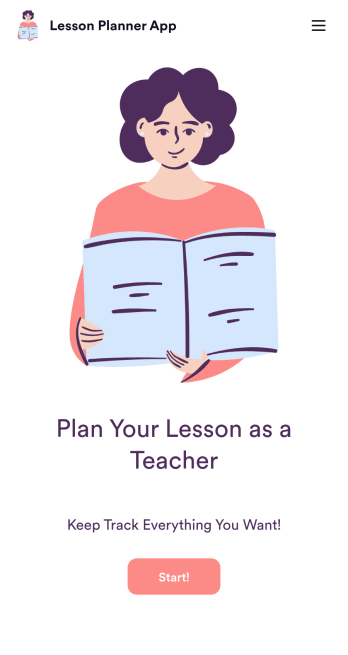
Lesson Planner App
Create and manage your classroom lesson plan with this free Lesson Planner app from Jotform. Download this app onto any device and start adding courses, start and end dates, lesson titles and objectives, tasks, resources, and more. There are also separate forms for entering student information and creating daily assignment checklists. Submissions are aggregated and stored in a color-coded and easy-to-understand spreadsheet using Jotform Tables.Want to make changes to this Lesson Planner App? No problem! With Jotform’s no-code app builder, you can build a custom app that meets your classroom’s needs in seconds. Simply drag and drop to add or change form elements, edit text fields and checklist items, install integrations and widgets, change fonts and colors, and more. When you’re done, you can access and download your app onto any smartphone, tablet, or desktop and start using it right away. Manage all your lesson plans and assignments from a single location with this mobile-friendly Lesson Planner App.
Go to Category:Daily Planner Apps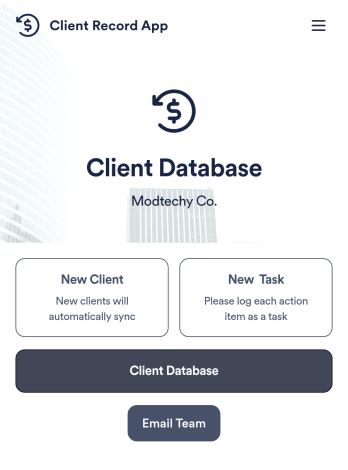
Client Record App
A client record app is used by companies to keep track of clients in a Jotform Tables database. With our Client Record App, you can add general contact information for new clients and view a list of existing clients. There is also a separate task form for employees to log projects. Submissions are stored securely in your online account and can be accessed directly through your app from any smartphone, tablet or computer.This Client Record App can be easily customized without any coding. Our drag-and-drop builder allows you to add and change forms, upload your logo, choose fonts and colors, create a custom app icon and splash screen, and more. When you’re finished, your team can access and download your app on any device with a share link. Keep all your business contacts in one convenient location with this Client Record App!
Go to Category:Freelancer Apps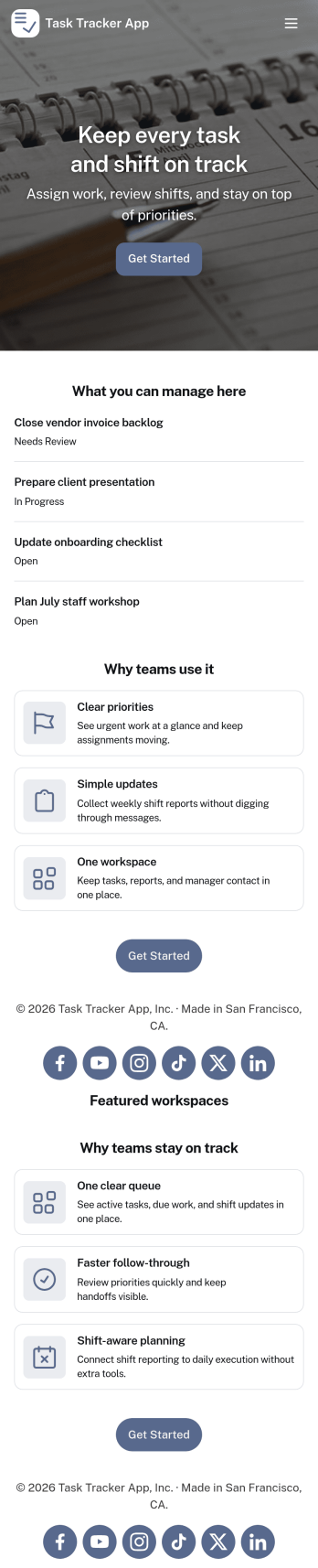
Task Tracker App
A task tracker app is used to keep track of tasks on any device. No matter which industry you work in, Jotform’s free Task Tracker App lets you log and manage task details and even assign tasks to employees or teammates! The app is downloadable onto any smartphone, tablet, or computer, and all submissions are stored securely in your Jotform account — ready to access whenever you need them.Want to make changes to this free app? Add or remove forms, include your company logo, change fonts and colors, and personalize other elements with our drag-and-drop builder. No coding is necessary! Once you’ve got your app looking perfect, share it with a link for others to download directly onto their devices. Track tasks more efficiently with the help of a free Task Tracker App from Jotform.
Go to Category:Organization Apps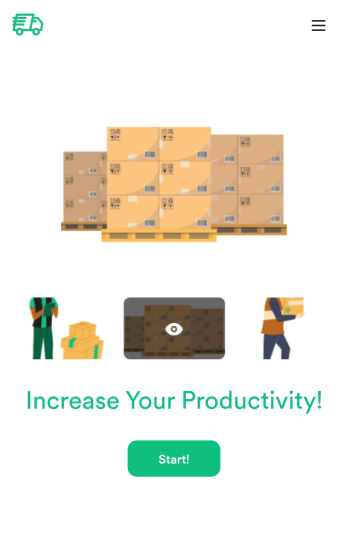
Custom Logistics Management App
A logistics management app is used by logistic companies to log important company information. With this Logistics Management App from Jotform, managers can keep track of vehicles, drivers, and driver availability information. Drivers can download this app on their mobile devices to record trip information such as truck number, departure date, and total mileage using a Drivers Log Sheet. You can also manage driver job applicants from an easy-to-understand Driver Application Tracking Log.Making changes to this Logistics Management App is easy with Jotform’s no-code app builder. Simply drag and drop to add or change form elements, edit text fields and checklist items, choose fonts and colors, upload your company’s branding, and much more. Share your custom app with management and other drivers by sending email invites or the app link, where they can then download it on any device. Ditch the paperwork and use this Logistics Management App to keep digital records of all your vehicle and driver information.
Go to Category:Automotive Apps