Private Messaging App helps teams and communities exchange direct, organized messages without relying on scattered email threads. Use it to compose new messages, open an inbox view, and review recent conversations in a simple list, then open a message to see key details like the subject, sent date, and status. It’s a practical fit for internal support requests, manager to employee check-ins, client communication follow-ups, volunteer coordination, or any workflow where you want one place for private, one-to-one outreach.
With Jotform, you can turn this app template into a branded self-service experience using a no-code app builder and a drag-and-drop interface. Connect the app to a form for data collection, route messages through the right workflow, and keep conversations accessible from a single link or QR code. As your needs evolve, you can adjust pages, navigation buttons, and the way message records appear, so the messaging experience stays clear for both senders and recipients.
Related templates
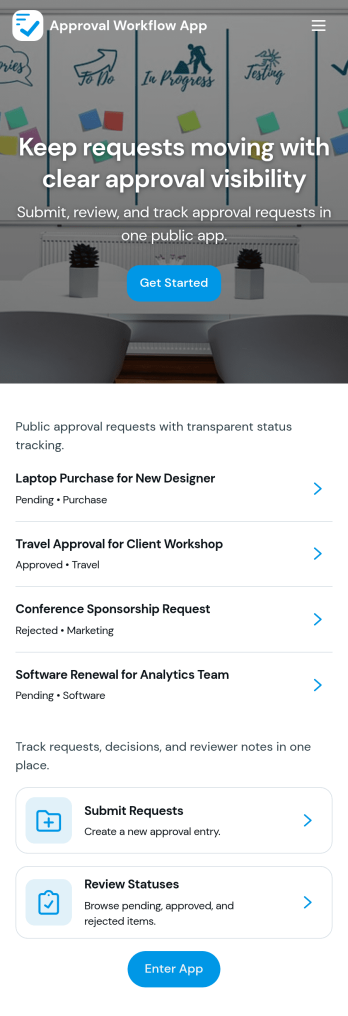
Approval Workflow App
An Approval Workflow App helps teams route requests to the right reviewers, track decisions, and keep work moving without losing context in email threads. Use it for purchase requests, policy exceptions, creative reviews, time-off approvals, access requests, vendor onboarding steps, and any situation where a requester needs a clear outcome from an approver. With entry points for New Request and a centralized Review Queue, reviewers can quickly open items, check key details, and move each request from submit to review to decide while maintaining consistency across departments.Jotform makes it easy to publish this type of self-service experience using App Templates built with a no-code app builder. With a drag-and-drop interface, you can tailor the app’s pages, connect the request form to your workflow, and keep a searchable Decision History for visibility. Share the app with a link or QR code, control who can access the queue, and connect the process to the rest of your operations so request handling stays organized from start to finish.
Go to Category:Company Portal Apps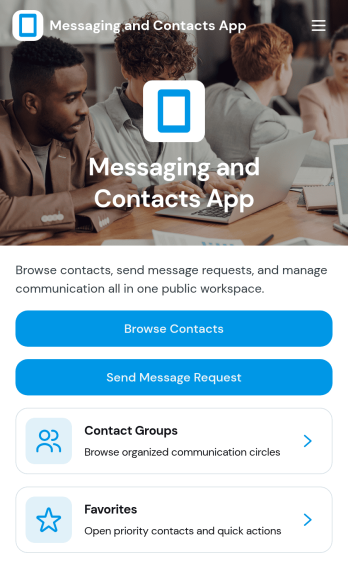
Messaging and Contacts App
Messaging and Contacts App helps teams organize contact details and send message requests from one central, easy-to-share workspace. It’s a practical fit for customer support, sales, community managers, and internal departments that need a simple way to browse contacts, group people by purpose, and quickly reach out when a follow-up is needed. With built-in navigation for browsing contacts, viewing favorites, and working with contact groups, this app keeps communication tasks moving without digging through spreadsheets or scattered tools.Jotform makes it easy to build and publish app templates like Messaging and Contacts App using a no-code app builder with a drag-and-drop interface. Connect buttons to forms for data collection, keep contact records organized, and support a smoother workflow for self-service updates and requests. Share your app through a link or QR code, tailor the branding to match your organization, and update the experience as your contact list and communication needs grow.
Go to Category:CRM Apps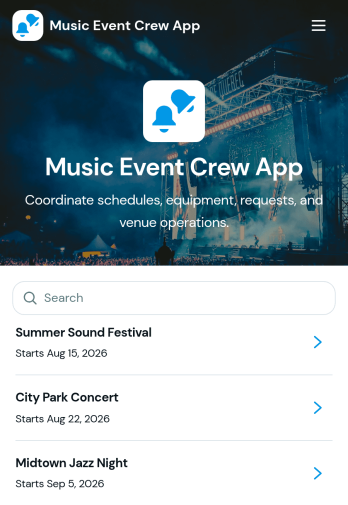
Music Event Crew App
Music Event Crew App gives production teams, stage crews, venue staff, technicians, and event coordinators one mobile-friendly place to manage essential show-day information. Crew members can review schedules and production notes, check equipment details, and submit requests or report equipment issues without searching through scattered messages. It is well suited to concerts, festivals, touring productions, club shows, and other live music events where call times, stage assignments, venue access, and equipment condition must remain visible. By centralizing these operational details, the app helps teams respond to problems sooner, reduce missed updates, and keep everyone focused on a successful event.Jotform App Templates make it easy to adapt the Music Event Crew App to each venue, production, or tour. With Jotform’s no-code app builder and drag-and-drop interface, organizers can update pages, branding, navigation, and connected forms without programming. Collected data can feed into tables and workflows for organized request tracking, issue follow-up, and real-time notifications. Publish the finished app through a direct link or QR code so crew members can access schedules, resources, and self-service actions from their phones before load-in, during the show, or after teardown.
Go to Category:Event Management Apps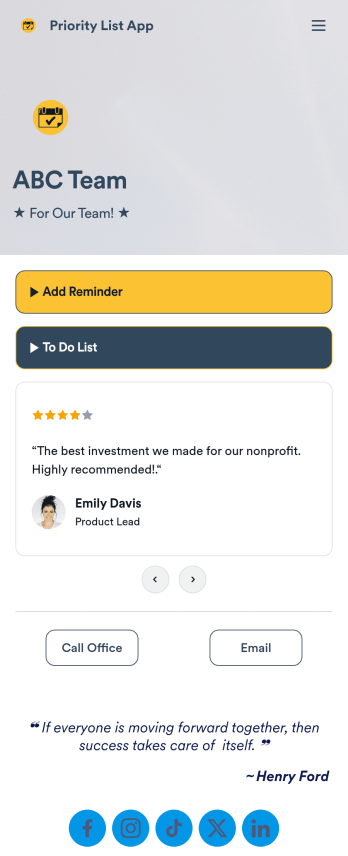
Priority List App
A priority list app is used by employees who work in a team to prioritize tasks. With Jotform’s free Priority List App, team members can easily add tasks with priority levels and deadlines, as well as set reminders. Tasks are compiled in a searchable and easy-to-understand task list table, which can be accessed by team members on any device.Customizing this Priority List App is easy. With our drag-and-drop form builder, you can add new forms, upload images, change fonts and colors, and more — all with no coding. After you’re done, you can share your app with other team members via link, or even embed it in an internal website. Your app can be downloaded on any smartphone, tablet, or desktop for future use. Keep your team on track with this fully customizable Priority List App!
Go to Category:Management Apps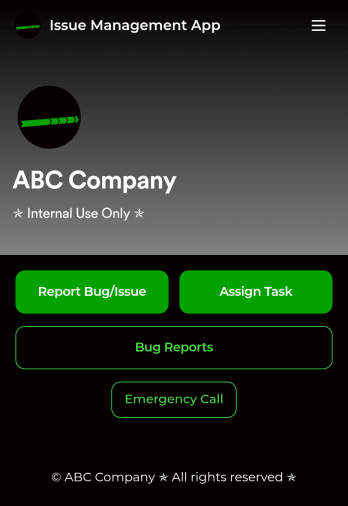
Issue Management App
An issue management app is used by IT professionals to report bugs or issues, track them in a spreadsheet, and assign tasks to teammates. Track and manage issues more efficiently with Jotform’s free Issue Management App! It saves onto any device — whether it be a smartphone, tablet, or computer — so you can quickly access the forms you need to do your job efficiently.Update this free app with no coding using our drag-and-drop interface. Add or remove forms, upload your logo, change fonts and colors, and make other changes to make this app work perfectly for your needs. You can then share the app with a link for teammates to download instantly. Streamline your IT workflow and save time with this powerful Issue Management App!
Go to Category:Event Planner Apps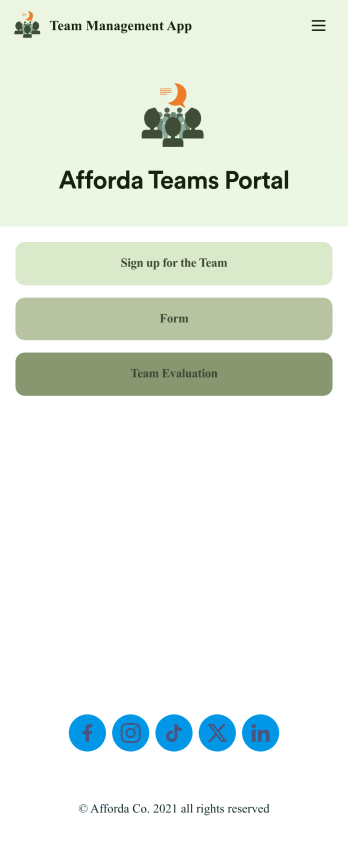
Team Management App
Whether you’re in charge of a sports team, school club, or remote office team, get everyone organized with our free Team Management App! This ready-made app is easy to share and works on any device, so every member of your team can readily access your forms no matter where they are. Teammates can sign up for your team, register for training, and submit evaluations directly through your app.Customize this Team Management App for your team in just a few clicks. No coding required — just drag and drop to create new forms, embed links, upload images, update text, and change app settings to match your team’s needs and requirements. When it’s ready to use, embed the app link in your website or share it with teammates to download the app to their smartphone, tablet, or computer. Bring your teammates closer together with an efficient Team Management App built just for your team!
Go to Category:Management Apps