Table Management App helps restaurants and hospitality teams keep table status, reservations, and seating activity organized in one place. Use it to browse tables at a glance, open upcoming reservations, and maintain a seating log so hosts and managers can stay aligned during busy shifts. It’s a practical fit for dine-in restaurants, cafés, bars, and pop-up concepts that want fewer missed reservations, clearer handoffs, and faster seating decisions across the front of house.
With Jotform you can turn this use case into a mobile-friendly experience using app templates and a no-code app builder with a drag-and-drop interface. Connect your app to forms for data collection, route updates through an approval-style workflow when needed, and keep records organized for quick reference. Share a single link with staff so everyone works from the same real-time view, then customize pages, buttons, and branding to match how your team runs service.
Related templates
Restaurant Health Inspection App
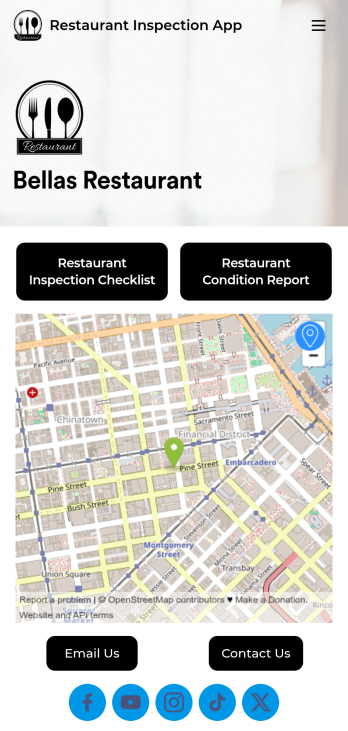
A restaurant health inspection app is used by restaurant owners and managers to record the overall condition of a restaurant. This Restaurant Health Inspection App includes two forms for conducting inspections. The restaurant inspection checklist is for documenting food and safety compliance, while the restaurant condition report is for documenting the condition of the interior and exterior of the building. Both forms include a digital signature box for managers to sign upon completing the inspection. Form data is compiled in an easy-to-read table in your account, and can be viewed and managed from any device. You can also share and export reports with just a few clicks.Customizing your app is easy. No coding necessary — just use our drag-and-drop form builder to add form elements, edit checklists, choose fonts and colors, and upload your own logo. When you’re finished, you can share your app via link, where it can be downloaded on any smartphone, table, or desktop. Keep detailed inspection reports of your restaurant in one convenient location with this free Restaurant Health Inspection App.
Go to Category:Inspection Apps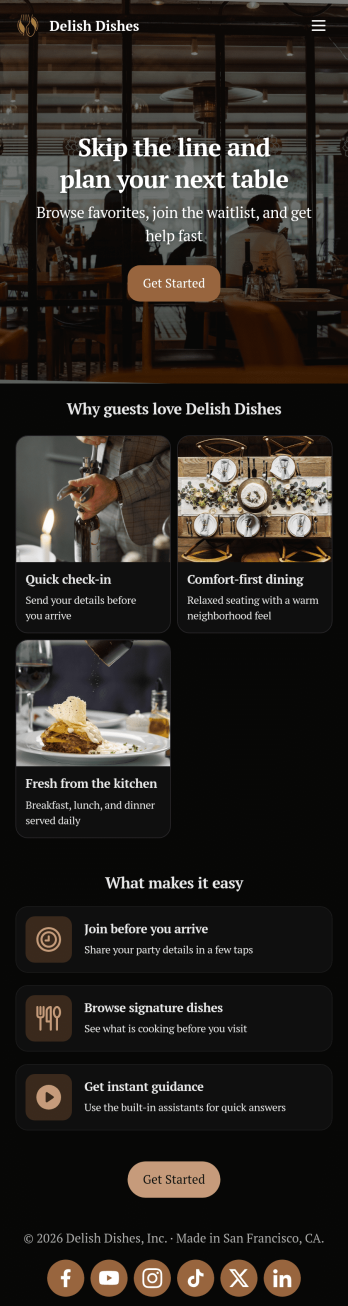
Restaurant Waitlist App
No matter what cuisine your restaurant serves, our free Restaurant Wailist App makes scheduling reservations easy for your customers. This ready-to-use app includes a Restaurant Reservation Form that can be filled out from any smartphone, tablet, or computer. Customers can enter the amount of guests, select an occasion, and add special requests to place their reservation requests. You can then view entries in your Restaurant Reservation Sheet and even set up an automated approval flow with our Restaurant Reservation Approval Process Template.Need more from this Restaurant Waitlist App? No problem — simply use our drag-and-drop builder to make any changes you’d like to this app template. You can add a dropdown calendar to the reservation form, create more forms or surveys, embed links to your menu, upload your logo, and include your branding with ease. When your app is ready to use, display the app link on your website for customers to download onto their own device. Make the reservation process easier than ever with a custom Restaurant Waitlist App!
Go to Category:Booking Apps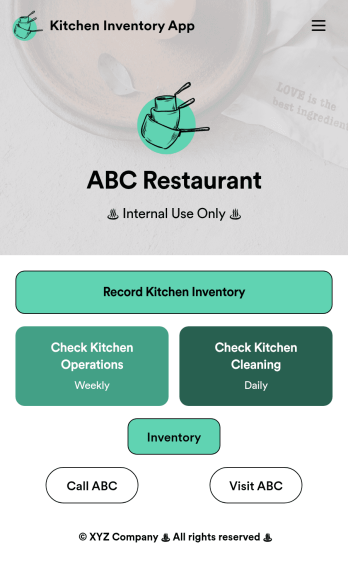
Kitchen Inventory App
Tracking inventory in your kitchen is the key to success for your restaurant. Make inventory a breeze with our free, customizable Kitchen Inventory App! It lets you bundle multiple forms in one app, so you can access our Restaurant Inventory Template and other kitchen forms from anywhere. Supervisors or employees can open the app on any smartphone, tablet, or computer to record stock inventory, report on kitchen operations, and track daily cleaning.This Kitchen Inventory App is ready to use as is, but feel free to make any modifications if necessary. Without any coding, you can add forms, text, images, links, and more. You can even change the name, icon, and splash page for your app for a fully-custom design! Monitor food usage and keep track of your inventory more efficiently with a custom Kitchen Inventory App for your restaurant.
Go to Category:Inventory Apps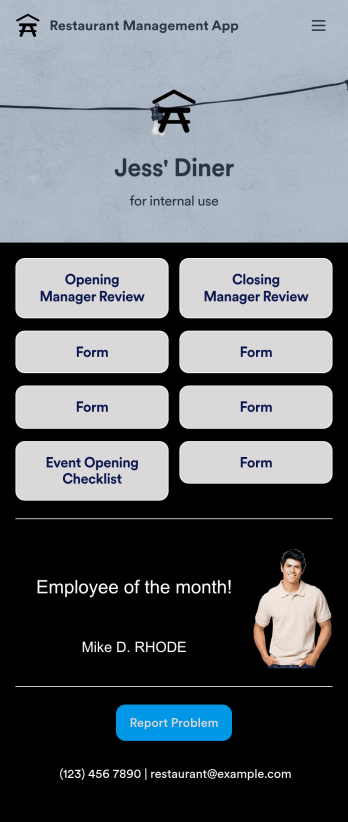
Restaurant Management App
A restaurant management app for internal use makes it easier to track inventory, manage staff, and keep your restaurant running smoothly. No matter what type of cuisine your restaurant serves, build your own app with our free Restaurant Management App template. This pre-made template keeps opening and closing checklists and manager review forms in one place. Members of your staff will be able to open and download the app onto any smartphone, tablet, or computer.Customize this Restaurant Management App for your restaurant in just a few clicks. No coding necessary — simply drag and drop to add or delete forms, text, images, links, and much more. When it’s ready, you can download the app onto any device or share it with members of your staff to save onto their own devices. You’ll receive form entries instantly in your secure Jotform account. Manage all restaurant operations from one place with a fully-custom Restaurant Management App.
Go to Category:Management Apps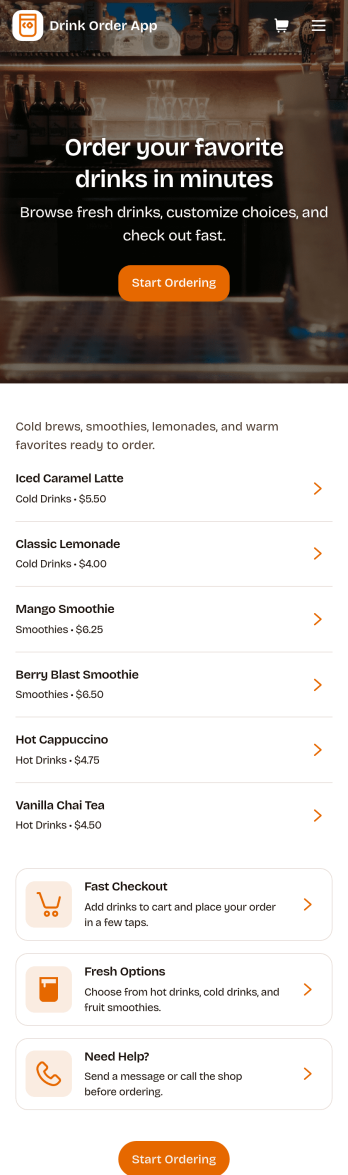
Drink Order App
Drink Order App helps cafés, juice bars, coffee kiosks, concession stands, and pop-up beverage vendors take drink requests in one simple place. Guests can start a quick order, pick items from a product list, and send their request without waiting in line, while staff can keep tabs on what’s coming in through an easy order tracking area. It also supports lighter-touch service moments such as sharing contact options like calling the shop or sending an email message, which is useful for special requests and follow-ups.With Jotform, you can turn this drink ordering flow into a polished self-service experience using App Templates and a no-code app builder. Customize pages with a drag-and-drop interface, connect your order form to workflows that route requests to the right team, and keep data collection organized so orders are easier to review and manage. Publish and share your app through a link or QR code, then update the menu and ordering experience anytime without coding.
Go to Category:Food & Beverage Apps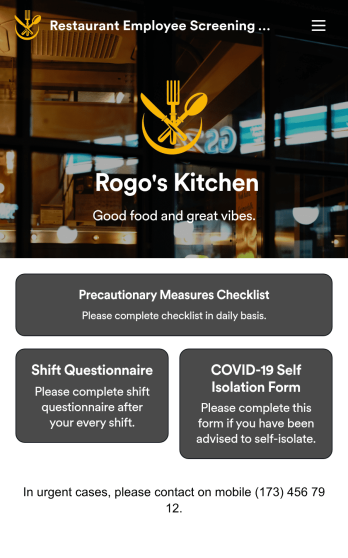
Restaurant Employee Screening App
A restaurant employee screening app is used by restaurant managers to screen employees for COVID-19 before shifts. With Jotform’s Restaurant Employee Screening App — which includes a COVID-19 Self Isolation Form, Staff Shift Questionnaire, and Precautionary Measures Checklist — you can collect all the information and e-signatures you need to ensure a safe environment for both your employees and your customers.Need to make changes to this free app? Add or remove forms, include your branding, and personalize other design elements to make this app work better for you. Employees can then download your app onto any device in a few quick clicks! All form responses are stored securely in your Jotform account and can be protected with HIPAA friendly features. Ditch messy paper forms and get organized with this Restaurant Employee Screening App.
Go to Category:Healthcare Apps