Virtual Calendar App helps individuals and teams capture events and keep a clear view of what’s happening today and what’s coming up next. Use it to collect event details through a simple add-event form, then browse an event list with quick navigation to Today and Upcoming views. It works well for remote teams coordinating meetings, coaches managing sessions, community groups tracking activities, and small businesses that need one shared place to record and review scheduled items without digging through messages.
Jotform makes it easy to turn this virtual calendar into a polished self-service experience with its no-code app builder and drag-and-drop interface. Connect the app to your Jotform form and organize data collection into a lightweight workflow for adding and reviewing events, then share your app by link or QR code so stakeholders can stay aligned from any device. As your needs grow, you can expand pages, adjust navigation, and keep your calendar experience consistent with your branding.
Related templates
Employee Scheduling App
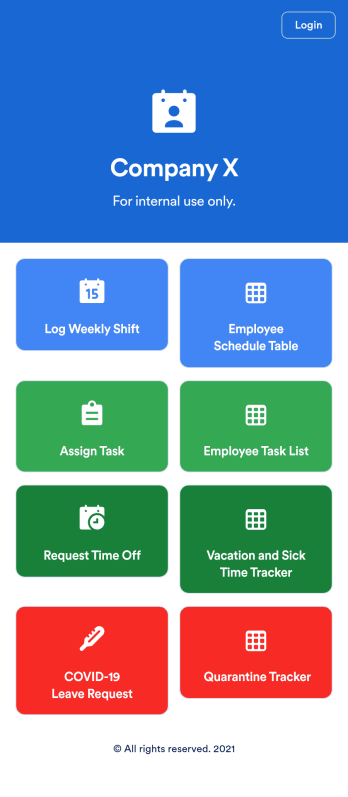
An employee scheduling app is used by company HR, department managers, and employees for keeping track of employee data. This Employee Scheduling App from Jotform comes bundled with four useful forms, allowing employees to log weekly shifts, view assigned tasks, manage leave requests easily with Leave Request Form, and take time off to quarantine from COVID-19 exposures. Each form includes a companion spreadsheet where employee data is stored — allowing managers to easily sort, filter, and search through entries from any smartphone, tablet, or desktop.Make this app template your own with Jotform’s intuitive app builder. Just drag and drop to add or change form elements, edit the content of individual forms, upload your company’s logo, and more — all without any coding. You can also use your app’s splash screen for things like company-wide announcements or listing HR contact information. Once you’re finished, share your app with employees by attaching a link to an onboarding email or embedding it in an employee portal. Streamline scheduling and time-off requests with this fully-customizable Employee Scheduling app that can be downloaded on any device.
Go to Category:Human Resources Apps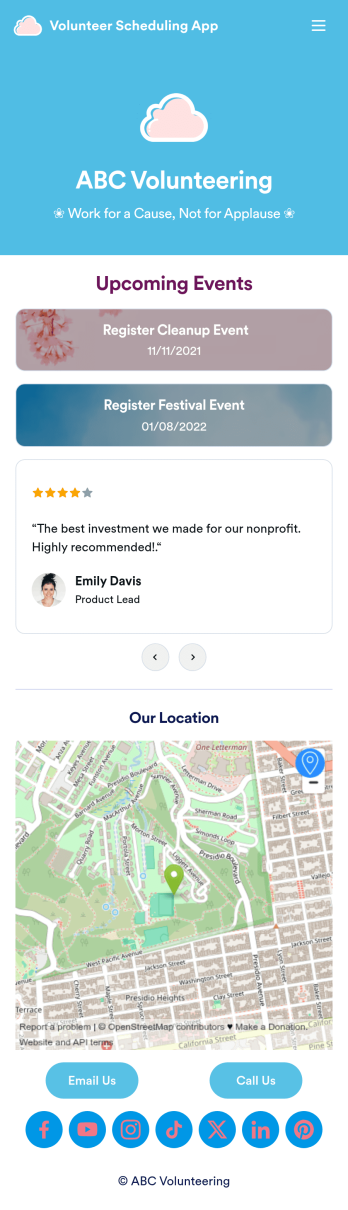
Custom Volunteer Scheduling App
A volunteer scheduling app is used by communities and organizations for recruiting volunteers. Our Volunteer Scheduling App allows individuals to volunteer for upcoming activities and events by filling out a form with their general contact information, availability, areas of interest, and any helpful talents they may have. This app template also includes an interactive event calendar and an event request form. Volunteer registrations are organized in an easy-to-read spreadsheet in your secure Jotform account, where you can sort and filter volunteers by name and availability.Jotform’s drag-and-drop app builder makes it easy to customize this app template to suit your needs. You can add and swap out form elements, choose fonts and colors, upload your organization’s logo, use your splash screen to include testimonials and photo slideshows of past events, and more — all without any coding. When you’re done, share your app by attaching it to an email newsletter, or include a link in your website or social media bio, and volunteers can download your app on any device. Start making real change in your community with this fully-customizable Volunteer Scheduling App.
Go to Category:Nonprofit Apps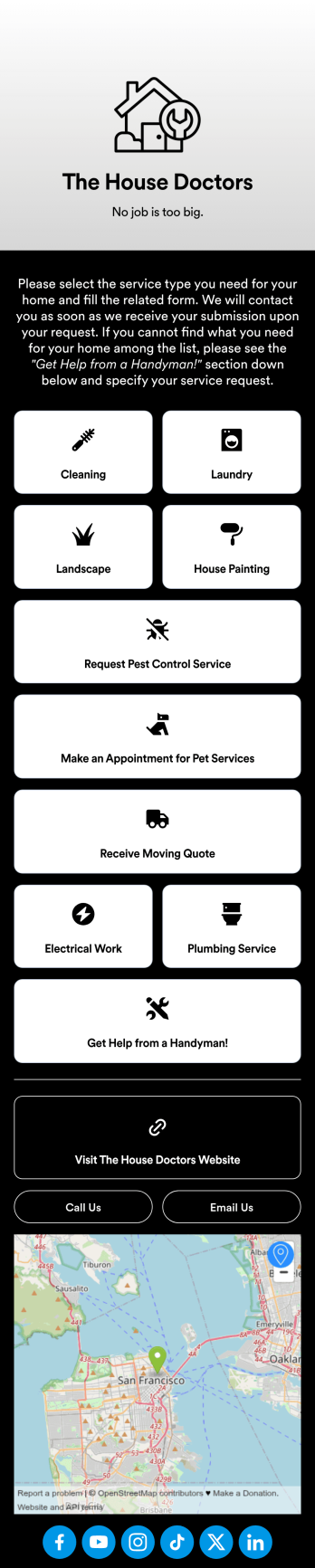
Custom Home Services App
No matter what home services you offer, create a mobile app for your customers with this ready-made Home Services App from Jotform. Clients can download the app to their smartphone or tablet to request cleaning, laundry, landscaping, painting, and other types of services on the go. All form submissions are stored in your Jotform account, so you can respond quickly and easily from anywhere.Want to make changes to this Home Services App? Drag and drop to update the design to match your branding and the services you offer. You can add your logo, change the app background, and more — all with no coding! Once your custom On-Demand Home Services App is ready to go, you can add it to your social media bio or share it with a link for customers to download onto any iOS or Android device.
Go to Category:Booking Apps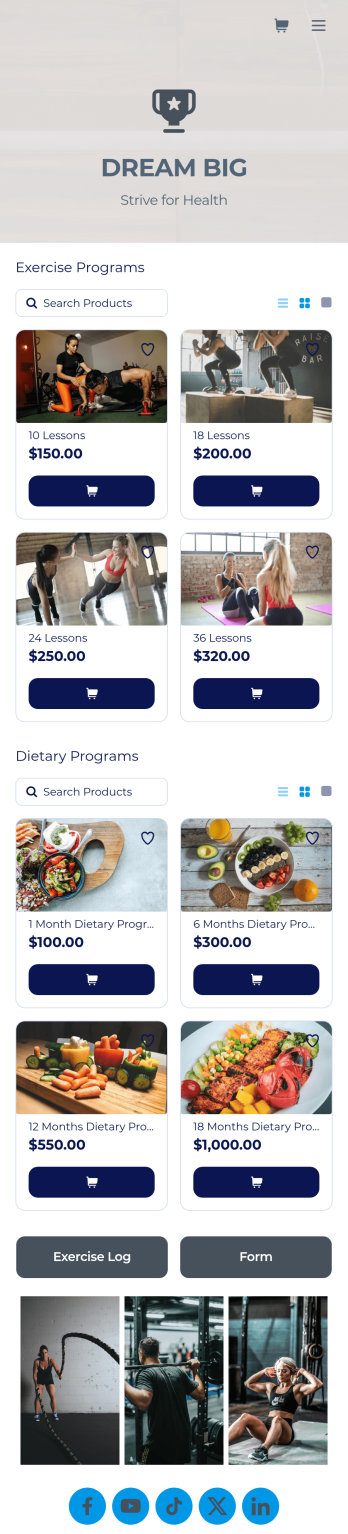
Personal Trainer App
A personal trainer app is used by personal trainers to keep track of information about their trainees. With Jotform’s Personal Trainer App — which can be downloaded on any smartphone, tablet, or computer for easy access — trainees can record their workouts, keep a daily food log, and request appointments for training sessions. All form submissions are instantly stored in the personal trainer’s Jotform account, ready to view instantly on any device.Every trainer does things differently, so be sure to customize your app to add new forms, remove existing ones, include your logo, and add other helpful links, documents, and information. Once you’ve got your app working great for your needs, share the app link so trainees can start recording their workouts. Give clients an easier way to log their training details with this free Personal Trainer App!
Go to Category:Sports Apps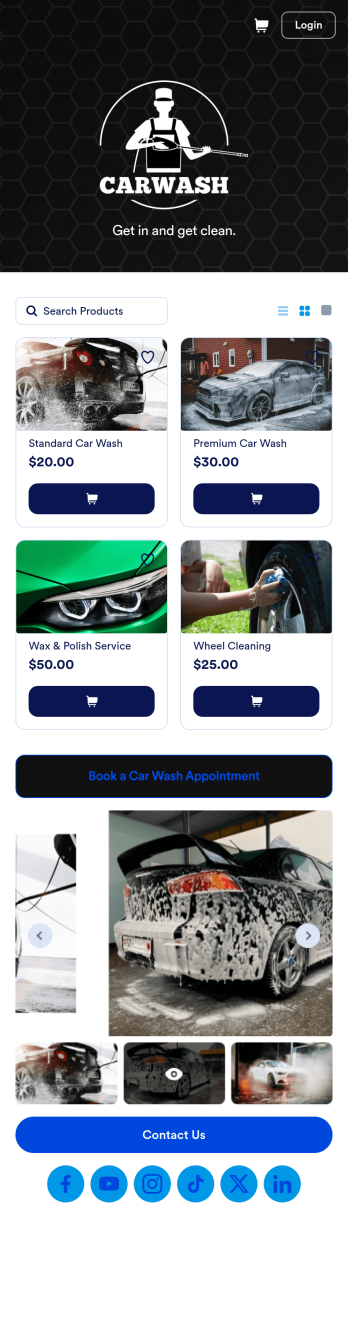
Custom Mobile Car Wash App
Wondering how to sell car washes online? Create a downloadable app for your mobile car wash customers with a free Mobile Car Wash App from Jotform. This app includes a Car Wash Appointment Form so customers can select their preferred date from a calendar and provide other booking details like name, phone number, and their car’s make and model. Also it includes a product list that customers choose a car wash service and make payments. All submissions are sent to your company Jotform account, ready to view instantly on any device.Add your logo, include other forms to collect additional info like e-signatures or payments, and make other design changes by dragging and dropping elements in our intuitive no-code app builder. Once your app is ready to be shared, copy and paste the link or invite people via email so they can download it onto their devices. Stop spending time on phone or email bookings and enjoy a more efficient booking process with this Mobile Car Wash App.
Go to Category:Appointment & Booking Apps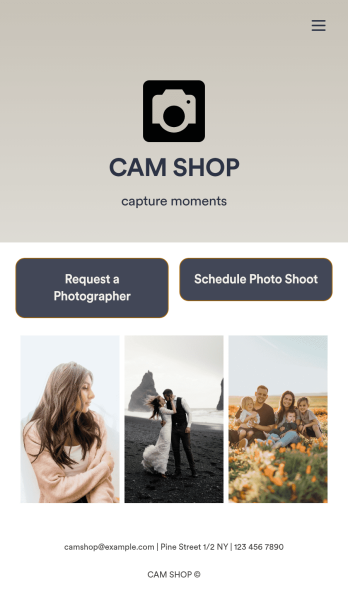
Photography Booking App
Whether you’re an independent photographer or run a photo studio, booking jobs is a crucial part of your trade — so why not make it as simple a possible? This free Photography Booking App allows customers to easily hire photographers and schedule photoshoots all from one location. Customers can fill out general contact information, specify media type and event dates, and include any special instructions about their shoot. Once a photographer is assigned to an event, customers can use a separate scheduling form to specify photograph sizes, add à la carte items, and choose appointment times based on your availability. You can accept form payments directly from your app via credit card, PayPal, Stripe, and more.Need to customize this app to match your studio’s branding? With our drag-and-drop form builder, it’s easy to add or change forms, choose fonts and colors, and upload your logo — all without any coding. You can also showcase your work by adding photographs to your fully customizable splash page. When you’re done, share your app with a link or embed it in your website and customers can start booking appointments right away from any device. Empower your photography business with this Photography Booking App from Jotform.
Go to Category:Booking Apps