
Top customer feedback analysis tools
Customer feedback can help you understand user needs, fix product issues, increase customer satisfaction, and make informed business decisions. You can collect it with customer feedback software, but that’s only half the job.
After collection, you’ll compile feedback from forms and tickets, analyze survey data, and glean customer sentiment from reviews, interviews, and product requests, all to help you understand what your customers are saying.
This guide focuses on customer feedback analysis tools that can help you do just that. Some of these tools primarily handle feedback collection and lightweight analysis, others are customer-feedback intelligence platforms, and still others are more specialized. From this comprehensive list of customer feedback management software, we’re confident you’ll find a useful tool for analyzing customer feedback.
Customer feedback analysis tools at a glance
| Tool | Best for | Standout feature | Pricing |
|---|---|---|---|
 Jotform |
Small businesses, teams & groups collecting feedback via surveys and forms |
Ultimate all-in-one feedback platform |
Free Starter plan; paid tiers $39–$129/month; custom-priced enterprise plan |
 Enterpret |
Scaling SaaS companies with multiple disconnected feedback sources |
Self-building taxonomy |
Custom pricing |
 Chattermill |
Global B2C & direct-to-consumer (DTC) enterprises with millions of monthly signals |
Lyra AI model |
Custom pricing |
 Thematic |
Enterprise customer experience (CX), insight & product teams needing reasoning behind their Net Promoter Score (NPS) or Customer Satisfaction (CSAT) scores |
Impact score |
No free tier; entry-level tier $25,000/year; custom-priced enterprise tiers |
 Dovetail |
Researchers, CX teams, designers & product managers |
Magic AI suite |
Free tier; custom-priced enterprise tier |
 Survicate |
Teams with continuous feedback programs |
Deep integration catalog |
Free tier; paid tiers $89–$569/month |
 Usersnap |
SaaS product and engineering teams requiring real-time visual feedback |
Visual, contextual feedback capture |
Free trial; paid tiers $49–$369+/month; custom-priced enterprise tier |
 Productboard |
CX & product teams wanting discovery, prioritization, and road mapping combined |
Centralized feedback repository linked to other functions |
Free tier; paid tiers $19–$59/month (per maker); custom-priced enterprise option |
 Zonka Feedback |
Small/mid-market CX, support & operations teams needing deeper analysis |
Omnichannel feedback collection |
No free tier; custom pricing |
 Qualtrics XM |
Enterprise CX, research & insights teams |
Enterprise-grade research depth & integration breadth |
No free tier; custom pricing |
1. Jotform
Why it made the list: Jotform is the best of the best customer feedback analysis tools because it lets you collect, organize, and analyze feedback responses quickly, using a flexible, no-code, all-in-one platform.
Key strengths
- Massive template library: Users can access over 20,000 templates, including specialized surveys that calculate NPS and CSAT, so you can start collecting data in minutes. (Learn more about CSAT vs NPS.)
- Tables and visual reports: Jotform Tables automatically populates a database-style table with responses, and the Jotform Report Builder instantly converts the data into pie charts or bar graphs.
- Built-in AI and integrations: Integrated AI agents can summarize customer sentiment and trends, while over 150 online form integrations send feedback to tools such as Slack or Salesforce.
Key drawback
- Limited deep analytics: The reporting suite, while excellent for general metrics and visual charts, lacks advanced qualitative text coding or deep multivariate analytics compared with enterprise CX platforms.
Jotform’s free Survey Analysis Tool is best for small businesses, schools, nonprofits, service teams, agencies, healthcare groups, marketers, and operations teams that collect feedback through forms and surveys. Jotform is the ultimate all-in-one platform for collecting, organizing, analyzing, visualizing, and acting on feedback in a single, cohesive, no-code workflow. Budget-conscious organizations benefit significantly from Jotform’s generous 50 percent discount for educational and nonprofit organizations.
With Jotform, you get multidimensional customer feedback analysis without third-party connectors. Jotform User Feedback Software transitions seamlessly from building specialized forms to launching complete Jotform Surveys that capture NPS, CSAT, and CES (Customer Effort Score); post-purchase, event, and product feedback; customer satisfaction surveys; and more.
Jotform handles themes, sentiment, trends, and reporting by converting raw responses into dynamic visual intelligence. Rather than manually parsing data, you can use the Jotform AI Data Assistant to summarize incoming customer sentiment and isolate trends instantly. For structural analysis, Jotform Form Analytics measures form traffic, conversion rates, and user drop-off points. After data arrives, Jotform Workflow Builder automates the next steps, such as sending custom follow-ups, routing complaints to service teams, or passing data to marketing pipelines. Learn how to create a survey, or jump right into thousands of feedback form templates and customer feedback form examples to optimize data collection.
Pricing
- Starter or free tier: Jotform offers a feature-rich Starter plan, capped at five forms and 100 monthly submissions. It includes Jotform branding and a limit of 10 monthly payment transactions.
- Paid plans: Upgrades with additional features include Bronze ($39 per month), Silver ($49 per month), and Gold ($129 per month), with an annual option that saves up to 24 percent. Jotform also offers an essentially unlimited, custom-priced Enterprise plan.
- Scaling: Fees are tier-based and scale directly with submission volumes, form counts, and lifetime storage requirements (not per-seat costs).
2. Enterpret
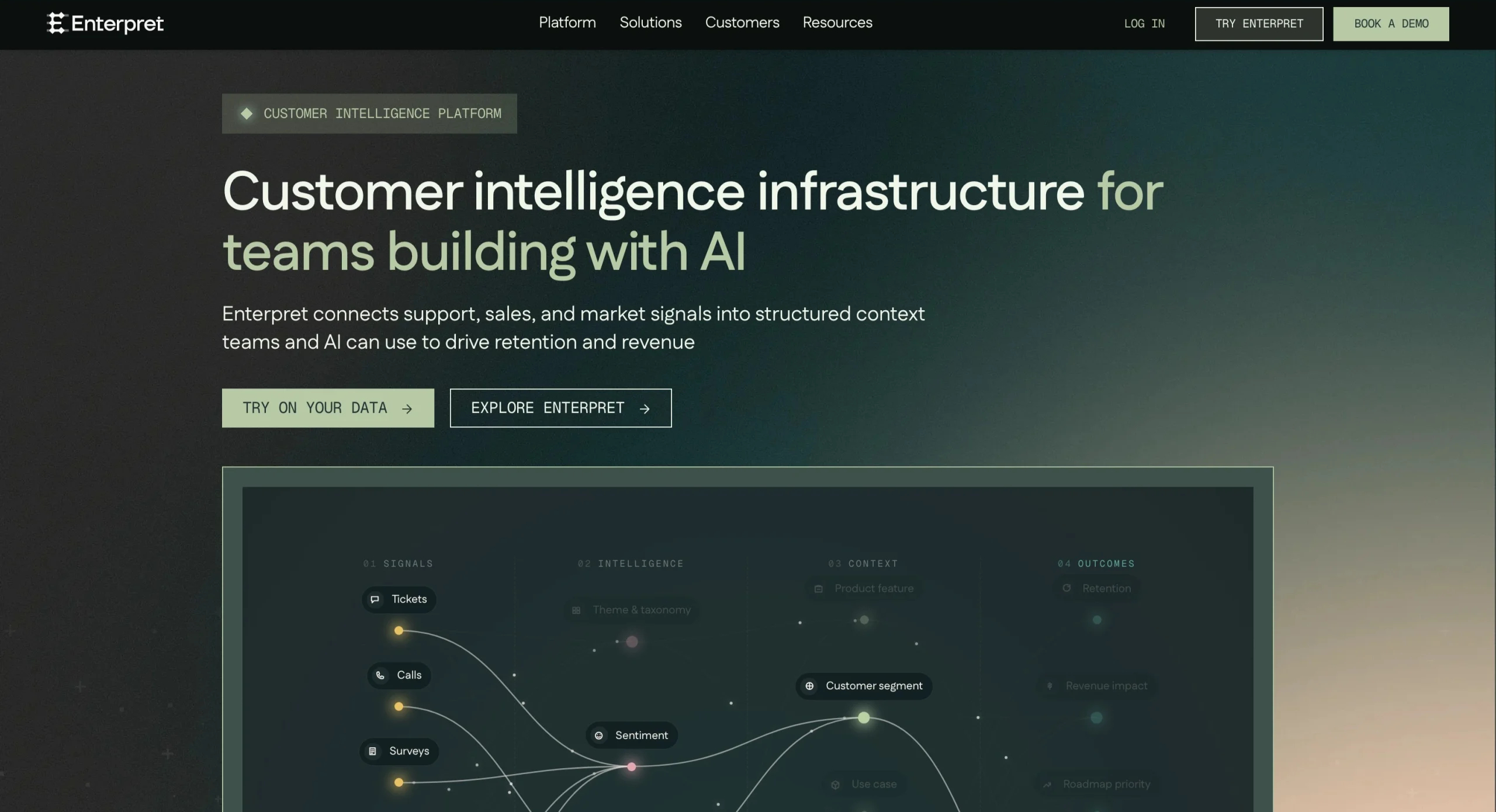
Why it made the list: Enterpret’s purpose-built customer feedback analysis is great for teams drowning in unstructured feedback across multiple channels. More than a survey tool, it’s a Voice of the Customer (VoC) analytics layer atop your existing support, sales, and product data.
Key strengths
- Self-building taxonomy: Enterpret’s Adaptive Taxonomy learns themes directly from incoming feedback and updates them automatically as customer language evolves, saving teams from having to define and maintain categories.
- Revenue-connected insights: Feedback rows connect to user, account, plan tier, annual recurring revenue, and product event data, so you can filter themes by churn risk or deal size instead of just raw mention volume.
- Broad channel coverage with plain-English querying: Enterpret gathers feedback from more than 50 channels, including Zendesk, Intercom, Front, Gong, Salesforce, and HubSpot. Its AI copilot lets nontechnical users ask questions in natural language, saving them from building manual reports.
Key drawback
- Difficulties with setup, learning, and connections: On G2, the most frequently cited complaints about Enterpret are a steep learning curve, a challenging setup, and integration difficulties.
Enterpret is best suited for product, CX, and support teams at scaling SaaS companies (Series B through enterprise) that need to unify feedback from many disconnected sources rather than run a single survey program. Notion, Canva, and Descript use it as their system of record for customer feedback, pulling data from tickets, calls, reviews, NPS or CSAT responses, and community posts.
Enterpret’s taxonomy assembles itself from feedback before applying sentiment and trend detection. Its customer context graph ties themes to account-level revenue data. With a Model Context Protocol (MCP) integration, you can access customer insights in Slack, Claude, and ChatGPT, as well as native dashboards.
Pricing
- Starter or free tier: Enterpret doesn’t offer a free trial or a free tier; every account goes through a demo, sales, and onboarding process before insights start flowing.
- Paid plans: Enterpret provides custom enterprise quotes based on data volume, integration needs, and team size.
- Scaling: Costs increase with feedback volume and number of connected sources rather than per-seat licensing, keeping pricing usage-based as you add more channels or feedback grows.
3. Chattermill
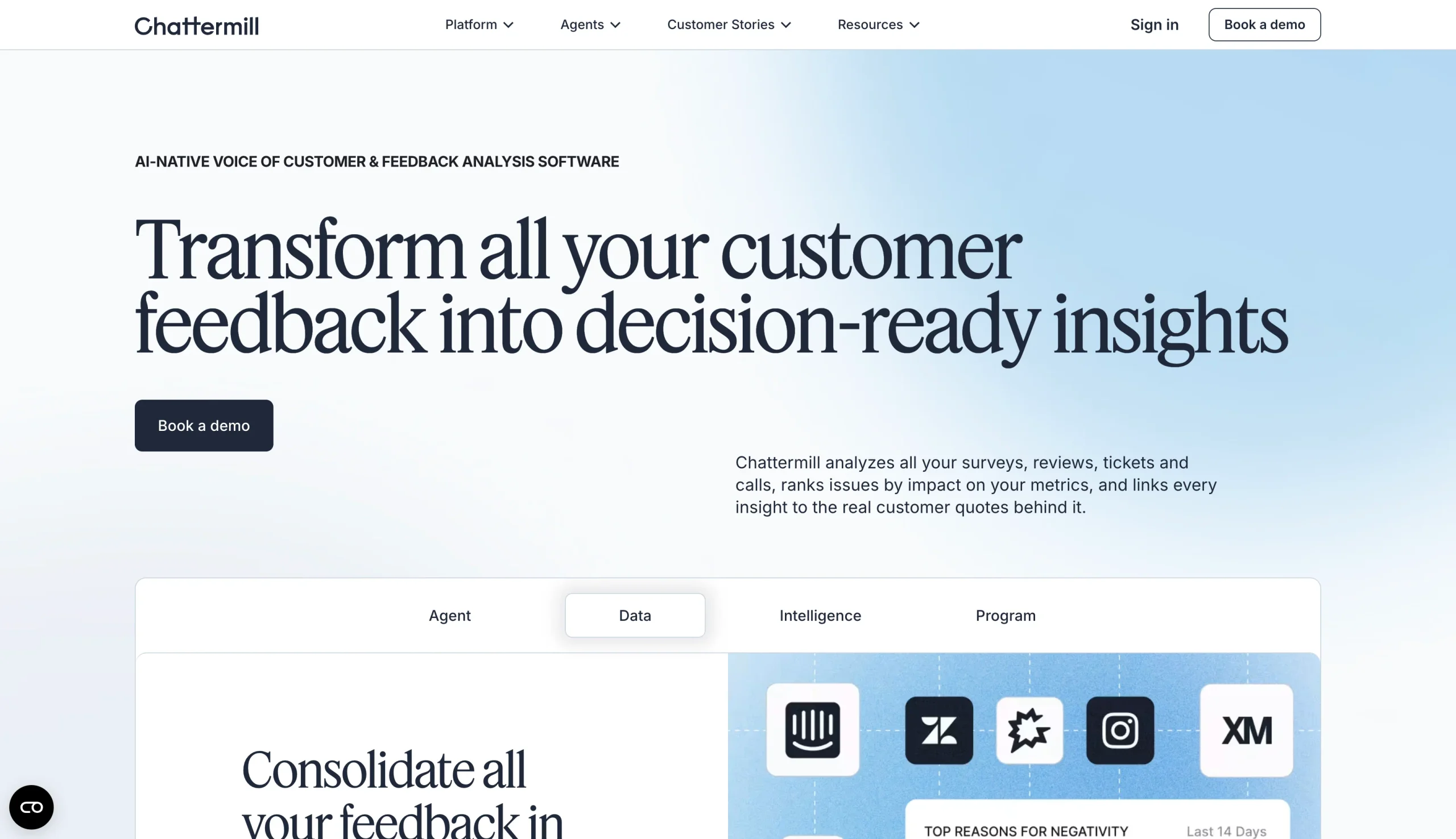
Why it made the list: London-based customer feedback analytics software Chattermill is one of the most established VoC analytics tools on the market. Brands including Uber, Amazon, Tesco, H&M, and Booking.com trust Chattermill for high-volume, multilingual, enterprise-scale text analysis, processing millions of feedback signals daily.
Key strengths
- Lyra AI model: Chattermill’s proprietary AI combines aspect-based sentiment analysis, supervised learning, and large language models (LLMs), so it can explain why an issue is occurring at a granular, topical level rather than returning a surface-level positive or negative score.
- Multilingual, high-volume coverage: The platform unifies surveys, reviews, support tickets, social media, and voice calls in dozens of languages. It connects directly into AI agents through MCP and Skills, allowing you to query verified customer intelligence from Claude, ChatGPT, or any MCP-compatible agent.
- Metrics tied to business impact: Beyond theme and sentiment tagging, Chattermill layers in NPS, CSAT, and retention tracking; anomaly detection that catches spikes before they escalate; and an autonomous Lyra Agent that provides high-impact insights.
Key drawback
- Steep learning curve and high cost: G2 reviewers describe the platform as relatively hard to learn as a new user, and you must negotiate pricing through sales. Chattermill itself recommends a minimum of 5,000 feedback items per month for getting value, so smaller teams without consistent five-figure monthly feedback volume or the budget for an enterprise contract will struggle to justify the cost.
Chattermill isn’t a lightweight survey tool. It’s best suited to large B2C and DTC enterprises that need customer feedback analytics software capable of handling millions of signals a month across regions and languages. Chattermill analyzes surveys, product reviews, support tickets, social media, and voice calls and processes feedback natively in dozens of languages, making it a good fit for global operations.
Chattermill’s Lyra AI model applies aspect-based analysis to themes and sentiment to explain the reasons behind an issue rather than simply scoring it. Once organized, insights connect to NPS, CSAT, retention, and customizable dashboards so CX, product, support, and revenue teams can work from the same data. Its Lyra Agent and MCP/Skills integration extend that intelligence into AI copilots.
Pricing
- Starter or free tier: None. Chattermill doesn’t offer a self-serve or free starter plan, and it requires every account to start with a sales conversation and a demo.
- Paid plans: Pricing is custom based on the number of data integrations and feedback volume. As with Enterpret, Chattermill recommends at least 5,000 responses per month to support the investment.
- Scaling: Costs increase along with data volume and number of integrations. You can add unlimited users at any tier. Enterprise deployments add single sign-on (SSO), dedicated customer success managers, and unlimited feedback channel integrations.
4. Thematic
Why it made the list: Thematic stands out among AI customer feedback analysis tools for its machine learning (ML) models, which discover themes directly from raw verbatims without requiring manual tagging or a taxonomy. They go a step further than most feedback analytics software by quantifying how many points each theme costs you.
Key strengths
- No manual taxonomy required: Thematic’s ML auto-discovers themes and subthemes from unstructured feedback. This removes both the burden of setup and the unconscious bias of human-created keyword models.
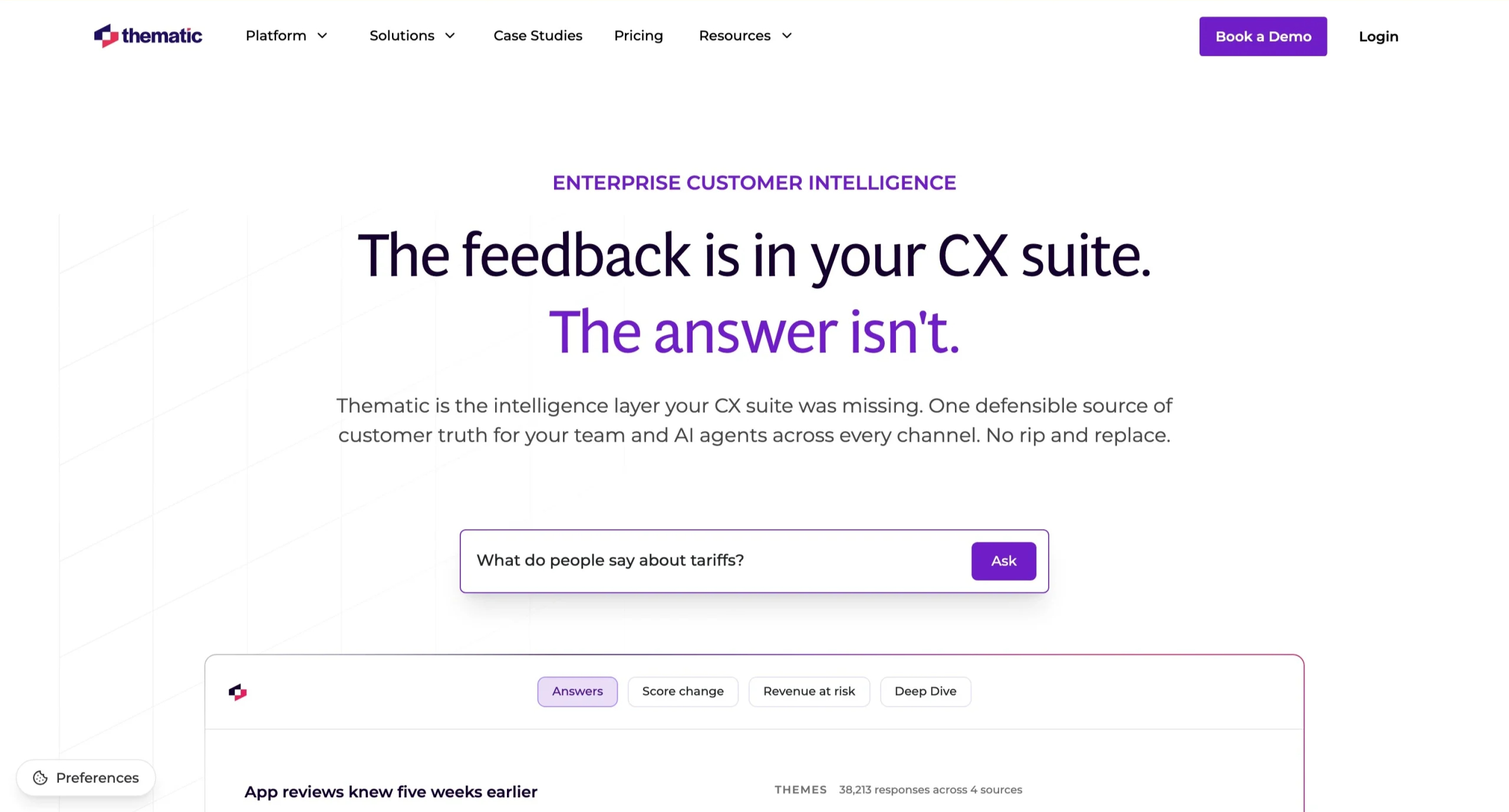
- Impact score: Rather than merely ranking themes by mention volume, Thematic measures the number of points a theme is likely costing you, using your core metric (often NPS), so you can prioritize what needs immediate correction.
- Conversational search “answers”: Anyone in your organization can ask plain-English questions about the full feedback database and receive an answer without needing to know the filters or keywords in advance.
Key drawback
- Muddiness of the Impact score: Although the Impact score is a standout feature, it can also bog you down. Multiple G2 reviewers note that it can be confusing and difficult to justify the figure to company stakeholders: When execs ask those in the trenches how many points an action will influence, the underlying calculations aren’t always straightforward or linear.
This platform is best for enterprise CX, insight, and product teams already running NPS or CSAT programs who want the reasoning behind the score without needing to hire a data science team to build or analyze it. Thematic analyzes surveys, support tickets, call transcripts, reviews, and social feedback. It can process multiple languages, generating regional NPS breakdowns as it goes.
Themes surface automatically through ML without the need for manual setup. The program then scores the themes for sentiment and ties them to an Impact score that links each theme to metric influence over time, which can be useful for proving how well a CX initiative worked. With the Answers feature, the same data becomes a conversational search layer. Aggregation of various channels in shareable dashboards provides stakeholders with a single source of truth.
On the downside, reviewers describe connecting data sources and finalizing themes as a longer process than expected. And smaller teams may find even the entry-level plan inaccessible.
Pricing
- Starter or free tier: No permanent free plan, but Thematic offers a free trial.
- Paid plans: Thematic’s website prices the entry-level Foundation plan at $25,000 per year.
- Scaling: Pricing scales with data volume, feature access, and connected sources rather than per-seat costs. Exact figures require a sales conversation.
5. Dovetail
Why it made the list: Among customer feedback management tools, Dovetail deserves a place because it doubles as a qualitative research repository and an AI-native analysis layer. One of the more flexible feedback analysis tools on this list, Dovetail is a good fit for research-driven teams whose “feedback” comes in as much through interviews and usability sessions as support tickets.
Key strengths
- Feedback beyond surveys: Dovetail imports interview transcripts, sales calls, support tickets, App Store and Google Play reviews, and product usage data, pulling directly from Zendesk, Salesforce, Intercom, Gong, Zoom, and more.
- Magic AI suite: Automatic transcription, tagging, sentiment analysis, and theme clustering enhance an AI chatbot that answers plain-English questions based on your feedback. It can also generate evidence-backed product requirements documents or research reports in seconds.
- Traceable research findings: Teams can link insights to original feedback and share interview clips or highlight reels with stakeholders, making it easier to review the customer evidence behind a recommendation.
Key drawback
- Complicated initial configuration: Many G2 reviewers describe the initial configuration, consisting of creating a tagging system and templates, as more time-consuming than anticipated.
Dovetail works best for UX researchers, product managers, designers, and CX teams that want one system of record for both structured feedback (such as tickets or surveys) and unstructured qualitative data (including interviews, call recordings, or usability tests). It’s ideal for teams that already perform research and want the same repository to handle feedback analysis.
The Magic AI suite auto-tags and clusters feedback into themes and applies sentiment scoring, and AI chat provides grounded answers to plain-language questions. Dovetail turns insights into shareable highlight reels, digests, and AI-generated documents.
Pricing
- Free tier: Dovetail limits free plan users to one project and one channel.
- Paid plans: Dovetail discontinued its self-serve Professional tier; its official public pricing offers two tiers. Its Enterprise tier is custom-quoted and adds SSO, SOC 2/GDPR compliance, and dedicated customer success support.
- Scaling: Because costs scale per seat plus usage add-ons, Dovetail behaves more like a metered research tool than a flat enterprise license.
6. Survicate
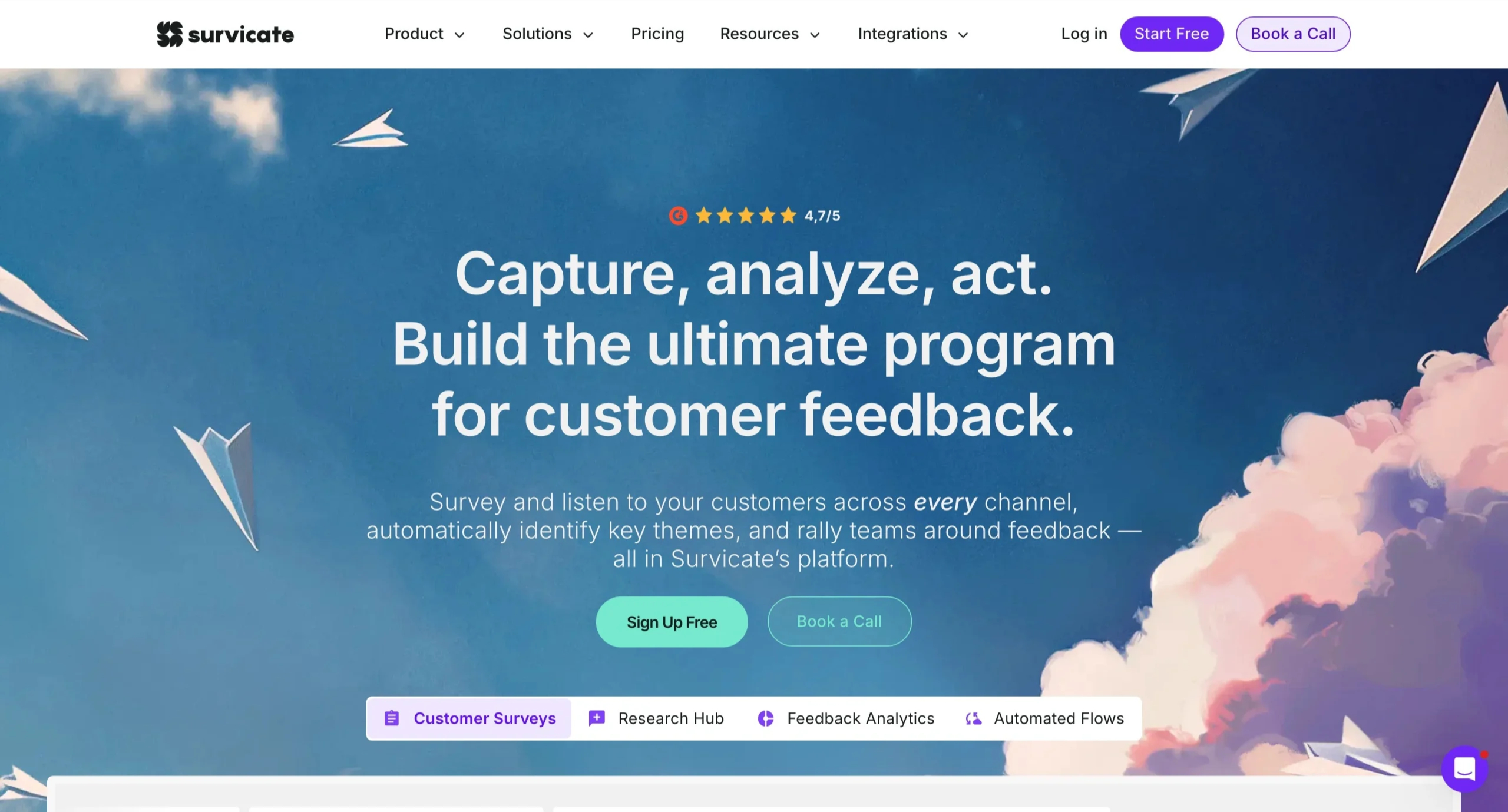
Why it made the list: Survicate is a full customer feedback platform that sends surveys, collects responses from various channels, and categorizes them using AI-powered analysis.
Key strengths
- Channel breadth: Users can complete surveys via web, email, in-product, mobile app, and embed, triggered by specific behaviors, segments, or events. Survicate can also compile feedback from more than 15 external sources.
- Multilingual survey support: Multi-language support extends your feedback collection to a global respondent base.
- Deep integration catalog: Survicate offers more than 40 native integrations, including HubSpot, Salesforce, Slack, and Braze, plus webhooks and an export API. Results flow directly into your entire stack.
Key drawback
- Usage-based caps: Metered pricing based on survey responses and data points can cause costs for high-volume feedback programs to skyrocket; also, some reviewers mention limited survey customization and design flexibility on the lower tiers.
Product managers, marketers, and CX teams with an ongoing feedback program may like Survicate, especially if they want collection and light analysis in a single platform. It’s not as much intended for one-off academic-style research as for continuous feedback loops that sync with your CRM or support stack.
The AI-powered Insights Hub handles sentiment and themes, auto-categorizes incoming feedback, and assigns a sentiment score. Rather than manually filtering dashboards, you can ask the AI Research Assistant conversational questions about your feedback repository.
Survicate bundles collection and analysis into one accessible platform, so you don’t need a separate analytics tool.
Pricing
- Starter or free tier: There’s a free plan for testing at low volume.
- Paid plans: Survicate offers a limited Starter tier for $89 per month. Fuller-featured plans include Growth ($114 per month, with set limits), Pro ($349 per month, with custom limits), and Enterprise ($569 per month, with more customization and features).
- Scaling: Survicate pricing scales by monthly response volume, data points collected, and user seats. Lower tiers charge explicit per-response overage fees if you exceed your monthly allowance.
7. Usersnap
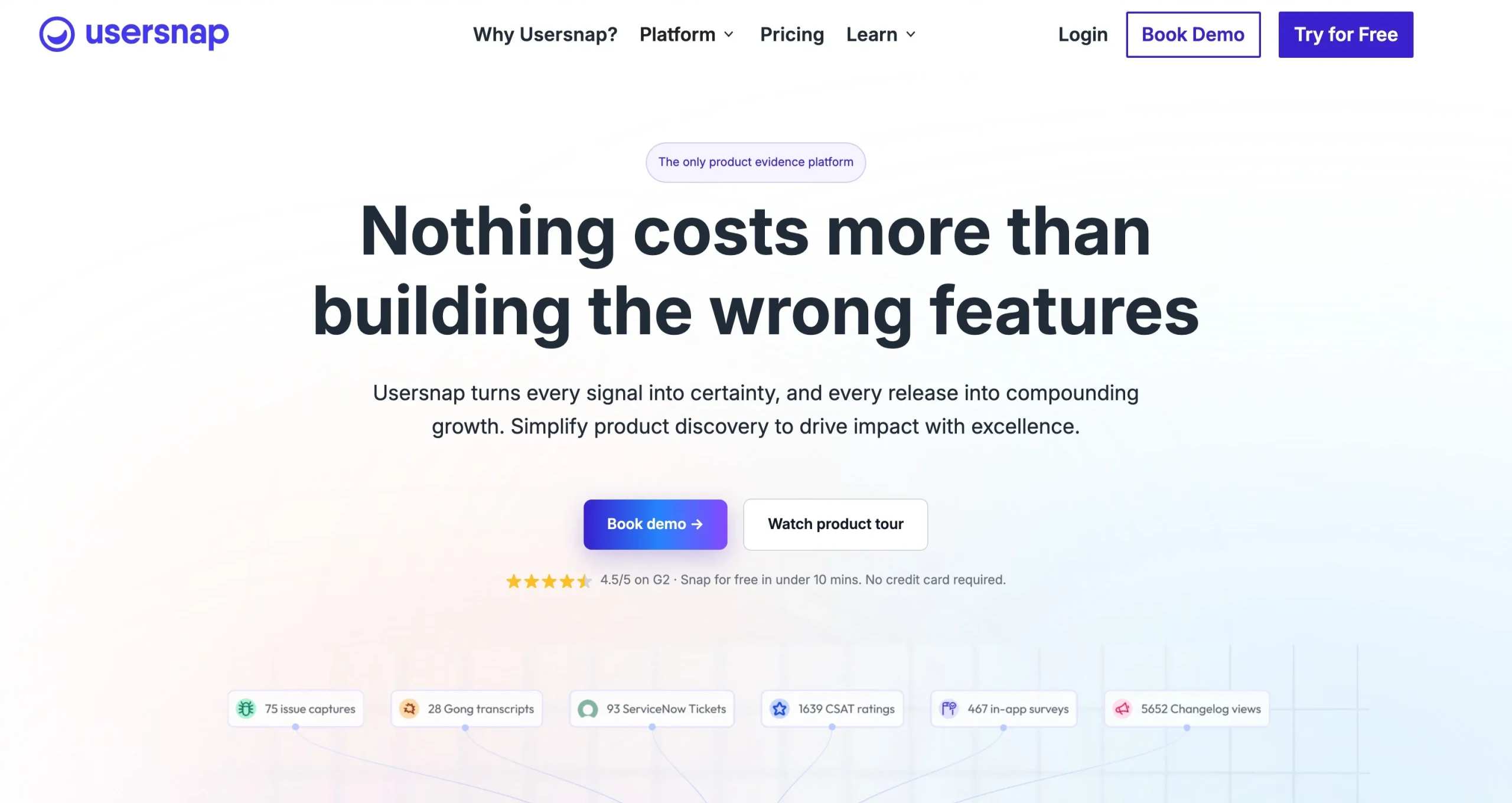
Why it made the list: Usersnap belongs among the best customer feedback analytics tools for capturing visual, contextual feedback that plain-text tools can’t.
Key strengths
- Visual, contextual feedback capture: Embedded inside the product being reviewed, Usersnap captures annotated screenshots, screen recordings with audio, and automatic URL, browser, and device metadata. Your team sees exactly what a user saw.
- One widget, multiple formats: A single embeddable widget provides bug reports, feature requests, general feedback, and microsurveys or NPS.
- Built for developer and product manager workflows: Direct integrations with Jira, GitHub, GitLab, Asana, and more than 20 other tools route incoming feedback into your existing pipelines.
Key drawback
- Shallow analytics: G2 reviewers consistently note that Usersnap excels at triaging and organizing feedback but doesn’t offer advanced user analytics. Also, only the Premium and Enterprise pricing tiers escape Usersnap’s branding.
Usersnap is great for SaaS product and engineering teams that need visual feedback straight from the user’s device, especially for bug reports and UX issues, rather than broad sentiment analysis of thousands of open-text survey responses. If the bulk of your work takes place in Jira, GitHub, or similar dev tools, Usersnap is a natural fit.
Feedback types include visual bug reports, feature requests, general comments, or microsurvey responses, all within a single embeddable widget, with threadable replies for follow-up. From there, you can track items’ statuses via dashboards or kanban boards. A public feedback board allows users to upvote and comment on feature requests.
When you need speed and specificity on bug reproduction, Usersnap delivers submissions with actionable context. If you need deeper sentiment or trend analysis across large volumes of feedback, you may need a more analytics-heavy platform.
Pricing
- Starter or free tier: Usersnap offers a free trial that ends once you collect 20 feedback items; no credit card is required.
- Paid plans: The four paid plans start with the $49 per month Starter tier and progress through Growth ($109 per month), Professional ($189 per month), and Premium ($369 per month and up). Usersnap also offers a custom-priced Enterprise option.
- Scaling: Costs increase with project volume, additional seats, and feature access. Reviewers point out that Usersnap’s pricing structure scales aggressively, creating a jarring cost barrier for growing teams.
8. Productboard
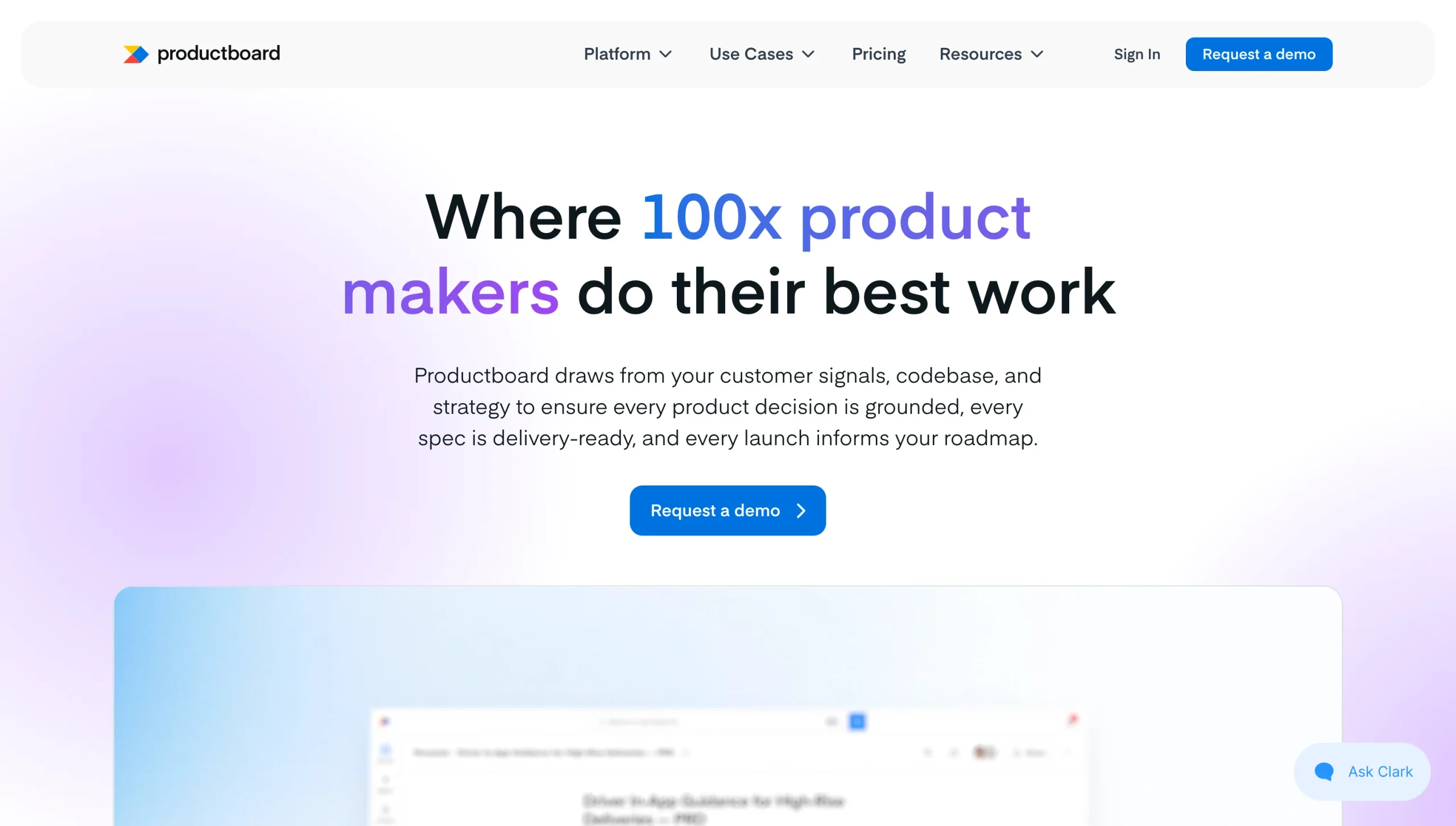
Why it made the list: Rather than just collecting feedback, Productboard links it directly to the road map decisions and feature specs it informs. It’s one of the more product-strategy-native customer feedback analysis tools available.
Key strengths
- Centralized insights tied to road map: Feedback from support tickets, sales calls, and NPS surveys flows into a single repository. You can link individual insights directly to features and prioritize them using customizable frameworks such as RICE (reach, impact, confidence, and effort).
- AI-fueled pattern detection: Spark, Productboard’s AI, handles summarization, theme identification, and semantic search. It also reduces manual tagging by auto-linking feedback to existing features.
- Stakeholder-ready road maps: With Productboard’s visual, shareable road maps and prioritization boards, contributors across the company can vote and comment without needing full paid seats on the platform.
Key drawback
- Steep learning curve and high complexity: Users often find the platform cumbersome and overwhelming. It takes a considerable amount of time for new teams to learn and adopt properly. At scale, the interface feels cluttered.
Productboard often checks all the boxes for product management teams and product operations professionals, often at mid-market and enterprise SaaS companies, that want discovery, prioritization, and road mapping in a single system. It’s also useful for organizations that are scaling.
The platform aggregates feedback from support tickets, sales calls, NPS surveys, and other channels into a central insights repository, where Productboard’s AI surfaces patterns, summarizes clusters of similar feedback, and auto-links new insights to existing features through a credits-based system. Using scoring frameworks including RICE, you can turn raw insights into a prioritized, visual road map.
Pricing
- Starter or free tier: The Free plan provides full Spark access, with 50 AI credits per month. The Business tier also offers a 14-day free trial.
- Paid plans: Besides the custom-quoted Enterprise tier, Productboard offers two paid plans: Plus for $19 per maker, per month, and Business for $59 per maker, per month.
- Scaling: Costs increase with additional features, expanded limits, and number of AI credits per maker.
9. Zonka Feedback
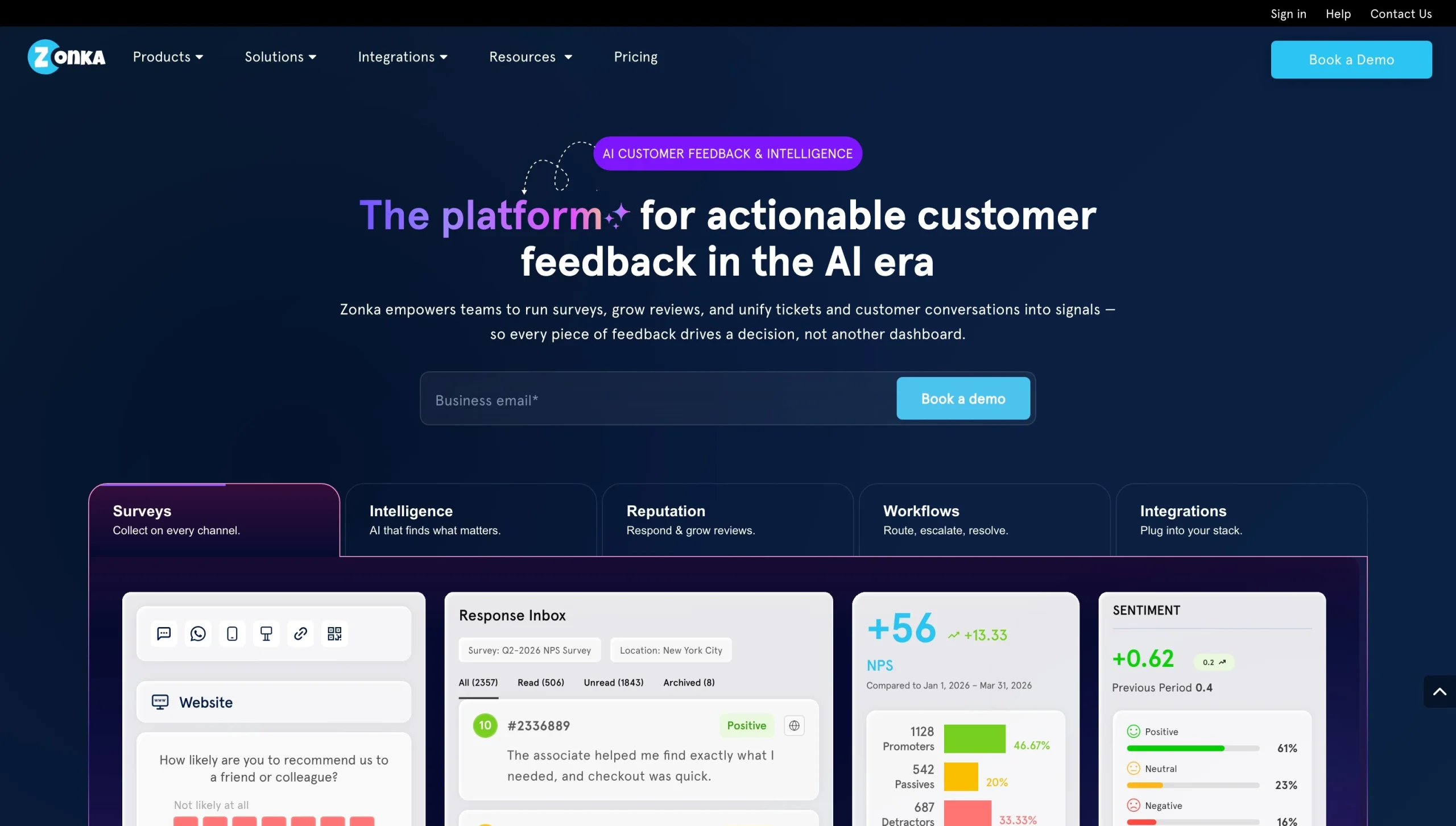
Why it made the list: Zonka Feedback earns its spot among the best customer feedback analysis tools for combining omnichannel survey collection with AI Feedback Intelligence that goes beyond scores and into thematic and sentiment analysis.
Key strengths
- Omnichannel collection: You can administer surveys via email, SMS, WhatsApp, web, in-app, kiosk, and offline modes. More than 50 integrations, including Salesforce, HubSpot, Intercom, and Zendesk, can automate your workflows and create a unified customer view.
- AI Feedback Intelligence engine: Zonka gives you the usual scores, but it takes things a step further with thematic analysis, sentiment detection, impact scoring, and entity recognition. Its “Ask AI” conversational layer lets you request feedback directly, so you don’t need to create manual reports.
- Closed-loop management: Thanks to a centralized inbox, automated case management, real-time alerts, and intelligent routing, flagged feedback reaches its destination quickly enough to prevent churn.
Key drawback
- Paywalled deeper analysis: You can access deeper AI thematic and sentiment analysis only in a significantly pricier tier than base plans. Unless your feedback volume and complexity are high, this is harder to justify.
Zonka Feedback is appropriate for small-business and mid-market CX, support, and operations teams that need omnichannel collection and AI-driven analysis.
Base plans cover NPS, CSAT, and CES with standard reporting. The AI Feedback Intelligence tier adds generative AI-powered thematic analysis, sentiment detection, impact scoring, entity recognition, and role-based real-time dashboards, which show multiple teams only what’s relevant to them.
Zonka unifies a wide range of collection channels, including offline and kiosk modes most competitors don’t support, with built-in closed-loop case management.
Pricing
- Starter or free tier: None. However, Zonka offers a 14-day free trial so you can test the software.
- Paid plans: Both the Feedback Management and AI Feedback Intelligence tiers require a custom quote.
- Scaling: Costs appear to scale based on feature tier and AI usage.
10. Qualtrics XM
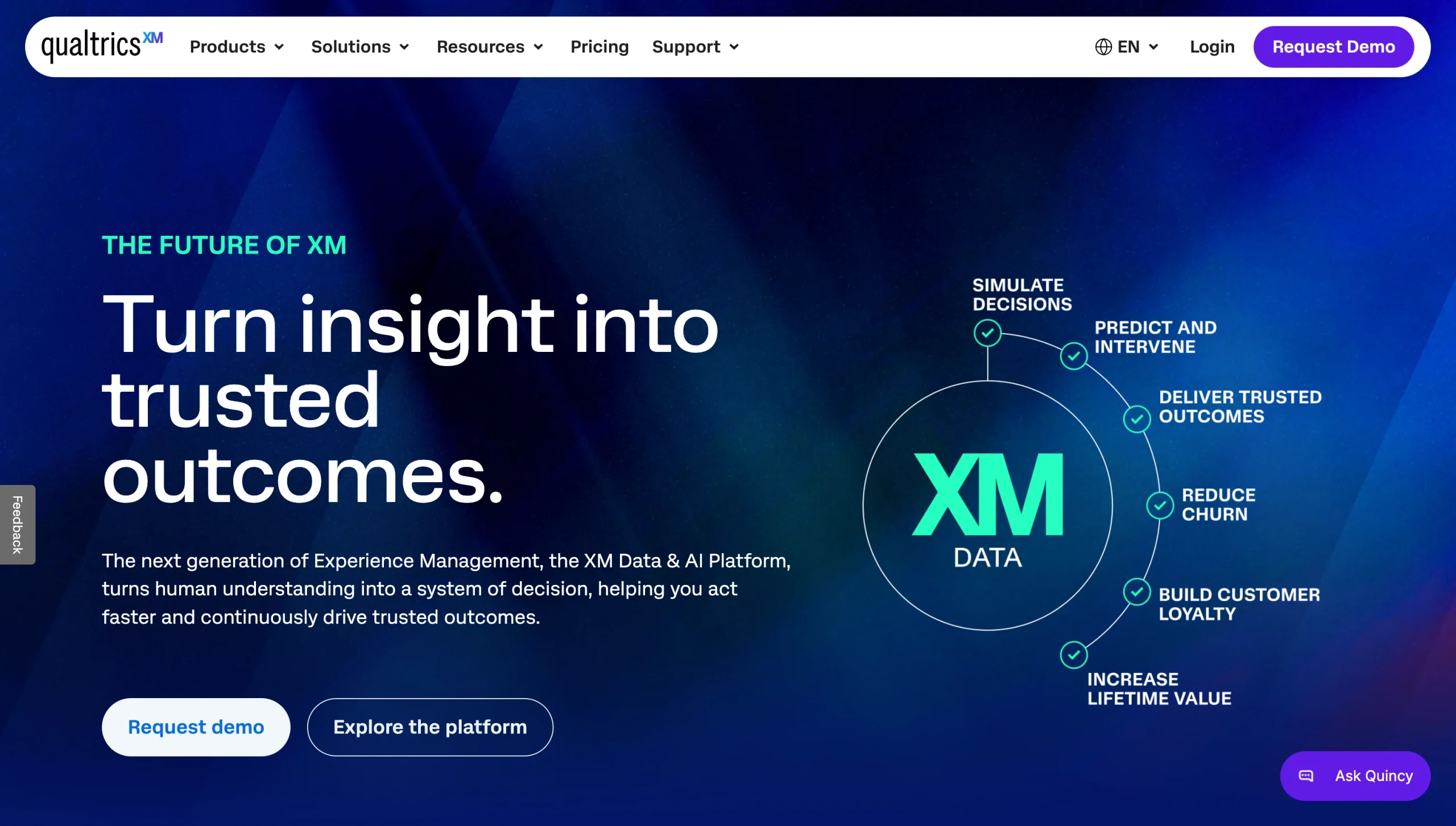
Why it made the list: The last survey analysis tool on our list, Qualtrics XM is the enterprise research heavyweight. It performs research alongside everyday CX feedback. AI-driven analysis processes open-ended verbatims, call transcripts, and reviews.
Key strengths
- Research depth: Advanced survey design, panel management, and statistical analysis through XM for Strategy and Research provide a dramatically larger amount of data than typical CX survey builders. You can run market research and ongoing feedback programs simultaneously.
- XM Discover’s conversation analytics: Qualtrics’ AI layer pulls in cases, chats, call transcripts, emails, reviews, social posts, and community content through connectors. Designer creates topic models from that data, while Studio surfaces dashboards paired with the verbatims behind each theme.
- Enterprise-grade integrations: Qualtrics offers four distinct product families (Customer XM, Employee XM, Product XM, and Brand XM), along with integrations with CRMs, ticketing systems, and analytics platforms such as Adobe Analytics and Google Analytics. You can conduct CX, employee experience, product, and brand research through a single platform.
Key drawback
- Overkill for small teams: This heavy-duty analytics platform with enterprise-grade capabilities may be more than a small team needs. Implementation can take weeks or months, often relies on external consultants or custom logic, and has a steep learning curve, according to reviewers.
Enterprise CX, market research, and insights teams will get the most value from Qualtrics, especially those that need statistically rigorous research capabilities plus standard sentiment tracking. AI add-ons iQ and Predict iQ add predictive insights and automated workflows.
Qualtrics provides a depth of analytics few competitors can match, but anecdotal costs and program complexity reflect that.
Pricing
- Starter or free tier: Qualtrics offers a free survey account with three active surveys and 500 total responses.
- Paid plans: Strategic Research is available for $420 per month, with custom pricing also available.
- Scaling: Costs vary wildly based on product family, user count, response volume, and add-on modules.
How to choose the right customer feedback analysis tool
Out of our list of 10 excellent customer feedback analysis tools, the right choice for your team depends on budget, feedback volume, and types of feedback.
- Choose Jotform or Survicate: If you need an affordable, accessible, easy-to-launch way to collect feedback via forms and surveys, with built-in AI summarization.
- Choose Enterpret, Chattermill, or Thematic: If you need enterprise-grade AI analysis that ties themes and sentiment directly to revenue, churn risk, or account data across dozens of feedback channels.
- Choose Zonka Feedback: If you need omnichannel collection, including physical touchpoints, and AI analysis.
- Choose Dovetail: If your feedback is mostly qualitative and you need a research repository as much as a sentiment tool.
- Choose Usersnap: If you need visual, in-context, real-time feedback for bug reports and UX issues routed into your dev workflow.
- Choose Productboard: If you need feedback linked to road map prioritization and feature planning.
- Choose Qualtrics: If you need enterprise-level statistical rigor and market research alongside day-to-day CX feedback (and budget isn’t a limiting factor).
FAQs about customer feedback analysis tools
The best tool depends on your team’s needs. Jotform provides quick form-based collection, Enterpret and Chattermill offer enterprise-scale AI analysis, and Qualtrics performs deep market research. Evaluate your feedback volume, channels, and budget in making your selection.
Feedback software focuses on creating surveys and collecting responses. Feedback analysis software uses AI to organize that feedback into themes, sentiments, and trends. Many tools, like Jotform, combine both; others specialize in deep analysis of collected feedback.
AI rapidly reads open-ended responses at scale and groups them into themes, scores sentiment, and flags emerging trends. Many tools allow conversational feedback querying, turning raw text into prioritized insights in minutes.
The features your ideal tool includes depend entirely on your needs, feedback volume, team size, goals, and budget. Strong integrations are arguably one of the most important features to seek.
That’s one of their strengths. Rather than merely scoring quantitative questions, these tools use AI to identify themes and detect sentiment in open-text comments.
Absolutely. Jotform AI Agents summarize customer sentiment and find trends in survey responses. Jotform Tables and Report Builder turn raw feedback into visual reports. For form-based, no-code feedback collection, analysis, and visualization, it’s an excellent all-in-one option.
This article is for customer experience teams, product managers, support leaders, marketers, researchers, small business owners, and operations teams that collect customer feedback but need a better way to analyze open-ended responses, identify themes, measure sentiment, spot trends, and turn feedback into follow-up actions.



















Send Comment: