With Jotform, you have different ways to work with your forms depending on how and where you plan to use them. While Jotform Apps and Jotform Mobile Forms may sound similar, they serve different purposes and support different workflows.
One focuses on delivering a complete, shareable experience that brings multiple tools together in one place, while the other is built for collecting and managing form data directly from your mobile device. Knowing how they differ makes it easier to choose the right option based on your setup and how you plan to use your forms.
Understanding Jotform Apps
Jotform Apps is a no-code app builder that lets you create fully customized apps by combining forms, widgets, links, and other elements in one place. It’s ideal for individuals, teams, and businesses that want to organize tools, collect information, and share resources without needing any coding. You can also customize your app’s layout and branding to match your needs, making it suitable for business tools, internal portals, and similar use cases.
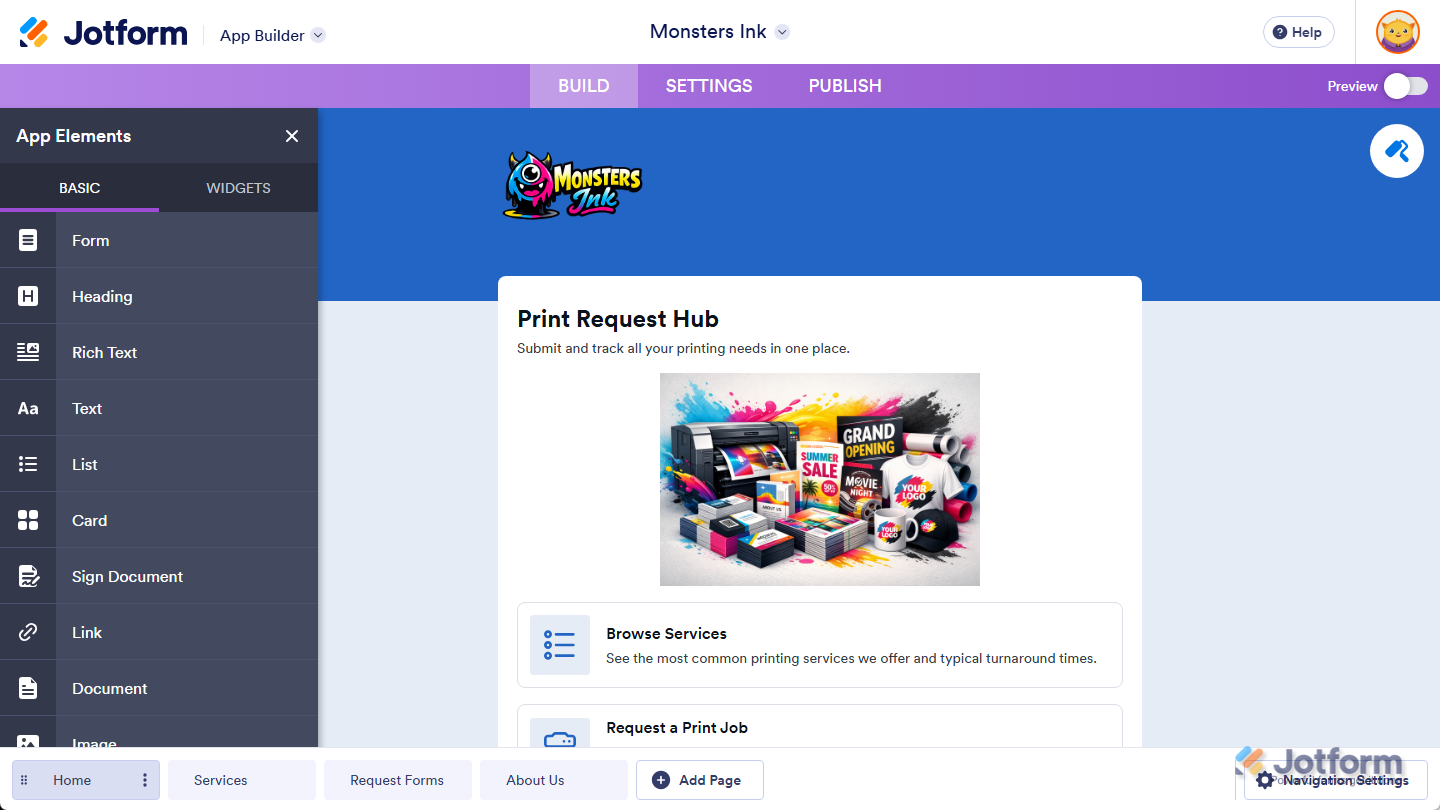
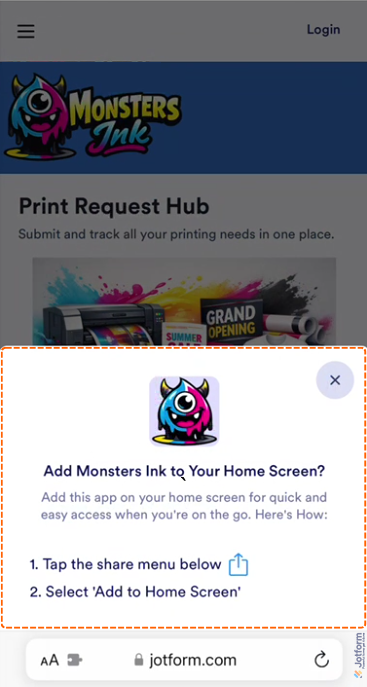
Once your app is published, users can access it across devices and choose how to use it—either by installing it on their device for quick access or opening it directly in their web browser. This makes it easy to share apps and gives users the flexibility to access them in the way that works best for them.
For a full breakdown of how to do it, head over to our guide on How to Create and Publish Jotform Apps.
Understanding Jotform Mobile Forms
Jotform Mobile Forms is Jotform’s mobile app that lets you create, manage, and fill out your forms directly from your smartphone or tablet.
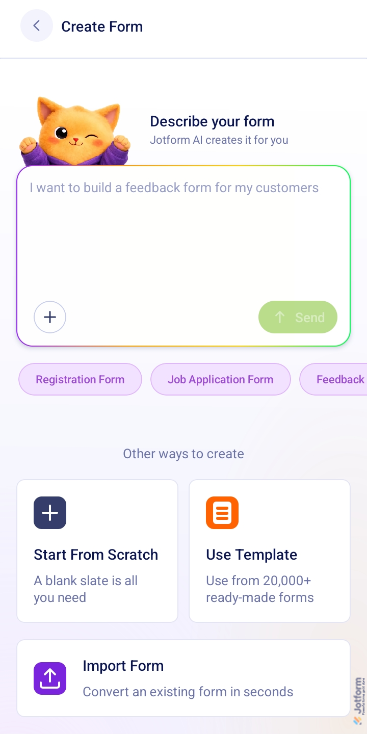
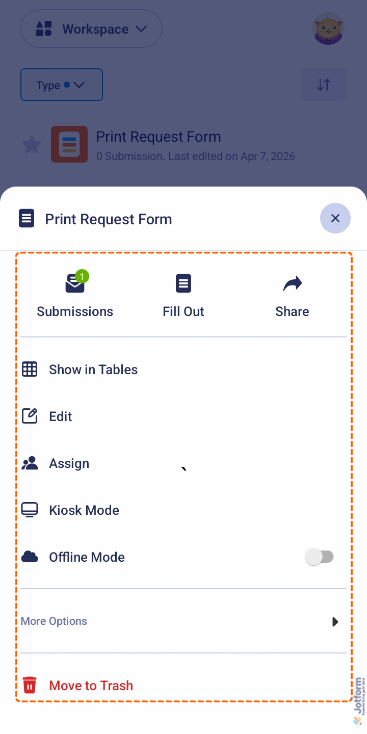
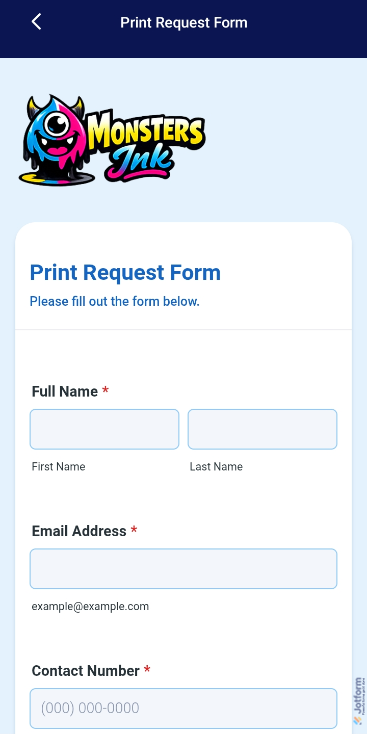
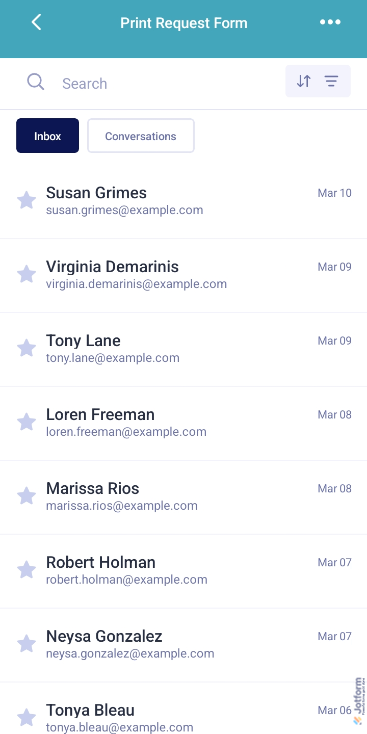
It’s ideal for collecting data, accessing submissions, and working on the go, especially in fieldwork or in-person scenarios.
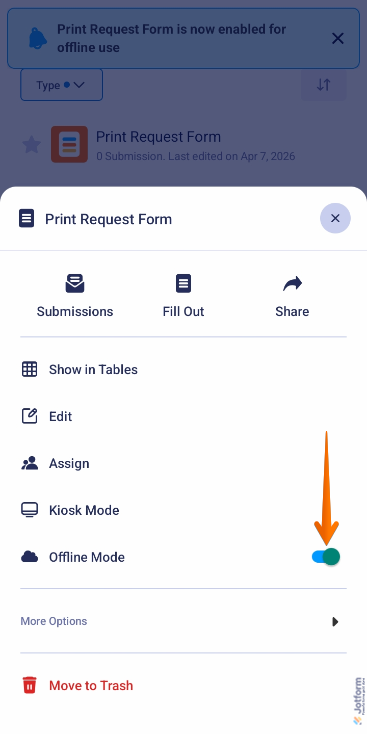
With Jotform Mobile Forms, you can collect responses even without an internet connection and sync them later when you’re back online.
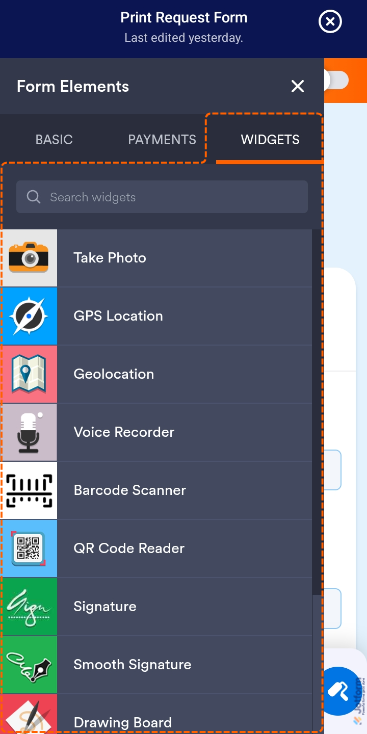
It also supports mobile-specific actions like capturing photos, recording audio or video, scanning QR codes, and collecting signatures, helping you gather information more efficiently in real-world situations.
Want to learn more about what Mobile Forms can do? These guides have you covered:
- How to Create Your First Form with Jotform Mobile Forms
- How to View Your Forms and Submission Data in Jotform Mobile Forms App
- How to Let Users Fill Out Your Forms Using the Jotform Mobile Forms App
- How to Use Jotform Mobile Forms in Offline Mode
- How to Take a Photo and Upload It to Jotform Mobile Forms
- How to Record Audio and Video on Mobile Forms

Send Comment:
7 Comments:
June 3, 2025
In terms of the user experience, is there any benefit to accessing and completing a form using a mobile app rather than just completing the form on the phone using a browser?
March 30, 2024
where do i find products that i have sold
May 2, 2022
Hello, should the jotform I create on the desk version appear the same on a mobile ? It looks fine on my phone but just had someone say that it wont line up on their mobile.
Thx!
March 8, 2022
Is there a way to access or make the app available if offline?
January 2, 2022
Is there a plan to allow me to create more than 1 Jotform App?
November 24, 2021
I have build an App for my Form. After I click the URL on the mobile, it just hang up on the LOADING status. Please assist.
https://www.jotform.com/app/213211726522445
Thanks!
November 17, 2021
I am no longer able to "Download to PDF" for a submission in the mobile app. This is a must have.... please assist....