Certificate of Conformance Template
A Certificate of Conformance Template is a customizable PDF document used to confirm that delivered products, materials, or components align with agreed specifications, purchase requirements, or quality standards. Quality assurance managers, manufacturing supervisors, supplier quality teams, and product compliance coordinators can use it to create clear, consistent records for internal review and external communications. It supports shipment acceptance by giving customers and receiving teams a polished document that accompanies goods and summarizes their conformance status. Manufacturers and suppliers can also use the template when responding to customer certification requests, documenting production outcomes, or maintaining organized quality assurance records across product lines and orders. A standardized certificate helps reduce repetitive document preparation while presenting information in a format that is easy to share, archive, print, and reference later. Whether a business handles incoming materials, finished assemblies, contract manufacturing, or supplier deliveries, this template provides a practical way to turn quality data into a professional certificate that supports smoother handoffs between production, logistics, procurement, and customer-facing teams.
Jotform PDF Editor makes it simple to adapt this Certificate of Conformance Template to your workflow and automatically create polished PDFs from collected form responses. Start with an online form in Jotform Form Builder, then use the intuitive drag-and-drop PDF Editor to personalize the certificate with your company logo, colors, fonts, background, and preferred document layout. Each new submission can populate the same branded PDF design automatically, helping teams create consistent certificates without manually copying information into separate files. You can adjust document size and orientation, create multiple layouts for different products or suppliers, and select custom file names that make archived records easier to find. Share completed documents by email, download and print them in seconds, or automatically send copies to cloud storage services such as Google Drive and Dropbox. Jotform also offers electronic signature widgets for acknowledgments, password protection for private files, blank areas for notes, and autoresponder options that send recipients a copy after submission. With no technical skills required, Jotform PDF Editor turns routine conformance documentation into a faster, more organized, and more professional process.
These templates are suggested forms only. If you're using a form as a contract, or to gather personal (or personal health) info, or for some other purpose with legal implications, we recommend that you do your homework to ensure you are complying with applicable laws and that you consult an attorney before relying on any particular form.
Related templates

Free Construction Contract Template
Generate contracts for your construction company. Easy to customize with our drag-and-drop builder. Convert responses into PDFs. Works on any device.

Partnership Agreement Template
Generate partnership agreements online fast with this free template. Easy to customize. Collect e-signatures on any device. Save time with Jotform Sign.
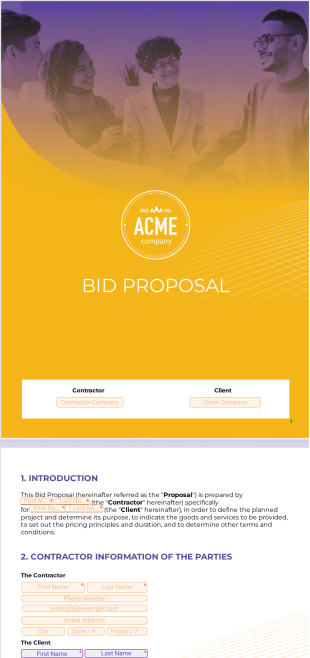
Bid Proposal Template
Create a bid proposal for upcoming projects. Customize the proposal to match your project’s theme. Works on any device — desktop, tablet, or mobile.
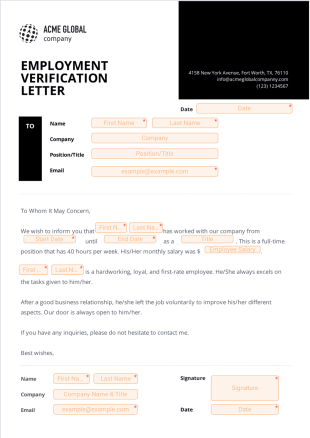
Previous Employment Verification Letter
Gather employment verification letters from your past employers. Create, send, and share. E-sign in seconds. Works on tablets, smartphones, and desktops.

Event Proposal Template
Create, track, and manage event proposals online. Gather e-signatures from any device. Drag and drop to customize the design. Turn into completed PDFs.

Contract Termination Letter
Create a document to terminate your contracts. Works great on any device. Fill out and sign with ease. Customize with our drag-and-drop builder.