

Adopting e-signature workflows offers several benefits for both professional teams and clients alike. They can:
- Simplify contract-based business agreements.
- Save time and money by eliminating routing labor, paper, and postage.
- Accelerate contract approvals with faster turnaround times.
- Protect privileged information via secure electronic platforms.
- Create automated records of client communications.
- Receive reminders and updates based on critical deadlines.
And when you combine them with e-signature CRM integrations, you unlock further advantages. Marrying e-signature workflows with customer relationship management (CRM) platforms like ActiveCampaign improves the overall customer experience by introducing a seamless digital signature process, making contract closures faster and more efficient.
E-signature and CRM integration also eliminates the need to print, scan, or file hard copy documents and reduces the chance that mistakes will occur. The automatic data sync tags contacts, triggers workflows, and updates deal status based on signature events so that everyone knows exactly where a contract stands. All this means that your team spends less time on manual follow-ups so they can focus on more important tasks.
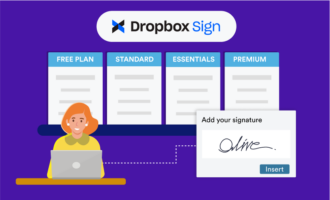
Together, Dropbox Sign and ActiveCampaign create a powerful workflow automation strategy for sales and operations teams across industries. In this article, you’ll learn how to connect the two — as well as an alternative to Dropbox Sign and ActiveCampaign that’s well worth considering.
How the Dropbox Sign ActiveCampaign integration works
What is Dropbox and how does it work with ActiveCampaign? Dropbox is a cloud-based storage service that businesses use for file sharing and project collaboration purposes, while ActiveCampaign’s marketing automation software is aimed at boosting customer connection and engagement. For example, features like ActiveCampaign surveys allow businesses to easily poll clients on their wants and needs.
CRM applications like ActiveCampaign are designed to increase customer communication and satisfaction, but they don’t manage the day-to-day business of running a company. That’s where integrations between platforms come into play.
The Dropbox Sign and ActiveCampaign integration combines file sharing and storage with your customer satisfaction strategies. One way this is accomplished is through the document signing automation process, which tracks client signature requests and prompts them to complete signing tasks.
Here’s how to connect Dropbox Sign with ActiveCampaign and set up an automation:
- Install Dropbox Sign by logging in to ActiveCampaign and selecting Apps.
- Under All Apps, choose Dropbox Sign and begin the installation process.
- Open Dropbox Sign in Connected Apps on ActiveCampaign.
- Make a signature request without changing apps. Automation is triggered any time a signature request is created and marked as In Progress.
- Allow Dropbox Templates to populate frequently used documents with client contact information such as names, addresses, and phone numbers. The integration also allows users to create customized fields specific to their company’s needs.
- View signed and unsigned documents at any time using built-in signature tracking to follow the status of each request.
- See whether signature requests are still active and have undergone client review.
- The ActiveCampaign e-signature workflow automatically sends a reminder message to clients with a pending signature after one week.
- If the signature request is no longer active, the automation process ends.
Limitations of the Dropbox Sign and ActiveCampaign integration
Despite the many Dropbox benefits, there are several obstacles when it comes to using the Dropbox e-signature and ActiveCampaign integration. It’s important for organizational leadership to be aware of these potential limitations and take them into consideration when selecting e-signature automation tools:
- Requires a third-party platform such as Zapier to connect the two applications: Zapier is an automation platform that links web apps and services. It creates an automated workflow by triggering an event in one app that leads to a response or action in the other. For example, a signature request in Dropbox prompts (or “zaps”) ActiveCampaign to send a message requesting a signature. While the automation technology is efficient, purchasing and implementing another platform like Zapier adds to the overall expense and complexity of CRM automation.
- Limited in its ability to sync bidirectionally between the two applications: The Dropbox and ActiveCampaign integration system operates from primarily event-triggered actions that begin in Dropbox and result in a reaction in ActiveCampaign.
- Doesn’t include built-in forms or data collection capabilities: The integration works for e-signature requests and basic data mapping, but it doesn’t offer robust form building, the ability to create advanced office workflows, or full document automation like other platforms.
Pro Tip
Jotform’s Dropbox integration enables a smooth transition for teams that already regularly store signed documents or client files in Dropbox. Switching to Jotform Sign is easy and ensures continuity for your organization when you do decide to make the change.
When a more advanced solution makes sense: Jotform Sign
Companies looking for a flexible, simple alternative to Dropbox Sign with ActiveCampaign are choosing Jotform Sign instead. With the highest number of third-party tool integrations, Jotform is leading the industry in streamlining office workflows. Integrate Jotform Sign with your company’s native CRM automation platform to tap into these features and benefits:
- Trigger automated signature requests by CRM actions, including new leads, tagged clients, and deal status changes.
- Set automatic notifications to go directly to your existing CRM or to email without a third-party tool to maintain.
- Create organizational workflows using Jotform Tables, Jotform Workflows, and Jotform Mobile App.
- Store data collection and signatures for intake forms, contracts, and approvals in one convenient place with Jotform’s ActiveCampaign form integration.
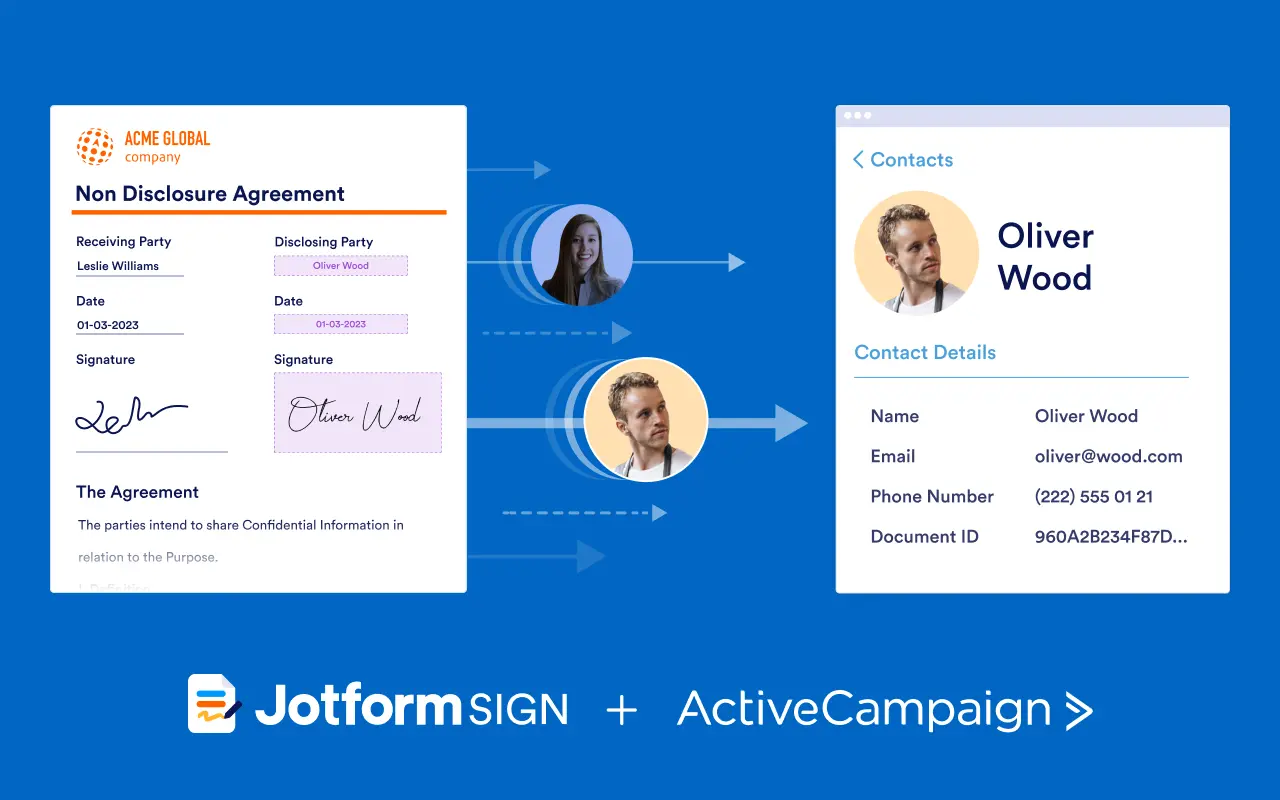
- Combine data and signature collection with document generation, automated record storage, and receipt notification in a single unified platform.
- Personalize Jotform with flexible custom fields, repeated templates, and integrated data workflows while keeping things consistent across teams.
- Scale your use of the platform to the individual needs of your business without involving third-party automation.
- Get started with more than 800 ready-made PDFs and templates.
When to choose Jotform Sign over the Dropbox Sign and ActiveCampaign integration
The Dropbox Sign and ActiveCampaign integration is a good option for teams that are already heavily invested in both platforms. However, if you’re after more flexibility, higher cost savings, and simplified automation solutions that don’t require third-party dependence, consider switching to Jotform Sign for its
- Advanced automation and form-building capabilities
- Simple-to-use drag-and-drop interface
- Customizable fields
- Built-in approval flows
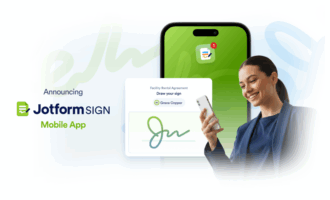
- Mobile e-signature platform
Jotform Sign offers a more powerful alternative for sales teams looking to accelerate their workflows and improve efficiency standards. Offering customizable flexibility and scalability that grows with your organization, Jotform Sign eliminates the tool bloat of having multiple platforms and offers better long-term ROI compared to other CRM integration solutions.
Try Jotform Sign for free and begin automating your entire contract-to-closure workflow today.
This article is for sales and operations teams, CRM administrators, and digital workflow managers who want to streamline contract management by integrating e-signature tools like Dropbox Sign with ActiveCampaign or exploring more advanced, scalable alternatives like Jotform Sign.



































































Send Comment: