

If you’ve ever had to chase down a client or vendor for a signature — whether you’re in real estate, law, or healthcare — you’re probably thankful people now trust and commonly use electronic signature software.
But how do you know which e-signature software offers the best bang for your buck in terms of pricing and features?s
Let’s compare two of the most popular e-signature platforms on the market: Dropbox Sign (formerly HelloSign) vs Docusign.

Benefits of e-signature software
With e-signature software, you get
- Quick, cost-effective convenience for both you and your customers
- Assurance that parties can sign and return documents no matter where they’re located
- Enhanced security, especially if files are encrypted and accessible only to intended recipients
- An environmentally friendly alternative to printed documents
- An essential element of a centralized document management workflow that keeps important documents organized, accessible, and accounted for
But how do you know which e-signature software offers the most benefits? And which e-signature tool is the best bang for your business buck in terms of pricing and features?
Let’s compare two of the most popular e-signature platforms on the market: Dropbox Sign vs Docusign.
Send my document for signature
File type is not allowed.
Maximum file size limit exceeded. (5MB)
Something went wrong.
Dropbox Sign vs Docusign: Overview and features
Dropbox Sign overview
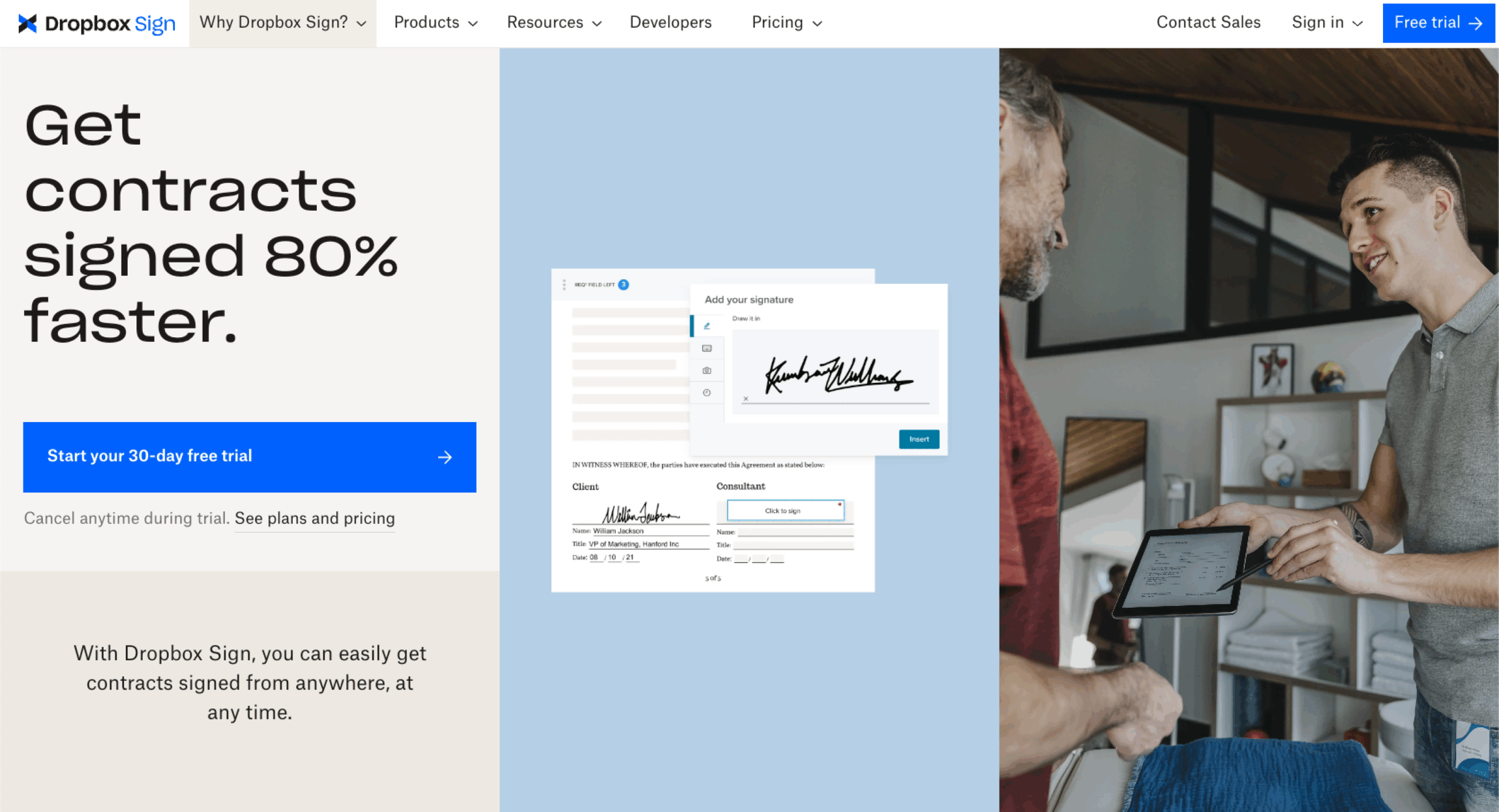
Founded in 2010, e-signature and digital transaction management (DTM) app Dropbox Sign is a one-stop shop for sending, signing, tracking, and storing documents — and it’s accessible on both desktop computers and mobile devices. The fast and robust app is built to meet the compliance standards for signatures in any industry. Available in 20-plus languages and able to integrate with other popular tools (including HubSpot, Salesforce, and Slack), Dropbox Sign simplifies workflows and makes communicating with colleagues, clients, and vendors easier.
With Dropbox Sign, users can
- Collect e-signatures safely and securely with data encryption
- Obtain e-signatures using Dropbox Sign’s website or mobile app
- Close deals faster with automated processes for contract and proposal signing
- Expedite recruitment and onboarding processes with paperless, pre-populated digital forms
Dropbox Sign pros and cons
Dropbox Sign has many helpful features, including
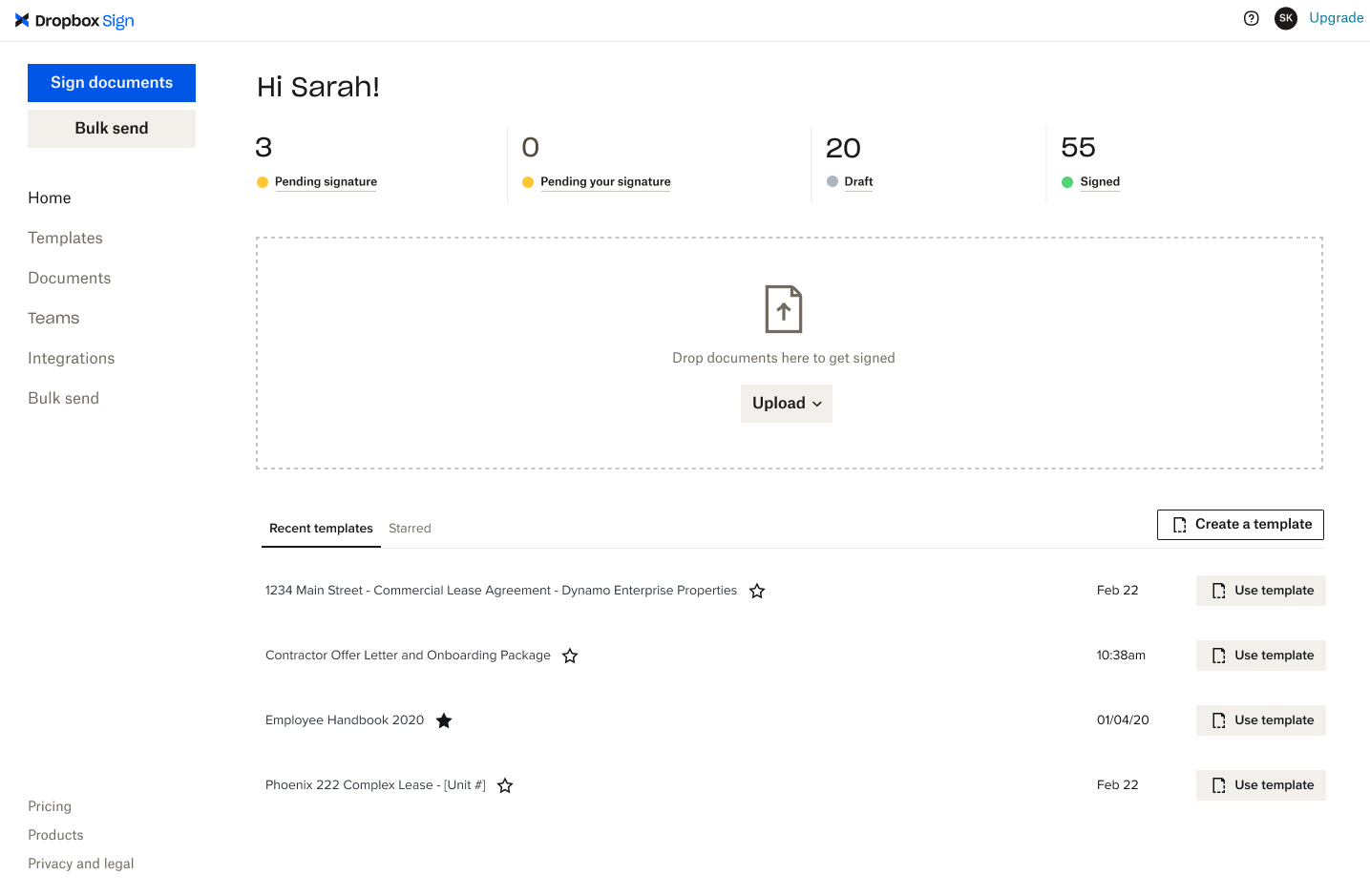
- Drag-and-drop functionality
- A mobile app on iOS and Android
- Multiple signature methods (upload image, draw, or type in handwritten font)
- The ability for users to sign without a Dropbox Sign account
However, there are some cons, such as
- A free trial that requires card information
- Inability to view all font options at once when typing a signature
Important Note
Dropbox Forms, part of Dropbox Sign, was discontinued on September 30, 2025. If you’re looking for a Dropbox Forms alternative, try Jotform to create smarter forms with 20,000+ form templates, 100+ integrations, and an easy drag-and-drop builder.
Docusign overview
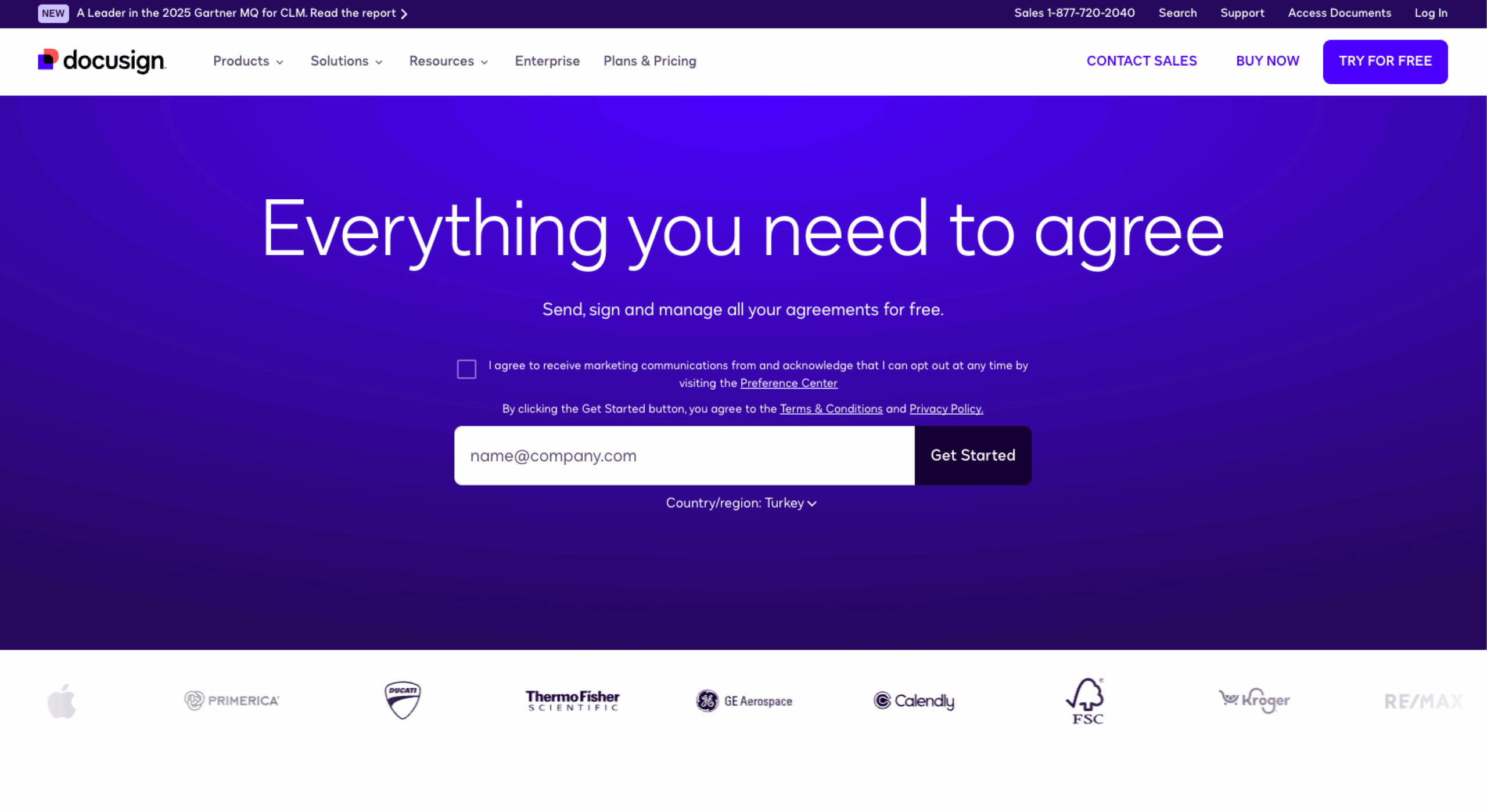
Founded in 2003 as one of the first e-signature apps on the market, Docusign touts more than 1 million customers, 1000-plus integrations, and 44 languages. Docusign collects and manages documents from any device and location, streamlines workflows, and provides audit trails. With some of the world’s biggest brands as customers (like Apple, Santander, and Aetna) users can be confident their e-signature documents are in capable hands.
With Docusign, users can
- Send, sign, and notarize digital documents
- Route documents to assigned workers to organize internal workflows
- Automate tasks, manage risk, and strengthen compliance using Docusign’s contract lifecycle management and dynamic AI features
- Create and edit contracts using a library of customizable, reusable templates
Docusign pros and cons
Having provided e-signature services for so long, Docusign has many pros, such as
- A mobile app for iOS and Android
- A free trial that doesn’t require a credit card
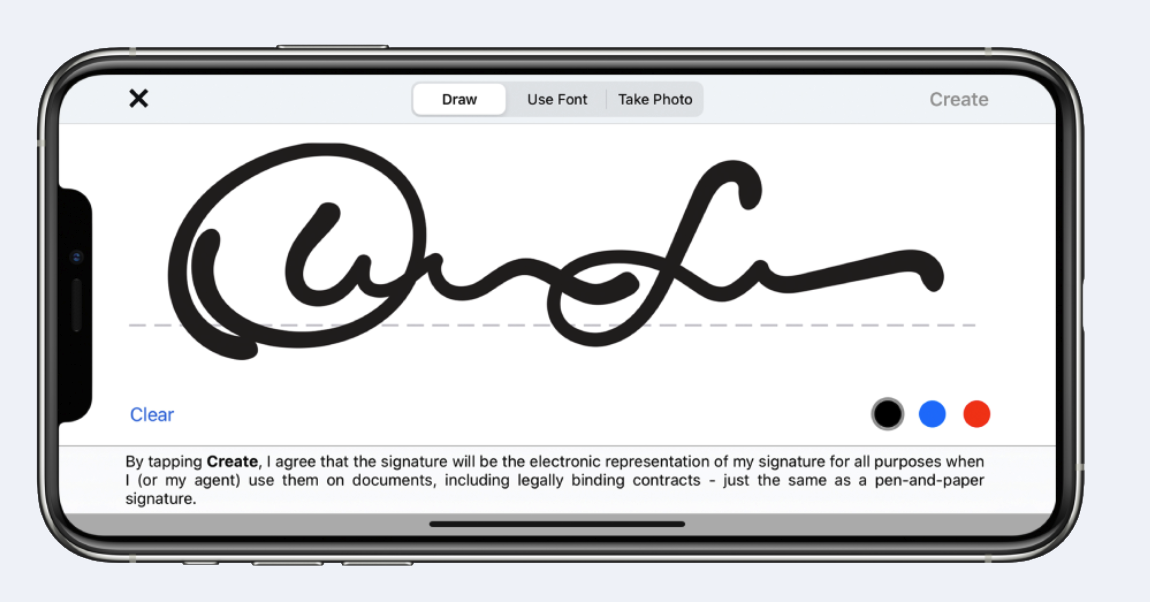
- Multiple signature methods (upload image, draw, or type in handwritten font)
Some Docusign cons include
- Limited signature requests per month on lowest tier plan
- A lengthy registration process
Pro Tip
Try Jotform Sign Mobile to sign, send, and track documents on your phone, collect in-person approvals, and track status in Sign Inbox.
Dropbox Sign vs Docusign: Pricing
Dropbox Sign and Docusign offer many similar features, but they differ a bit in cost and number of plan options (though they both offer free 30-day trials).
Dropbox Sign has four plans: an Essentials package ($15 per month), Standard ($25 per user per month), and Premium (custom pricing). While all three main packages offer unlimited signature requests, their primary distinctions are with the number of users and templates included as well as access to powerful integrations like Salesforce and SharePoint.
Docusign, on the other hand, offers four plans: Personal ($10 per month), Standard ($25 per user per month), Business Pro ($40 per user per month), and Enhanced (custom pricing). Like Dropbox Sign, all of Docusign’s packages include some of the same features, like real-time audit trails and reusable templates. The higher the tier, the more features users can access, such as team reports, customized branding, SMS identity authentication, and payment collection capabilities.
Dropbox Sign vs Docusign: Security
Dropbox Sign’s security features include
- AES 256-bit encryption
- Audit trails
- Role-based permissions
- Compliance with standards like HIPAA and GDPR
Docusign’s security features include
- AES 256-bit encryption
- Email, access code, knowledge-based, and SMS identity authentication for signers
- Audit trails
- Tamper-sealed documents
- Configurable security features
Dropbox Sign vs Docusign: Integration capabilities
Dropbox Sign integrates with a number of digital tools across four categories:
- Connectors
- Productivity
- File storage and collaboration
- Customer relationship management
Docusign integrates with over 400 digital tools, including
- Microsoft apps
- Salesforce
- Zoom
- Stripe
Dropbox Sign vs Docusign: Support
Dropbox Sign offers different forms of support depending on the plan your organization has:
- Help center (All plans)
- Email (All plans)
- Live chat (Standard and Premium plans with paid add-on)
- Phone (Standard and Premium plans with paid add-on)
Docusign structures their support differently. When you purchase a subscription, you automatically enroll in their Standard Support Plan, which offers
- Docusign support center
- System availability monitoring
- Online case management
- Target initial response time of less than 24 hours
Outside of this plan, you can upgrade to
- Plus Support Plan, which has the above features as well as phone support, technical support, and a target initial response time of less than six hours
- Premier Support Plan, which offers the above features as well as a target initial response time of less than four hours, emergency support within an hour of contact, and prebuilt connector and API integration
- Enterprise Premier Support Plan, which has the above features as well as a target initial response time of less than two hours and emergency support within 30 minutes of contact
Dropbox Sign vs Docusign: Ratings and reviews
On the popular review site Capterra, Dropbox Sign is rated 4.8 based on more than 1,400 reviews.
“Not only do we use it for our internal HR and hiring needs, but we also have [Dropbox Sign] integrated into our software so that our customers can sign their contracts without any issue. [Dropbox Sign] offers reminder emails and also sends completed forms to all parties. It’s so easy to use and maintain and super customizable… We were using Docusign, but [Dropbox Sign] was a much more competitive price and offered the integrations we needed.” –Sarah Y.
Docusign is also rated 4.8 on Capterra based on more than 8,500 reviews. “I was just mentioning to someone last week how Docusign has revolutionized our contracts process. What used to require a ton of paper, fed-ex [sic] overnight packages, and things being signed in three or four copies has now all been done away with. If it’s one signer or a dozen, Docusign makes it super easy. The auto-reminder emails are really helpful, too. …We sign a lot of contracts, and the signers are usually busy folks who don’t have time to print and scan and email. If we’re lucky, they had a secretary or assistant who could shove a contract in front of them for a signature, but that wasn’t usually the case. With Docusign, a few clicks have a contract signed sealed and delivered.” –Michael W.
Dropbox Sign vs Docusign: The better choice for your business
As Dropbox Sign and Docusign are fairly comparable in overall features and cost, it’s helpful to consider your goals and needs.
- If you process a high volume of documents — perhaps in law, accounting, or real estate — choose Dropbox Sign. It offers more features than Docusign in its less expensive plans.
- If you’re looking for powerful customization and integrations, choose Docusign. It offers more integration options than Dropbox Sign at more affordable prices.
- If you’re looking for customer support, you can go with either Dropbox Sign or Docusign. They both offer email support with their basic plans and Docusign offers chat support as well. If you like faster response times and live agents, check out their higher-tier support plans. Dropbox Sign and Docusign’s additional support plans require you to call for pricing.
Dropbox Sign vs Docusign alternative: Jotform
Before you make your final decision between Dropbox Sign vs Docusign, consider one more option: online form builder Jotform.
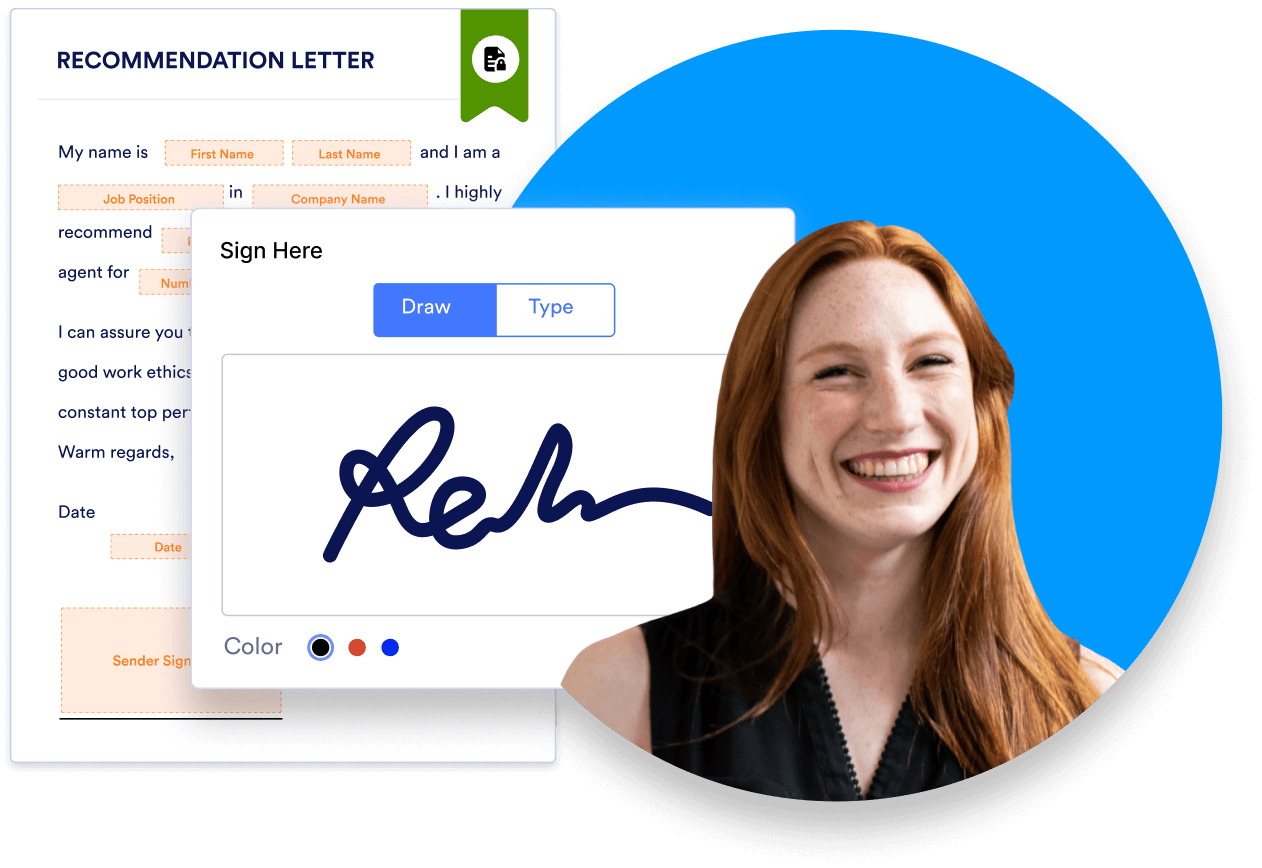
Your forms can become even more powerful with Jotform’s latest product, Jotform Sign. Now you can easily create secure documents with the Jotform Sign Builder. Just drag and drop signature elements into a form or document.
Just like Dropbox Sign and Docusign, Jotform Sign is compliant with the E-Sign Act and UETA. When you’re ready to share a document for signature, you can embed it on your website or send a link to your signers. Once it’s signed, you’ll receive a notification via the email address associated with your Jotform account. You’ll also receive an auto-generated audit trail, showing you who signed your document and when.
To close deals faster and streamline your document management, you need accessible e-signature software that offers features for both employees and customers. With a flexible tool like Jotform Sign, you have everything you need to collect e-signatures quickly and securely.
AS ALWAYS, CONSULT AN ATTORNEY BEFORE RELYING ON ANY INFORMATION ON THIS PAGE. THE CONTENT ABOVE IS FOR INFORMATIONAL PURPOSES ONLY. JOTFORM IS NOT PROVIDING LEGAL, FINANCIAL OR OTHER ADVICE.


































Send Comment: