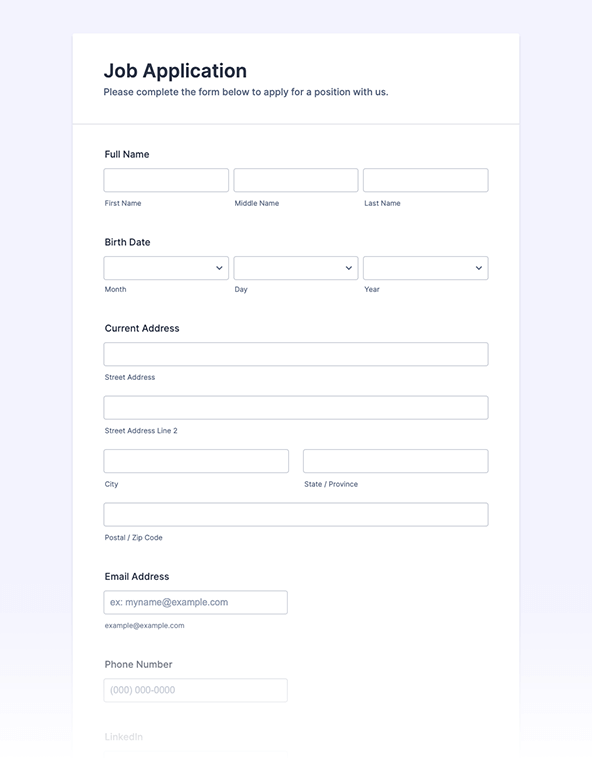
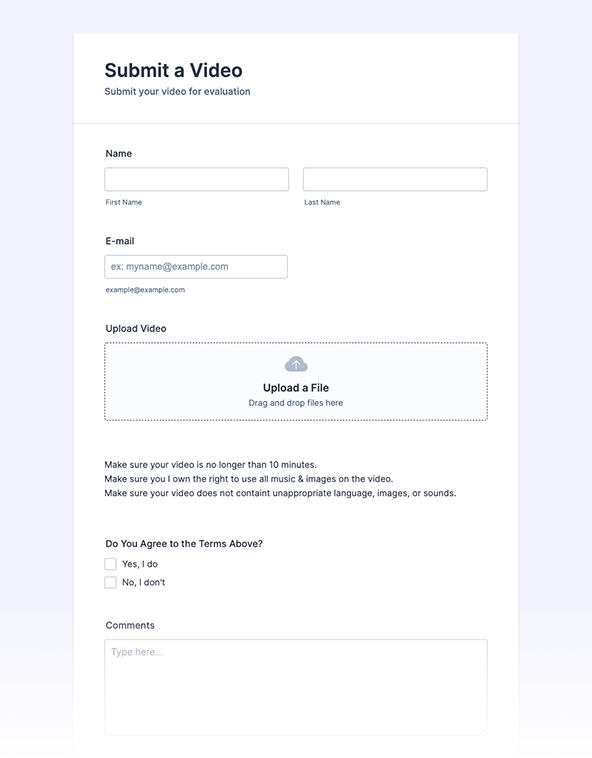
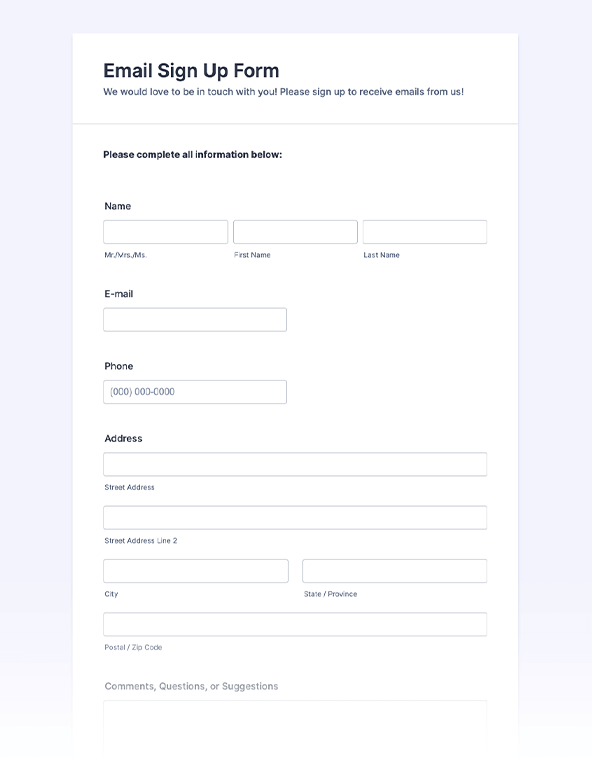
Jotform’s submission form creator helps teams build online submission forms to collect applications, registrations, payments, feedback, and files from any device, with no coding required. Create a submission form for free, then share it or embed it on your website to start collecting responses instantly. Manage and organize submissions in a secure online database with Jotform Tables.
Templates
Get a head start collecting submissions with readymade submission form templates. Customize templates to match your branding with our drag-and-drop, no-code Form Builder.
Jotform ChatGPT App
Create forms in seconds inside ChatGPT, refine them through conversation, and turn submissions into clear insights without switching tabs.

Benefits
Build a submission form without writing code by using Jotform’s drag-and-drop Form Builder. Add all the fields you need then adjust labels, styling, and logic so the form matches your process. This approach keeps setup simple and lets anyone on the team update the form without technical help.
Share your submission form instantly with a direct link, email invitation, or embedded form on your website. Auto-generated copy-paste embed codes make the publishing process easier on any platform. Consistent sharing options help ensure your audience sees the right form wherever they’re most likely to engage.
View and organize submission data as it comes in using Jotform Tables or Jotform Inbox, switching between table, calendar, or cards view to match your workflow. Manage responses from one central workspace. This keeps your submission data accessible, searchable, and actionable as teams follow up or analyze results.
Testimonials
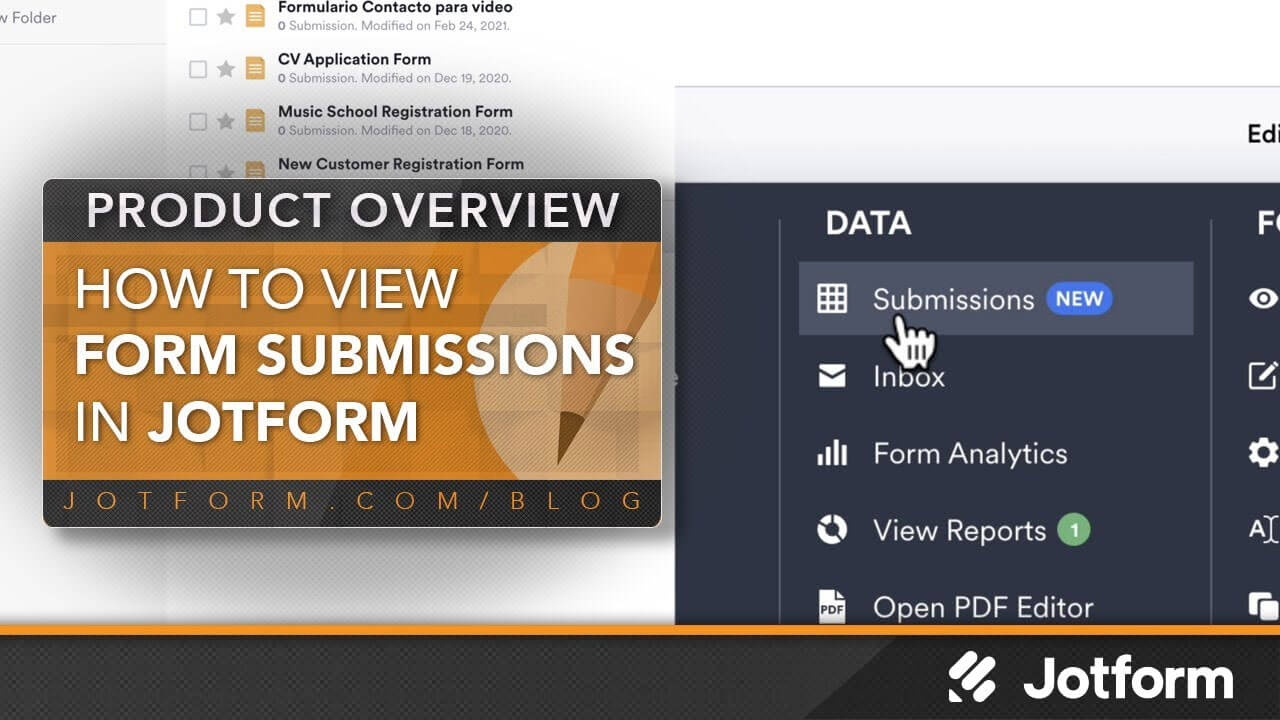
No matter what you use online forms for, you need a simple way to view the data you’ve collected. In this short Jotform tutorial, we’ll show you just how easy it is to view your form submissions in Jotform Tables.