

Top ChatGPT form apps
You’re planning a company lunch this week, and you need an easy way to collect meal preferences from your staff. The obvious solution is a form or survey, but you’re not sure how to set one up. Can ChatGPT create forms for you? Yes — with the help of a ChatGPT form app.
ChatGPT form apps use natural language prompts to build or enhance forms. Some even publish them for you, eliminating the hassle of copying and pasting links or embed code to your preferred platform. With the right tool, you can quickly draft questions, add logic, apply best practices, and share a live form without friction.
In this guide, we cover the best ChatGPT form apps. Some are true in-app solutions, while others act as a connector between ChatGPT and the form platform. You’ll learn their features, limitations, and workflow use cases.
What are ChatGPT form apps?
ChatGPT form apps are specially designed to create forms and surveys within the ChatGPT platform. Some operate inside ChatGPT as an app, while others are comprehensive form platforms or automation connectors.
Features common in ChatGPT form apps include
- Conversational prompting: Tools use natural language to understand a user’s requirements before building or improving a form.
- Question suggestions: Apps may recommend changes based on best practices or the form use case.
- Rewrite and tone changes: Apps review questions for grammatical errors and suggest modifications for tone.
- Survey structure help: Tools may adjust a survey or form’s structure for improved usability.
- Summary of results: Some apps collect form inputs and aggregate the data into visualizations.
ChatGPT apps for forms and surveys are useful for creating, enhancing, or publishing forms, but they can’t make data privacy decisions or provide consent language. Some adjustments may be necessary to meet business compliance requirements and gain stakeholder approval.
Top ChatGPT form apps
To find the best ChatGPT form builders, we analyzed each tool’s features, use case scenarios, and benefits. Here’s a look at the top contenders and what they offer.
1. Jotform
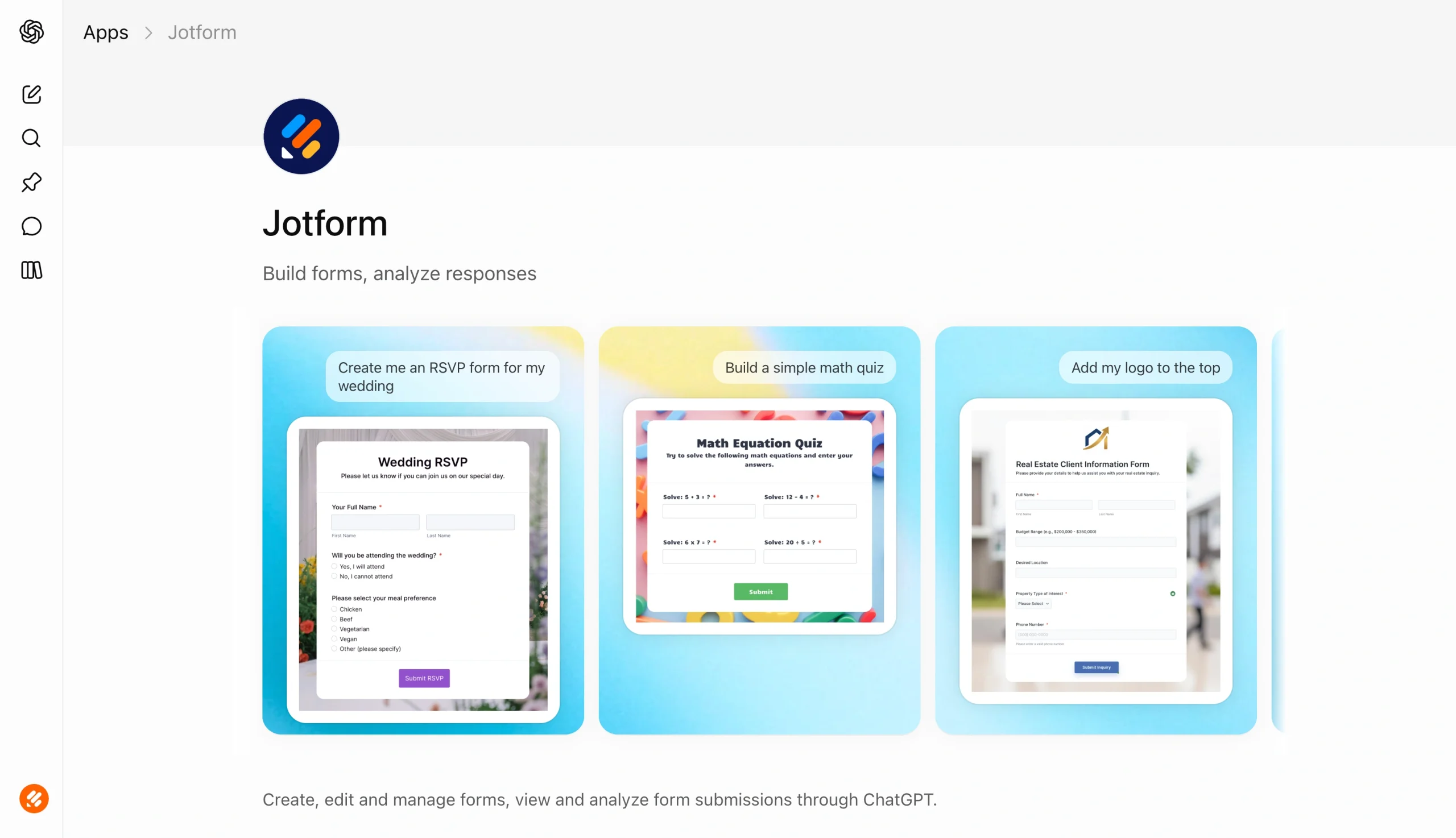
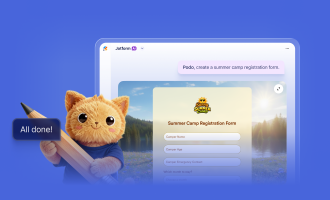
Jotform is a market leader in building online forms and workflows. Over 35 million users rely on the platform to create forms and collect data. With the Jotform ChatGPT App, users can develop forms and interpret survey results directly within the AI chatbot.
- Developer: Jotform, Inc.
- Key features
- Ideal for everyday forms such as short surveys, RSVPs, registrations, and employee or customer feedback
- Supports productive workflows by developing or editing forms within ChatGPT
- Enables you to add fields, revise questions, and reformat form structure
- Connects with your Jotform account to retrieve form results and analyze responses
- Pros
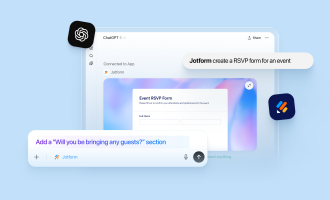
- Displays your form within ChatGPT, so you can review it and make updates for theme, colors, fonts, and styling
- Users don’t need any coding expertise to create or edit a well-designed form
- Integrates with Google Sheets, Microsoft Excel, and over 40 payment gateways, plus support for Zapier ChatGPT forms
- Offers its own AI agent if you’re looking for a ChatGPT alternative to form creation
- Cons
- Users who need to create a complex form with conditional logic and advanced elements may find the Jotform ChatGPT App frustrating — while it excels at creating basic forms, polls, and quizzes, advanced editing options are limited
- Must have a Jotform account to use the tool within ChatGPT
- You can’t publish forms directly from ChatGPT — instead, users enter the Jotform platform to share forms via email, text, social media, or through a website
- Limited storage space with the free plan
Do more with Jotform in ChatGPT
From collecting e-signatures to building custom apps, you can get more done without leaving ChatGPT.
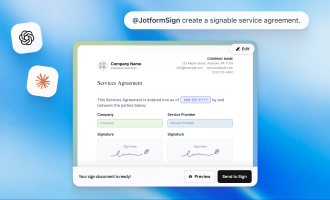
- Jotform Sign for ChatGPT: Create payment agreements, set the signing order, and send them for signature in just a few steps. Connect now to start collecting signatures.
- Jotform App Builder for ChatGPT: Describe a booking system or client portal in plain language, take payments, and share it without writing code. Connect now to build your own app.
2. Cognito Forms
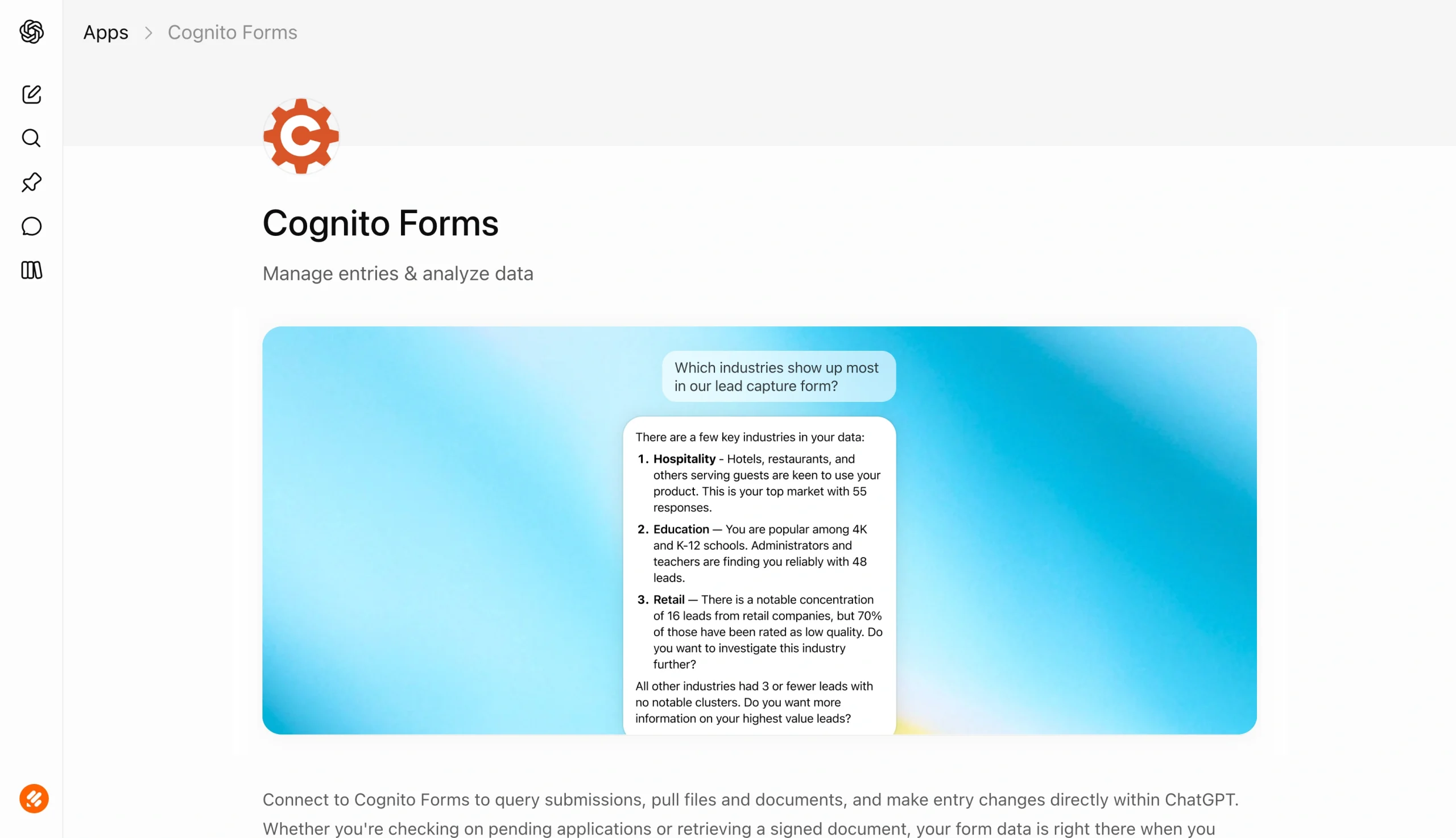
Cognito Forms is a no-code form builder created for businesses. It specializes in marketing, HR, and sales forms used for surveys and feedback. With the Cognito Forms ChatGPT app, you can connect ChatGPT using a plugin with your Cognito Forms account and analyze submission results.
- Developer: Cognito Forms
- Key features
- Allows you to manage existing form workflows from ChatGPT — for instance, you can check the status of outstanding forms, review submissions, retrieve signed forms, and change a form’s availability using a natural language prompt
- Provides a quick analysis of form results and submissions
- Retrieves specific forms associated with your Cognito Forms account
- Pros
- Summarizes results and provides strategic insights using form data, ability to add basic new fields to existing forms, useful for existing Cognito Forms users
- Cons
- Only available with paid plans (Pro, Team, and Enterprise)
- You can’t create a new form within ChatGPT, and editing is limited
- Must have administrator access to connect ChatGPT to forms created with Cognito Forms
3. Weavely Forms
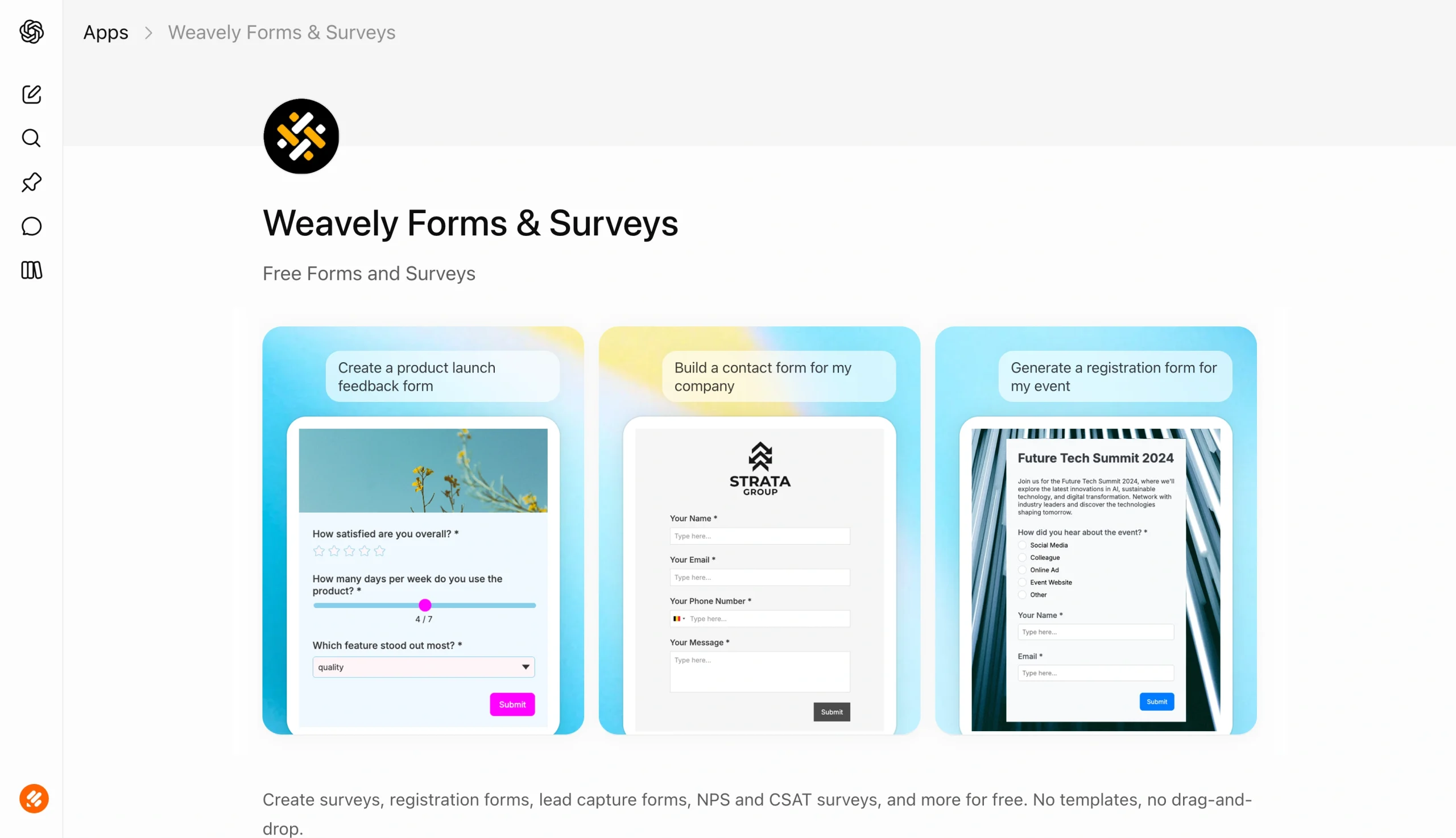
Weavely Forms is an AI-powered solution that creates simple, basic forms using natural language prompts. You describe what you want the form to contain, including its questions and elements such as dropdowns and rating scales. Its ChatGPT app extends the platform’s functionality, enabling users to create, edit, and publish ChatGPT forms and surveys.
- Developer: Weave.ly
- Key features
- Can develop a form from start to finish completely within ChatGPT
- Option to preview the completed form before publishing in one click
- Support for file uploads, conditional logic, and rating scales
- Pros
- Offers a free plan that includes integration with HubSpot and Salesforce, can convert an existing PDF to a web-based form, provides form-editing support within your chat
- Cons
- No templates to pick from or inspire you, and style options are limited — a possible dealbreaker for users who want a form that strongly reflects their branding, or who need more support writing questions
- Must upgrade to a paid plan to remove Weavely branding or connect the form to your company’s domain
- Form submission analytics unavailable through ChatGPT
- Only one integration for form payments (Stripe)
4. Formbyte
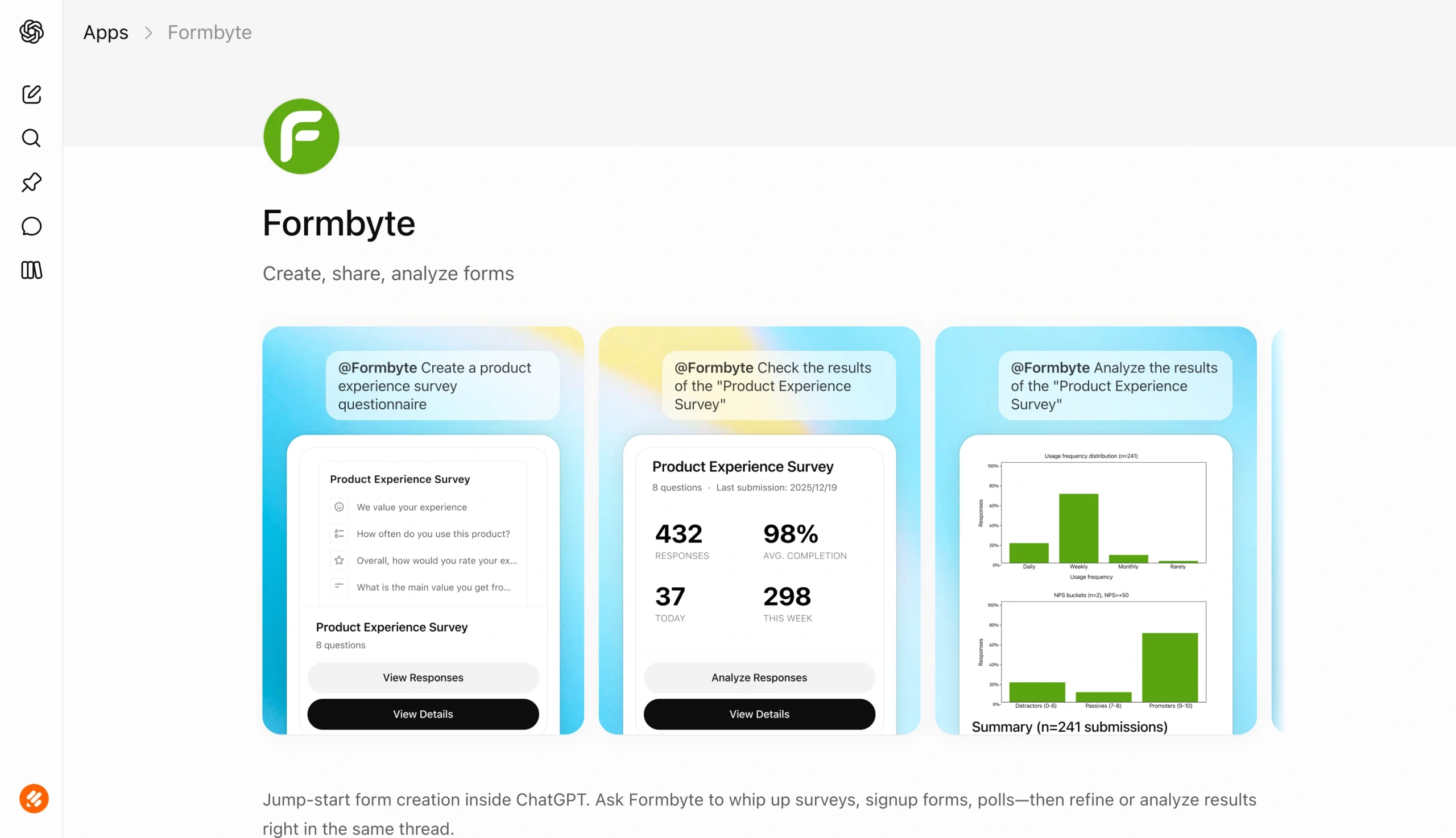
Formbyte is a form app that lives directly within ChatGPT, instead of a separate platform. It creates forms and surveys based on a goal, such as measuring employee engagement or collecting RSVPs. After finalizing a form, you can share a link to it through email, text, social media, or your website. Results are analyzed and provided to you within ChatGPT, which means it works best for one-off data you don’t need to store long-term.
- Developer: Vidline, Inc.
- Key features
- Creates quick, non-branded forms, polls, and surveys based on natural language prompts
- Analyzes form submissions in real time, directly within your chat
- Can easily share forms using a generated link
- Pros
- Form creation, editing, and analysis occur entirely within ChatGPT
- No limit on the number of forms you can create
- Provides visualizations and actionable insights as submissions roll in
- Cons
- Results aren’t stored on a separate platform — you view incoming submissions through ChatGPT in real time, and Formbyte updates the results as they occur — which makes it a good solution for one-time polls and event registrations, but not situations where you’d want to save data for long-term use
- Must pay to access advanced analytics and white-label branding
- No integration support for Google Sheets, HubSpot, or payments
5. Neartail
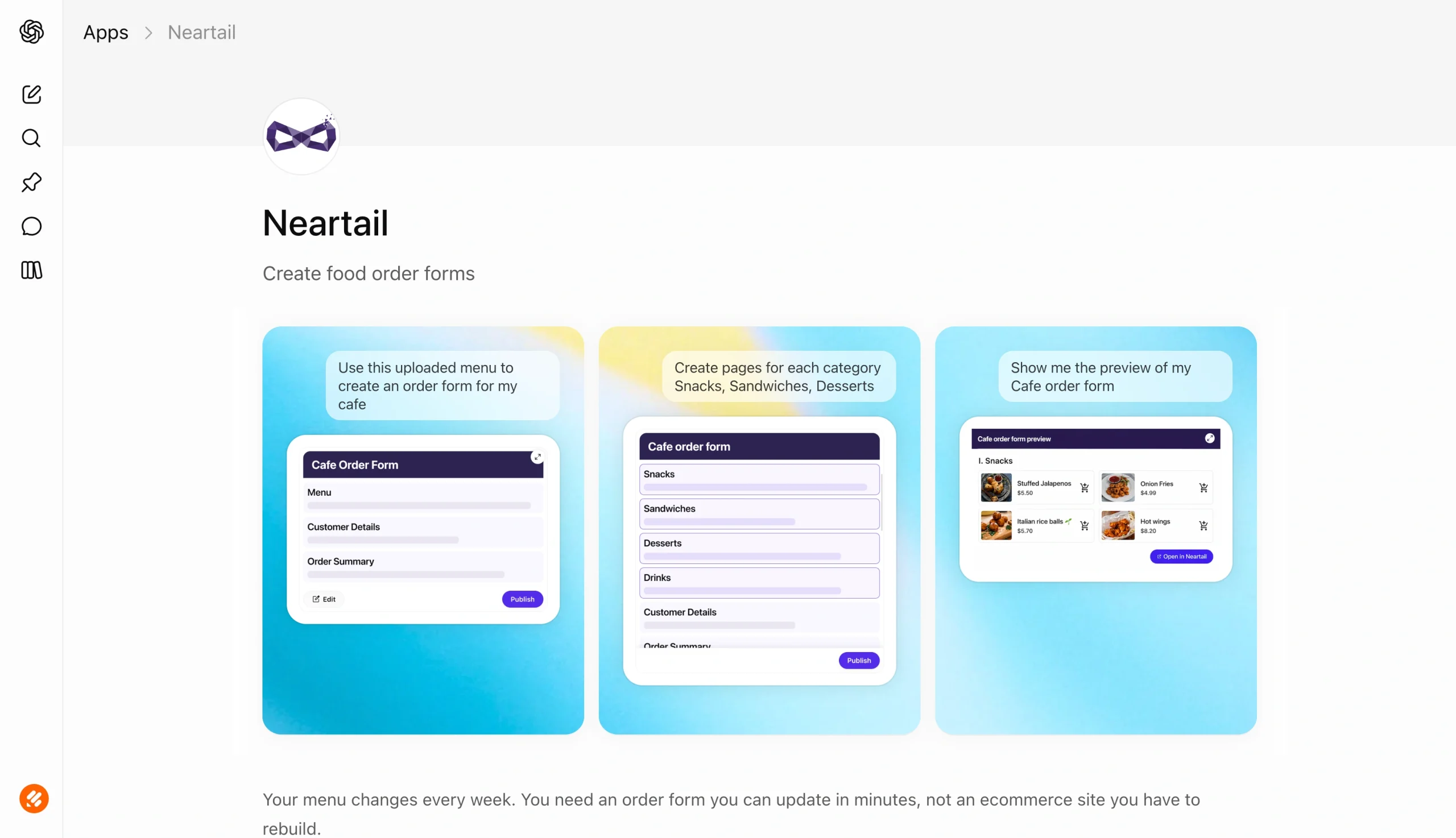
The Neartail ChatGPT app is built for restaurants, bakeries, cafés, and other food service companies that need an easy way to update their menu and collect customer orders. The tool creates an order form from your prompt, updates pricing and images using Google Forms data, and syncs customer submissions to Google Sheets. Customers don’t need to worry about visiting a website; they can place their orders directly from the form.
- Developer: Mailrecipe LLC
- Key features
- Creates a food order form based on Google Forms data and user inputs, stores order form submissions in Google Sheets, includes built-in pricing and payment support
- Pros
- Native form support for restaurants and caterers that other solutions don’t offer
- Administrators can share order data with those who need it, such as chefs and delivery drivers
- Generates a shareable link for email, social media, and text
- Cons
- Not a strong solution for companies and users outside the food industry — its focus is food orders, so it’s not a solid option for collecting customer registrations or measuring feedback
- Limited theme and customization options
- No set pricing plans — charges a transaction fee for every order
How to choose the right ChatGPT form app
To select the best form app for your use case, consider whether you need in-depth branding customization, automated data analysis after submission, and a publishable live form. Think about integrations with other tools you use, too, as well as your level of comfort with AI data handling.
Key factors in your decision process should include
- Form creation method: Whether the app is prompt-only, uses templates, or follows a guided building process. For example, Jotform offers pre-built form templates and a native AI form creation process, so you can pick the building style that fits your use case.
- Publishing: Most ChatGPT form apps for surveys generate a link you can share through other platforms. However, if you require an embed code to publish your form on a website, choose an app that offers that option. Jotform, Cognito Forms, and Weavely currently support embedded website forms.
- Customization: Determine whether your form needs advanced support for conditional logic, file uploads, and payments. Of the tools we reviewed, Jotform and Weavely offer the most customization options. Neartail provides some customization for order-based forms.
- Response management: Consider how the tool manages and interprets form submissions. For example, Formbyte provides an all-in-one solution, where results are analyzed within your ChatGPT app in real time. Other tools, such as Jotform and Cognito Forms, provide analysis within ChatGPT and inside their respective platforms.
- Data privacy: Some ChatGPT survey apps may not comply with data privacy laws such as GDPR and HIPAA. Beware of requesting sensitive data, such as personal identity numbers and health data, using AI-created forms.
Final verdict: The best ChatGPT form app for your workflow
Using a form app in ChatGPT enables you to skip some (if not all) of the creation process on outside platforms. Available tools use natural language prompts to design, edit, and review form submissions directly within ChatGPT. Some integrate with other software critical to your forms, such as Google Sheets, HubSpot, and payment collection tools. And several are available for free, without a paid subscription.
Still not sure which ChatGPT form app is right for you? Here’s a quick rundown of use cases and our preferred tool for each:
- Best for live forms end-to-end: Jotform
- Best for post-submission automation: Cognito Forms
- Best for PDF-to-form conversion: Weavely Forms
- Best for one-off polls and event registrations: Formbyte
- Best for Google Forms users: Neartail
To explore how ChatGPT form apps can support your workflow, start with a single tool. Build a small pilot form with the customizations you need, including conditional logic and themes. Test it internally to see whether you encounter any problems, such as malfunctioning links or incorrect submission tracking. If all works well, publish it on your website or share it with your community.
Jotform makes it easy to create, edit, and review form submissions in ChatGPT. Whether you’re tracking a list of RSVPs or collecting customer registration data, it has the tools to help. Try the Jotform ChatGPT App today.
This article is for business owners, marketers, HR teams, educators, researchers, website operators, and anyone who wants to use ChatGPT-powered form apps to create, improve, publish, and manage forms and surveys more efficiently.


































































































Send Comment: