
Top Claude connectors for app-building
If you’ve got an idea for an app — like a client portal, a booking tool, or an internal request tracker — budget and developer limitations no longer stand in the way of getting it built. With the right connector, Claude can do the work for you.
Connectors enable Claude to work directly with an app-building platform so you can create effective apps, fast — and all while using natural language in Claude’s interface. This article covers the three best Claude connectors to build an app. It explains what each one does, who it’s ideal for, and its strengths and limitations, so you can choose the right connector for you.
Want to build an app? These are the 3 best Claude connectors
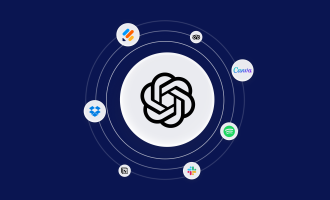
AI is making its way into most workflows. Before connectors, you would complete some work within your chosen AI, like Claude or ChatGPT, then copy text between tabs and/or software. Nowadays, connectors integrate this workflow, allowing AI to work directly inside tools like Jotform App Builder, Lovable, or Base44 for a seamless experience.
Once you connect a tool, Claude can see which actions are available, such as creating an app or reading a project’s files, and decides when to use them based on your request. You stay in full control the entire time: You sign into each tool, authorizing what Claude can access and whether it can access it every time or needs permission to be granted again, depending on your level of comfort.
When it comes to actually using the connector, it’s simple. You describe what you need in plain language within a Claude chat, and Claude helps turn it into something you can actually use. It takes time to learn how to write clear, effective prompts for Claude, but once you get that skill down, you can go from idea to working app surprisingly quickly.
Here are some of the best connectors to try.
Pro Tip
It’s worth understanding that while this article is all about Claude and its connectors, ChatGPT has the same function, but it’s called apps. If you’re still deciding which assistant suits you best, our comparison of ChatGPT vs Claude breaks down the differences.
1. Jotform App Builder
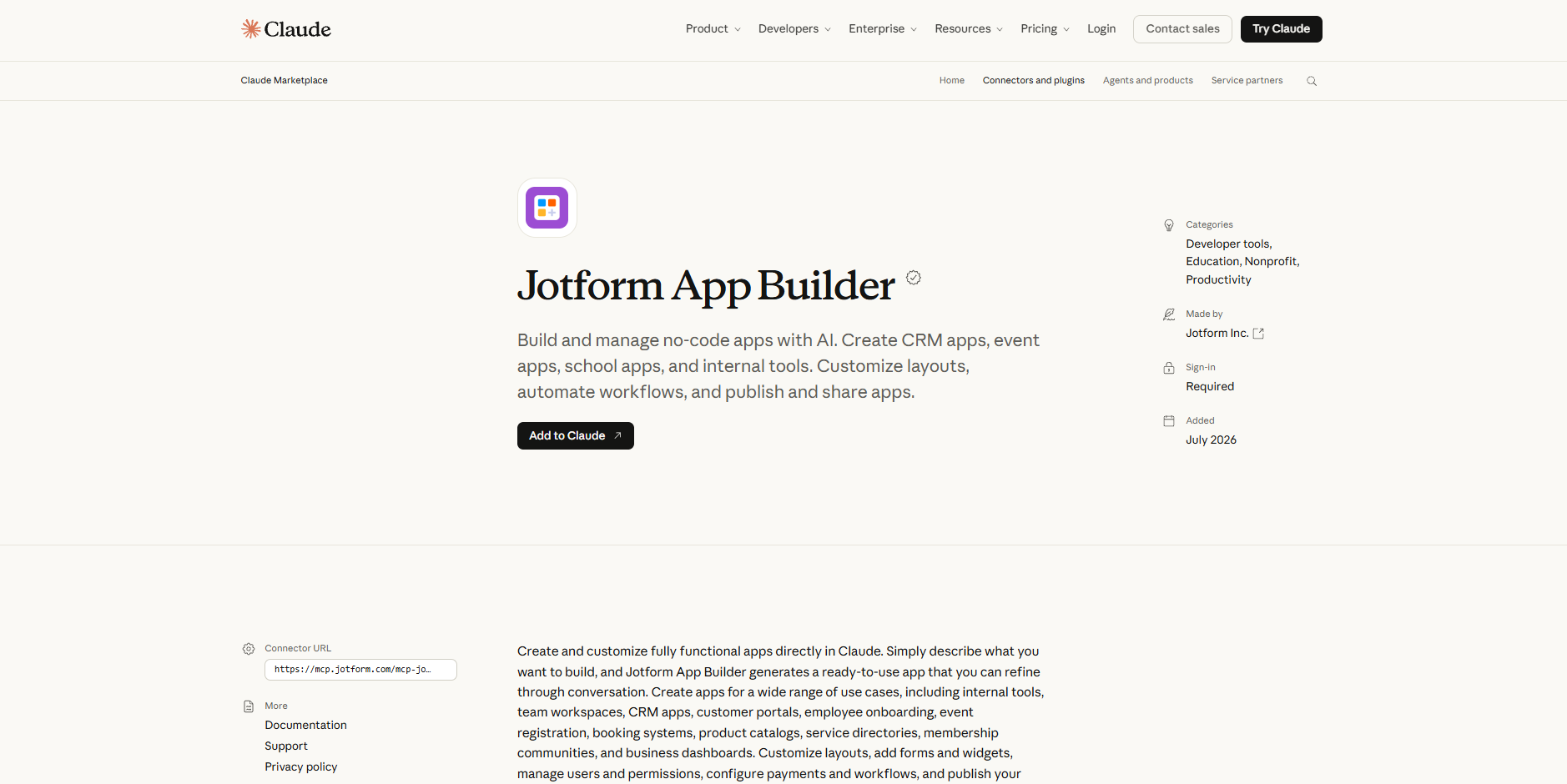
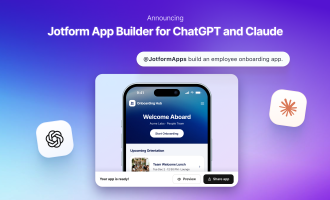
The Jotform App Builder is a Claude connector that brings Jotform App Builder directly into a Claude chat. Users can build a working no-code app just by describing it. For example, using natural language, you can ask Claude to use the Jotform App Builder connector and build an event registration app, a customer portal, or an employee onboarding hub. Claude will then generate a ready-to-use app.
It doesn’t stop there: You can refine the app through conversation within Claude’s chat interface. For example, you might iterate on what Claude created, maybe changing the functionality or styling.
Once you’re happy, you can even publish and share your app without leaving the chat.
Jotform takes security seriously, too, enabling you to manage users and permissions as you build. In this way, it’s easy to control which team members can view, submit, or handle information once your app is shared with your team or customers. For example, an employee onboarding app might give new hires access to welcome pages and forms, while only HR can see the submitted information. Setting access in the same conversation where you build the app means you don’t have to go back and lock things down later, so your app is safe to share as soon as you publish it.
The major advantage of the Jotform and Claude app is that there are many workflows that can take place within Claude thanks to multiple Jotform connectors serving different functions. Jotform has a connector for building forms and analyzing submissions, which ranks among the best Claude productivity connectors, as well as a Jotform Sign connector for preparing documents and sending them for e-signature. Used together, these connectors can help you create the app, the forms that feed it, and the agreements that follow in a single Claude chat.
That said, even if you start with just the App Builder, the wider Jotform toolkit means you won’t outgrow it as your workflows expand.
- Best for: Nontechnical teams and small businesses building operational apps, such as internal tools, customer portals, onboarding hubs, and event registration apps
- Developer: Jotform
- Key features:
- App creation in natural language: Describe the app you need, and Claude builds a ready-to-use version you can keep refining in the chat.
- Conversational customization: Change layouts, add forms and widgets, or add new pages to an existing app with simple prompts.
- Users, payments, and publishing: Manage user permissions, set up payments and workflows, and publish your app to share — all without coding.
| Pros | Cons |
|---|---|
| You can build, edit, and publish a complete app without writing any code. | You need a Jotform account, because the connector requires you to sign in. |
| It works alongside Jotform’s form and Jotform Sign connectors, so one chat can cover an entire workflow. | Integrations aren’t supported in Jotform Apps, and users who need advanced design customization may want to consider alternative platforms. |
Did you know?
Jotform App Builder isn’t limited to Claude. You can also build apps with Jotform in ChatGPT, so your team can keep using whichever AI assistant they prefer.
2. Lovable
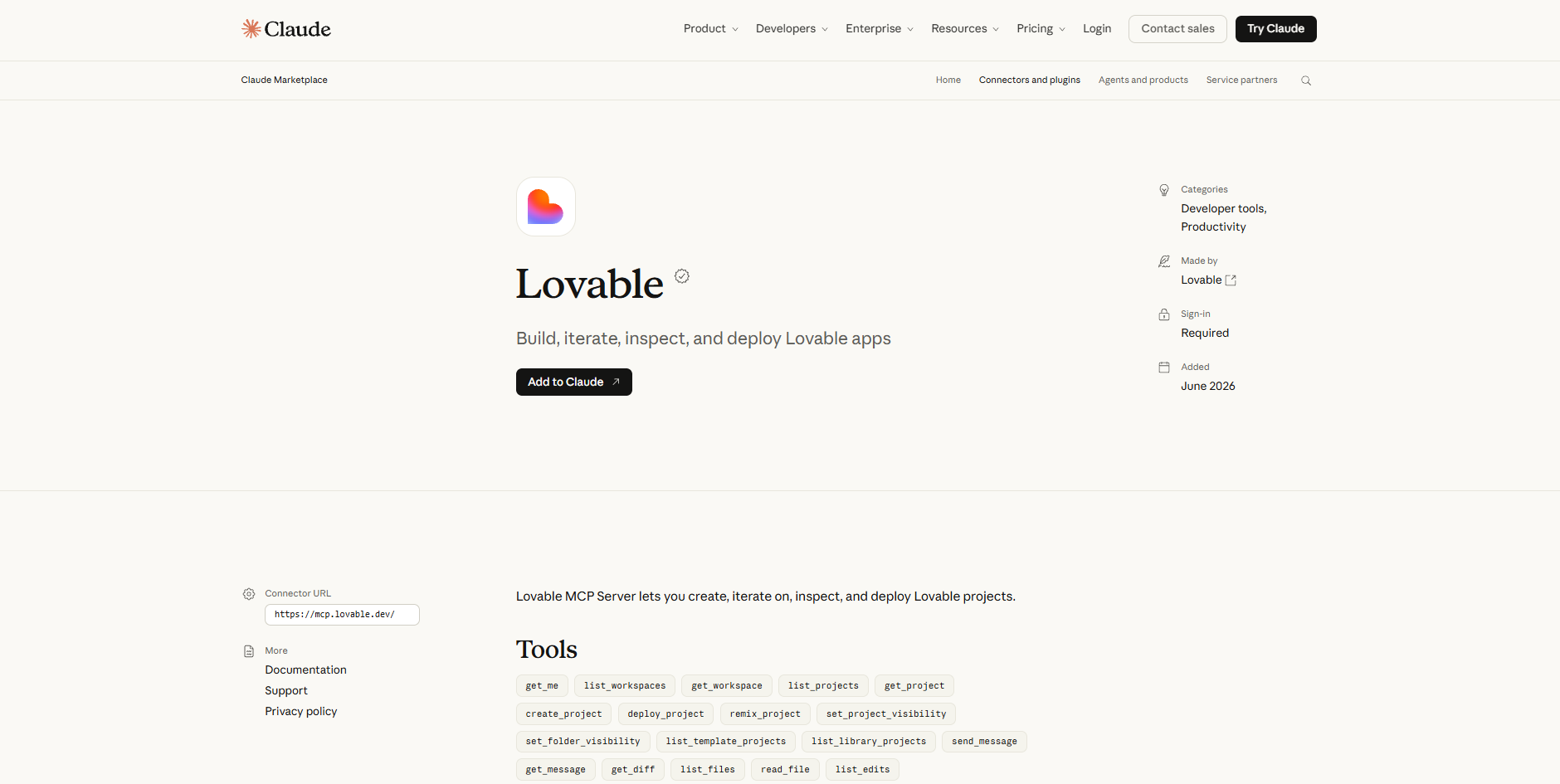
The Lovable Claude connector lets you create, iterate, and deploy Lovable projects without leaving Claude. Describe what you want to generate, and Lovable’s AI agent builds the project and returns a preview link that you can review before refining it further.
Its standout advantage is visibility into the code. If you want an AI-built app that you can inspect, extend, or hand over to a developer later, Lovable is a strong choice. You can ask Claude to list a project’s files, read specific files, show what changed between edits, or browse the edit history.
- Best for: Founders, product teams, and developers prototyping customer-facing web apps or minimum viable products (MVPs) who want access to the underlying code
- Developer: Lovable
- Key features:
- Project creation and iteration: Start a new project from a prompt or template, then send follow-up messages to add features, fix issues, or change the design.
- Code inspection: Read project files, review diffs, and track edit history directly in Claude.
- Built-in database and deployment: Enable a project database, run queries, and publish your app to a live URL when it’s ready.
| Pros | Cons |
|---|---|
| You can review the actual code behind your app, which makes it easier to hand off to developers. | Building and iterating use your Lovable credits, so heavy use can get costly. |
| You can build several versions of an app, deploy them, and compare the live results. | Features such as code review and direct database queries assume some technical comfort, so they’re less suited to complete beginners. |
3. Base44
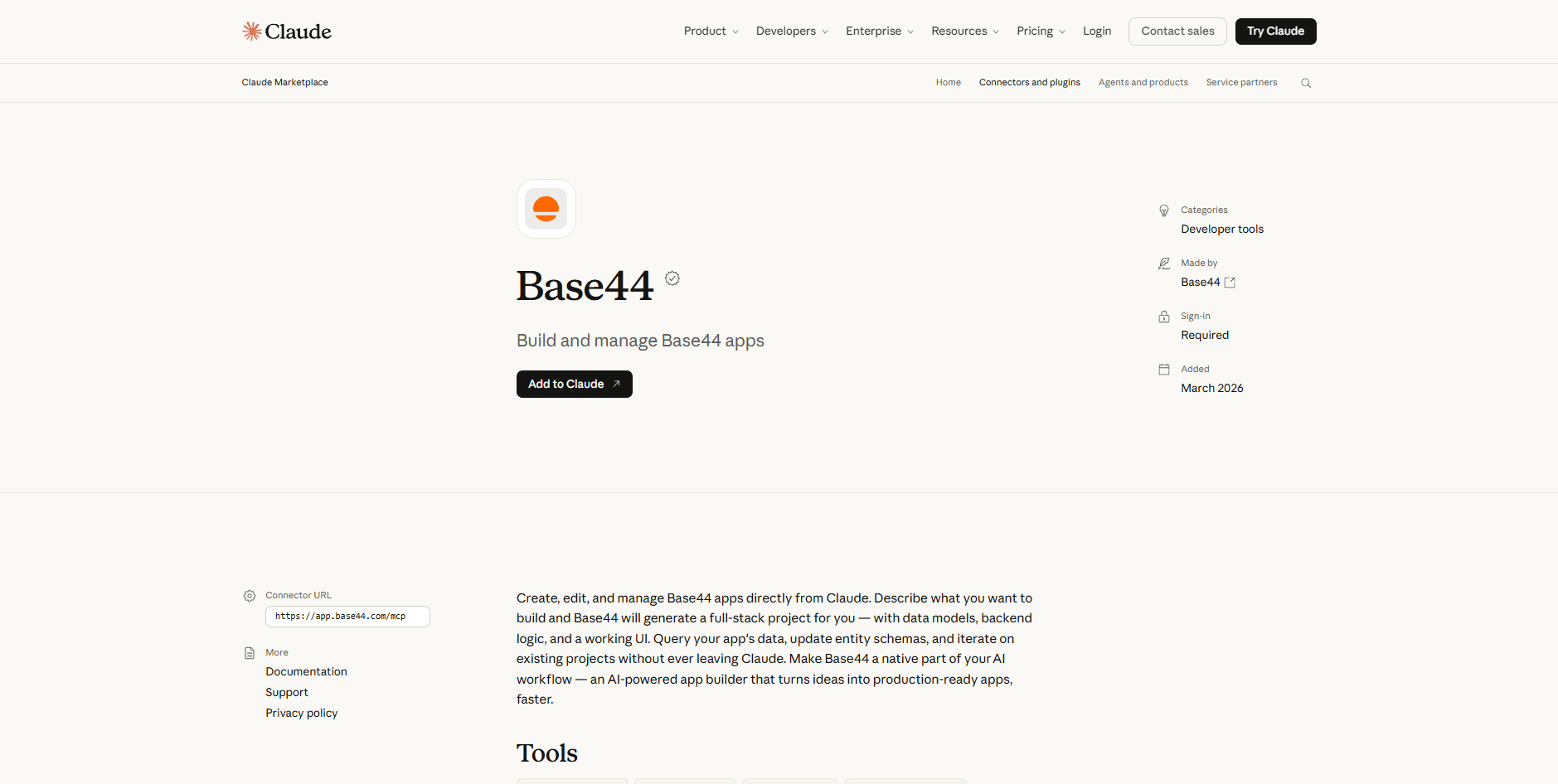
The Base44 Claude connector lets you create, edit, and manage Base44 apps directly from Claude. Describe the app you want, and Base44 generates a full-stack project with data models, backend logic, and a working user interface.
While it runs as its own product, Base44 is owned by Wix. So, for those who have a Wix website, Base44 might be the obvious choice. Though not part of the connector, Base44’s Wix app can build tools directly on top of your site using your live products, orders, bookings, and contacts. That could be a profit dashboard, a restock planner, or a flash sale page that still processes payments through Wix checkout.
Outside of Wix, the advantage of using Base44 and Claude is the direct access to your app’s data. This allows developers to check what your app holds, such as new signups or open orders, without leaving the conversation. Once your app is live, you can ask Claude to query its records or update its data structure.
- Best for: Entrepreneurs and small teams building data-driven custom apps — such as CRMs, trackers, and internal dashboards — without coding
- Developer: Base44 (a Wix company)
- Key features:
- Full-stack app generation: Turn a plain-language description into an app complete with data models, backend logic, and a user interface.
- Data queries: Ask Claude to pull records from your app’s data, so you can check what’s stored without opening Base44.
- Schema updates and iteration: Change how your app’s data is structured and refine existing projects through conversation.
| Pros | Cons |
|---|---|
| A single prompt produces a complete app with a back end and data, not just a front end. | The connector focuses on building, editing, and querying apps, so you may need to switch to Base44 itself for other tasks. |
| You can query and update your app’s data from the same chat where you built it. | You need a Base44 account, because the connector requires you to sign in. |
The fastest way to go from idea to a working app
Identifying the best Claude connector for you should be less about the full feature list and ease of use, and more about the functionality your team needs. Claude’s connectors are good, and they’re all designed to expedite workflows and make app-building possible without a developer, but not all software is created equal.
- Jotform App Builder is ideal if your app is built around a workflow — like intake, requests, or approvals — and you want to build, publish, and connect it to forms and e-signatures without writing any code.
- Lovable is perfect for building customer-facing web apps or MVPs where you can inspect the underlying code or hand it off to developers later.
- Base44 is great if you need a data-driven custom app, such as a CRM or tracker, and want to query and update its data directly from Claude.
Ultimately, the software that solves problems for your team, and is approachable enough that they can use it confidently, is the one that will actually get used.
To get started, pick a single workflow, define who will use the app and what data it needs to handle, and then choose the connector that matches how you want to build. If you’re nontechnical, create your first version in a no-code app builder, like Jotform App Builder.
This article is for founders, small-business owners, product teams, operations teams, and nontechnical users who want to build an app with Claude without relying on a traditional development process.

































































































Send Comment: