

Alternatives to MagicSchool AI
Teachers who use AI weekly are getting about six hours back each week, roughly six weeks over a school year. That’s from Gallup and the Walton Family Foundation’s survey of 2,232 U.S. public school teachers, 60 percent of whom used an AI tool during the 2024–25 school year. AI in classroom work stopped being experimental somewhere around then.
MagicSchool is one of the most widely used educational technology platforms built around AI for K-12 educators, with the company reporting more than 6 million sign-ups across 160 countries. It offers 80-plus teacher tools, a separate set of student-facing tools, and a free tier that covers most day-to-day needs. The question is fit rather than quality: its standards alignment is U.S.-centred, its catalog is large enough to slow you down, and its paid plan is priced per teacher.
The seven alternatives below divide that work differently: lesson planning and material creation, differentiation, live lesson delivery, student-facing AI, and the assessment and paperwork wrapped around all of it. For each one, you will find what it does best, where it falls short, and what it costs.
Why you should look at MagicSchool AI alternatives
Most teachers don’t go looking for a replacement because they dislike the tool. They go looking because of a specific friction point.
- You’ve outgrown the free tier. Free plans in this category are generous until the week you actually need them: report card season, IEP season, the run-up to a unit test. The generation caps arrive exactly when you have the least time to deal with them.
- The catalog is doing too much. An all-in-one platform is an advantage if you use ten of its tools. If you use two, it’s a menu you scroll past to reach the thing you came for.
- You want one job done properly. The category has split into specialists: tools that only level text, only run interactive lessons, or only handle student-facing AI with guardrails. A specialist usually produces better output for its one job than a generalist does.
- The tool doesn’t touch your actual bottleneck. Permission slips, enrollment paperwork, fee collection, and consent tracking take up as much of the week as planning does, and no amount of AI lesson planning makes them disappear. If that’s where your hours go, a lesson-plan generator isn’t the tool you need. It’s also why AI tools for education now cover a far wider range of products than it did two years ago.
Top 7 alternatives to MagicSchool AI
| Tool | Best for | Pricing | Curriculum coverage |
|---|---|---|---|
 Brisk Teaching |
AI inside Docs, Slides, and your LMS |
Free for teachers; school and district plans quote-based |
US standards library on paid school tiers |
 Jotform |
AI quizzes plus school admin workflows |
Free Starter; Bronze from $34/mo annual, 50% educator discount |
Curriculum-neutral; you supply the source material |
 Diffit |
Leveling one text for a mixed-ability class |
Free; $14.99/mo or $149.99/yr; school licenses quoted |
US-oriented reading levels; works on any text |
 Eduaide.ai |
Fast, varied resource generation |
Free tier; Pro around $5.99/mo for unlimited use |
US standards focus; broad subject coverage |
 SchoolAI |
Supervised student-facing AI (“Spaces”) |
Free trial, 5 Spaces/yr; Pro and Scale quote-based |
Standards tagging inside Spaces, US-centred |
 Curipod |
Live, interactive, gamified lessons |
Free with weekly session cap; school plans quoted |
Template-led rather than standards-aligned |
 Canva for Education |
Visual materials, slides, and handouts |
Free for verified K-12 educators; not open to higher ed |
None; design tool, curriculum-neutral |
1. Brisk Teaching
Best for: Teachers who want AI where they already work instead of in another tab.
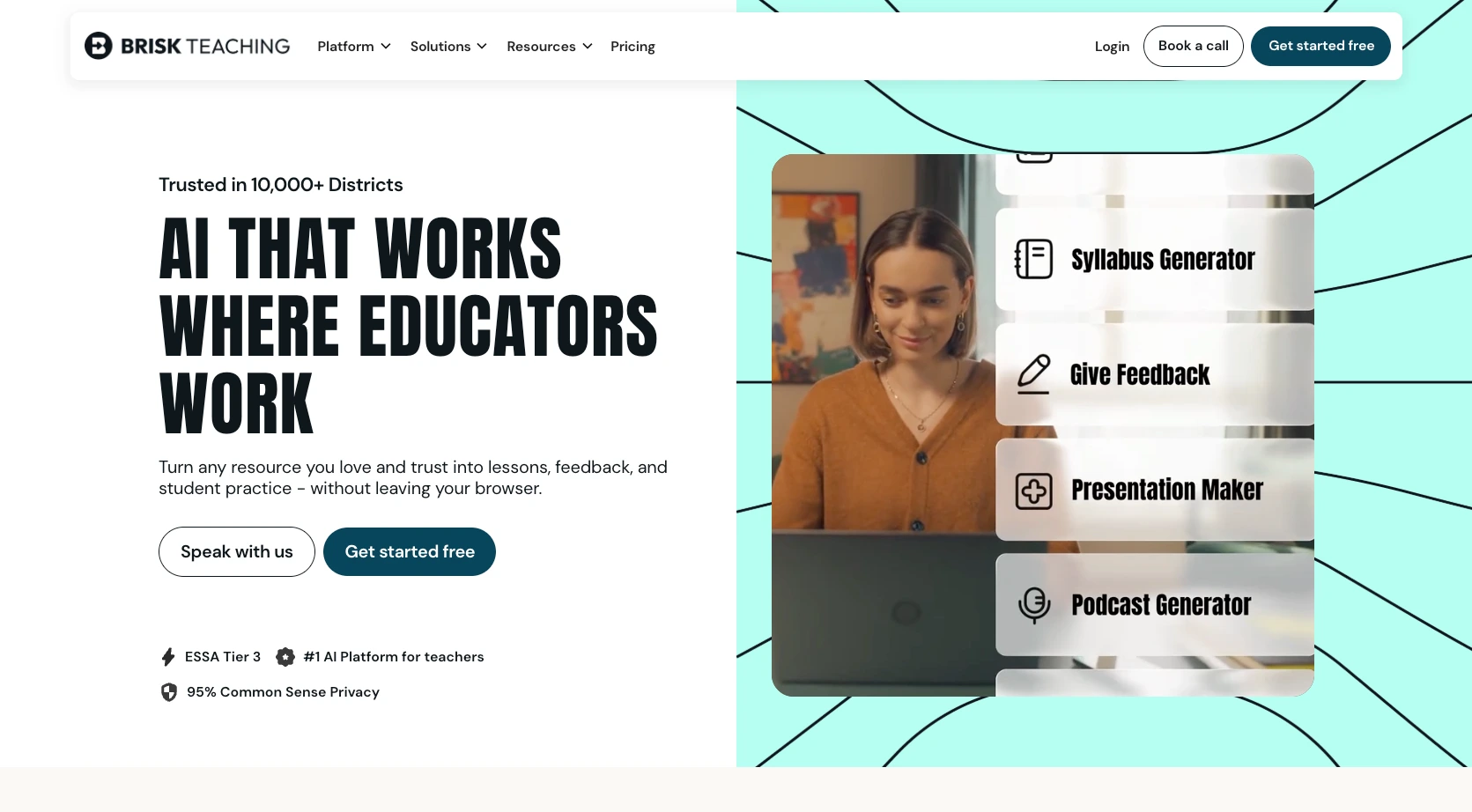
Brisk is a Chrome and Edge extension rather than a separate website. It sits on top of Google Docs, Slides, Word, PowerPoint, YouTube, PDFs, and your LMS, so you highlight a passage and act on it without leaving the document. That single design decision is why teachers who try it tend to stick with it: there’s no context switch, and no copy-pasting output back into the thing you were already writing.
The feature set covers the usual ground of lesson plans, quizzes, rubrics, presentations, reading-level adjustment, and feedback. The one that gets talked about most is Inspect Writing, which replays how a student’s document was written over time. That helps when you’re trying to work out whether a piece was drafted or pasted.
Pros
- Works inside the tools you already use, so there’s almost no workflow change
- Generates materials and translations in 50-plus languages
- Strong privacy posture, with FERPA and COPPA compliance, the Student Data Privacy Pledge, and a 93 percent Common Sense privacy rating
Cons
- Browser-locked, since the extension only runs in Chrome and Edge, so a Safari or Firefox school is out
- Beyond the free tier there’s no self-serve paid plan for an individual teacher, because the paid tiers are sold to schools and districts by quote
Pricing: Free for individual teachers, with 20-plus tools and usage limits. Premium and Intelligence are custom-priced for schools and districts and add unlimited usage, standards alignment, admin dashboards, and curriculum grounding.
2. Jotform
Best for: Teachers and administrators whose week is half instruction and half paperwork.
Jotform approaches the problem from a different angle than every other tool on this list. Instead of generating text for you to read, edit, and hand out, it generates things students and parents actually fill in, then handles what happens to the responses. If your bottleneck is assessment and administration rather than lesson prep, that difference matters more than any feature comparison.
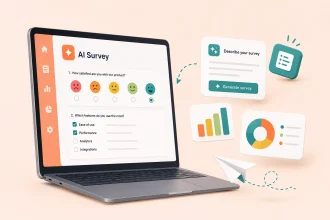
The clearest example is the AI Quiz Generator. Give it a prompt or upload your class notes, a lecture PDF, or a textbook chapter, and it builds a quiz you can share as a link or embed in your class site. Students answer it live, the responses grade themselves, and the results land in a table you can sort and filter. There’s no exporting, no printing, no marking pile. For a quick end-of-lesson check, that’s the whole loop in about two minutes.
Create quizzes with Jotform’s AI Quiz Generator
Around that sit several other AI tools worth knowing. The AI Form Generator builds education forms such as sign-up sheets, feedback surveys, and homework submission from a plain-language description. Jotform AI Tutor turns a file or a prompt into an interactive learning experience, so a chapter becomes something a student can practice against rather than just reread. And Jotform Ask AI includes education assistants for curriculum development, educational consultancy, career counselling, and e-learning, which is closer to a thinking partner than a content generator.
Then there are Education AI Agents. You can build a conversational agent from scratch or start from a template, and it handles a specific school process on its own: answering the same enrollment questions for the hundredth time, walking a parent through a form, or fielding after-hours queries about a field trip. Teachers get their inbox back; parents get an answer at 9pm.
The administrative side is where Jotform separates itself from the rest of this list entirely:
- Permissions and consent. Send a field trip permission slip using the School Permission Slip Template, and collect signatures easily with Jotform Sign. No printing, and no chasing the three families who lost the paper version.
- Enrollment. Collect applications and supporting documents in one form, then route them through multi-step approval so the front office, the registrar, and the principal each see it in the right order.
- Payments. Take tuition, activity fees, or field trip money directly in the form, with the totals calculated automatically.
Permission slips, enrollment, and payments all start with a form and end with a record. A lesson-plan generator can write the wording of a permission slip, but it can’t send it to 28 families or tell you which three haven’t replied by Friday. That’s why Jotform tends to work alongside a tool like MagicSchool, and why it sits neatly next to a learning management system or school management software, which both expect the data to have been collected already.
Pro Tip
Jotform gives educators 50 percent off single-user Bronze, Silver, and Gold plans, and 30 percent off multiuser Enterprise plans excluding add-ons.
Pros
- Handles assessment and administration in one place, not just content generation
- Quizzes and forms are live and self-grading, so there’s no marking or manual data entry
- Genuinely useful free plan, plus a 50 percent educator discount when you outgrow it
Cons
- It isn’t a lesson-planning tool. If you want a standards-aligned unit plan drafted for you, you’ll still want a dedicated teacher AI platform alongside it
- The breadth of the product (forms, agents, signatures, payments, tables) takes a little exploring before it clicks
Pricing: Free Starter plan with no time limit. Paid plans start at $34 per month for Bronze on annual billing ($39 monthly), rising to $99 per month for Gold.
Pro Tip
If you want to hear how other educators are putting this into practice, Jotform also produces Technology Essentials in Education, a podcast hosted by EdTech consultant and author Monica Burns, Ed.D. Episodes are short, practical, and aimed squarely at K-12 teachers and administrators. Recent ones cover using forms beyond surveys and running AI agents in a flipped classroom.
3. Diffit
Best for: Teaching one text to a class reading at five different levels.
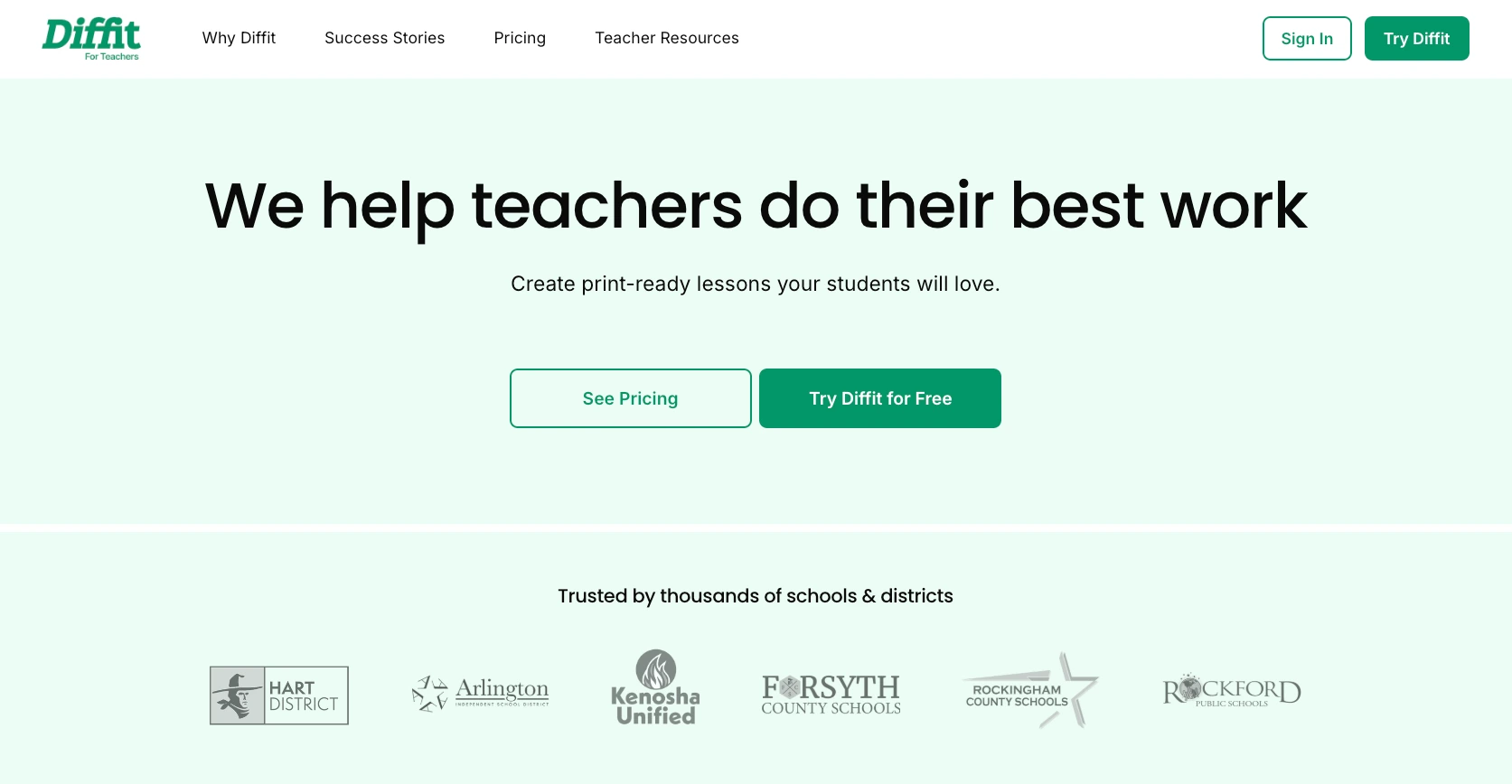
Diffit is built around a single task: adapting reading material to different levels. Give it a topic, an article URL, a PDF, or a YouTube link, and it produces a reading passage at the grade level you specify, along with comprehension questions, vocabulary, and a summary. You can then regenerate the same content at another level without starting over.
The classroom use case is obvious once you see it. You’re teaching a unit on the water cycle to a class that spans four reading levels and includes three multilingual learners. You generate the passage four times, print four versions, and everyone sits in the same discussion having read the same content. That focus is exactly why teachers who need differentiation prefer it over the differentiation tool bundled inside a bigger platform.
Pros
- Purpose-built for leveling, so the differentiation output is more polished than a bundled equivalent
- Generates in multiple languages, which makes it strong for ELL and SPED classrooms
- Every new account gets 60 days of premium access automatically, no card required
Cons
- Deliberately narrow, with no lesson plans, rubrics, parent emails, or report comments
- The individual paid tier is one of the pricier per-teacher subscriptions in this category
Pricing: Free plan with the core generation and leveling features. Individual teacher subscription is $14.99 per month or $149.99 per year. Diffit for Schools is a flat annual rate tiered by student enrollment, quoted per school or district.
4. Eduaide.ai
Best for: Generating a lot of different resource types quickly.
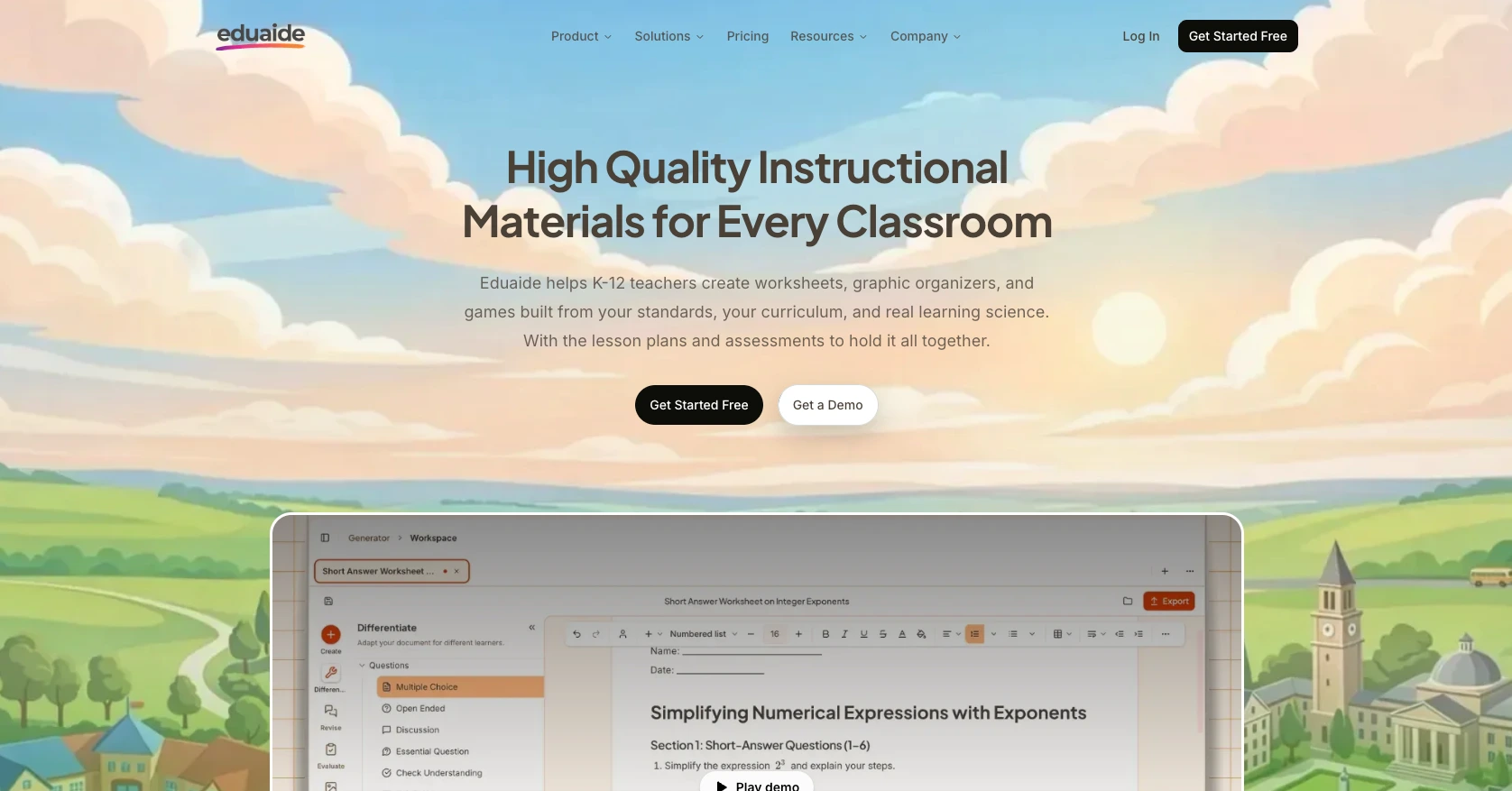
Eduaide was built by two practicing public school teachers, and it shows in the shape of the product. Rather than a handful of deep tools, it offers a very wide library of generators (exit tickets, discussion questions, vocabulary walls, anticipation guides, graphic organizers, bell ringers, slide outlines, and dozens more), each mapped to a recognizable instructional strategy rather than a generic prompt.
That breadth makes it a good fit for the teacher whose problem isn’t “I need a full lesson plan” but “I need six different small things by Monday.” There’s also an assessment builder for mixed question types and a feedback bot for student work.
Pros
- Around 100 distinct resource generators, so there’s usually something for the exact thing you need
- Grounded in instructional strategies rather than generic templates
- One of the lowest-priced paid tiers of any tool here
Cons
- Shallower per resource type than a specialist like Diffit, so it produces a good first draft rather than a finished artifact
- The free tier’s monthly generation cap is tight enough that regular users hit it quickly
Pricing: Free tier with a limited number of monthly generations. Pro is listed at around $5.99 per month for unlimited generations and the full generator library. Check the current rate on Eduaide’s site before you budget for it.
5. SchoolAI
Best for: Letting students use AI directly, with teacher oversight.
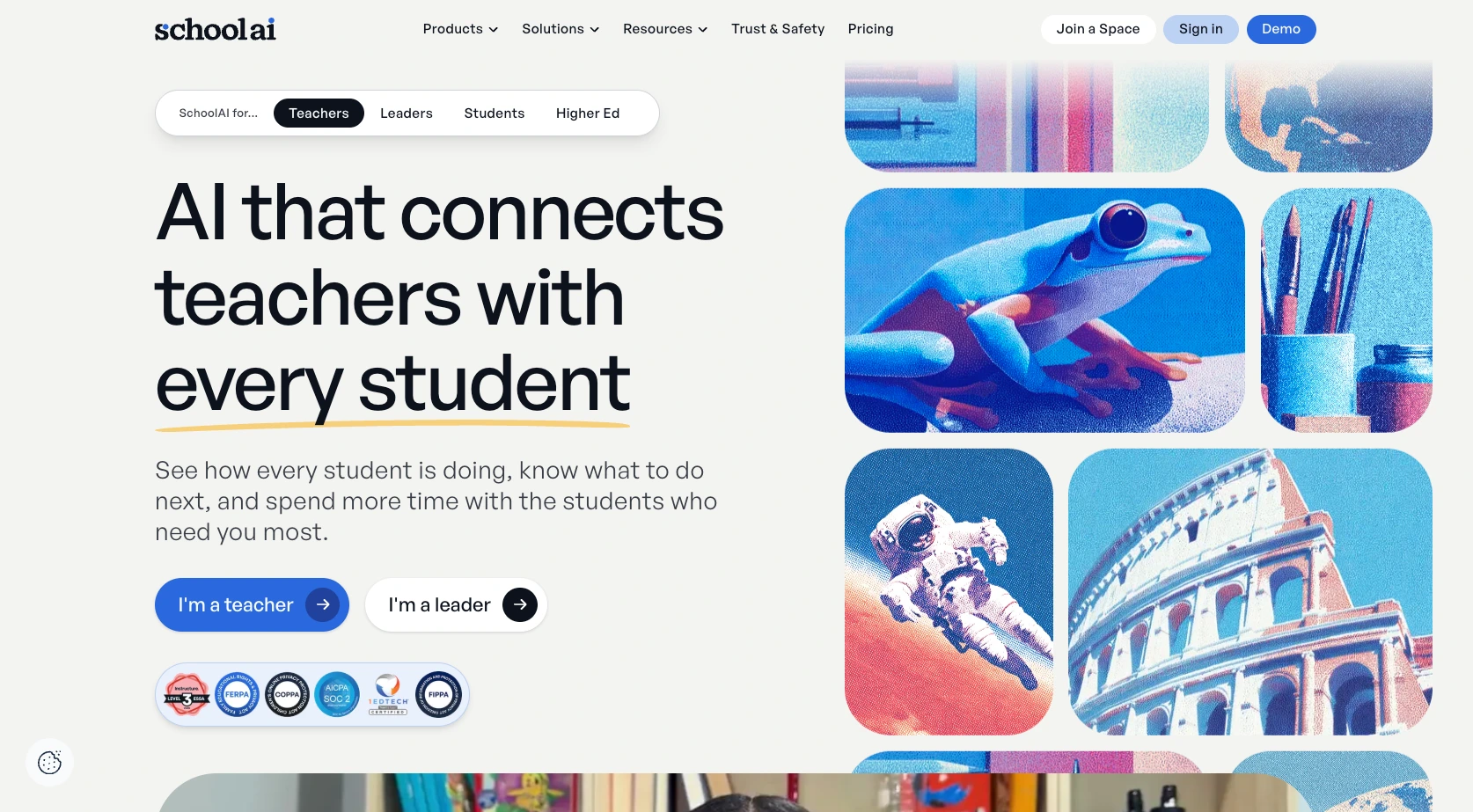
Almost every tool on this list is teacher-facing: you use the AI, students receive the output. SchoolAI inverts that. Its core feature is Spaces, a controlled environment where you define what the AI can and can’t discuss, set the persona and the goal, and then send students in. A Socratic questioner for a history seminar, a step-by-step guide for algebra practice, a writing coach for an essay draft.
The teacher-side dashboard is what makes it viable in a real classroom. You see every student-AI conversation in real time, get engagement signals for who’s struggling, and receive safety alerts when a conversation raises a concern. For a district trying to allow AI tutoring without unsupervised chatbot access, that combination is the whole pitch.
Pros
- The strongest student-facing option here, with genuine safety infrastructure behind it
- Real-time visibility into what every student is asking and how the AI responds
- ESSA Level III validated and FERPA, COPPA, SOC 2, and 1EdTech compliant, which matters for procurement
Cons
- The free plan is now limited to five Space launches per year, which is a trial rather than a working allowance for a full-time teacher
- Paid Pro and Scale pricing isn’t published, so you have to talk to sales to find out what it costs
Pricing: Free trial plan with 5 Space launches per year plus access to a large premade Spaces library. Pro and Scale are quote-based for schools and districts.
6. Curipod
Best for: Live lessons where you need the room participating, not listening.
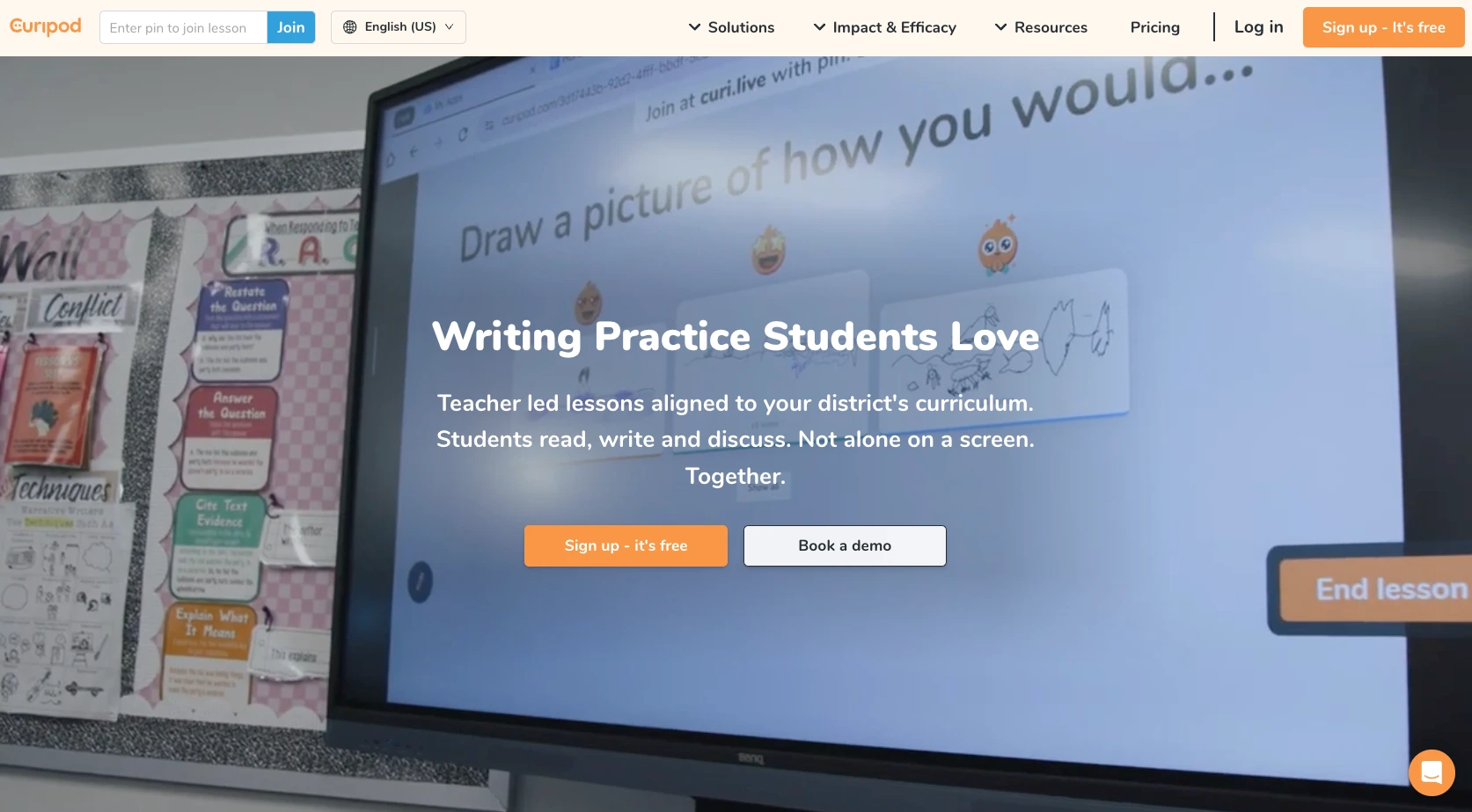
Curipod turns a topic into a live, interactive lesson. Enter a subject and a grade level, and it builds a slide deck with polls, word clouds, drawing prompts, and open-ended questions embedded in the slides themselves, so participation is part of the lesson rather than something you stop to ask for. Students join with a code from any device, with no accounts and no logins, and answer as you go. You can also import an existing deck and layer the interactive widgets on top of it.
Pros
- Genuinely good at engagement, since the format itself pulls in quiet students
- Students join instantly with a code, so no account setup or roster management
- FERPA, COPPA, SOPPA, and GDPR compliant, and student data isn’t used to train AI models
Cons
- The free plan caps how many live teaching sessions you can run each week, which is limiting if you teach multiple sections daily
- Persistent lesson reports and per-student summaries are paid-only, so on free you can teach the lesson but can’t revisit who understood what afterwards
Pricing: Free plan with a set number of live teaching sessions per week and unlimited student participants. School and district licenses are quoted based on student count.
7. Canva for Education
Best for: Making things look good: worksheets, slides, posters, and handouts.
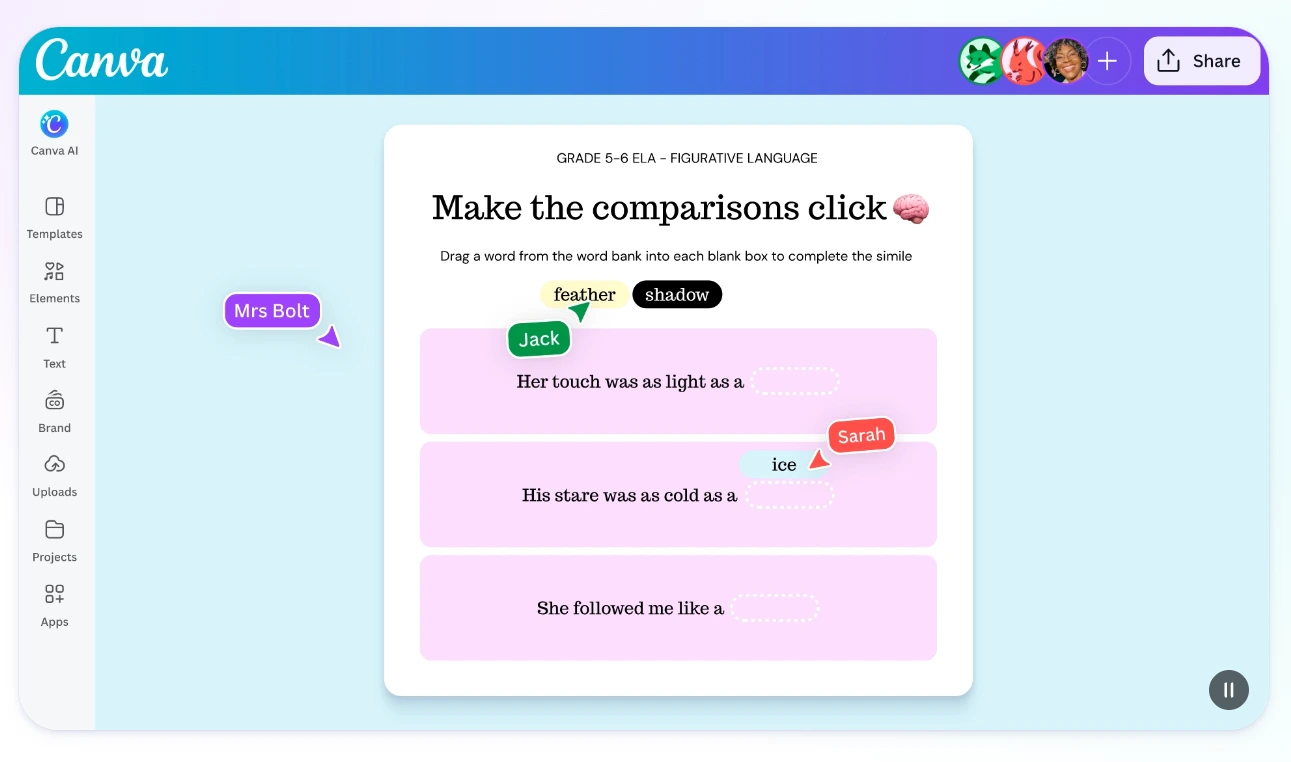
Canva is a design tool rather than a teaching platform, and it won’t write a lesson plan or draft an IEP. It earns a place on this list because much of what teachers produce each week is visual, and Canva is the quickest route from a blank page to a worksheet, anchor chart, or slide deck that looks classroom-ready.
The AI layer is Magic Studio: Magic Write for text, Magic Design for generating a full deck from a prompt, Magic Eraser and Magic Edit for images, plus translation, captioning, and an accessibility checker. There’s a Google Classroom integration for assigning templates and seeing student work.
Pros
- Completely free for verified K-12 teachers and their students, and effectively the full Pro feature set rather than a stripped-back tier
- Enormous education template library, so most materials start at 80 percent done
- Strong accessibility tooling, including format conversion, translation, and captions
Cons
- Not a teaching platform, so no lesson planning, grading, standards alignment, or assessment
- Not available to higher education individuals; universities need the separate paid Canva for Campus
Pricing: Free for verified K-12 teachers, librarians, learning support staff, curriculum specialists, and their students, plus eligible schools and districts. Verification is required and takes anywhere from instant to about a week.
Which MagicSchool AI alternative is right for you?
The seven tools here are aimed at genuinely different jobs, so the useful question isn’t which one is best overall but which hour of your week you’re trying to get back: planning, differentiating, delivering, assessing, or administering. Here’s the quick version:
- Choose Brisk Teaching if you live in Google Docs and Slides and want AI assistance without opening another tab. It only works if your school uses Chrome or Edge, since Brisk runs as a browser extension.
- Choose Jotform if your time is going to quizzes, permission slips, enrollment paperwork, fee collection, and chasing signatures, and you want AI that produces working forms and self-grading assessments rather than more documents to review.
- Choose Diffit if differentiation is your core problem. If you teach mixed-ability or multilingual classes and spend your Sundays making three versions of the same reading, this is the most direct fix on the list.
- Choose Eduaide.ai if you need lots of small resources across lots of formats and you’re paying out of pocket. It’s the cheapest paid tier here by a wide margin.
- Choose SchoolAI if you want students using AI directly and you need supervision, guardrails, and safety alerts to make that defensible to your administration. Note the free plan’s five-Space annual limit before you build a term around it.
- Choose Curipod if engagement is the gap. Best for review sessions, formative checks, and any lesson where you need to hear from the whole room instead of the same four hands.
- Choose Canva for Education if what you make is visual and you want it to look professional. It’s free for verified K-12 educators, which makes it a straightforward addition to whatever else you use.
If you’re still mapping the landscape before committing, it’s worth reading around the category. Our guides to educational technology tools and the best software for teachers both cover adjacent ground.
Whichever tool you land on, the test is what it actually takes off your plate by Friday. If that’s lesson material, one of the specialists above will handle it. If it’s the quizzes, permission slips, enrollment forms, and payments stacking up behind the teaching, that’s the work Jotform was built for: AI writes the form, then the platform collects the responses, grades them, routes them for approval, captures the signature, and takes the payment, which is why it runs alongside dedicated enrollment management software rather than against it. Build your first education form with Jotform and see how much of next week you get back.
Frequently asked questions
Very good at what it’s built for, with a clear ceiling. The breadth is real: 80-plus pre-built tools, no prompt writing required, and a genuinely usable free tier. But the output is a first draft that needs your subject knowledge applied to it, and standards alignment is U.S.-centred.
The best AI tools for teachers in 2026 depend on the task. Jotform covers assessment and administration: self-grading quizzes and forms, plus enrollment, consent, and payment workflows. Brisk Teaching works inside Google and Microsoft documents, Diffit levels reading material, SchoolAI supervises student use, Curipod runs live lessons, Canva for Education covers visuals, and Eduaide.ai offers budget variety. See our tools for teachers roundup for more.
MagicSchool has four main limitations. Its curriculum alignment follows U.S. frameworks, its catalog of 80-plus tools can be difficult to navigate, its free tier caps how much you can generate, and it doesn’t handle administrative work such as consent forms, payments, or approvals. Jotform’s AI grading tools and form workflows cover that last gap.
This article is for K-12 teachers, school administrators, and district decision-makers evaluating AI teaching tools who are looking for options beyond MagicSchool AI, whether due to curriculum alignment, pricing, or feature overload.
























































































Send Comment: