
Top Claude productivity connectors
Project managers and small business teams that use Claude know how useful this conversational AI assistant is for managing workflows. Using LLMs to analyze documents and write content, Claude helps you generate forms, emails, and reports faster. It’s also recognized as one of the best AI coding assistants and has helped many businesses increase productivity.
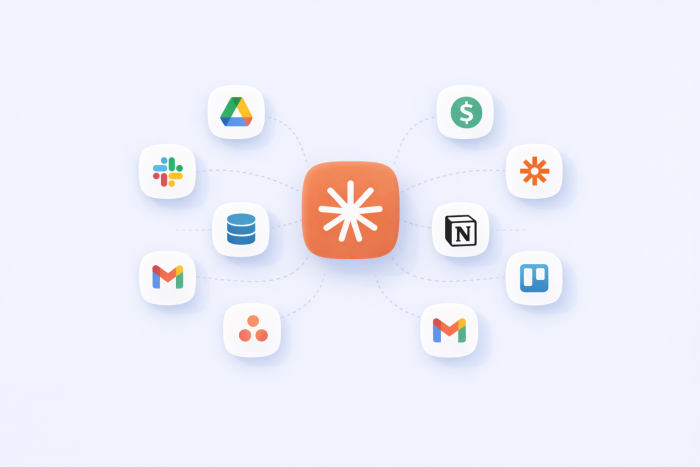
Claude gets even more powerful when it connects to the AI productivity tools your teams already use for managing tasks, emails, documents, forms, and team updates. Instead of manually searching for client information or transferring content from Claude to your other tools, use Claude productivity connectors to save time. When you connect these tools, Claude can access useful data to tailor your information and deliver it directly to your workflows.
Let’s examine the top productivity-focused Claude connectors and explore how the best AI tools can help with project management.
What are Claude productivity connectors?
Claude productivity connectors are Claude-approved integrations that connect the AI platform to external apps and SaaS platforms. Claude connects using the Model Context Protocol (MCP). The MCP works as a universal translator, allowing Claude to talk to other applications, including your productivity tools.
When connected, Claude can securely read files, retrieve data, and perform tasks across your digital workspace. Without the MCP connection, Claude knows only what you tell it through your written prompts. You’d need to upload files or copy and paste data from multiple apps to Claude to complete the same tasks.
When you use Claude with productivity connections, it can scan channels for project updates, create tickets, and draft emails using real-time data. You can then prompt Claude to perform more in-depth actions.
Top 10 Claude productivity connectors
Let’s review the best Claude productivity connectors and the type of tasks they support.
1. Jotform
Best for: Nontechnical professionals in any industry
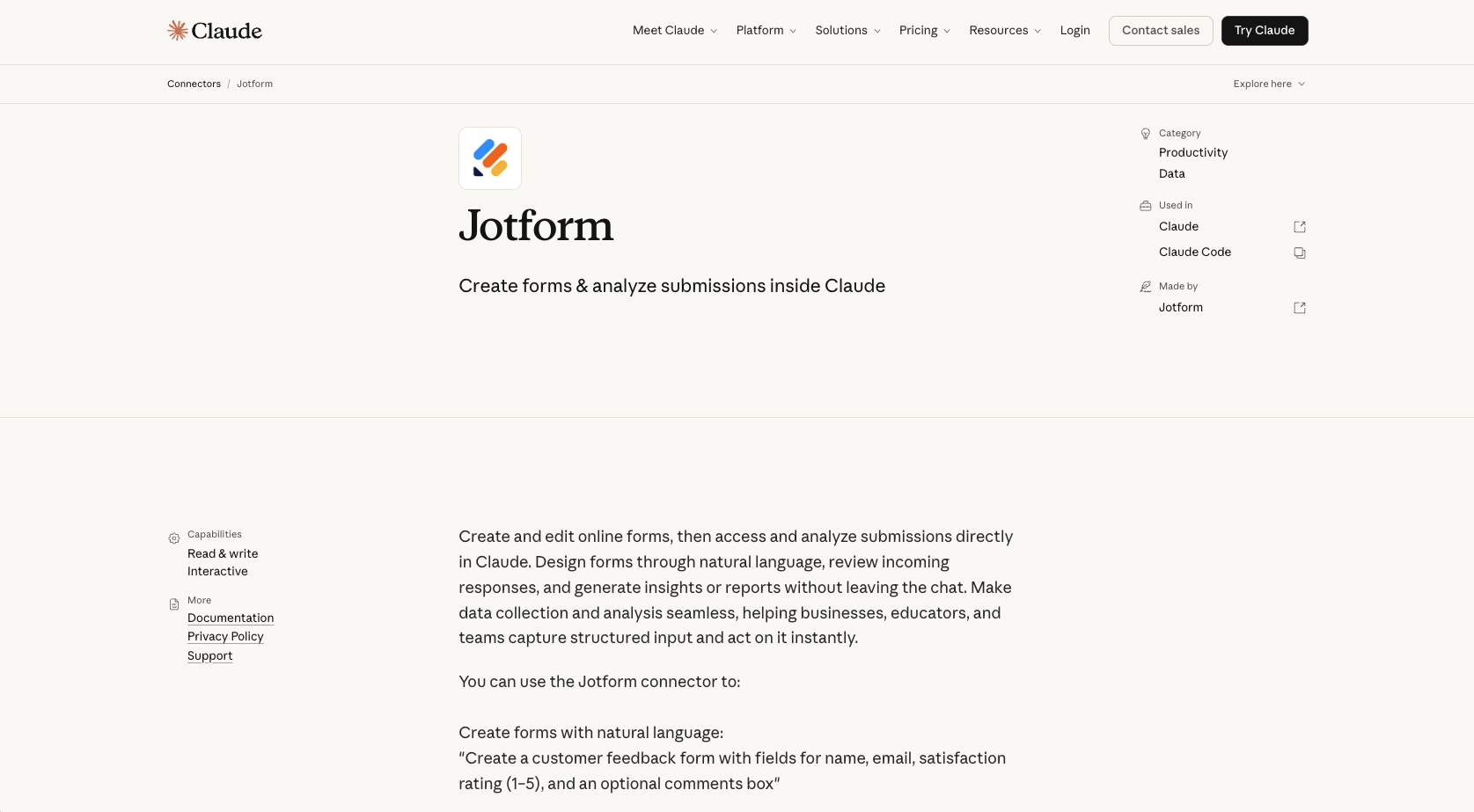
The Claude Jotform connector allows you to create a form in Claude through conversational prompts.
The Jotform connector is ideal for any organization or department that builds forms, collects a high volume of data, or analyzes text-heavy responses.
Jotform built the connector to provide access to forms and submissions through any MCP-compatible client, including Claude.
Limitations
The Jotform connector is constrained by AI memory limitations. Feeding the AI complex data streams with thousands of text-heavy customer responses will overwhelm it. You’ll need to export data via the standard formats.
Key features
- Form creation and editing
- AI design help
- Analysis and insight
- Code generation
| Pros | Cons |
|---|---|
| Can build and modify complex forms in a single chat thread so you don’t have to open multiple external design tabs. | Building complex forms and analyzing data can deplete Claude’s token allowance, causing users to hit usage limits faster than if they just used standard text generation. |
| Can immediately filter, cross-reference, and summarize open-ended text fields. | Giving Claude access to sensitive form data can increase security risks. |
Pro Tip
You can also use the Jotform Sign Claude Connector to create or upload documents, refine them with prompts, add recipients, and track signatures without leaving Claude. Connect now to keep document workflows moving in one conversation.
2. Google Drive
Best for: Software, finance, and health organizations
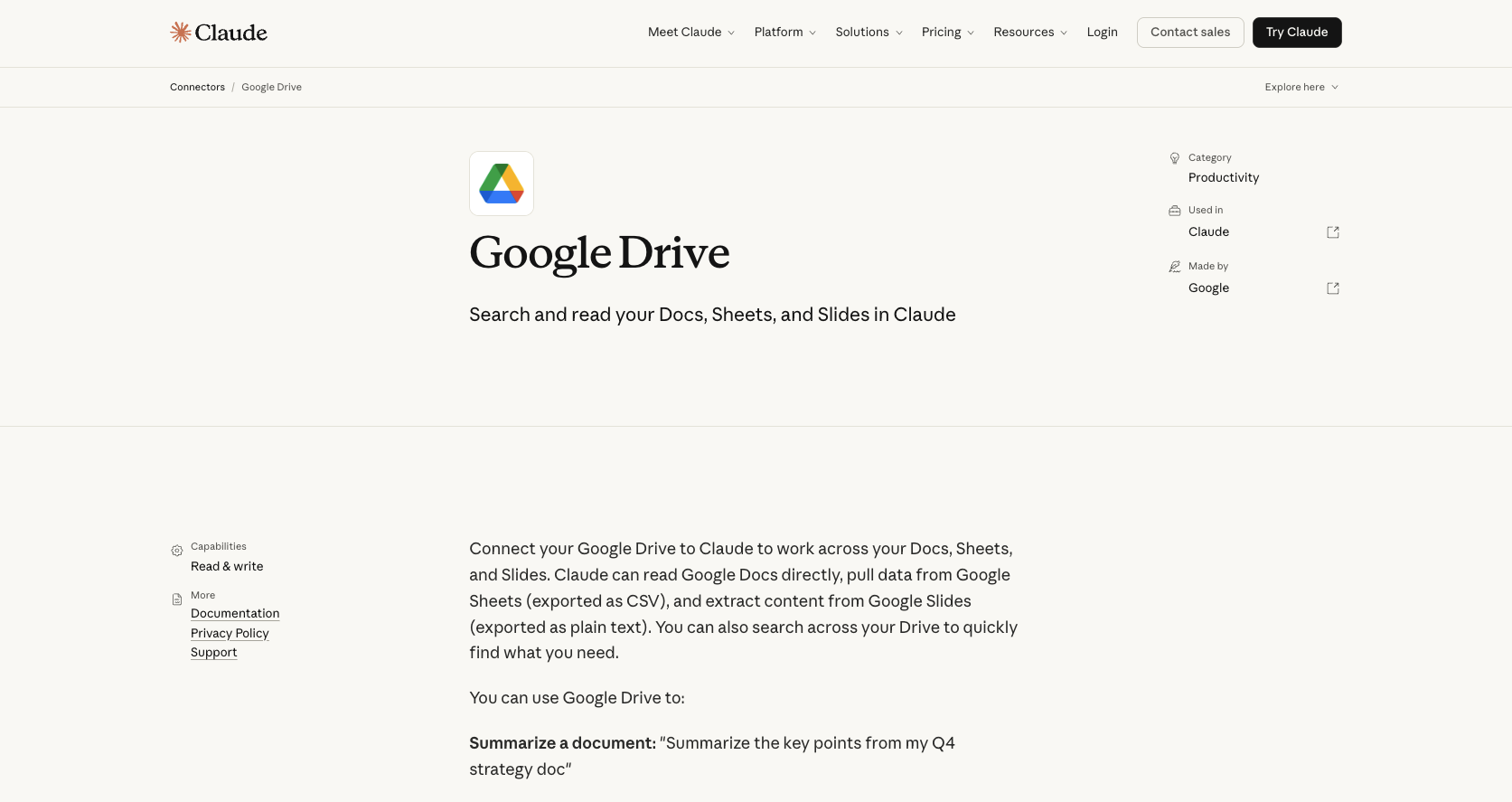
The Google Drive connector gives Claude access to all files in Google Docs, Sheets, and Slides. You can ask Claude to search for information across your Drive or pull data or content from your Google spreadsheets and slide decks. This connector is separate from the Claude Gmail connector.
Software developers and law firms that store critical data in the Google ecosystem can use this connector to quickly reference live documents.
Developer
Anthropic, the AI firm that developed Claude, created the Google Drive connector.
Limitations
While you can search, summarize, and extract insights from existing information in your Google Drive folders, you can’t add comments through this connector. You also can’t convert XLSX files to Google spreadsheets or PPTX files to Google Slides files. Claude extracts only text from Google Drive, not images embedded in the documents.
Key features
- Access and read files
- Search and integration through Claude
- Create folders and autoconvert text from Claude to a Google Drive file
| Pros | Cons |
|---|---|
| Saves time by automatically pulling source files into Claude. | Large and frequent data transfers can strain API resources. |
| Accesses control features that elevate security. | Internet problems, hardware issues, or browser compatibility can cause connectivity issues. |
3. Atlassian Rovo
Best for: Software teams, R&D, and IT service
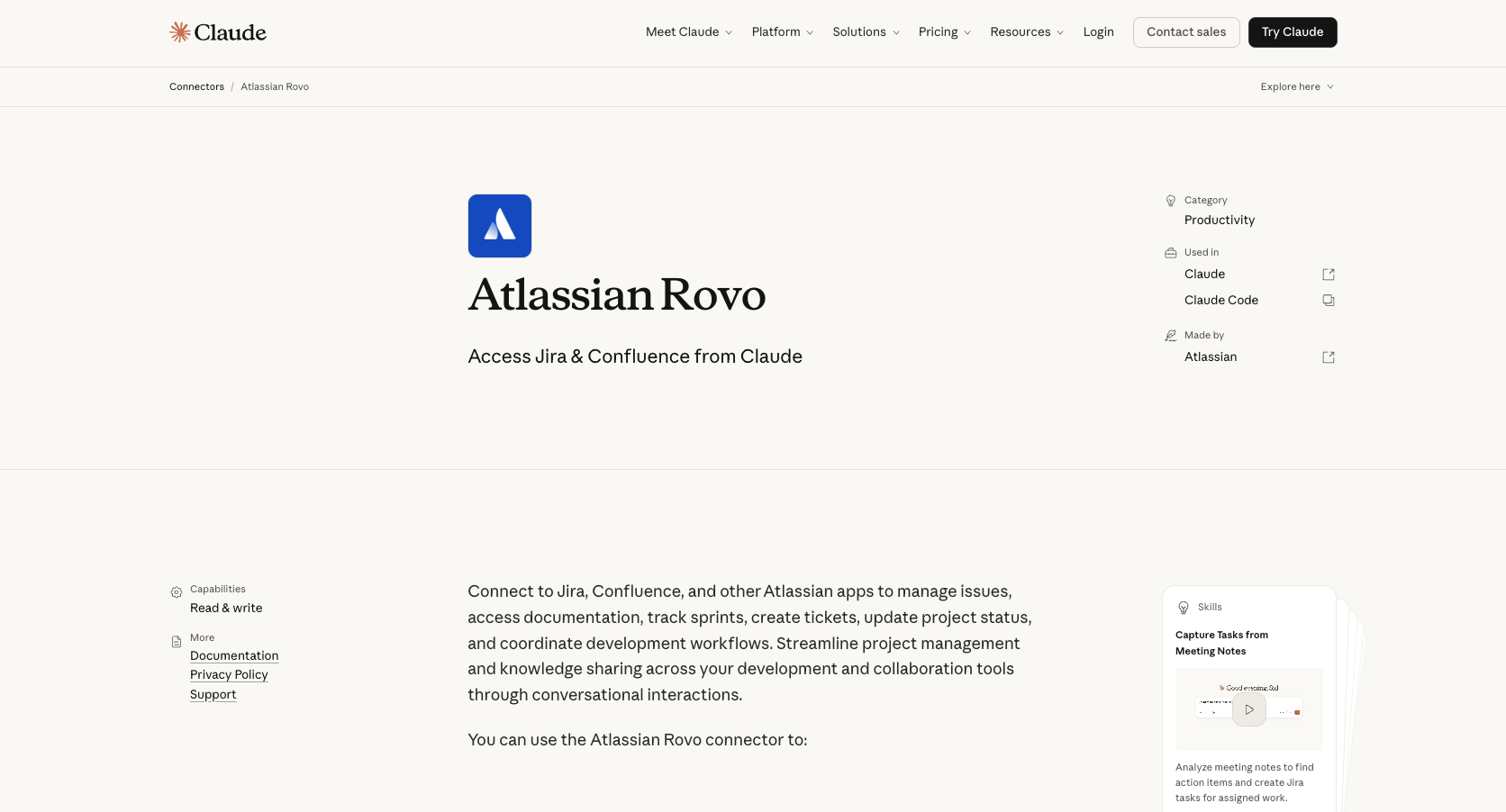
The Atlassian Rovo connector connects Claude to multiple Atlassian apps, including Jira and Confluence. Claude can help you streamline your project management workflows by sharing knowledge across development and collaboration tools.
With this connector, software engineers and IT teams no longer have to switch between Jira and Confluence. They can use both apps simultaneously.
Developer
Atlassian partnered with Anthropic to create the Atlassian Rovo connector (which is powered by Atlassian’s MCP).
Limitations
If you use Claude to rename and reorganize pages, a bug can cause the connector to clear Confluence page content. So multiple pages may be deleted, forcing you to recover lost content in your Confluence page history.
Key features
- Summarize Jira-created tasks or Confluence project pages
- Create new Jira tasks or Confluence pages through conversational prompts
- Analyze meeting notes to generate project status reports in Confluence
| Pros | Cons |
|---|---|
| Saves time by eliminating the need to switch across multiple tabs and enter data manually | It’s limited by your information. If your data is out of date, the AI’s responses will be inaccurate. |
| Streamlines workflows by allowing users to perform multi-app actions with a single prompt (e.g., creating multiple Jira tickets while drafting a Confluence brief) | Connecting to third-party MCPs can leave your Atlassian data vulnerable, because those MCPs are outside of Atlassian security boundaries. |
4. Zapier
Best for: SaaS companies, marketing teams, and customer support
Connect Claude with over 9,000 apps with the Zapier connector. This productivity connector allows you to search across these apps and perform tasks such as email, CRM updates, and meeting scheduling.
Claude can help teams set up autonomous workflows.
Developer
Zapier and Anthropic built the Zapier MCP for Claude.
Limitations
Zapier works in a linear, sequence-based fashion and responds to key triggers, limiting Claude’s ability to deal with problems dynamically. For example, if Zapier’s linear engine hasn’t accounted for certain variables in a customer support task, Claude can’t correct for that misstep.
Key features
- More than 9,000 app connections
- Built-in security with robust authentication, encryption, and rate limiting
| Pros | Cons |
|---|---|
| No code knowledge required for setup | API limits or Zapier plan constraints can delay actions. |
| No need to switch between tabs | Feeding too many app histories into Claude simultaneously can cause the AI to forget prior directives. |
5. Asana
Best for: Marketing and project management teams
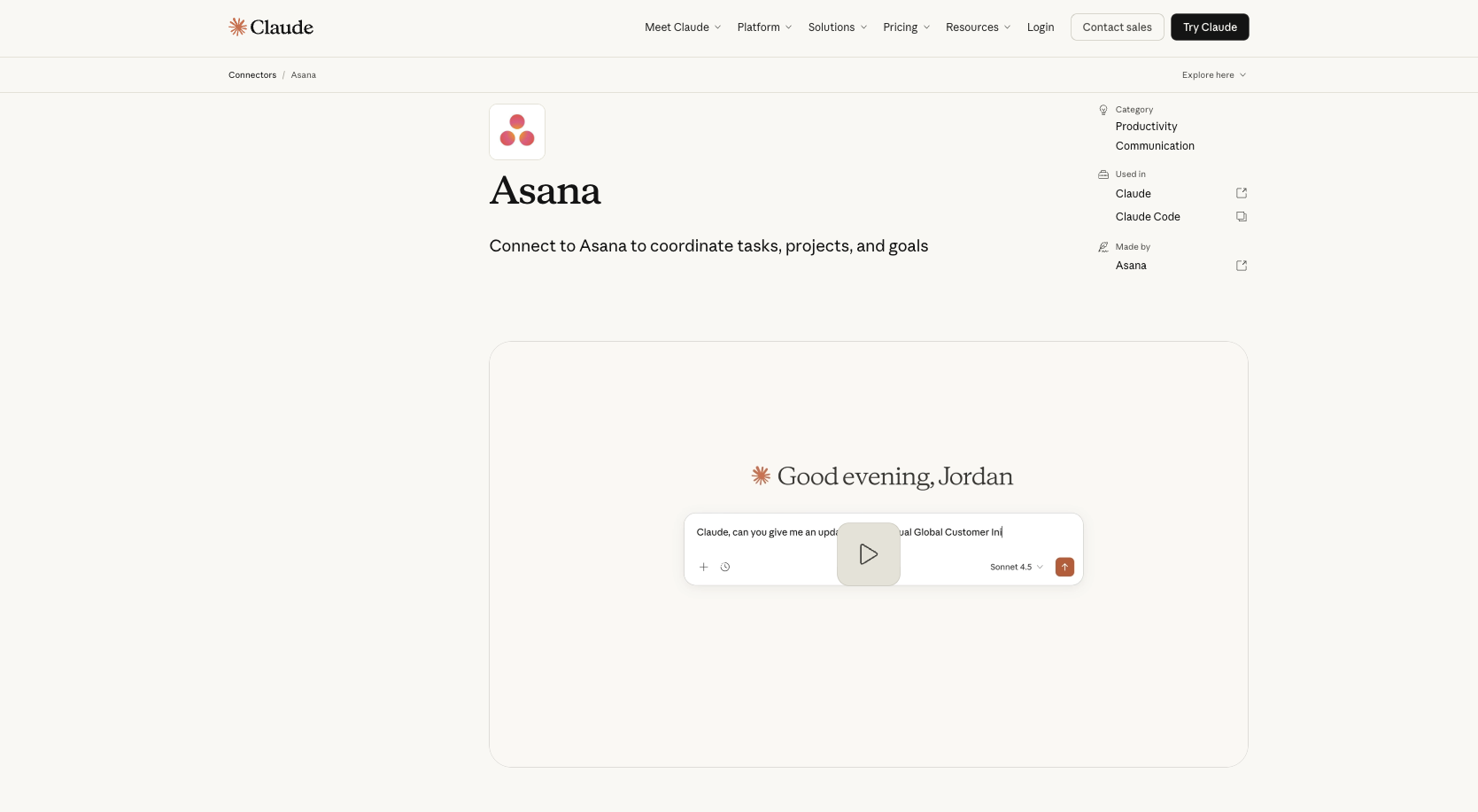
The Claude Asana connector is native to Claude. With it, your team can create projects, complete tasks, and estimate timelines through chats, turning conversations into action.
Project managers who need to quickly assign work or generate status reports across multiple teams can ask Claude to execute multiple assignments in a single prompt.
Developer
Asana developed the Asana connector for Claude in partnership with Anthropic. The connector was built with Anthropic’s open-source MCP, allowing Claude to dynamically navigate the Asana ecosystem.
Limitations
Anthropic intentionally builds connectors with a “human in the loop” safety feature that requires users to approve tasks before Claude implements them. While this helps keep data safe, it prevents Claude from autonomously executing bulk task updates or batch subtasks, which can slow down workflows.
Key features
- Native integration with Claude
- Real-time progress tracking
- Project generation through conversational prompts
- Intelligent delegation of tasks based on individual’s responsibilities
- Interactive previews
| Pros | Cons |
|---|---|
| Asana’s native integration allows Claude to use native reasoning to interpret and self-correct requests without following preprogrammed step-by-step rules. | Operating within Claude’s live chat sessions can cause the connector to hit token memory limits if users input massive data streams. |
| Users can access Asana Work Graph and user interface directly in Claude. | While the Asana connector in Claude can be used on both free and paid plans, paid tiers may be required for team-level app management and other features. |
| In-line interactive previews allow users to review, edit, and approve plans before pushing them live in Asana. | |
| Teams can generate Asana project boards and tasks with conversations in Claude chat. |
6. Make
Best for: Marketing, consulting, and public relations firms
Link Claude with the Make automation platform and gain access to thousands of external applications. The Make connector for Claude lets you run scenarios, manage workflows, configure connections, and monitor data.
Companies that need to organize and process large volumes of data can use this connector to qualify leads, analyze customer feedback, and produce actionable insights on a dashboard.
Developer
Make developed the built-in MCP server for Claude.
Limitations
Passing too much data between Make and Claude can result in context window collapse. In addition, the Make connector cannot run background tasks, so Claude cannot monitor apps and alert Make of a trigger action.
Key features
- One-click native setup
- Encrypted data transfers
- Workflow automation triggers
- Data retrieval and text analysis
| Pros | Cons |
|---|---|
| Setup is simpler because it’s a built-in connector. | Passing large datasets between Claude and Make drains token limits. |
| Access to active Make scenarios allows Claude to select the correct workflows for each task based on plain-language requests in the chat. | Repeatedly passing requests from Claude to Make can create delays, requiring users to batch tasks or restructure prompts to minimize delays. |
| Preventing accidental automation is easy because of the connector’s granular security. It asks for permission every time you ask Claude to run workflows. | Because Make doesn’t run background tasks, users can’t run tasks when not chatting with Claude. |
7. Smartsheet
Best for: Engineering and construction firms
The built-in Smartsheet connector allows AI platforms such as Claude to access your Smartsheet data, identify and summarize useful information, manage sheet structure, update project data, and create new sheets. This connector eliminates the need for manual data entry and repetitive work on updates.
Operations-driven companies with spreadsheet-dependent workflows can benefit most from the Smartsheet connector, which can help make sense of large portfolios.
Developer
Smartsheet developed its connector in partnership with Anthropic.
Limitations
Asking the connector to translate massive spreadsheets can overload the AI, causing the connector to take only a sample of the rows. You’ll get inaccurate results if key data is not included in the samples.
Key features
- Bidirectional data interaction
- Automated risk detection
- Rapid portfolio analysis
- Instant project summaries and visual asset creation
| Pros | Cons |
|---|---|
| You can generate deep project insights by asking Claude to analyze portfolio data across your Smartsheet tools. | The connector is available only to Smartsheet Business and Enterprise customers with Claude Pro, Max, Team, or Enterprise accounts. |
| You can save time and stay up-to-date by asking Claude to use your current information to update multiple sheets simultaneously. | Vague or ambiguous prompts can result in unwanted changes to the project ecosystem. |
| The no-code formula generation helps even nontechnical project managers build complex columns and cross-sheet formulas via conversational prompts. |
8. Notion
Best for: Startups, digital marketing agencies, and engineering teams
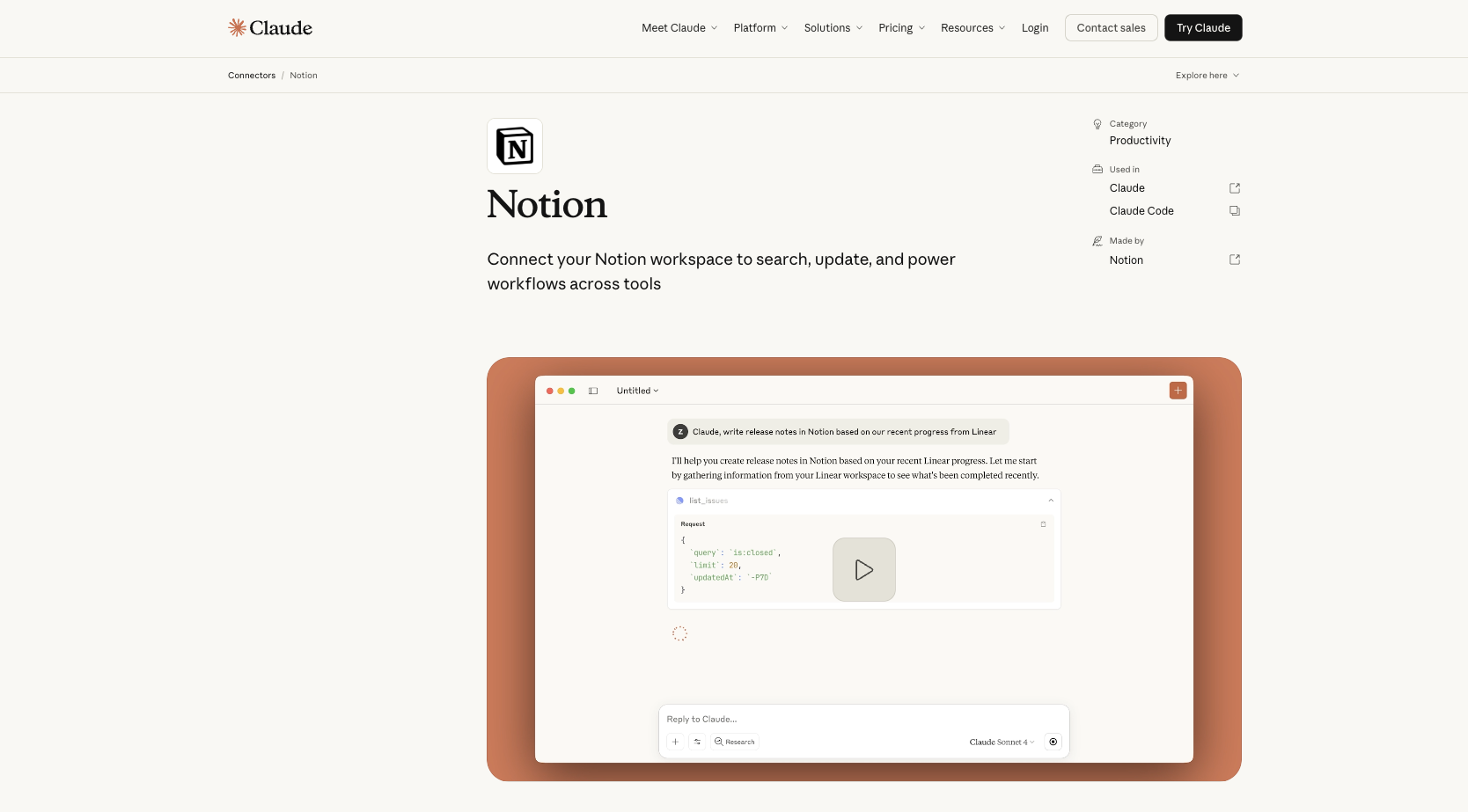
The Claude Notion connector integrates your digital note-taking, project management, and knowledge organization workspace, allowing Claude to read your pages, search your databases, write structured content and give you relevant assistance.
Organizations that manage fast-moving projects and need comprehensive documentation and relational databases can benefit from the Notion MCP connector for Claude.
Developer
Notion built this connector, which allows it to securely pipe Notion’s database APIs into Claude.
Limitations
While the Notion MCP can fetch and replace full-page content, it does not support block-level editing. If you want to modify existing layout pieces (for example, by adding a few words in an existing document), Claude would have to rewrite the entire page, which could alter complex formatting.
Key features
- Database queries
- Page content search
- Project tracking across Notion workspaces
- Content calendar access
| Pros | Cons |
|---|---|
| Integrates Notion with Claude faster and easier, via its no-code setup | Requires subscription to a paid tier (e.g., Claude Pro, Max, Team, or Enterprise plan) for full use of workspaces |
| Saves time because you don’t have to reexplain projects (Claude recovers the context directly from Notion) | Relies on organized Notion workspaces (If your Notion pages are outdated or poorly structured, the connection can produce poor results.) |
9. Shopify
Best for: Shopify online stores
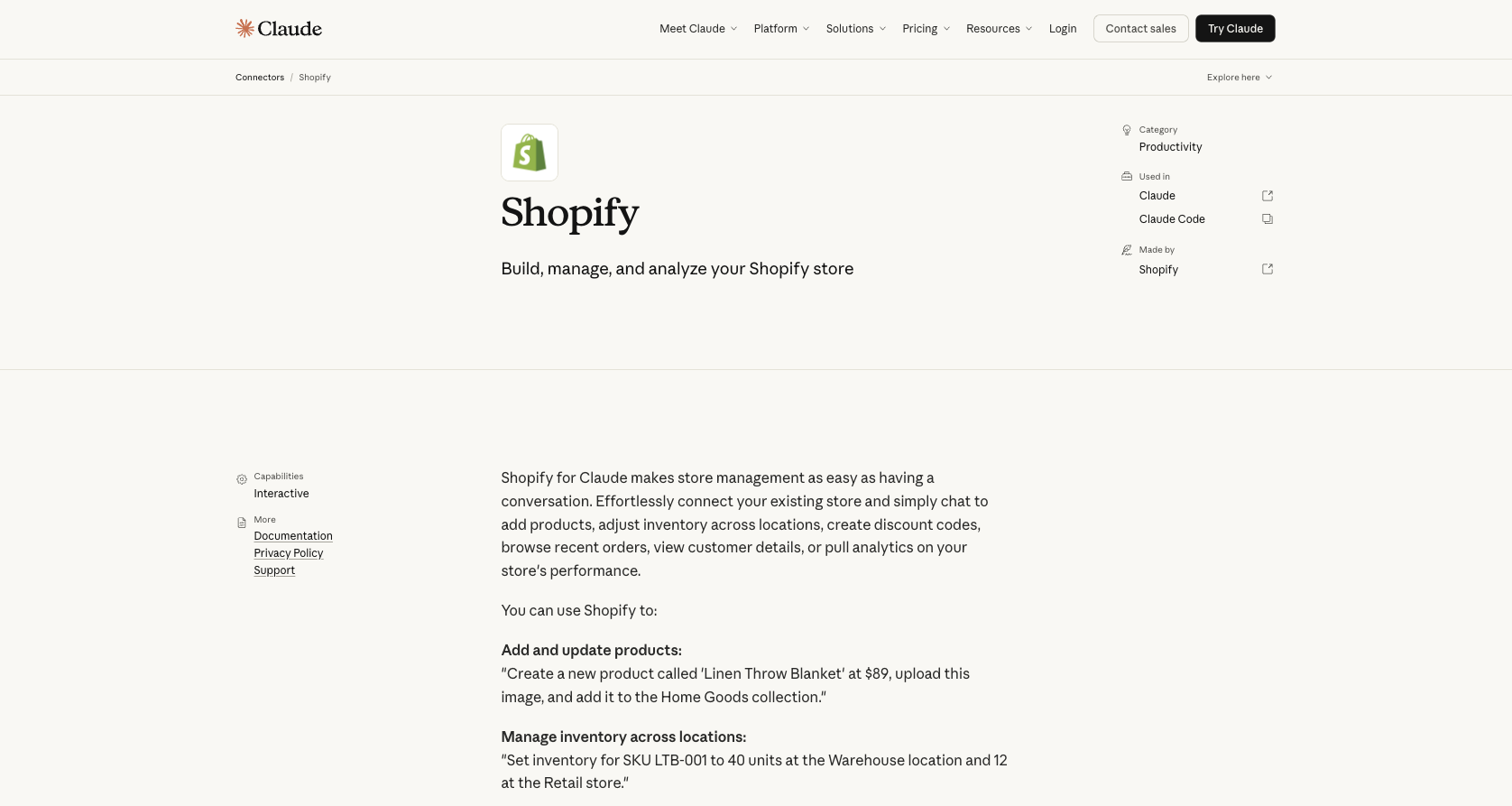
If you run a Shopify store, Shopify for Claude can make running it much easier. Using this connector, you can add products, adjust inventory, create discount codes, browse recent orders, view customer details, and analyze your store’s performance just by chatting with Claude.
Lean operations, such as boutiques and high-volume drop-shippers, can use Claude to handle high-velocity catalog inventory and cross-channel marketing.
Developer
This Shopify AI app was developed and is maintained by Shopify.
Limitations
The connector was not designed to handle complex custom workflows, such as complex business promotions. You can’t create custom checkout flows and multilocation fulfillment rules using conversational prompts.
Key features
- Sales performance analyses
- Product popularity tracking
- Inventory optimization insights
- Seasonal trend analyses
| Pros | Cons |
|---|---|
| You can streamline workflows by using Claude to review orders, track inventory, and create discount codes, without switching tabs. | Poorly worded prompts could accidentally cause incorrect prices or bad codes to go live in your store. |
| You can optimize product descriptions by generating branded drafts in Claude using real-time e-commerce data. | Massive inventories can create excessive amounts of historical data that trigger API time-outs. |
| Manual programming isn’t necessary to do basic installations. |
Pro Tip
Building workflows specifically for academic environments, universities, or e-learning platforms? Check out our dedicated guide on the best Claude connectors for education to seamlessly automate student inquiries, grading forms, and administrative tasks.
10. Zoho CRM
Best for: B2B sales organizations and e-commerce companies
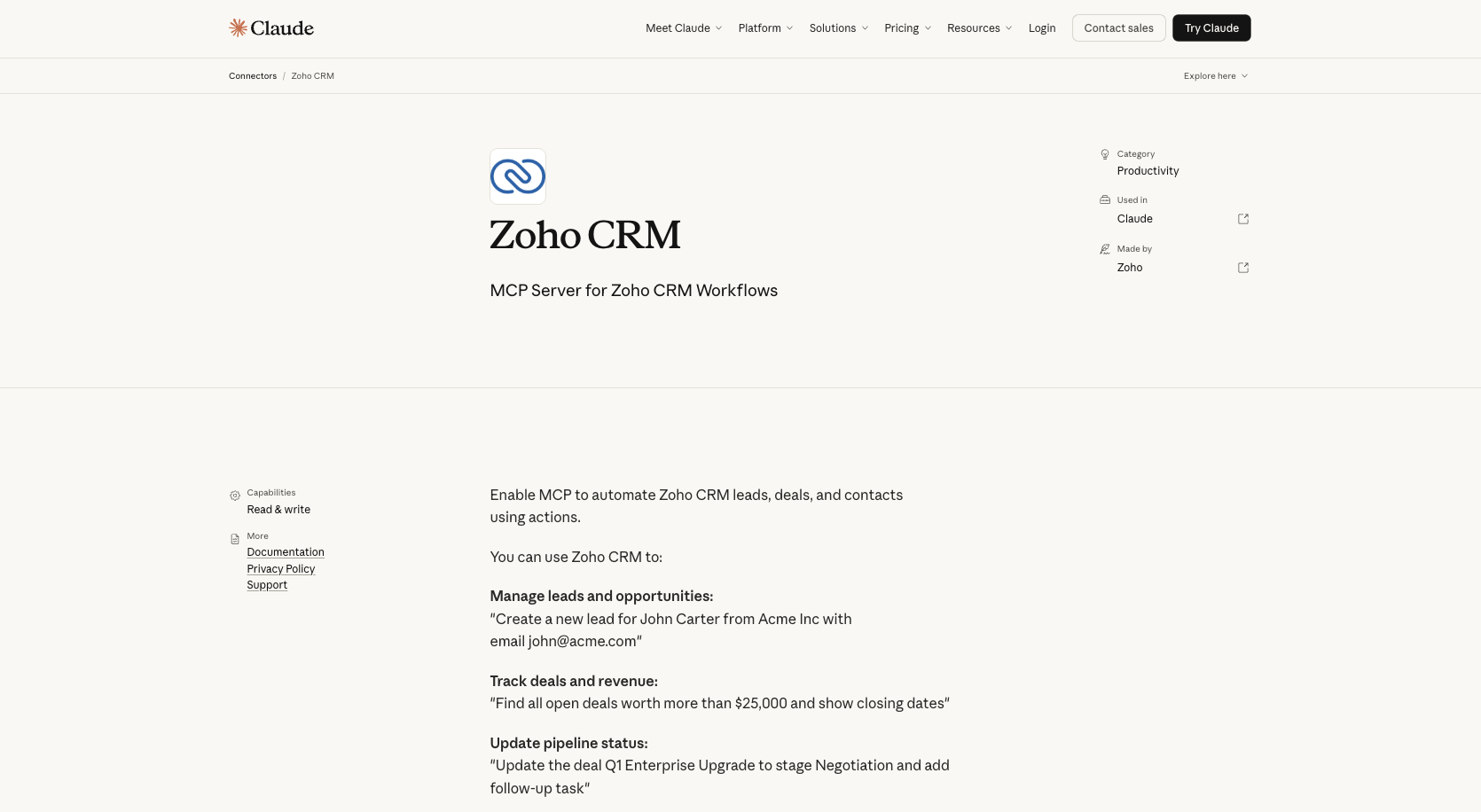
The Zoho CRM connector allows Claude to read, manage, and automate your Zoho CRM data based on your typed prompts. Using this MCP server, you can ask Claude to find the right Zoho tool and have it take the necessary actions, from updating statuses in your pipeline to tracking deals and revenue. You can also organize customer data and manage leads and opportunities.
Companies that rely on CRM operations, especially those already embedded in the Zoho ecosystem, can improve their productivity with this connector.
Developer
The Zoho Corporation built and released the Zoho CRM MCP server, so users don’t need to build or maintain any infrastructure.
Limitations
While the Zoho MCP server excels at low-volume tasks, it struggles with bulk processing. If you ask Claude to scan thousands of leads and merge duplicates, it will exhaust its token context window.
Key features
- No-code configuration
- Real-time data access
- Granular OAuth security to keep Claude from accessing or altering data you didn’t authorize it to view
- Smart lead and pipeline analytics for scoring leads
| Pros | Cons |
|---|---|
| Access to real-time CRM data improves accuracy, compared with data from cached database exports. | Ambiguous or poorly worded prompts can result in misinterpretations or AI hallucinations. |
| It simplifies workflows and saves time by updating fields and adding log notes from the chat interface. | If you need to make multiple requests, you may be delayed by the time it takes to process requests, request actions from Zoho CRM, wait for a response, and process the data. |
| The MCP fetches relevant data points, keeping the context window from getting cluttered with datasets. |
How to choose the right Claude productivity connector
When selecting the best Claude productivity connectors for your business, consider how compatible the connector is with your existing online tools, how technically savvy your team needs to be during onboarding, how secure the connector is, and how much it costs vs its value to your business.
Examine your existing infrastructure. If your team is already integrated into the Zoho or Google ecosystem, the Zoho CRM or Google Drive connector could increase productivity. A connector with a straightforward setup process can be a good choice if your team is largely nontechnical.
Maintain high encryption standards. Match connector access permissions with the right employees, and restrict actions within connected services to make sure only the right people can access key data. Ensure that the connector gets only the minimum API permissions required to secure your corporate data.
Evaluate the cost of investing in a productivity connector against the time your company saves. Free plans work well for low-volume tasks but restrict access to advanced features and data capacity. Paid plans may come with higher expenses but are often necessary for automated workflows, real-time data syncing, and removal of monthly operational ceilings.
Test how compatible your current system is when paired with a free tier and take advantage of Claude’s free plan updates. Then decide if using the connector and upgrading to a paid plan would save more money in labor hours than it costs in subscription fees.
Get started with Claude productivity connectors today
Investing in Claude productivity connectors can streamline your workflows by allowing it to better communicate with your raw data. If your employees are constantly copying and pasting information and switching browser tabs, integrating productivity connectors into your workspace can save time and enhance your overall efficiency.
To help workers use connectors in their daily workflow, incorporate changes gradually. Have workers add MCP productivity tools and remind them that they can brainstorm, draft, and edit projects in Claude without switching tabs. As they get more comfortable with the process, have them use Claude to read and interpret data, revealing how the connector helps generate instant insights.
If your business requires high-volume data collection, the Jotform Claude connector can save you time and help you build and fine-tune online forms directly in Claude using conversational prompts. By giving Claude direct access to Jotform, your team can analyze form submissions, extract immediate insights, and improve your organization’s performance.
This article is for founders, project managers, and operations or small-business teams looking to integrate Claude with their daily apps to boost productivity.





































































































Send Comment: