A big part of the restaurant experience is hospitality: the smiling faces, warm feeling, and welcoming attitude coming from the host, the servers, and the manager.
But from a restaurant management perspective, today’s dining experience is shaped just as much by operational efficiency as it is by human interaction. It’s all about consumer needs and behaviors, which are changing: Restaurant patrons increasingly desire contactless ordering, which minimizes interactions with restaurant staff. Forty-six percent of 18- to 24-year-olds prefer to use a smartphone to order their food.
Instead of hospitality, many customers are looking for speed and convenience in their restaurant experience. As a result, many restaurants now offer contactless ordering for dining in and also for takeout and delivery. in
How does it work? And which tools can restaurants use for contactless ordering? We’ll answer both those questions in this article.
What is contactless ordering, and how does it work?
When dining at a traditional restaurant, customers interact with many employees. Upon arrival, the customer may be greeted by a host, who seats them at a table. Then comes the server, who takes their orders and brings their food. A restaurant attendant cleans up the dishes at the end of the meal, and a manager may stop by to ask how the meal was.
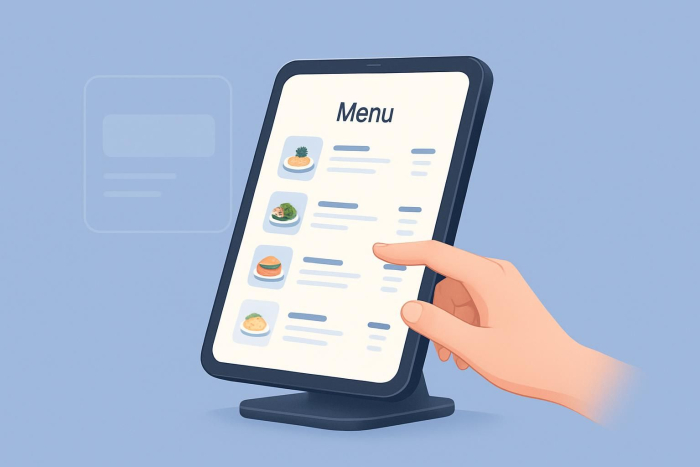
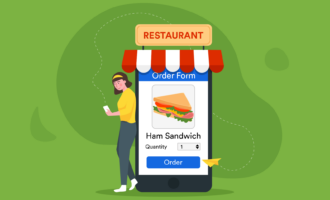
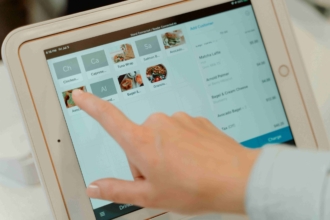
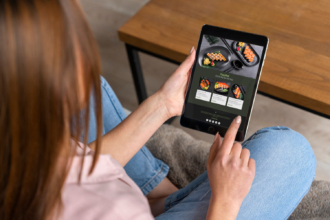
With contactless ordering, the process of reviewing, selecting, and paying for food is digitalized, so there is less interaction with restaurant staff. The process differs from restaurant to restaurant, depending on the technology each uses, but it includes a few key steps. Instead of looking at a hard-copy menu, the diners either scan a QR code with their phones to bring up an online menu or use a tablet provided by the restaurant to review the menu.
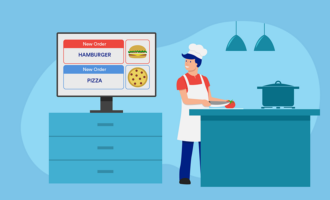
When they are ready to order, the diners don’t need to interact with the server. Instead, they order food directly from their mobile device or a tablet, and the system sends the order directly to the kitchen. The server brings out the food when it’s ready. When the diners have finished their meal, they can pay for it using the same system from which they ordered it or via a payment terminal in the restaurant (which is often right at the table).
The process is similar for takeout and delivery orders; customers order online and pay through the restaurant’s system.
Benefits of contactless ordering
To implement contactless ordering at a restaurant, the owner needs to invest in the right software and train employees on the new process. While the process can be time-consuming, setting up contactless ordering has considerable advantages. The key benefits include:
- Better hygiene: Both customers and restaurant staff want to avoid germs and viruses; limiting surfaces they have to touch, such as menus, and contact with staff during the ordering process can help with that.
- Faster turnaround times: Contactless ordering removes the server (the middleman) from the ordering process because the details go directly to the kitchen. This streamlines the restaurant’s workflow so customers get their food faster.
- Higher table values: Some contactless restaurant ordering systems display enticing menu suggestions based on a customer’s initial order. For example, if the customer selects a steak, the system can suggest a shrimp add-on or a side of mashed potatoes.
- Better accuracy: Servers are only human, so it’s normal for them to occasionally make mistakes when taking customer orders. The potential for errors in this step disappears when customers order their own food directly from the kitchen.
- Higher capacity for servers: When servers are spending time taking food orders, they are limited to how many tables they can handle. With contactless ordering, they can serve more tables, increasing both the volume of sales for the restaurant and tips for themselves.
Tools for creating a contactless ordering process
The success of a contactless ordering experience depends on the solutions a restaurant uses. The right tools for the job are essential in getting the process to work well for staff and customers. Here are some popular contactless restaurant ordering tools.
Jotform
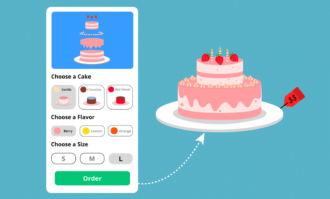
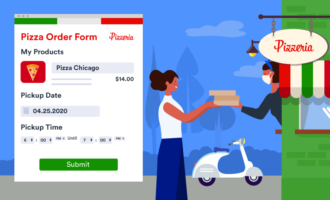
Jotform is a solution restaurants can use for contactless ordering and much more. With Jotform, restaurants can create food order forms using easy-to-customize templates, such as the Food and Beverage Order Form and the Food Menu. The platform also provides a simple way to create QR codes that bring up online order forms. If a restaurant wants to create a mobile app for contactless ordering, Jotform has several restaurant app templates.
Jotform accepts online payments from over 40 payment gateways, so there are multiple ways for customers to pay for their food. Plus, Jotform offers other mobile forms and templates for related restaurant management processes such as scheduling and payroll.
Almenu
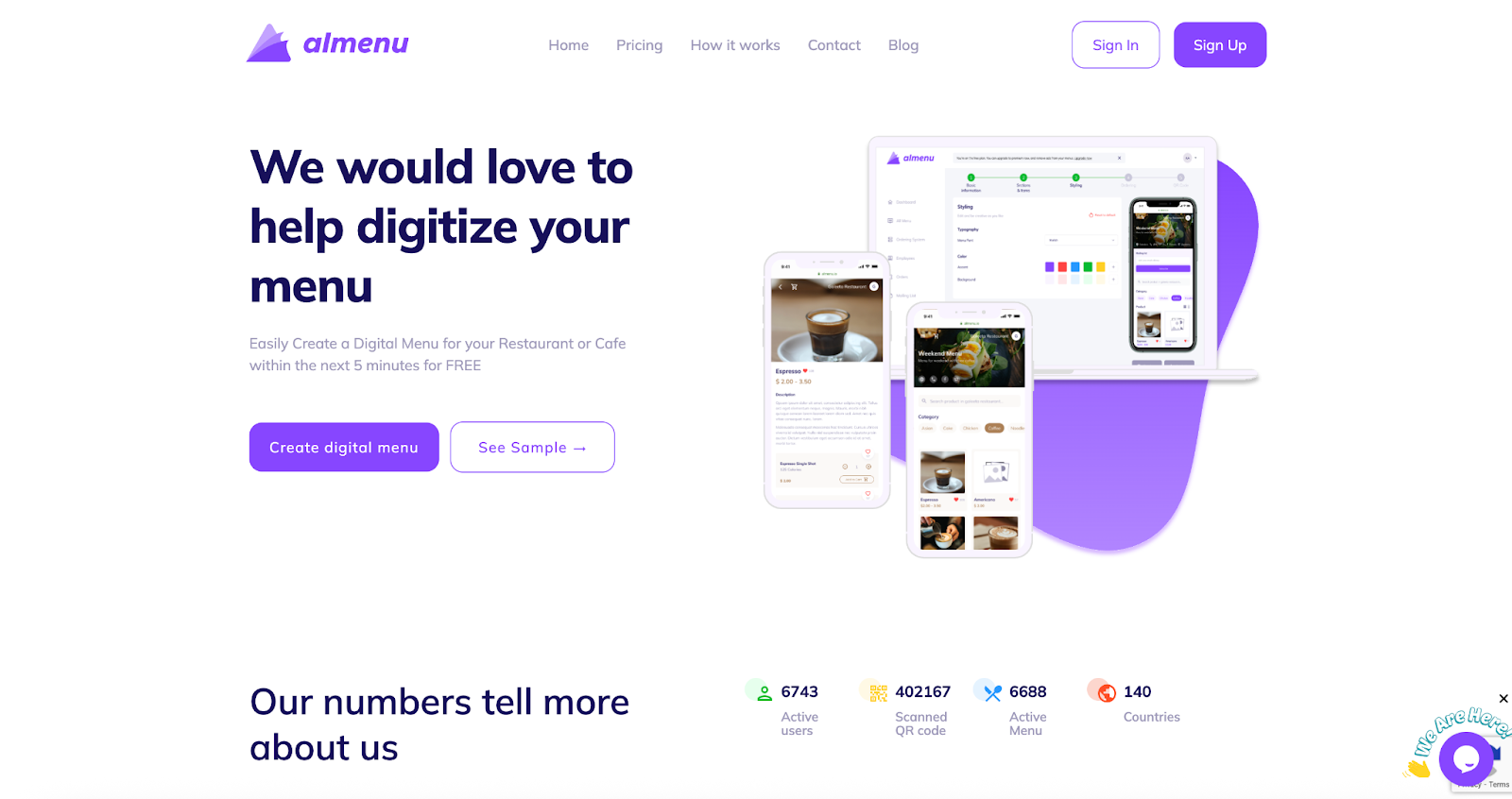
Almenu helps restaurants digitize their menus and create a contactless ordering process. It’s easy to use, and a menu can be digitized in less than five minutes. Almenu includes ordering systems for takeout, dining in, and delivery. Its dashboard includes analytics about the popularity of each menu item, which can help with decisions about the future of the menu.
FanFood
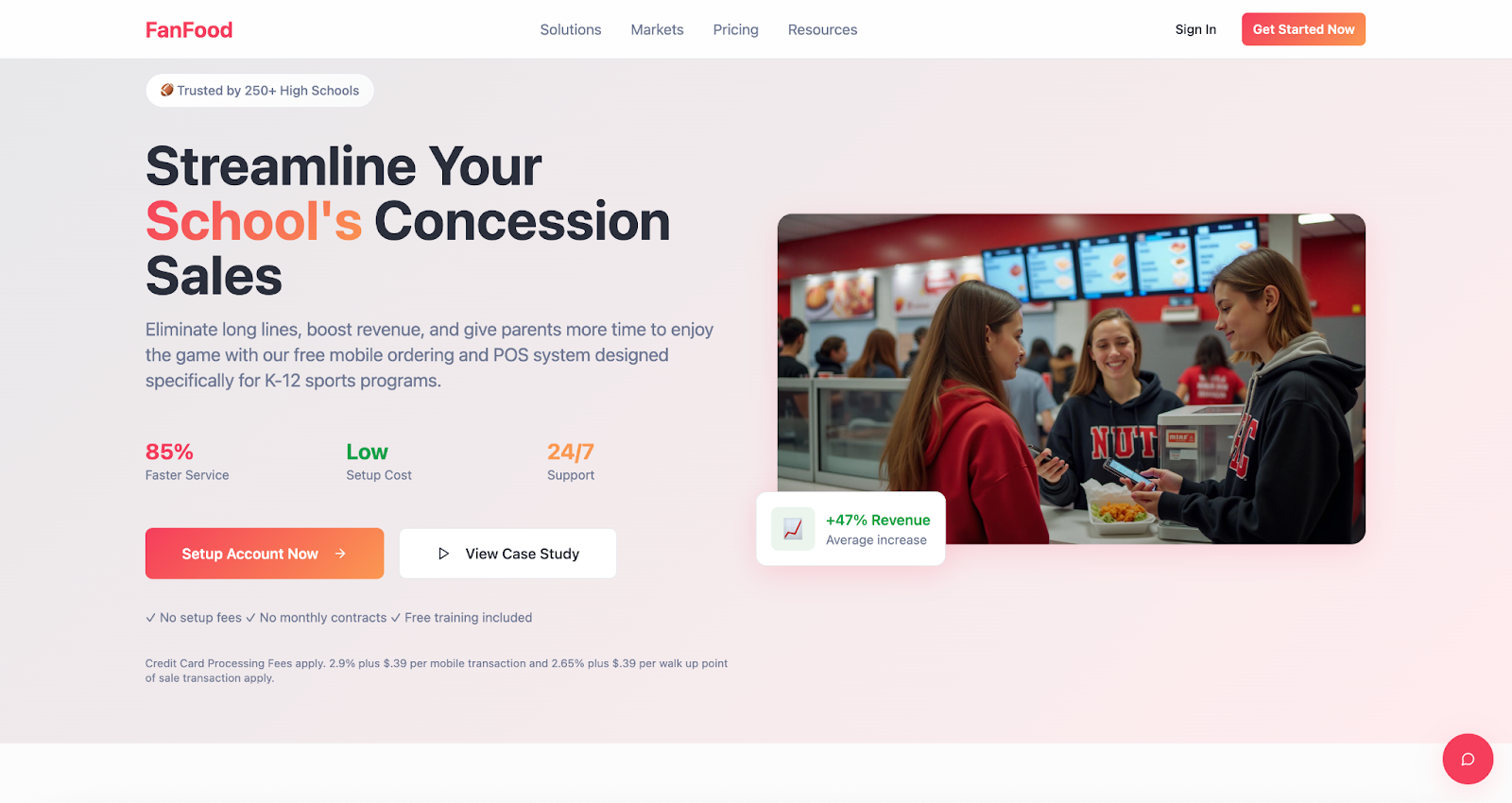
FanFood is a mobile food and beverage ordering system designed not only for restaurants but also for other venues that serve food, such as stadiums, theaters, arenas, and hotels. The FanFood platform enables customers to choose the time they’d like to pick up their order or have it delivered. FanFood includes a back-of-house system to simplify kitchen and service staff communication and coordination, ensuring each customer gets the right order. The platform also has options for taking catering orders.
SmartiREST
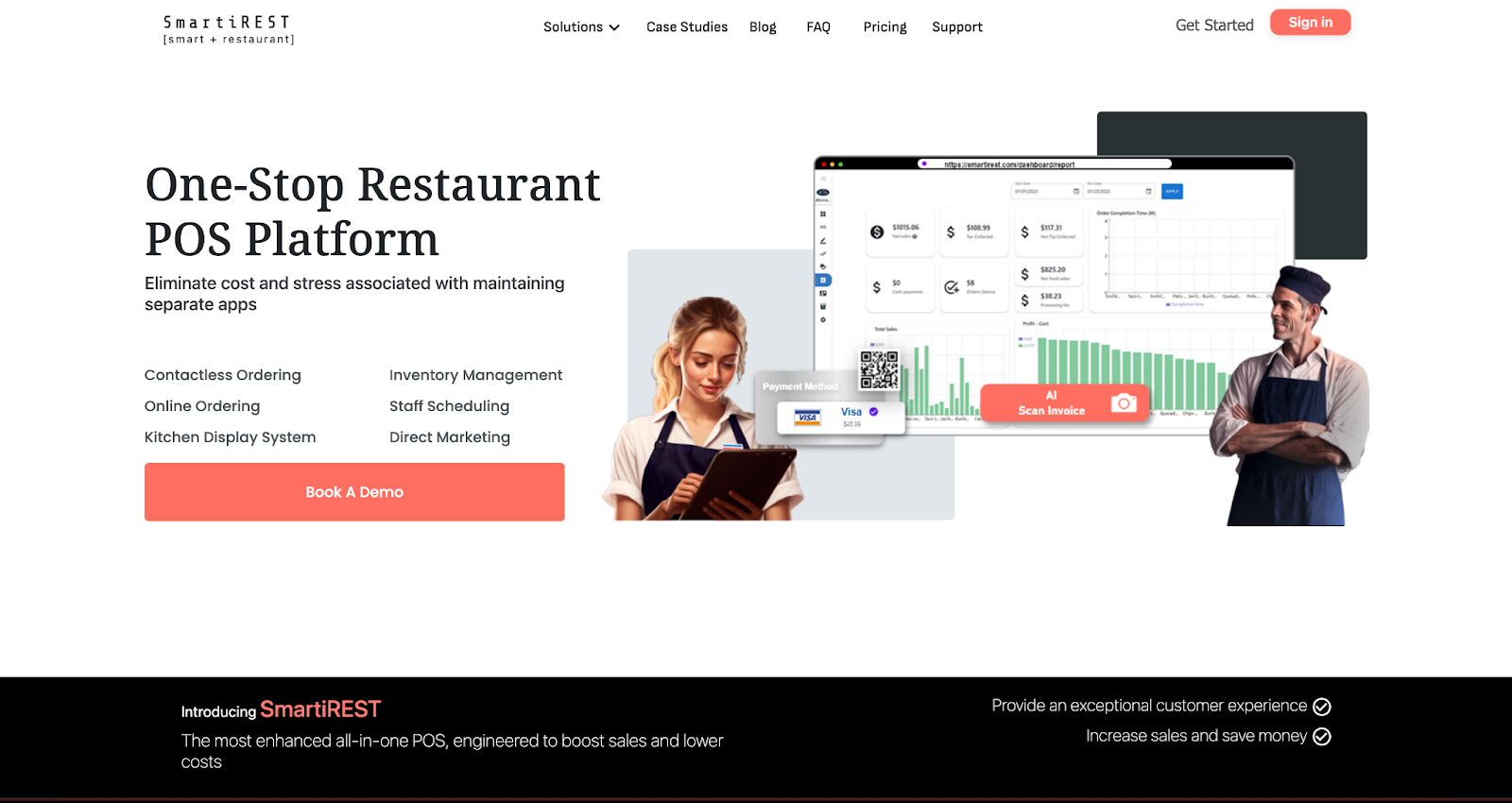
SmartiREST is an advanced contactless ordering and payment system for restaurants. Its features include a life-size three-dimensional menu, which entices customers with realistic images of the restaurant’s food. Orders are sent directly to the kitchen, and SmartiREST sends diners a notification when the food is about to be served, delivered, or ready for pickup. The platform also generates reports, offering restaurants a deeper understanding of their finances.
Orderlina
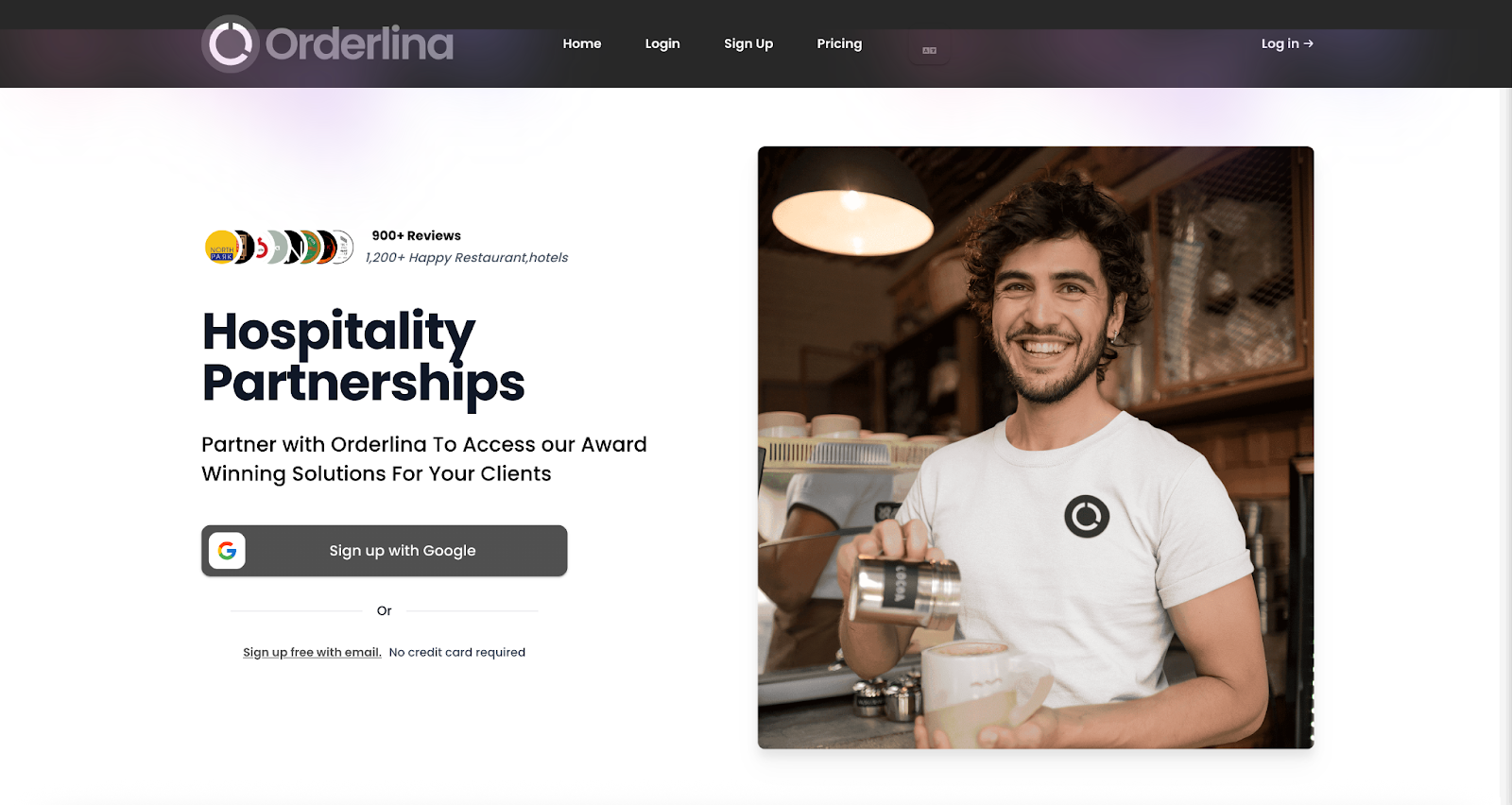
Orderlina is a contactless ordering solution for dining out, takeout, delivery, and drive-thru service. Customers access the platform via a QR code, which brings up a menu with photographs of the food. They can then order and pay directly through Orderlina, getting faster food delivery than a typical restaurant website would allow. Orderlina can also be connected to a restaurant’s social media accounts, meaning customers can go directly from learning about the venue or food to placing an order. Hotels can also use Orderlina to manage orders for room service, spa services, and more.
Contactless ordering: A streamlined experience for restaurants and customers
By making the ordering process more efficient, smooth, and streamlined, contactless options are changing the restaurant business. Customers get their food faster, and staff can serve more diners at a time.
What will the next step in this evolution look like? Perhaps in the near future, technology will be used to bring food out to customers.















Send Comment: