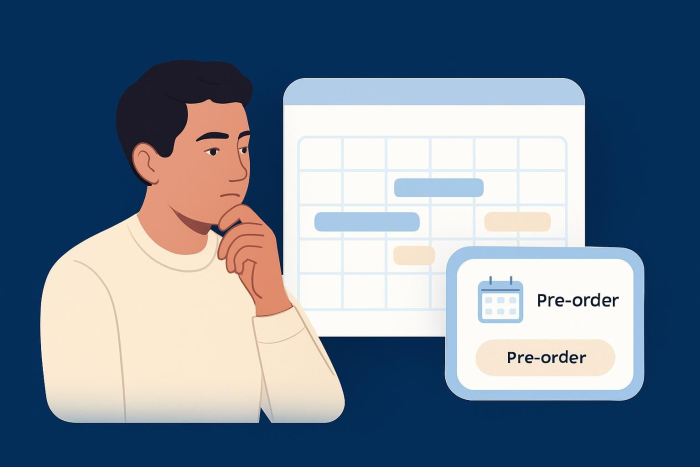
Setting your products for pre-order
- Ensure the logistics are in place
- Create the sales page
- Figure out payment details
- Have an onboarding process in place
- Spread the word
Have your customers ever asked how to pre-order products from your business? If so, it’s a great sign that what you offer is in high demand. Pre-orders are an effective way to sell online, especially when you’re launching new products or testing customer interest before a full release.
Pre-orders offer a deluxe, VIP customer service experience, ensuring enthusiastic shoppers can get your products before you run out. They are a great way to validate the popularity of your products and ensure they will be in high demand once they fully hit the market.
In this article, we will cover how to set up a streamlined process for pre-orders for your products.
How to set up pre-orders for your products
1. Ensure the logistics are in place
“Pre-orders are a great strategy to reduce the risk of product introduction failure for your company,” says Amir Jabbari, a certified professional marketer. “Before the product goes to market and the maintenance and trade marketing costs start to come [in], you can generate revenue for the company.”
First things first: You have to make sure you have all the logistics covered before you invite customers to pre-order your products. This means making sure you have plenty of inventory delivered and warehoused in time for the official release, knowing your supply chain is secure, and having an effective plan in place for shipping and delivery. After all, if you’re accepting orders and payments, you have to know how you will fulfill those orders. Otherwise, you could end up with unhappy customers who don’t want to buy from your business again.
2. Create the sales page
“Targeting the right audience is an integral part of your success,” says Jabbari. “You need to target those early adopters in your industry who are willing to spend more and are crazy about your product.”
Once you’ve reached those early adopters through advertising or promotions, where will you send them? You need a landing page to share details, such as which products can be pre-ordered, along with their specifications and intended delivery date. Be sure to include information about the ordering process. Keep the design and messaging of this sales page as simple as possible, with a clear call to action for the customer to place their pre-order.
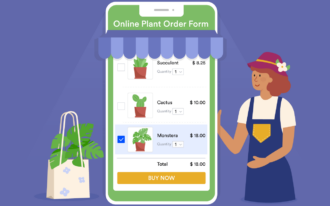
To that end, Jotform offers a pre-order form template that is pre-built and nearly ready to go. All you have to do is customize the fields and embed the form on your website.
3. Figure out payment details
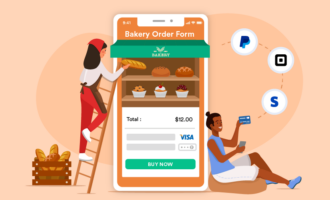
In addition to providing the order form, you’ll have to figure out how you will accept payment from your customers. Offering a choice of several payment options (for example, credit cards, debit cards, and third-party payment processors such as PayPal) is a good way to attract and retain customers. Jotform offers multiple payment processor integrations, so it’s easy to set up your checkout page and collect online payments for pre-orders.
4. Have an onboarding process in place
What happens once the customer places their pre-order?
You should send them an email confirmation of their order, including a projected delivery date. If you expect a lot of time between the pre-order and the product’s delivery, you may want to send additional information to the customer, such as tracking updates, advice on how to maximize their use of the product, and links to related products they may also be interested in.
5. Spread the word
Once your pre-order process is fully tested and ready to go, it’s time to promote it to your target audience. “These are the people who have engaged with you in the past and have bought previous products from your company and were delighted with what you offered to them,” says Jabbari. “But if you are a new company, or don’t have a large list of promoters, it is advisable to go and start with the KOLs [key opinion leaders] in your industry.”
Remember to use multiple channels to spread the word, such as social media, email marketing, and website marketing. Depending on your business, you can even invest in a print campaign. In your messaging across all formats, be sure to share information about how to order, when the product will arrive, whether there is a limited quantity available, and the benefits of ordering the product in advance. If there is a deadline for placing pre-orders, make it clear in your promotional messaging.
Remember: Pre-orders are beneficial for both you and your customers. You get clear product validation while they get VIP access. With these five steps, you’re all set to show customers how to pre-order products from your business.
This article is for product-based business owners, e-commerce managers, and marketers who are launching a new item or restocking a popular one and want a clean way to collect early orders before full availability.



















































Send Comment: