
To import shop listings from Etsy to WooCommerce, you can export them as a CSV file from Etsy and manually import the file into WooCommerce. You could also prepare your Etsy CSV file in Jotform for error-free migration or use an Etsy-to-WooCommerce plug-in to automate the process.
Like many other growing businesses, there are several reasons why you might want to migrate from Etsy to WooCommerce. Consider extra transaction fees, for instance. Etsy charges 20 cents per listing and commissions 6.5 percent from every sale you make. Add the need to customize customer experiences and build a unique brand, and it’s clear why transitioning from Etsy is a significant step for many sellers.
If you’ve already set up dozens of products on Etsy and want to export your listings to WooCommerce, this guide will walk you through several methods.
Why import Etsy to WooCommerce?
While Etsy is an excellent starting point for handmade and vintage sellers, it comes with several limitations. This global online marketplace controls your storefront design and restricts how you communicate with customers. It’s also against Etsy’s policies to redirect buyers to communicate with you off-platform using
- Phone number
- Address
- Social media handles
If you’re a growing business that’s exploring how to sell online beyond Etsy’s marketplace, these limitations become costly. WooCommerce gives you full ownership of your store. You control the design, checkout experience, customer data, and integrations you use.
You won’t incur a per-sale transaction fee, which can result in substantial savings at scale. If your transactions are $10,000 per month on Etsy, using WooCommerce could save $650 in transaction fees alone.
Other reasons to export Etsy listings to WooCommerce include the following.
SEO control
On WooCommerce, you can optimize your URLs and content for better SEO results. You list your products on your website to build long-term organic search equity, rather than funnel traffic back to Etsy.
Branding freedom
On Etsy, your shop looks like every other store on the platform. With WooCommerce, you can build a distinct brand identity with customized visuals and forge customer relationships that go beyond a single transaction.
Scalability
Product and variation limitations on Etsy can be a ceiling for your growing store. WooCommerce supports unlimited product variants and hundreds of extensions to help you add and manage inventory.
Customer ownership
Etsy buyers belong to Etsy. On WooCommerce, you can build an email list and run a marketing campaign with the customer data you collect.
However, the best time to move from Etsy to WooCommerce is when you’ve built enough momentum on Etsy or when the platform’s limitations start costing more than you can overlook. You usually reach the tipping point when you
- Consistently generate high revenue on Etsy
- Have a recognizable brand
- Want to expand into wholesale
- Want to build customer ordering flows
- Want to build a subscription list
Methods to import Etsy listings to WooCommerce
You can use several methods to migrate your shop to WooCommerce. The right choice depends on your product volume, your technical expertise, and the level of Etsy–WooCommerce syncing you’ll need.
Manual method: Export CSV from Etsy and import to WooCommerce
Exporting your Etsy listings and manually importing the CSV file into WooCommerce is free. It’s suitable if your store has fewer than 100 products. This method gives you complete control over the details of the listings you migrate.
However, the manual method requires you to be comfortable with spreadsheets and have a technical understanding of how WooCommerce structures its product data. Here’s a step-by-step guide for manually migrating your Etsy listings to WooCommerce.
Step 1: Export your listings from Etsy
Your first step is to download your Etsy listings to your computer.
- Log in to your Etsy seller account.
- Click the You icon and go to Shop Manager.
- Find Settings and click Options.
- Select Download Data.
- Click Download CSV and save the file to your device.
Etsy will generate a CSV of your listings and related details.
Step 2: Format the CSV file for WooCommerce
The Etsy CSV file you’ve downloaded has a different structure than the one WooCommerce requires. You need to edit it in a spreadsheet program such as Google Sheets or Microsoft Excel.
Check the WooCommerce importer documentation for a sample of how your CSV should look. Then see the product CSV import schema to learn how to format existing and additional fields. You might need to
- Rename the Materials column to Attribute Values.
- Add an Attribute column and set the value to Materials for each row.
- Merge image URLs from multiple columns into one column.
Step 3: Import into WooCommerce
Once you have edited your Etsy CSV file to meet WooCommerce requirements, go to your WordPress dashboard to complete the migration.
- Head to WooCommerce, then select Products, followed by Import.
- Click Choose File and find the Etsy file you edited in step 2.
- Once the file is uploaded, WooCommerce will show you a column mapping screen. Map each column in your CSV to the appropriate WooCommerce product field.
- Run the import and review the result.
Potential formatting issues and how to solve them
- Products with missing required fields or mismatched column names may fail to import. For example, Etsy uses TITLE as a column header while the WooCommerce importer uses Name. To avoid misclassification, rename Etsy CSV headers to match WooCommerce formatting before importing.
- The prices column in Etsy’s CSV file may also include symbols. WooCommerce requires plain numbers, so strip any symbols from prices and leave only numbers.
Plug-in-based Etsy-to-WooCommerce migration tools
Manual migration is cumbersome and error-prone, especially when you want to export a large catalog or maintain dual-platform selling. Etsy-to-WooCommerce plug-ins can help you automate and simplify the process. Here are some plug-ins you can use to export your Etsy listings.
Etsy integration for WooCommerce
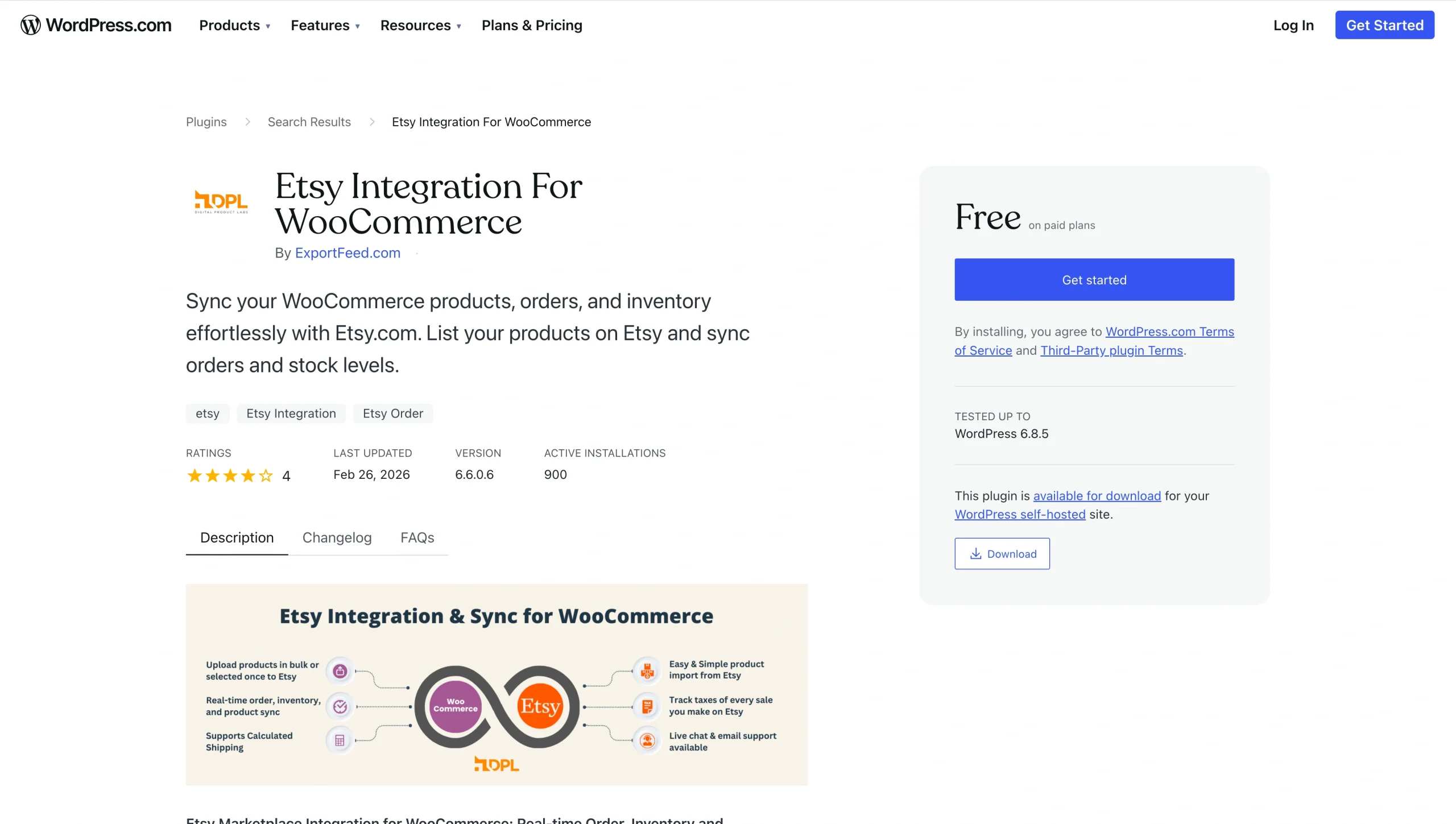
Etsy Integration for WooCommerce is a plug-in by Exportfeed.com that enables Etsy and WooCommerce syncing, simplifying product import and export. The plug-in has a free version that includes all core features but caps you at 20 product uploads and 10 order syncs.
To remove the limits and access unlimited syncs, you’ll need a pro version. Etsy Integration for WooCommerce is currently tested up to WordPress 6.8.3 and is compatible with the current WooCommerce version. ExportFeed offers 24-7 live chat and email support, plus a free one-time feed setup service, which comes in handy if you’re migrating a large catalog.
LitCommerce
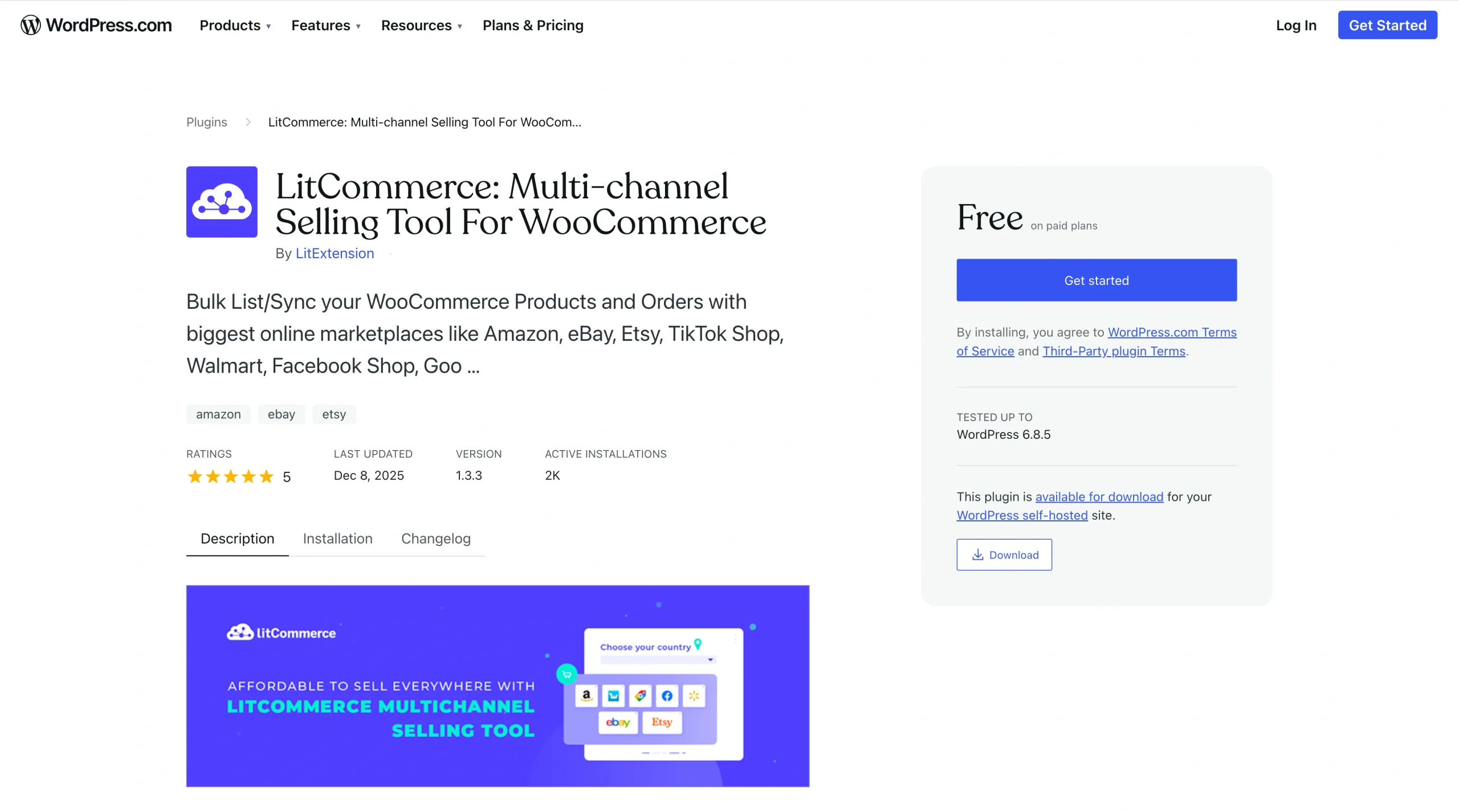
LitCommerce is a multichannel tool from LitExtension that connects Etsy and WooCommerce. It lets you sync your listings and all details across both platforms. This plug-in is a good fit if you plan to maintain an active Etsy presence while building out your WooCommerce store.
You get access to mass-editable templates that let you generate and modify Etsy listings to match WooCommerce requirements, with no technical skills needed. Subscription pricing starts at $29 per month and scales based on your catalog size and the number of listings you need to sync. LitExtension has actively tested LitCommerce with WordPress 6.8.3 and the latest WooCommerce version.
CedCommerce Etsy integration
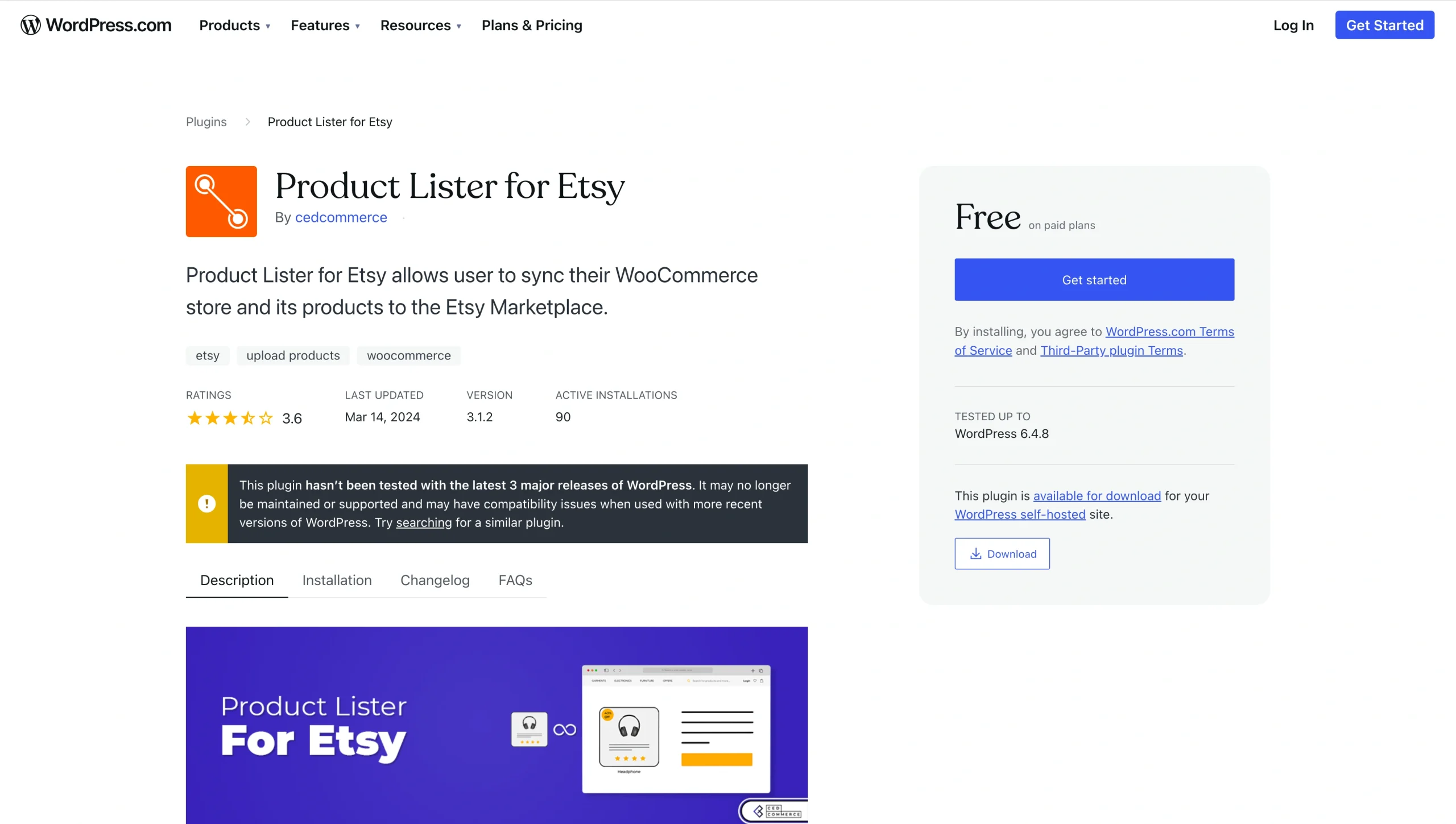
The Etsy Integration for WooCommerce plug-in is a full-featured product by CedCommerce for Etsy e-commerce syncing. You can use it to import thousands of listings, sync inventory and orders in real time, and link SKU-based products to avoid duplicate listings. You also get category mapping and template profiling to make your import process cleaner than the manual CSV method.
Starting at $179 per year, CedCommerce has tested the plugin with WordPress 6.8.1 and WooCommerce 10.2.2. You’ll also get support through setup and for any further issues that arise.
Alternative method: Prepare your Etsy CSV with Jotform before WooCommerce import
If you’d rather skip plug-in costs and manual CSV file edits, you can use Jotform to prepare your Etsy listings for WooCommerce. When you export your Etsy listings, your CSV file will include fields including titles, image URLs, currency code, material, and other sections that won’t map perfectly into WooCommerce.
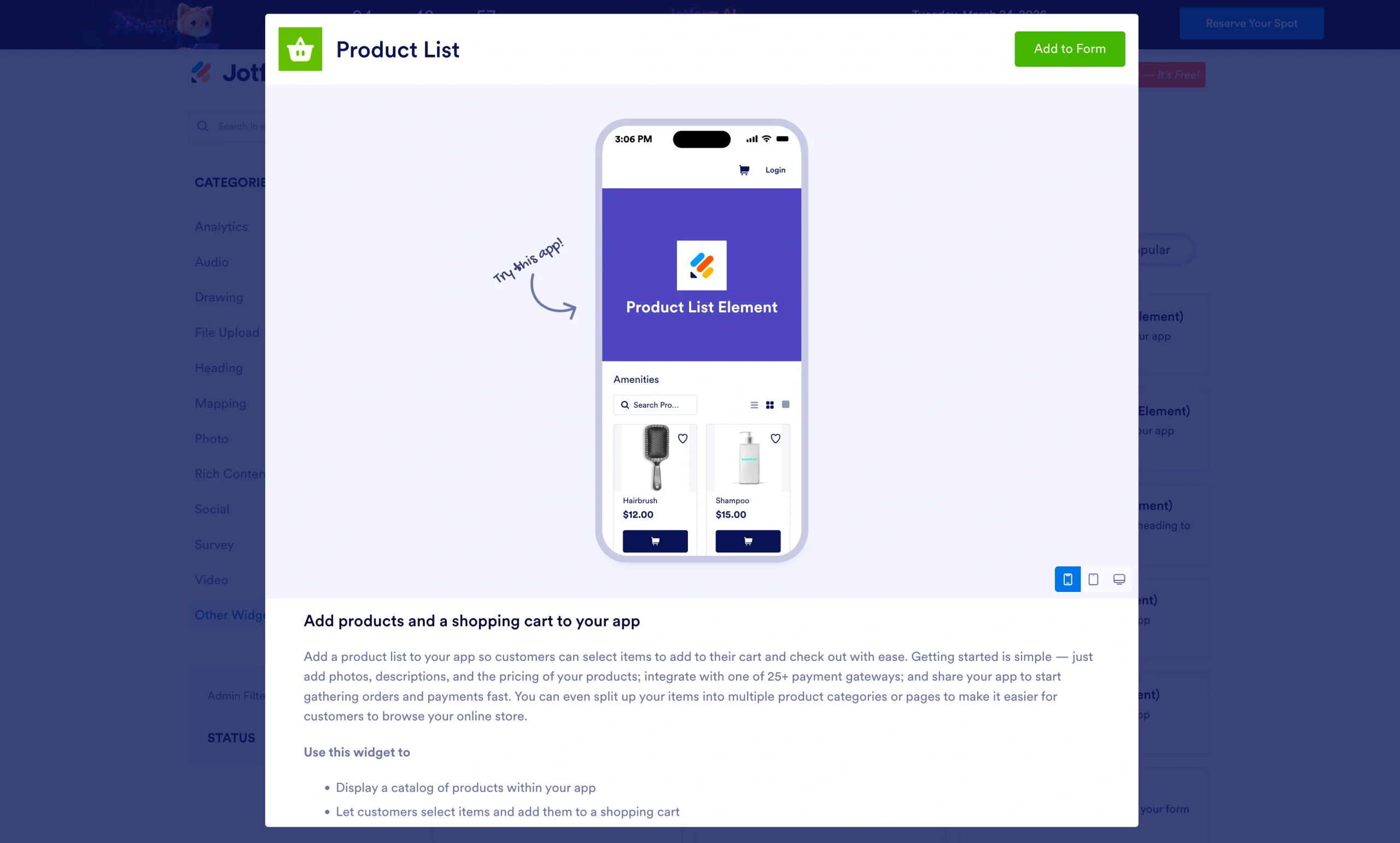
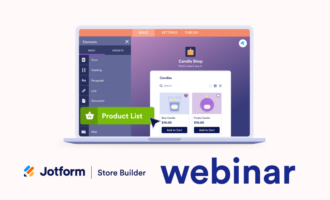
Instead of manually editing your Etsy CSV file to match WooCommerce formatting, you can use Jotform’s Product List Widget to
- Clean up product names, prices, and descriptions before migration
- Standardize SKUs and categories so WooCommerce maps them correctly
- Remove outdated products or listings you don’t want to transfer
- Repurpose your catalog into custom order forms, wholesale catalogs, or preorder pages
- Consolidate multiple image URLs into a single field so you can automatically import all your images
How to prepare your Etsy CSV on Jotform before importation


You can import and prepare your listings in Jotform in just a few steps.
- Sign in to your Etsy seller account and head to the You icon, then Shop Manager and Settings.
- Click Settings and select Options, then Download Data.
- Select Download CSV to export your listings to your computer.
- Log in to your Jotform account and select My Forms.
- Select Create Form to open the Form Builder.
- Add the Product List field and select Import.
- Click CSV/Excel, then Drop your Product files here and upload your Etsy CSV file. Jotform automatically maps details from your listings.
- Select Review and Import, and adjust your catalog to meet the WooCommerce importer documentation requirements.
- Export the refined CSV file and import it into WooCommerce using the built-in importer.
Pro Tip
Since Jotform also supports ongoing WooCommerce imports, you can keep your product catalog organized and ready for future updates.
Is moving from Etsy to WooCommerce worth it?
If you’re generating consistent revenue on Etsy, migration to WooCommerce is worth serious consideration. WooCommerce gives you full control over your store and branding. It also lets you define your customer experiences, helping you build visceral bonds with your audience for long-term brand growth.
However, if you run a small shop with around 50 products and you’re just getting started, Etsy’s built-in audience and low barrier to entry may outweigh the overhead of managing your own store. WooCommerce is an upgrade when you’re looking to scale, build a brand, and avoid Etsy’s fees and restrictions.
Before you migrate, consider
- The size of your Etsy catalog: The number of products will determine which migration method best suits you.
- Whether you’ll maintain both platforms: When you want to run Etsy and WooCommerce in parallel, choose a plug-in with real-time syncing to avoid inventory discrepancies.
- Your technical expertise: WooCommerce requires you to manage hosting updates and security. If you aren’t comfortable with WordPress or web hosting, factor in the costs of developing and managing a WordPress site.
At Jotform, we offer solutions that can help you optimize your WooCommerce store. We’ll help you grow, doing everything from automating your eCommerce workflows and managing large product catalogs to collecting customer data for personalization and improving engagement. Get in touch today to learn more about how we can help you scale and optimize your WooCommerce store.
This article is for ecommerce sellers, website operators, and content managers who want to import Etsy to WooCommerce to gain more control, scalability, and branding flexibility in their online store.





















































Send Comment: