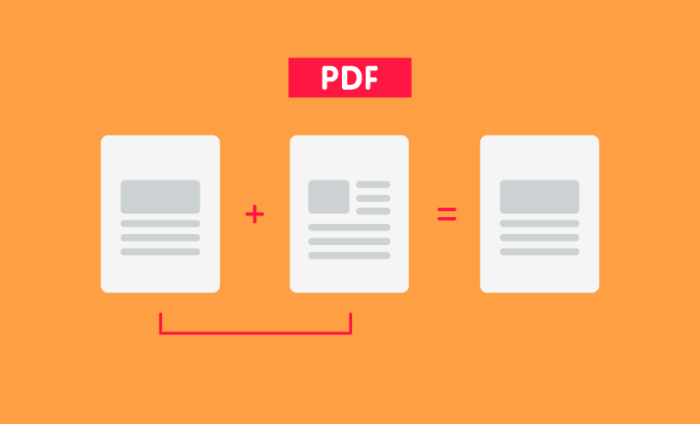

Top 5 PDF merge tools
Merging PDFs should be simple: drag, drop, done. The problem is that most free tools that allow you to merge PDF files are lacking. They slap ugly watermarks all over your files, limit the number of documents you can merge, or upload your private and confidential information to their own servers.
That last part is more important than you think, especially if you’re handling sensitive documents such as legal agreements, personal files, health records, or financial records. Depending on where you are in the world, you might also be breaching data regulations.
I tested some of the most popular free PDF merge tools to see how they stacked up. I evaluated how secure they are, how user-friendly they are, and whether or not they are actually free for everyday use.
 Jotform |  Apple Preview |  iLovePDF |  PDF24 Creator |  PDFsam Basic | |
|---|---|---|---|---|---|
| Best for | Interactive documents | Mac users | Graphic/scanned files | Text-heavy archives | Confidential/massive files |
| Security level | Bank-Level (SOC 2) | Maximum (Local) | Standard (Encrypted) | High (Local) | Maximum (Local) |
| Requires Install? |
Jotform
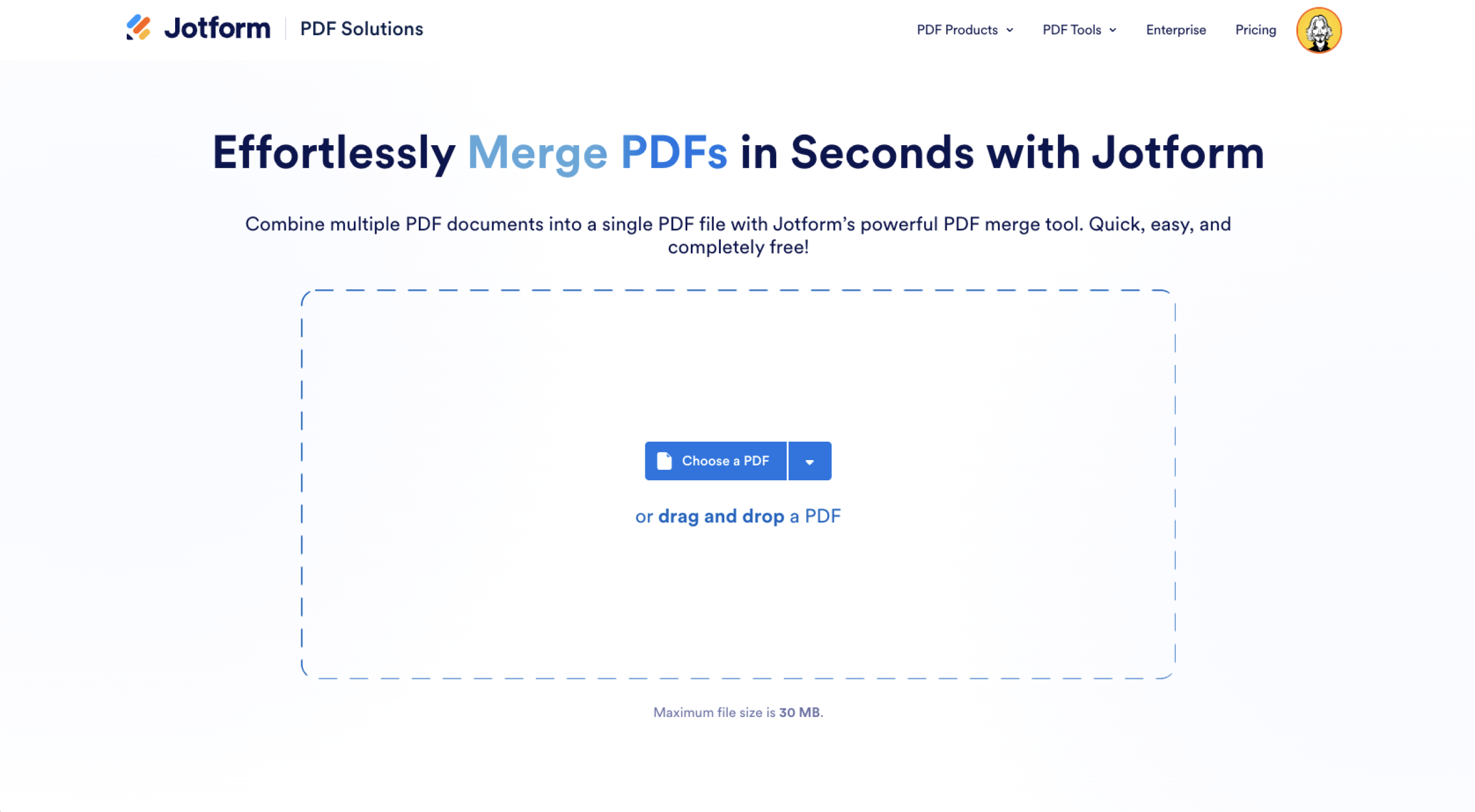
Why choose Jotform?
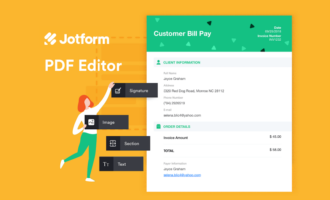
Jotform’s PDF editor is a free PDF merger. This browser-based tool allows you to combine unlimited PDFs with no sign up required. It easily re-arranges them by dragging and dropping, and uploads files from Google Drive and Dropbox too. If you want to quickly merge PDFs, this tool is a great option.
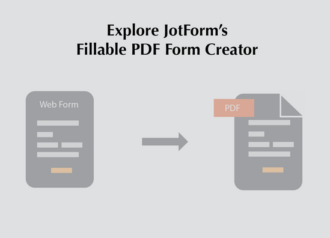
But Jotform can do a whole lot more. Once your PDF files are merged, you can edit them in Jotform’s online PDF editor, turn them into a smart PDF form that you can use to collect data automatically, get an AI summary or description, or add a signature with Jotform Sign so you can create agreements, contracts, and more. If you want to create your own PDFs, Jotform over 1,900 PDF templates to choose from.
How secure is Jotform?
Jotform meets SOC 2 compliance standards, which are the same security standards banks must meet. It’s been independently audited to ensure it meets high security, availability, processing integrity, confidentiality, and privacy standards. All file transfers are encrypted, and customers can choose where their data is stored. For example, if you’re in the EU and are seeking GDPR compliance features, Jotform has you covered. This attention to security is present in all Jotform’s products and services.
How to merge PDFs with Jotform
If you want to combine PDF files online, head to Jotform’s PDF merge tool.
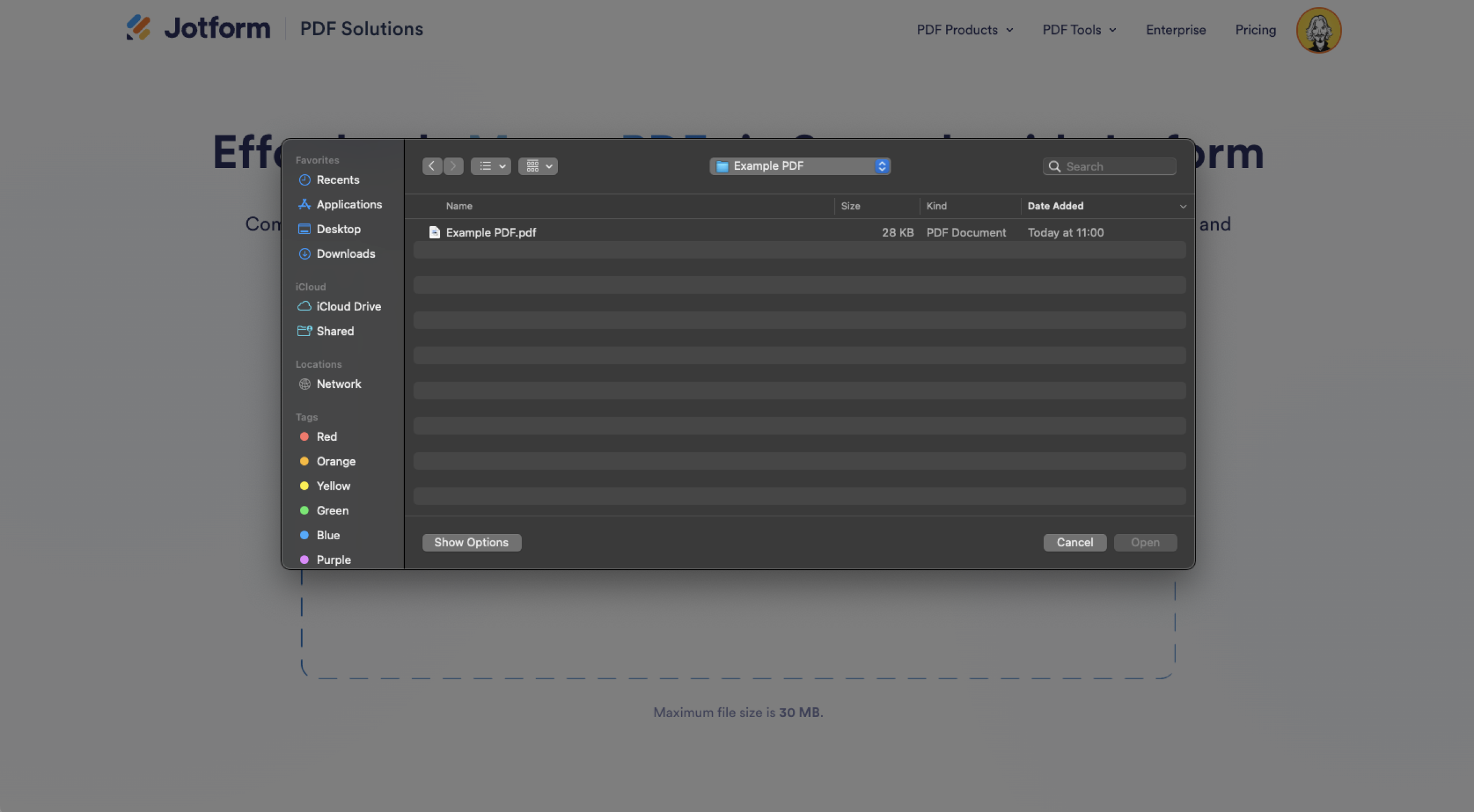
- Click Choose a PDF or drag and drop a PDF to the big box.
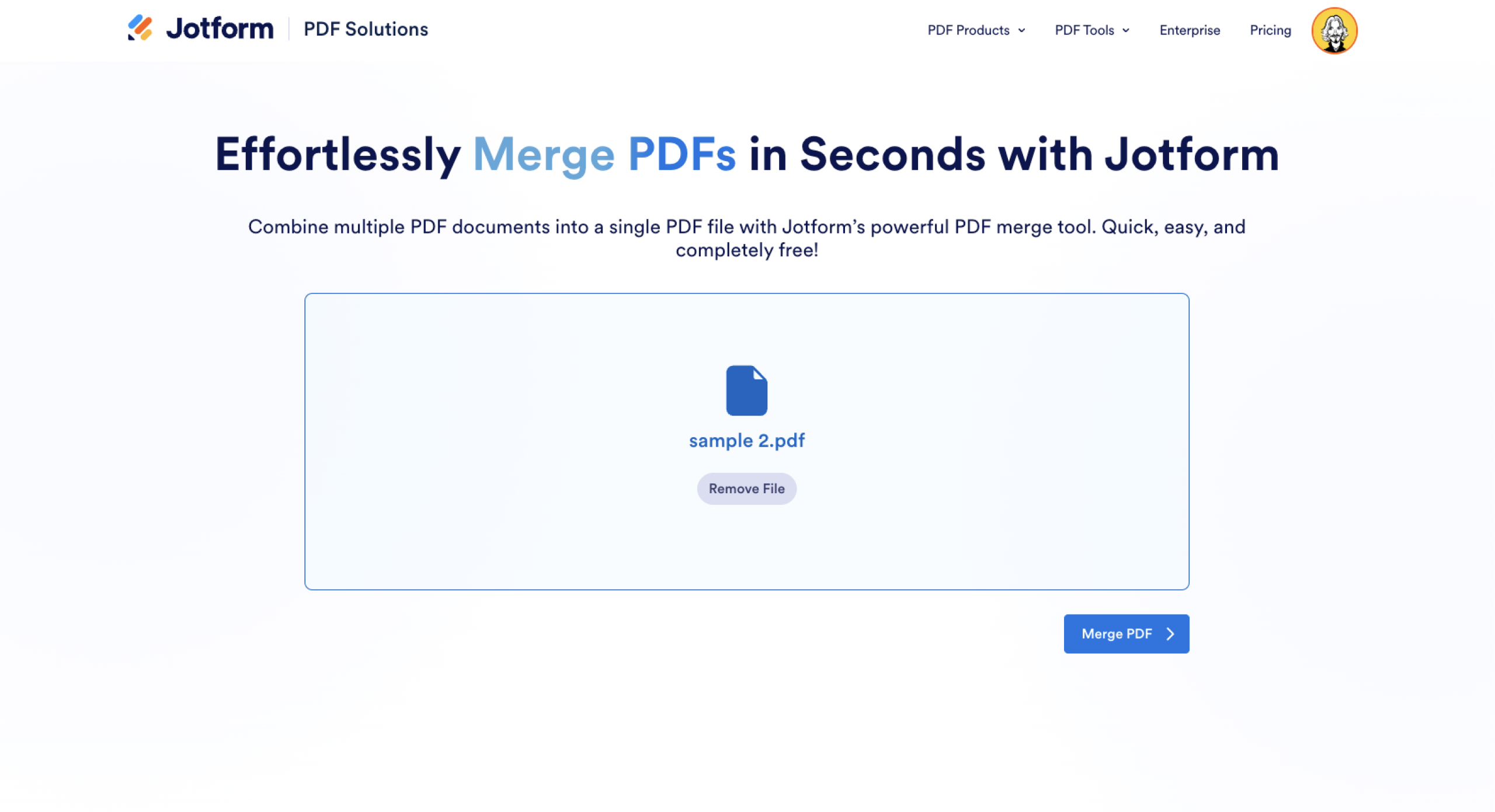
- With your first PDF selected, click Merge PDF.
- Click Add another PDF. You can choose another file on your computer or one from your Google Drive or Dropbox account. You can also drag and drop to add them.
- With your PDFs added, drag and drop to rearrange them into the order you want them.
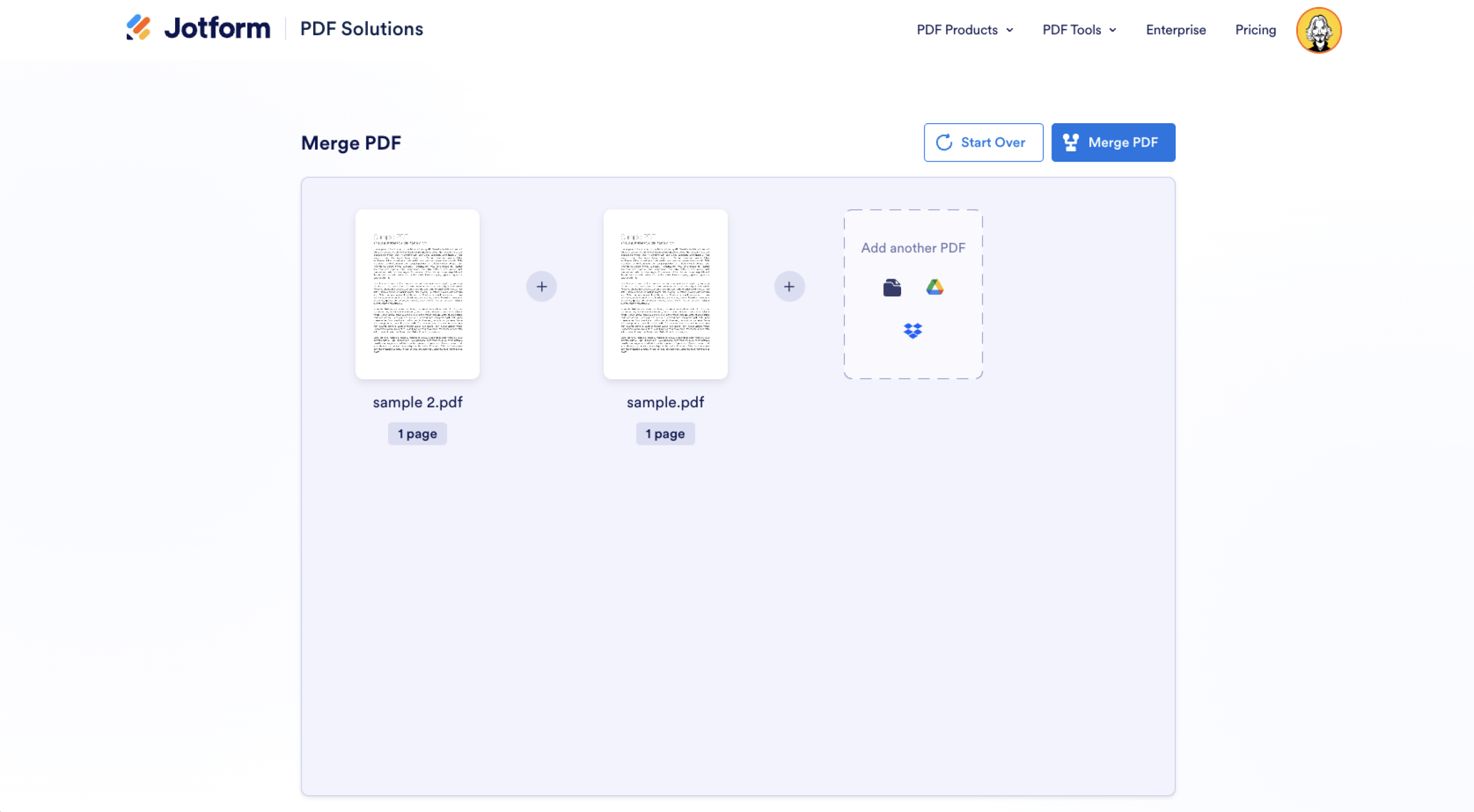
- Click Merge PDF and preview of the merged file.
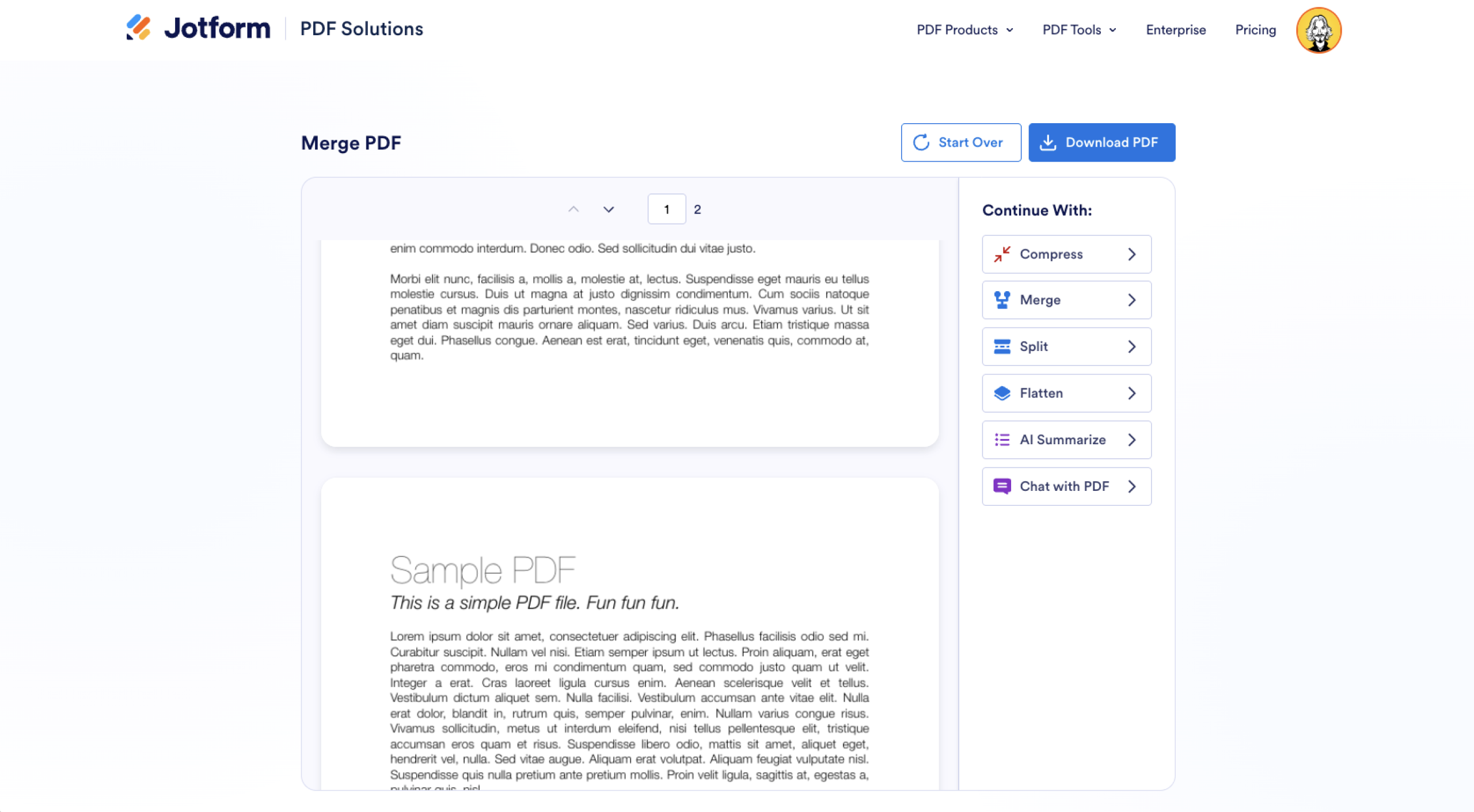
- Click Download PDF to save it to your computer.
You can also continue with one of the other tools in Jotform’s free online PDF editor. If you want to split them again, you can use the free PDF splitter.
Apple Preview
Why choose Apple Preview?
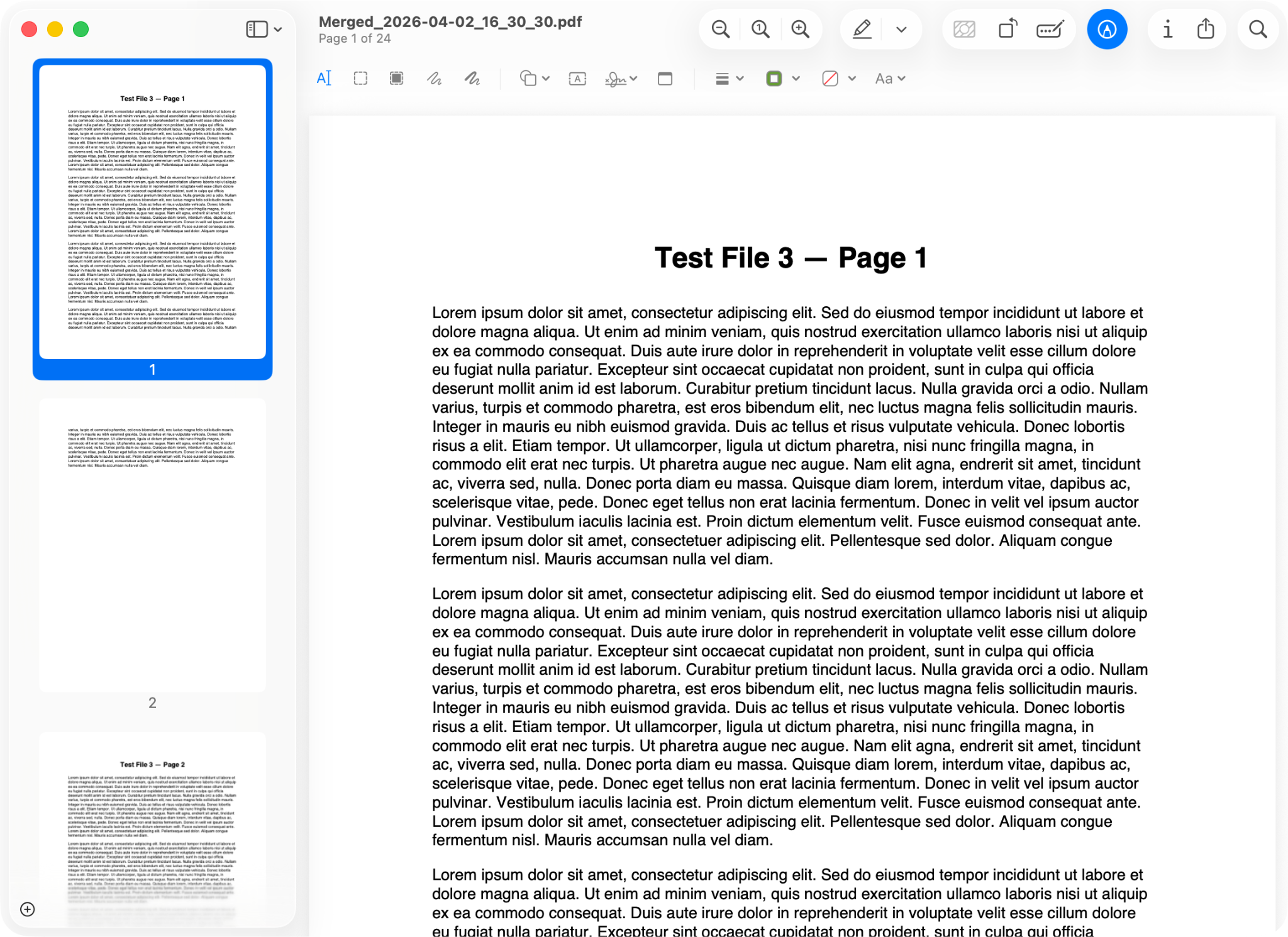
If you use a Mac or another Apple product, you already have a great PDF merge tool installed: Preview. You might not know it, but the built-in app you use to view PDFs and images is also a great tool for merging PDFs. You’ll no longer be left wondering how to combine PDFs on your Mac!
With Preview, you can combine multiple PDFs or just select individual pages by dragging thumbnails from one document to another. Since the software is pre-installed on your Mac, there’s no uploading, no accounts, and no internet connection required.
How secure is Apple Preview?
Apple Preview is as secure as your Apple computer. Since everything is done locally, files are never uploaded to an insecure external server. If you have a good password and use FileVault to encrypt your Mac’s hard drive, there’s almost no way for anyone to access your confidential documents. If you handle a lot of confidential documents, keeping everything local might be the way to go.
iLovePDF
Why choose iLovePDF?
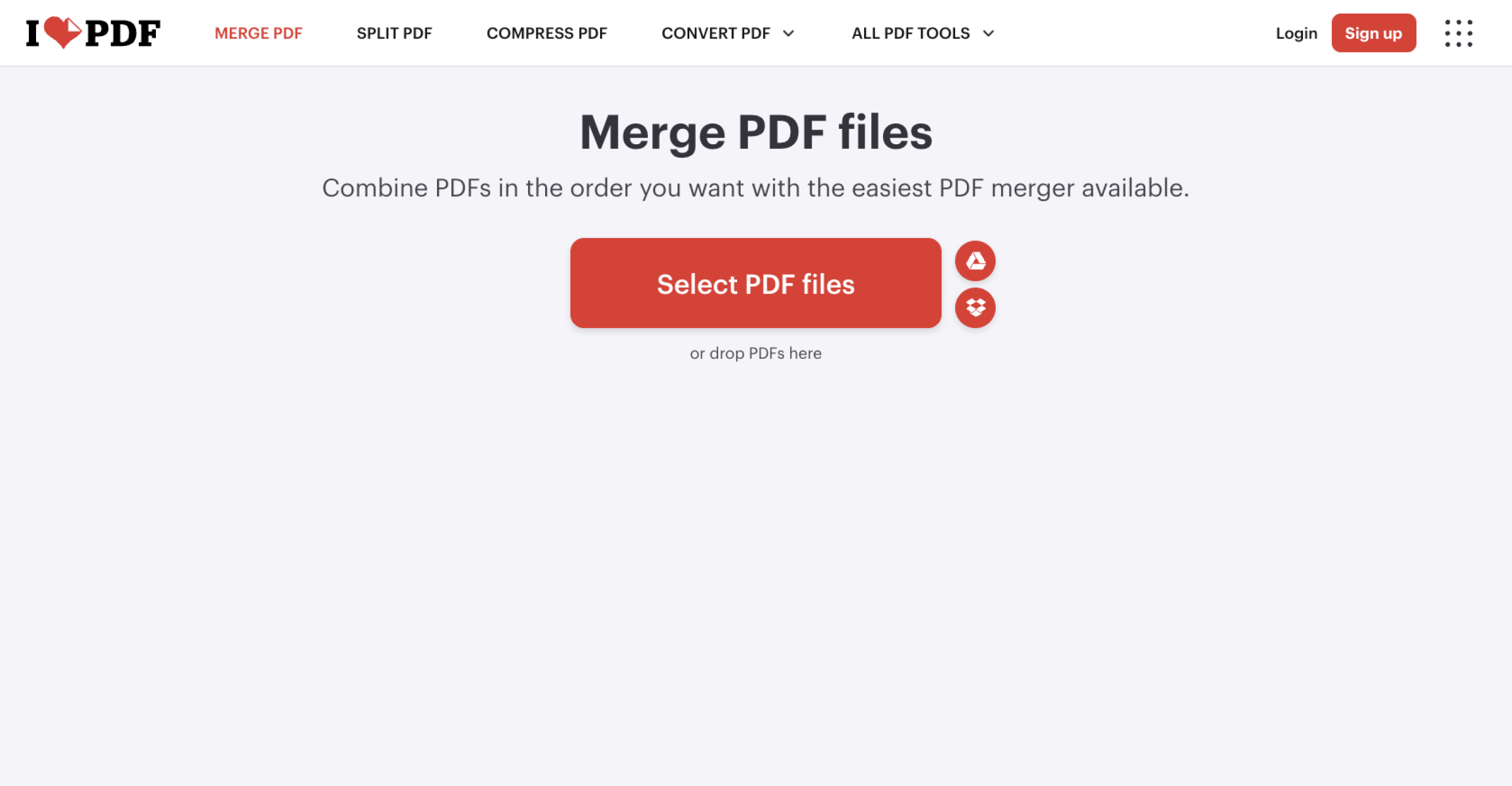
iLovePDF is a collection of online PDF tools. You can make a PDF editable and convert it into a Word document or Excel sheet, split and edit PDFs, and, of course, merge multiple PDFs into one file.
The free version of iLovePDF is supported by ads but it doesn’t watermark your files. If you pay $9 per month, you get an ad-free experience, desktop apps, and some additional features. For quick and easy PDF merging, this subscription isn’t necessary. But if you’re looking for a PDF powerhouse, it might be worth considering.
How secure is iLovePDF?
iLovePDF encrypts your files when they’re uploaded and deletes them after processing. For most things, that should be fine. However, for highly sensitive documents, confidential company secrets, and financial information, there are always small risks when uploading files to tools you don’t have a service agreement with.
PDF24 Creator
Why choose PDF24 Creator?
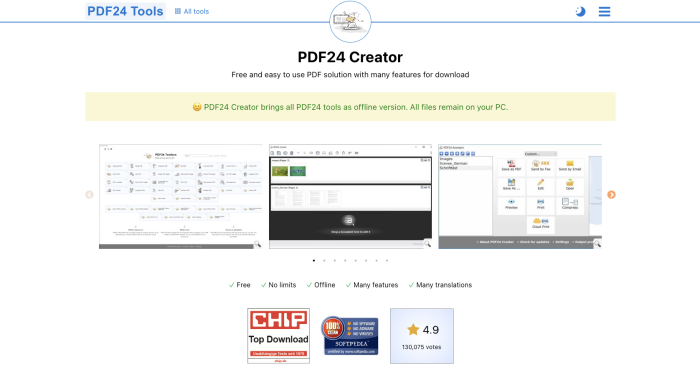
PDF24 Creator is a popular collection of PDF tools available for free both online and as a Windows app. The web tools are handy because you don’t need an account to split, merge, edit, and convert PDFs. Crucially, you can also use optical character recognition (OCR) to turn a scanned document into a text PDF. It’s one of the best ways of making a PDF editable.
But really, the Windows app is the standout — especially if you want to merge PDFs without Acrobat. It gives you the security of a local app combined with PDF24’s full suite of tools.
How secure is PDF24 Creator?
PDF24’s web tools encrypt your files while they’re uploading and delete them after you download them. For more security, the Windows app processes everything locally. If your Windows PC is locked down, any PDF you merge, create, or edit will be too.
PDFsam Basic
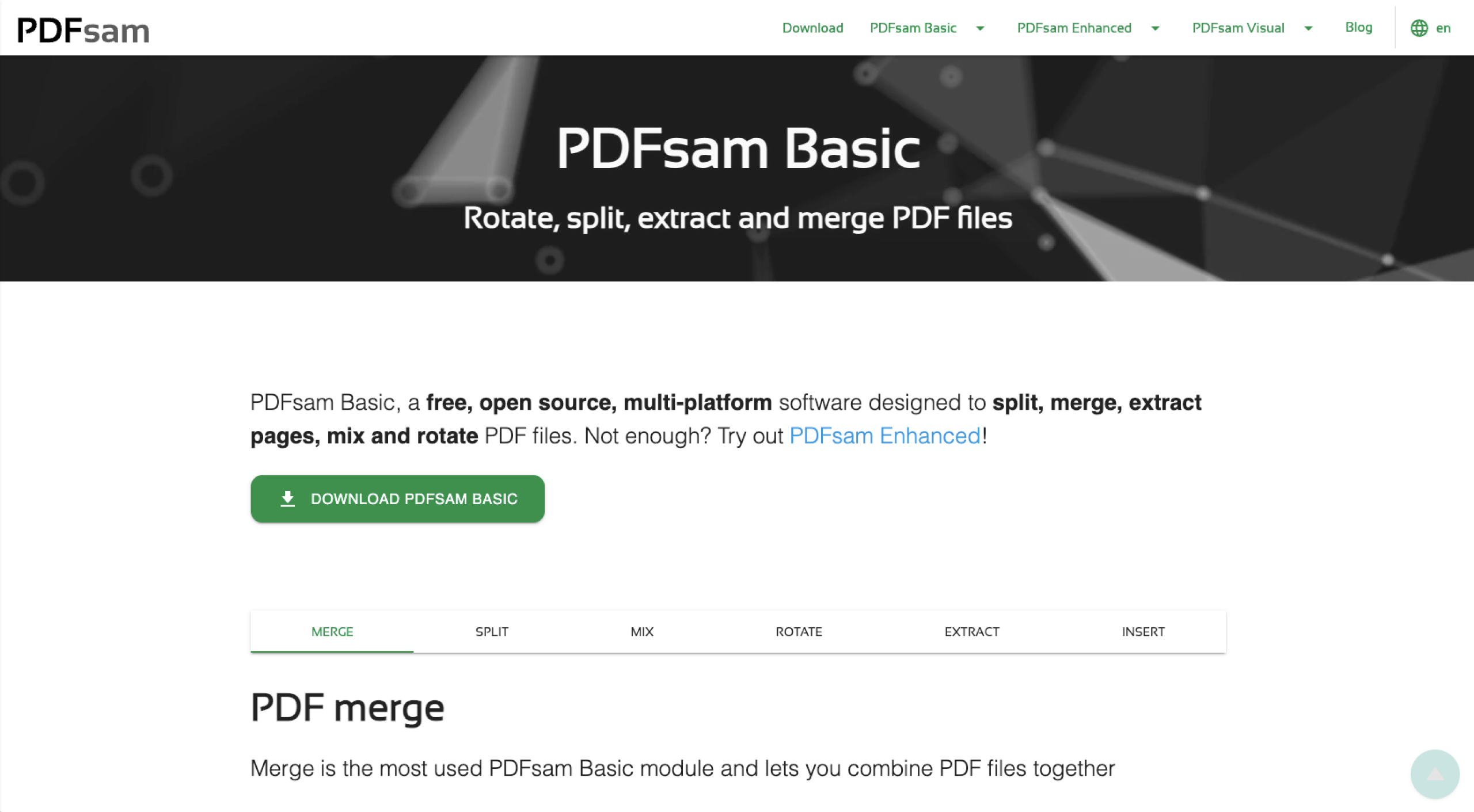
Why choose PDFsam Basic?
PDFsam is a free, open-source, and secure PDF joiner for Windows, Mac, and Linux — no other tool on this list is available as a desktop app on all three platforms. Because it’s open source, anyone can check PDFsam to see how it’s handling files. This gives it a big security boost because anyone with the technical skill can audit the entire document pipeline.
PDFsam’s merge module can combine PDFs, including large or corrupted files with different page sizes. For complex or long documents, it’s a solid choice. Its security credentials and local environment makes it a solid choice for merging confidential and private files.
If you need more, PDFsam Enhanced starts at $69 per user per year and adds features for professionals and power users.
How secure is PDFsam Basic?
An offline, open-source desktop application is about as secure as things get. If your device is secure, any PDF you create, merge, split, or rotate with PDFsam will be safe too.
Which free PDF merger should you choose?
These apps are all worthy contenders for the title of the best free PDF merger available in 2026. Which one you choose depends on your unique needs.
- Jotform is the best PDF merger if you use PDFs as part of a larger workflow. Not only does it allow you to combine PDFs, but it also has a free online PDF editor with advanced PDF features. Jotform Sign e-signatures let you create contracts and agreements.
- Apple Preview is the natural choice if you’re on a Mac. It’s already installed and provides free PDF merging. It’s even good for adding a signature to a PDF.
- PDFsam Basic is great if you handle large or confidential files. The open-source transparency across Windows, Mac, and Linux gives you a lot of assurance and usability.
- PDF24 Creator is good if you’re on Windows and want a local app, or if you want to use OCR to turn scanned documents into text PDFs.
- iLovePDF is a quick and easy-to-use browser-based merging tool. It has some extra features as well, but its speed is the standout.
Need more than a simple PDF merger? Dive deeper with Jotform
A merged document is often just the starting point: Once you’ve combined a few documents, you normally have to do something with them. If you need to get it signed, make it fillable, or get it to the right person, some of these free tools fall short. Jotform doesn’t.
With Jotform, you can go from merged PDF to actionable outcome. If you need a document that can be filled in as a form, a signable contract, or just to make a few changes, it’s got the tools for you. While it works as an encrypted PDF merge tool, it can do so much more.
So, no matter the reason you’re merging PDF files, give Jotform a try today.

















Send Comment:
9 Comments:
June 5, 2023
Am happy
November 25, 2022
When you need to go beyond basic pdf merging, check out "Paper Scanner Pro". There are many features such as merging, splitting, and re-arranging pages, scan and create a searchable pdf, advanced searches and much more. The A.I. recognition system can detect many different types of documents and apply rules for document naming and storage. This does way more than other scan software - it analyzes the scanned document and applies rules to name the scan and to place it in the correct folder. This is a document management system that uses artificial intelligence to automate your work.
April 4, 2022
Is highly recommended Online Tool to combiner you PDF Files into One.
April 4, 2022
First of all thank you very Much for sharing this valuable Content.
I think one Recommended and valuable addition to this list would be PDF Combiner
December 16, 2020
You should add "Paper Scanner Pro" to this list. Paper Scanner Pro app can combine PDFs in just a few clicks. You can select just the pages you want from the whole PDF. No other PDF app allows you to do this.There are many other features such as scan and create a searchable pdf, advanced searches and much more. Great app with many features
December 16, 2020
You should add 'Paper Scanner Pro" to this list. Paper Scanner Pro app can combine PDFs in just a few clicks. You can select just the pages you want from the whole PDF. No other PDF app allows you to do this.There are many other features such as scan and create a searchable pdf, advanced searches and much more. Great app with many features
September 3, 2020
PDFWRENCH.com - although it's online tool, but it does not upload files. Works like a charm, and files stay at your computer.
February 18, 2020
The mentioned tools have some limitations and try to get you into the paid service. I would recommend that you add the free and unlimited PDF24 Tools service which you can find here:
The PDF24 Tools merger is similar to the mentioned ones in this article, but without limitations. PDF24 is more or less a secret tip when it comes to PDF and is already well known in Germany.
February 14, 2020
If you want to combine pdf files, then the best app you can use is "Paper Scanner Pro". This app joins my pdfs in just a few clicks. I can even easily combine large pdfs. This app also helps in scanning my documents to pdfs. nice product.