
Best Setmore alternatives
- Jotform: Best for automating appointment tasks
- Calendly: Best for large teams with complex booking needs
- YouCanBook.me: Best for small teams looking for highly branded booking
- Google Calendar: Best for teams on Google Workspace
- HubSpot Meeting Scheduler: Best for HubSpot users
- Doodle: Best for group scheduling
- SimplyBook.me: Best for service providers
Setmore is a useful scheduling app. With its simple booking page, your clients can schedule appointments with you while the app manages your availability and reminders in the background. Then, if your calendar fills up and your team grows, you can add staff schedules, services, payments, and integrations to keep up with complex scheduling needs.
But modern scheduling demands customization and deep integrations with tools you already use. You may also need advanced automation and industry-specific features to reduce manual coordination. Depending on your needs, Setmore may no longer be the right fit. This article explores the top Setmore alternatives in 2026 to help you determine what works best for your business.
What to look for in a Setmore alternative
While there are plenty of appointment scheduling solutions, most don’t come close to rivaling Setmore for everyday business needs. The best alternatives stand out by offering features including the following:
Customizable booking forms and pages
Setmore provides a clean, functional appointment-scheduling experience. But customization options are limited if you want your appointment forms to reflect your brand or capture detailed client information. The best alternative to Setmore should give you the freedom to customize booking forms and pages to match your brand.
Automated reminders and notifications
Sending manual reminders and confirmations drains your time. The best alternative lets you automate follow-ups and status updates based on your scheduling needs.
Calendar integrations
With Setmore, you get solid Google Calendar integration, along with support for Outlook and Apple Calendar to keep availability up-to-date. However, it doesn’t support two-way sync with Outlook Calendar. Some competitors offer more calendar integrations and let you import events from other calendars.
Payment processing options
Payment processing is the bread and butter of Setmore, so any alternative needs to offer it. Top competitors allow more payment options and support variable pricing to simplify checkout.
Team scheduling and availability management
If your team grows, managing availability and overlapping schedules on Setmore becomes more complex. So the best alternative offers advanced controls and clear visibility of schedules to help you balance appointments across your teams.
Scalability and ease of use
Simplicity is a major reason most businesses use Setmore, but it can become a limitation if you need advanced features or more control. The best alternatives maintain ease of use while adding scalable functionality so your scheduling system can grow without becoming harder to manage.
Top Setmore alternatives
| Tool | Unique features | Best for | Pricing |
|---|---|---|---|
 Jotform |
|
Advanced appointment scheduling for all business sizes |
Free plan; paid plan from $34/month |
 Calendly |
|
Large organizations coordinating complex meetings |
Free plan; paid plan from $10/seat/month |
 YouCanBookMe |
|
Small teams |
Free plan; paid plan from $7.20/month |
 Google Calendar |
|
Teams using Google Workspace |
Paid plan from $8.40/user/month |
 HubSpot Meeting Scheduler |
|
Sales teams using HubSpot |
Free plan; paid plan from $20/month/seat |
 Doodle |
|
Regular group scheduling |
Free plan; paid plan from $6.95/user/month |
 SimplyBook.me |
|
Service providers needing all-in-one scheduling |
Free plan; paid plan from $11.90/month |
1. Jotform: Best for automating appointment tasks
Developer: Jotform
| Pros | Cons |
|---|---|
| Customizable appointment workflows | Limited free plan |
| AI-assisted form building | Jotform branding displayed on free plan |
| Integrated payments and workflow extensions |
If the Setmore booking experience feels a bit manual, you’ll appreciate that Jotform Appointments automates most of the scheduling workflows. You can set the available days, time, appointments, duration, group meetings, and attendee limits. Once something is booked, Jotform automatically closes the slot to prevent double booking.
With 600-plus appointment form templates and an AI assistant, you can easily create branded booking, order, reservation, and sign-up forms for deeper scheduling control.
Integrations
Jotform integrates with Apple, Outlook, and Google Calendar to prevent double bookings. It also connects natively with Calendly Forms so you can automate appointments. You can link Jotform to 25 other scheduling solutions and over 3,000 platforms via Zapier.
Pricing
- Starter plan: Free; includes five forms, one user, 100 fields per form, 10 monthly payment submissions, and Jotform branding
- Bronze plan: $34 per month; includes 25 forms, 250 fields per form, 100 monthly payment submissions, and no Jotform branding
- Silver plan: $39 per month; includes 50 forms, 500 fields per form, and 250 monthly payment submissions
- Gold plan: $99 per month; includes 100 forms, 1,000 fields per form, and 1,000 monthly payment submissions
- Custom Enterprise plan: Includes unlimited usage, multiuser access, dedicated support, and user access control
G2 rating: 4.7/5
2. Calendly: Best for large teams with complex booking needs
Developer: Calendly
| Pros | Cons |
|---|---|
| Integration with multiple calendars | Limited features on the free plan |
| Advanced workflows for enterprises | No longer supports Apple Calendar |
| Extensive integration with enterprise ecosystems |
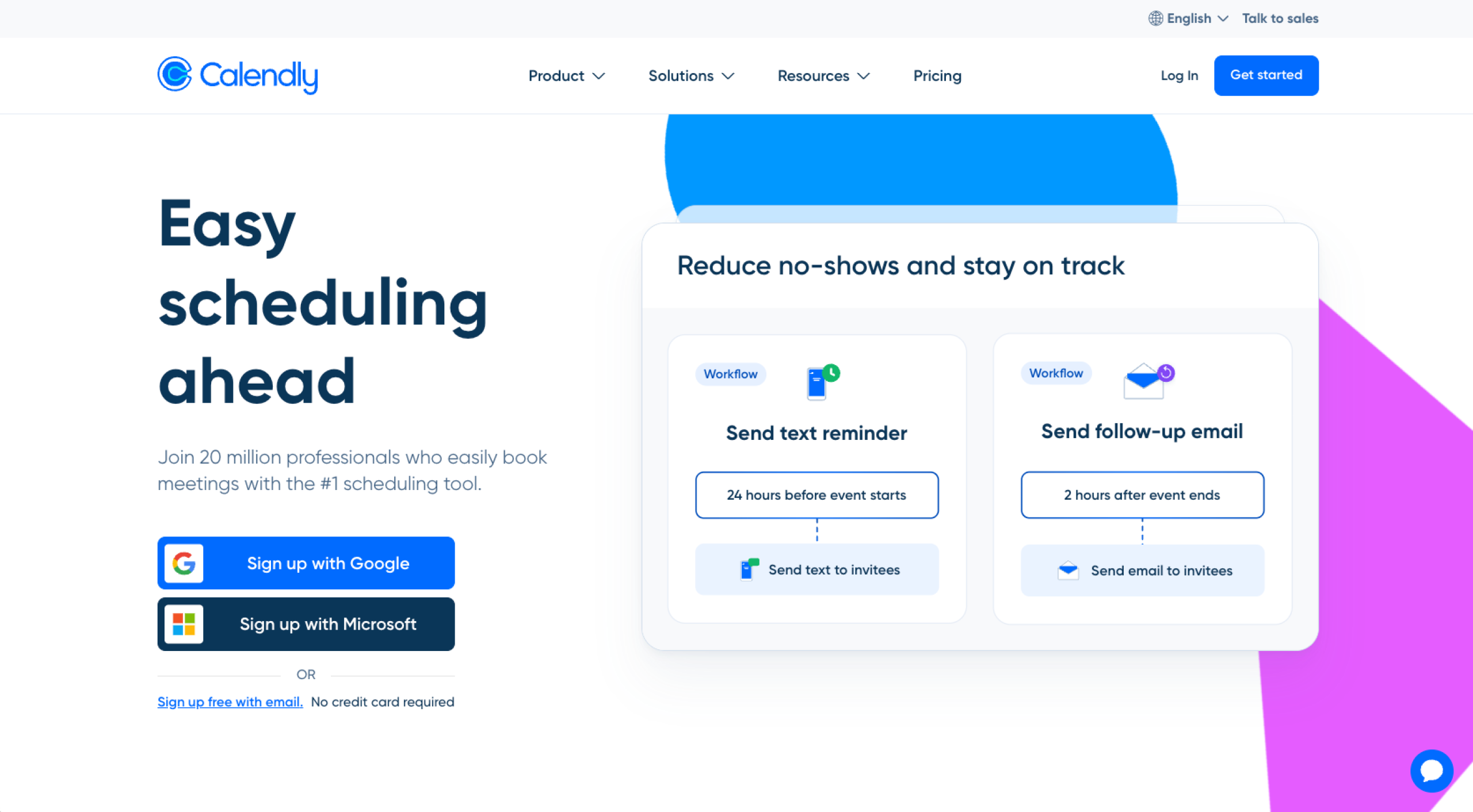
Setmore has the edge in addressing appointment needs for small businesses and solopreneurs with built-in payment and workflow automation. Calendly excels at coordinating meetings across departments.
Calendly has advanced team scheduling tools, such as round-robin scheduling, that automatically distribute meetings among team members. Collective scheduling helps you find the best time slot for a meeting with multiple hosts, while routing logic directs invitees to the correct booking page based on their responses.
Integrations
Calendly supports 100-plus integrations across calendars, CRMs, communication platforms, and videoconferencing tools. However, in August 2024, Calendly stopped supporting new Apple Calendar connections.
Pricing
- Free plan: One calendar connection, one event type, customizable booking page
- Standard plan: $10 per seat, per month; includes free plan features, unlimited event types, multiple calendar connections, and Stripe and PayPal integration
- Teams plan: $16 per seat, per month; includes Standard plan features, round-robin scheduling, and lead qualification
- Enterprise plan: $15,000 per year; includes Teams plan features, Microsoft Dynamics integration, dedicated account support, and advanced security features
G2 rating: 4.7/5*
3. YouCanBook.me: Best for small teams looking for highly branded booking
Developer: YouCanBook.me
| Pros | Cons |
|---|---|
| Easy to use | Glitchy calendar sync |
| Highly customizable booking pages | Slow customer support |
| Robust notifications and automated follow-ups |
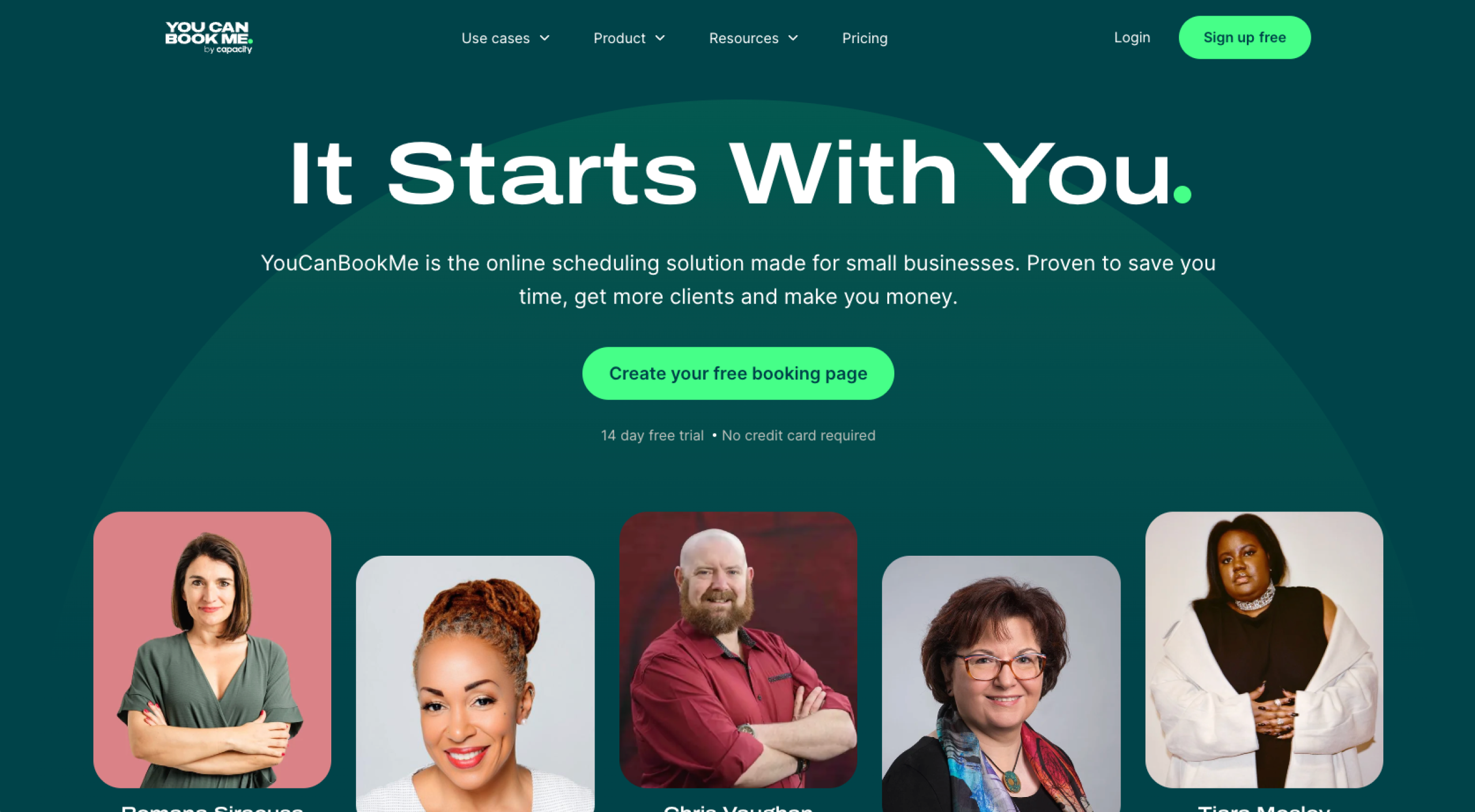
YouCanBook.me has Setmore’s simplicity but adds several options for customizing booking pages with logos, colors, personalized text, and layout options. It also offers granular control over availability, allowing you to set minimum and maximum advance notice and limit cancellations or reschedules.
Tools such as automated reminders, confirmation messages, and follow-up emails help you automate appointment workflows to improve customer communications.
Integrations
YouCanBook.me connects with Google Calendar, Outlook, Apple Calendar, and more. However, some users report that calendar sync isn’t always reliable and can lead to missed bookings.
Pricing
- Free plan: Includes one calendar connection, one booking page, Chrome extension, and payment receipt via Stripe, Apple Pay, Google Pay
- Individual plan: $7.20 per month; includes all Free plan features, two calendar connections, two booking pages, and branded notifications
- Professional plan: $10.40 per month; includes Individual plan features, six calendar connections, 10 booking pages, and unlimited automated workflows
- Team plan: $14.40 per member, per month; includes Professional plan features, 10 calendar connections per user, and 15-plus booking pages per user
G2 rating: 4.7/5
4. Google Calendar: Best for teams on Google Workspace
Developer: Google
| Pros | Cons |
|---|---|
| Easy to attach documents for meetings and event invites | Limited customization |
| Collaborative calendar sharing | Starter plan offers no way to accept payment |
| Integrates well with Google tools |
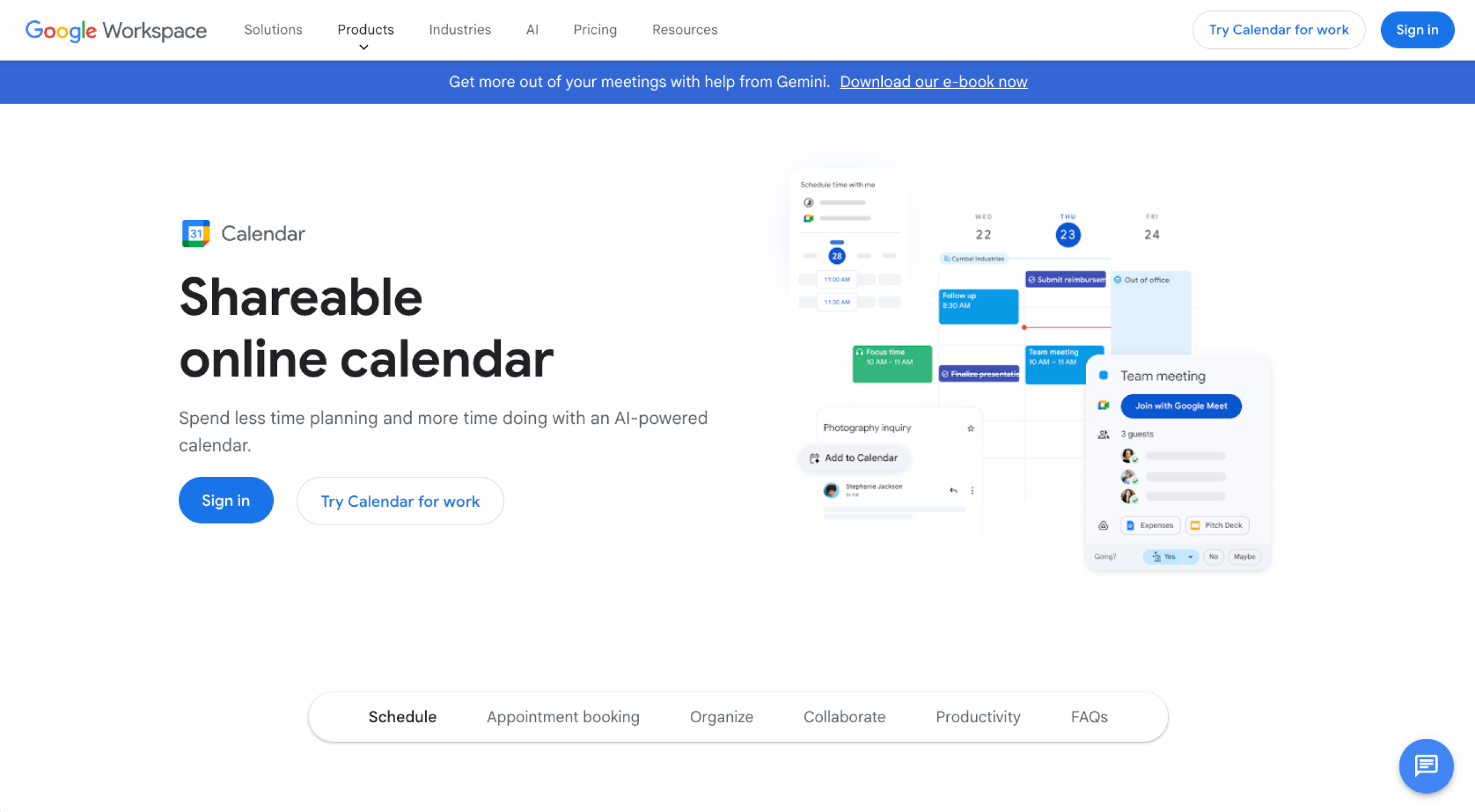
If you’re already on Google Workspace, you can use Google Calendar’s features to set up a built-in appointment scheduling system that rivals Setmore’s. It allows people to book time based on your availability directly from Gmail or Calendar without logging into another app.
Because Google Calendar is part of Workspace, your scheduling automatically syncs with your calendar. Tools such as Gmail’s “Help Me Schedule” AI can suggest meeting times based on context and availability.
Integrations
Google Calendar can integrate natively with other major calendars, such as Outlook and Apple Calendar. It can also connect to most appointment tools through third-party services such as Zapier, allowing events and bookings to sync across platforms.
Pricing
- Business Starter plan: $8.40 per user, per month; includes professional productivity suite with 30 GB storage per user
- Business Standard plan: $16.80 per user, per month; includes enhanced suite with 2 TB storage per user
- Business Plus plan: $26.40 per user, per month; includes advanced suite with 5 TB storage per user
G2 rating: 4.6/5
5. HubSpot Meeting Scheduler: Best for HubSpot users
Developer: HubSpot
| Pros | Cons |
|---|---|
| Group scheduling | Not suitable for non-HubSpot users |
| Automatic sync with HubSpot contacts database | Limited customization |
| Automatic email confirmations |
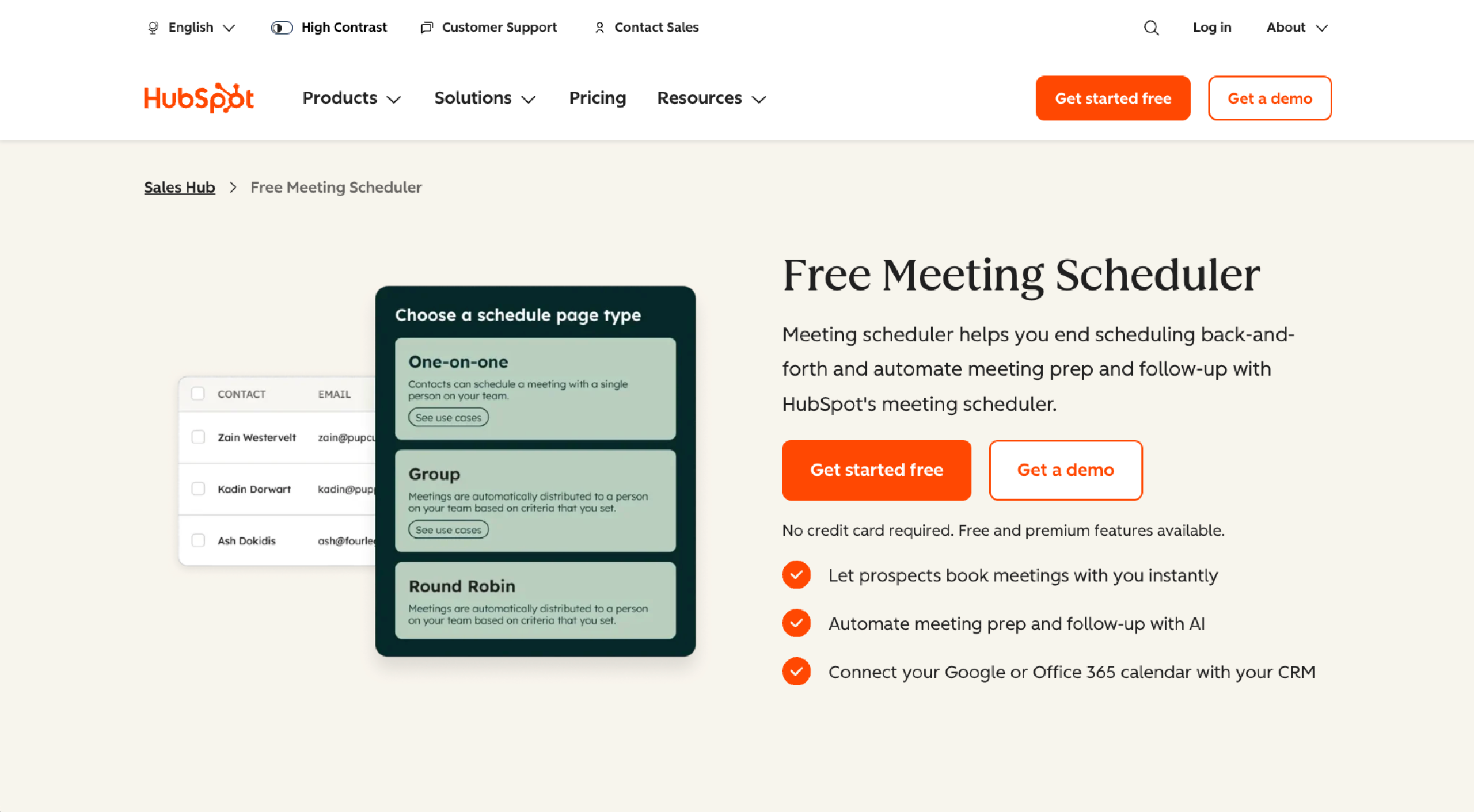
If your business already uses HubSpot’s CRM, HubSpot Meeting Scheduler is included in the package. The solution syncs with Google and Office 365 calendars, letting prospects schedule meetings automatically.
HubSpot’s built-in automation helps your team prepare for meetings and reduce administrative work by pulling relevant CRM data.
Integrations
HubSpot Meeting Scheduler integrates with other calendars, such as Google, Office 365, and Outlook. However, it doesn’t natively integrate with Apple Calendar unless you use a third-party tool such as Zapier.
Pricing
- Free plan: Includes marketing tools, sales tools, service tools, and content tools
- Starter plan: $20 per seat, per month; includes Free plan features and 500 HubSpot credits
- Professional plan: $90 per seat, per month; includes Starter plan features and 3,000 HubSpot credits
- Enterprise plan: $150 per seat, per month; Professional plan features and 5,000 HubSpot credits
G2 rating: 4.4/5
6. Doodle: Best for group scheduling
Developer: TX Group
| Pros | Cons |
|---|---|
| Automated workflows | Ads on free version |
| Intuitive interface | Limited customization |
| Branded invites |
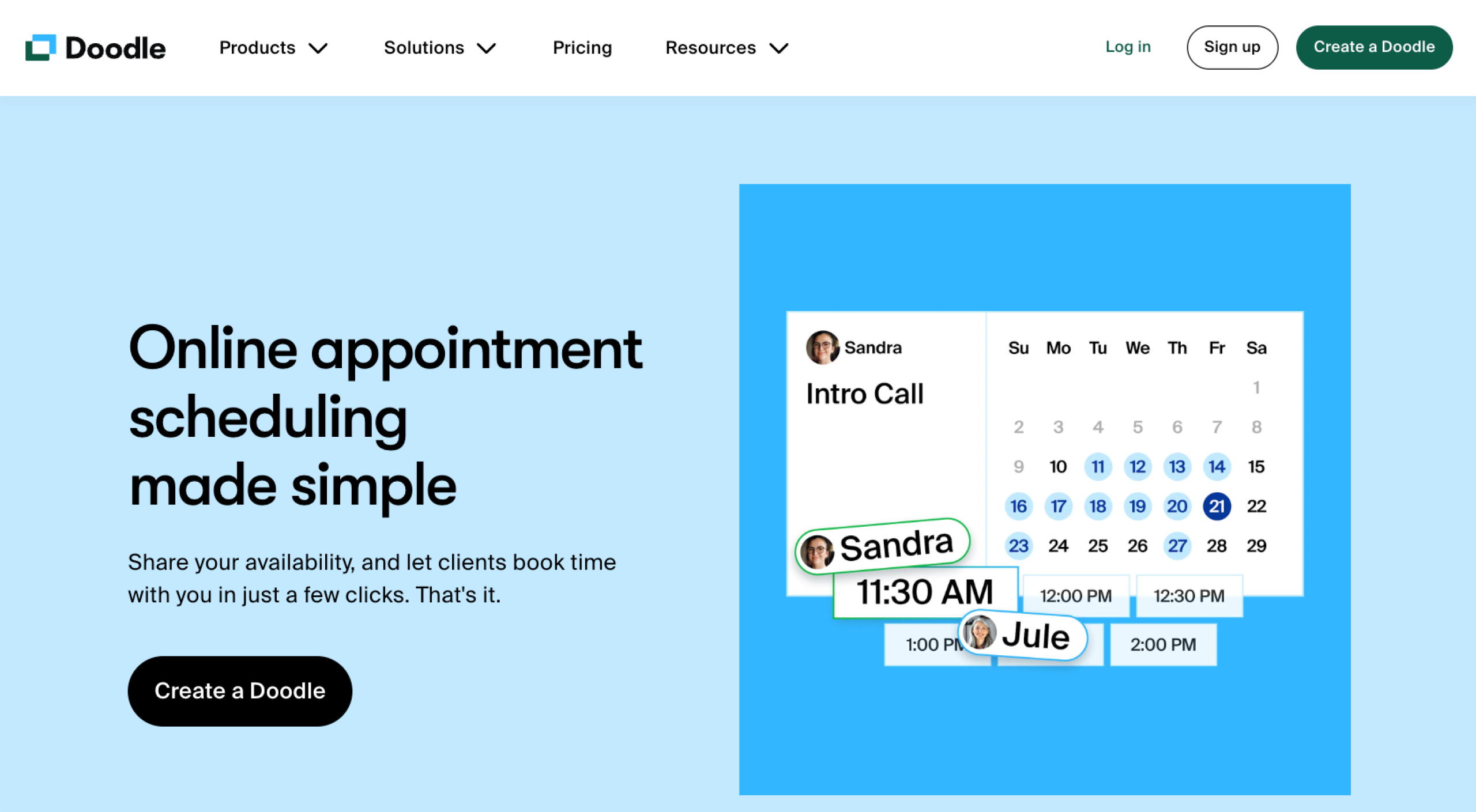
Doodle is a strong alternative to Setmore for teams looking for group scheduling. Its Group Polls feature lets you propose multiple date and time options and have participants indicate which works for them.
You can also set up one-on-one schedules and booking pages that sync with shared availability, giving you a mix of group coordination and individual scheduling on the same platform.
Integrations
Doodle integrates with Google Calendar, Outlook, Office 365, and Apple iCloud Calendar. It also works with payment platforms such as Stripe and video conferencing tools.
Pricing
- Free plan: Includes unlimited group polls, one booking page, payment collection with Stripe, and basic AI-generated meeting descriptions
- Pro plan: $9.95 per user, per month; includes Free plan features, no ads, custom branding, and advanced AI-generated meeting descriptions
- Team plan: $8.95 per user, per month; includes Pro plan features, admin console, roles and permissions, and activity reports
- Custom Enterprise plan: Includes Team plan features, priority support, onboarding, and training
G2 rating: 4.4/5
7. SimplyBook.me: Best for service providers
Developer: Notando Iceland
| Pros | Cons |
|---|---|
| 60+ custom feature options | No native Apple Calendar integration |
| Integration with accounting tools | Steep learning curve |
| Extensive customization for booking pages |
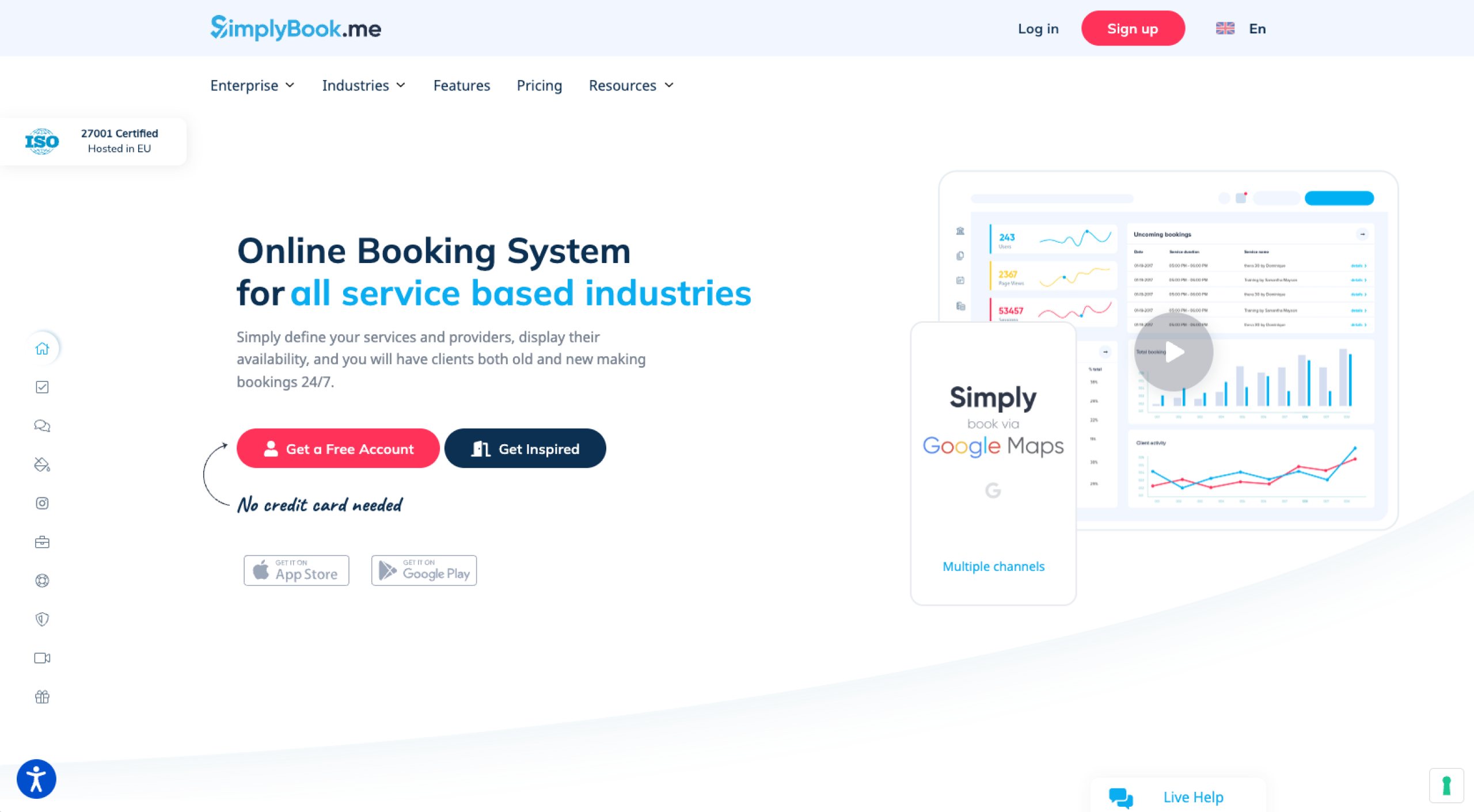
SimplyBook.me is a good alternative to Setmore for service providers. Its customizable booking system lets your clients schedule appointments across several channels. Features such as automated reminders and payment processing can simplify the booking process and enhance client engagement.
Integrations
SimplyBook.me integrates with Google and Outlook calendars. SimplyBook.me also integrates with payment gateways such as Stripe and PayPal, as well as external tools such as CRM systems, email marketing platforms, and accounting software.
Pricing
- Free plan: Includes 50 bookings, one custom feature, and one provider
- Basic plan: $11.90 per month; includes 100 bookings, three custom features, and five providers
- Standard plan: $24.90 per month; includes 500 bookings, eight custom features, and 15 providers
- Premium plan: $49.90 per month; includes 2,000 bookings, infinite custom features, and 30 providers
- Custom Enterprise plan: Includes custom booking, infinite custom features, and custom providers
G2 rating: 4.4/5
Tips for choosing the right alternative
If you still can’t decide on the best Setmore alternative for you, consider the following tips to refine your options further:
- Assess your business needs: Consider the level of control you need over booking pages, the specific tools or platforms your scheduling tool must integrate with, and whether it’ll work smoothly as your team grows.
- Evaluate scalability and budget: Confirm that your option fits your budget now and as your team grows.
- Examine customer support reliability: Verify that you can get fast, helpful support if any issues arise.
As a Setmore alternative, Jotform Appointments can address your booking needs and more. Our AI-powered calendar lets you auto-schedule appointment workflows and meetings based on your priorities and availability. Discover more about appointment scheduling today and see how Jotform can help you manage bookings with a customizable form you can share anywhere.
This guide is for owners, ops managers, and team leads who are outgrowing a basic booking page and need a scheduler that matches how they work—branded intake, two-way calendar sync, payments, automations, and multi-staff availability.
* Ratings and number of reviewers reflect statistics at time of writing.























































Send Comment: