

Yritys-ja liiketoiminnan lomakkeet

Uuden Asiakkaan Rekisteröintilomake
Yksinkertaista uusien potentiaalisten asiakkaiden rekisteröitymistä tällä lomakepohjalla. Pyydä lomakkeella näppärästi kaikki tieto jota tarvitset uuden liidin luomiseen. Voit myös lisätä lomakepohjalle erilaisia teemoja, sovelluksia, widgettejä tietojenkeruuseen, pyytää asiakaspalautetta, ja vaikka vastaanottaa suosituksia.
Siirry kategoriaan:Yritys-ja liiketoiminnan lomakkeet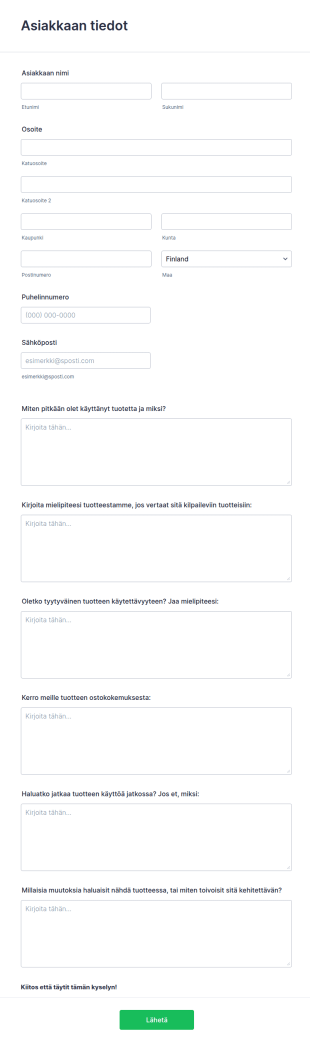
Tuotekysely Lomake
Asiakaspalaute tuotteista on tehokas tapa kartoittaa yrityksen myyntiä ja mahdollisia kehityksen kohteita. Tällä esimerkkilomakkeella kysyt helposti asiakkaiden mielipiteitä tuotteistasi. Lomakkeella kysyt muun muassa miten asiakkaasi käyttävät tuotteitasi, heidän mielipiteensä verrattuna kilpaileviin tuottesiin, miten tyytyväisiä he ovat tuotteseen. Voit muokata kysymyksiä tai luoda oman lomakkeesi alusta alkaen!
Siirry kategoriaan:Yritys-ja liiketoiminnan lomakkeet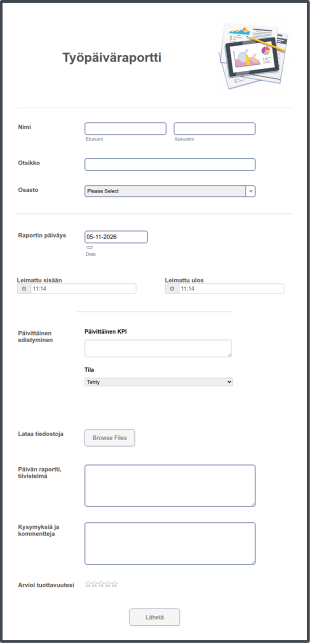
Työpäiväraportti
Työntekijöille tarkoitettu työpäiväraportti on päivittäin täytettävä lomake, jonka avulla on helppo seurata työntekijän edistymistä ja suoritettuja työtehtäviä. Työntekijäsi voivat lähettää työraportin päivittäin netissä työpäivän päätteeksi tällä ilmaisella lomakepohjallamme, ja voit jopa suojata lomakkeen salasanalla varmistaaksesi tietojen luotettavuuden. Kerää tietoja päivittäisistä työajoista, ylityötunneista, suoritetuista tehtävistä, ja vastaanota työntekijän palautetta tai kysymyksiä liittyen työtehtäviinsä. Lomakevastaukset tallennetaan JotFormin käyttäjätilillesi, ja pääset niihin käsiksi milloin vain, miltä tahansa laitteelta. Eri työpaikat vaativat erilaisia raportteja, joten voit muokkaa työpäiväraporttia Lomakerakentajalla saadaksesi juuri sinulle tarpeelliset tiedot. Vedä ja pudota lisätäksesi lomakekenttiä, lataa taustakuva tai sisällytä yrityksesi logo tuomaan ammattimaisen ulkoasun lomakkeelle. Seuraa paremmin päivittäisiä raportteja integroimalla lomake kolmansien osapuolten sovelluksiin, kuten Slack, monday.com, Google Drive tai Salesforce CRM. Kun keräät ilmaiseksi työntekijöiden päiväkohtaiset raportit verkossa, sinulla on käytössä kustannustehokas tapa kerätä raportteja työntekijöiltäsi, joka sopii täydellisesti myös etätyöhön - ei enää sotkuista paperityötä tai aikaa vieviä päivittäisiä kokouksia.
Siirry kategoriaan:Yritys-ja liiketoiminnan lomakkeet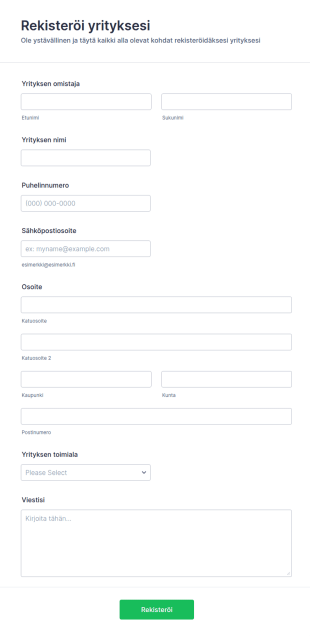
Yrityksen Rekisteröintilomake
Yrityksen rekisteröintilomakkeella voit kerätä sijaintitietoja, nimiä, omistajia, palvelumuotoja ja muita tietoja mitä ikinä tarvitsetkaan. Monipuolisilla lomakkeen muokkausominaisuuksilla ja widgeteillä teet lomakkeen täytöstä helppoa asiakkaillesi. Lisää logosi, kuvia, yrityksesi värimaailma, ja käytä lomaketta joko sellaisenaan tai upota se suoraan kotisivuillesi.
Siirry kategoriaan:Yritys-ja liiketoiminnan lomakkeet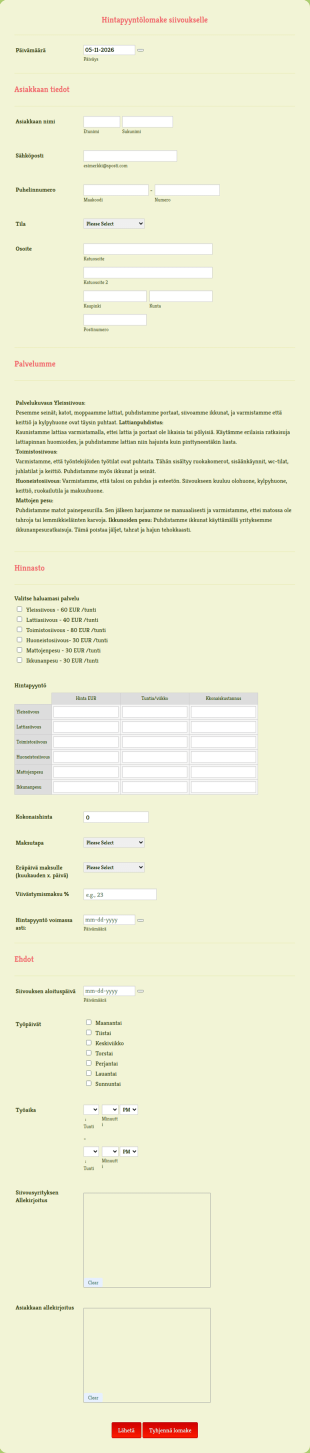
Siivouksen Hintapyyntö
Ammattitaitoisten siivouspalvelujen tarjoamiseksi tarvitset ammattitaitoisen hintapyynnön. Hintapyyntö-lomakepohjamme avulla voit antaa asiakkaasi täyttää nopeasti lyhyen lomakkeen, jossa olet listannut siivouspalvelut ja hinnat. Tee siivouslomakkeestasi silmiinpistävän kaunis vedä ja pudota -lomakkeenrakentajalla - jonka avulla voit lisätä ainutlaatuiset palvelut, hinnat ja yrityksen logon nopeasti. Voit myös luoda kiillotetut PDF-sopimuksia automaattisesti lomakkeesta, ja sisällyttää molempien osapuolten sitovat sähköiset allekirjoitukset sopimukseen. Säästä aikaa ja tarjoa asiakkaillesi aina erinomaista palvelua JotFormin lomakepohjien avulla.
Siirry kategoriaan:Yritys-ja liiketoiminnan lomakkeet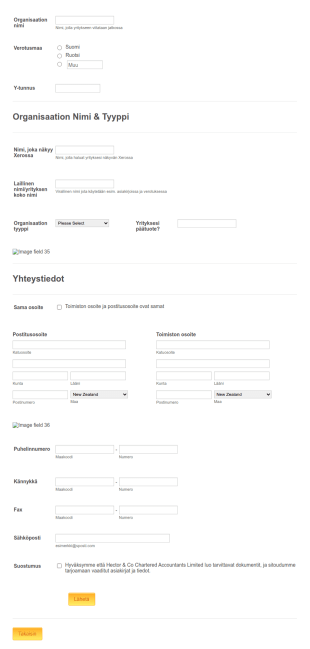
Step By Step Yritysinfo Lomake
Tällä lomakkeella keräät yksityiskohtaiset yritystiedot erilaisiin tarkoituksiin, kuten yrityksen rekisteröimiseen tai listaamiseen.
Siirry kategoriaan:Yritys-ja liiketoiminnan lomakkeet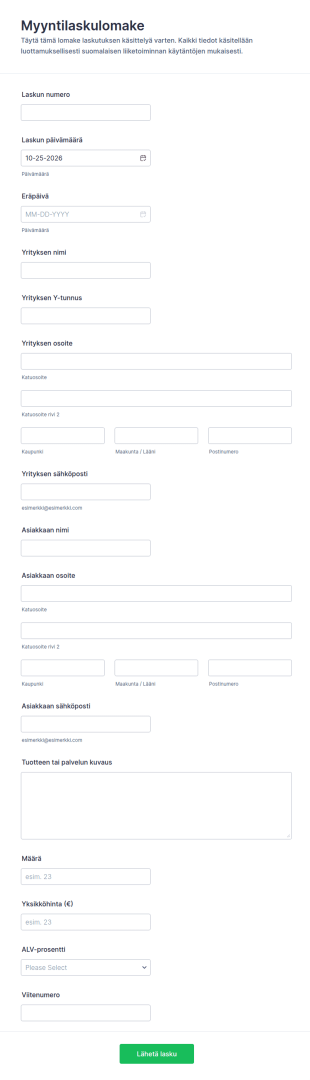
Myyntilaskun Tiedot Lomake
Myyntilaskulomake auttaa yrityksiä keräämään myyntilaskujen tiedot verkossa, nopeuttamaan tiedonkeruuta ja hallitsemaan lomakevastaukset Jotformissa, kun laskuja käsitellään säännöllisesti.
Siirry kategoriaan:Kirjanpitolomakkeet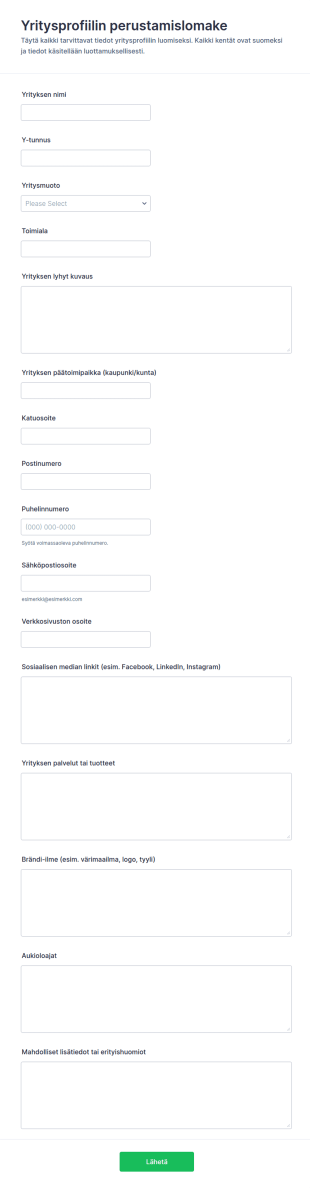
Yrityksen Profiilin Asetukset
Yritysprofiilin perustamislomake tukee tiedonkeruuta, kun yritykset tai kumppanit toimittavat profiilitiedot julkaisuun, hakemistoon tai asiakasrekisteriin Jotformilla.
Siirry kategoriaan:Yrityksen rekisteröintilomakkeet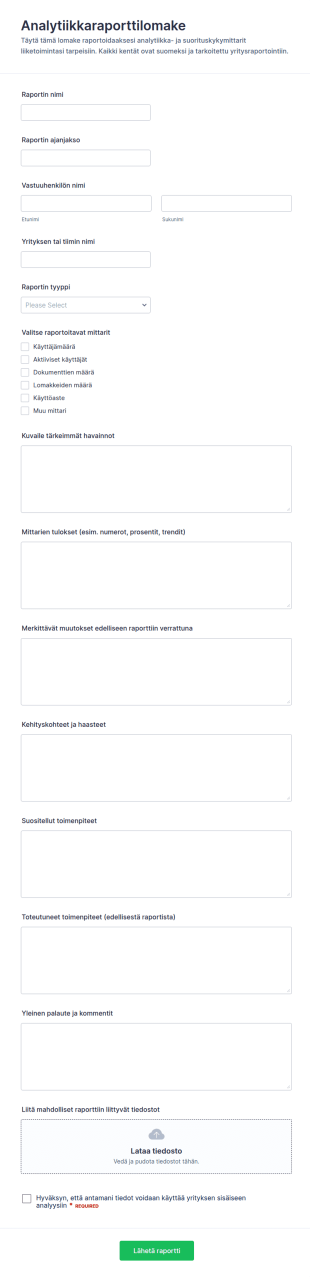
Analytiikan Mittausraportin Lomake
Kokoa tiimisi analytiikka- ja suorituskykymittarit yhteen Analytiikkaraporttilomakkeella, jotta raportointi pysyy yhdenmukaisena kuukausi-, kvartaali- ja vuosikoosteissa Jotformilla.
Siirry kategoriaan:Liiketoiminnan raportointilomakkeet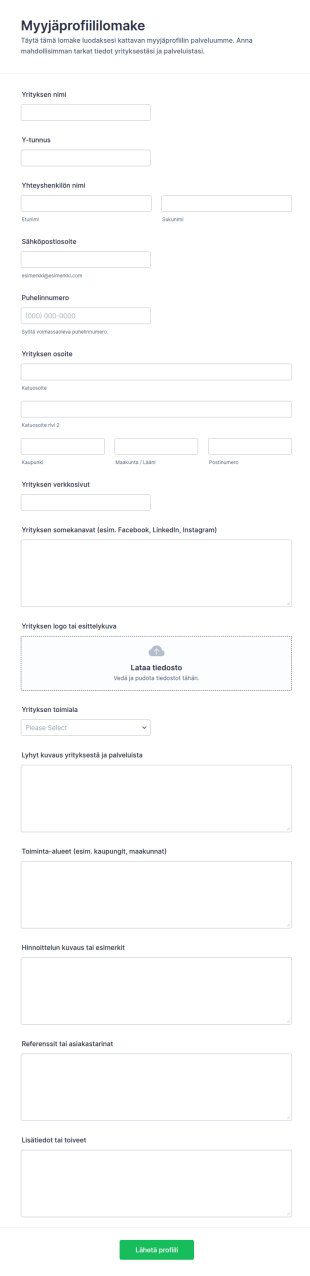
Myyjän Profiilin Lomake
Myyjäprofiililomake auttaa keräämään ja yhtenäistämään yritys- ja yhteystiedot myyjähyväksyntää, kumppanirekisteriä tai palveluntarjoajahakemistoa varten Jotformilla tehtävää tietojenkeruuta varten.
Siirry kategoriaan:Hakemuslomakkeet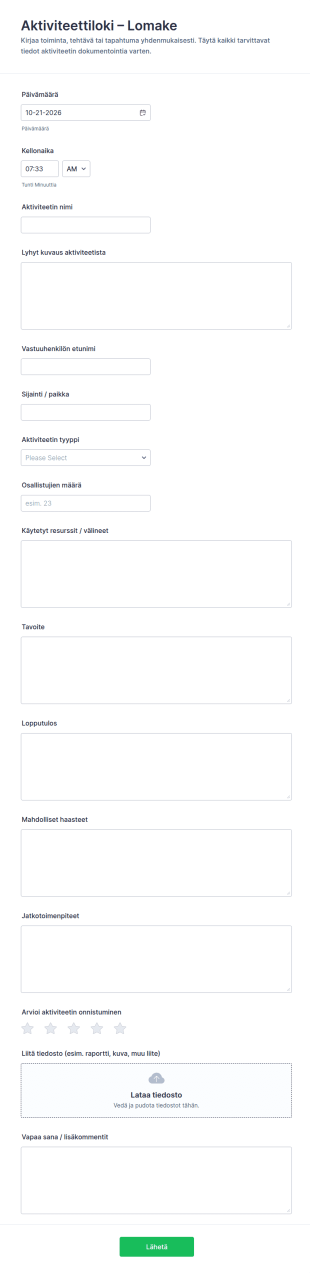
Toimintalokin Seurantalomake
Kirjaa kokoukset, koulutukset ja tapahtumat johdonmukaisesti Aktiviteettiloki-lomakkeella, joka tukee tiedonkeruuta ja lomakevastausten hallintaa Jotformin lomakepohjien avulla.
Siirry kategoriaan:SeurantalomakkeetTietoja Yritys-ja liiketoiminnan lomakkeet
Business Forms are essential digital forms designed to streamline various operational processes within a business setting. These forms cater to a multitude of operational needs by enabling companies to collect, process, and manage data efficiently. In real-world workflows, Business Forms are used for tasks such as employee onboarding, customer feedback collection, and internal audits. They ensure that businesses can maintain a professional standard of data collection and processing, ultimately enhancing productivity and accuracy across different departments.
Jotform stands out as the premier online form builder for creating and customizing Business Forms. Known for its user-friendly interface, Jotform offers a seamless drag-and-drop form-building experience, allowing businesses to tailor each form to specific operational needs. Moreover, Jotform facilitates automated data collection, reducing the manual effort required to gather insights. The platform also provides centralized data management through Jotform Tables, ensuring that all collected data is accessible and secure in one place, thereby empowering businesses to make informed decisions swiftly.
Why Use Business Forms?
- Business Forms enhance the accuracy of data collection by minimizing human error, which is often prevalent in manual entry processes. With automated workflows, data is captured directly from the input source, ensuring high precision and reliability.
- The speed of data processing is significantly increased with Business Forms, as they allow for instantaneous data capture and transfer. This reduces the time lag between data collection and analysis, enabling faster decision-making.
- Professional data handling is a key advantage of using Business Forms. These forms are designed to handle sensitive business data securely, ensuring compliance with industry standards and regulations, thus safeguarding company information.
- Business Forms streamline the workflow by integrating seamlessly with existing business systems. This integration capability reduces the need for redundant data entry and facilitates a smoother transition of information across various platforms.
- Customization options allow businesses to create forms that reflect their brand identity. This ensures consistent communication and data collection practices across all departments, promoting a unified corporate image.
Common Problems Solved by Business Forms
- One of the primary issues businesses face is the cumbersome nature of paperwork, which often leads to inefficiencies and errors. Business Forms digitize this process, eliminating the need for physical documents and reducing clutter.
- Manual data entry is prone to mistakes and is time-consuming. Business Forms automate this process, ensuring that data is accurately captured and stored without the need for constant human intervention.
- Lost data can be a significant setback for any business. With Business Forms, all submissions are securely stored in the cloud, ensuring that important information is always accessible and cannot be misplaced or lost.
- The challenge of maintaining consistent data collection methods across various departments is effectively addressed by Business Forms. They provide a standardized approach to data collection, ensuring uniformity and consistency in the information gathered.
- Data analysis can be a daunting task if the data is not structured properly. Business Forms organize data in a systematic manner, making it easier to analyze a and derive actionable insights.
3. Mahdolliset omistajat ja käyttäjät:
- For businesses that require dynamic forms to adapt to user input, the Conditional Logic feature is invaluable. It allows forms to change in real-time based on the respondent's answers, leading to more relevant data collection and enhanced user experience.
- Companies looking to streamline payment processes can utilize Jotform's integration with over 30 payment gateways, such as Stripe and PayPal. This feature enables businesses to collect payments directly through forms, simplifying the transaction process.
- The need for digital signatures in contract management is met with Jotform Sign. This feature allows businesses to capture legally binding electronic signatures, expediting the approval process and reducing the need for physical document handling.
- For organizations that rely on data visualization, the Report Builder feature provides a robust solution. It transforms raw data into insightful reports, enabling business leaders to make data-driven decisions with ease.
- Offline Data Collection, facilitated by Jotform Mobile Forms, is crucial for field operations where internet access is limited. This feature ensures that data collection is uninterrupted and automatically syncs once connectivity is restored.
- Secure Data Management is a priority for businesses handling sensitive information. Jotform Tables offer a secure environment for data storage, ensuring that all information is protected and accessible only to authorized personnel.
- Integrations with over 100 third-party applications, such as Google Sheets and Salesforce, enhance operational efficiency by allowing seamless data transfer between systems, reducing the need for manual data export and import.
How to Create a Business Form
- Begin by browsing the Template List for a Business template that suits your needs, or start from a blank form to create a custom solution.
- Customize the design and fields of your form using the Drag-and-Drop Form Builder. This intuitive feature allows you to personalize your form’s appearance and functionality to align with your business requirements.
- Once your form is ready, publish and share it via Direct Link, Email, or Website Embed to ensure it reaches the intended audience effectively.
Top Use Cases for Business Forms
- For Managers: Business Forms are invaluable for managers who need to track and analyze performance metrics efficiently. They offer a standardized way to gather and process data, enabling managers to make informed decisions quickly. By using digital forms, managers can streamline reporting processes and ensure accuracy in the data collected, leading to more effective business strategies.
- For Teams: Teams benefit from Business Forms by using them to facilitate collaboration and communication. Forms can be used to gather feedback, track project progress, and manage tasks, ensuring that team members are aligned and informed. The ability to integrate forms with communication platforms like Slack further enhances teamwork by providing real-time updates and notifications.
- For Customers: Customers experience improved service quality when businesses use Business Forms to collect feedback and inquiries. These forms provide a direct channel for customers to communicate their needs and concerns, enabling businesses to respond promptly and effectively. By leveraging digital forms, businesses can enhance customer satisfaction and foster loyalty through timely and appropriate responses.
Summarizing Business Forms
In summary, Business Forms offer a comprehensive solution for businesses looking to enhance data collection and management processes. They provide a platform for efficient, accurate, and secure data handling, ensuring that business operations are streamlined and effective. By leveraging Jotform’s capabilities, businesses can customize and automate form workflows, leading to improved productivity and decision-making. As businesses continue to evolve, the adaptability and integration features of Business Forms make them an indispensable part of modern business operations.
Usein kysytyt kysymykset
1) Is it free to create Business Forms on Jotform?
Yrityslomaketemplatti on valmiiksi suunniteltu digitaalinen lomake, jota käytetään tietojen keräämiseen, käsittelyyn ja hallintaan erilaisissa liiketoimintaprosesseissa, kuten asiakastietojen keräämisessä, työntekijöiden perehdyttämisessä tai tilausten käsittelyssä.
2. Miksi verkkokauppalomakkeet ovat tärkeitä verkkoliiketoiminnalle?
Absolutely, Jotform ensures that all forms and submitted data are protected with high-level security measures, including SSL encryption and compliance with industry standards like GDPR.
3) Do I need coding knowledge to build a Business Form?
No coding knowledge is required to build a Business Form using Jotform. The platform’s drag-and-drop feature makes it easy for anyone to create professional forms without technical skills.
4. Onko olemassa erilaisia verkkokauppalomakkeita?
Yes, you can collect payments directly through your forms by integrating with Jotform’s supported payment gateways, including Stripe, PayPal, and Square.
5. Kuka voi hyötyä verkkokauppalomakepohjien käytöstä?
Yes, Jotform forms are fully responsive and can be accessed and submitted from any mobile device, ensuring flexibility and convenience for users on the go.
6. Miten yksityisyys säilytetään vakuutuskorvaushakemusten lähettämisessä verkossa?
Certainly, with Jotform’s PDF Editor, you can automatically generate professional PDF documents from form submissions, which can be customized and downloaded as needed.
7. Voidaanko yrityslomaakkeet integroida muihin työkaluihin?
Business Forms streamline the collection of customer feedback by providing a structured and efficient way to gather insights. This facilitates quicker analysis and implementation of customer-driven improvements.
8. Mitkä ovat digitaalisten yrityslomakkeiden edut paperilomakkeisiin verrattuna?
Yes, Business Forms can be integrated with popular CRM systems like Salesforce, allowing seamless data transfer and enhanced customer relationship management.