

Koulutuslomakkeet

Apuraha Hakemus Esimerkkilomake
Kattava apurahahakemus, joka sisältää täydellisen kyselylomakkeen apurahaan tarvittavilla yksityiskohtaisilla tiedoilla, jotta kaikki tarvittavat hakijatiedot on helppo kerätä, ja tietojen perusteella arvioida onko hakija oikeutettu apurahan saamiseen. Lomake helpottaa apurahojen myöntämisprosessia.
Siirry kategoriaan:Koulutuslomakkeet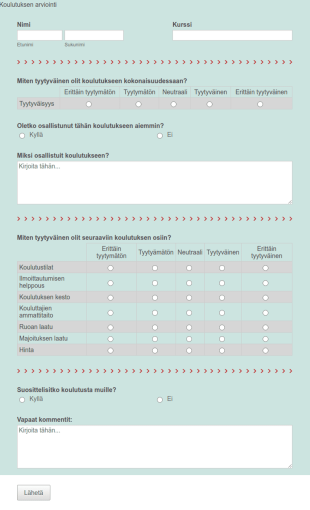
Koulutuksen Arviointi
Tämän koulutuksen arviointilomakkeen avulla voit saada asiakkailtasi arvokasta palautetta, ja kysyä mielipidettä niin tyytyväisyydestä tapahtumaan kokonaisuudessaan, kuin yksityiskohdista kuten koulutuksen kestosta ja kouluttajen ammattitaidosta. Asiakkaiden palautteen avulla voit kehittää koulutustarjontaa, ja varmistaa että asiakkaidesi tyytyväisyyden. Voit myös luoda oman lomakkeesi alusta alkaen tyhjästä.
Siirry kategoriaan:Koulutuslomakkeet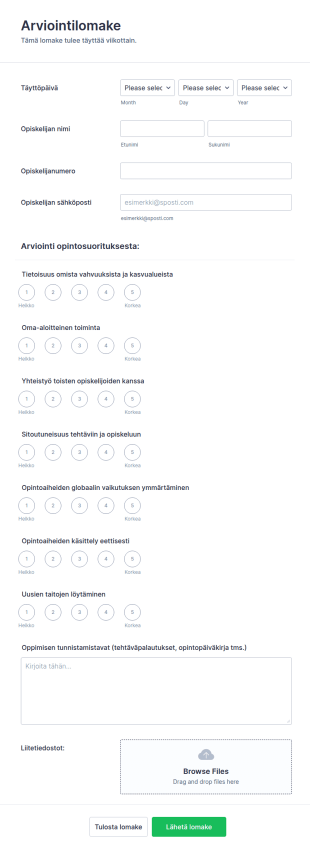
Opiskelijan Arviointilomake
Oletko ohjaaja tai opettaja, ja etsit arviointilomaketta opiskelijoille? Tämä opiskelijoiden arviointilomake on helppokäyttöinen lomake opiskelijoiden viikottaisten suoritusten arvioimiseen. Suoritusraporttien antaminen voi tuntua työläältä, mutta lomakkeen käyttäminen nopeuttaa arviointiprosessia huomattavasti. Voit myös luoda oman lomakkeen alusta asti vain muutamassa minuutissa!
Siirry kategoriaan:Koulutuslomakkeet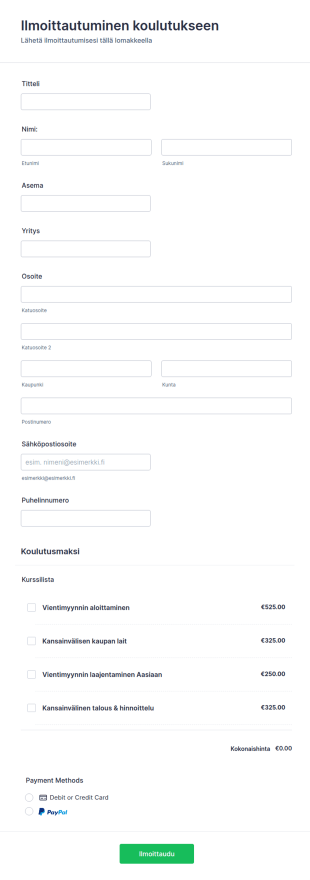
Koulutukseen Ilmoittautumislomake
Tämä koulutukseen ilmoittautumislomake kerää tietoja, joita tarvitaan henkilöiden hyväksymisessä koulutukseen. Käytä tätä lomaketta kerätäksesi osallistujia ja opiskelijoita, jotka haluavat lisäkoulutusta. Integroi lomake johonkin JotFormin yli 20 saatavilla olevista maksuprosessoreista, kuten Square, PayPal, Stripe tai moniin muihin vaihtoehtoihin. Tämä koulutuksille ja kursseille tarkoitettu ilmoittautumislomake on täysin muokattavissa, joten voit kerätä kaikki tarvitsemasi tiedot yhteystiedoista ja osallistujien lähtötasosta aina luottokortilla suoritettaviin kurssimaksuihin asti.
Siirry kategoriaan:Koulutuslomakkeet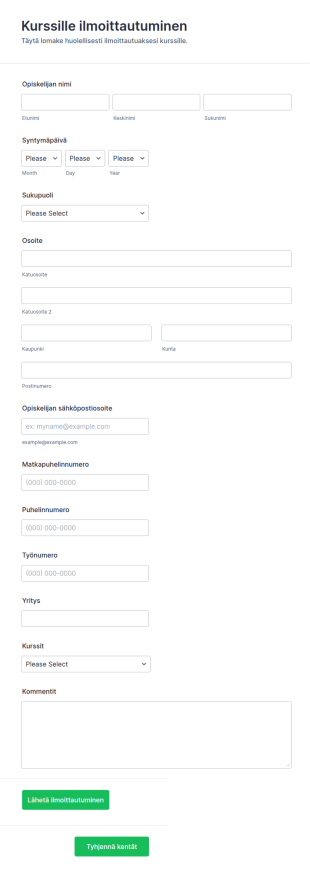
Kurssille Ilmoittautumislomake
Jokainen koulu/oppilaitos voi käyttää tätä kurssille ilmoittautumislomakepohjaa hyväksymään ilmoittautumisia erilaisiin koulutusohjelmiin, opintokokonaisuuksiin tai yksittäisille kursseille. Lomake kerää vain tarvittavat ensisijaiset tiedot ilmoittautuneista, kuten heidän nimensä, syntymäpäivänsä ja osoitteensa rekisteröinnin ja tietojen käsittelyn helpottamiseksi. Lomakkeen avulla opiskelijat voivat valita helposti kurssit, joille heidän tulee osallistua. Tämän lomakepohjan mukana tulee myös teksti-alue, jolla opiskelijat voivat lähettää kommentteja rekisteröintiprosessista tai esittää kysymyksiä ilmoittautumiseen liittyen.
Siirry kategoriaan:Koulutuslomakkeet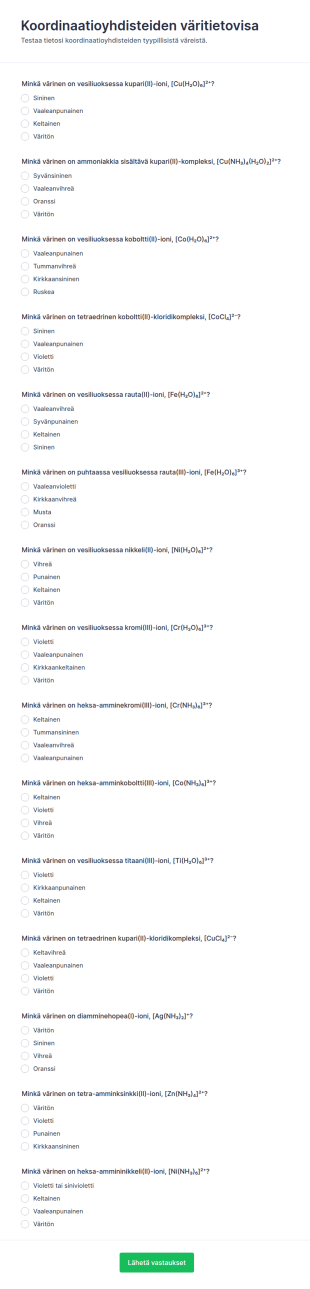
Koordinaatiokomponenttien Värikartoitus Quiz
Koordinaatioyhdisteiden väritietovisa -lomake auttaa opettajia ja opiskelijoita keräämään vastauksia kemian monivalintatietovisaan verkossa ja seuraamaan oppimisen tasoa Jotformilla.
Siirry kategoriaan:Kyselyt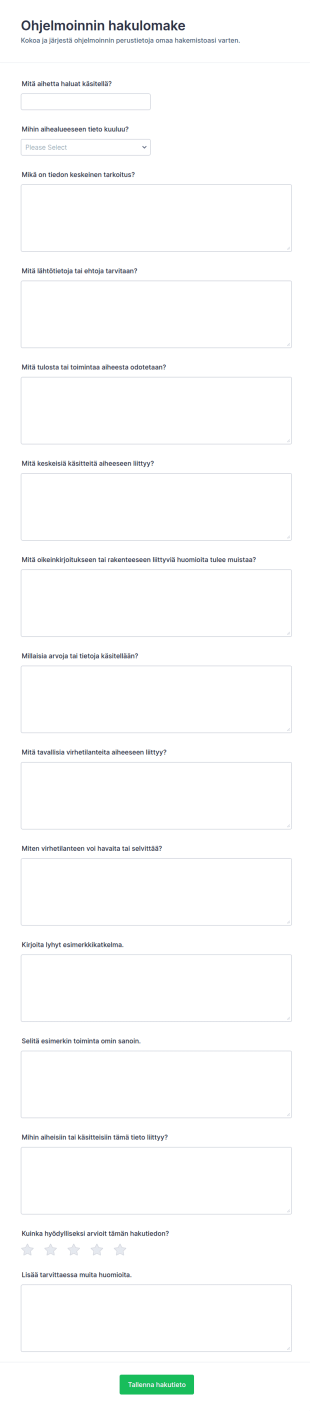
Ohjelmoinnin C Viiteaineiston Lomake
Ohjelmoinnin hakulomake tukee ohjelmoinnin viiteaineiston ja muistiinpanojen keräämistä verkossa opiskelijoille, opettajille ja ryhmille, ja se helpottaa tiedon yhtenäistämistä Jotformin lomakepohjilla.
Siirry kategoriaan:Hakemuslomakkeet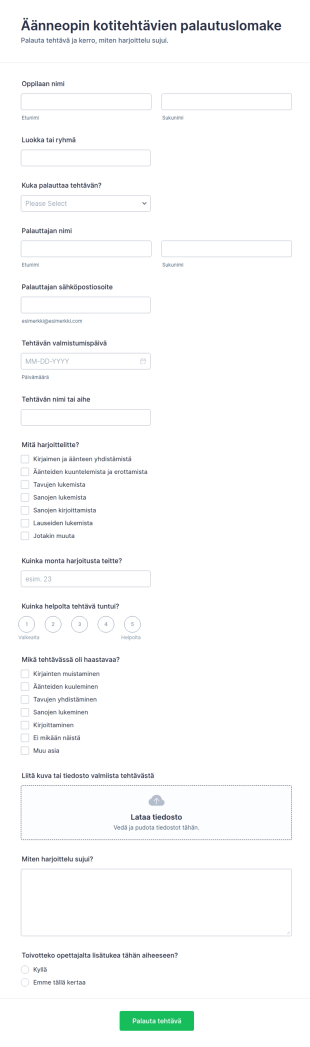
Foneettisen Lukemisen Kotitehtävien Palautuslomake
Äänneopin kotitehtävien palautuslomake auttaa opettajia keräämään kotitehtävät ja harjoittelun palautteen verkossa, jotta palautukset pysyvät järjestyksessä luokittain ja oppilaskohtaisesti Jotformin avulla.
Siirry kategoriaan:Koulutuslomakkeet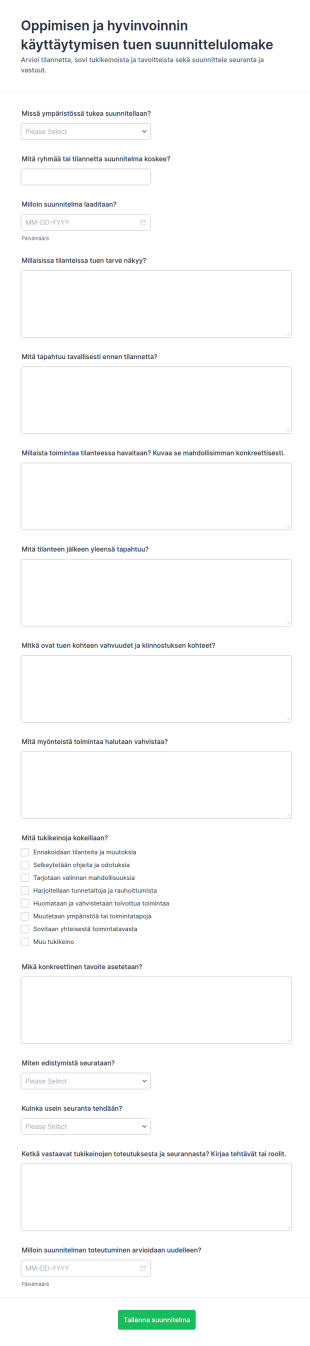
Käyttäytymisen Interventiokokonaisuuden Seurantalomake
Oppimisen ja hyvinvoinnin käyttäytymisen tuen suunnittelulomake tukee kasvatuksen ja opetuksen toimijoita tuen tavoitteiden, tukikeinojen ja seurannan dokumentoinnissa sekä yhdenmukaisessa tiedonkeruussa Jotformilla.
Siirry kategoriaan:Koulutuslomakkeet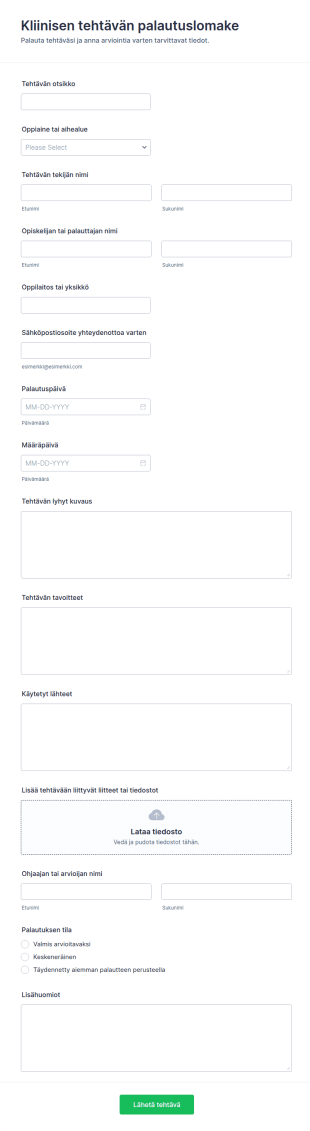
Kliinisen Harjoitustyön Luovutuslomake
Kliinisen tehtävän palautuslomake tukee oppilaitoksia ja koulutusyksiköitä opiskelijatöiden vastaanotossa, seurannassa ja arvioinnin valmistelussa, kun tiedonkeruu ja lomakevastaukset hoituvat verkossa Jotformilla.
Siirry kategoriaan:Koulutuslomakkeet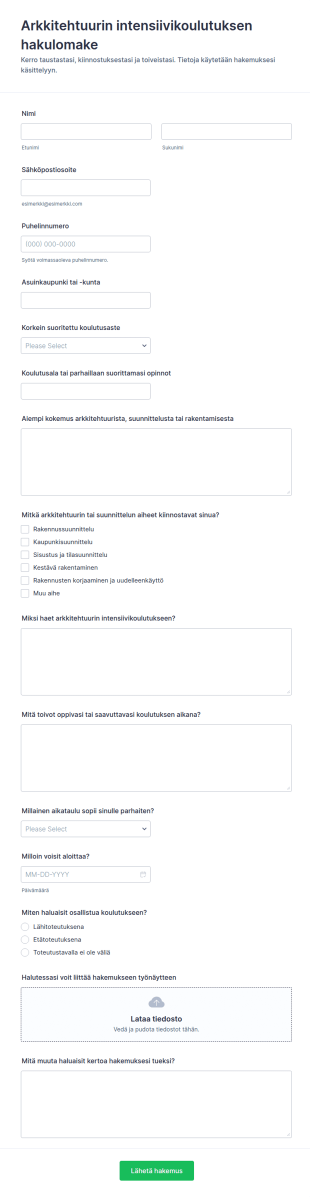
Arkkitehtuurikurssin Hakemuslomake
Arkkitehtuurin intensiivikoulutuksen hakulomake helpottaa koulutuksen järjestäjiä hakemusten vastaanotossa ja tietojen keräämisessä verkossa, jotta hakijoiden vertailu ja valinta sujuvat johdonmukaisesti.
Siirry kategoriaan:Hakemuslomakkeet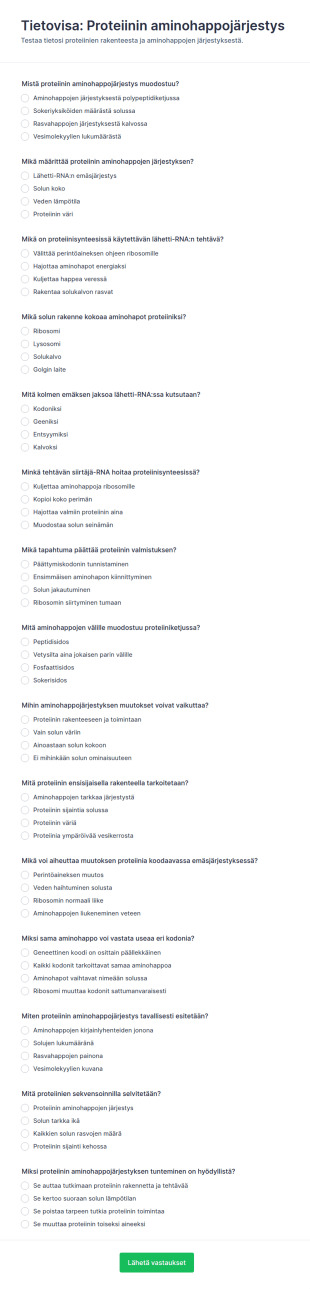
Proteiinisekvensoinnin Tietokilpailu
Tietovisa proteiinin aminohappojärjestyksestä -lomake auttaa opettajia ja opiskelijoita testaamaan proteiinisynteesin keskeisiä käsitteitä verkossa sekä keräämään vastaukset yhteen paikkaan.
Siirry kategoriaan:Kyselyt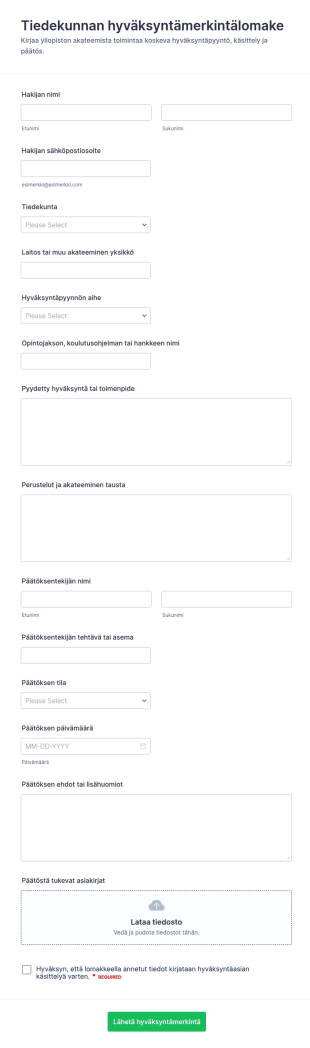
Henkilöstön Hyväksyntäasiakirja
Tiedekunnan hyväksyntämerkintälomake helpottaa yliopistoja ja korkeakouluja kirjaamaan hyväksyntäpyynnöt ja päätökset, seuraamaan käsittelyn etenemistä ja kokoamaan tiedonkeruun yhteen paikkaan Jotformilla.
Siirry kategoriaan:Hyväksyntälomakkeet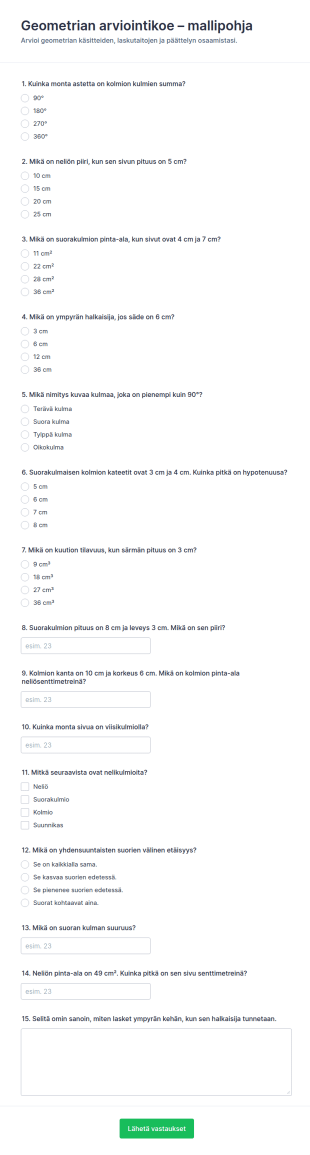
Geometrian Arviointilomake Oppilaille
Geometrian arviointikoe -lomake auttaa opettajia ja kouluja toteuttamaan geometrian osaamisen kartoituksen verkossa, keräämään vastaukset yhteen paikkaan ja seuraamaan oppilaiden edistymistä Jotformilla.
Siirry kategoriaan:Kyselyt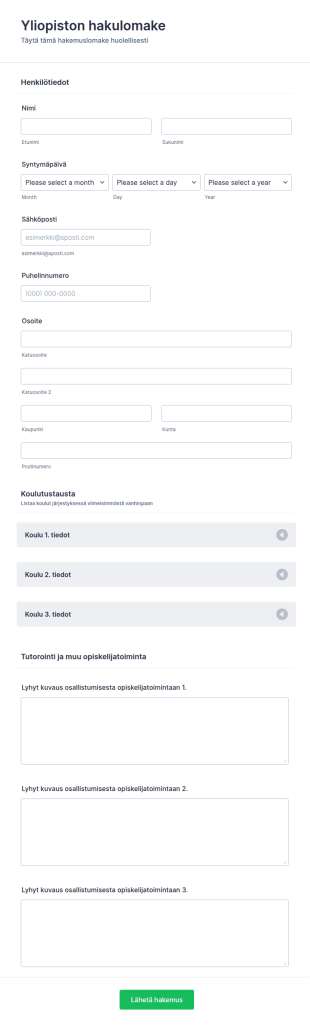
Yliopiston Hakulomake
Yliopiston hakemus uusille opiskelijoille. Kerää kaikki tarvittava tieto opiskelijoista.
Siirry kategoriaan:KoulutuslomakkeetTietoja Koulutuslomakkeet
Hankkiudu eroon paperitöistä! Jotform tarjoaa sähköisiä koulutuslomakkeita opetusalan ammattilaisille ja opiskelijoille. Opettajat tarvitsevat lomakkeita enemmän kuin mikään muu toimiala - oli kyseessä sitten hakemusten tai ilmoittautumisten vastaaonotto tai opiskelijapalauta - on tärkeää, että lomakkeita voi luoda vaivatta. Meiltä löytyy sinulle sopivat lomakepohjat, olit sitten peruskoulu-, korkeakoulu- tai yliopisto-opettaja.
Koulutuslomakkeemme ovat täysin muokattavissa ja niitä voi muokata helposti. Aloita valitsemalla yksi koulutuslomakkeiden pohjista tai luomalla uusi, oma lomakkeesi. Jotformin koulutuslomakkeet ovat ilmaisia ja helppokäyttöisiä.
Why Use Education Form?
- Education Form offer unmatched accuracy in data collection, ensuring that information is captured correctly the first time. This precision eliminates the common errors associated with manual data entry, fostering reliability and trust in the data collected.
- Speed is a significant advantage of using Education Form, as they allow for rapid data gathering and processing. This expedites administrative tasks, freeing up valuable time for educators and staff to focus on more mission-critical activities.
- Professional data handling is facilitated by digital forms, which ensure that sensitive information, such as student records and feedback, is managed securely and in compliance with privacy regulations. This is particularly crucial in maintaining the integrity and confidentiality of educational data.
- The versatility of Education Form means they can be tailored to fit a wide variety of educational scenarios, from enrollment applications to event registrations. This adaptability supports diverse educational needs and ensures that forms are perfectly aligned with institutional goals.
- Automation features in Education Form reduce manual intervention, enabling educators to set up automatic notifications, approvals, and data transfers. This streamlining of processes leads to increased operational efficiency and reduced administrative overhead.
Common Problems Solved by Education Form
- One of the most significant issues in education is the reliance on paper-based systems, which are prone to errors and inefficiencies. Education Form digitize these processes, eliminating the risk of lost paperwork and ensuring that data is always accessible.
- Manual data entry is another common pain point that is effectively addressed by Education Form. By automating data collection and processing, these forms minimize human error and reduce the time spent on repetitive tasks.
- Data loss is a critical concern for educational institutions, especially when handling sensitive information. Education Form provide a secure platform for data collection and storage, thereby safeguarding against accidental loss or breaches.
- Education Form are designed to simplify complex processes, such as course registrations and feedback collection, by providing a streamlined, user-friendly interface. This simplification reduces the cognitive load on users and enhances the overall experience.
- Limited accessibility of traditional paper forms is resolved through the use of digital forms, which can be accessed anywhere and at any time, ensuring that all stakeholders have the necessary access to complete and submit forms promptly.
3. Mahdolliset omistajat ja käyttäjät:
- The Drag-and-Drop Form Builder is ideal for customizing Education Form to fit specific needs, such as creating unique enrollment forms that capture all necessary student information. This feature allows for quick adjustments and updates, ensuring that forms remain relevant and effective.
- Conditional Logic enables the creation of dynamic forms that adapt based on user inputs, such as displaying additional fields for students who select specific courses or programs. This adaptability enhances user experience and ensures that all necessary data is collected.
- The integration with over 30 Payment Gateways, including Stripe and PayPal, allows educational institutions to collect fees directly through forms. This feature streamlines the payment process, reducing administrative tasks associated with handling financial transactions.
- Electronic Signatures, facilitated by Jotform Sign, are crucial for obtaining necessary approvals and consents, such as parental permission for field trips. This feature ensures that all legal and compliance requirements are met with ease.
- The PDF Editor automatically generates professional PDF documents from form submissions, such as transcripts or certificates, ensuring that data is presented in a formal and consistent manner.
- Jotform's Report Builder offers the ability to create comprehensive reports based on collected data, such as analyzing feedback from course evaluations to inform curriculum improvements.
- With offline data collection capabilities, Jotform Mobile Forms ensures that data can be gathered even without an internet connection, critical for field activities or remote educational settings.
How to Create a Educations Form
- Begin by browsing the Template List for an Educations template or opt to start from a blank form.
- Customize the design and fields using the Drag-and-Drop Form Builder, tailoring the form to meet specific educational requirements.
- Once your form is ready, publish it and share it via Direct Link, Email, or Website Embed to reach your intended audience.
Top Use Cases for Education Form
- For Managers: Education Form are invaluable for managers who oversee the administrative functions of educational institutions. These forms streamline processes such as staff evaluations, budget approvals, and strategic planning, all while capturing vital data that informs decision-making. The ability to automate notifications and approvals further enhances managerial efficiency, allowing leaders to focus on broader institutional goals.
- For Teams: Educational teams, including faculty and administrative staff, benefit significantly from the use of Education Form. They facilitate collaboration through shared access to forms and data, enabling teams to coordinate activities like curriculum development, event planning, and student assessments. With integrated features like conditional logic and third-party integrations, teams can work more effectively and cohesively.
- For Customers: Students and parents, as primary customers of educational institutions, experience improved interactions through Education Form. These forms simplify processes such as course enrollment, fee payment, and feedback submission, providing a seamless user experience. The convenience of digital forms ensures that customers can engage with educational services anytime, anywhere, enhancing overall satisfaction.
Summarizing Education Form
Kokeile ilmaisia opetusalan lomakepohjiamme tänään.
Usein kysytyt kysymykset
1. Mikä on koulutuslomakemalli?
Koulutuslomakemalli on valmiiksi suunniteltu verkkolomake, joka on räätälöity akateemisiin tarkoituksiin, kuten opiskelijoiden rekisteröintiin, palautteen keräämiseen, tapahtumailmoittautumisiin ja muuhun. Nämä mallit auttavat kouluja ja opettajia keräämään ja hallitsemaan tietoja tehokkaasti.
2. Miksi koulutuslomakkeet ovat tärkeitä kouluille ja opettajille?
Koulutuslomakkeet yksinkertaistavat hallinnollisia tehtäviä, vähentävät paperityötä ja varmistavat tarkan tiedonkeruun. Ne myös parantavat opettajien, opiskelijoiden ja vanhempien välistä kommunikaatiota tehostaen koulun toimintaa.
3. Mitä tietoja koulutuslomakkeissa yleensä kerätään?
Yleisimpiä kenttiä ovat opiskelijan ja vanhemman yhteystiedot, opintohistoria, hätäyhteyshenkilöt, suostumussopimukset, palautearviot ja tapahtumakohtaiset tiedot.
4. Onko olemassa erilaisia koulutuslomakkeita?
Kyllä, koulutukseen liittyviin lomakkeisiin voi sisältyä ilmoittautumishakemuksia, palautekyselyjä, lupalappuja, tietovisoja, tapahtumailmoittautumisia, stipendihakemuksia ja paljon muuta, jotka kaikki on räätälöity vastaamaan tiettyjä akateemisia tarpeita.
5. Kuka voi käyttää koulutuslomakemalleja?
Koulujen hallintohenkilöstö, opettajat, professorit, opiskelijat, vanhemmat, ohjaajat ja tapahtumakoordinaattorit voivat kaikki hyötyä koulutuslomakemallien käytöstä.
6. Miten koulutuslomakkeet edistävät yksityisyyttä ja tietoturvaa?
Jotform varmistaa, että kaikki koulutuslomakkeiden kautta kerätyt tiedot tallennetaan turvallisesti ja niitä voivat käyttää vain valtuutetut käyttäjät, auttaen kouluja noudattamaan tietosuojamääräyksiä.
7. Voidaanko opetuslomakkeita räätälöidä eri vuosiluokille tai osastoille?
Ehdottomasti. Lomakkeita voi räätälöidä tietyillä kentillä, brändäyksellä ja logiikalla vastaamaan eri luokka-asteiden, osastojen tai koulutusohjelmien tarpeita.
8. Mitä etuja verkkokoulutuslomakkeiden käytössä on paperilomakkeisiin verrattuna?
Verkkolomakkeet säästävät aikaa, vähentävät virheitä, mahdollistavat välittömän tiedonsaannin ja helpottavat tiedon järjestämistä ja analysointia. Ne myös tukevat etäopiskelua ja -viestintää, mikä on olennaista tämän päivän koulutusmaailmassa.