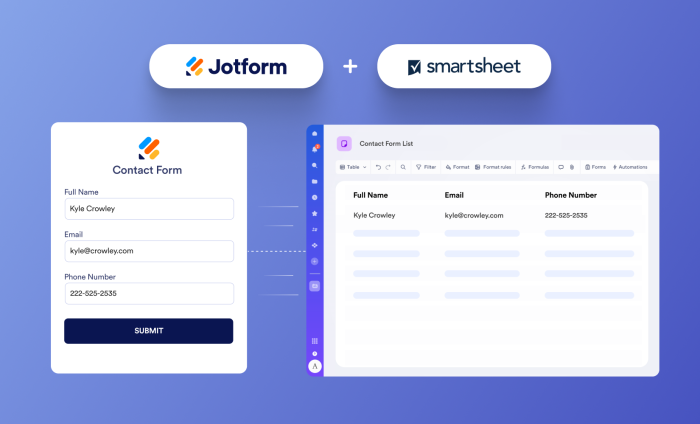
Jotform and Smartsheet are the perfect pair: Jotform captures data, while Smartsheet helps you put that data to work. Our users have consistently asked for a way to connect these two powerful platforms, and we’ve been listening.
👋 Say hello to the new Jotform + Smartsheet integration.
Now, form submissions can flow automatically into Smartsheet, creating a seamless connection between data collection and the workflows teams already use.
Connect data collection with collaboration
The integration makes Jotform even more valuable for users who also use Smartsheet for spreadsheet-driven workflows. Jotform provides a flexible, user-friendly way to collect information, while Smartsheet gives teams a structured environment for tracking tasks and coordinating next steps.
Together, the two platforms can help teams
- Eliminate manual transfers of form responses
- Improve visibility and speed up access to submission data
- Keep operational data consistent and organized
- Respond to requests more quickly
- Collaborate in a familiar, shared workspace
The result is a smoother, more efficient transition from data collection to action, with fewer disconnected tools and processes.
How to integrate Jotform and Smartsheet
- Open the Jotform Form Builder.
- In the orange navigation bar at the top of the page, select Settings.
- Select Integrations in the left menu, and then search for Smartsheet.
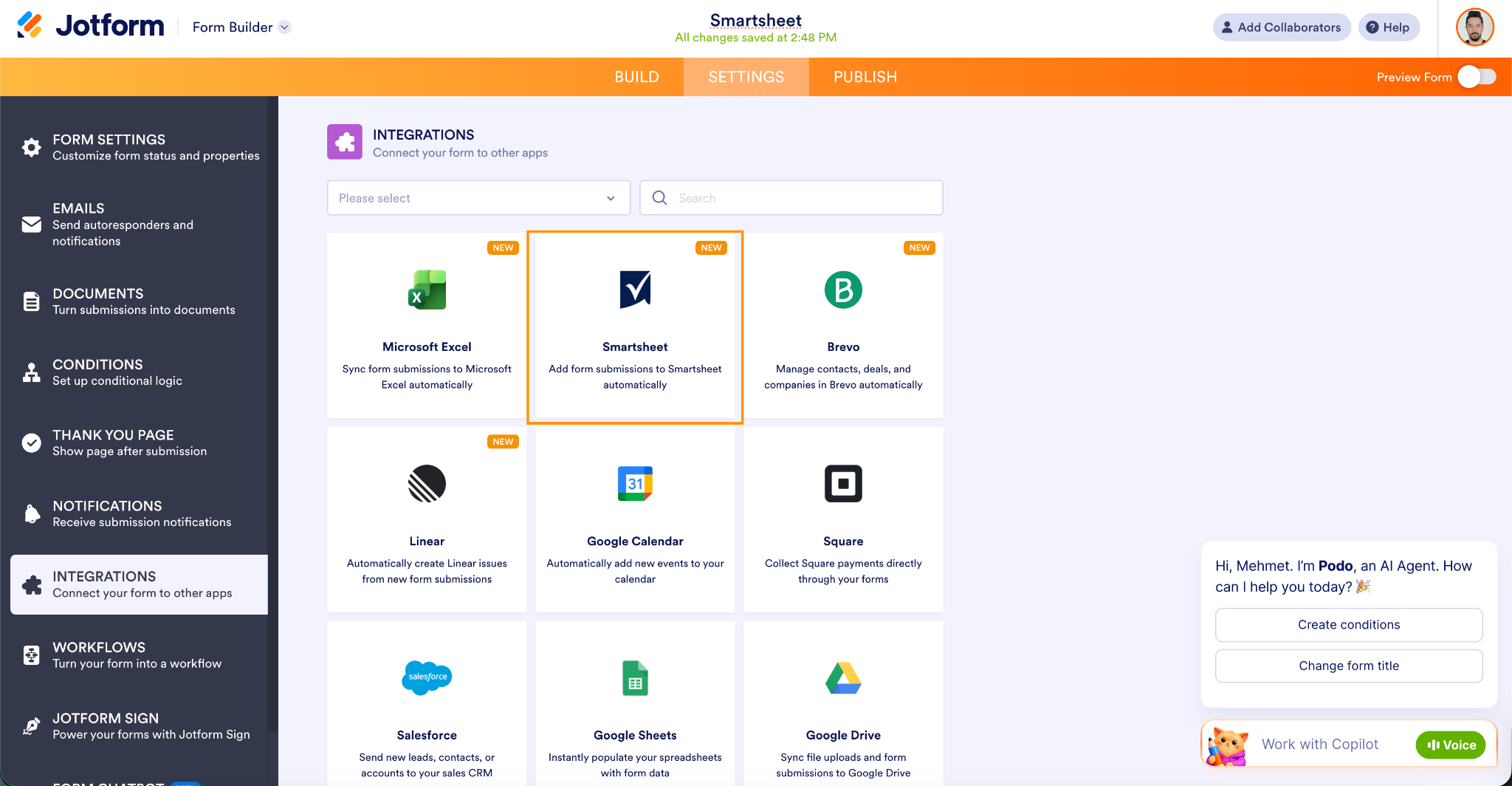
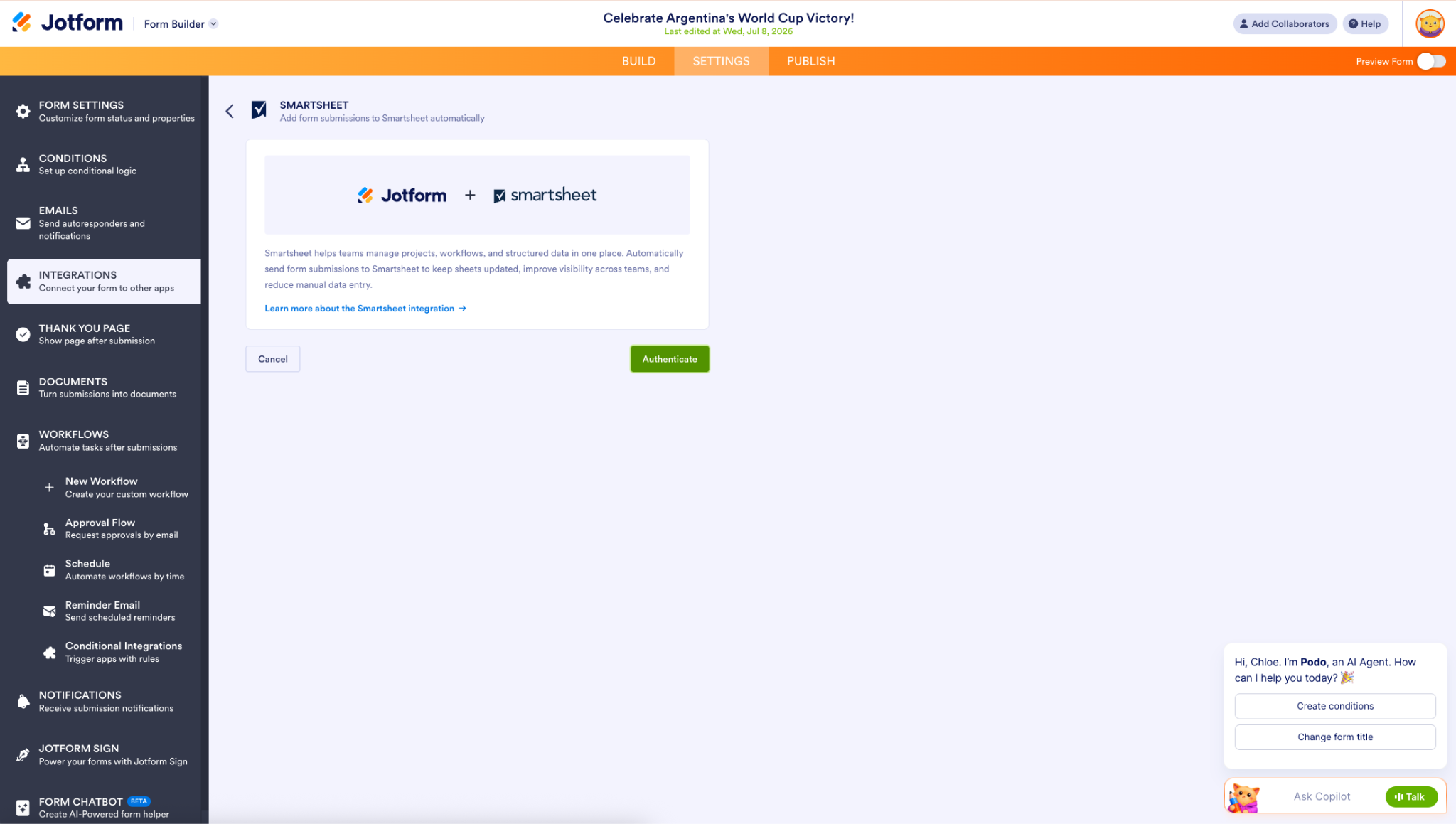
- Select Authenticate, and then log in to your Smartsheet account.
- Select the Smartsheet sheet where you want to add your form submissions as new rows.
- Select Match the Column Fields to map your Smartsheet columns on the left to the corresponding Jotform form fields on the right.
- Select Add Field to map additional fields as needed. Enable Send Existing Submissions to the Sheet if you want to include previously submitted form entries in the Smartsheet sheet.
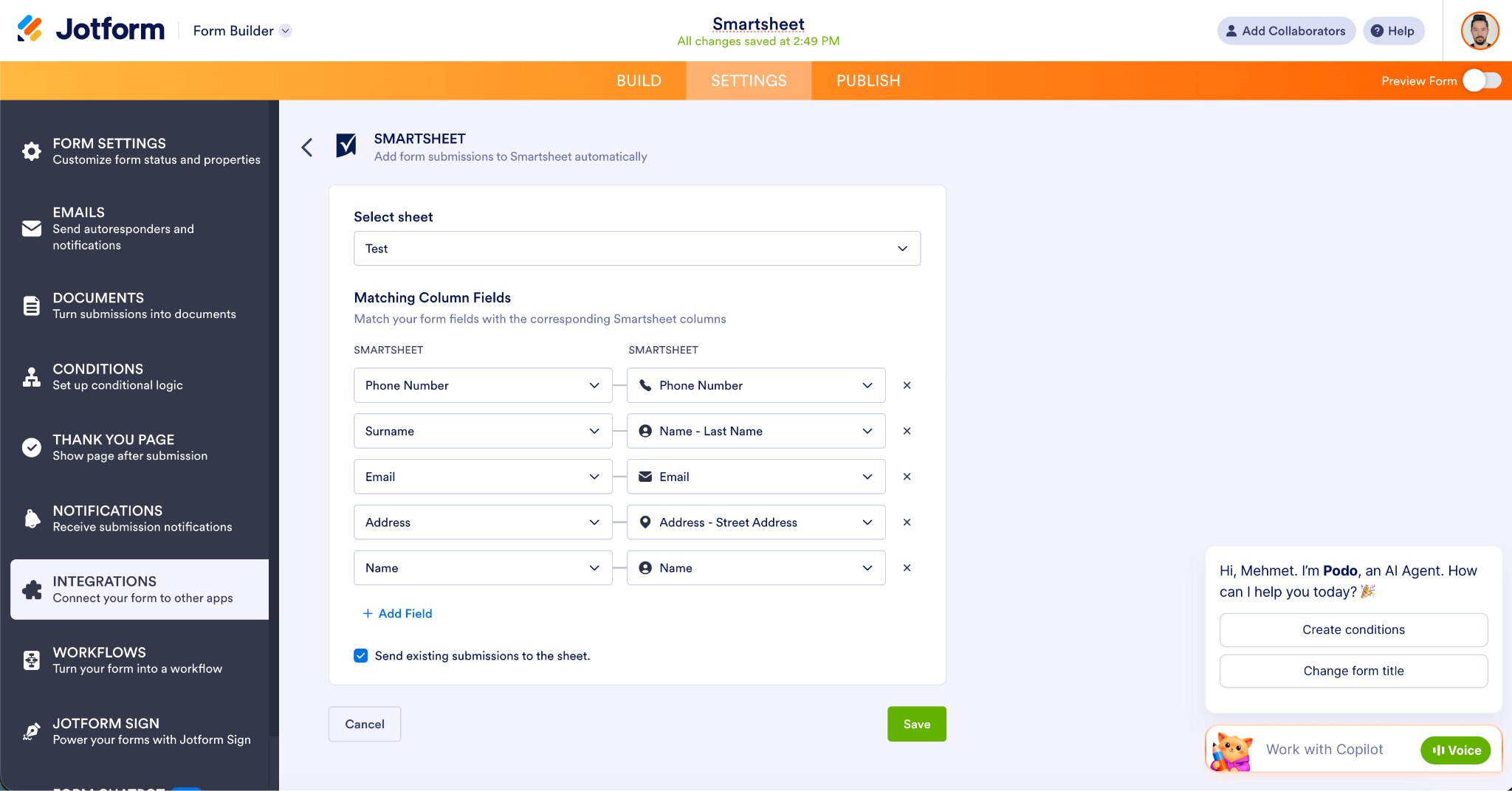
- Select Save, and the integration is all set!
Built for growing business workflows
The potential of the integration extends beyond forms. Smartsheet connectivity can support workflows that involve Jotform Tables, Jotform Sign, Jotform Workflows, Jotform PDF Editor, and Jotform Smart PDF Forms.
Although some form builders offer Smartsheet connections through automation services such as Zapier, a native integration provides a more straightforward experience. It reduces reliance on third-party tools and gives Jotform customers an embedded way to connect data collection, tracking, and collaboration.
This integration has been in high demand, especially from our Enterprise customers — highlighting the value of Smartsheet connectivity for organizations managing structured, cross-functional work.
Here are a few examples of how organizations can use the Jotform + Smartsheet integration.
| Audience | How they can use the integration | Key benefit |
|---|---|---|
|
Operations teams |
Send incident reports, service requests, or onboarding submissions directly to Smartsheet |
Makes information immediately available for assignment and follow-up |
|
Project managers |
Collect project requests through Jotform and send each submission to a shared Smartsheet sheet |
Improves visibility and helps teams coordinate project work |
|
Administrators |
Connect Jotform forms to destination sheets for recurring processes |
Reduces manual data transfers and keeps records organized |
|
Jotform Enterprise customers |
Incorporate Jotform submissions into shared, cross-functional Smartsheet workflows |
Supports structured collaboration at scale |
Jotform’s Smartsheet integration helps teams spend less time moving information and more time using it.
To learn more, check out our Smartsheet Integration User Guide.












Send Comment:
1 Comment:
September 19, 2026
The Jotform and Smartsheet integration looks useful for keeping form submissions and spreadsheet-based workflows connected. Automating the transfer of collected data could save time and reduce the need for manual updates, especially for teams managing larger volumes of information.