
Does your business want to engage deeply with users through rich, two-way communication? If so, you may be considering WhatsApp push notifications: real-time alerts delivered to a user’s mobile phone through the WhatsApp Business Platform.
This chat-based, push-style alert channel is an excellent way for businesses to send transactional updates to customers, share time-sensitive news (such as promotions), and offer customer support. Automated, mobile-first communication creates a friction-free buyer experience that stands out in a sea of one-way push and email marketing messages.
In this article, you’ll find everything you need to know about the business use of WhatsApp push notifications, including what they are and how WhatsApp sends them. We’ll also show you an easier and more sophisticated way to reach users without APIs or third-party tools: Jotform.
What are WhatsApp push notifications?
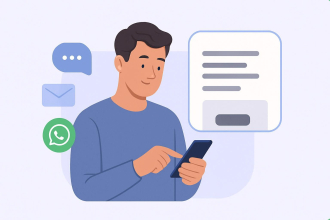
WhatsApp push notifications are chat-based messages that are delivered from businesses to consumers.
The messages combine the urgency of traditional push notifications (one-way alerts from a specific mobile app) with WhatsApp’s two-way conversation capability. WhatsApp push notifications offer high visibility, immediate delivery, and a familiar interface, making them ideal for mobile-first users, prospects, and customers.
Traditional push notifications can be received only if users install and enable your brand’s app. Plus, the only action users can take when they do receive a message is to tap the notification to read it. They cannot respond to the message or tap a link. Traditional push notifications are a one-way communication channel, so using them makes it difficult for businesses to establish relationships with users, build trust, or generate loyalty.
In contrast, WhatsApp push notifications are two-way messages that open automatically in a chat thread. Users can respond to you immediately, ask questions, or provide information. It’s a much more engaging way to communicate, and many of your customers are probably already familiar with it. WhatsApp has over 3 billion active monthly users (that’s over a third of the world’s population)!
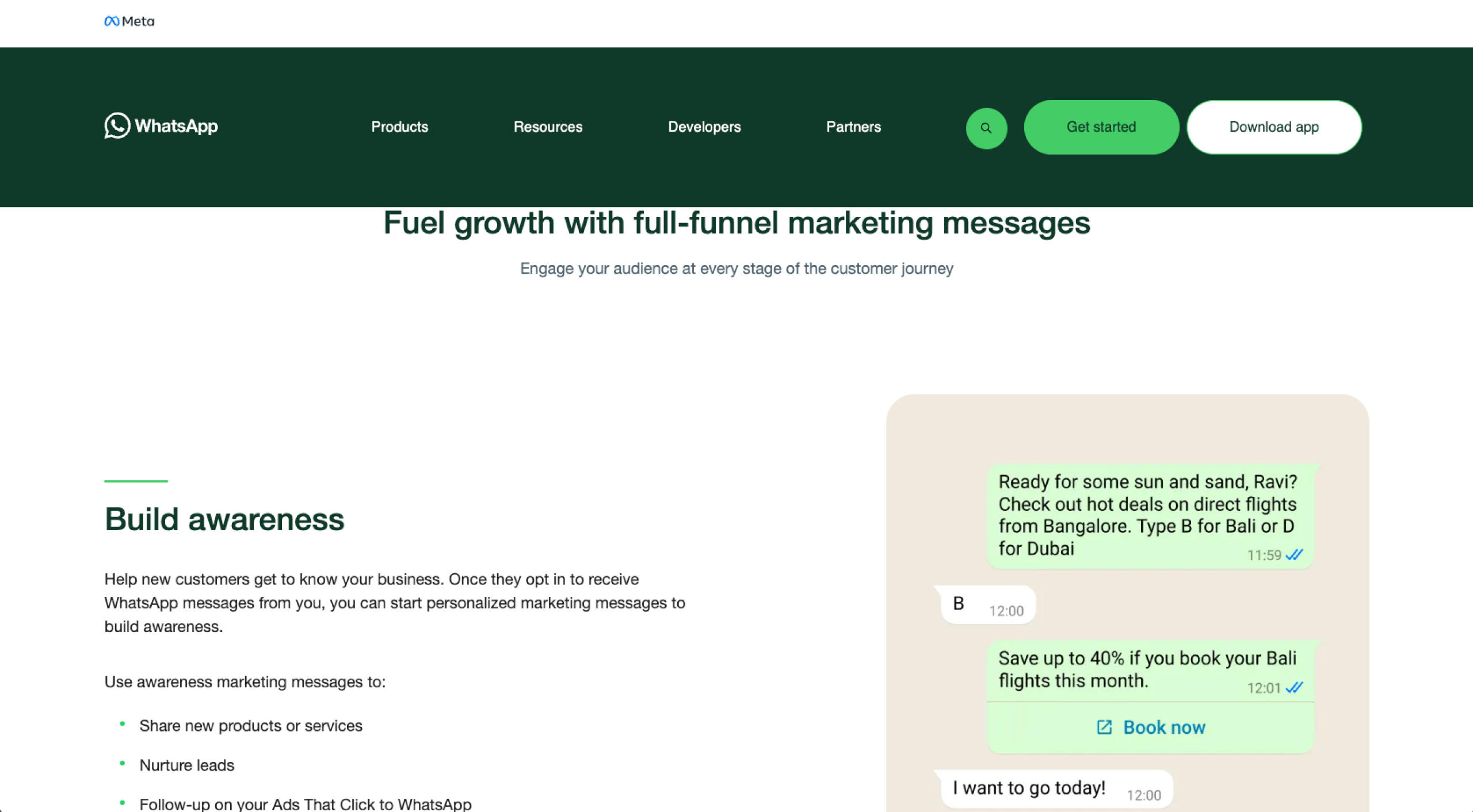
Your business can use WhatsApp push notifications in several ways:
- Marketing: WhatsApp push notifications are ideal for sending marketing messages to drive sales, build loyalty, and reengage customers. For example, you can send a message about limited-time offers to signal urgency.
- Authentication: You can use WhatsApp push notifications to provide one-time passcodes for user account creation and account recovery, and provide codes to complete transactions. These types of messages offer account security.
- Utility: Use WhatsApp push notifications to deliver order status updates, provide time-sensitive information, confirm opt-ins, and more. It’s a great channel for delivering urgent and helpful messages.
- Service: Use WhatsApp for customer service. You can simplify the purchase process by providing helpful information. While many users initiate customer service messages, your business can predict potential customers’ needs and offer key details in advance.
How WhatsApp sends push notifications
You can send WhatsApp push notifications to your prospects and customers using the WhatsApp Business Platform. It requires verified phone numbers and can send messages at scale in a highly controlled manner.
It’s important to note that users have to opt in to receive WhatsApp messages from your business. This choice helps protect them from spam or unwanted messages. If users don’t opt in, you cannot reach them via this method.
As for the push notification message itself, your business must use a preapproved message template that has been reviewed by Meta (the owners of WhatsApp) to ensure it is clear and relevant for your users.
The message then arrives like a push notification on the user’s mobile lock screen and opens directly into a WhatsApp chat when tapped. The user can reply to the message within WhatsApp, unlocking two-way communication. Your business doesn’t need to use message templates when replying to users, only for the initial message.
The WhatsApp Business Platform API delivers these messages. Note that the complex process does require specialized technical expertise. Your business will need a developer to set up your WhatsApp Business Platform account, call the APIs, and set up webhooks.
If you don’t have developers on your team, you can work with one of the WhatsApp Business Solution providers.
Requirements for sending WhatsApp notifications
Here’s what your business needs to send WhatsApp push notifications:
- WhatsApp Business account: You cannot use the consumer version of WhatsApp to send messages at scale.
- Verified business phone number: A verified number establishes trust with your prospects and customers.
- User opt-in for notifications: Users must explicitly agree to receive WhatsApp messages from your business.
- Approved WhatsApp template message: Any business-initiated push notifications must use preapproved message templates to prevent spam.
- Compliance with WhatsApp message policies: Your business must follow WhatsApp rules for message content, frequency, and use cases.
While WhatsApp push notifications involve a complex process with several requirements, there are many benefits of jumping through the hoops, especially if you’ve been communicating with customers via email.
WhatsApp outperforms email for sending customers time-sensitive information. Over 98 percent of WhatsApp marketing messages are read, versus just 21 percent of email messages. With higher visibility and faster engagement, WhatsApp makes it easy for businesses to have two-way conversations with their users about important topics, such as form notifications, shipping confirmations, and last-minute sales.
Jotform: WhatsApp alerts made simple
Jotform is ideal for sending WhatsApp notifications to enable users to submit forms. Use it for demo forms, event signups, purchase order forms, and more. Jotform’s WhatsApp alerts enable faster follow-up, build stronger team visibility, and ensure time-sensitive form submissions don’t fall through the cracks.
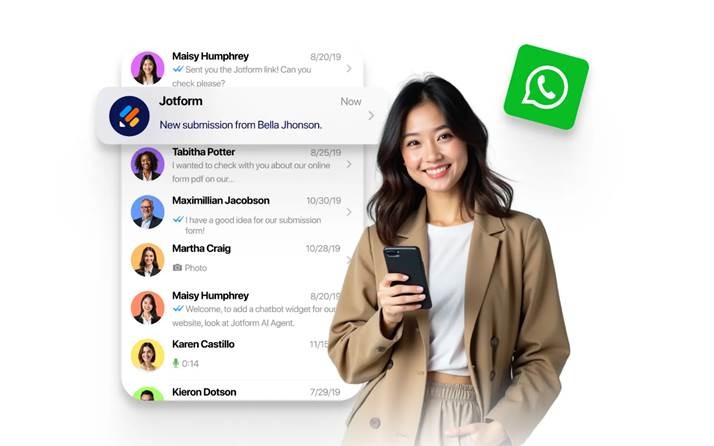
Jotform is known for its highly intuitive and incredibly versatile online forms, and its new multichannel notification system takes ease of use to another level. There’s no need to worry about API complexity, message template management, or external automation.
You can use Jotform to receive real-time Form Notifications through WhatsApp, as well as SMS, Slack, and Microsoft Teams. Users can choose the channels on which they want to receive alerts, verify them in seconds, and get instant updates on new form activity. Switching to Jotform’s notifications is a big upgrade from email-only form submission notifications, especially because almost all WhatsApp notifications are read, versus only a small percentage of emails.
Integrating your form with WhatsApp is easy. All you have to do is create the form and scan the WhatsApp QR code in the Jotform Form Builder with your mobile device. When you get a verification message, verify your phone number and confirm that you want to receive instant alerts from Jotform form submissions in WhatsApp. You can use the message templates or customize your own.
Setting up Jotform WhatsApp notifications takes minutes and doesn’t require a developer or any coding experience.
Reach users instantly with WhatsApp push notifications from Jotform
WhatsApp’s mobile-native alerts take real-time communication with users to another level. Instead of sending one-way messages using traditional push notifications, you can enable two-way communication through the world’s most popular messaging platform.
However, setting up WhatsApp push notifications with the WhatsApp Business Platform is a complex process that requires development expertise.
For those who want to get WhatsApp notifications about form submissions, Jotform offers a simple yet sophisticated alternative. You can still get WhatsApp messages instantly delivered without the complicated setup. And you can avoid emailing users about form submissions entirely. When you use Jotform when a form is submitted, you can set up push notifications in just a few simple steps, with no coding skills required.
If you’re used to getting form submission notifications via email, switching to Jotform WhatsApp notifications will be a major upgrade. Give Jotform a try today and see how easy it is to set up WhatsApp push notifications for form submissions.
This article is for mobile-first businesses, operations teams, and workflow managers who want to understand how WhatsApp push notifications work and how to use no-code tools like Jotform to send real-time alerts without technical setup.



















































Send Comment: