
Best When2meet alternatives
When2meet is a free and user-friendly online scheduling tool designed to help you find the ideal time to get together with your team or clients. Participants can indicate their availability, helping you manage your time better by quickly finding a date and time that fits everyone’s schedule.
While When2meet is free and straightforward, it has some glaring limitations. The good news is that there are some awesome When2meet alternatives that you should consider for 2026.
What is When2meet?
When2meet is a scheduling tool that helps you and your team members figure out when to get together. It’s free and web-based, meaning you won’t have to worry about downloading it to your device or paying a licensing or subscription fee.
Create an event and choose a few different time and date options that you think might work. Send it to others in your group and let them choose options that are viable for their schedules. That’s all there is to it.
What are the 8 Best when2meet alternatives?
The biggest drawback of When2meet is that it’s a one-off tool. You have to create a new event every time you use it and manually input your recipients. It doesn’t offer much customization, and the mobile experience can be a bit clunky due to the lack of a dedicated mobile app.
Here are some of the best When2meet alternatives that you should check out.
| Tool | Best for | Key features | Pricing |
|---|---|---|---|
 Jotform |
Teams looking for a dynamic tool that fills multiple roles |
|
Free, paid versions starting at $34/month (billed annually) |
 Doodle |
Coordinating group meetings through polling |
|
Free, paid versions starting at $6.95/month (paid annually) |
 Calendly |
Teams looking to integrate scheduling and their calendars |
|
Free, paid version starts at $10/seat/month |
 Framadate |
Users seeking a simple, open-source tool |
|
Free |
 SimplyBook.me |
Service-based businesses like salons, gyms, and clinics |
|
Free, paid versions starting at $8.25/month (billed annually) |
 Bookafy |
Professionals and small businesses seeking an online scheduling tool |
|
Free, paid versions starting at $9/user/month |
 OnceHub |
Sales teams and customer service interactions requiring CRM integration |
|
Free, paid versions starting at $10/user/month |
 HubSpot Meetings |
Businesses already using HubSpot’s CRM |
|
Free with a HubSpot CRM subscription (upgraded versions available) |
1. Jotform
- Best for: Teams looking for a dynamic tool that fills multiple roles
- Pros: Drag-and-drop builder form for easy customization; expedited creation thanks to ready-to-use templates; multiple sharing options and submission tracking with calendar view
- Cons: Form limit on single-user version
- Pricing: Free; paid versions starting at $34 per month (billed annually)
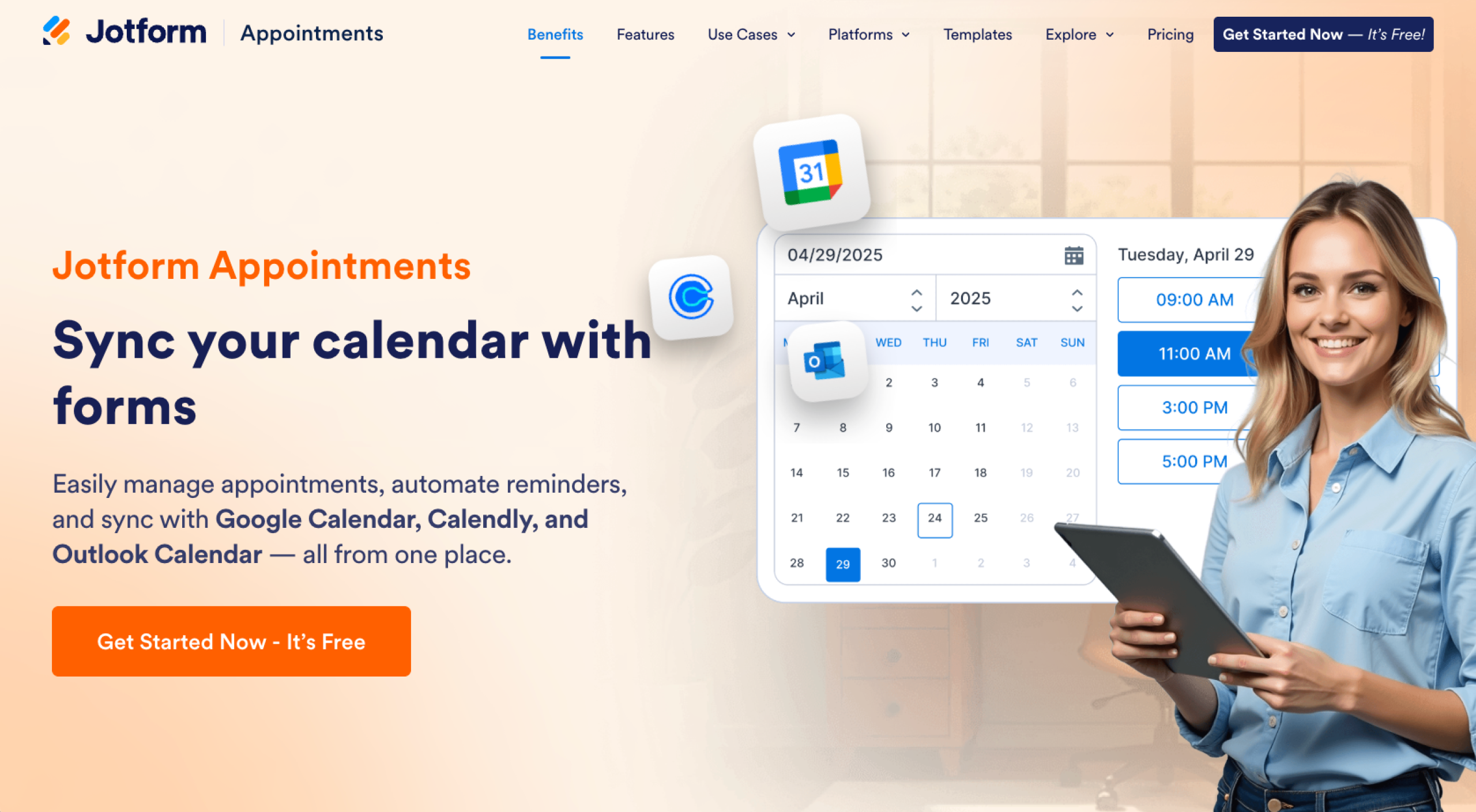
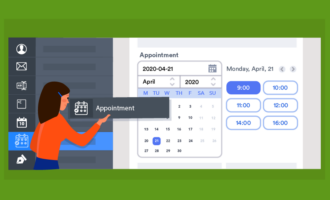
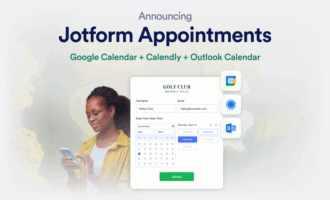
Schedule meetings with Jotform’s selections of ready-to-use templates. You can customize the templates to match your style and desired tone. The templates are easy to tailor and reuse, saving you time and expediting the scheduling process.
Jotform doesn’t just make it easy to schedule meetings; you can share your forms easily via email or a link, or by embedding it. Jotform also makes tracking appointments for your entire team effortless, thanks to Jotform Tables.
Additionally, Jotform is equipped with a drag-and-drop form builder that you can use to plan group events and share important communication with your audience. Check out Jotform and upgrade the way you plan meetings.
2. Doodle
- Best for: Coordinating group meetings through polling
- Pros: Easy-to-learn interface; ability to reply to polls without creating an account
- Cons: Lots of ads and limited customization options in the free version
- Pricing: Free; paid versions starting at $6.95 per month (paid annually)
Doodle is a widely used scheduling tool that can help you and your team find suitable meeting times. It offers features like calendar integration and customizable polls. You can also set up automated reminders.
The platform makes it easy to propose multiple times and gather participation preferences. While Doodle offers a free version, pop-up ads can be frustrating for you and your team.
3. Calendly
- Best for: Teams looking to integrate scheduling and their calendars
- Pros: Integrates with multiple calendar platforms; automated reminders to reduce no-shows
- Cons: Lacks capabilities for sending automated messages; higher pricing for premium features that may be cost-prohibitive to some users; can only create one event type with free version
- Pricing: Free; paid version starts at $10 per seat per month
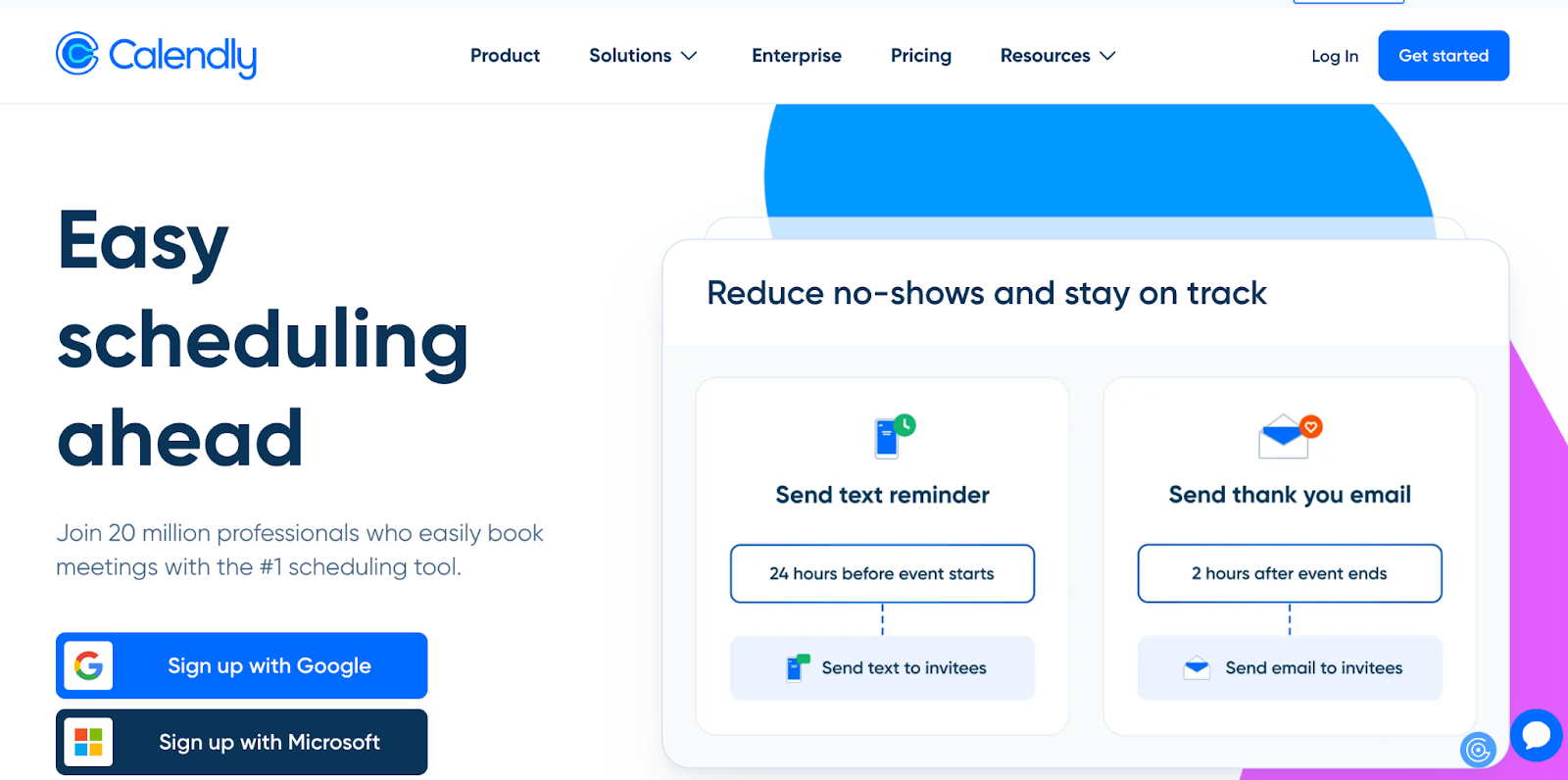
Calendly is a popular scheduling platform that integrates with tools like Google Calendar and Outlook. It allows users to set their availability preferences and send reminders. They can also automatically send meeting confirmations if someone selects a time slot that they list as “available.”
Calendly supports one-on-one, group, and round-robin scheduling, making it a good choice for different meeting types (internal, employee, and customer). While you can enable automated replies to confirm a meeting was booked, it’s limited in its ability to send other types of automated communications, such as appointment reminders.
4. Framadate
- Best for: Users seeking a simple, open-source tool
- Pros: Completely free and open-source, straightforward interface
- Cons: Basic functionality may not meet needs of professional users; no integration with external calendars or tools; limited support
- Pricing: Free
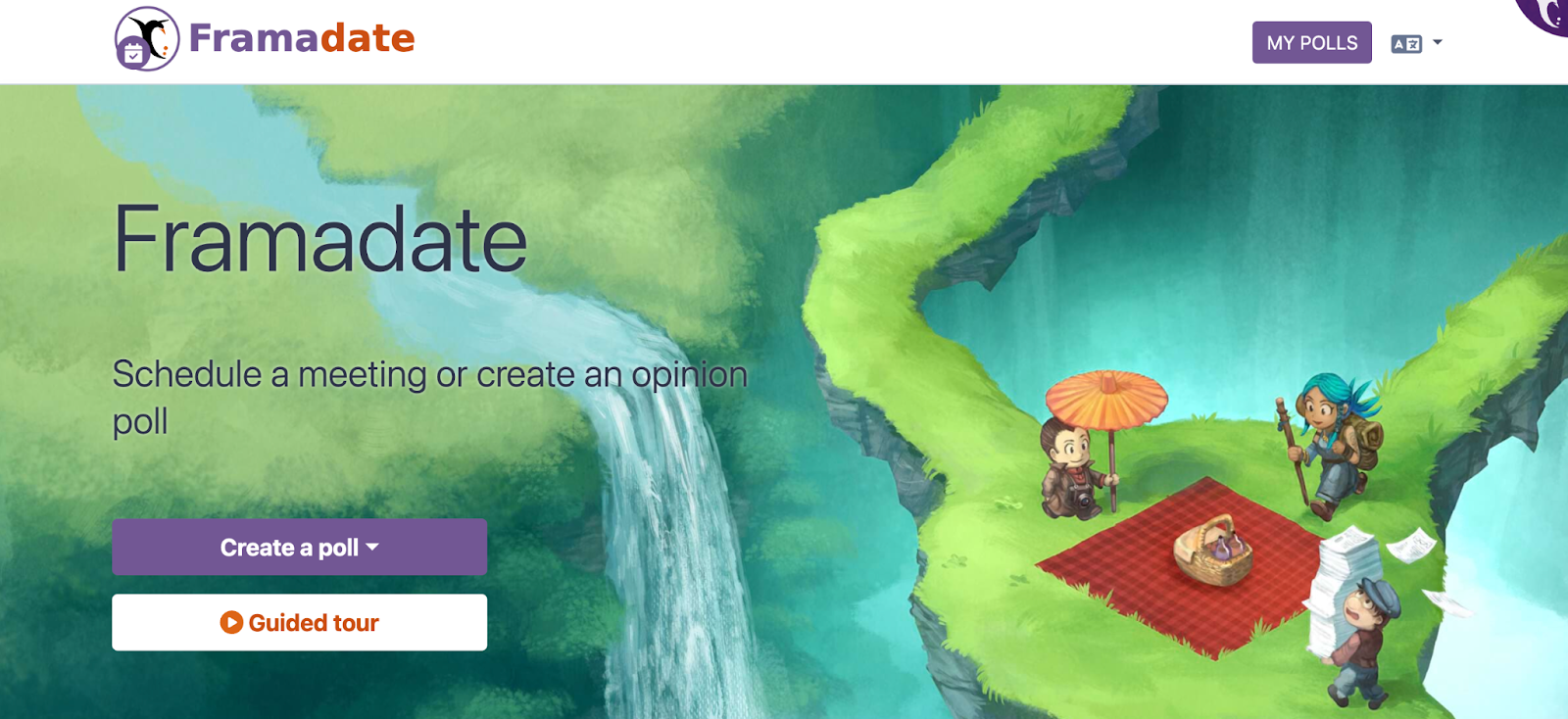
Framadate is an open-source scheduling solution that allows you to select meeting dates and times. It emphasizes privacy. Your participants can reply to surveys without creating an account or registering with the platform.
However, like most open-source solutions, support for Framadate is pretty limited. Keep that in mind if you are working with limited IT resources.
5. SimplyBook.me
- Best for: Service-based businesses like salons, gyms, and clinics
- Pros: Highly customizable booking pages
- Cons: More complex interface; steeper learning curve due to wide range of features
- Pricing: Free; paid versions starting at $8.25 per month (billed annually)
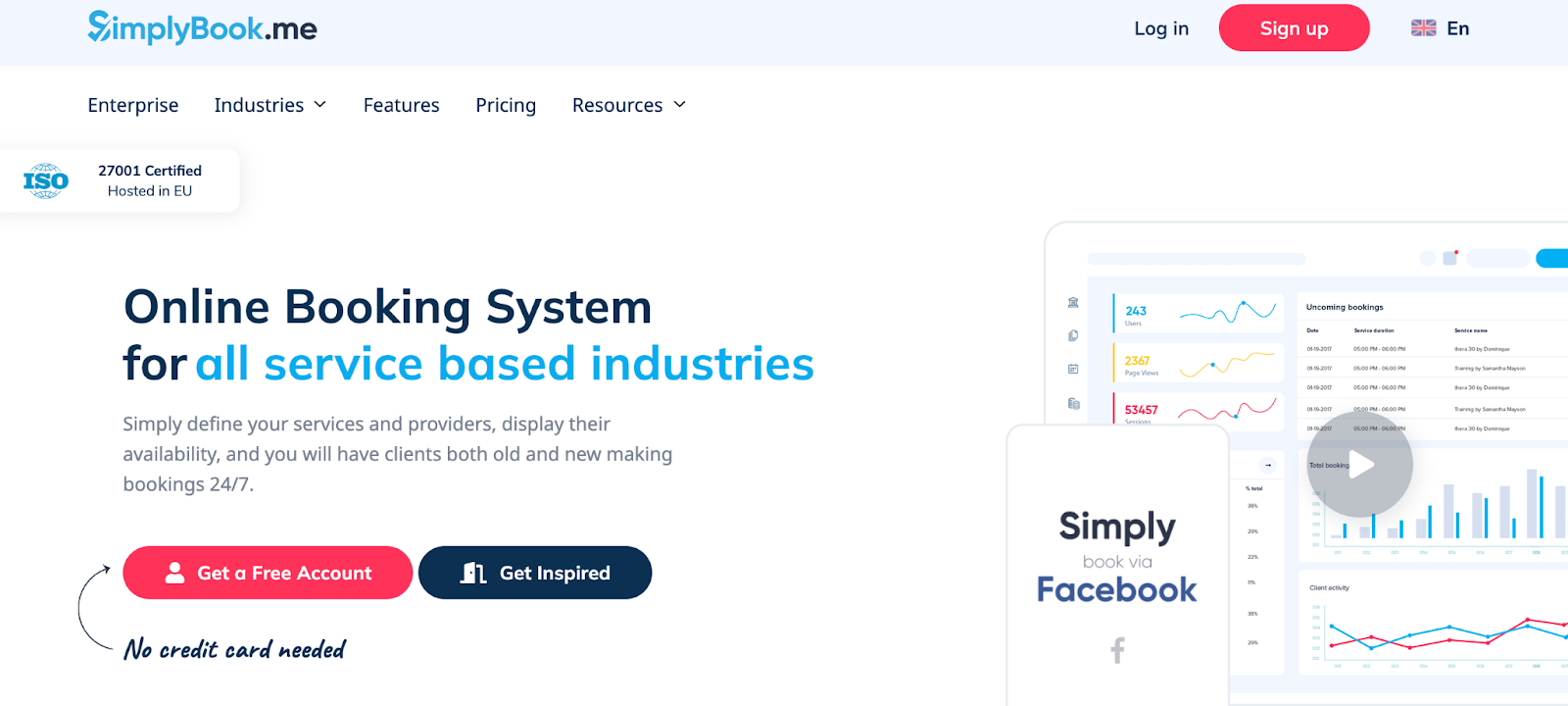
SimplyBook.me is an appointment scheduling system tailored for service-based industries. It offers features like online booking, custom booking websites, and integrations with various calendar systems. SimplyBook.me also supports payment processing and provides you with marketing tools to boost recipient engagement.
The interface can be complex. Be prepared for a somewhat steep learning curve, and give your team time to adapt to the new tool.
6. Bookafy
- Best for: Professionals and small businesses seeking an online scheduling tool
- Pros: Integrates with platforms like Zoom; automated reminders to help reduce no-shows; user-friendly interface
- Cons: Requires a subscription for advanced features; limited customization options in lower-tier plans
- Pricing: Free; paid versions starting at $9 per user per month
Bookafy is an online scheduling tool that allows you to automate your appointment booking process. You can integrate it with platforms like Skype and Zoom.
Like most When2meet alternatives, Bookafy offers a free version. But you are only going to get a few basic features unless you upgrade to a paid plan.
7. OnceHub (Formerly ScheduleOnce)
- Best for: Sales teams and customer service interactions requiring CRM integration
- Pros: Integrates with multiple calendars and offers a variety of engagement options
- Cons: Steep learning curve; dashboard can be overwhelming; only supports up to three users on free plan
- Pricing: Free; paid versions starting at $10 per user per month
OnceHub is a scheduling platform designed to streamline the booking process for sales teams. It includes features like customizable booking pages and integration with popular CRMs.
OnceHub offers a free plan for up to three users. Teams with four or more people will need to upgrade to a paid subscription.
8. HubSpot Meetings
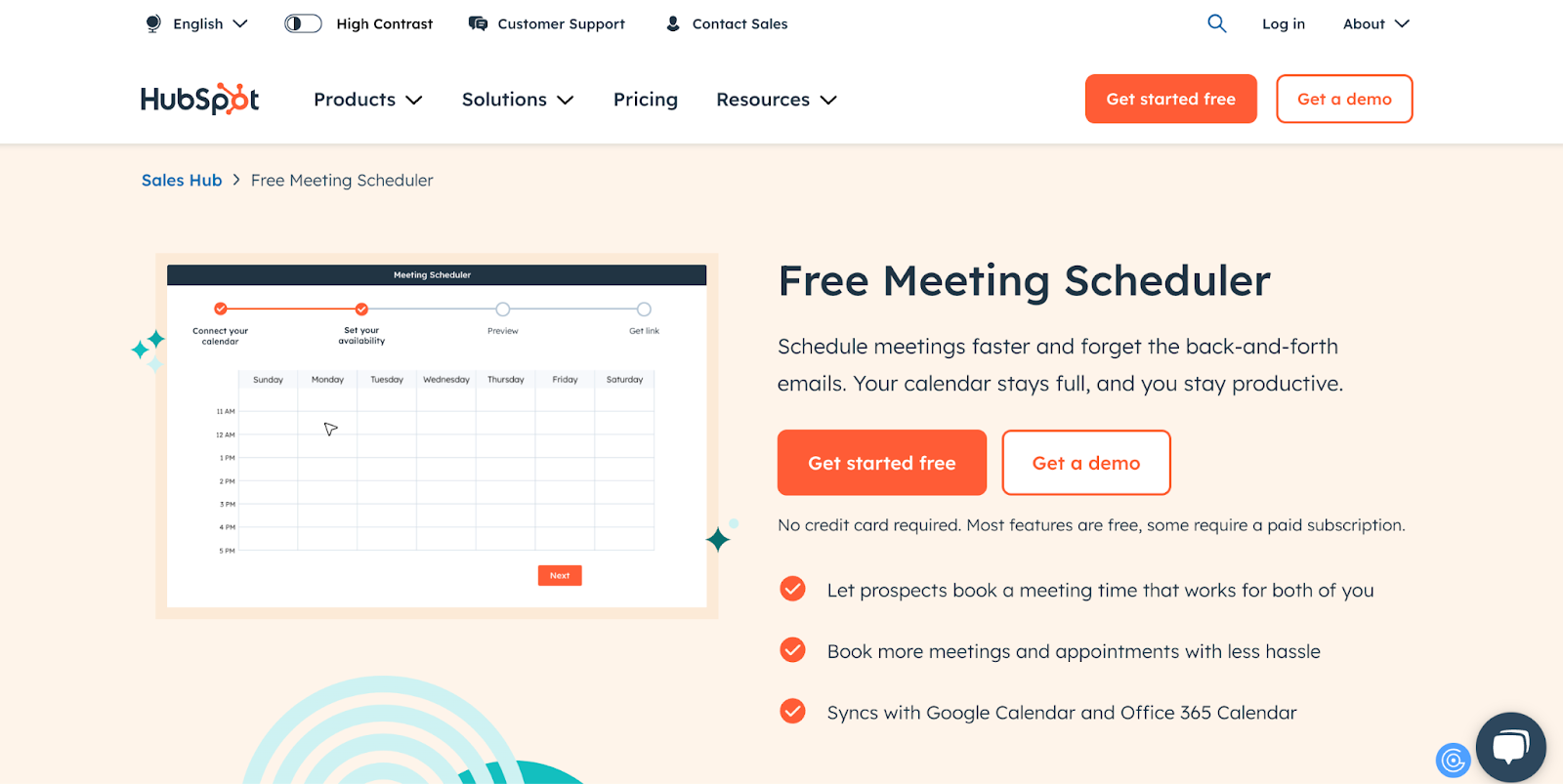
- Best for: businesses already using HubSpot’s CRM
- Pros: Seamless integration with HubSpot; integrates with third-party calendar apps
- Cons: Limited customer support; requires upgraded plan to use advanced features
- Pricing: Free with a HubSpot CRM subscription, but upgraded versions are available
HubSpot Meetings is a scheduling tool built into the HubSpot CRM platform. If you are already using HubSpot CRM, you can use the meeting tool for free. However, upgraded subscription tiers are available with more advanced capabilities.
Which When2meet alternative is right for your business?
With so many When2meet alternatives on the market, implementing the solution that best fits your organization’s scheduling needs in 2026 takes careful consideration. With Jotform, you can book meetings with ease and keep your team on the same page. Reach out to Jotform today to get started.
This guide is for anyone who’s outgrown When2meet’s basics — ops leads, team coordinators, freelancers and agencies, service businesses, sales/CS teams, educators, and event planners who need smarter scheduling in 2026.






















































Send Comment: