
Teams usually search for Zapier Forms alternatives when they need more control over form design, better data handling, or built-in automation without relying on complex workflows. While Zapier Forms works for simple use cases, many growing teams quickly outgrow its limits.
As automation becomes a core part of everyday operations, form tools are expected to do more than just collect responses. Users want flexible logic, reliable integrations, clear reporting, and automation that feels intuitive—not stitched together. That’s where alternatives come in.
This blog post breaks down what Zapier Forms offers, where it falls short, and which form builders are better suited for modern, no-code workflows in 2026.
What is Zapier Forms?
Zapier Forms is a form builder that allows users to collect information and trigger automated workflows. Forms can be created from scratch, generated using Zapier Copilot with AI, or built from existing Zapier Tables. Once a form is submitted, users can define what happens next—such as showing a confirmation message, redirecting respondents to a URL, displaying another page, or running a Zap to send data to other apps.
Form submissions are stored in connected tables, where responses can be viewed, filtered, searched, and exported. Zapier Forms also supports basic form logic, allowing fields to be shown or hidden based on user responses. After testing and previewing, forms can be shared via a link or embedded, with access settings managed directly from the editor.
Why consider alternatives to Zapier Forms?
Zapier Forms is designed to collect information and trigger next-step actions, but its feature set is intentionally limited to core form creation and automation triggers. For teams that need more advanced form experiences or deeper workflow control, this can create constraints as requirements grow.
Zapier Forms focuses on basic fields, simple conditional logic, and predefined submission actions such as showing messages, redirecting users, or running a Zap. It does not provide native tools for managing complex multi-step workflows, advanced form customization, or in-form data processing beyond what is passed to connected tables or Zaps.
As a result, teams that rely heavily on forms for operational processes, approvals, or structured data handling often look for alternatives that offer more built-in flexibility, automation depth, and control without depending entirely on external workflows.
5 Top Zapier Forms alternatives in 2026
Below are five strong Zapier Forms alternatives, starting with Jotform as the great option for form building with automation.
| Tool | Best for | Automation depth | Integrations | Free plan |
|---|---|---|---|---|
 Jotform |
Growing teams and businesses with automation-driven workflows |
Strong (built-in workflows, conditional logic, automated responses) |
Extensive (Google Sheets, Salesforce, Slack, and more) |
Yes |
 Google Forms |
Simple internal data collection |
Very limited (external tools required) |
Google Workspace ecosystem |
Yes |
 Typeform |
Customer-facing surveys and lead generation |
Limited (mostly external automation) |
External integrations supported |
Yes |
 Airtable Forms |
Structured data entry for internal workflows |
Medium (within Airtable automations) |
Airtable-native and extensions |
Yes |
 Tally |
Lightweight form creation for small teams |
Basic (simple logic, limited integrations) |
Limited |
Yes |
1. Jotform
Jotform is designed for teams that have outgrown basic form tools and need more control, flexibility, and automation. It transforms forms from simple data collection points into tools that actively support business processes, onboarding, payments, and internal coordination.
Getting started is straightforward thanks to Jotform’s large template library, which includes thousands of ready-to-use forms. Instead of building from scratch, users can customize existing templates using a drag-and-drop editor. The platform offers a wide range of input types, including product lists, spinner elements, and structured fields that go beyond basic text inputs.
Jotform offers conditional logic, calculated fields, automated responses, and integrations with tools like Google Sheets, Salesforce, Slack, and hundreds more. These features work together to reduce manual follow-ups and repetitive tasks.
Pros of Jotform:
- Extensive template library with drag-and-drop customization
- Advanced form inputs, widgets, and payment flexibility
- Built-in automation and workflow tools
Cons of Jotform:
- Advanced customization may require time to explore
Recommended for: Growing teams and businesses that need robust form functionality, automation, and integrations as part of their core workflows.
Plans/Pricing: Free plan available; Bronze plan starts at $39 per month; discounts available for annual billing
2. Google Forms

Google Forms is a simple, widely used tool for creating basic forms and surveys. Its primary advantage is ease of use, especially for teams already working within Google Workspace. Responses flow directly into Google Sheets, making basic organization and sharing straightforward.
While Google Forms can be connected to automation tools externally, its native feature set is limited. Design customization options are minimal, and logic and workflow capabilities are basic. As a result, it’s most commonly used for lightweight data collection rather than structured or automation-heavy processes.
Pros of Google Forms:
- Free and easy to use
- Quick setup and sharing
- Seamless integration with Google Workspace
Cons of Google Forms:
- Very limited design and customization options
- Minimal automation and logic features
Recommended for: Individuals, educators, and internal teams that need simple data collection without customization.
Plans/Pricing: Free
3. Typeform
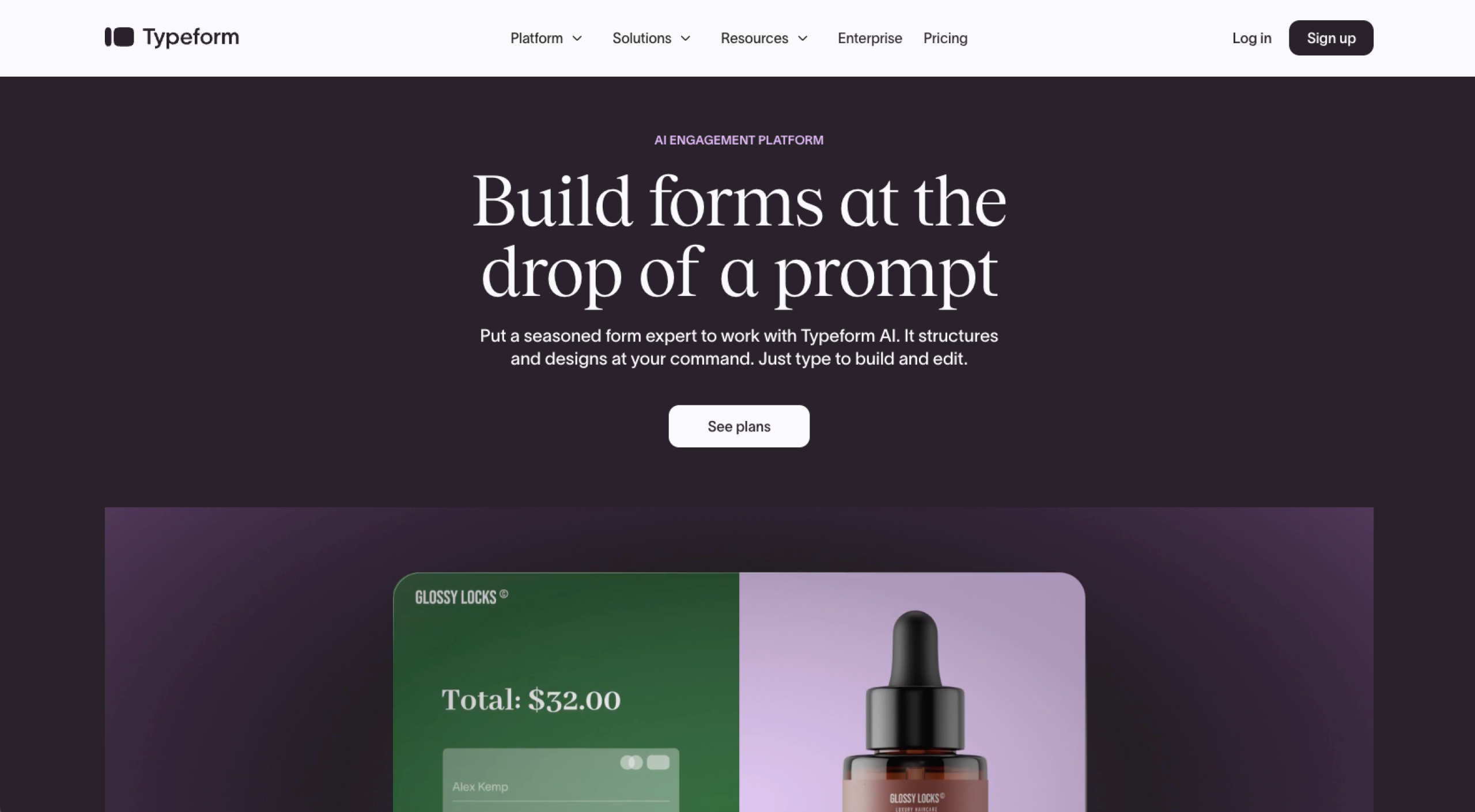
Typeform focuses on one thing exceptionally well: making forms feel human. Its one-question-at-a-time interface encourages completion and works especially well for surveys, lead generation, and feedback collection.
The platform supports logic jumps and integrations with external tools, making it suitable for simple automated workflows. However, most automation relies on third-party platforms rather than native workflow tools. This means more complex processes often require additional setup outside the form itself.
Typeform’s editor is intuitive and visually polished, especially for branded, customer-facing forms. That said, teams running operational workflows or internal processes may find the feature set limiting as requirements grow.
Pros of Typeform:
- Conversational, one-question-at-a-time form experience
- Strong visual design and branding options
- Easy-to-use logic jumps
Cons of Typeform:
- Limited built-in automation
- Pricing increases quickly with higher response volumes
Recommended for: Marketing teams and creators who prioritize user experience and engagement over complex automation.
Plans/Pricing: Free plan available; Basic plan starts at $25 per month; discounts available for annual billing
4. Airtable Forms
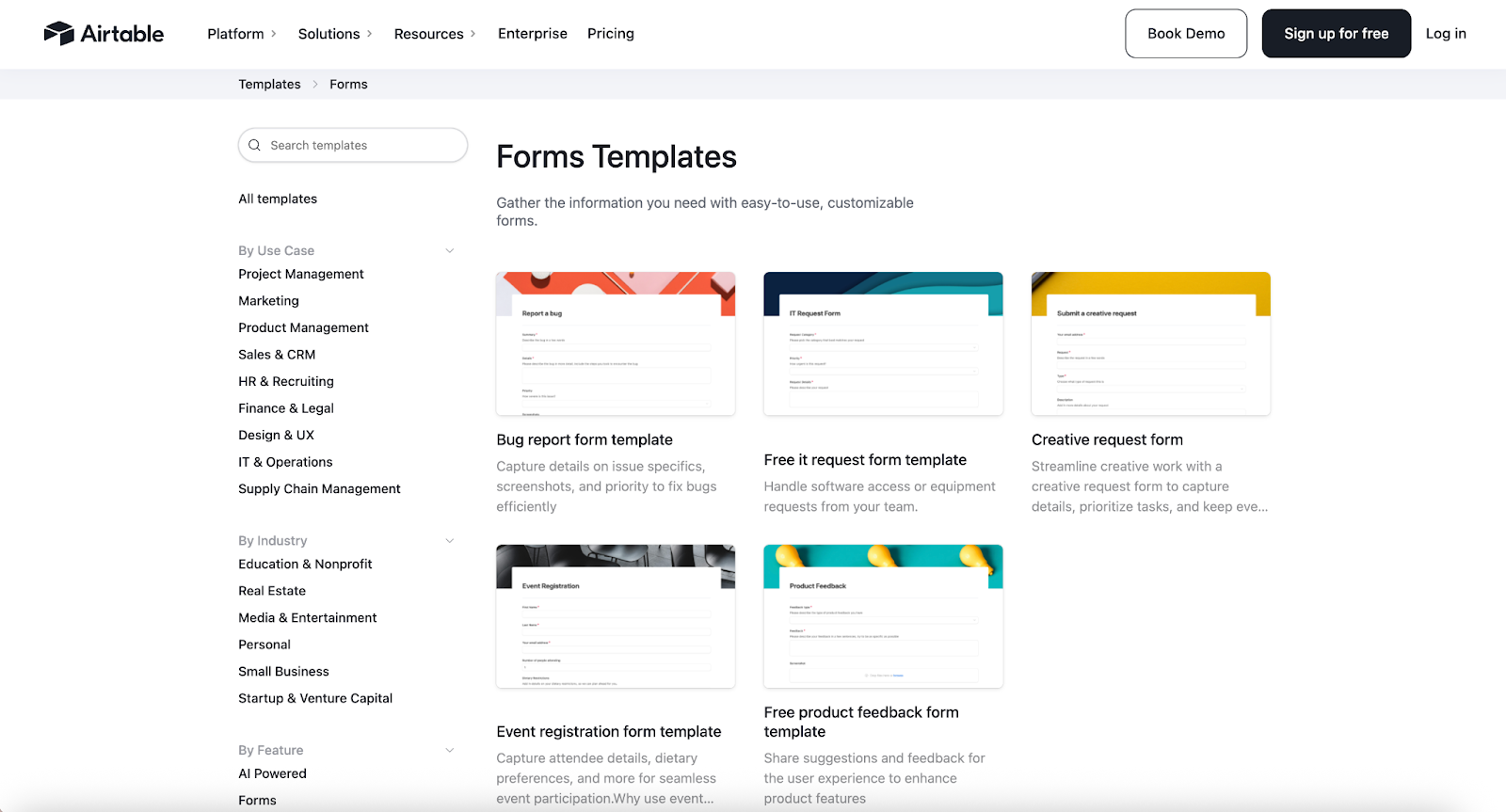
Airtable Forms function primarily as inputs into Airtable databases. Their strength lies in what happens after submission—sorting, automating, and managing data within tables, views, and automation rules.
While Airtable offers automation and conditional logic, the form-building experience itself is relatively simple. This makes Airtable Forms more suitable for internal workflows than for polished, external-facing forms.
Pros of Airtable Forms:
- Strong data organization and table-based workflows
- Built-in automations within Airtable
- Flexible views and collaboration features
Cons of Airtable Forms:
- Basic form design and layout options
- Forms are secondary to database functionality
Recommended for: Operations and project teams that treat forms as structured data entry points.
Plans/Pricing: Free plan available; Team plan starts at $24 per month; discounts available for annual billing
5. Tally
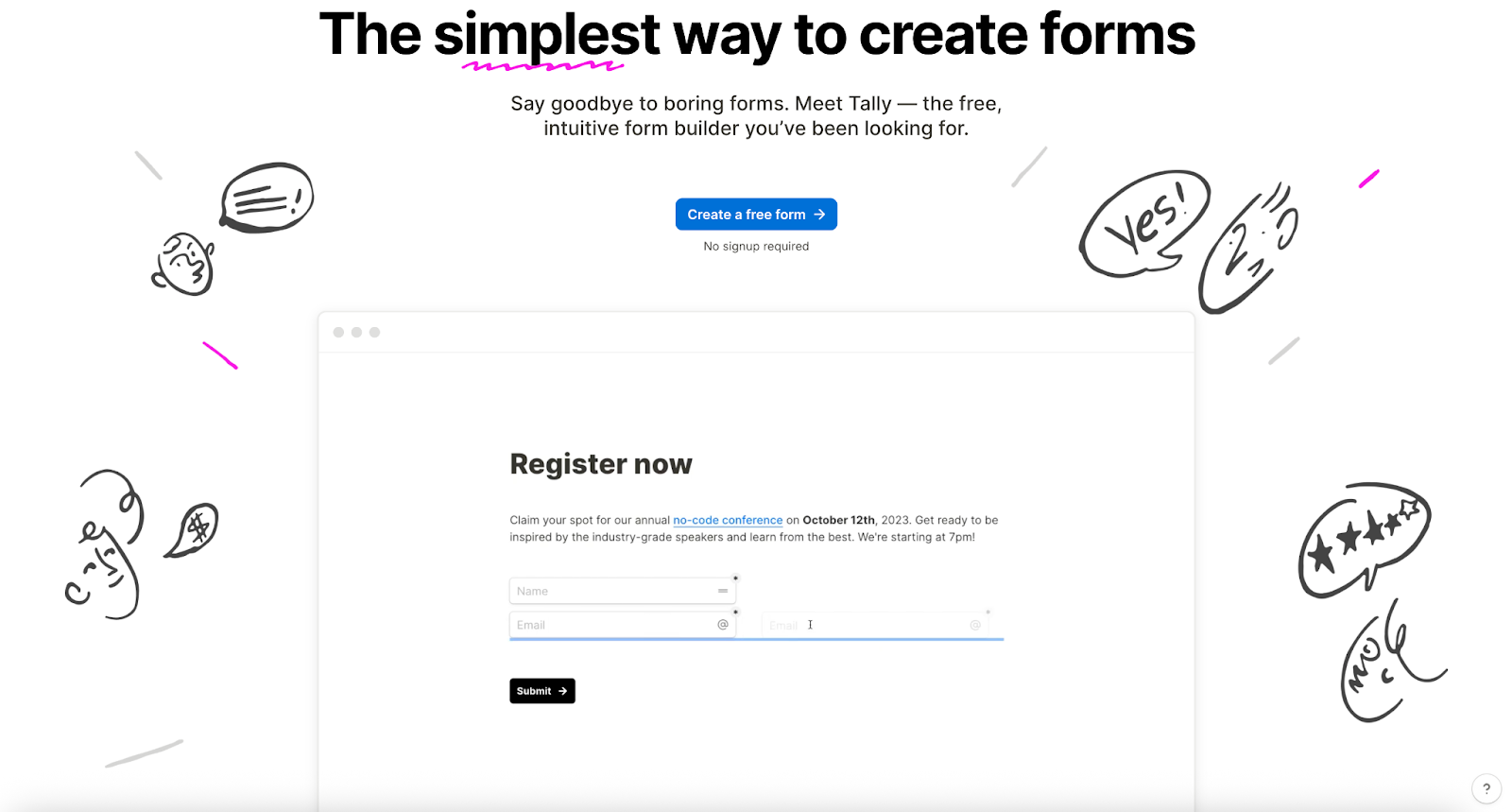
Tally focuses on simplicity and accessibility. Its generous free plan makes it appealing for users who need to create multiple forms without worrying about submission limits.
The platform includes basic logic and integration options, but it is not designed for complex workflows or automation-heavy processes. Teams with more advanced requirements may eventually need to supplement it with additional tools.
Pros of Tally:
- Unlimited forms and submissions on the free plan
- Clean, minimal editor
- Supports basic logic and integrations
Cons of Tally:
- Limited native integrations
- Fewer advanced workflow and automation options
Recommended for: Startups, solo users, and small teams looking for a lightweight form builder.
Plans/Pricing: Free plan available; Pro plan costs $29 per month; discounts available for annual billing
Choosing the right tool for your workflow
There’s no single best alternative to Zapier Forms — the right choice depends on how your team uses forms within its broader workflows. Some tools focus on speed and simplicity, while others prioritize design, data structure, or automation depth. Understanding where forms sit in your process is the first step to choosing well.
If forms are mainly used for quick internal data collection, lightweight options may be enough. For customer-facing experiences, design and ease of use often matter more. And when forms trigger approvals, payments, or follow-up actions across multiple tools, built-in automation and integrations become increasingly important.
As your operations grow, it’s worth reassessing whether your current form tool supports your workflows or simply feeds them. The best alternative is the one that reduces manual work, fits your tech stack, and adapts as your needs evolve — without adding unnecessary complexity.
































































Send Comment: