Lääketieteelliset lomakkeet ja lomakepohjat
Vauhdita lomakkeiden suunnittelua Jotformin ammattimaisella lääketieteellisellä lomakepohjalla. Ne ovat täysin räätälöitävissä ja helppoja muokata
Please follow the HIPAA rules to ensure that your handling of personal health information complies with HIPAA.
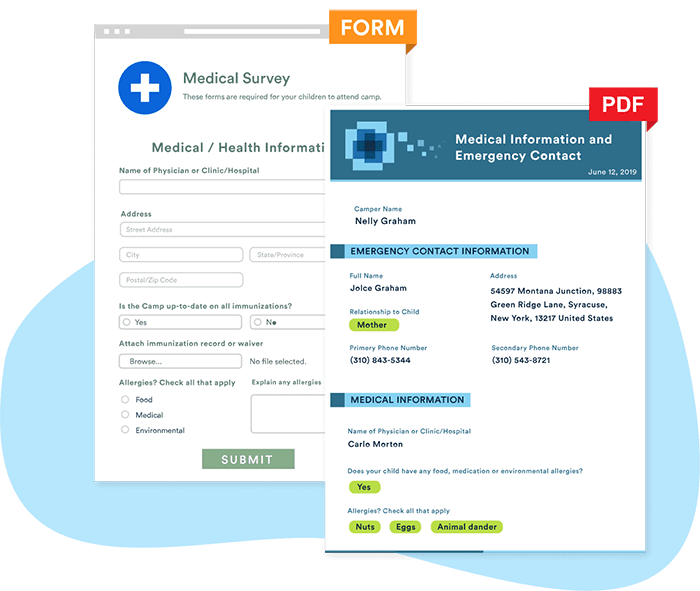
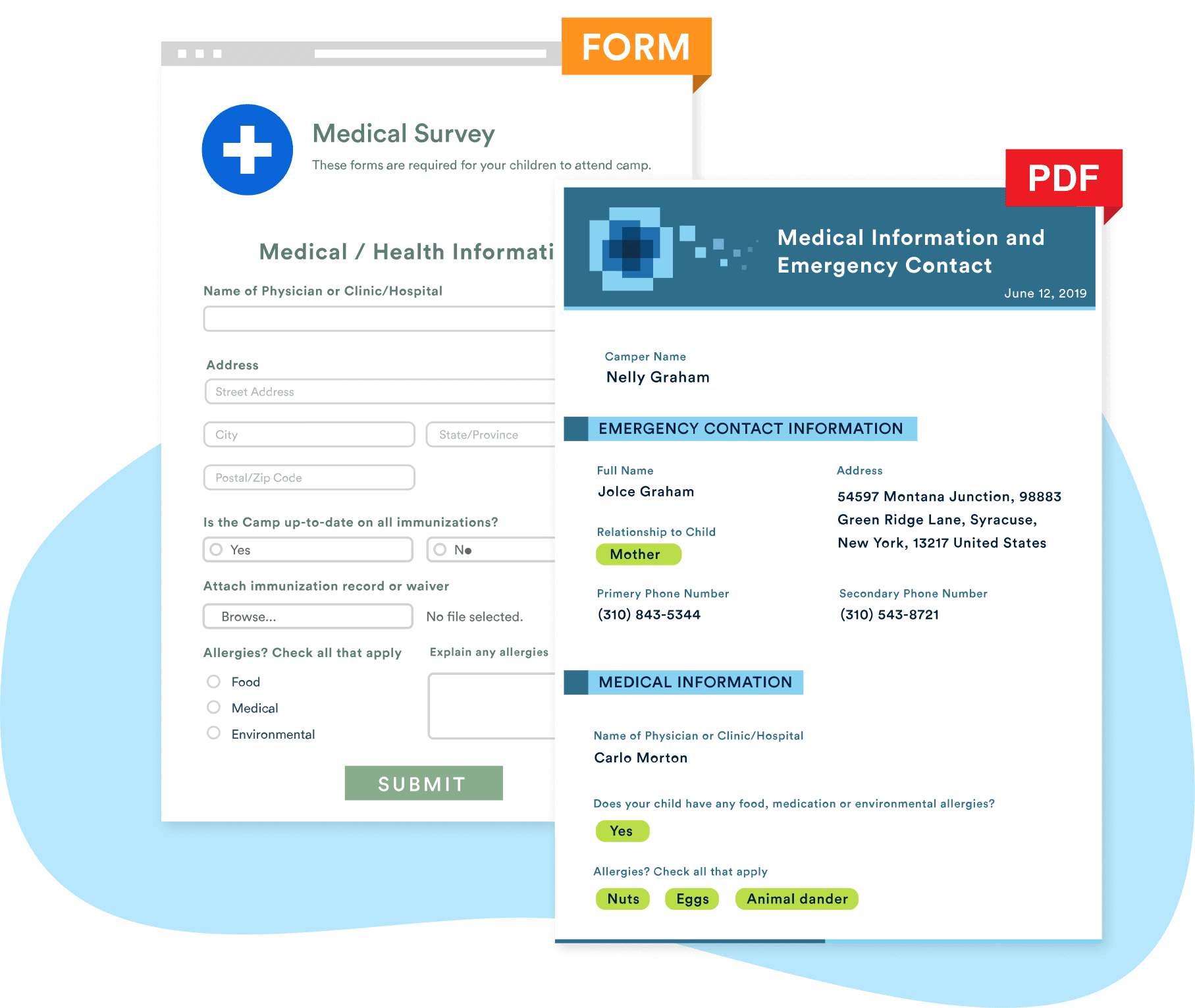
Terveydenhuollon lomakkeet Form Templates
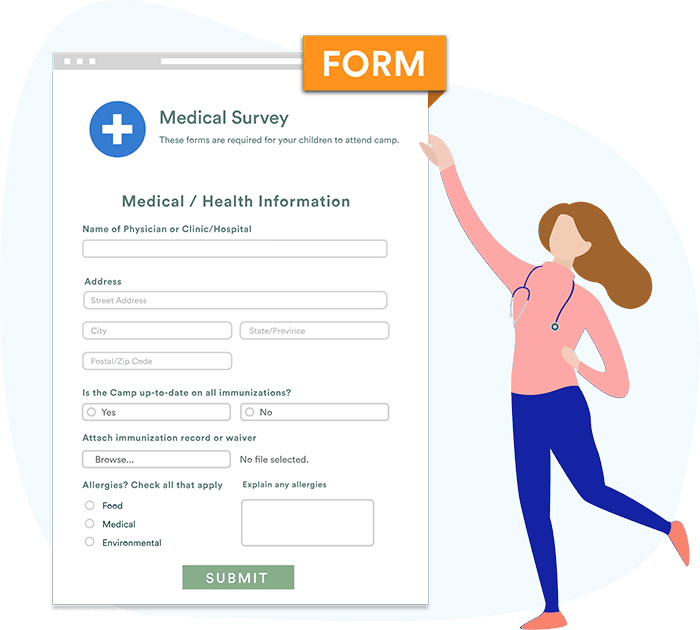
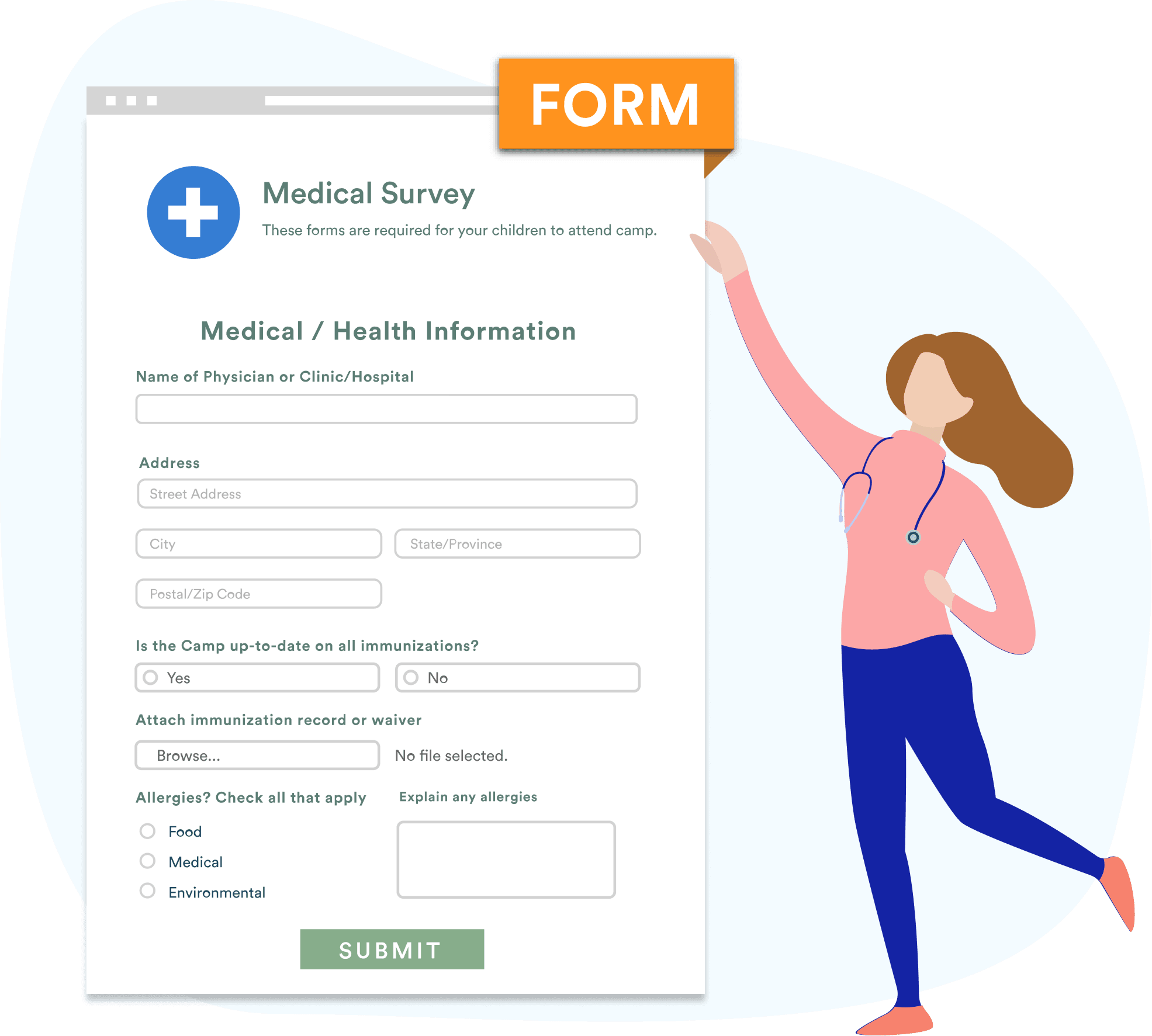
Healthcare Forms are digital forms specifically designed to be customized to help meet the complex and varied needs of the healthcare industry. These forms can help with streamlining a multitude of operational tasks such as patient intake, medical history documentation, appointment scheduling, and feedback collection. In real-world scenarios, Healthcare Forms are utilized by hospitals, clinics, and private practices to facilitate efficient patient data management and improve overall service delivery. By digitizing these processes, healthcare providers can focus more on patient care rather than administrative burdens, with the goal of providing a higher standard of service and care continuity.
Jotform stands out as the leading online form builder for creating Healthcare Forms. It provides healthcare professionals with tools to customize forms effortlessly, allowing them to tailor specific operational requirements. This customization is complemented by the ability to automate data collection, significantly reducing the time spent on manual data entry. With Jotform Tables, data management becomes centralized and streamlined communication across departments. This approach helps healthcare providers maintain accurate and up-to-date records, enhancing both operational efficiency and patient satisfaction.
Why Use Healthcare Forms?
- Healthcare Forms can help reduce manual data-entry errors data collection, which is crucial in the healthcare industry where precision is a matter of patient safety and care quality. Customers can review information from forms to help maintain high standards of data integrity.
- Speed is another significant advantage, as digital forms can be filled out and processed much faster than traditional paper forms. This rapid processing can be helpful for efficient information collection and management.
- Jotform offers security features designed to help safeguard data, such as through the use of encryption. These security measures can help with maintaining compliance with regulations such as HIPAA, which governs the protection of patient information.
- Healthcare Forms also enable easy integration with other digital systems, enhancing workflow efficiency. This means that patient data can be seamlessly transferred between systems, which helps with ensuring that healthcare professionals always have access to the most current information.
- The ability to incorporate electronic signatures can help streamline consent and authorization processes, while reducing the need for physical paperwork. This not only helps save time but also helps with documenting and obtaining approvals.
- Customization options allow healthcare providers to tailor forms to specific needs, helping capture relevant information accurately. This flexibility is helpful for adapting to the unique processes of different healthcare organizations.
Common Problems Solved by Healthcare Forms
- One of the most common issues in healthcare is the overwhelming amount of paperwork required for patient intake, billing, and record-keeping. Healthcare Forms can help alleviate this burden by digitizing processes, potentially reducing the need for physical document handling.
- Manual data entry is not only time-consuming but also typically prone to errors. By automating data collection through digital forms, healthcare providers can help reduce these risks, collecting accurate and reliable patient records.
- Lost or misplaced data can lead to critical gaps in patient care. Healthcare Forms help ensure that all data is securely stored and easily accessible, help prevent information from being lost and enable quick retrieval when needed.
- Compliance with healthcare regulations typically requires meticulous record-keeping and data protection. Healthcare Forms help support compliance efforts by providing security measures for data storage and audit trails, which can make it easier to align with regulatory requirements.
- Communication breakdowns between departments may impede patient care. By centralizing data management, Healthcare Forms can facilitate smoother communication and coordination among healthcare teams, helping improve service delivery.
Matching Use Cases to Features
- The Drag-and-Drop Form Builder is designed for creating intake forms, allowing healthcare providers to easily configure forms or adjust fields to help collect essential patient information, which can enhance data collection efficiency.
- Conditional Logic can be applied to Healthcare Forms to streamline complex workflows, such as triage forms, by dynamically configuring questions based on previous answers to collect only relevant information.
- For payment collection, integrating one of the 30+ available payment gateways like Stripe or PayPal helps secure the processing of patient payments, reduce administrative overhead and improve cash flow.
- Electronic Signatures (Jotform Sign) are integral for consent forms, allowing patients to sign documents digitally, which can help simplify the process and speed up the approval process for patient care like treatments and procedures.
- The PDF Editor enables the automatic generation of professional PDF documents from form submissions like creating comprehensive patient reports and discharge summaries.
- Using the Report Builder, healthcare providers can generate insightful reports from collected data, which can be used to help in decision-making and the evaluation of patient trends or treatment outcomes.
- Offline Data Collection via Jotform Mobile Forms allows healthcare professionals to collect patient data in areas with limited internet access, helping ensure that no data is lost and accessibility to healthcare services.
How to Create a Healthcare Form
- Start by browsing the Template List for a suitable Healthcare template or choose to start from a blank form to build a customized solution from scratch.
- Customize the design and fields using the Drag-and-Drop Form Builder, ensuring that the configuration collects necessary information and the form aligns with your specific workflow requirements.
- Publish and share the form via Direct Link, Email, or Website Embed, making it accessible to authorized individuals like patients and staff, facilitating immediate use and data collection.
Top Use Cases for Healthcare Forms
- For Managers: Healthcare Forms can provide managers with the ability to help oversee and streamline administrative processes. By using digital forms, managers can monitor workflows in real-time, helping manage the overall operational efficiency of the healthcare facility.
- For Teams: Healthcare teams benefit from using Healthcare Forms through configuring forms to help improve coordination and communication. These forms enable seamless data sharing between team members, ensuring authorized individuals can have access to the same up-to-date information. This can help improve collaboration and reduce potential risk of miscommunication.
- For Customers: Patients and their families can experience a more streamlined and user-friendly process when interacting with healthcare providers that configure their digital forms. Online forms can help save time and avoid the hassle of paperwork during visits. This convenience can help improve the patient experience, foster better communication with healthcare providers, and encourage proactive engagement in their own healthcare journeys.
Summarizing Healthcare Forms
Healthcare Forms, configured using Jotform's online form builder, can help provide support for the healthcare industry’s challenges with data management and workflow efficiency. By digitizing and automating various processes, these forms can help enhance accuracy, speed, and security in data handling, supporting patient care and streamlined operations. Jotform's customizable features and seamless integrations help healthcare providers configure forms to meet their needs.

Terveyden Arviointilomake
Jos etsit nettilomaketta jolla kartoittaa uuden asiakkaan tai potilaan terveydentila, käytä tätä lomaepohjaa. Voit mukauttaa pohjaa tarpeisiisi, tai vaihtoehtoisesti luoda lomakkeen alusta asti.
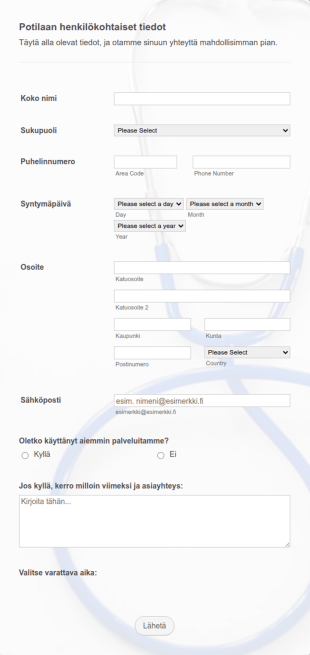
Lääkärin Ajanvaraus Nettikaavake
Lääkärin ajanvaraus netissä helpottaa ja nopeuttaa ajanvarausten hallintaa niin uusien kuin vanhojenkin asiakkaiden kanssa, keräämällä kaikki tapaamiseen tarvittavat tiedot kuten tapaamisen ajankohta, tapaamisen muoto (etä, puhelinvastaanotto jne), potilaan nimi, yhteystiedot sekä viimeisimmät käyntitiedot. Lääkärin ajanvaraus nettikaavake on myös helppo muokata omiin tarpeisiin; muokkaa lomakepohjaa sovelluksilla, widgeteillä ja teemoilla JotFormin rakennustyökalun avulla ja luo HIPAA-yhteensopiva vastaanottolomakkeesi jo tänään.
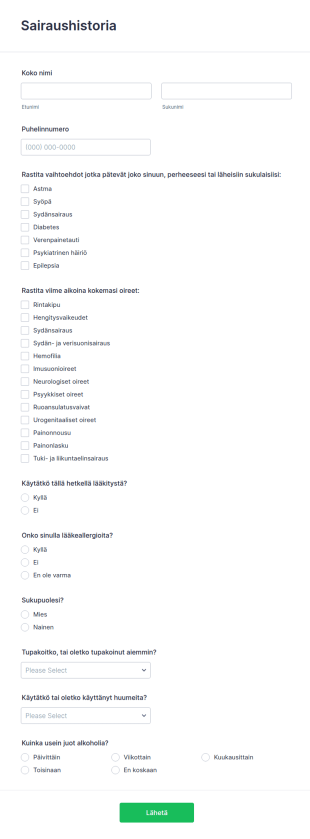
Sairaushistorialomake
Sairaushistorialomakepohjan avulla voidaan seurata potilashistoriaa kaikilla potilaan henkilökohtaisilla tiedoilla, yhteystiedoilla sekä sairaus- ja lääketiedoilla. Lomakepohja tarjoaa myös potilaalle mahdollisuuden ilmoittaa allergioistaan ja muusta oleellisista tiedoita.

Kuntosalin Terveyskysely
Etsitkö lomaketta uusille kuntosalin jäsenille? Käytä tätä helppokäyttöistä pohjaa päästäksesi alkuun nopeasti.
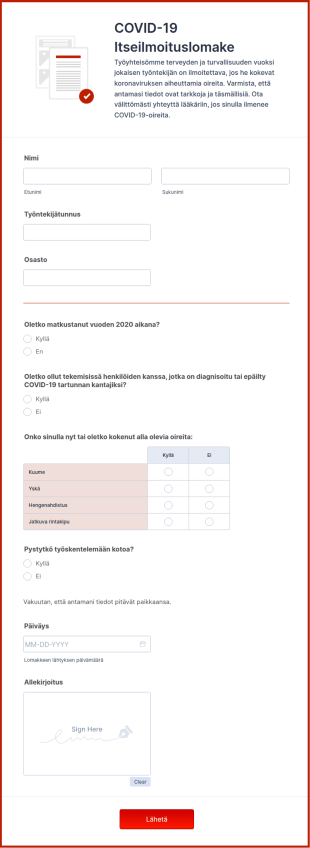
COVID 19 Itseilmoituslomake
COVID-19-tartunnan saaneet henkilöt voivat käyttävää koronaviruksen itseilmoituslomaketta lääketieteellisen tilansa ilmoittamiseen. Olitpa työnantaja tai hallinnoit yrityksen henkilöstöhallintoa, tämän ilmaisen lomakepohjan avulla henkilökuntasi voivat vahvistaa, onko heillä koronavirustartunta, jotta he voivat etsiä paremmin hoitoa sekä estää leviämisen työpaikallasi. Työntekijät voivat antaa yhteystietonsa, kuvata viimeisimmän matkahistoriansa, luetella ihmisiä, joiden kanssa he ovat olleet tekemisissä, tarkistaa mahdolliset oireet ja pyytää tarvittaessa lupaa työskennellä kotoa. Jotform tarjoaa myös HIPAA-yhteensopivuuden työntekijöiden arkaluonteisten lääketieteellisten tietojen pitämiseksi mahdollisimman turvassa terveydenhuollon ammattilaisille. Jos haluat tehdä muutoksia tähän valmiiseen lomakepohjaan, voit vedä ja pudota -lomakkeen rakennustyökalulla avulla helposti lisätä lomakekenttiä, ehdollista logiikkaa, kuvia ja widgettejä luomaan lomakkeen, joka vastaa täydellisesti tarpeitasi. Voit jopa integroida yli 100 suositun sovelluksen kanssa synkronoidaksesi lomakevastaukset jo käyttämiisi sovelluksiin. JotFormin ilmaisten lomakepohjien avulla pystyt toteuttamaan asianmukaiset varotoimet sujuvasti, ja pitämään sinut ja työntekijäsi turvassa tämän pandemian aikana.
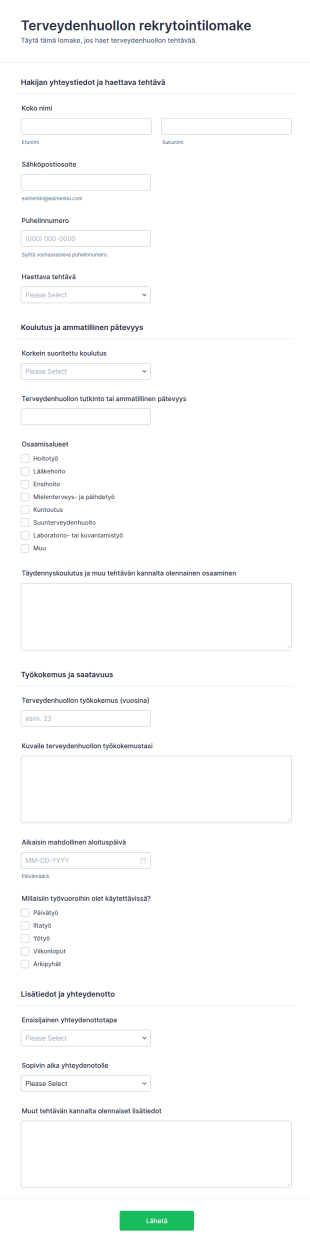
Terveydenhuollon Työnhakijan Tiedonkeruulomake
Terveydenhuollon rekrytointilomake auttaa keräämään hakijatiedot yhteen paikkaan ja tukee tehtävien täyttämistä sairaaloissa, klinikoilla ja hoivapalveluissa Jotformin lomakepohjilla.
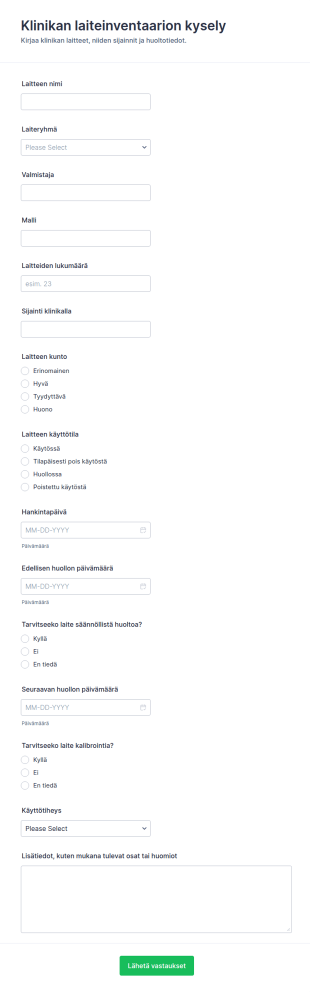
Klinikan Laiteinventaario Survey
Pidä klinikan laitekanta ajan tasalla Klinikan laiteinventaarion lomakkeella, joka helpottaa tiedonkeruuta, huoltojen seurantaa ja laitteiden sijaintien hallintaa yhdessä paikassa Jotformilla.
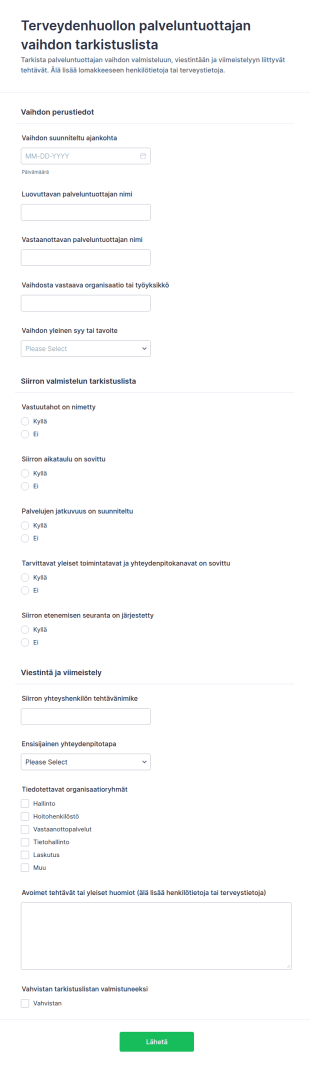
Terveydenhuollon Palveluntarjoajan Siirtotarkistuslista
Terveydenhuollon palveluntuottajan vaihdon tarkistuslistalomake helpottaa vaihdon koordinointia ja tietojenkeruuta, kun organisaatiot haluavat seurata valmistelua, viestintää ja viimeistelyä yhdessä paikassa Jotformilla.
Terveydenhuollon PDF-pohjat

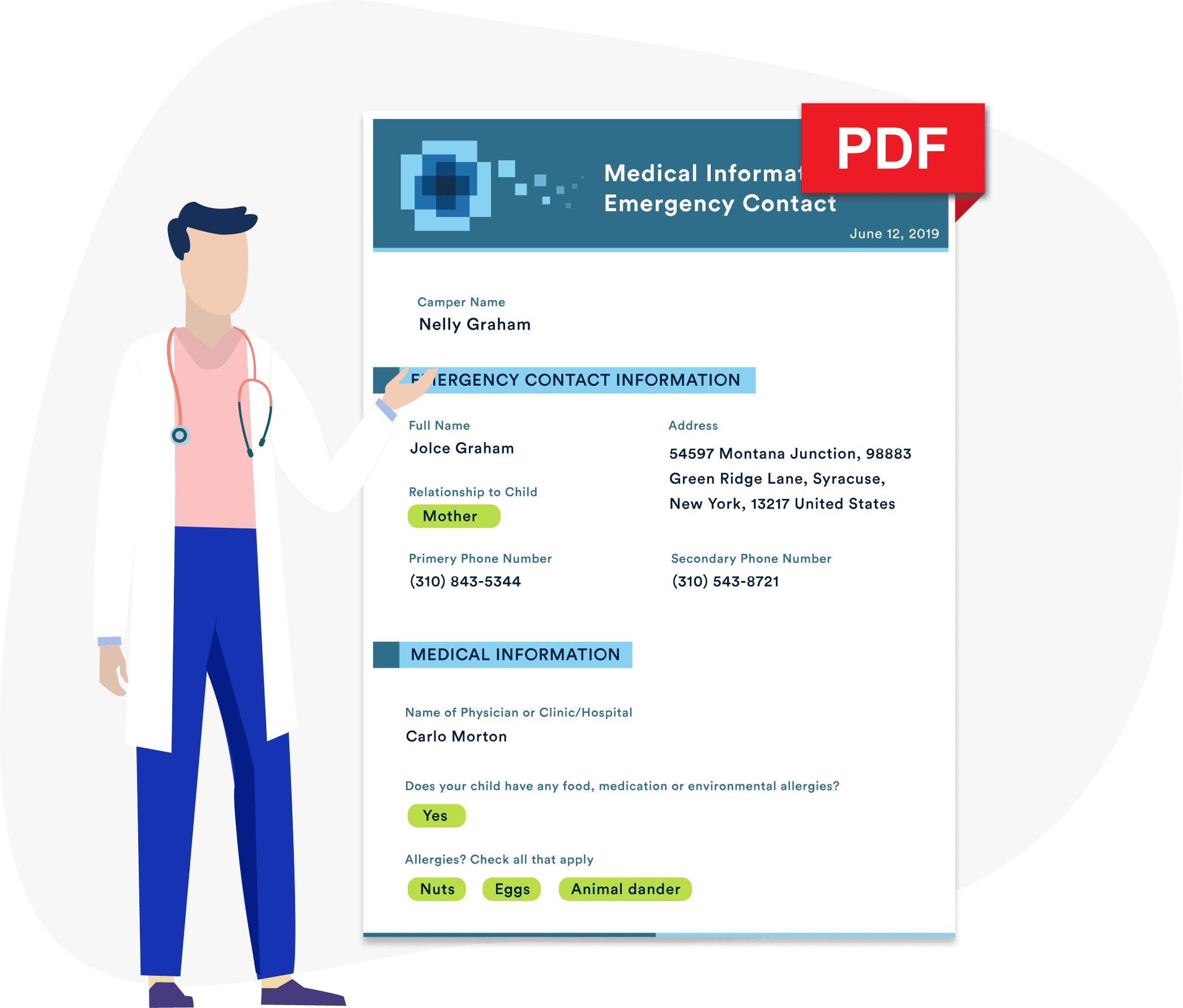
Healthcare PDF Templates are pre-designed, reusable layouts that cater specifically to the healthcare industry, providing a seamless way to generate, manage, and distribute a wide array of documents such as patient intake forms, medical reports, and discharge summaries. These templates are crucial in streamlining documentation processes by eliminating the need for repetitive manual work and ensuring that healthcare providers maintain consistent and professional documentation standards. Within the fast-paced and meticulous environment of healthcare, these templates serve as indispensable assets that enhance operational efficiency by automatically converting collected data from online submissions into structured, professional PDF documents.
Jotform stands as a leading online form builder, providing healthcare organizations with powerful tools to customize and automate their data collection processes. Its intuitive drag-and-drop interface allows for easy customization of templates, enabling users to tailor documents specifically to their organizational needs. Furthermore, with Jotform Tables, healthcare providers can centrally manage all collected data, ensuring that it is both easily accessible and securely stored. This centralized approach not only facilitates efficient data handling but also enhances the accuracy and reliability of the information processed, ultimately supporting better patient care and streamlined administrative operations.
Why Use Healthcare PDF Templates?
- Healthcare PDF Templates significantly enhance the accuracy of documentation by ensuring that all necessary information is captured and formatted consistently. This reduces the risk of errors that often occur with manual data entry, leading to more reliable patient records and administrative documentation.
- These templates accelerate the data collection and processing timelines by automating the conversion of form responses into polished PDF documents. This automation means that healthcare staff can focus on patient care rather than being bogged down by paperwork, thus improving overall operational efficiency.
- By using Healthcare PDF Templates, healthcare organizations can project a professional image with documents that are uniformly formatted and aesthetically consistent. This is particularly important in maintaining trust and credibility with patients and other stakeholders.
- With the ability to easily customize templates, healthcare facilities can ensure that their documents meet specific regulatory and operational requirements. This flexibility is crucial in adapting to changing industry standards without the need for extensive redesigns.
- The streamlined approach to data management and document generation minimizes the risk of lost or misplaced information. Templates ensure that all data is systematically captured and stored, reducing the likelihood of critical information being overlooked or lost in transit.
Common Problems Solved by Healthcare PDF Templates
- Manual data entry and paperwork are time-consuming and prone to errors. Healthcare PDF Templates automate these processes, reducing the time spent on documentation and minimizing the chances of mistakes that can have significant consequences in patient care.
- In traditional systems, the risk of losing or misplacing important documents is high. With Healthcare PDF Templates, all information is digitized and stored securely, ensuring that it is always accessible when needed, thereby enhancing operational reliability.
- Managing large volumes of paper documents can lead to inefficiencies and clutter. By digitizing documents through templates, healthcare organizations can streamline their operations and maintain a more organized and efficient workflow.
- Consistency in document formatting can be challenging to achieve manually, leading to discrepancies and unprofessional outputs. Templates ensure that all documents adhere to a set standard, enhancing the professionalism and uniformity of documentation.
Matching Use Cases to Features
- For patient intake processes, using the Drag-and-Drop Form Builder allows healthcare providers to customize fields specific to their needs, ensuring that all necessary patient information is captured accurately.
- By implementing Conditional Logic, healthcare facilities can tailor form questions based on previous responses, creating a dynamic and streamlined data collection process that adapts to patient inputs.
- The integration of Electronic Signatures (Jotform Sign) simplifies consent and authorization processes, allowing patients to sign documents digitally, thus speeding up workflows and enhancing convenience for both patients and staff.
- Utilizing the PDF Editor for Automated PDF Generation ensures that data collected via online forms is instantly converted into professional-grade PDF documents, saving time and reducing manual errors in document creation.
- Secure Data Management with Jotform Tables enables healthcare organizations to store and manage data centrally, ensuring quick access and enhancing the security of sensitive patient information.
How to Create a Healthcare PDF Template
- Start by browsing the Template List for a Healthcare PDF template that suits your needs, or begin from a blank template to create a customized layout.
- Use the Drag-and-Drop Form Builder to customize the design and fields on your template, tailoring the document to meet specific healthcare requirements.
- Once the template is ready, publish and share it via Direct Link, Email, or Website Embed to facilitate easy distribution and access.
Top Use Cases for Healthcare PDF Templates
- For Managers: Healthcare PDF Templates provide managers with an efficient way to oversee and standardize document workflows across their organizations. By using these templates, managers can ensure that all documentation meets organizational standards and is consistent in its presentation, which is crucial for maintaining quality and compliance. This not only aids in internal audits but also enhances interdepartmental communication by providing clear and uniform documents that are easy to understand and manage.
- For Teams: For healthcare teams, these templates simplify the process of collecting and managing patient information. Teams can rely on standardized templates to input and access patient data quickly, reducing the time spent on administrative tasks and allowing more focus on patient care. This streamlined approach enhances collaboration and communication within teams, as all members have access to the same formats and information, ensuring that everyone is on the same page.
- For Customers: Patients benefit from the clarity and professionalism that Healthcare PDF Templates bring to their healthcare interactions. By receiving documents that are well-organized and easy to understand, patients can better comprehend their medical records, treatment plans, and any other information provided by their healthcare providers. This transparency and professionalism can increase patient trust and satisfaction, as they feel more informed and involved in their healthcare journey.
Summarizing Healthcare PDF Templates
Healthcare PDF Templates offer a robust solution for managing documentation needs within the healthcare industry. By leveraging these templates, organizations can achieve greater consistency, efficiency, and accuracy in their documentation processes. The ability to automate the transformation of online form submissions into professional PDF documents streamlines operations, reduces errors, and enhances overall productivity. In essence, these templates not only improve the internal workflows of healthcare providers but also significantly enhance the patient experience by ensuring clear and professional communication.
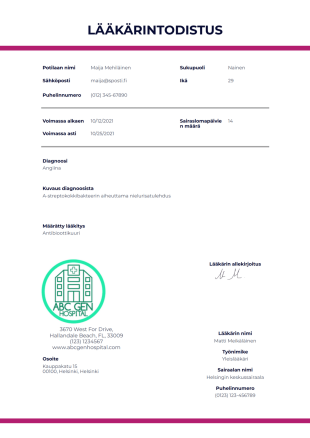
Lääkärintodistus
Lääkärintodistus on tosite potilaalle siitä, että hän on hakeutunut lääkärin vastaanotolle oireidensa vuoksi. Lääkärintodistusta tarvitaan useimmiten, kun opiskelijan tai työntekijän tulee ottaa useampi sairaslomapäivä, ja koulu tai työnantaja vaatii tositetta lääkäriltä.Lääkärintodistuksella opiskelija tai työntekijä voi myös osoittaa koululle tai työnantajalle mahdolliset rajoitteet opiskeluun tai työkykyyn liittyen.Lääkärintodistuspohja kattaa potilastiedot, kuvauksen oireista, lääkärin lausunnon, määrätyt sairaslomapäivät ja potilaalle annetun lääkityksen. Pohja sisältää myös kohdan lääkärin allekirjoitukselle. Voit mukauttaa pohjaa ja lisätä oman logosi, yhteystiedot, ja mukauttaa pohjan ulkoasua näköiseksesi PDF Editorissa.
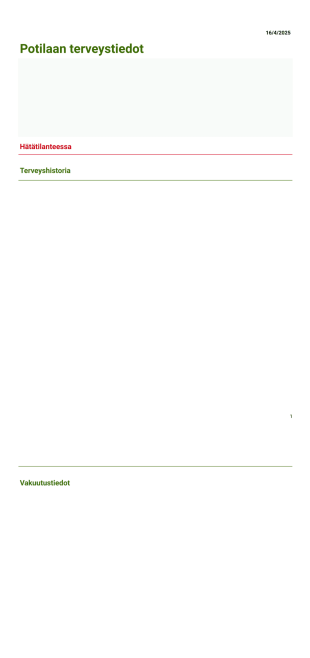
Potilaan terveystiedot-pohja
Hätätilanteessa et ehkä pysty kommunikoimaan tehokkaasti koko sairaushistoriastasi ensihoitajan kanssa. Terveystieto PDF-mallipohjan avulla keräät potilaan sairaushistorian kätevästi verkossa. Lääkäri voi varmistaa potilaan tiedot ja käytetyt lääkkeet lomakkeen tiedoista, jonka potilas on täyttänyt netissä.Tämän PDF-malliphjan avulla voit kerätä potilaan tietoja, kuten henkilötiedot, hätäyhteystiedot, sairaushistorian, tiedot aiemmista leikkauksista, vammoista, sairauksista, allergioista ja säännöllisesti otetuista lääkkeistä. Lisäksi voit myös tarvittaessasi kerätä potilaan vakuutustiedot. Lisäksi sinun ei tarvitse huolehtia tietojen turvallisuudesta, sillä voit ottaa HIPAA-yhteensopivuuden käyttöön suojataksesi tietosi entistä tehokkaammin. Voit käyttää tätä PDF-mallipohjaa HIPAA-yhteensopivalla käyttäjätilillä.
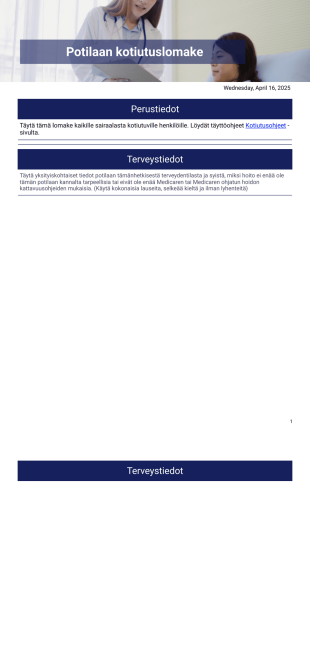
Potilaan kotiutuslomakepohja sairaalalle
On hyvä käytäntö aina tarkistaa ja varmistaa, että kaikki on kunnossa ennen potilaan kotiuttamista. Tämän varmistamiseksi sairaalan johdolla on yleensä lomake, jonka he täyttävät ja tarkistavat ennen potilaan kotiuttamista. Nykymaailmassamme, jossa ihmiset käyttävät vähemmän paperia, tämä sairaalan kotiutuslomake on yksi PDF-dokumentti, jonka avulla voit tallentaa potilaiden kotiutustiedot.On olennaista, että voit helposti tarkistaa PDF-dokumenttiin tallennetut tiedot varmistaaksesi, että potilas voidaan kotiuttaa. Voit mukauttaa tätä kotiutuslomaketta täysin tarpeidesi mukaan.
Jotform Enterprise tarjoaa ammattimaiset ratkaiwi
Selvitä, miten Jotform Enterprise voi hyödyttää organisaatiotasi. Automatisoi rutiinit ja mahdollista saumaton tiimityöskentely sekä vaivaton kasvu