Jotform’s Form Builder comes with a built-in designer that helps you style your form without writing a single line of code. But if you want to go beyond the default options—whether it’s adjusting spacing, changing fonts, or hiding certain elements—you can inject your own CSS to take full control over the look and feel of your form.
Note
This guide is for applying CSS to Classic Forms. Injecting custom CSS code isn’t supported on Card Forms. If you need to switch layouts, check out our guide on How to Change Your Form Layout to learn more.
You can inject custom CSS codes into your form in a few easy steps. Here’s how to do it:
- On your My Workspace page, click on Type at the top and in the Dropdown menu that opens, uncheck the boxes next to all the assets except Forms, so only they’ll be shown on the page.

- Hover your mouse over the form you want to add custom CSS to, and then click on Edit Form on the right side of the page.

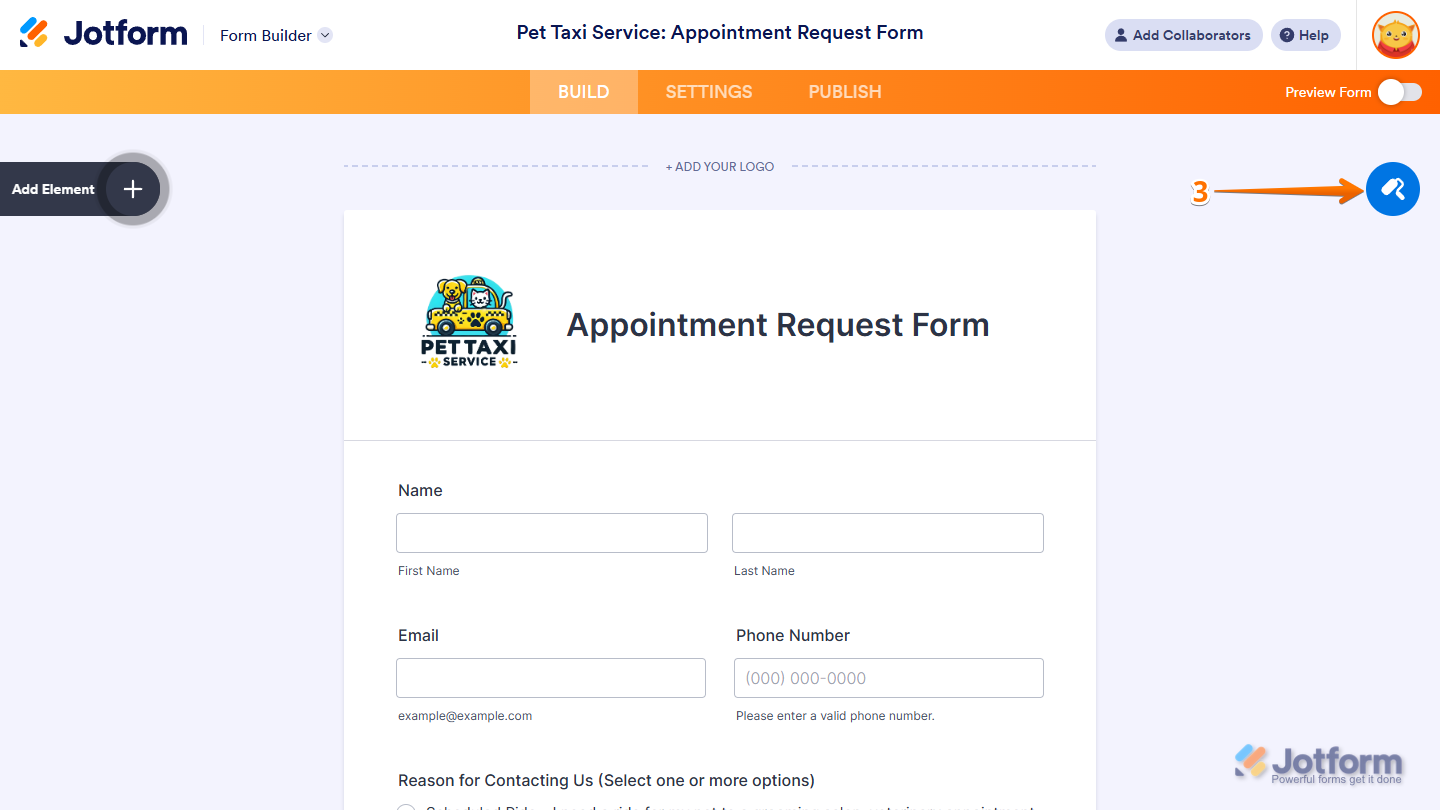
- In Form Builder, click on the Paint Roller icon on the top-right side to open Form Designer.
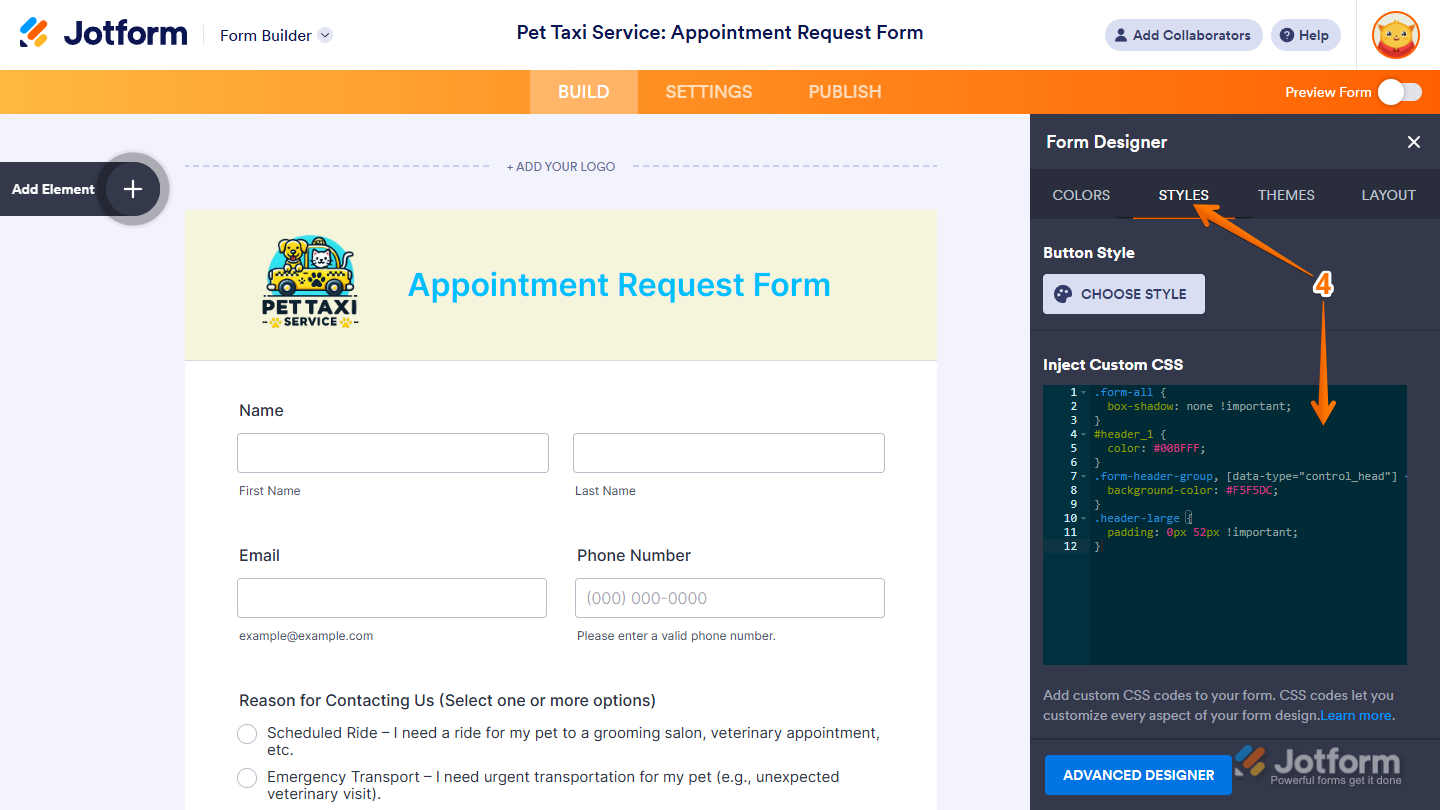
- Now, under the Styles tab, scroll down to the Inject Custom CSS section, then enter or paste your CSS code into the code editor box. You can check out our guide on Customizing Your Form Using CSS Codes to see custom CSS code examples.
- Then, click on anywhere outside the code editor box to save your changes.
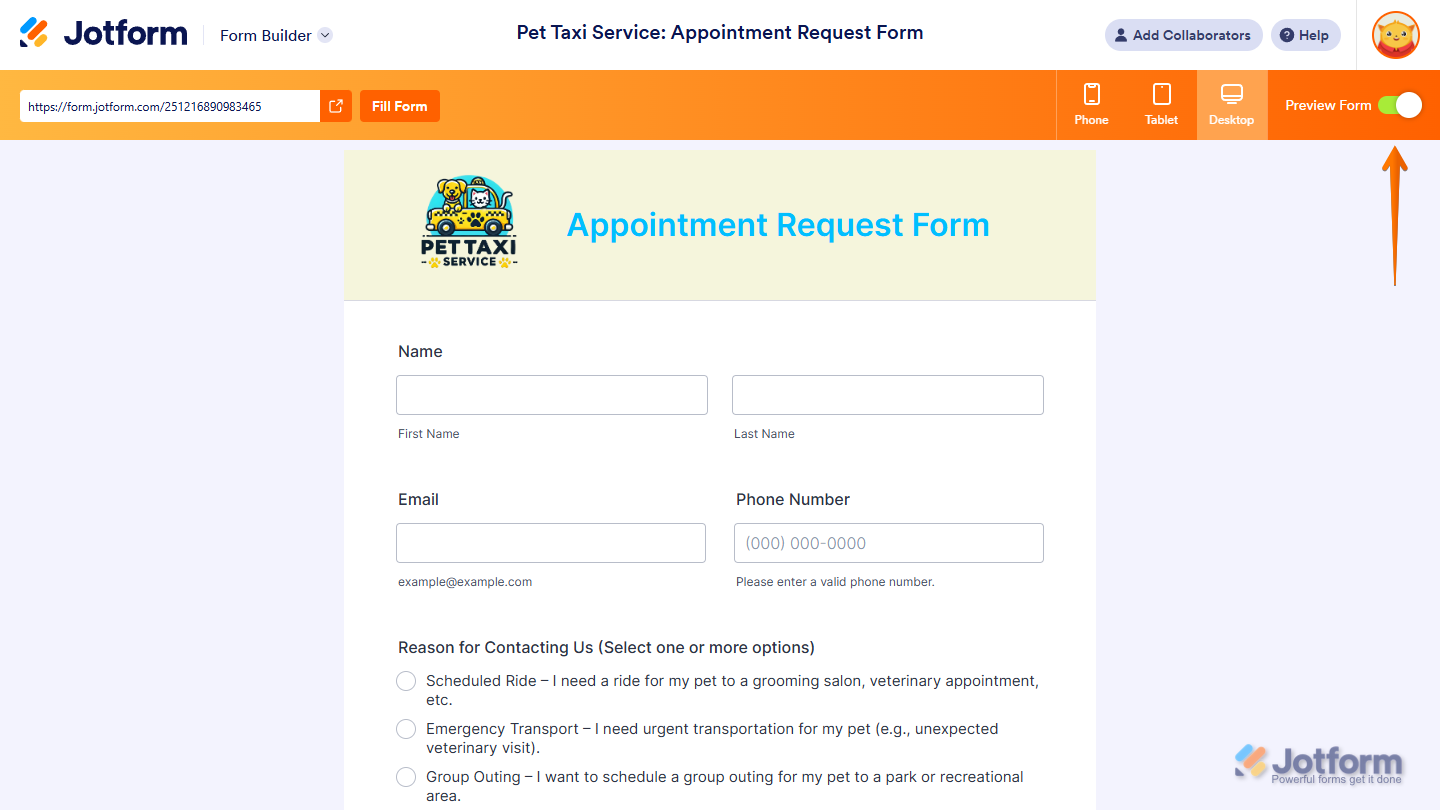
That’s it. Now, you can toggle On the Preview Form switch in the top-right corner of the page to open a live preview so you can see exactly how the form looks to users.
Note
Custom CSS codes added to the Styles tab in Form Designer won’t work on most Form Widgets because they’re shown inside iframes. Check out our guide on How to Inject CSS Codes Into Widgets if you want to style your form widgets with CSS.

Send Comment:
243 Comments:
September 14, 2026
I wish to sell my paintings, H ow can I add a field " I wish to purchase (name of work).Please advise"
July 8, 2026
can i coded for an animation
February 19, 2026
Can I code to have a number entry for BSB and Account (in Australia). We are having issues with leading zeros not displaying when CSV of entries downloaded
January 8, 2026
Email Correctness Check box from your basic menu is tagged with an accessibility Warning.
September 25, 2025
How can I get the invoice number field to NOT be hidden?
July 7, 2025
css codes
May 30, 2025
como inserto un botos de editar formulario emviado
May 2, 2025
I do not have the Style Tab. What to do?
April 11, 2025
how to defult the uppercase
January 31, 2025
It would be so great if the Configuration List Widget would have the ability to add an image function.
I do not see a widget that allows for title, text, image upload, and the 'Add a Row' button for the user to add more titles, text, and image uploads, as need be. We have a need to keep title and text with the images that are uploaded.
Please advise if this kind of widget can be added.
January 20, 2025
how to change the toggle to a checkbox in multiple choice blocl?
January 15, 2025
bonjour comment désactiver la captcha svp ?
January 12, 2025
How to change field that needs numbers and letters not just numbers, ie identification number.
January 6, 2025
How can receipient do approval when I have submitted the form?
December 5, 2024
Alguem saberia como posso inserir todas as cidades do Brasil. ?
November 19, 2024
Thanks for the message and information
August 21, 2024
This information is out of date. The Form Designer now shows 'Color, Image, Video, Layout'. It does not show CSS.
July 29, 2024
How to SCC on App not form
July 22, 2024
Hi,
How can I change the color of the APPLY Button in the coupon section using Stripe Integration?
July 20, 2024
why can't I see the month and year in the date picker
March 29, 2024
Hi, how do I use this to hide a drop down field?
March 18, 2024
how can i add a field which can store a paragraph
March 16, 2024
What is so incredibly annoying is the stylesheet themes changing the background color of the web page regardless of the settings.
February 26, 2024
Hogyan lehet felcserélni a vezeték- és keresztnevet?
January 3, 2024
I want to change the font color of a sub-label (to white) and following your instructions, I used the CSS codes. The font color changed in Build mode but in Preview/Live mode it remains the color I wanted changed (dark blue).
Can you provide any insight or alternative instruction to correct this?