
A Management Contract is an agreement that outlines the operational control of a business entity by a contracted managerial party. Essentially, it defines the relationship between the owner (Principal) and the management company (Agent). It sets the terms and conditions that guide the managerial party on how to operate and manage the business. These contracts can be used in various industries including real estate, music, construction, and much more. The primary goal of the management contract is to streamline the operations of the business, provide clear expectations for all parties involved, and safeguard the interests of all stakeholders.
Jotform’s E-sign product transforms the way you manage and streamline your operations. With features like drag-and-drop e-sign builder and reusable documents, you can design your Management Contract Template how you need it, and replicate it for various projects. Complex processes are made simpler with automated approval flows. Collecting and storing signed contracts becomes more seamless with an integrated data management system like Jotform Tables and document sharing with trusted cloud storage providers. Jotform Sign is designed to work on all devices – mobile, tablet, or desktop. The automatic field detection tool makes it easy to convert your existing PDFs into signable online documents fast. With over 1000+ ready-made sign templates, you can save time and start collecting e-signatures in just a few clicks. Jotform Sign offers a potent and reliable solution for creating, sending, and managing electronic signatures for your Management Contracts.
Related templates
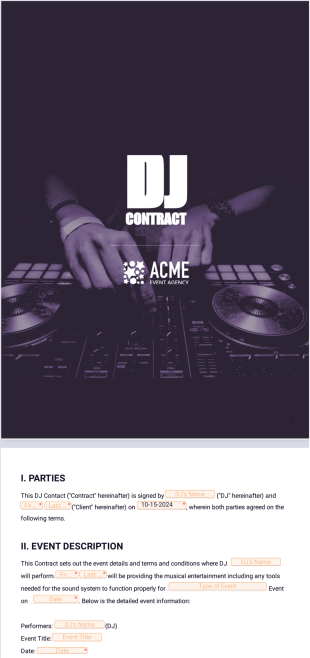
DJ Contract Template
Create a free DJ contract template to send to your clients. Perfect for club nights, birthday parties, and private events,it requires no coding and is signable on any device.
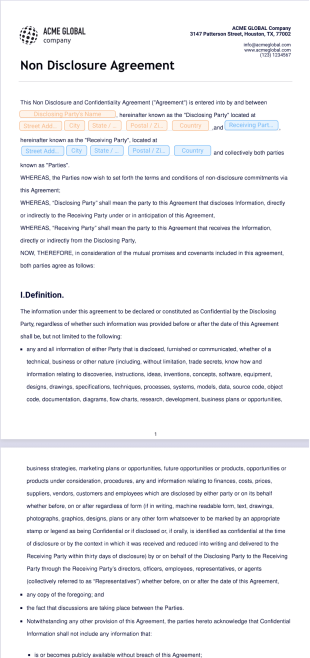
Non Disclosure Agreement Template
Create a professional NDA for all your company’s needs. Signable from any device — desktop, tablet, and mobile friendly. No coding knowledge needed.

Freelance Contract Template
Hire your next freelance contractor seamlessly with Jotform Sign. Works on any desktop, tablet, or mobile device. Drag and drop to customize. Share or embed.

Brand Ambassador Contract Template
Hiring a brand ambassador to promote your product or service? Use Jotform’s brand ambassador contract template to outline the partnership terms.

Basic Rental Agreement Template
Create a basic rental agreement between a tenant and landlord. Drag and drop customization. Works on Android and iOS devices. Easy to share. Download as a PDF.

Sponsorship Proposal Template
This sponsorship proposal template helps you attract and convince your leads to be part of your event as a sponsor. It contains a front page, cover letter for the leads, company overview, information about the event and terms.