

Construction Templates

Material List Template
Keep track of project materials in a professional online spreadsheet. Easy to customize and share. Download as a CSV, Excel, or PDF file.
Go to Category:Construction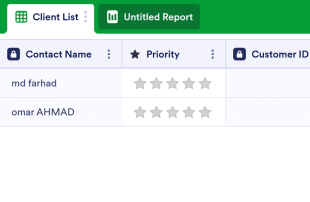
Client List Template
The Client List Template is a sheet that can be used for every job in customer relations and is used to list the general and necessary information of the customers. Whether you are a doctor, a salon owner or a mechanic, and a service owner, use this template!
Go to Category:Construction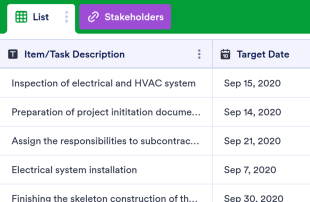
Construction Checklist
Keep track of construction projects and tasks in a free spreadsheet. Easy to customize, download, and share. Great for managers or independent contractors.
Go to Category:Construction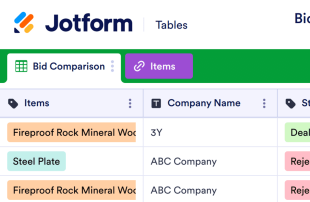
Bid Comparison Template
Compare bids in an online spreadsheet with a free Bid Comparison Template. Easy to customize, download, and share. Add up totals automatically.
Go to Category:Construction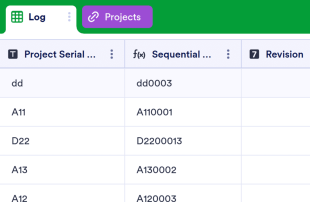
Drawing Log
Manage project details in an online Drawing Log. Fill out on any device. Great for architects and engineers. Switch between spreadsheet and calendar view.
Go to Category:Construction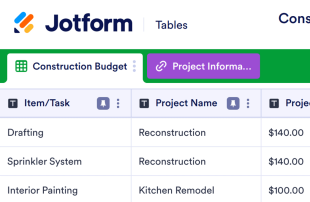
Construction Budget Template
Managing your construction budget has never been easier. Avoid budget overruns with Jotform’s free online Construction Budget Template. Zero coding required.
Go to Category:Construction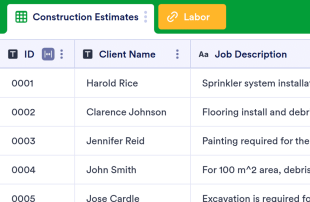
Construction Estimate Template
Track, view and manage construction estimates online. Great for construction companies of all sizes. Add up totals automatically. Free and easy to customize.
Go to Category:Construction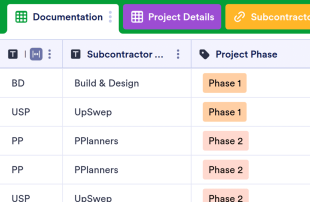
Subcontractor Documentation Tracker
Keep track of construction job progress with a free Subcontractor Documentation Tracker. Available in calendar or spreadsheet view. Easy to customize and update.
Go to Category:Construction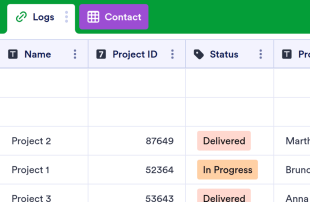
Submittal Log
Make a submittal log in minutes. Manage projects online. Easy to customize and fill out. Download, print, and share. Works on any device. No coding.
Go to Category:Construction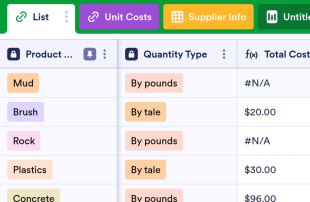
Bill of Materials Template
Manage material ordering process, track inventory, and optimize your business management process. Customize with an easy-to-use interface with no coding required.
Go to Category:Construction
Construction CRM
A construction CRM to keep record of leads, customers and contractors with all their relevant data, to manage interactions, easily assign team members to tasks and a handy way to track service details.
Go to Category:Construction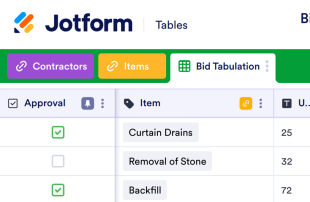
Bid Tabulation Template
Track bids online with Jotform’s free Bid Tabulation Template. A customizable spreadsheet that’s easy to share. Add up totals automatically.
Go to Category:Construction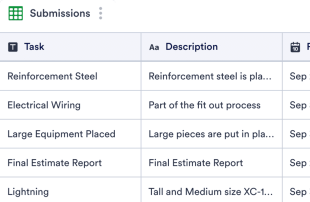
Construction Schedule Template
Stay on track and meet your deadline for large projects. Free online spreadsheet for construction schedules. Easy to customize. Works on any device. No coding.
Go to Category:Construction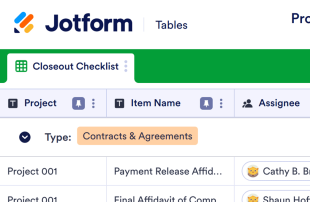
Project Closeout Checklist
Organize your project details online. Customize the design, download as a CSV or PDF, and share instantly. Switch between spreadsheet, card, and calendar view.
Go to Category:Construction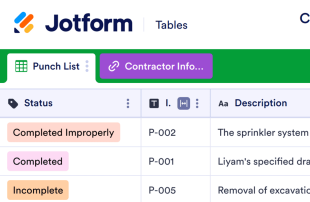
Construction Punch List
Keep track of construction tasks in an online spreadsheet, card, or calendar view. Easy to update, customize, and share. Great for site managers.
Go to Category:Construction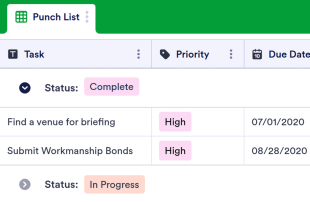
Punch List Template
Site managers can track important construction tasks in an online spreadsheet or calendar. Free and easy to manage, update, and share on any device.
Go to Category:ConstructionAbout Construction Templates
Construction Templates are specialized table templates designed to streamline the organization and management of records related to construction projects and activities. These templates are essential for collecting a wide range of information through Jotform Forms, including project details, equipment requests, site inspections, safety reports, and more. Construction professionals such as project managers, site supervisors, and administrative staff can use these templates to efficiently manage submissions. The tables ensure that all collected data is organized systematically, allowing users to easily access and review the necessary information without the need for additional applications or systems
Jotform Tables serve as the central hub where submissions from connected Jotform Forms automatically appear, transforming each response into a structured entry. These entries can be reviewed and managed in various views, such as Table View or Detail View, to fit the specific needs of the user. Users can organize and analyze the data through capabilities like search, filters, and grouping, or by using specialized views like Calendar View and Report View. While manual entry, CSV, and Excel import options are available for adding pre-existing data, the primary workflow focuses on the seamless transition from form submission to table entry, ensuring a streamlined process for managing construction-related data.
Why Use Construction Templates?
- With Construction Templates, the need for manual data transfer from forms to spreadsheets is eliminated, allowing project managers to focus on critical tasks rather than administrative burdens. This seamless integration ensures that all responses are automatically captured and synchronized.
- The templates keep all construction project responses centralized, minimizing the risk of losing important information. This centralized approach makes it easier for teams to access and manage information in a cohesive manner.
- By utilizing the search and filter functions within Jotform Tables, construction teams can quickly locate specific records, saving valuable time that would otherwise be spent sifting through unorganized data.
- Construction Templates allow for a comprehensive review of submission details, enabling form owners to see the full scope of collected data. This detailed view supports better decision-making and strategic planning.
- These templates facilitate efficient follow-up coordination by tracking changes and updates made to the submissions. Real-time collaboration ensures that all team members are informed and aligned.
- With the ability to report on collected data, stakeholders can generate insights and trends that inform project strategies and improvements. This reporting capability is crucial for analyzing project outcomes and performance metrics.
Common Problems Solved by Construction Templates
- Manually copying submissions into spreadsheets is time-consuming and error-prone. Construction Templates automate this process, ensuring that data is accurately transferred and organized without manual intervention.
- Scattered responses across different platforms can lead to incomplete data analysis. By consolidating all responses in a single table, these templates provide a comprehensive view of project data.
- Locating specific records in a sea of information can be challenging. Jotform Tables' search and filter capabilities make it easy to find and access required entries, streamlining the information retrieval process.
- Inconsistent review processes can result in overlooked submissions. Construction Templates standardize the review process, ensuring that every submission is accounted for and evaluated appropriately.
- Managing uploads like safety certifications or inspection photos can be cumbersome. Uploads View in Jotform Tables provides a straightforward method for reviewing and managing file attachments within the context of their associated submissions.
Matching Form Submission Use Cases to Jotform Tables Features
- When construction teams collect site inspection reports through Jotform Forms, the auto-populate feature ensures that each submission appears seamlessly in the connected table. This automation reduces administrative overhead and speeds up information processing.
- Using Table View or Detail View, form owners can review and organize submissions, focusing on the specific columns and details that matter most to the project. This structured approach enhances clarity and data management.
- Access settings allow team members to collaborate on submissions while maintaining control over who can view or edit specific entries. This feature supports secure and efficient teamwork, especially on large projects.
- For reporting purposes, the Report View enables users to generate visual insights from the data collected, aiding project analysis and decision-making. This capability is invaluable for presenting findings to stakeholders.
- Action buttons within the templates facilitate quick responses to submissions, such as approving equipment requests or scheduling follow-up inspections, streamlining operational workflows and ensuring timely actions.
How to Use Construction Templates with Jotform Forms
- Start by selecting a category-relevant Jotform Tables template, creating a blank table, or using the table connected to an existing Jotform Form. The Jotform Form is responsible for collecting all necessary category-specific information, with new responses automatically appearing in the connected table to streamline data management.
- Configure the table for submission review by naming columns and choosing appropriate column types. Select the most relevant views, such as Table View for a comprehensive overview, Detail View for in-depth analysis, Calendar View for timeline tracking, or Uploads View for managing attachments.
- Manage submissions effectively by utilizing search, filters, and grouping to organize data. Implement formulas for calculations, set access permissions, assign team members to specific entries, or use revision history to track changes. These capabilities ensure that all data is handled efficiently and securely.
Top Use Cases for Construction Templates
- For Form Owners: Form owners are tasked with the critical role of reviewing incoming responses from Jotform Forms, ensuring that all submission data aligns with project requirements. They can edit entries to correct errors or update information as needed, ensuring data accuracy. By checking details and uploads in Jotform Tables, form owners maintain organized and accessible records, which are essential for project continuity and compliance.
- For Teams: Authorized team members benefit from the ability to find submissions quickly, using search and filter functions to maintain accurate and up-to-date entries. They coordinate responsibilities by assigning tasks to team members, ensuring that all aspects of project management are covered. Access settings and revision history provide a secure and collaborative environment, where changes are tracked and accountability is maintained.
- For Managers: Managers use Construction Templates to monitor collected data actively, reviewing patterns and trends relevant to their projects. They check progress and ownership of tasks to ensure project milestones are met. Utilizing Report View or other relevant views allows managers to oversee operations effectively and make informed decisions based on comprehensive data analysis.
Summarizing Construction Templates
Construction Templates offer a valuable solution for collecting and managing construction-specific information through Jotform Forms and Jotform Tables. By automating the submission-to-table process, these templates provide a streamlined method for handling project data, enhancing efficiency and accuracy. Jotform Tables serve as a powerful tool for organizing, reviewing, and acting on collected responses, supporting the diverse needs of construction professionals across various roles and responsibilities.
Frequently Asked Questions
1) Is it free to use Construction Templates with Jotform Tables?
Jotform offers a Starter plan that allows users to access Construction Templates within Jotform Tables. This plan provides an opportunity to explore the features and benefits of using these templates for managing construction-related data. Users can experiment with the capabilities to determine their fit for various project needs.
2) How do submissions from Jotform Forms appear in Construction Templates?
Submissions from Jotform Forms automatically appear in the linked Construction Templates as soon as respondents submit their forms. This seamless integration ensures that each response is captured as a new entry or row in the table, maintaining an organized record. Future responses continue to auto-populate the table, keeping the data current and complete.
3) Can I edit, search, filter, group, and calculate data in Construction Templates?
Yes, you can edit submission data and utilize columns and column types to structure your information effectively. The search and filter functionalities enable quick access to specific records, while data grouping helps categorize submissions logically. Additionally, you can apply formulas and calculations to analyze and interpret your data accurately.
4) Can I export the data inside the tables as CSV or Excel?
You can export the data from Construction Templates as CSV or Excel files. This capability allows you to supplement your connected-form submissions with existing information from other sources, facilitating comprehensive data management and analysis. Exporting data provides flexibility in how you share and use collected information.
5) Which Jotform Tables views can I use with Construction Templates?
You can use Table View, Detail View, Calendar View, Report View, and Uploads View with Construction Templates. Table View provides a structured overview of all submissions, while Detail View offers in-depth analysis of individual entries. Calendar View helps track project timelines, Report View supports data-driven insights, and Uploads View manages file attachments efficiently.
6) Can teams collaborate on submissions in Construction Templates?
Teams can indeed collaborate on submissions using Construction Templates. Access settings allow you to control who can view or edit table entries, ensuring secure and efficient collaboration. Assigning tasks to specific team members and using real-time tracking and revision history helps maintain accountability and streamline teamwork.
7) Can I connect Construction Templates to related data or other applications?
Yes, Construction Templates can be connected to related data or other applications through linked tables and integrations. These features facilitate data connectivity and operational efficiency, enabling you to automate workflows and enhance the functionality of your tables. Action buttons further streamline processes by allowing quick execution of specific tasks.
8) Can I create reports, PDFs, and manage files from Construction Templates?
You can create reports using Report View, generate PDFs for documentation purposes, and manage files through Uploads View. These capabilities support comprehensive data management and ensure that all necessary documentation is organized and accessible. In some cases, you can associate signed documents with table data, enhancing compliance and record-keeping.