

Human Resources Templates

Employee Task List Template
Assign tasks to your employees and monitor progress with a free Employee Task List Template. Easy to customize. Available in spreadsheet or calendar view.
Go to Category:Human Resources Templates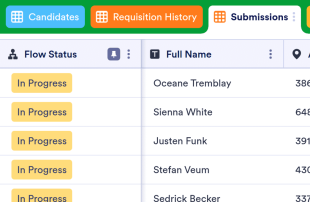
Recruitment Tracker
Improve your recruitment process with a free online Recruitment Tracker. View applications, interview dates, and candidate info in a spreadsheet or calendar view.
Go to Category:Human Resources Templates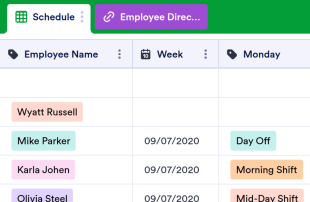
Employee Schedule Template
Keep track of employee shifts at your workplace with this free employee schedule template. Easy to view, edit, and share from any device. No coding.
Go to Category:Human Resources Templates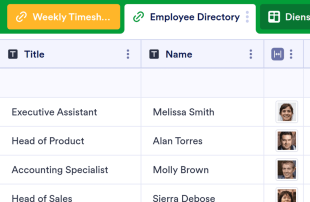
Employee Timesheet
Track employees’ hours more efficiently. Let employees punch in online. Organize their information in a visually stunning spreadsheet. No coding required.
Go to Category:Human Resources Templates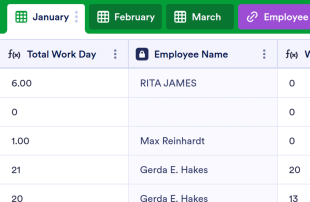
Employee Attendance Tracker
Streamline attendance tracking for your employees. Free, easy-to-read spreadsheet you can access and edit on any device. Download, print, and share in seconds.
Go to Category:Human Resources Templates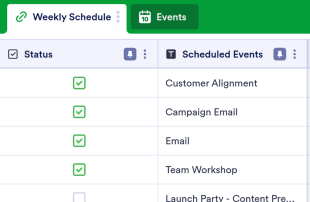
Weekly Schedule Template
Keep track of tasks, meetings, and events with this free online Weekly Schedule Template. Easy to customize. View your schedule as a calendar or spreadsheet.
Go to Category:Human Resources Templates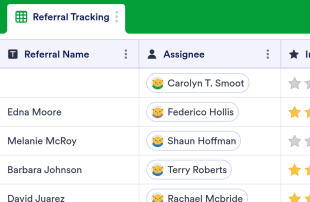
Referral Tracking Spreadsheet
Optimize referral process with Referral Tracking Spreadsheet. Accessible and editable through any mobile device. Fully customizable with no coding required.
Go to Category:Human Resources Templates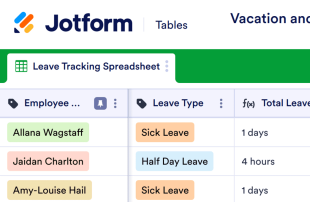
Vacation and Sick Time Tracking Spreadsheet
Manage employee attendance with a free, customizable spreadsheet. Easy to edit, share, download, and print. Access on any device. No coding. Perfect for HR!
Go to Category:Human Resources Templates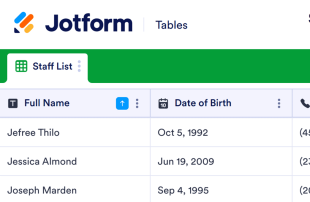
Staff Roster Template
Now it is easy to gather information about the employees with this Staff Roster Template. No coding. Fully customizable!
Go to Category:Human Resources Templates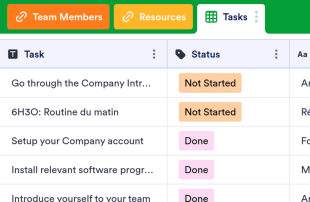
Employee Onboarding Template
Make the hiring process seamless with a free Employee Onboarding Template. Let new employees view tasks, team members, and resources in an online spreadsheet.
Go to Category:Human Resources Templates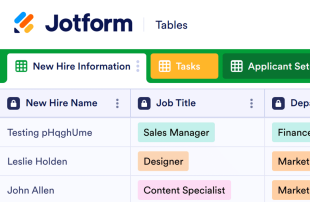
HR Onboarding
Keep track of new employee information in a professional HR Onboarding spreadsheet. Customize, update, and manage from any device. Sync with 100+ apps.
Go to Category:Human Resources Templates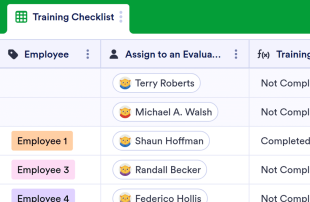
Employee Training Checklist Template
Keep track of employee training and progress. Free online checklist for employers. Easy to customize, download, and share. Works on all devices. No coding.
Go to Category:Human Resources Templates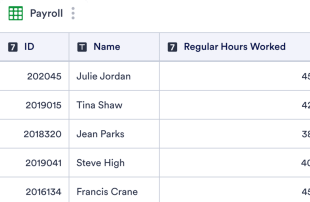
Payroll Template
Track hourly rates, tax rates, and deductions with a free online Payroll Template. Track expenses and ensure your employees get paid properly. Easy to customize.
Go to Category:Human Resources Templates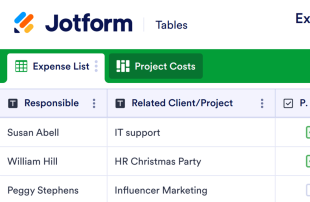
Expense Report Template
Track your business expenses online. View as a spreadsheet, calendar, or cards. Easy to customize, embed, share, or download. Sync with 100+ apps.
Go to Category:Finance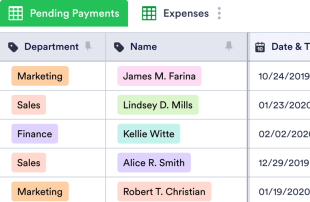
Expense Reimbursement Spreadsheet
Keep track of expenses owed in your company with an online Expense Reimbursement Spreadsheet. Easy to customize. Track expense types, payment status, and more.
Go to Category:Human Resources Templates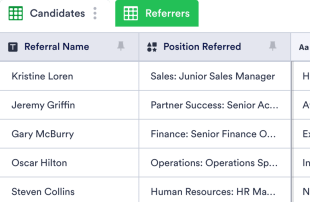
Employee Referral Tracking
Track employee referrals online with our free Employee Referral Tracker spreadsheet. Great for HR departments. Manage referrals seamlessly on any device.
Go to Category:Human Resources Templates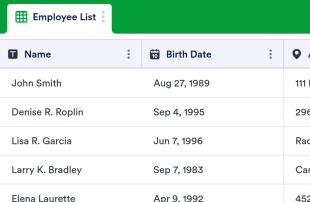
Employee Info Sheet
Manage employee information more efficiently with this free table template for your HR department. Easy to customize, download, and share. No coding.
Go to Category:Human Resources Templates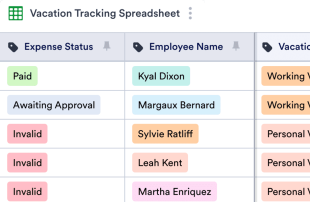
Vacation Tracker
Manage employee time off with a free online Vacation Tracker. View in a spreadsheet or calendar. Easy to customize. Organize your HR department’s records!
Go to Category:Human Resources Templates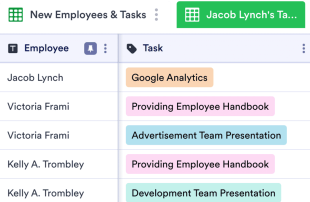
New Hire Checklist Template
Streamline onboarding with this free New Hire Checklist Template. Perfect for HR. Easy to edit, view, share, and print. Works great on any device. No coding.
Go to Category:Human Resources Templates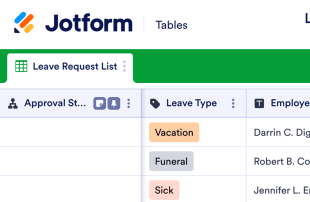
Leave Request Tracker
Free leave request tracker template. Collect requests on any device. Manage them in a powerful spreadsheet. Set up an automated approval flow for your needs.
Go to Category:Human Resources Templates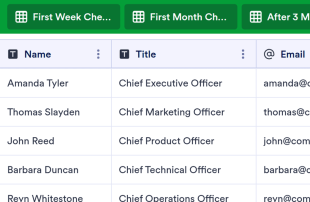
Executive Onboarding
Streamline your onboarding process with a free Executive Onboarding table. Easy to customize, download, and share. Perform evaluations to monitor new executives.
Go to Category:Human Resources Templates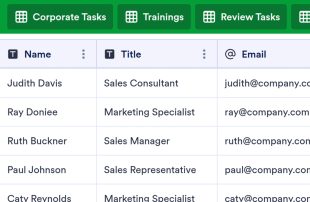
Sales Onboarding
Optimize the sales onboarding process for your business. Easy to customize, download, and share. Collaborative online spreadsheet-database hybrid. No coding.
Go to Category:Human Resources Templates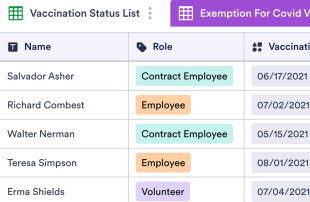
Vaccine Log Sheet
A Vaccine Log Sheet is used to track the covid-19 vaccination status of employees. Easily add your logo and more columns to have further information according to your needs!
Go to Category:Human Resources Templates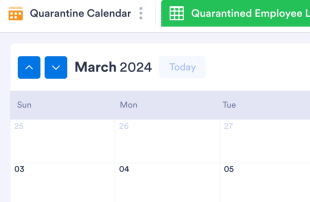
Quarantine Calendar
Keep track of COVID-19 quarantined employees in a professional online calendar. Easy to customize and share. Can also be viewed as a spreadsheet or as cards.
Go to Category:Human Resources TemplatesAbout Human Resources Templates
Human Resources Templates are specialized table templates designed to help organize and manage HR-related records efficiently. Through Jotform Forms, respondents can submit a wide array of HR-specific information, such as job applications, employee evaluations, leave requests, and feedback forms. These submissions are critical for HR departments, recruitment firms, and corporate teams who need to efficiently manage and process various types of HR documents. The table acts as a centralized database where all collected information is systematically managed, offering a streamlined solution for handling the complexities of HR data without manually transcribing or transferring records.
Jotform Tables serves as the central hub where submissions from connected Jotform Forms are automatically logged and managed. Each response submitted through a form is captured as a distinct entry in the connected table, typically appearing as a row in Table View. Users can review submissions in various ways, utilizing features like Detail View for in-depth examination or Calendar View for date-specific entries. Search and filters enhance the usability by allowing instant location of specific records. Manual entry and the import of CSV or Excel files offer secondary methods for incorporating additional data, but the primary workflow focuses on the seamless transition from form submission to table management, ensuring an efficient end-to-end process.
Why Use Human Resources Templates?
- By managing form submissions within Jotform Tables, HR teams can eliminate the need for manual data entry, significantly reducing errors and saving time. This allows HR departments to focus on more strategic tasks rather than getting bogged down in administrative work.
- Submissions from Jotform Forms are automatically consolidated in one place, ensuring that all responses are kept together and easily accessible. This avoids the pitfalls of scattered documents and ensures that nothing slips through the cracks.
- With powerful search and filter options, finding specific records or sets of data becomes quick and effortless. This capability is particularly beneficial when dealing with large volumes of HR data that require frequent access and updates.
- Reviewing complete submission details becomes streamlined with the use of Table View and Detail View, providing comprehensive insights into each record. This thorough review process aids in making informed decisions based on complete and accurate data.
- Coordinating follow-up actions, such as setting up interviews or reviewing performance feedback, is made efficient by the ability to track changes and report on collected data. This ensures that all necessary steps are taken in a timely manner, enhancing overall HR operations.
Common Problems Solved by Human Resources Templates
- Manually copying submissions from forms into spreadsheets can be time-consuming and prone to errors. Jotform Tables automates this process, ensuring that all data is accurately captured without the need for manual intervention.
- Scattered responses across different systems make it difficult to maintain a cohesive overview of HR activities. By consolidating submissions into a single table, Jotform Tables provides a unified view that enhances visibility and control.
- Locating specific records quickly can be a challenge when dealing with a high volume of data. The search and filter capabilities in Jotform Tables make it easy to find exactly what you need, when you need it, improving efficiency and response times.
- Inconsistent review processes can lead to oversight and mismanagement of important HR tasks. With standardized views and the ability to track changes, Jotform Tables ensures a consistent approach to data management, reducing the risk of errors.
- Unclear ownership of records can delay important HR processes. With features like assignees and access settings, Jotform Tables clarifies responsibilities, ensuring that every entry is properly managed and acted upon.
Matching Form Submission Use Cases to Jotform Tables Features
- Job applications submitted via Jotform Forms are auto-populated into Jotform Tables, allowing HR teams to efficiently review and manage candidates in Table View or Detail View. This seamless integration facilitates quick decision-making and streamlined recruitment processes.
- Employee leave requests collected through forms can be organized using filters and data grouping in Jotform Tables, ensuring that HR managers can easily track and approve leave schedules. This organization prevents scheduling conflicts and ensures smooth operations.
- Performance feedback from employees can be reviewed and analyzed using various column types and formulas in Jotform Tables, providing HR with actionable insights for employee development. This analytical approach helps in crafting targeted improvement plans.
- Access settings enable HR teams to control who can view, edit, or manage entries in the table, ensuring data security and proper collaboration. This control is crucial in maintaining confidentiality and integrity of sensitive HR data.
- HR teams can generate reports from collected data using Report View, aiding in strategic planning and workforce analysis. This capability allows managers to present insightful summaries to stakeholders, driving informed decisions.
How to Use Human Resources Templates with Jotform Forms
- Start with a Human Resources Templates table or connect a Jotform Form to an existing table to begin collecting HR-specific information. As respondents submit their forms, new entries automatically appear in the connected table, ensuring a seamless data collection process.
- Configure the table by naming columns and selecting appropriate column types to suit the HR data being managed. Choose relevant views such as Table View for an overview, Detail View for in-depth examination, and Report View for reporting purposes, tailoring the table to your specific needs.
- Manage the collected submissions by utilizing search, filters, and data grouping to organize entries efficiently. Assign tasks using assignees, track changes with revision history, and use linked tables or action buttons for further data management, ensuring a comprehensive approach to HR data handling.
Top Use Cases for Human Resources Templates
- For Form Owners: The form owner is responsible for creating and maintaining the connected Jotform Form. They review incoming responses to ensure data accuracy and completeness, making any necessary edits to submission data. By checking details and uploads within Jotform Tables, they maintain organized records that are easy to access and manage. This role is critical in ensuring that all HR submissions are processed efficiently and correctly.
- For Teams: Authorized team members play a crucial role in maintaining and coordinating HR entries. They can easily find submissions using search functions and keep entries up-to-date through collaboration. Utilizing features like assignees and access settings, team members can coordinate responsibility and ensure that every submission is handled appropriately. Revision history supports shared work by providing a clear record of changes made to the data.
- For Managers: Managers utilize Jotform Tables to monitor collected HR data and analyze patterns relevant to their teams. They can review progress and ownership of tasks, ensuring that HR processes are on track. Using Report View and other relevant views, managers gain insights into workforce dynamics and outcomes, enabling them to provide oversight and make informed decisions based on comprehensive data.
Summarizing Human Resources Templates
Human Resources Templates provide a robust solution for collecting and managing HR-specific information through Jotform Forms and Jotform Tables. By facilitating the automatic transition of form submissions into organized tables, these templates enhance efficiency and accuracy in handling HR data. Jotform Tables offers a comprehensive workspace where HR teams can review, organize, and act on collected submissions, ensuring streamlined processes and informed decision-making.
Frequently Asked Questions
1) Is it free to use Human Resources Templates with Jotform Tables?
Jotform offers a Starter plan, which allows users to begin utilizing Human Resources Templates with Jotform Tables. This plan provides access to essential features without the need for upfront investment. Users can explore the capabilities of Jotform Tables and determine how it fits their HR management needs. For more advanced features, users can consider upgrading to a paid plan.
2) How do submissions from Jotform Forms appear in Human Resources Templates?
Submissions from Jotform Forms are seamlessly integrated into Human Resources Templates through a connected table. Each form submission automatically appears as an entry in the linked table, creating a continuous flow of data. This auto-populating feature ensures that responses are captured in real-time, allowing for immediate access and management.
3) Can I edit, search, filter, group, and calculate data in Human Resources Templates?
Yes, Human Resources Templates offer extensive capabilities for managing data. Users can edit submissions to ensure accuracy and completeness. Search and filter functions allow for quick location of specific entries, while data grouping organizes information logically. Formulas and calculations can be applied to analyze data and derive meaningful insights, enhancing overall data management.
4) Can I export the data inside the tables as CSV or Excel?
Absolutely, exporting data as CSV or Excel is supported within Human Resources Templates. This feature allows users to add existing information alongside form submissions or to share data with external systems. Exporting data ensures flexibility in data management, making it easier to collaborate and integrate with other tools.
5) Which Jotform Tables views can I use with Human Resources Templates?
Human Resources Templates support several views, including Table View, Detail View, Calendar View, and Report View. Table View provides an overview of all entries, while Detail View allows for in-depth examination of individual submissions. Calendar View is useful for date-specific records, and Report View aids in summarizing data for strategic analysis. Each view offers unique advantages in reviewing and organizing HR data.
6) Can teams collaborate on submissions in Human Resources Templates?
Teams can effectively collaborate on submissions using Human Resources Templates by utilizing access settings and assignees. These features ensure that the right team members have access to relevant data and responsibilities are clearly defined. Real-time tracking and revision history enable teams to work cohesively, maintaining an updated and accurate record of all HR activities.
7) Can I connect Human Resources Templates to related data or other applications?
Yes, Human Resources Templates support connections to related data through linked tables and integrations. Action buttons can facilitate interactions with other applications, streamlining workflows. This connectivity enhances data management by allowing integration across different platforms, ensuring that HR processes are efficient and cohesive.
8) Can I create reports, PDFs, and manage files from Human Resources Templates?
Human Resources Templates provide robust options for managing documents and reports. Users can create detailed reports using Report View, generate PDFs for sharing and documentation, and manage files through the Uploads View. These capabilities support comprehensive data management, ensuring that all necessary documents are easily accessible and organized.