

List Templates

Employee Task List Template
Assign tasks to your employees and monitor progress with a free Employee Task List Template. Easy to customize. Available in spreadsheet or calendar view.
Go to Category:Human Resources Templates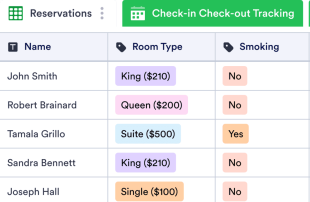
Hotel Reservation Management
Keep track of guest reservations for your hotel. Record guest information, check-in and check-out times, and more. Access info on any device. No coding required.
Go to Category:List Templates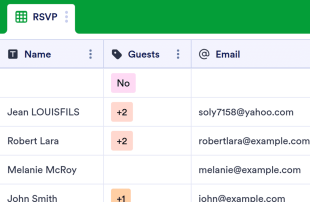
Party Guest List Template
Keep track of your party guests’ RSVPs with an online Party Guest List Template! Manage RSVP responses in a free digital spreadsheet. Easy to customize.
Go to Category:Event Planning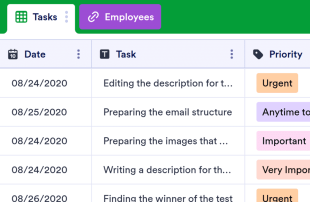
Prioritized Daily Task List
Prioritize your tasks with an online Prioritized Daily Task list. Switch between spreadsheet, calendar, or card view. Customize and update on any device.
Go to Category:List Templates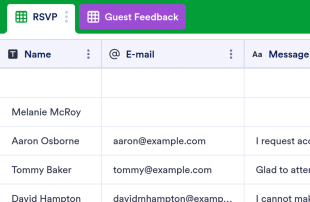
Guest List Template
Manage RSVPs and guest details in a free spreadsheet. Great for parties, corporate events, and more. Easy to customize, update, and download from any device.
Go to Category:List Templates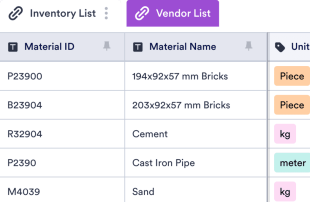
Material List Template
Keep track of project materials in a professional online spreadsheet. Easy to customize and share. Download as a CSV, Excel, or PDF file.
Go to Category:Construction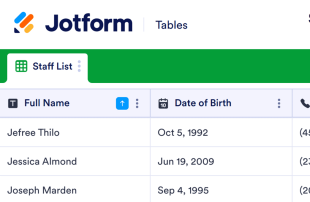
Staff Roster Template
Now it is easy to gather information about the employees with this Staff Roster Template. No coding. Fully customizable!
Go to Category:Human Resources Templates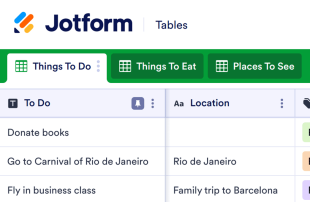
Bucket List Template
Life is short. Achieve your biggest dreams with this free Bucket List Template. Easy to organize and edit. Access on any device. No coding required.
Go to Category:List Templates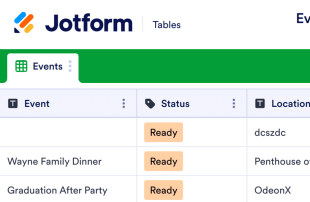
Event Schedule Template
Create timelines for your next event. Perfect for conferences, festivals, weddings, and more. Easy to customize, download, print, and share. No coding required.
Go to Category:Event Planning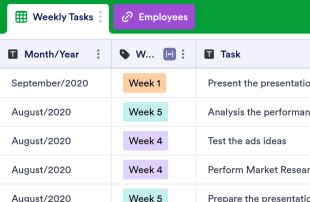
Weekly To Do List Template
Track weekly employee tasks with this free online spreadsheet. Customize in seconds. Works on any device. Easy to download, print, and share. No coding.
Go to Category:List Templates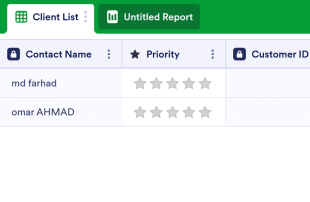
Client List Template
The Client List Template is a sheet that can be used for every job in customer relations and is used to list the general and necessary information of the customers. Whether you are a doctor, a salon owner or a mechanic, and a service owner, use this template!
Go to Category:Construction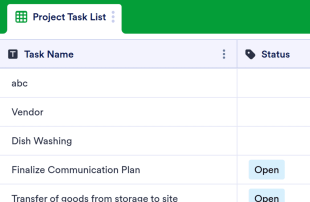
Project Task List Template
Manage your work tasks in a professional online spreadsheet. Auto-populates via a shareable online form. View in spreadsheet, card, or calendar format.
Go to Category:List Templates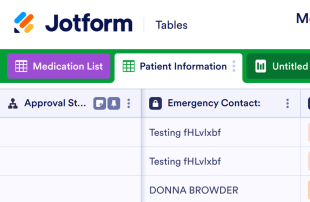
Medication List Template
Keep track of medications with this free online spreadsheet. Perfect for doctors and patients. Easy to view and edit from any device. No coding required.
Go to Category:Healthcare Templates
Wedding Song List Template
Record and organize wedding songs in this free spreadsheet template for wedding DJs. Easy to edit, customize, print, and share. No coding necessary.
Go to Category:List Templates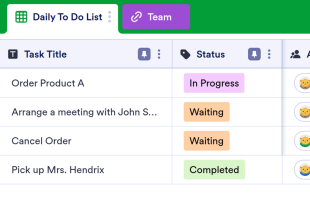
Daily To Do List Template
Keep track of daily action items with this free online spreadsheet. Easy to share with team members. Customize, download, and print with ease. No coding.
Go to Category:List Templates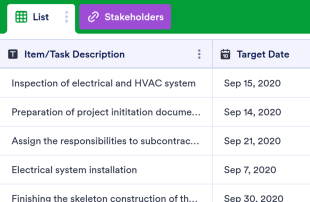
Construction Checklist
Keep track of construction projects and tasks in a free spreadsheet. Easy to customize, download, and share. Great for managers or independent contractors.
Go to Category:Construction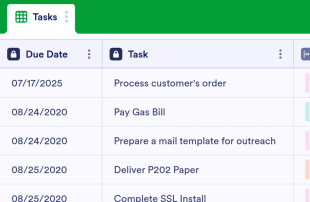
Daily Task List Template
Track daily tasks with this free online spreadsheet. Easy to view and fill out on any device. Customize, download, share, and print in seconds. No coding.
Go to Category:List Templates
Phone List Template
Keep phone numbers and contact information organized in this free online spreadsheet. Easy to view, edit, share, and print. No coding necessary.
Go to Category:List Templates
Visitor Sign In Sheet
Keep track of visitor information with Jotform’s free Visitor Sign In Sheet. Fill out on any device. Easy to customize. View as a spreadsheet, calendar, or cards.
Go to Category:List Templates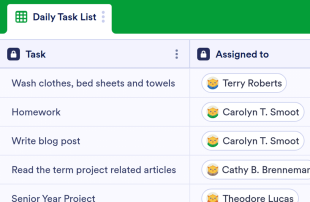
Task Checklist Template
Keep track of your tasks with this free task checklist template. Easy to customize and share. Works great on any device. No coding required.
Go to Category:Checklist Templates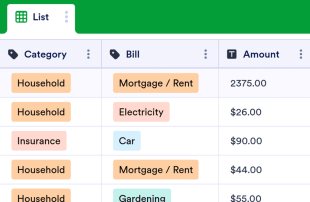
Bill Pay Checklist
Keep track of bill payments with this free online checklist template. Easy to customize, download, and print. Works on all devices. No coding required.
Go to Category:Checklist Templates
Wedding Guest List Template
Record wedding guest information with our free online spreadsheet template. Sync to a wedding invitation or RSVP form. Easy to edit, view, and print. No coding.
Go to Category:Event Planning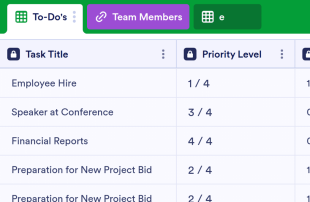
Prioritized To Do List Template
Keep track of urgent action items with this free online spreadsheet. Perfect for teams or individual use. Easy to customize and share. No coding required.
Go to Category:List Templates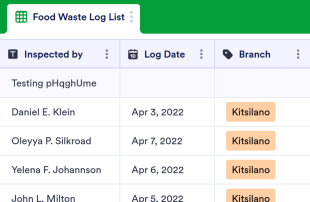
Food Waste Log Sheet
Food Waste Log Sheet is a sheet used by restaurants, catering companies, schools, cafeterias and all other businesses to control food waste. Feel free to fully customize this template. No coding.
Go to Category:Nonprofit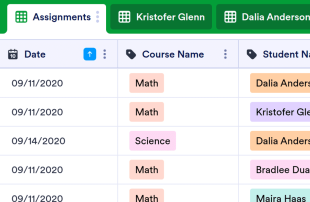
Daily Assignment Checklist
Keep your students on track with a Daily Assignment Checklist. View in spreadsheet, card, or calendar format. Easy to customize and update on any device.
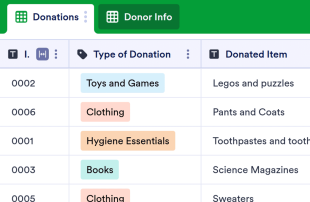
Donation List Template
Streamline your online donation process with an all-in-one donation management solution. Collect and store donations, donor info, and leads online. Easy to customize.
Construction Checklist
Keep track of construction projects and tasks in a free spreadsheet. Easy to customize, download, and share. Great for managers or independent contractors.
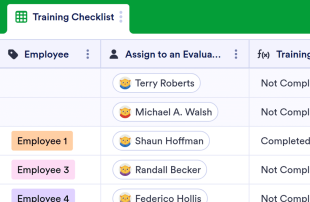
Employee Training Checklist Template
Keep track of employee training and progress. Free online checklist for employers. Easy to customize, download, and share. Works on all devices. No coding.
Weekly To Do List Template
Track weekly employee tasks with this free online spreadsheet. Customize in seconds. Works on any device. Easy to download, print, and share. No coding.
Daily To Do List Template
Keep track of daily action items with this free online spreadsheet. Easy to share with team members. Customize, download, and print with ease. No coding.
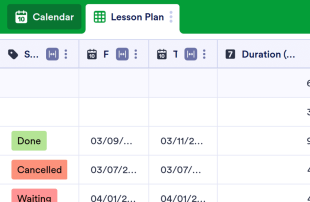
Yearly Lesson Plan Template
Create and track your yearly lesson plan with Jotform. Great for teachers and professors. View information in a spreadsheet or calendar. Customize without coding.
Prioritized To Do List Template
Keep track of urgent action items with this free online spreadsheet. Perfect for teams or individual use. Easy to customize and share. No coding required.
About List Templates
List Templates are category-specific table templates designed to help organize and manage records collected through Jotform Forms. Whether you're collecting survey responses, registration details, feedback, order forms, or inspection reports, these tables provide a structured way to handle the incoming data. Designed for form owners, teams, departments, and professionals across various industries, List Templates streamline the management of collected information, ensuring that data is organized and easily accessible. These tables are not forms, apps, or task trackers; they are sophisticated tools for managing the information you've gathered.
In Jotform Tables, submissions from connected Jotform Forms automatically populate, turning each response into an entry that can be viewed in Table View or Detail View. This seamless integration allows users to organize their data using search functions, filters, data grouping, and column types. Additional views like Calendar View, Report View, and Uploads View provide more ways to review the data. While manual entry and CSV or Excel import can supplement the data, the core workflow revolves around the automatic population of submissions from Jotform Forms to the connected table, ensuring a smooth transition from form response to data management.
Why Use List Templates?
- By using List Templates, form owners can eliminate the need for manual data transfer, as responses from Jotform Forms automatically populate the connected table. This saves time and reduces the risk of errors associated with manual entry.
- Keeping all responses together in one organized location makes it easier to find specific records quickly. This is particularly beneficial in scenarios where form owners need to access detailed submission information efficiently.
- These tables allow for a comprehensive review of submission details, providing form owners with the ability to edit data, check uploads, and ensure all information is accurate and complete.
- Coordinating follow-up actions becomes streamlined, as form owners can easily track changes and updates to submissions, ensuring that all necessary steps are taken based on the collected data.
- With the ability to generate reports on collected data, List Templates empower form owners to analyze trends and insights, facilitating better decision-making and strategic planning.
Common Problems Solved by List Templates
- Manually copying submissions into spreadsheets is time-consuming and prone to errors. With List Templates, responses automatically populate the connected table, eliminating this tedious task and ensuring accuracy.
- Scattered responses across different platforms can make it difficult to locate specific records. These tables centralize all data, making it easy to search and filter entries to find exactly what you need.
- Inconsistent review processes can lead to missed information or errors. Jotform Tables provide a structured way to review and edit submissions, ensuring all data is consistently evaluated.
- Handling uploads can be challenging if they are hard to review. Uploads View in Jotform Tables offers a convenient way to manage and review all uploaded files associated with submissions.
- Unclear ownership and responsibilities can slow down processes. By using access settings and assignees, teams can clearly define who is responsible for each task, promoting efficient collaboration.
Matching Form Submission Use Cases to Jotform Tables Features
- When collecting survey responses through Jotform Forms, the automatic appearance of submissions in the connected table allows form owners to efficiently manage and review incoming data.
- Using Table View or Detail View, form owners can organize submissions by applying filters and grouping data, which facilitates easy access to specific information within large datasets.
- Teams can manage access settings and assign responsibilities to different members, ensuring that each team member understands their role in handling submissions.
- For reporting purposes, form owners can utilize Report View to create comprehensive reports based on collected data, providing insights into trends and performance metrics.
- When submissions include uploads, Uploads View allows for easy review and management of all associated files, streamlining the process of handling multimedia data.
- Access settings and revision history enable teams to collaborate effectively, ensuring that all edits and changes are tracked over time, which supports accountability and transparency.
- Integrated action buttons allow form owners to execute necessary actions directly from the table, such as sending follow-up emails or exporting data for further analysis.
How to Use List Templates with Jotform Forms
- Start with a category-relevant Jotform Tables template, a blank table, or the table connected to an existing Jotform Form. The Jotform Form collects the category-specific information, and new responses automatically appear in the connected table, streamlining data collection and management.
- The form owner can configure the table for submission review by naming columns, choosing appropriate column types, and selecting relevant views such as Table View, Detail View, Calendar View, Uploads View, or Report View. This customization ensures that the table meets the specific needs of the category.
- To manage submissions effectively, the form owner or team can use search, filters, grouping, formulas, access settings, assignees, revision history, linked tables, action buttons, or outputs. These capabilities help in organizing data, tracking changes, and taking necessary actions based on the collected information.
Top Use Cases for List Templates
- For Form Owners: Form owners can review incoming responses efficiently as each submission from a connected Jotform Form appears automatically in the table. They have the capability to edit submission data, ensuring accuracy and completeness. By checking details or uploads, they maintain organized records within Jotform Tables, simplifying the data management process.
- For Teams: Authorized team members can quickly find submissions and maintain entries in an organized manner. They coordinate responsibility using assignees when relevant, ensuring tasks are distributed appropriately. Through access settings or revision history, they support shared work, allowing for seamless collaboration and accountability.
- For Managers: Managers have the ability to monitor collected data, gaining insights into category-specific patterns and trends. They can review progress or ownership of tasks, ensuring that operations align with strategic goals. Utilizing Report View or other relevant views, managers have the oversight necessary to make informed decisions and maintain effective control over processes.
Summarizing List Templates
List Templates provide a powerful solution for collecting information through Jotform Forms and managing the resulting submissions in Jotform Tables. By centralizing data collection and management, these templates enable form owners and teams to efficiently review, organize, and act on the information collected. With features tailored to category-specific needs, List Templates streamline workflows and enhance data-driven decision-making.
Frequently Asked Questions
1) Is it free to use List Templates with Jotform Tables?
Jotform offers a Starter plan that allows users to access List Templates with Jotform Tables. This plan provides basic features to get started with managing form submissions efficiently. While the Starter plan is available, users can explore additional capabilities by considering other plans offered by Jotform. However, details about limits, quotas, or paid tiers are not specified here.
2) How do submissions from Jotform Forms appear in List Templates?
Submissions from Jotform Forms appear in List Templates through a connected form workflow. When a respondent submits a form, the information automatically appears as an entry or row in the linked table. This process ensures that all responses are auto-populated into the table, allowing for a seamless and continuous data management experience.
3) Can I edit, search, filter, group, and calculate data in List Templates?
Yes, you can perform a variety of data management actions within List Templates. Submission edits can be made to ensure data accuracy, and you can search through the entries using specific criteria. Filters and data grouping help organize information, while formulas and calculations provide insights and analysis, all without promising automated decisions.
4) Can I export the data inside the tables as CSV or Excel?
Exporting data from List Templates as CSV or Excel is certainly possible. This feature allows you to add existing information alongside submissions collected through connected forms. It provides flexibility in managing and using your data outside the Jotform Tables environment, supporting diverse data applications.
5) Which Jotform Tables views can I use with List Templates?
With List Templates, you can utilize several views such as Table View, Detail View, Report View, Calendar View, and Uploads View. Each view offers unique benefits; for example, Table View provides a structured overview, while Detail View allows in-depth examination of entries. Report View supports insights, Calendar View organizes timelines, and Uploads View manages files.
6) Can teams collaborate on submissions in List Templates?
Teams can collaborate effectively on submissions using List Templates. Access settings ensure the right team members have the necessary permissions, while collaboration features allow for shared input and feedback. Assignees help in distributing tasks, real-time tracking monitors progress, and revision history keeps a record of all changes, promoting accountability.
7) Can I connect List Templates to related data or other applications?
While using List Templates, you have the ability to connect related data through linked tables. Moreover, integrations and action buttons facilitate interactions with other applications, enhancing the functionality and utility of your data management processes without specifying unsupported integration names.
8) Can I create reports, PDFs, and manage files from List Templates?
Yes, List Templates support the creation of reports and PDFs, enhancing the documentation of collected data. Report View provides insights, while PDF generation offers a way to formalize records. Additionally, Uploads View allows for efficient file management, and signed documents can be associated with table data when relevant, depending on the category's needs.