

Education Templates

Student Attendance Sheet
Track student attendance with this free online spreadsheet. Perfect for teachers of all grade levels. Easy to customize, download, and print. No coding.
Go to Category:Education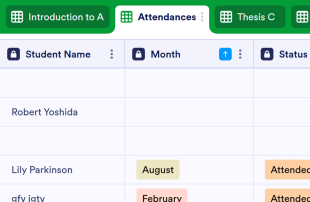
Class Attendance Sheet
Take student attendance online with this free spreadsheet template. Easy to customize, download, and print. Perfect for teachers and educators. No coding.
Go to Category:Education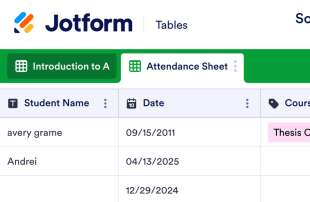
School Attendance Sheet
Take attendance with this free attendance sheet for schools. Easy to customize and fill out from any device. Download, print, or share in one click. No coding.
Go to Category:Education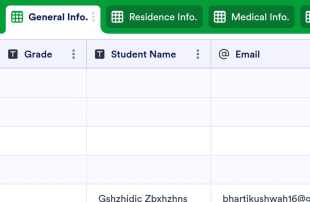
Student Information Sheet
Organize student information in one secure, easy-to-access spreadsheet. Easy to customize, download, print, and share. Works on any device. No coding.
Go to Category:Education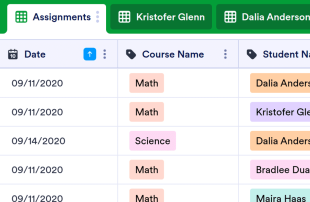
Daily Assignment Checklist
Keep your students on track with a Daily Assignment Checklist. View in spreadsheet, card, or calendar format. Easy to customize and update on any device.
Go to Category:Education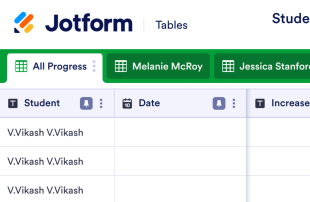
Student Progress Tracking Sheet
Track and record student progress online. Free, easy-to-use tracking sheet for teachers. Download, print, and share. Works from any device. No coding.
Go to Category:Education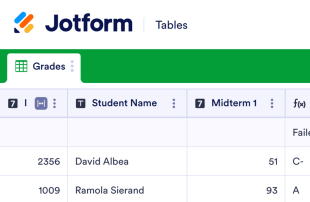
Grade Sheet
Track and record student grades online with this free gradebook spreadsheet for teachers. Easy to download, print, and share. Works on any device. No coding.
Go to Category:Education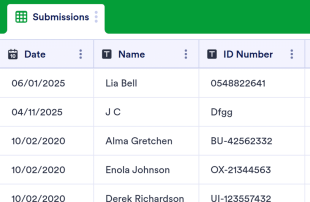
Class Sign In Sheet
Record class attendance with this free table template. Easy to customize, download, and share. No coding required. Great for schools, colleges, and universities.
Go to Category:Education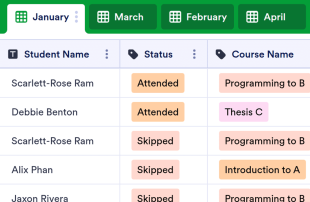
Monthly Attendance Sheet
Keep track of monthly attendance in a free online spreadsheet or calendar. Ideal for teachers, charities, and businesses. Quickly customize, download, and share.
Go to Category:Education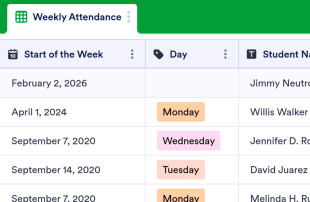
Weekly Attendance Sheet
Easily monitor weekly attendance in a free online spreadsheet. Great for schools, nonprofits, and businesses. Easy to customize, download, and share.
Go to Category:Education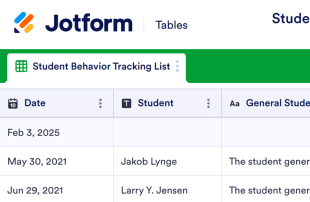
Student Behavior Tracking Sheet
Track the behavior of students in your classroom. Free, easy-to-customize table template. View as a spreadsheet, calendar, or individual cards. No coding required.
Go to Category:Education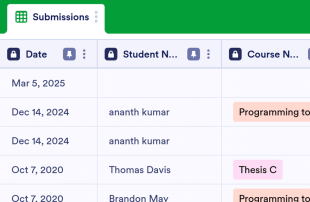
Attendance Log
Keep track of your students’ attendance with this free online table. Great for teachers and educators. Easy to customize, share and download. No coding.
Go to Category:Education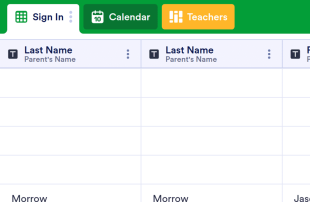
Parent Teacher Conference Sign In Sheet
Manage your school's parent teacher conference details online. View in spreadsheet, card, or calendar format. Perfect for teachers. Works on any device. No coding.
Go to Category:Education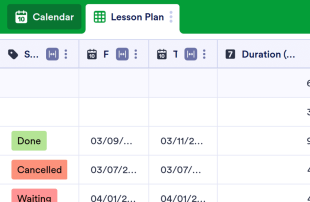
Yearly Lesson Plan Template
Create and track your yearly lesson plan with Jotform. Great for teachers and professors. View information in a spreadsheet or calendar. Customize without coding.
Go to Category:Education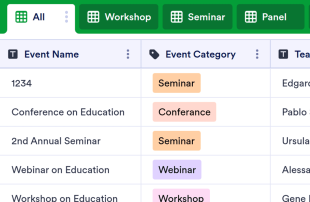
Teacher Attendance Sheet
Track teacher attendance for workshops, webinars, conferences, and more. Easy to fill out from any device. Download, print, and share in one click. No coding.
Go to Category:Education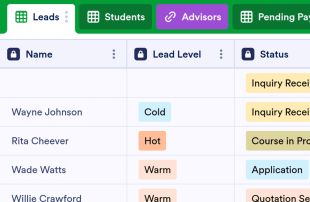
School CRM
Collect applications from prospective students online. Streamline the admissions process for your school. Easy to customize, download, and share. No coding.
Go to Category:Education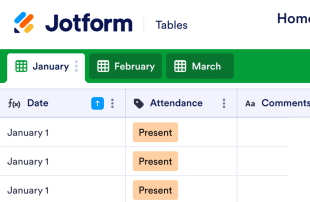
Homeschool Attendance Sheet
Take attendance for homeschooled students. Free, easy-to-use online spreadsheet for parents. Customize, download, print, and share on any device. No coding required.
Go to Category:Education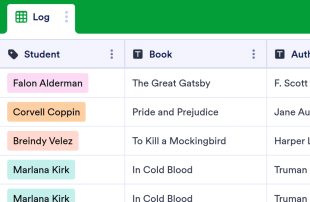
Reading Log
Track your students’ reading with this free online log for teachers. Collect parent signatures through an online form. Works great on any device. No coding.
Go to Category:Education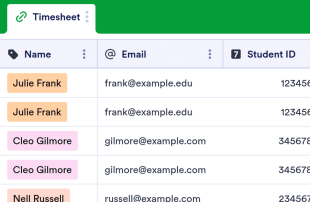
Student Timesheet
Track and manage student employee hours. Free online timesheet for universities. Easy to customize and fill out from any device. View as a calendar. No coding.
Go to Category:Education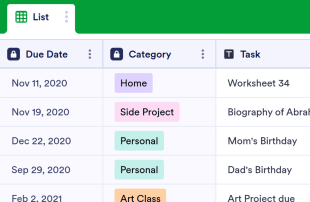
Daily Checklist Template
Keep track of your daily tasks with a free online Daily Checklist Template. Easy to customize and update on any device. View in spreadsheet or calendar format.
Go to Category:Education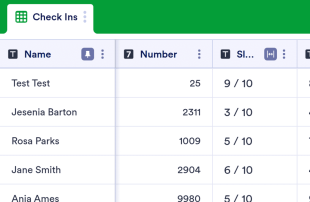
Student Check In Sheet
Check in with students online to better understand their mental health. Perfect for teachers and counselors. Easy to customize. Works on any device. No coding.
Go to Category:Education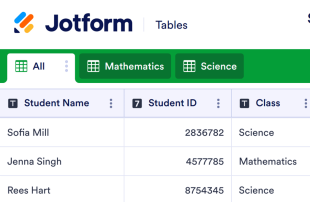
Student Sign In Sheet
Monitor student attendance with this free online Student Sign In Sheet. Easy to customize, download, print, and share. Works on any device. No coding required.
Go to Category:Education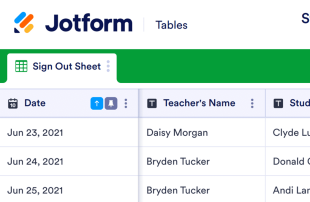
Student Sign Out Sheet
Track and archive student attendance with a free student sign out sheet. Get form responses instantly and add them to your database. No coding required.
Go to Category:Education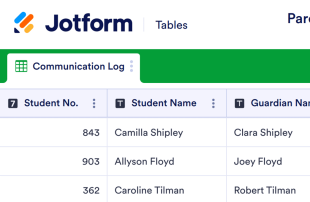
Parent Communication Log
Track parent-teacher meetings with this free online spreadsheet for teachers. Easy to use. Download, print, or share. Works from any device. No coding required.
Go to Category:EducationAbout Education
Education Templates are specialized table templates designed for efficiently organizing and managing a wide range of category-specific records and submissions. These templates cater to the diverse needs of educational institutions, facilitating the collection of information such as student registrations, course evaluations, academic feedback, and event sign-ups through Jotform Forms. This streamlines the data management process for form owners, including educators, administrators, and academic departments, by ensuring that all collected information is efficiently stored and easily accessible. By focusing on the seamless management of submissions, Education Templates help users maintain a well-organized system for handling various educational records.
Jotform Tables serves as the central hub where submissions from connected Jotform Forms automatically appear, allowing for efficient management of the incoming data. Each form response is transformed into an entry within the table, which can be reviewed in both Table View and Detail View, providing flexibility in how the data is viewed and analyzed. Users can take advantage of features such as search, filters, data grouping, and various column types to organize and review submissions effectively. While manual entry and CSV or Excel import are available options for adding existing data, the primary focus remains on the automatic form-to-table workflow, ensuring a streamlined process from data collection to management.
Why Use Education Templates?
- Education Templates eliminate the need for manual data transfer by automatically populating responses into Jotform Tables, reducing the risk of errors and saving time for form owners.
- By keeping all responses together in a centralized database, these templates ensure that educational institutions can easily access and manage important information without losing track of any records.
- Users can find specific records faster through powerful search and filter features, allowing educators and administrators to quickly locate critical data when needed.
- Reviewing complete submission details becomes effortless with the ability to view and edit entries in the connected table, providing a comprehensive overview of all collected data.
- Coordination of follow-up actions is streamlined through real-time tracking and collaboration features, ensuring that all team members are informed and aligned on the next steps.
- The ability to generate detailed reports on collected data allows educational institutions to analyze trends, measure performance, and make informed decisions based on accurate information.
Common Problems Solved by Education Templates
- Manually copying submissions into spreadsheets is a time-consuming task that Education Templates solve by automatically populating entries directly into the table, minimizing effort and potential errors.
- Scattered responses across various platforms can lead to confusion and missed information, but with these templates, all data is centralized and easily accessible in one place.
- Locating specific records can be challenging in traditional spreadsheets, but Education Templates offer advanced search and filter options to quickly find the data needed.
- Inconsistent review processes can occur without a standardized system, but these templates provide structured views and column types to ensure that all submissions are reviewed thoroughly and uniformly.
- Hard-to-review uploads, such as documents or images, are simplified through Uploads View, which organizes and presents files in an easy-to-navigate format, enhancing the review process for educators.
Matching Form Submission Use Cases to Jotform Tables Features
- Incoming student registration data can be efficiently managed through the automatic appearance of submissions in the connected table, ensuring that all entries are organized and ready for review.
- Reviewing course evaluation submissions is simplified with Table View and Detail View, allowing educators to thoroughly analyze feedback and make necessary adjustments to course content.
- Team management of academic records is facilitated by access settings and assignees, ensuring that authorized personnel can manage and update data while maintaining data integrity.
- Reporting on academic performance or attendance becomes straightforward with Report View, providing a comprehensive overview of collected data for strategic planning and decision-making.
- Project submissions or research data can be organized using data grouping and column types, enabling educators to categorize and analyze information efficiently for better academic outcomes.
How to Use Education Templates with Jotform Forms
- Begin by selecting a relevant Education Template, starting with a blank table or utilizing the table connected to an existing Jotform Form. The Jotform Form will collect category-specific information, and new submissions will automatically appear in the connected table for seamless data management.
- Configure the table for submission review by naming columns, selecting appropriate column types, and choosing relevant views such as Table View, Detail View, Calendar View, or Uploads View to organize and analyze the data effectively.
- Manage submissions by utilizing search, filters, data grouping, formulas, access settings, assignees, and revision history. These capabilities ensure that the form owner or team can efficiently handle and analyze the collected data to support educational goals.
Top Use Cases for Education Templates
- For Form Owners: Form owners, such as teachers and administrative staff, benefit from the ability to review incoming responses promptly. They can edit submission data, check details or uploads, and keep records organized using Jotform Tables. This allows for a streamlined process in managing various educational submissions, ensuring that everything from student feedback to event registrations is handled efficiently and accurately.
- For Teams: Authorized team members can efficiently find and maintain entries within the tables, enhancing collaboration through coordinated responsibility with assignees when applicable. By using access settings and revision history, teams can support shared work, ensuring that all members are on the same page and that any changes are tracked for accountability. This structured approach fosters a collaborative environment conducive to achieving educational objectives.
- For Managers: Managers can monitor collected data to identify category-specific patterns and assess progress in educational projects. By reviewing data ownership and using Report View for oversight, they can ensure that the educational institution's goals are being met. This comprehensive view of submissions and their status supports informed decision-making and strategic planning, enabling managers to guide their teams effectively.
Summarizing Education Templates
Education Templates offer a practical and efficient solution for collecting and managing educational information through Jotform Forms and Jotform Tables. By streamlining the process from form submission to data management, these templates cater to the specific needs of educational institutions, promoting organized record-keeping and facilitating informed decision-making. Jotform Tables provides the flexibility and functionality needed to manage educational submissions effectively, ensuring that all data is accessible and actionable for educators, teams, and managers.
Frequently Asked Questions
1) Is it free to use Education Templates with Jotform Tables?
Jotform offers a Starter plan, which provides access to Jotform Tables and Education Templates. This allows users to explore the basic capabilities without any initial costs. However, for more advanced features and higher limits, users might consider upgrading to a paid plan.
2) How do submissions from Jotform Forms appear in Education Templates?
When a form is connected to an Education Template, each submission automatically appears in the linked table. This seamless integration ensures that responses are auto-populated as entries or rows, allowing users to manage and review data efficiently. New responses continue to populate the table, maintaining up-to-date records.
3) Can I edit, search, filter, group, and calculate data in Education Templates?
Yes, Jotform Tables allows submission edits, and users can search, filter, and group data to find specific information quickly. Different column types can be used to categorize data, and formulas can be applied for calculations. This flexibility aids in the efficient management of educational records.
4) Can I export the data inside the tables as CSV or Excel?
Yes, you can export data from Education Templates as CSV or Excel files. This feature enables users to add existing information alongside connected-form submissions and facilitates external data analysis and reporting. Exporting ensures that all necessary data handling requirements are met.
5) Which Jotform Tables views can I use with Education Templates?
With Education Templates, users can utilize Table View, Detail View, Calendar View, Report View, and Uploads View. Each view contributes to a comprehensive understanding of the data, helping form owners review and analyze submissions. These views provide different perspectives for effective data management.
6) Can teams collaborate on submissions in Education Templates?
Teams can indeed collaborate on submissions using Education Templates through access settings and collaboration features. Assignees can manage entries, and real-time tracking ensures everyone stays informed. Revision history further supports collaboration by keeping track of changes and updates made to the data.
7) Can I connect Education Templates to related data or other applications?
Yes, Education Templates support linked tables and integrations with other applications, allowing users to connect related data seamlessly. Action buttons can be used to perform specific tasks, enhancing the overall functionality and interoperability of the system. This connectivity streamlines workflows and enhances productivity.
8) Can I create reports, PDFs, and manage files from Education Templates?
You can generate reports using Report View and create PDFs for documentation purposes. Uploads View helps manage files associated with table data, and signed documents can be incorporated where necessary. These capabilities ensure comprehensive data handling and documentation for educational needs.