
Selling Canva templates is one of the best ways to build passive income as a savvy creator. There are more than 220 million active Canva users across 190 countries searching for ready-made design templates for social posts, workbooks, and pitch decks.
In this article, you’ll learn how to create the passive income creators crave by selling strategic Canva templates online. I’ll also share tips on how to pick the right marketplace, price your work, and use tools like Jotform to add a form to Canva for smoother sales.
Why selling templates online makes sense
If you want to start a digital product business with almost no up-front investment, selling Canva templates is a smart move. Canva lets you build professional designs without pricey software, and buyers love that they can edit your files instantly without design training.
With Canva you get
- A low startup cost and strong earning potential: Digital files cost almost nothing to create and deliver. A Canva Pro plan ($14.99 a month) unlocks premium tools such as Magic Resize and the Brand Kit. These are often the only paid tools you’ll need.
- Freedom to create what sells: Focus on the styles and niches you enjoy, such as Instagram carousels, presentation decks, and wedding planners, while turning your creativity into income. With tools like Jotform’s form for Canva, you can even collect feedback from customers on what they want.
- Scalability: A single template can sell hundreds (even thousands) of times without any extra work after it’s published. You’re not trading hours for dollars; you’re creating an asset that keeps generating revenue.
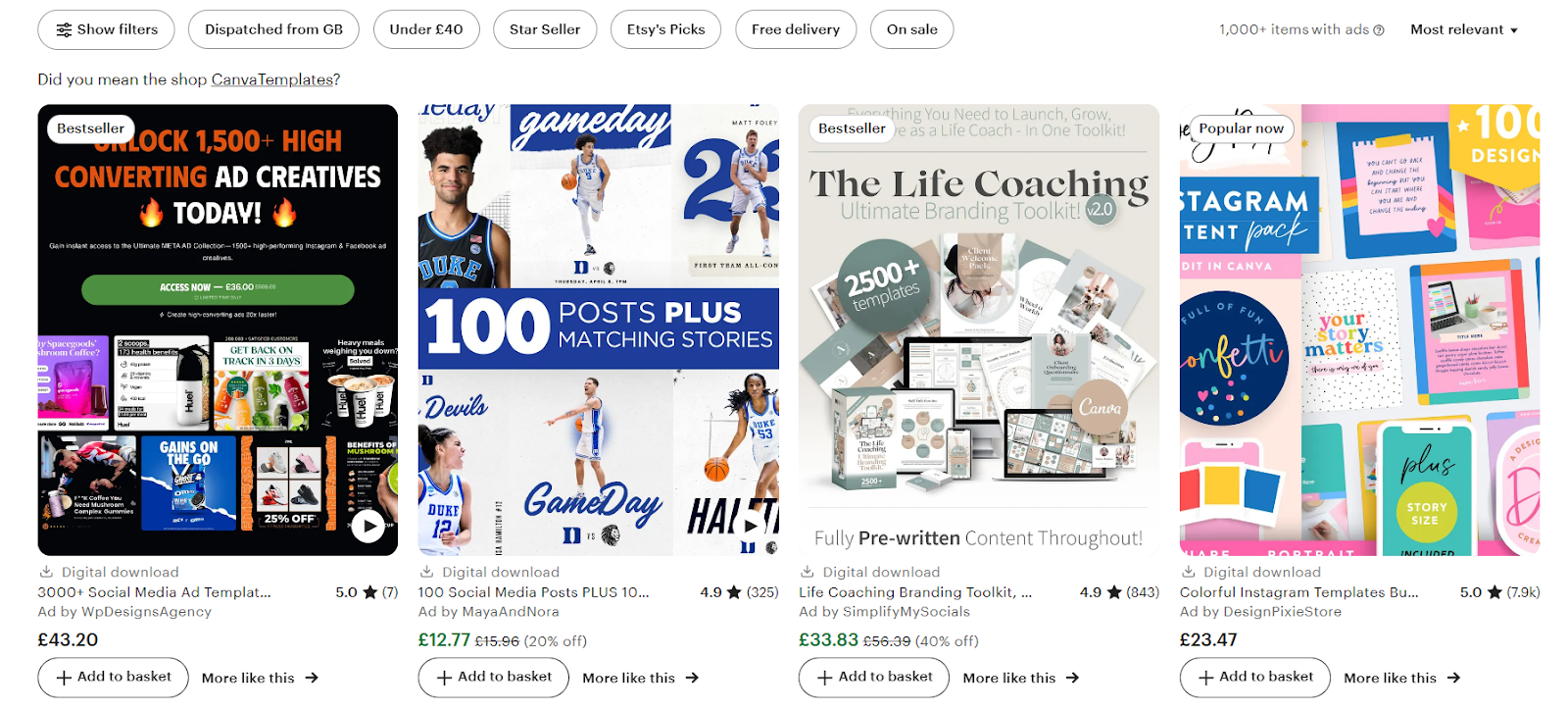
While Canva is huge, Etsy is one of the best places to showcase your templates. It is massive, with 400 million monthly visitors. People want done-for-you designs they can customize quickly, and anyone with a creative mindset can get involved.
Understanding Canva templates
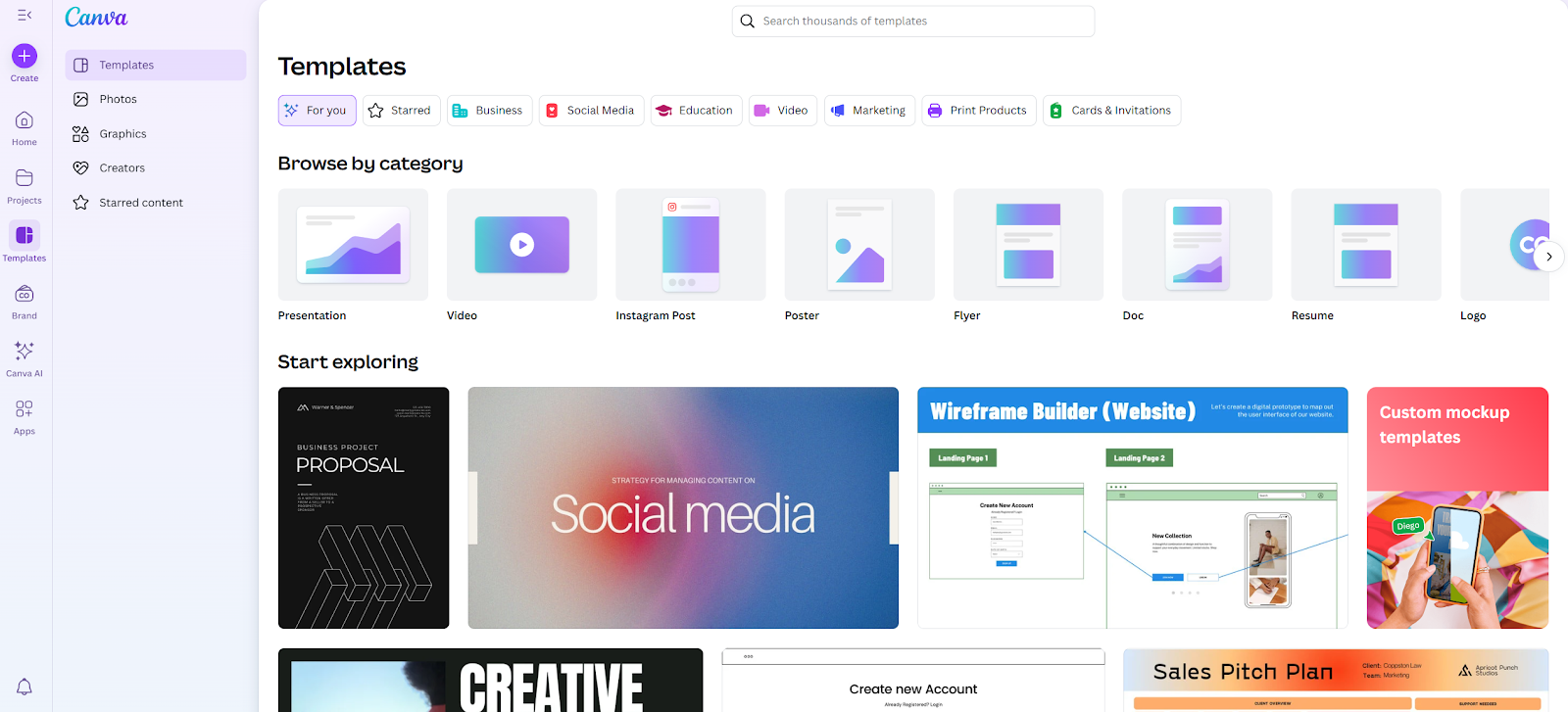
A Canva template is a predesigned file that someone can open in Canva, tweak to fit their brand, and save in minutes. It’s a shortcut. No blank page, no starting from scratch.
You can experiment with just about anything you can imagine, including presentation slides for webinars or client proposals, stationery and printables, and planners and workbooks. Social media graphics, such as Instagram posts and carousels, Pinterest pins, and even TikTok covers, are always in demand. Business tools such as pitch decks, media kits, price sheets, and marketing reports sell well too. These categories stay strong year after year.
There are plenty of high-demand niches to consider. From watching Etsy and Creative Market trends and testing ideas myself, these niches stand out:
- Coaches and consultants: welcome kits, coaching workbooks, client guides
- Wedding planners and event pros: invitations, seating charts, social media sets
- Course creators: lead magnets, slide decks, planners
- Real estate agents: listing presentations, buyer guides, marketing flyers
- Small-business owners: price lists, ads, email graphics
Canva lets you sell templates that use its free or Pro elements, but there’s a catch: You can’t resell raw assets or pass off Canva graphics without creating something original. Your buyers expect a polished, editable file, not a folder of random elements.
Getting started: Creating Canva design templates for sale
You don’t need a design degree to create templates people will buy, but you do need a plan. The sellers who succeed are intentional about what they design and how they package it. Here’s how to build templates that look professional, feel easy to use, and actually sell.
Research what’s trending
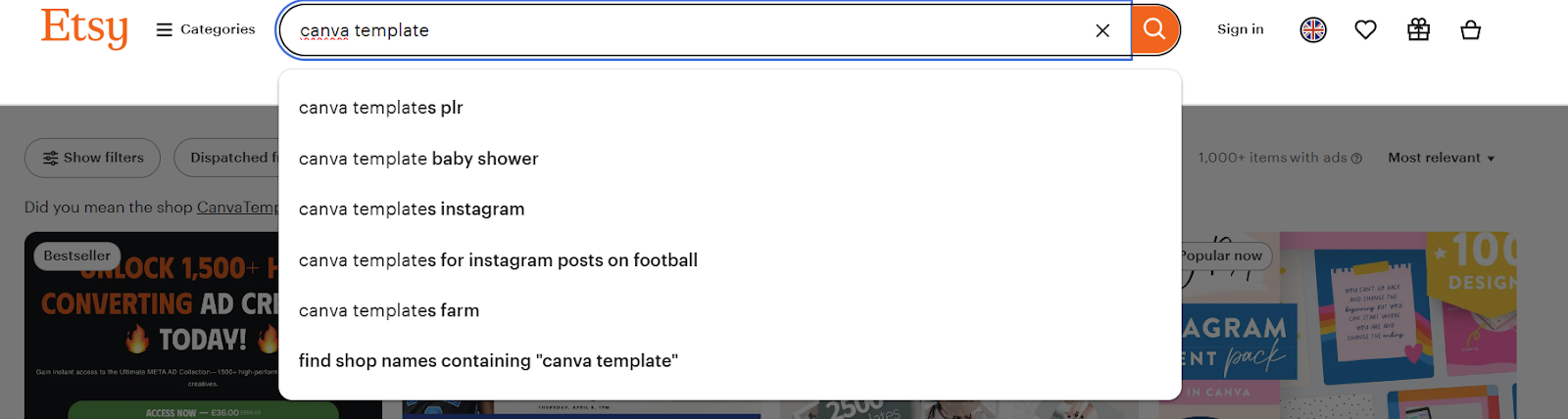
Start by checking what people are already searching for. I often head to Etsy and type “Canva template.” The autocomplete suggestions show what’s in demand. If you see “wedding welcome sign” or “Instagram story pack,” that’s what people are buying. Pinterest Trends and TikTok can reveal new looks and niches too.
Pick a niche and stick with it
New sellers often design a bit of everything, but the strongest shops feel unified. If you want to learn how to sell online and you’re into small-business branding, create social kits, logos, and price lists. Prefer weddings? Build invitations, programs, and signage. A clear niche builds trust because shoppers know what you’re good at.
Design for easy customization
Your customers aren’t designers. They want something that looks good right away and needs only a few quick changes. Here’s how to make things easy:
- Group related elements so they move together.
- Name pages and layers (e.g., “Cover,” “Instagram Post 1”).
- Use placeholder text, such as “Your Business Name” or “Insert Tagline.”
- Keep fonts and color palettes simple and changeable.
I like to add a short “Start Here” page inside every template that explains how to change colors, fonts, and images. That single page has saved me countless customer questions.
Use Canva Pro features to speed up your work
You can create with a free account, but Canva Pro can save you hours once you start selling. A few features are worth the subscription:
- Brand Kit: Store colors, logos, and fonts for quick application.
- Magic Resize: Instantly convert a design into different sizes (e.g., Instagram post → Pinterest pin).
- Background Remover: Clean up product photos or headshots in seconds.
- Folders: Keep multiple template sets organized.
Create a polished delivery experience
How you package your product matters as much as the design itself. Here’s what I do:
- Share as a template link: In Canva, click “Share,” then “Template link.” That way, your customer gets their own copy to edit, not your original file.
- Bundle files: I include a PDF that says “Click to access your template” with the live link inside. It’s simple and reduces confusion.
- Organize large packs: If you’re selling dozens of pages, create a cover image and label sections clearly.
I also like to add a quick feedback or inquiry form so buyers can reach me if something breaks or they have trouble editing. Jotform makes this easy; you can add a form to Canva right into your instructions PDF or customer guide so they’ll never have to hunt for support.
Test before you sell
Never let your first customer be the guinea pig. Open the template using the shared link to see what they’ll see. Can you edit everything as expected? Do fonts and colors stay intact? If possible, ask a friend to test it too. I once forgot to ungroup a background image and got a flood of “I can’t move this!” messages. A two-minute test would have saved hours of support.
Where to sell your Canva templates
Once you’ve built a few polished templates, decide where to sell them. The platform you pick shapes your early results.
Etsy: The beginner-friendly marketplace
For quick exposure, Etsy is often the best place to start. Millions already shop there for planners, social kits, and brand assets. You don’t need an audience on day one because the traffic’s built in. Just know that fees add up and competition is stiff, so your mockups and listings must look sharp.
The official Canva template marketplace
Creative Market has a more design-savvy audience. If your work is polished and you want higher pricing potential, this marketplace can work well. Premium branding kits tend to sell better here than on Etsy because the buyers expect professional-level designs.
Things to know:
- Approval is required. Not every shop gets accepted.
- You’ll compete with experienced designers, so presentation matters.
- Higher price points are common, which can be worth the extra effort.
Your own website or shop
What is the best platform to sell online? Platforms such as Shopify, Sellfy, and Whop offer greater control and stronger marketing options. If you’re looking for a little more flexibility, there are a lot of great tools out there. Personally, I love Jotform.
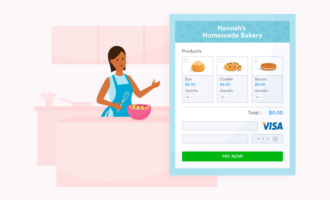
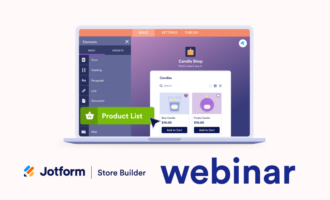
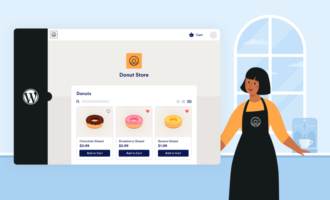
With the Jotform Store Builder, you can create a small e-commerce store, customize the look and theme, and use the Jotform Shopping Cart plug-in to add everything straight to your WordPress website.
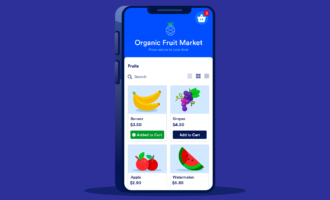
If you’re looking to appeal to the mobile market, you can build a custom shop, or you can build a selling app using Jotform Apps. You can create a simple app in seconds, share it with a custom URL or QR code, and even control who gets access. This is a practical next step if you’re ready to own your audience rather than rent traffic from a marketplace.
Social media selling
Instagram, TikTok, and Pinterest can bring a surprising number of buyers. I’ve used short clips to show how a plain design can turn into something polished. These clips outperform any still image. Pinterest is especially powerful because pins keep sending traffic months after you post. Always drop your shop or website link in your bio so curious viewers can buy right away.
Pricing your Canva templates
Setting prices can feel awkward at the start. You want to be affordable but not cheap, and it’s easy to guess wrong. Over time, I found that keeping pricing simple but flexible works best so customers know what to expect, and I can adjust as my shop grows and my products prove their value.
Quick tips:
- Start with value, not just time: Many new sellers price based only on the hours they spent designing. That’s a mistake. A template’s worth is tied to the time it saves your buyer, not just the time it took you to create. For example, a $15 Instagram template pack might save a small-business owner hours of design work each week. That’s a huge return for them.
- Check the market (but don’t copy blindly): Browse Etsy and Creative Market to see what sellers in your niche charge. Instagram carousel packs often fall in the $10 to $20 range. Larger bundles, such as full brand kits or 50-plus-page planners, can go for $30 to $60 or more. Look at the number of sales and reviews for insights. You could also use Jotform to create surveys that ask your target audience what they’re willing to pay.
- Use bundles to increase your average order value: Selling single templates is fine, but bundles can raise your earnings. If you have three related products, such as Instagram posts, Stories, and Pinterest pins, package them at a small discount. Many buyers will choose the bundle because it feels like a better value.
- Consider memberships or subscriptions: After you’ve built 20 or more products, consider a subscription model. Some sellers charge monthly for full library access; others offer yearly plans with updates included. Platforms like Shopify and Sellfy make managing memberships straightforward.
Most important, adjust over time. Your first price doesn’t have to be permanent. Launch at an accessible rate to build reviews and social proof. Once sales are consistent and your shop has credibility, raise prices slightly.
Marketing your Canva templates
Once your products are listed, the next challenge is getting people to find and buy them. Good design alone doesn’t guarantee sales. You need to show up where your ideal buyers spend time and make it easy for them to buy something. Here’s how to get started:
SEO: Helping buyers find you
Search engine optimization isn’t just for blogs; it’s key to selling templates online. On Etsy, your title, tags, and description decide if shoppers see you.
- Use straightforward keywords: Use phrases buyers are likely to type, such as “Instagram Canva template pack” or “wedding welcome sign Canva.”
- Fill all 13 Etsy tags: Don’t repeat the same term. Mix in phrases like “Canva templates for Etsy,” “social media template set,” or “wedding signage.”
- Write natural descriptions: Describe what the buyer gets and how it helps. Use your target keyword only when it makes sense.
For your own website, add blog posts that respond to common searches, such as “How to design a social media kit?” or provide a Canva tutorial on customizing your templates.
Social media marketing
Social media can drive serious traffic, especially on visual platforms:
- Instagram Reels and TikTok: Use these platforms to show a quick transformation: a blank page turned into a stunning design with your template. Short, snappy videos work better than static images.
- Pinterest: Pinterest is still one of the best channels for creative products. Pin the images from your listings, create carousel pins showing multiple pages, and link back to your shop.
- Stories & Lives: Showing behind-the-scenes design sessions builds trust and demonstrates your expertise.
Build an email list
To build steady income, don’t rely only on social algorithms. Create an email list so you can talk to buyers directly.
- Offer a free mini template in exchange for their email.
- Send quick updates about new product launches, Canva tips, or seasonal offers.
- Include a simple support or inquiry form in your thank-you PDF. Jotform’s tools can help you create an easy and polished form.
Pro Tip
If you’re running your own shop, Jotform’s store and form tools keep subscriber and buyer info organized in one place. You can collect customer email addresses easily and maintain ownership of your audience.
Get involved with other creators
Partnering can expose your templates to the right audience fast.
- Reach out to coaches or content creators who use Canva. Offer free access so they can review or share your designs.
- Join product bundles in which multiple sellers contribute tools for a discounted package.
I’ve also used small affiliate deals that allow another creator to receive a share of each sale they send my way, which expands my reach without any up-front ad spend.
Best practices for selling Canva templates
Making that first sale is exciting. Turning it into repeat business is where things really start to grow. A few simple habits help:
- Respond quickly: Customers sometimes say, “I can’t edit the text,” or ask, “Where’s my download link?” Save time by creating a short FAQ and providing an easy way for them to contact you.
- Refresh and update products: Design styles move fast. Fonts, colors, even Instagram’s post sizes all change. Every few months scroll through your shop. Anything that feels tired should get a light makeover. That may mean swapping in new color palettes or adding a few fresh layouts.
- Follow the numbers, not your hunches: Watch the stats. Etsy tells you which listings people view, favorite, and buy. Pinterest shows which pins drive clicks. Using the data saves you from guessing what to make next.
- Make downloads foolproof: Customers should never wonder how to use what they bought. I package everything in a PDF with one big “Click here to access your template” button. Inside, I include a two-minute editing guide. For large packs, I label sections clearly (Instagram posts, Stories, Pinterest pins).
Also, pay attention to customer feedback from social media, forms and surveys, and reviews. That’s how you figure out what you need to improve.
Using Jotform to power your template business
Selling templates will be simple at first: a few listings, a few downloads. But as orders grow, you’ll want smoother ways to collect payments and manage customer info.Perhaps you’ll even want to build your own store. This is where Jotform can help.
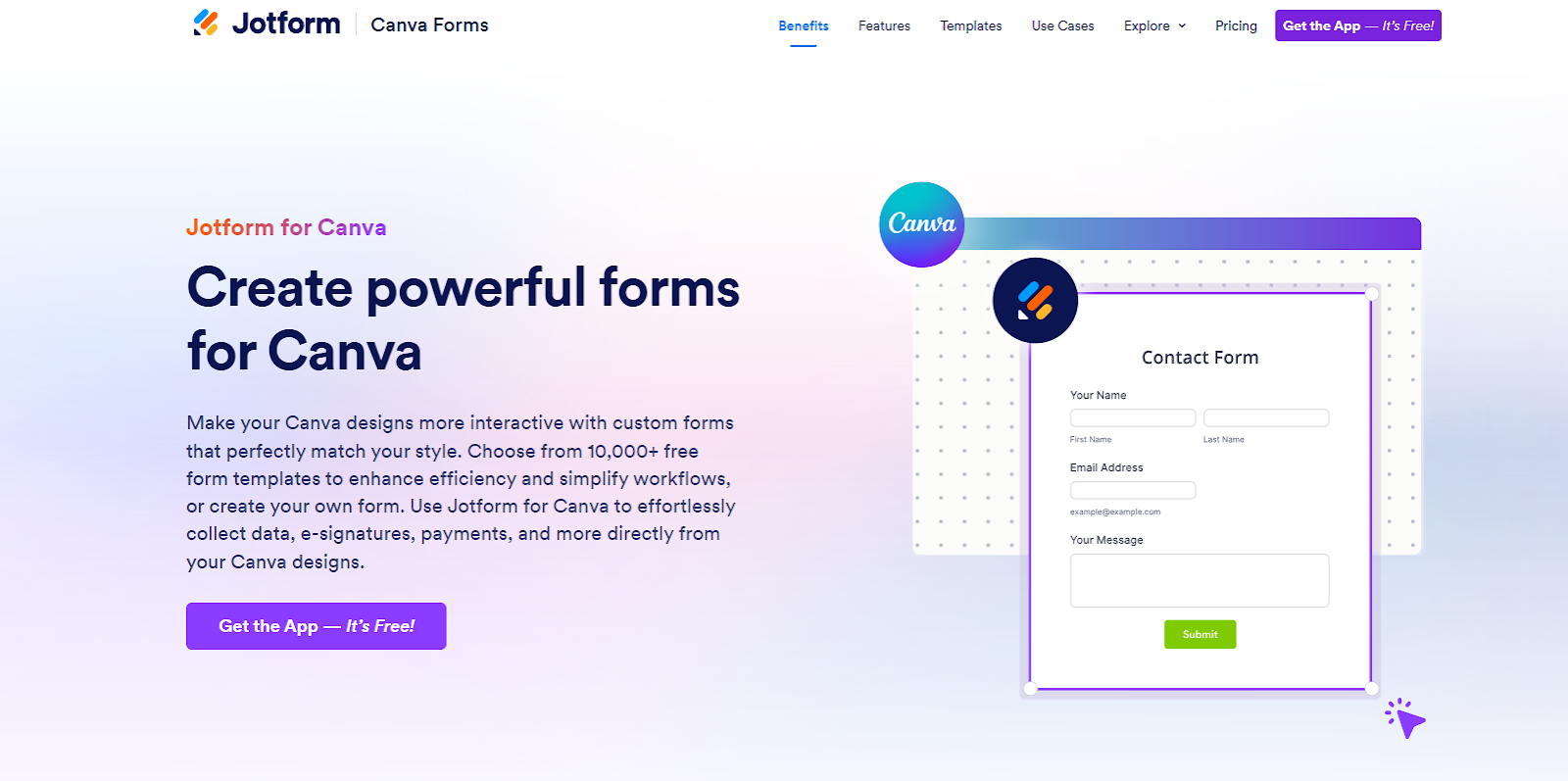
Jotform for Canva allows you to seamlessly embed forms into Canva designs and gives you over 20,000 templates that you can customize in seconds with a simple no-code drag-and-drop builder. Once you’ve created the perfect form, you can add it to your Canva template.
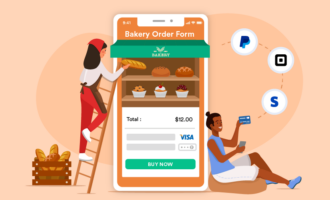
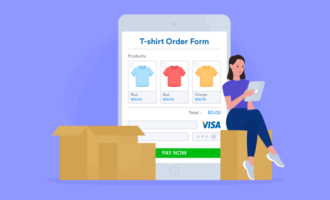
I’ve created forms for gathering general feedback and surveys intended to give me insight into the kinds of Canva templates my customers really want. You can also use forms to handle the admin parts of selling templates. Jotform supports e-signature collection, secure payment processing through PayPal, Stripe, or Square, and automated approval workflows.
My favorite part is that you can add conditional logic, so a form adapts to each buyer. For example, the form could show extra fields if someone wants custom colors or fonts. This feature reduces back-and-forth emails with customers.
In addition, Jotform’s analytics help you track form submissions, payments, and customer requests in one place, which saves a lot of time. You can also automate follow-up emails, such as sending a thank-you note or upsell offer right after purchase. If you’re looking for a handy, no-fuss way to take your template selling business to the next level, this is a good place to start.
Selling Canva templates online: The easy way
Selling Canva templates isn’t complicated once you know the steps. With tools like Canva Pro to speed up design, and Jotform to handle sales, support, and store creation, you can build a small, steady source of income and scale it when you’re ready.
I’ve used this process to turn spare design time into a business that works in the background. Templates I created years ago are still selling today because I update them, pay attention to analytics, and make the buying experience simple.
Now it’s your turn. Pick a niche, create one high-quality template, and put it out there. Start small, then refine and expand. The sooner you list your first product, the sooner you’ll understand how to sell Canva templates in a way that fits your skills and goals so you can start earning from your creativity.
This article is for aspiring digital creators, designers, coaches, and small-business owners who want to learn how to sell Canva templates and build reliable passive income. It’s especially helpful for beginners who need a clear, step-by-step process for creating high-quality templates, choosing the right Canva template marketplace.



















































Send Comment: