
As an all-in-one business management software platform, SuiteDash gives many businesses a way to manage their operations, collaborate with teams, and meet with clients from a central hub.
While this platform works well for many service-based businesses that emphasize client communication, some companies find SuiteDash too complex for new users. It also offers limited customization, which can be an issue for businesses that need more flexible integrations and specific scheduling features. Small businesses may also findSuiteDash expensive, leading them to seek out alternatives.
To help you choose the best business management software platform for your company, this post explores what features to look for in a SuiteDash alternative that supports better time management. We’ll also examine the top alternatives and share tips for choosing a platform that fits your business’s specific needs.
What to look for in a SuiteDash alternative
Your business management software platform needs to handle multiple tasks to keep operations running smoothly and help teams and clients stay connected. The following features are essential in any SuiteDash alternative.
Customizable client portals and branding
Companies that deliver great client experiences build long-lasting relationships with customers. Customizable client portals give customers a secure online space to access project updates, documents, and communication tools, making it easier to collaborate with your business. These portals integrate with your CRM software, creating a personalized experience and improving transparency with real-time updates and progress reports.
You can also customize your portals with your logo and company colors to reinforce your brand identity and present a professional appearance. This feature not only optimizes workflows but also builds trust and loyalty with your clients.
Project and task management
Project management software tools break projects into manageable tasks, making them easier to plan and schedule. Meanwhile, task management systems assign those tasks to the right people, prioritize assignments, and set deadlines. This improves productivity by clarifying everyone’s responsibilities for a project and tracking progress.
Appointment scheduling and calendar integrations
Manually organizing everyone’s schedules and availability is time-consuming. Appointment scheduling and calendar integrations streamline this task by automatically updating member availability, sending reminders, and letting users set appointments through online booking. Appointments can be synced with Google Calendar, Microsoft Outlook, and others, making team management easier.
This increases efficiency and improves the client experience by saving time and reducing missed appointments. With fewer double-bookings and no-shows, businesses can use their resources more efficiently.
Payment processing and invoicing
Whether you have a small staff or manage hundreds of employees, an efficient payment processing and invoicing system streamlines your financial operations and reduces costly errors. Automating tasks such as invoice generation and payment tracking frees your team from time-consuming manual tasks while improving accuracy. The result is better cash flow management,fewer disputes, and easier compliance with any financial requirements.
Team collaboration and communication tools
Communication is key when managing projects with multiple team members. Clients also need efficient ways to share feedback and information. Tools such as video conferencing and instant messaging help teams stay updated and collaborate more easily. A centralized information hub gives authorized users access to project details, improving accountability, transparency, and decision-making.
Automation and third-party integrations
Not all tasks need to be completed manually. By using software to automate data entry and repetitive tasks, you’ll free more staff members for strategic tasks. Third-party integrations also connect software platforms to one another, allowing faster data-sharing between clients and team members. This results in improved response times, quicker decision-making, and more efficient project completion, leading to improved customer satisfaction.
Top SuiteDash alternatives
The following SuiteDash alternatives offer project management, communication tools, automation, and other features that can improve business efficiency and client collaboration. We’ve also listed the types of businesses that benefit most from each option.
1. Jotform
Jotform’s software platform is ideal for businesses and professionals looking for a no-code solution for essential tasks such as data collection, calendar automation, and appointment scheduling. With a focus on simplifying data collection through customizable forms, it’s perfect for creating branded booking orders, reservation requests, or signup forms.
Advanced appointment scheduling features, including a free online scheduling tool, lets users set available days, times, and durations. Once a slot is booked, it automatically closes to prevent double bookings. You can also integrate with Google Calendar, Calendly, and Outlook (using Zapier or similar tools) for seamless data-syncing. Automated reminders, confirmations, and follow-ups reduce no-shows and keep workflows streamlined.
Need to know how to schedule an appointment? Jotform provides useful tutorials and guides for how to use the features and updates to its Form Builder, simplifying any learning curves.
Jotform also lets you easily collect payments using more than 40 different payment integrations, including PayPal and Stripe. This provides clients with plenty of options, making it convenient to manage cash flow.
2. Clinked
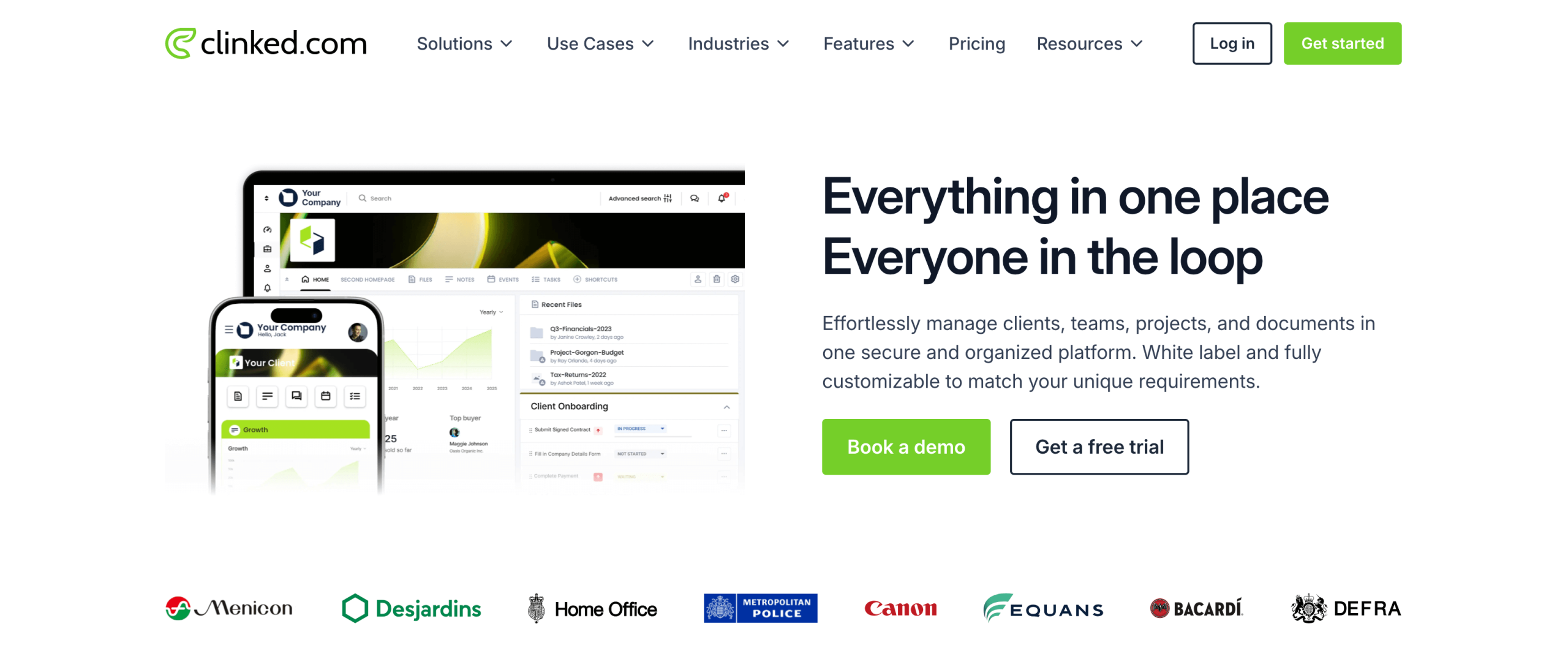
Clinked is a cloud-based collaboration platform with strong encryption that protects sensitive client data while keeping it accessible to authorized users. It also offers clients and team members plenty of communications options, including one-on-one chats, group messaging, and company-wide announcements.
The client portal is customizable, allowing you to fully white-label it with your company logo, colors, and branding elements. The platform also supports 14 languages, making it a great fit for businesses with a diverse clientele.
Clinked is ideal for companies that need a secure platform for collaboration and communication. Accounting firms and other service-based businesses can benefit from its document-sharing, client management, and knowledge base features.
3. Copilot
Copilot integrates AI into familiar Microsoft 365 tools such as Word, Excel, and Outlook, helping businesses streamline tasks and enhancing productivity. This platform can automate repetitive tasks such as email summarization and document drafting, freeing employees for more strategic work. It also helps manage email communication, which improves collaboration.
The platform also analyzes data from multiple sources to identify trends and patterns so your business can make more data-driven decisions. Because Copilot is built on Microsoft’s security infrastructure, clients can be assured that their data is protected by strong security features.
Many small to midsize businesses (SMBs) benefit from Copilot. Retail companies have used Copilot to optimize their inventory and improve supply chain management, while banks and other financial institutions have used it for fraud detection and to automate repetitive tasks. In addition, healthcare providers can process data faster with Copilot, aiding in medical research.
4. Zoho One
Integrating more than 40 cloud business applications into one platform, Zoho One provides a comprehensive business management software platform that can function as your business’s operating system. The applications can help manage your CRM, customer support, HR, finance, marketing, sales, and more from one unified platform.
Zoho One also provides an AI assistant, Zia, that can retrieve customer data for sales teams or automate repetitive workflows. Business intelligence features help analyze trends and generate insights from spreadsheets, while internal chat software lets team members communicate easily across the company management system.
Privacy and security tools guard against data breaches, and businesses can access the cloud-based system from anywhere with an internet connection. Each Zoho One app also has a mobile version, so teams can work on the go. This versatility makes Zoho One useful for businesses in the insurance, hospitality, travel, and nonprofit industries.
5. Accelo
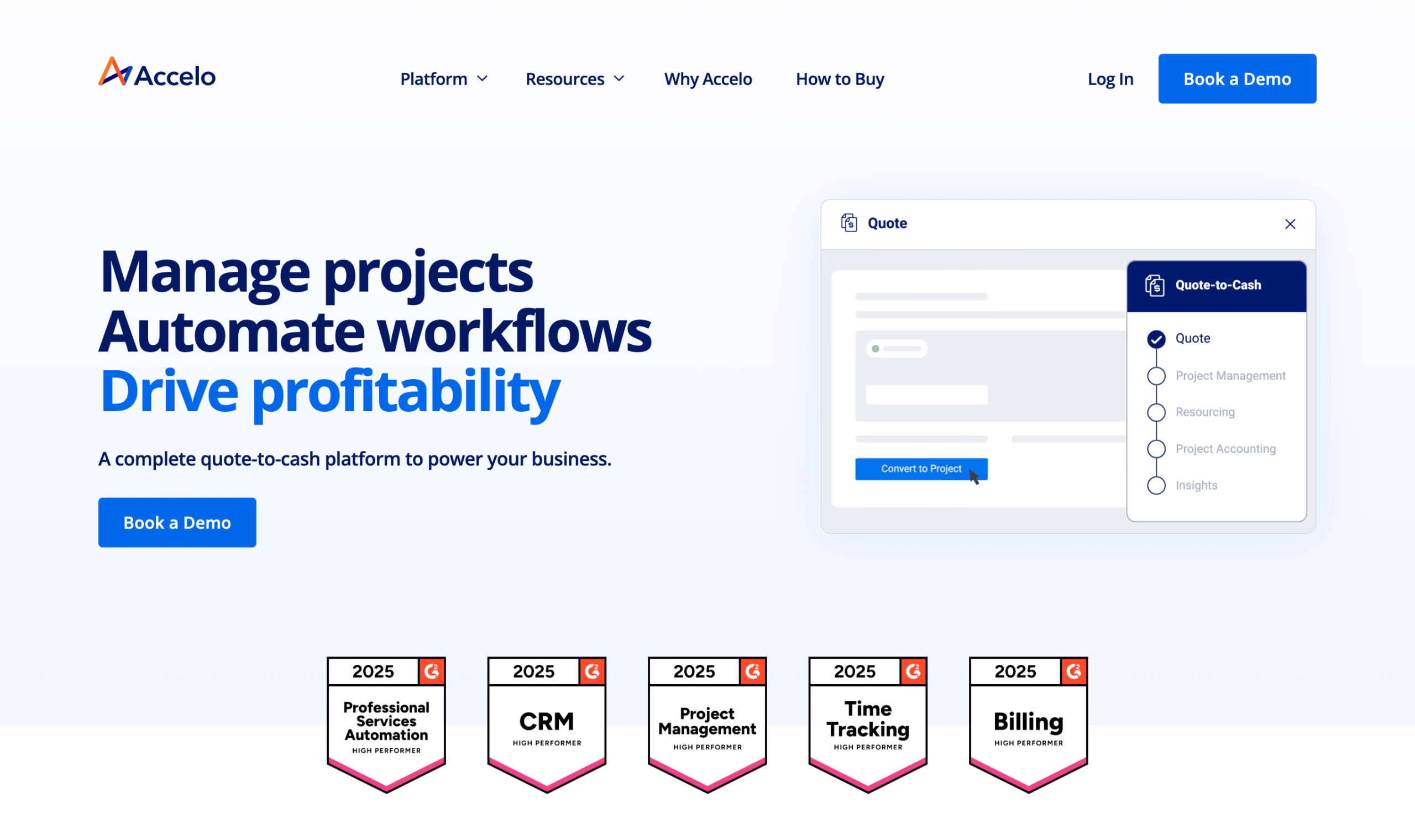
Designed to help professional service businesses maximize efficiency, Accelo is a cloud-based client work management platform with a comprehensive suite of software tools. It offers a centralized place to store and manage client profiles, project details, communication history, and work tasks. Built-in communication features let teams connect securely with clients, while automation features streamline common tasks such as invoice creation and email reminders.
According to Accelo, the average business has a 46 percent increase in annual revenue when using their platform. Companies that have benefited from Accelo include web design and development firms, technology consulting firms, and engineering companies.
6. Monday.com
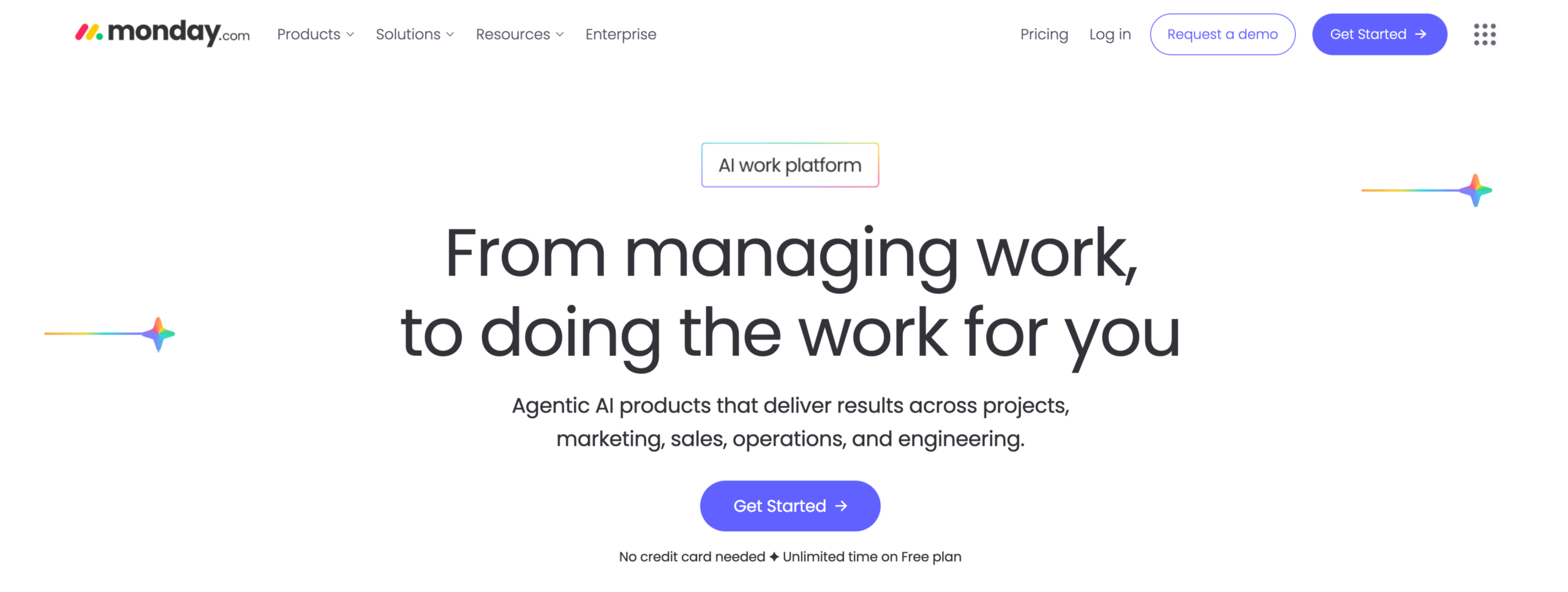
Monday.com’s cloud-based management platform lets businesses tailor workflows using a drag-and-drop interface. Its customizable options make it popular because teams can adjust their workspaces to track and prioritize their tasks more efficiently. Prebuilt automation templates save businesses time by handling repetitive tasks, such as sending notifications.
The platform also integrates with other apps, so teams can add new tools without switching between systems. Teams can visualize data through charts, graphs, and timelines, and share information easily. While some users find the customization options difficult to learn and the lack of internal communication tools limiting, companies in the technology and marketing industries find this platform effective for managing resources and streamlining workflows.
7. Asana
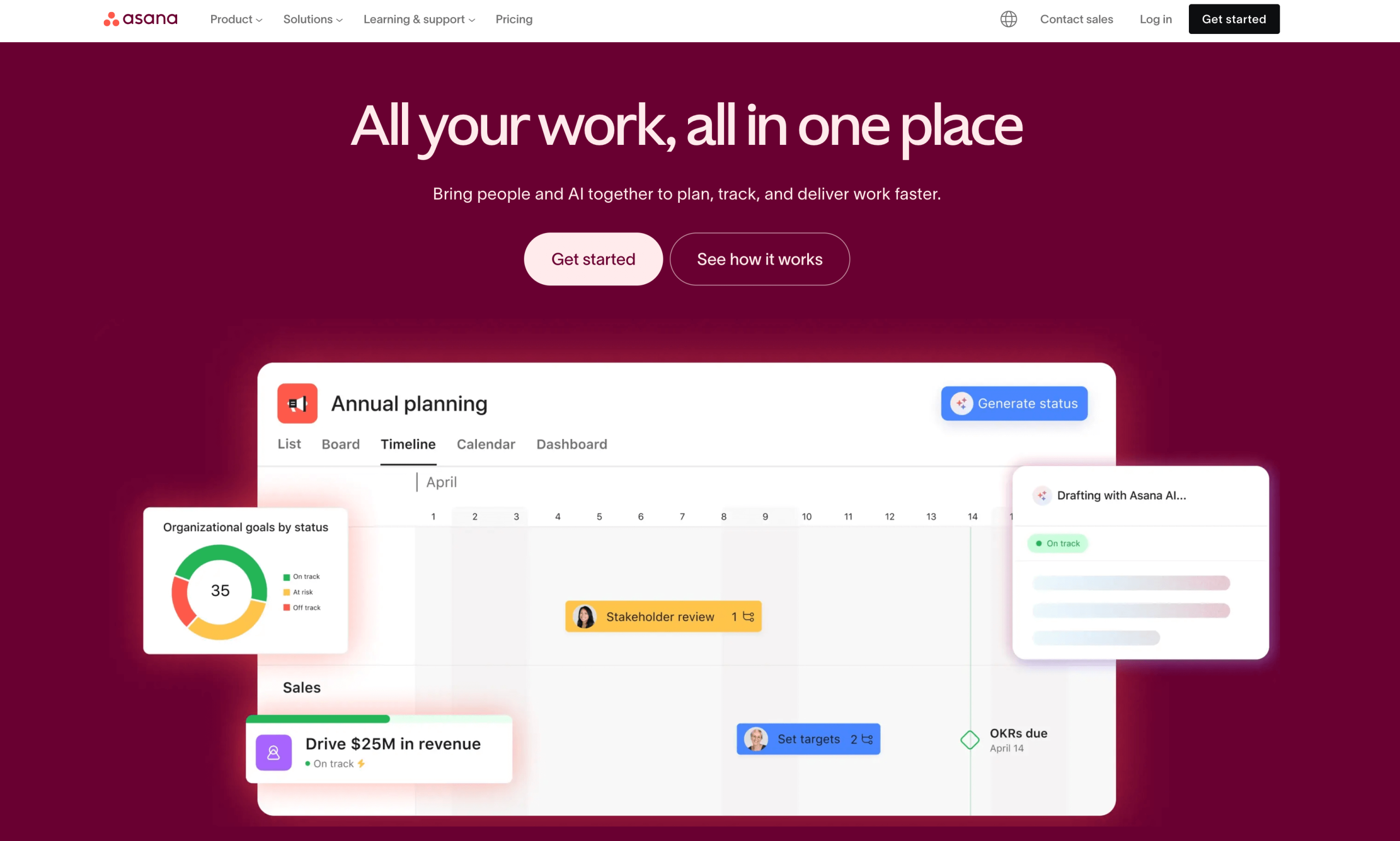
Asana’s web and mobile work management system offers more than 300 integrations, giving you several options to enhance the existing platform with third-party apps such as Slack, Zoom, Google Drive, Salesforce, and more. It also includes a no-code builder for designing AI agents that automate tasks and analyze data, helping teams process project management data and get suggestions for workflow improvements. Teams can also use Asana’s communication tools to leave feedback and discuss project progress in one central space.
All these automation options make Asana a popular choice for businesses in the healthcare, education, and software industries. Having to manage complex projects and workflows can be time-consuming, and Asana’s integrations and prebuilt automations help improve efficiency.
8. Flowlu
If you’re looking for an all-in-one solution to manage your business operations, Flowlu provides a centralized business management software platform that streamlines many workflow processes. It offers CRM features such as contact management and lead tracking to help manage customer interactions, while its project management tools let you track progress, visualize timelines, and assign tasks. The system also includes automation options for repetitive tasks, freeing team members for more creative work.
SMBs tackling several projects will appreciate that Flowlu offers unlimited projects and tasks, even on its free plan). Remote workers can also take advantage of Flowlu’s cloud-based platform and mobile app to collaborate from anywhere. A secure client portal reassures clients that their data is protected with secure encryption tools. IT, consulting, and marketing firms have all benefited from Flowlu.
9. HoneyBook
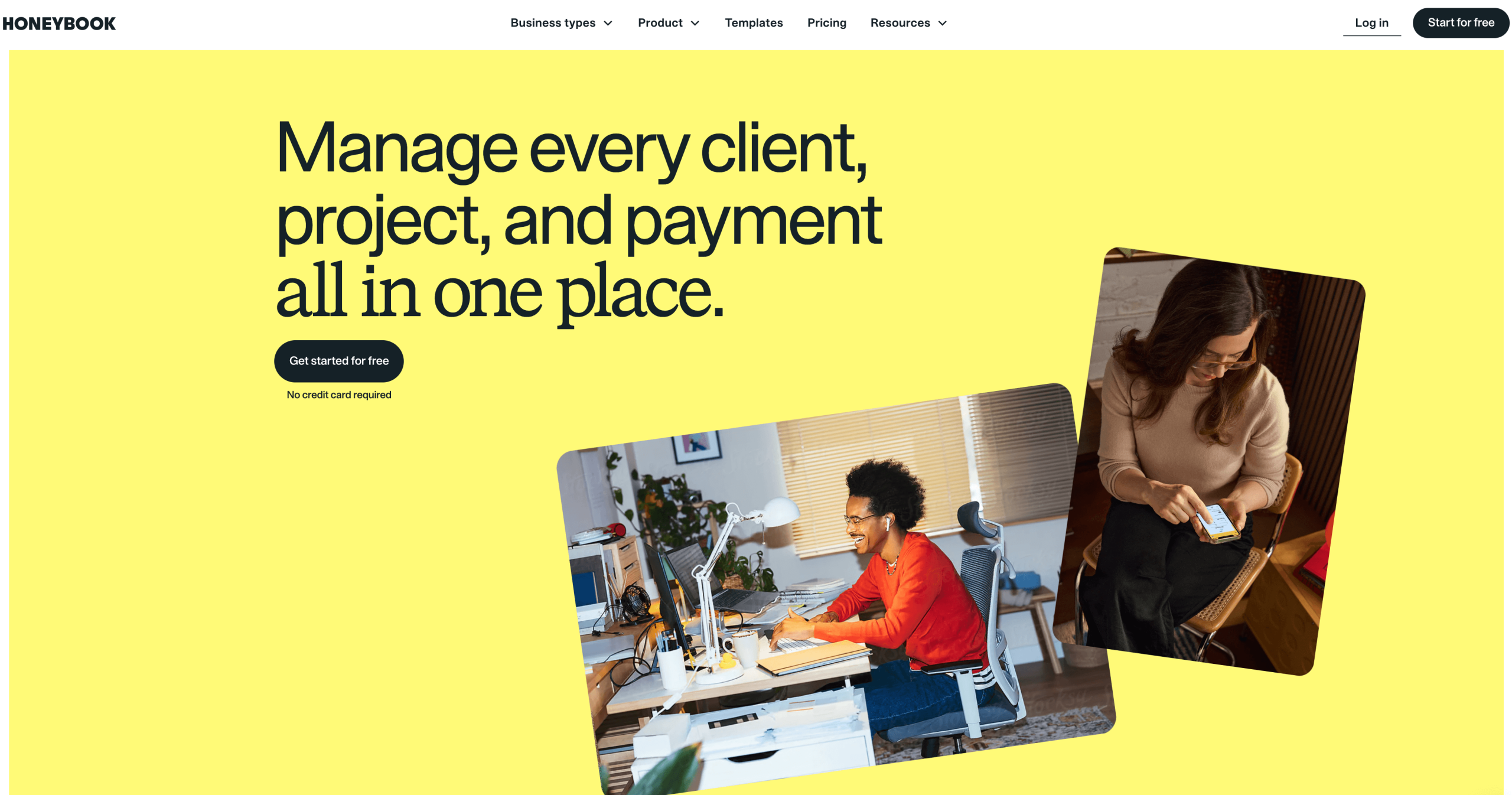
HoneyBook’s CRM and project management software is designed for creative entrepreneurs and service-based businesses such as coaching and consulting firms. It provides an all-in-one platform with scheduling, invoicing, contract, proposal, and payment tools, all managed from a single system.
Clients and staff find the platform user-friendly and intuitive, although those new to CRM software may face a learning curve. Small businesses will appreciate automation features that handle tasks such as sending emails and scheduling calls, easing the strain on smaller teams. Ultimately, if you’re a small business specializing in creative services such as graphic design, photography, or website design, HoneyBook can handle many of your day-to-day logistics.
10. Notion
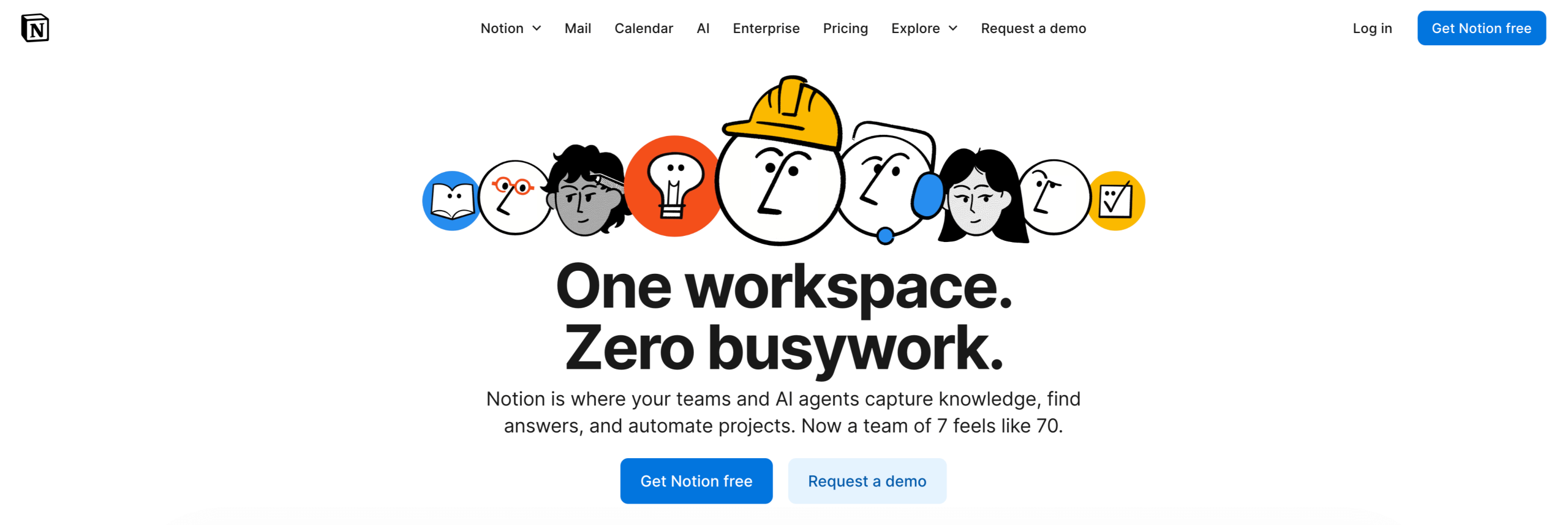
Companies looking to improve knowledge management and organization can benefit from Notion, an all-in-one workspace for note-taking, project management, and company wikis. The platform is highly customizable and supports a variety of workflows, with a centralized hub for storing project data, tasks, and notes. AI tools can also help edit, draft, and translate documents.
Project management tools make it easy to track project progress and set reminders, while shared workspaces let team members collaborate on documents in real time. If you need to expand your tool set, Notion integrates with Google Calendar, Slack, and other third-party apps.
While Notion has been used to build complex company wikis and documentation, its flexibility also makes it a good option for simpler project management needs. That said, companies focused on improving knowledge management have benefited from using Notion as a central repository for information for employees.
Tips for choosing the right alternative
When selecting a business management software platform for your company, it’s tempting to go with whatever system is popular among your competitors.
However, the smartest choice is one that matches your unique business needs, including client management, scheduling, and integrations with third-party apps. The right platform gives you the tools to optimize performance and provide a more rewarding experience to your clients.
It’s also important to consider how well a new management platform will integrate with your existing tools, which can make the transition smoother for your staff and clientele. Pricing and support features matter too, because certain SuiteDash alternatives are better suited for different budgets.
Most important, think about how well the platform will grow with your company. The best business management platforms are built to scale so they can manage increased transactions and heightened traffic. Make sure your platform’s tools can still accommodate your needs in the next five to 10 years.
Jotform offers a user-friendly alternative to SuiteDash that streamlines data collection while improving collaboration, communication, and security. It requires no coding and has a low learning curve, making it ideal for many businesses. Nonprofits, healthcare companies, and educational institutions have all enhanced their workflows with our system. Learn how you can benefit by browsing our website.
This article is for small to midsize businesses, service providers, and teams seeking a simpler alternative to SuiteDash—especially those needing flexible scheduling, easy integrations, streamlined client collaboration, and scalable tools without a steep learning curve.






















































Send Comment: