
A high-quality website is one of the most important factors in determining your business’s success. Your website is a potential customer’s first impression of your brand, and how well it’s constructed has a major impact on whether they purchase your product or service.
For example, 50 percent of consumers believe that website design is central to a company’s brand. That’s why you need the right tools to build your website.
Wix and GoDaddy are two of the most popular website builders on the market today. Each solution offers helpful features that make it easier for you to build your online presence, but they differ in a few key areas that may make one better for your needs than the other.
We’ll compare these two tools, along with powerful alternatives such as Jotform, so you can make an informed decision when it’s time to build your business website.
 Wix |  GoDaddy |  Jotform | |
|---|---|---|---|
| Best for | Design flexibility, website optimization, and advanced customization | Quick implementation of simple sites | Rapidly building mobile-optimized sites with forms |
| Templates | More than 2,000 website templates available | More than 100 simple starting templates | More than 300 online store templates, plus more than 20,000 form templates |
| Speed | Moderate; setup complexity can slow down launch times for newer users | High; offers streamlined site-building with Airo AI Builder | High; sites are generated using a single AI prompt |
| Conversion potential | Strong, thanks to SEO features and third-party apps | Moderate, with simple lead pathways | Excellent, with use of integrated form and lead-capture workflows |
| Free plan/trial | Free version available with onsite Wix branding | Free version available with onsite GoDaddy ads | Free version available with onsite Jotform branding |
| Pricing | Free, or $17–$159 per month when billed annually | Free, or $9.99–$20.99 per month when billed annually | Free, or $34–$99 per month when billed annually |


What is Wix?
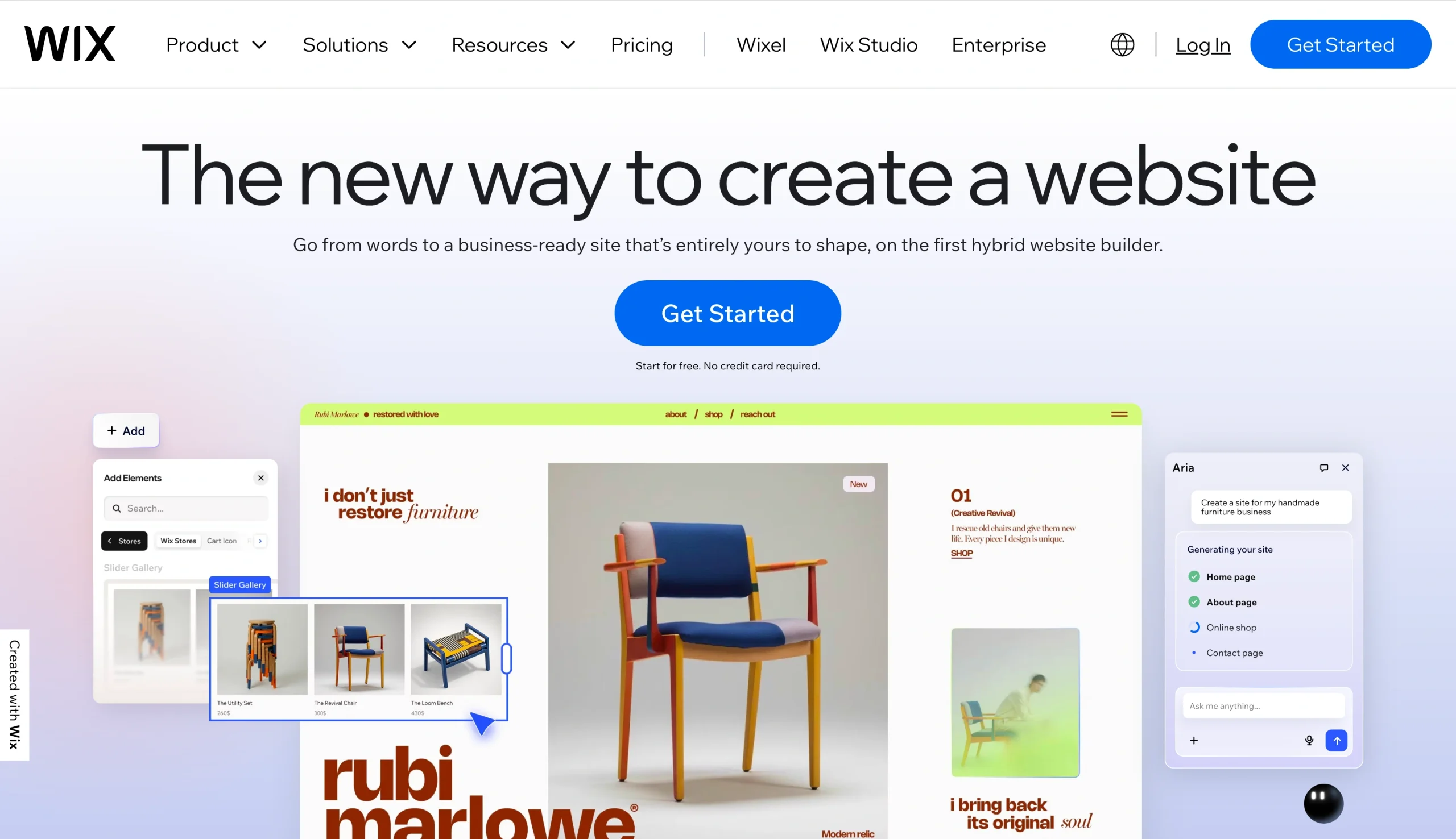
Launched in 2006, Wix is an established, popular website builder worldwide, known for its design flexibility and drag-and-drop interface. Wix’s extensive features and advanced options, particularly in SEO and content optimization, make it a top choice for businesses seeking the most professional and scalable website experience possible.
- Pros
- Highly customizable, drag-and-drop interface
- Flexible, extensive design capabilities
- Large template library suitable for many industries
- Cons
- Can be overwhelming for beginners due to high feature density
- Difficult to switch templates post-publishing
Who should choose Wix?
Wix is the right choice for businesses looking to maximize the number of tools available to them during the website-building process. This is especially true when it comes to SEO; the built-in Wix SEO tools include the following:
- Robots.txt editor
- Structured data markup
- Server-side rendering
- URL customization
- Custom meta tags
- Robots meta tags
The Wix website builder is also structured around its free drag-and-drop editor. This offers greater design flexibility than grid systems, which can be rigid and limiting. This feature makes Wix a positive choice for design-focused websites (though it may require a how-to Wix guide for those unfamiliar with site-building).
Wix also offers a variety of capabilities that make it easier to build and enhance your site. For instance, Wix has more than 2,000 templates you can use to quickly create your site’s overall structure. More than 500 third-party apps are also available via Wix.
Pro Tip
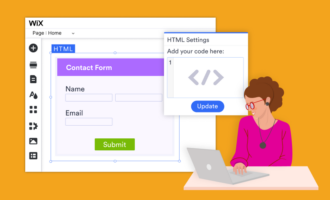
Enhance your Wix website with the Jotform and Wix integration. With this integration, you can
- Add a Wix contact form directly to your site
- Collect registrations
- Sell products and collect payments
What is GoDaddy?
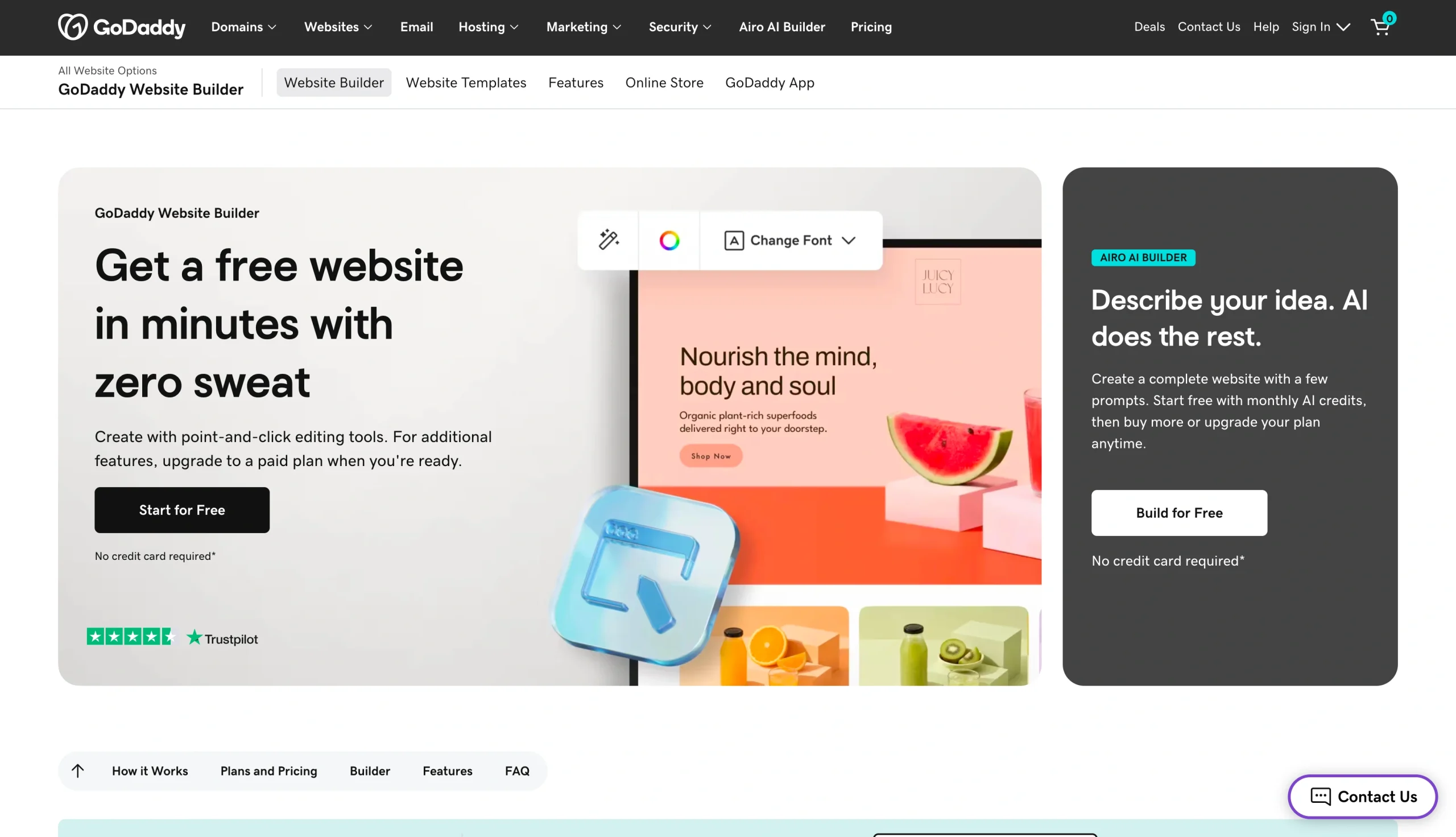
Primarily known for its popular domain registration and hosting services, GoDaddy also offers website-building services focused on speed and ease of use. Built around a simple workflow, GoDaddy’s website builder relies on its native AI solution, Airo, to streamline the site creation process. GoDaddy also offers a drag-and-drop customization option that is known for its user-friendly interface.
- Pros
- Fast, beginner-friendly website setup tools
- Simple interface with minimal learning curve
- Integrated marketing and social posting tools
- Cons
- Limited customization and design options compared with competitors
- Fewer advanced SEO, commerce, and third-party integration options
Who should choose GoDaddy?
GoDaddy is ideal for those looking to build a basic website as quickly as possible. GoDaddy users can rapidly generate and launch functional websites that offer no-nonsense lead capture and online marketing.
It’s also worth noting that if your domain already exists with GoDaddy, building your site on their native platform will trim your digital toolbelt and simplify your website management.
GoDaddy is also a preferred option for businesses seeking accessible AI capabilities in their website builder. With the Airo website builder, GoDaddy places AI at the core of its site-generation strategy. Airo AI Builder is often considered the best AI website builder for small businesses, thanks to its streamlined design. GoDaddy offers other AI tools, including an AI-powered logo maker and domain name generator.
For businesses looking to use their website to schedule appointments or demos, GoDaddy offers built-in appointment scheduling on most plans. This resource can help improve your site’s lead generation and conversion rates.
Pro Tip
Want to enhance your GoDaddy site’s lead-capture capabilities? Try creating and embedding powerful online forms using the Jotform and GoDaddy integration. Use this integration to
- Automate your website workflows
- Sell products and collect payments
- Add Google reviews to a GoDaddy website
Wix vs GoDaddy: Head-to-head comparison
See how GoDaddy and Wix compare across key categories to decide which best meets your needs.
Design and customization
When it comes to overall customization capabilities, Wix is the clear winner. Wix offers a dedicated design suite packed with features, from generative AI to videos and animations. These tools offer countless opportunities to tweak and optimize the look of your site and create the perfect impression of your brand.
However, investing in this feature-heavy design approach comes with the challenge of learning how to use the available capabilities. This may seem unnecessary for businesses looking for something straightforward.
If you prefer a less-involved design experience, GoDaddy’s simple yet effective building and editing tools can still provide the perks you need. You can create an initial design using the Airo AI Builder, then tweak it manually or use AI prompts to adjust it.
E-commerce
Both Wix and GoDaddy help online retailers sell and manage their products effectively. Wix shines for its breadth of features and scalability, allowing you to sell on your site, on popular marketplaces, in person, or even internationally via multilingual tools and an automatic currency converter.
GoDaddy, on the other hand, provides two key benefits to e-commerce users: built-in marketing tools and simple payment processing. GoDaddy’s online store package includes access to a digital content creator, marketing tools, marketing emails, and social media posts or ads (depending on the tier). E-commerce sales transactions can also be streamlined through link or QR code payment options.
For businesses that drop-ship, it’s important to know that Wix lets you drop-ship a catalog of up to 50,000 products (depending on your tier). GoDaddy does not offer drop-shipping through its natively built websites, but you can use GoDaddy to host websites built on e-commerce platforms, such as WooCommerce.
Pro Tip
In need of a quick and effective e-commerce site? Use Jotform Store Builder to start selling in minutes. Choose from one of more than 300 free templates to streamline your e-commerce process even more.
SEO tools
Wix offers a full suite of SEO tools to optimize your site within the Wix site-building interface. With its personalized SEO setup checklist, Wix helps you start on the right foot and take control of your optimization. Wix also offers an AI visibility tool to help you understand how your website performs on LLMs such as ChatGPT and Gemini.
To help monitor your SEO progress, the Wix SEO suite integrates with many popular traffic management integrations, including
- Google Search Console
- Google Analytics
- Google Tag Manager
- Google Ads
- Semrush
- Meta Pixel
GoDaddy currently lacks self-serve SEO features but offers SEO optimization capabilities through its Hire an Expert services. Hiring someone to handle SEO for your business may be an easy way to reduce the number of vendors you work with. You also may not need SEO tools, depending on your site’s purpose.
Security
GoDaddy and Wix both offer strong baseline security standards for their websites, including Secure Sockets Layer (SSL) certificates, network monitoring, and two-factor authentication. However, the features included are distinctly different across platforms.
While GoDaddy offers advanced security features, they are separated into a pay-to-play package of their own. To access these features, you’ll need to sign up for website security or managed SSL certificate plans. Keep in mind that its website security plans protect only one website. So if you use GoDaddy for multiple sites, you’ll need to increase your investment as your online portfolio grows.
Wix’s standard websites come with enterprise-grade security. Data encryption, third-party risk management, anti-fraud payment monitoring, incident response, and a variety of certifications are built into every site created through the Wix platform. Businesses operating in highly regulated environments can also leverage compliance tools for the GDPR, California Consumer Privacy Act, Lei Geral de Proteção de Dados, and HIPAA.
Now that you understand the core differences between these two options, you can make a more informed decision about which one better suits your preferred building style. But if you’ve considered Wix or GoDaddy and you’re still looking for something more user-friendly, you might consider top Wix alternatives, such as Jotform.
Pro Tip
If GoDaddy gives you the simple site setup you need but you want stronger lead capture, a GoDaddy form builder can help you embed custom forms, collect submissions, accept payments, and keep your website more interactive.
Jotform as a more flexible alternative
Jotform is designed to work in tandem with Wix and GoDaddy, but it also can stand on its own as a free, powerful website-building tool. Jotform’s AI Website Builder lets you generate your first free website in minutes, with no coding or website-building experience required.
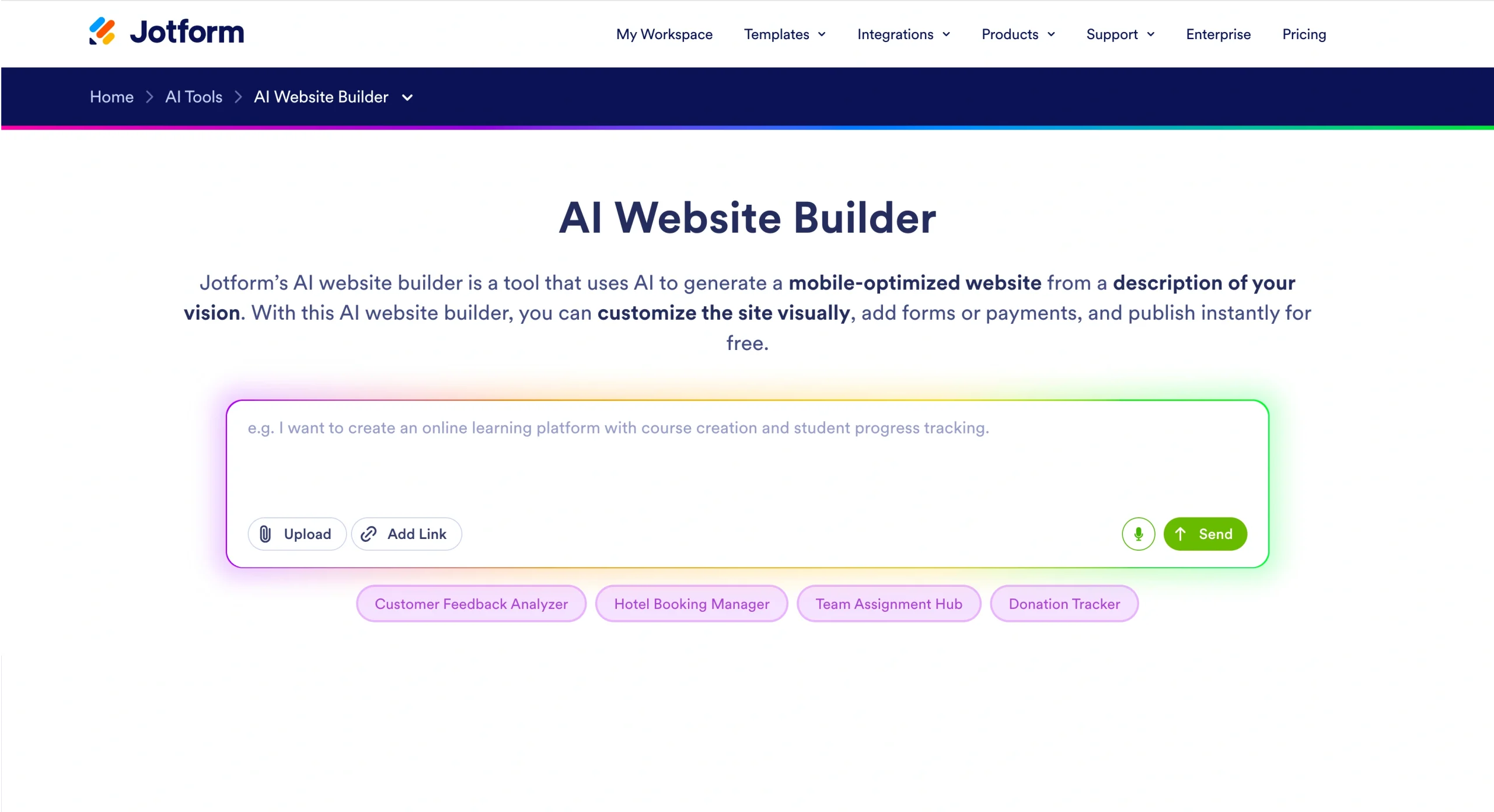
Here’s how to make a website with Jotform AI:
- Describe your website idea: Enter your website idea into the AI prompt box. Be specific about your industry or use case to minimize customization of your site after generating it.
- AI builds your site instantly: Using the information you entered, the builder automatically generates layouts, color schemes, and content structure.
- Customize and publish: Fine-tune your site with drag-and-drop controls, add forms or a payment processor, and then go live instantly.
Once your website is complete, you can easily embed forms into your pages to drive lead generation. You can use Jotform’s drag-and-drop Form Builder to add custom forms, or you can choose from more than 20,000 free ready-made form templates to streamline your process even more.
If you still feel Wix or GoDaddy is your best option, Jotform can help you enhance your website’s capabilities by embedding powerful forms to boost engagement, traffic, and conversion potential.
However, Jotform can help you build mobile-responsive websites with free hosting, custom domain support, more than 30 trusted payment integrations, interactive widgets, and full customization options. Try Jotform for free today and see how your experience compares to Wix and GoDaddy.
FAQs
Consider switching from GoDaddy to Wix if any of these apply:
- SEO is a priority, as Wix offers a full suite of built-in optimization tools that GoDaddy lacks.
- You want more design flexibility, with a larger template library and a more powerful drag-and-drop editor.
- You need advanced e-commerce features like drop-shipping or international selling tools.
Overall, GoDaddy is a better choice for a streamlined website-building experience, but it may not be the right choice for users who prefer design flexibility or SEO capabilities.
GoDaddy is known for being easier to use than Wix, thanks to its beginner-friendly interface. Although Wix offers a drag-and-drop website builder, its extensive features can make it more difficult to learn for those who are just starting out.
This article is for Small business owners, freelancers, and beginners choosing a website builder, especially those comparing ease of use, pricing, and built-in features for launching a site quickly.



















Send Comment: