Besides Email Notifications, Jotform also offers other ways to notify you whenever someone submits your form. You can receive alerts through mobile push notifications, SMS, Slack, and other integrations to help you stay updated in real time.
These notification options make it easier to monitor submissions, respond faster, and keep your team informed no matter where you’re working. In this guide, you’ll learn about different notification methods available in Jotform besides Email Notifications.
Push Notifications
Push Notifications let you receive real-time alerts on your connected devices whenever someone submits your form. This is useful when you want to stay updated without constantly checking your email or Jotform account.
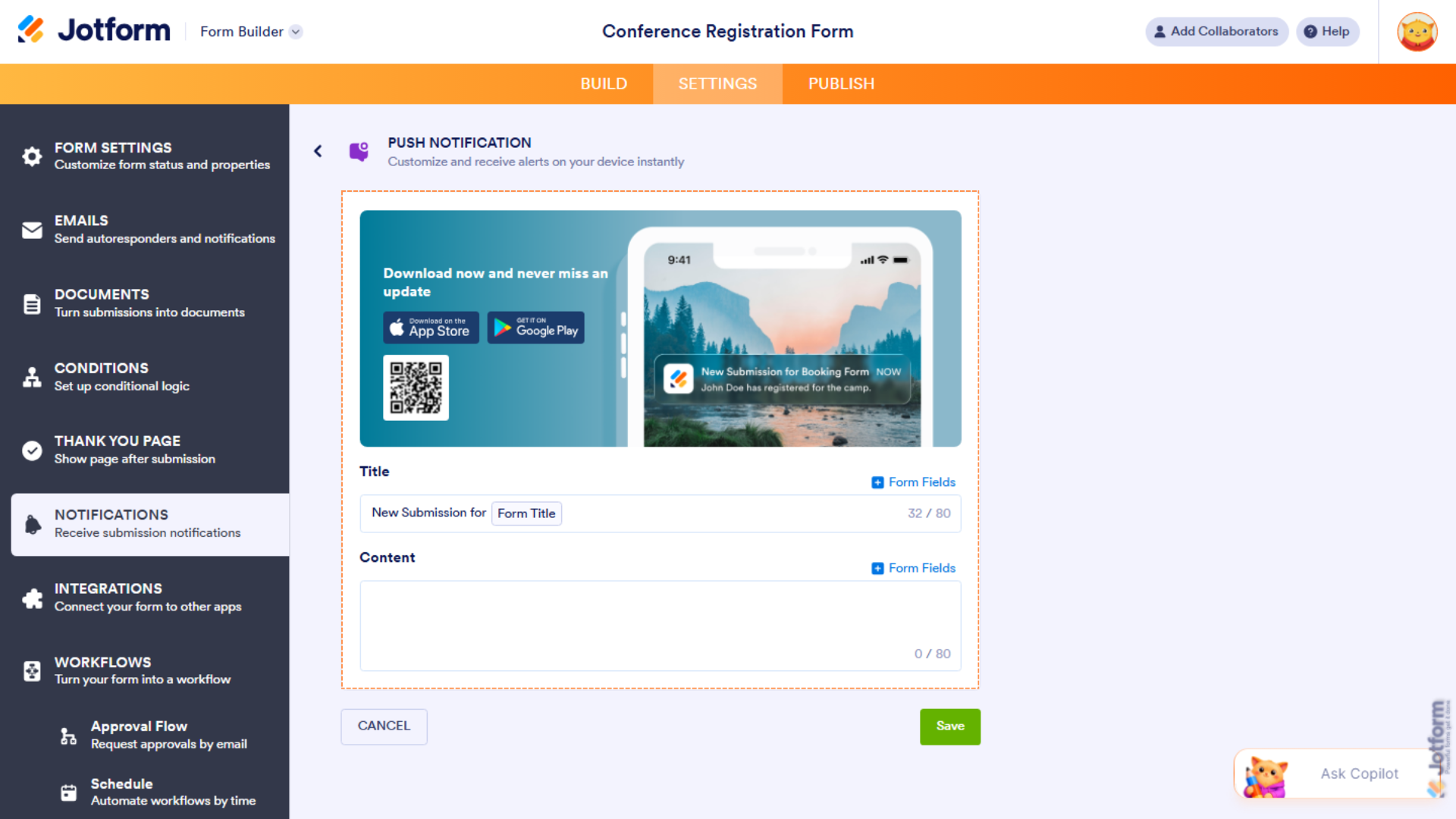
Want a step-by-step walkthrough? Our guide on How to Receive Push Notifications for Form Submissions in Jotform Mobile App has you covered.
SMS/Text Message Notifications
SMS Notifications send form submission alerts directly to your mobile phone through text messages. They’re especially useful for time-sensitive forms where immediate attention is important, such as booking requests, support tickets, or order forms.
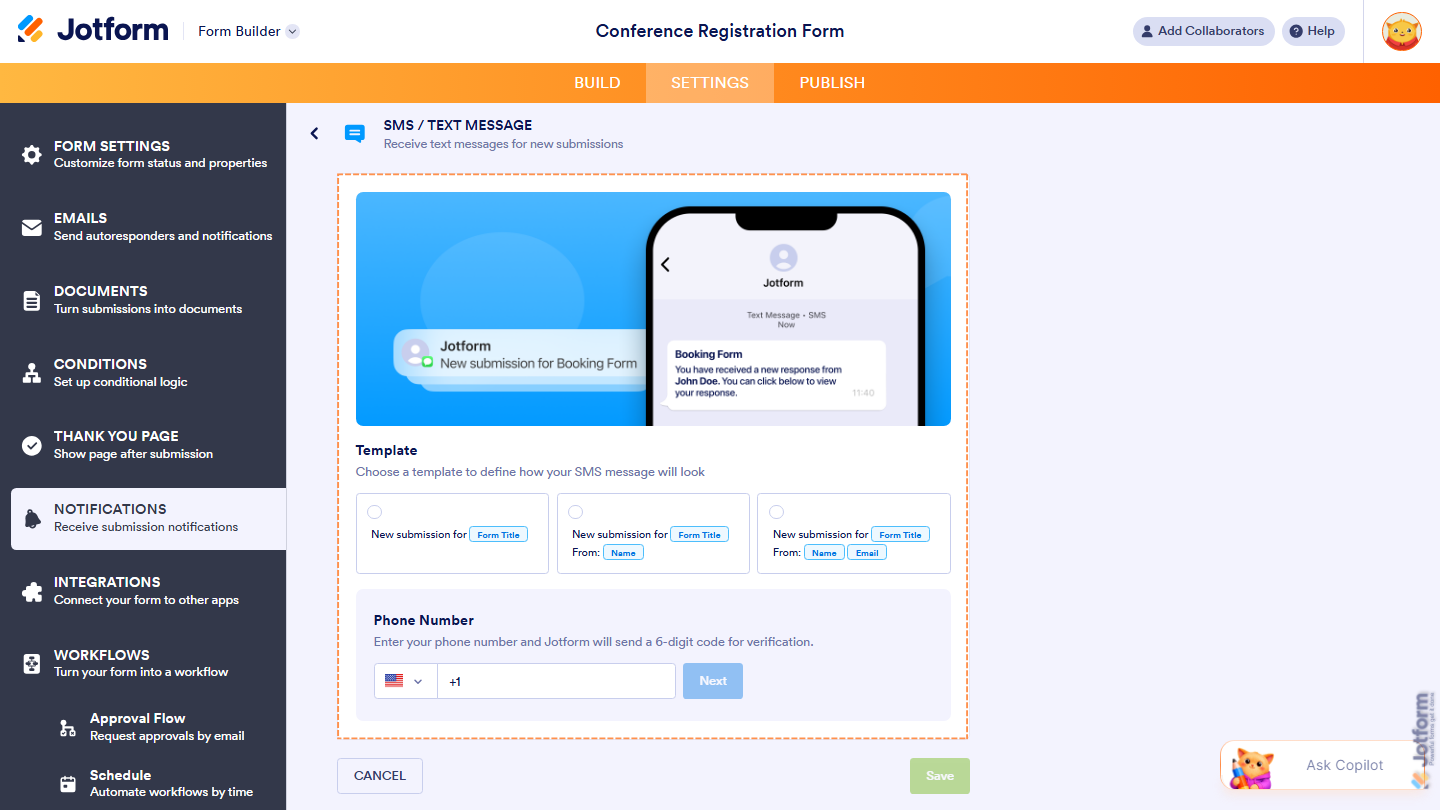
Need a hand? Our guide on How to Set Up Text Message/SMS Notifications in Jotform is a great place to start.
WhatsApp Notifications
WhatsApp Notifications allow you to receive submission alerts through WhatsApp, making it easy to stay informed from your mobile device. This can be a convenient alternative to email notifications if WhatsApp is part of your daily workflow.
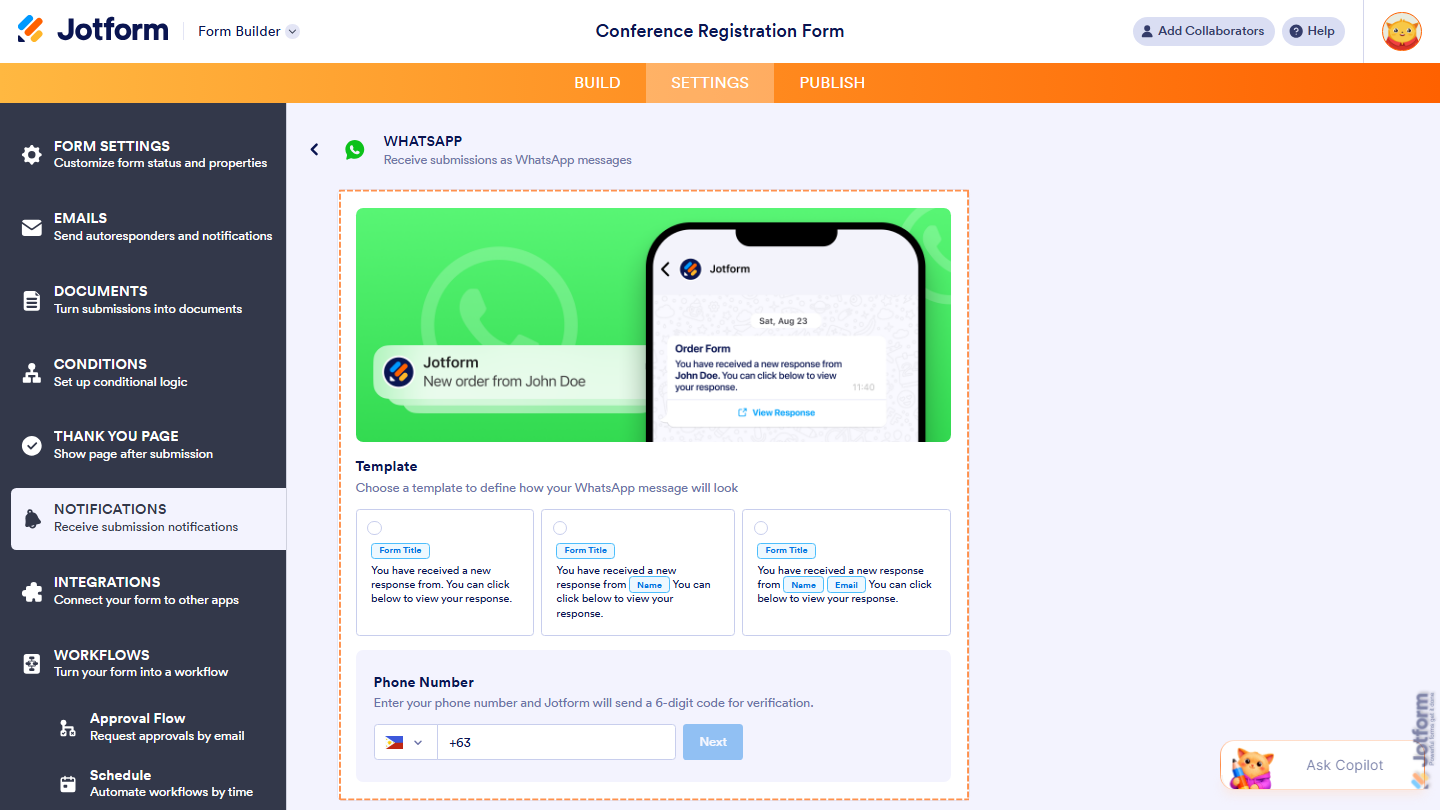
Want to learn more? Take a look at How to Get Notifications on WhatsApp from Form Submissions.
Slack Notifications
If your team uses Slack for communication, you can send form submission alerts directly to your Slack workspace. This helps keep everyone informed and makes it easier to respond to new submissions as a team.
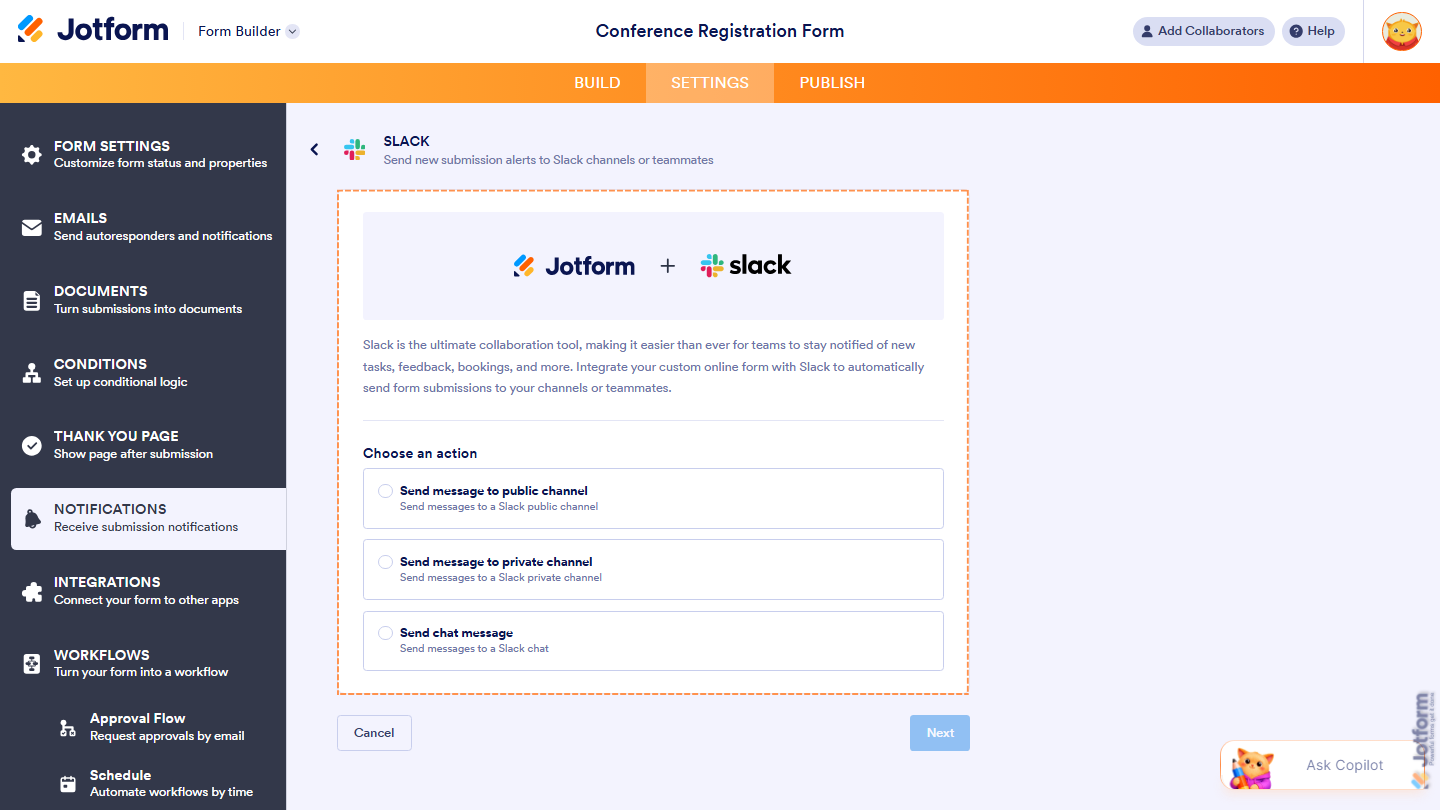
Get started easily with our guide on How to Get Notifications on Slack from Form Submissions.
Microsoft Teams Notifications
Microsoft Teams Notifications help your team stay updated by sending submission alerts directly to your Teams channels or chats. This is especially useful for organizations that rely on Microsoft Teams for collaboration and internal communication.
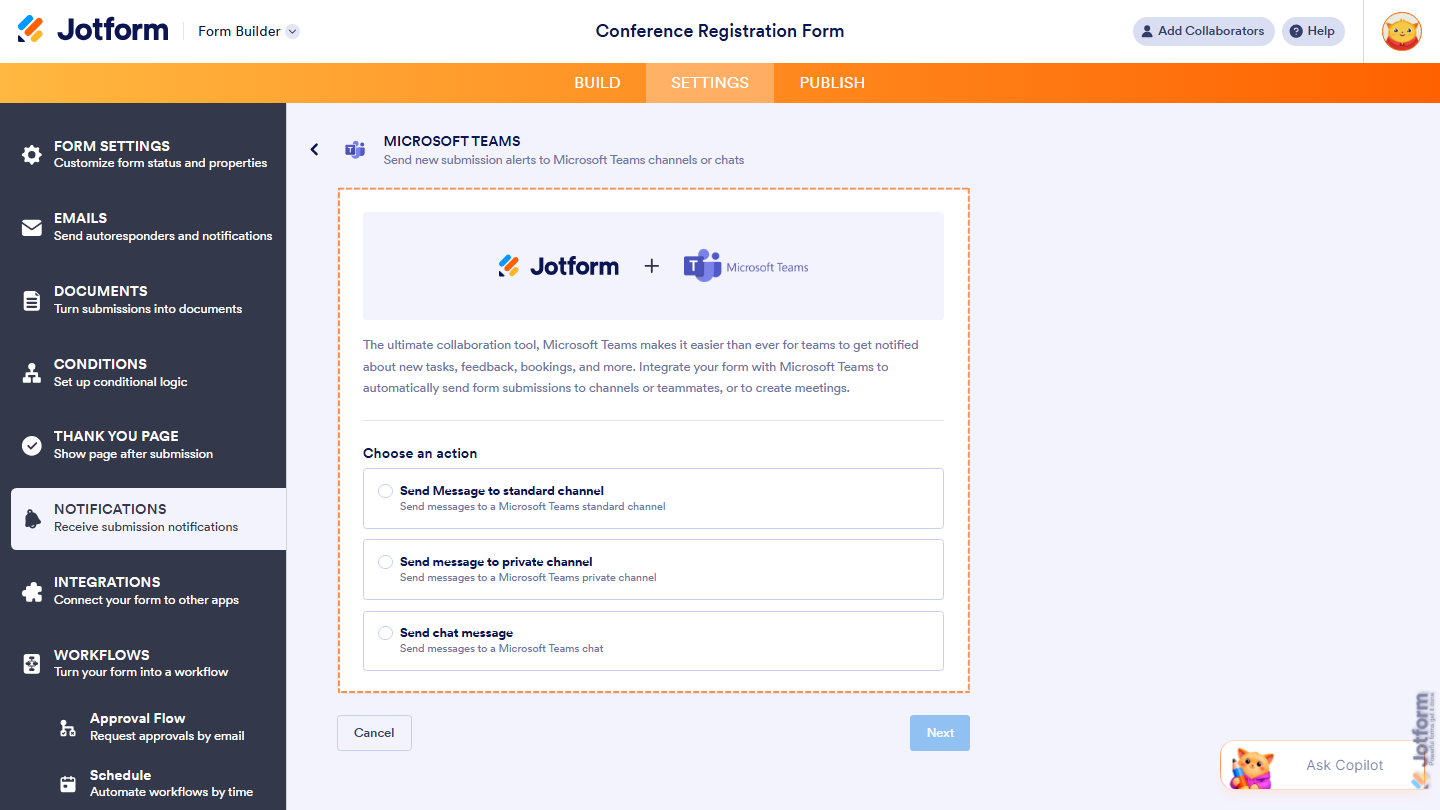
For a quick how-to, check out our guide on Sending Form Submission Notifications to Microsoft Teams.



Send Comment: