
Keep your lash business running smoothly with Jotform Sign’s Eyelash Extension Consent form. Collect client consent forms before each appointment to ensure they’re informed about the procedure. Document important information like date of procedure, client e-signatures, and other important info in your Jotform account. Embed in your own website or send directly to your clients before their appointments. Once each e-signature has been collected, you’ll receive a notification and a finalized version of the document.
Personalize your Eyelash Extension Consent form to match your company branding with our easy-to-use drag-and-drop builder. Add business-specific policies, change fonts and colors, add additional signature fields, upload images, and much more. After each client has signed the document, you can automatically download as a PDF for your records or share with other team members. Take your eyelash extension business to the next level with Jotform Sign.
Related templates
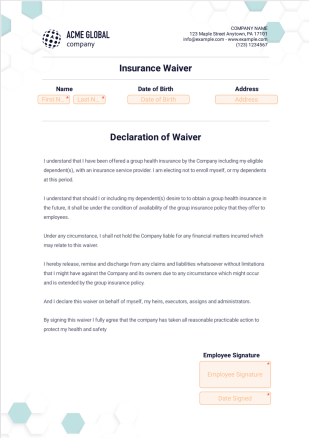
Insurance Waiver Template
Create an insurance waiver for employees declining insurance coverage. Works great on any device. Easy to customize and share. No coding knowledge required.
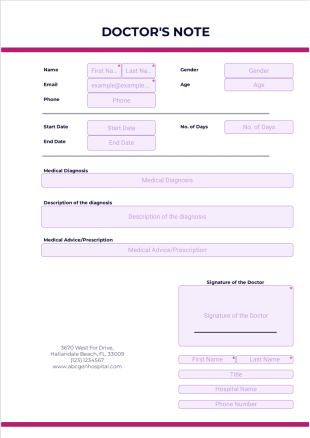
Doctors Note Template
Create a doctor’s note for your medical practice. Sign and send to your patients. Works on mobile, tablet, and desktop devices. Drag and drop to design.

Professional Medical Release Template
Create a professional medical release template. Great for medical practices and therapists. Collect signatures online. Converts to PDF. Easy to customize and share.
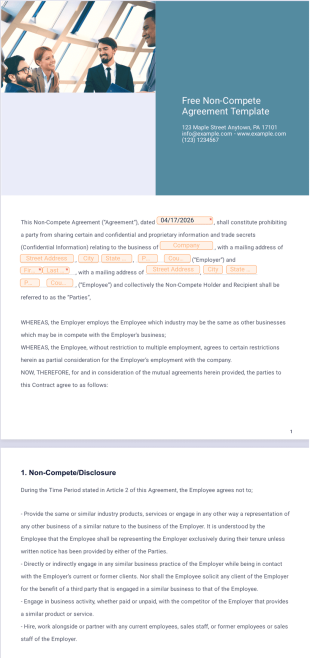
Free Non-Compete Agreement Template
Create a free non-compete agreement with Jotform Sign. Easy to customize and share. Converts to a PDF document. Fill out and e-sign on any device.

General Release of Liability Form
Create a liability form for any and all of your needs. Works on all desktop, tablet, and mobile devices. Drag and drop to customize. Collect e-signatures.

Rent Ledger Template
Create a rent ledger agreement in seconds. Fill out and e-sign from any smartphone, tablet, or desktop. Easy to customize and share. Converts to a PDF.