
A security guard contract is an agreement that outlines the working arrangement between a security provider and a client receiving protective services at a property, event, facility, or organization. It gives security companies, private security contractors, property managers, and business leaders a clear written record of the services being arranged, helping both parties establish shared expectations before guards begin work. This document can describe the scope of assignments, such as patrols, access monitoring, incident reporting, visitor screening, alarm response, or event coverage, along with service locations, coverage hours, guard schedules, rates, invoicing details, communication procedures, and points of contact. It can also address staffing expectations, equipment responsibilities, performance standards, confidentiality considerations, and procedures for changing or ending services. By documenting these practical details in one place, a security guard contract helps reduce uncertainty around daily operations, prevent misunderstandings about coverage and compensation, and create a more organized foundation for ongoing security service relationships across commercial properties, residential communities, construction sites, retail locations, offices, and special events.
Jotform Sign makes it simple to turn this ready to use Security Guard Contract Template into a polished document that reflects your specific service arrangement. Customize the contract with your company name, branding, service descriptions, schedules, pricing structure, and signer fields using an intuitive drag-and-drop builder, without needing to recreate the document for every new client. Security providers can prepare one reusable version for recurring engagements, while property managers and businesses can quickly add location-specific details before sharing it with contractors. Send the document through a secure link so clients and security representatives can review and provide an electronic signature from a phone, tablet, or computer. Jotform Sign also supports automatic reminders, helping teams follow up on outstanding signatures without relying on manual emails. After completion, each submission is converted into a PDF and includes an audit trail that records key signing activity, making document tracking easier for operational teams. With straightforward customization, efficient data collection, and convenient electronic signature tools, Jotform Sign helps keep security service paperwork moving smoothly from initial agreement to signed record.
Related templates
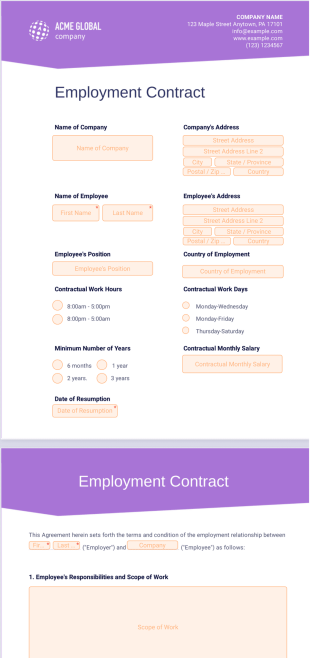
Employment Contract Template
Generate an employment contract template in seconds. Drag and drop to customize. Fill out and sign from any device. No coding needed.

Basic Rental Agreement Template
Create a basic rental agreement between a tenant and landlord. Drag and drop customization. Works on Android and iOS devices. Easy to share. Download as a PDF.

Model Contract Template
Generate contracts for your photography services. Get e-signatures on any device. Customize the design in a few easy clicks. Save time with automation.

Month to Month Rental Agreement Template
Create a month to month rental agreement. Drag and drop to customize. Collect electronic signatures with a breeze. Works on desktop, tablet, and mobile devices.

Sponsorship Proposal Template
This sponsorship proposal template helps you attract and convince your leads to be part of your event as a sponsor. It contains a front page, cover letter for the leads, company overview, information about the event and terms.

Room Rental Agreement Template
Collect details and signatures for rental agreements online. Works great on any device. Customize without any coding. Turn submissions into PDFs.