
If you use Gravity Forms, the popular WordPress form builder and plug-in, you may be seeking a better way to store file uploads, back up form data, and automate file workflows. For Google Drive users, the best solution is to integrate Gravity Forms with Google Drive.
However, there is no native integration on either platform. So you’ll have to be creative and use third-party solutions.
In this article, we show you several methods to integrate Gravity Forms with Google Drive. We’ll also introduce you to a smarter form builder that offers seamless native integration with Google Drive: Jotform.
Methods to connect Gravity Forms to Google Drive
Here are four ways to integrate Gravity Forms with Google Drive.
Manual method
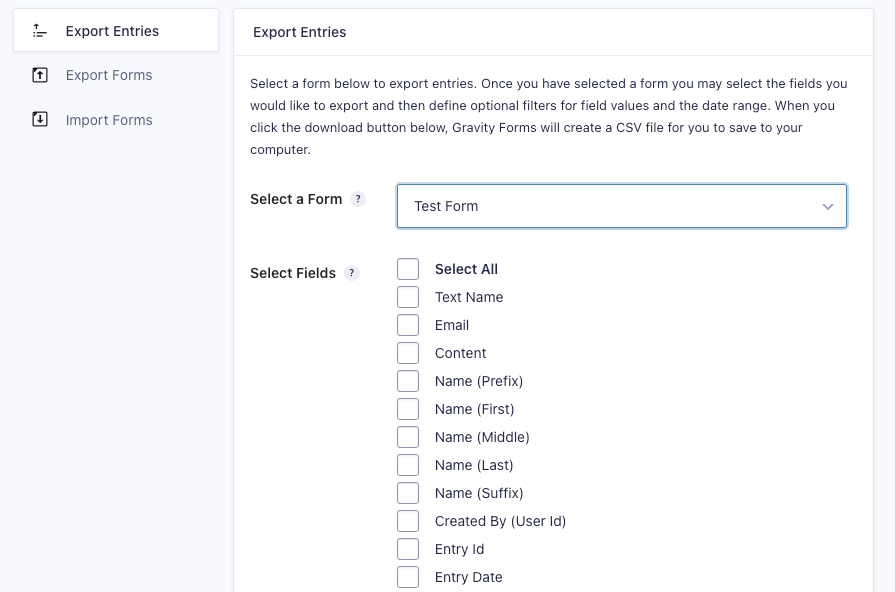
This option works if you have a small amount of data and don’t need an automated integration solution. You’ll manually export entries from Gravity Forms as CSV files, upload them to Google Drive, and save the files as Google Sheets.
Keep in mind that this method takes more time than the other solutions and leaves a lot of room for error.
Third-party plug-ins
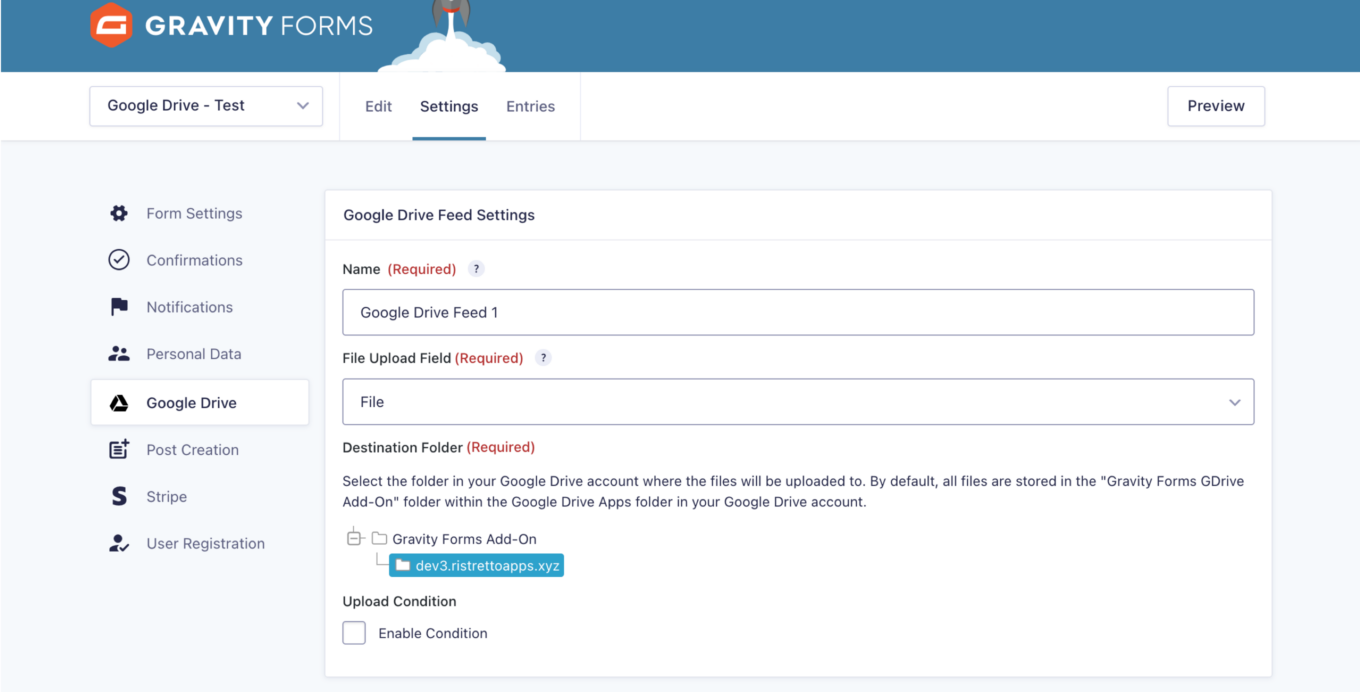
If you have lots of data, try using a third-party plug-in, such as GDrive File Uploader for Gravity Forms. It can automatically send file uploads from Gravity Forms to Google Drive. Typically, plug-ins are easy to install and launch.
Automation tools
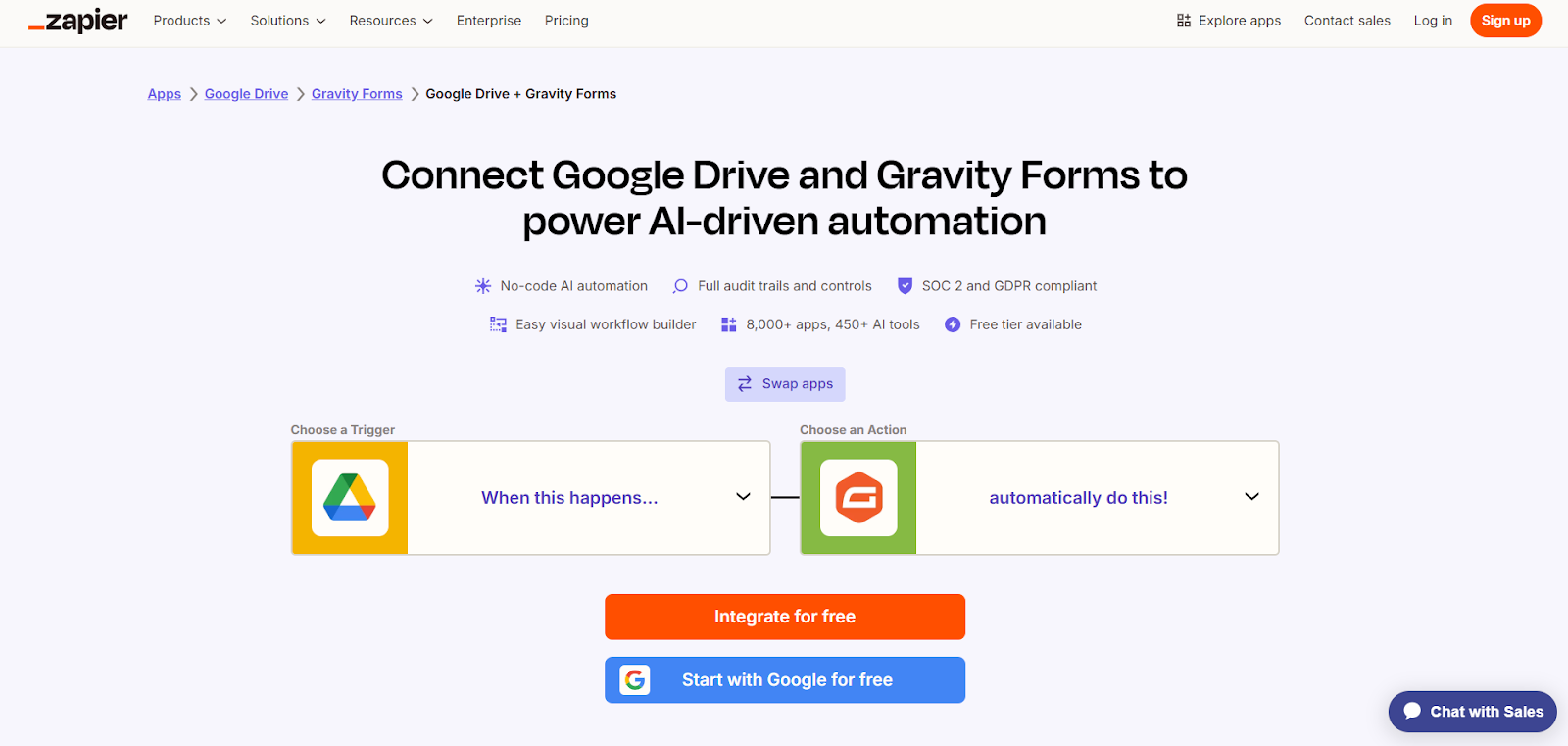
If you want help for a larger workload, tools such as Zapier, Make, Pabbly, and n8n automate specific workflows between Gravity Forms and Google Drive, often using AI. These tools typically work on a trigger-and-action basis. You’ll define a trigger (for example, receiving a form entry in Gravity Forms) and a correlated action (for example, storing the response file in Google Drive).
You don’t need to know how to code to use these tools, but you do need some advanced technical knowledge to set them up.
Custom integration
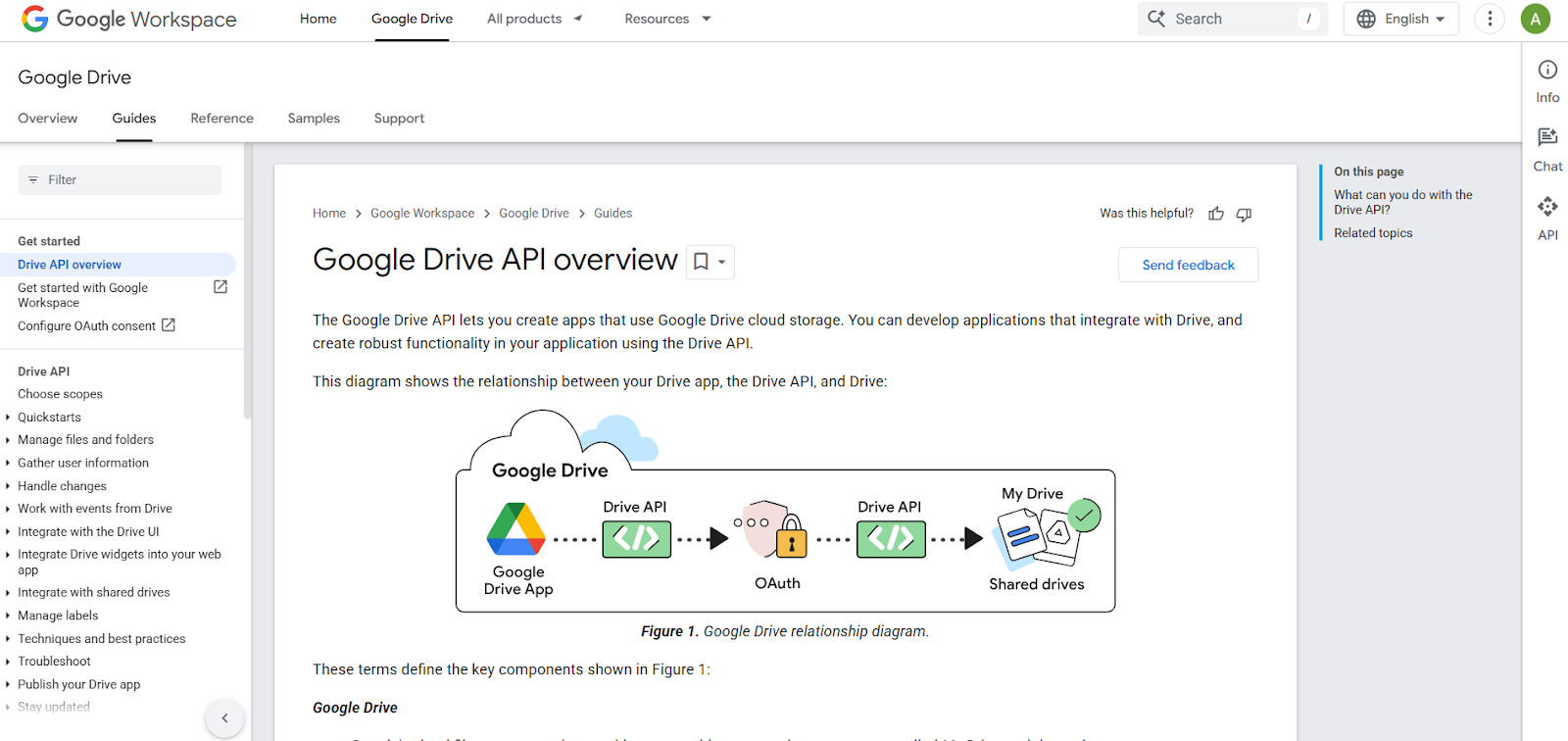
If you have a developer on your team, you can build a custom integration between Gravity Forms and Google Drive using webhooks and the Google Drive API, with a middleware end point in between. This approach requires technical expertise and may take time to implement.
Time to migrate from Gravity Forms to Jotform
The absence of a native integration with Google Drive is a big limitation of Gravity Forms. Often, manual or third-party work-arounds just aren’t right for the job.
Enter Jotform, a leading Gravity Forms alternative. Jotform’s Form Builder eliminates the need for Gravity Forms, plug-ins, and third-party automation tools.

Migrate existing forms instantly
There’s no need to rebuild your online forms from scratch. Instead, migrate existing forms and submission data into your Jotform account in one click — so you can collect data without skipping a beat.
Your form can not be migrated.
Please ensure that your form URL is correct and that your form is set to “public” before attempting to migrate it again.
Jotform also has a native Google Drive integration with built-in workflows, so you can easily and automatically send form submissions and file uploads to Google Drive, with no coding skills required.
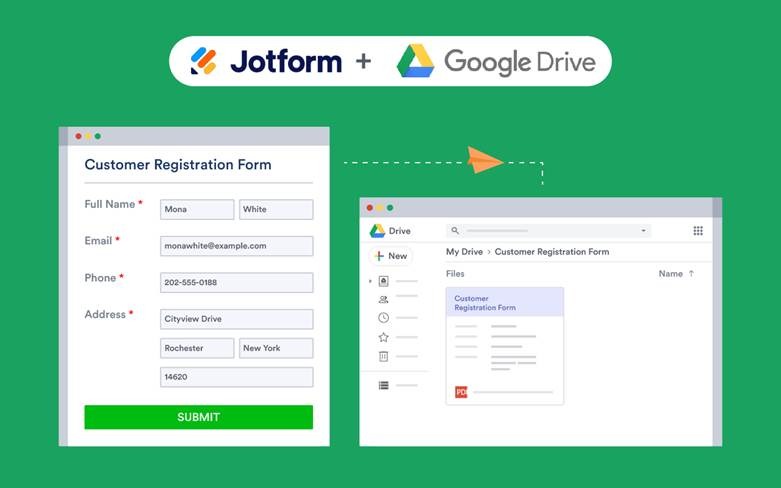
Here’s why users choose Jotform over Gravity Forms:
- Easy-to-use templates: Jotform comes with over 20,000 templates for forms, surveys, polls, quizzes, and more. Just choose a template, customize it in the Form Builder, and you’re good to go.
- Seamless integrations: Your business runs smoother when all your business tools are connected. Jotform has native integrations with Google Drive, Google Sheets, and Google Calendar, so you can use Google tools without disrupting your workflows.
- Secure payment gateways: With over 40 payment gateways (including PayPal, Stripe, and Square), you can securely collect payments.
- Frictionless experience for form respondents: Unlike some alternatives, Jotform doesn’t require your form respondents to be logged in, even when they’re uploading files. This helps boost response rates.
- Simple embed code for websites: You can easily add forms directly to any website. There’s no coding required.
If you’ve already created your forms in Gravity Forms, you don’t have to start from scratch with Jotform. Simply migrate your Gravity Forms to Jotform with our migration tool. This method is free and secure and doesn’t require any technical knowledge for setup. Once you’ve migrated, you can create your desired Google Drive workflows with Jotform’s built-in Google Drive integrations.
Are you a WordPress user? No problem. Jotform also works seamlessly with WordPress and is a go-to for WordPress users who want to move to a more flexible platform.
Jotform’s WordPress plug-in enables you to build forms using Jotform’s no-code builder and embed them in WordPress sites with just one click. (Here’s a simple explanation of how to use Jotform to embed forms in WordPress.) Collecting responses, payments, files, and feedback on WordPress sites is also a breeze with Jotform, as is managing form submissions from the Jotform dashboard or mobile app.
With Jotform integrations, everything works seamlessly, so you never have to worry about cobbling together third-party tools.
Pro Tip
Read our thorough guide “How to use WordPress” if you’re considering building a website. It has the fundamentals you need to make your site a success.
Jotform: The smartest way to simplify form-to-Drive workflows
Because there’s no native Gravity Forms–Google Drive integration, Gravity Forms users who want to automate file uploads and streamline data storage are stuck with external options. They’ll need to manually export uploads or use third-party plug-ins, automation tools, or APIs. These solutions require more upkeep and have a higher potential for error.
Jotform is a better option. It offers a more stable, scalable Google Drive integration for form creators. With fewer moving parts and no plug-in complexity, you enjoy smooth workflow automation every time. Explore Jotform today, and see why it’s a leading alternative to Gravity Forms.
This article is for WordPress site administrators, form builders, and business teams who want to automate file uploads and streamline data collection by integrating Gravity Forms with Google Drive or switching to a more efficient, no-code alternative like Jotform.

































































Send Comment: